
Besides Gmail announcements, Google at I/O 2026 announced AI voice features for Docs and Keep. The company also unveiled “Google Pics” as the newest Workspace app.
In Keep, you’ll find a new floating action button with Google’s Live icon above the “Create a note” FAB. This launches a fullscreen experience, which matches Gmail Live with a waveform that hugs the perimeter.
Just talk, or ramble, to create notes. Google Keep will organize free-flowing thoughts into concise notes. Notably, your conversation can be about multiple notes, and Google will split them up for you.
Notes are generated in real time with users able to edit them via voice before tapping “Save to Keep” at the bottom of the screen. This goes beyond transcription as the underlying Gemini model understands intent and what you’re actually asking for.
This feature will be coming to Google Keep on Android this summer for Google AI Pro and Ultra subscribers in English in the US.
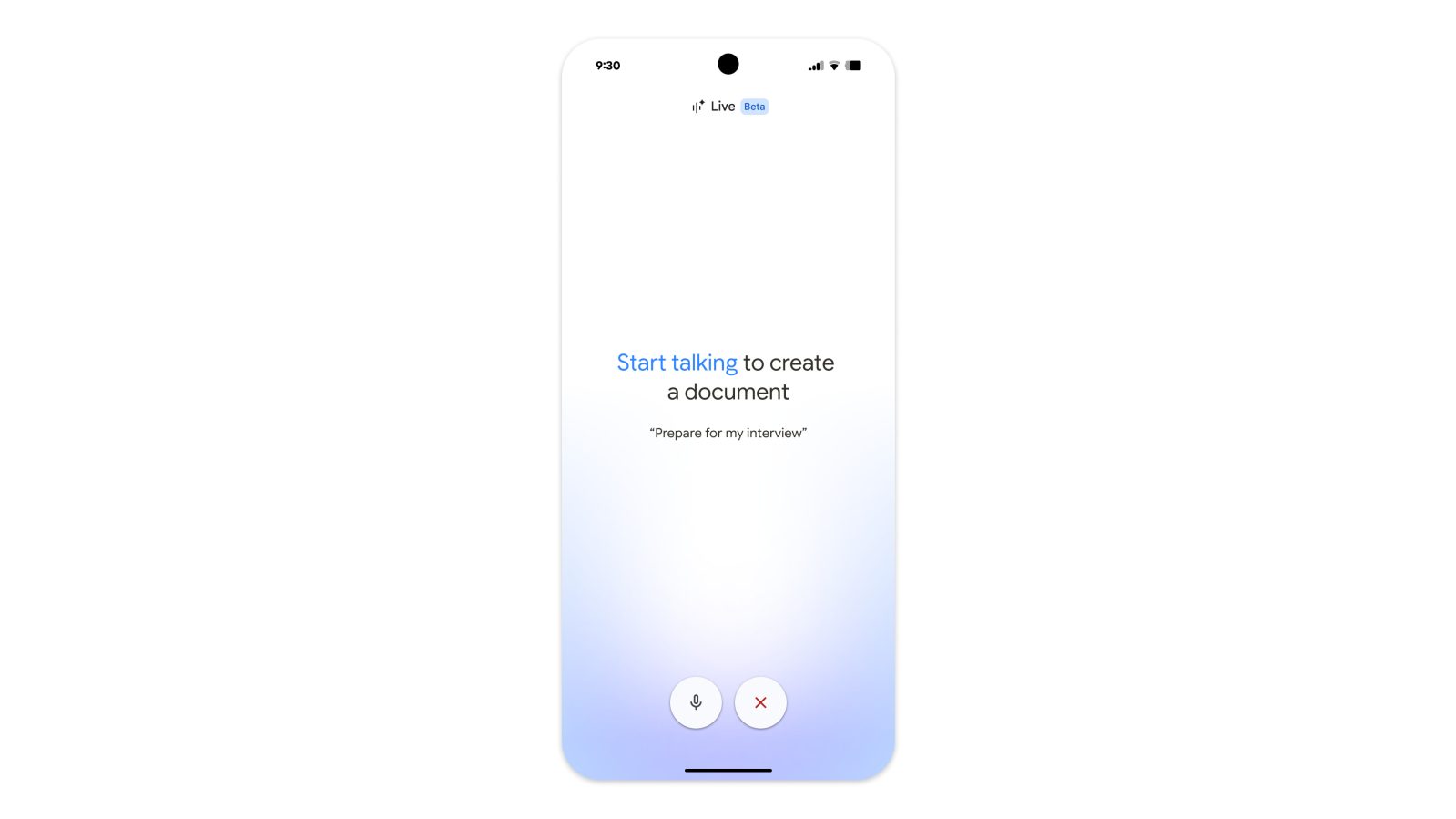
Similarly, Docs Live can be used to create and edit documents. It can organize your thoughts, structure the document, and grab relevant details from your Gmail, Drive, Chat, and the web. For example, you could ask for a travel itinerary that automatically pulls information from Gmail and Drive. This will roll out to Google Docs for Android and iOS this summer with Google AI Pro and Ultra in English globally.

After Vids, the newest Workspace app is “Google Pics.” This is an AI image generation and design app. The name is definitely too close to Google Photos, but it’s clearly meant to be in the same ballpark as Google Vids.
This is more so aimed at creating graphics that you’d use in business (presentations) or personal (making an event invite or poster) use cases.
- Object segmentation: Select and edit specific elements with precision. You can easily move an obiect, resize it or transform it entirely — like changing a sweater’s color or turning a dog into a cat — all without affecting the rest of the image.
- Text editing and translation: Modify text directly inside a photo or translate it into different languages while maintaining the original design and font style.
- Integrations with Workspace: Pics will also be integrated into Workspace apps so you can easily edit images right where they are, starting with Slides and Drive.
Advanced Gemini reasoning is leveraged to treat every element in an image as an editable object. Of note is how the interface lets you select a portion and edit as if you’re leaving a Docs comment.
Google Pics is fully integrated into Workspace, with future updates letting you access this editor in any application. It’s first launching as a standalone website this summer for Google AI Ultra subscribers in English in the US.


FTC: We use income earning auto affiliate links. More.



Comments