
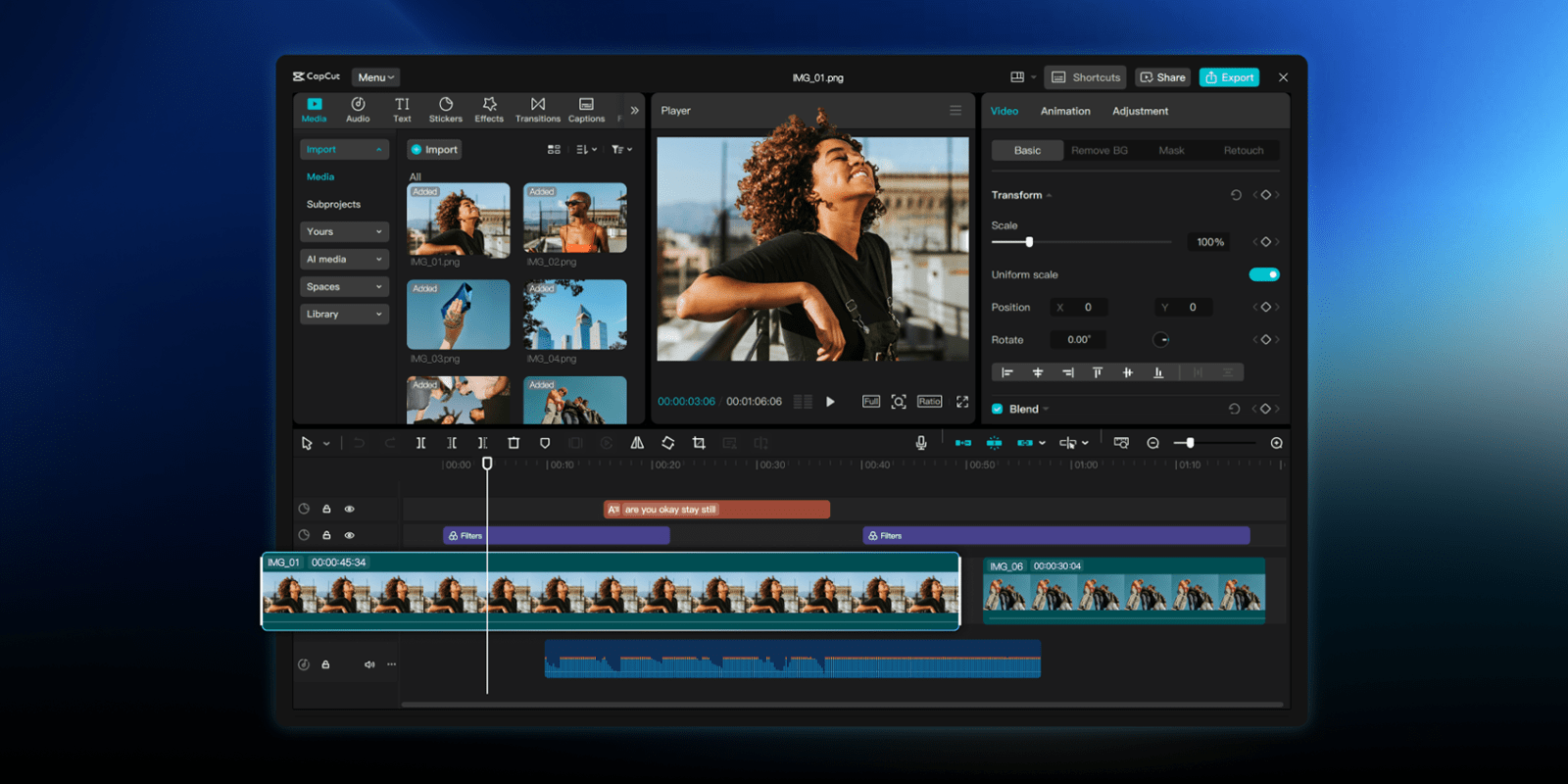
Android tablets are getting a new video editor, with the CapCut Pad app debuting with the promise of “desktop-level” video editing capabilities.
In the era of short videos taking over, well, the entire internet, CapCut has become a go-to option for video editing beyond what your built-in gallery app is capable of. Now, the CapCut Pad app for tablets is coming to Android.
Available now on the Play Store, CapCut Pad for Android tablets has an expanded UI from the mobile app including more precise timeline editing, chroma key, video stabilization, and more.
CapCut explains:
CapCut Pad brings desktop-level editing power to your fingertips. Enjoy precise multi-track timeline editing, smooth performance, and a creative workspace designed for touch. CapCut offers easy-to-use video and photo editing tools, a wide range of in-app fonts and effects, and powerful features like keyframe animation, smooth slow motion, chroma key, and video stabilization—everything you need to capture and refine your moments.
The app supports export up to 4K, 60fps with HDR.
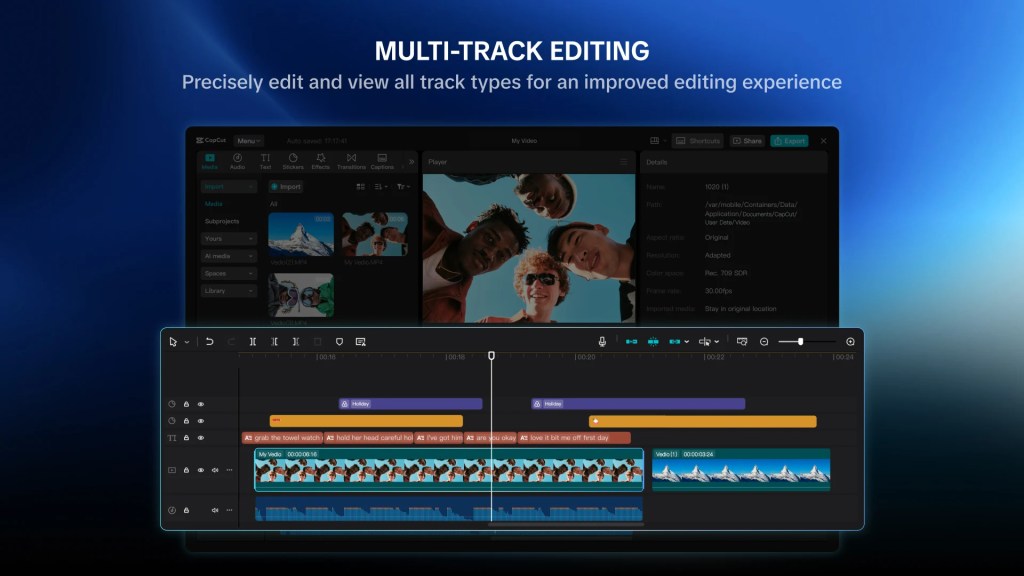
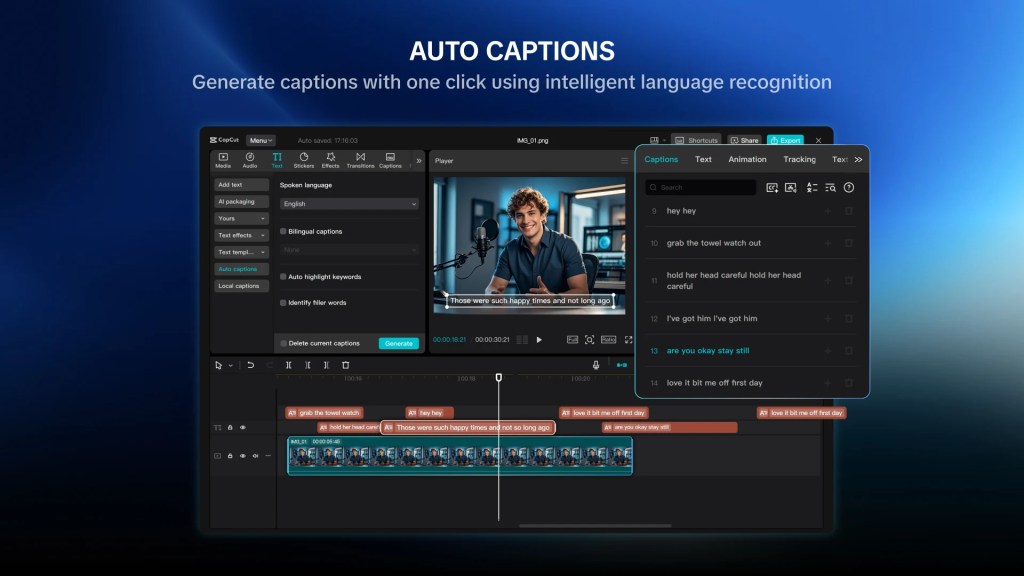
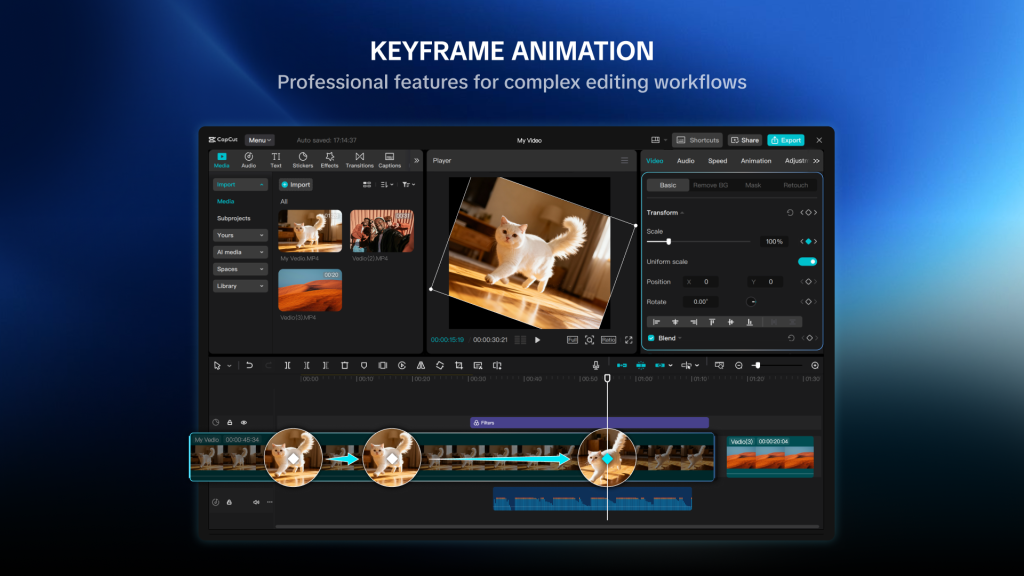
CapCut Pad is technically free to use, but you’ll need the CapCut Pro subscription for certain features (pricing starts at around $10/month, but CapCut doesn’t publish its pricing anywhere but inside of the app).
More on Android:
- What’s new in Android’s May 2026 Google System Updates
- Google AI Studio can now build Android apps, Android Studio adds iOS app porting
- This free camera app adapts to your shot and ditches overprocessing, and it’s only on Android [Gallery]
Follow Ben: Twitter/X, Threads, Bluesky, and Instagram


FTC: We use income earning auto affiliate links. More.


Comments