
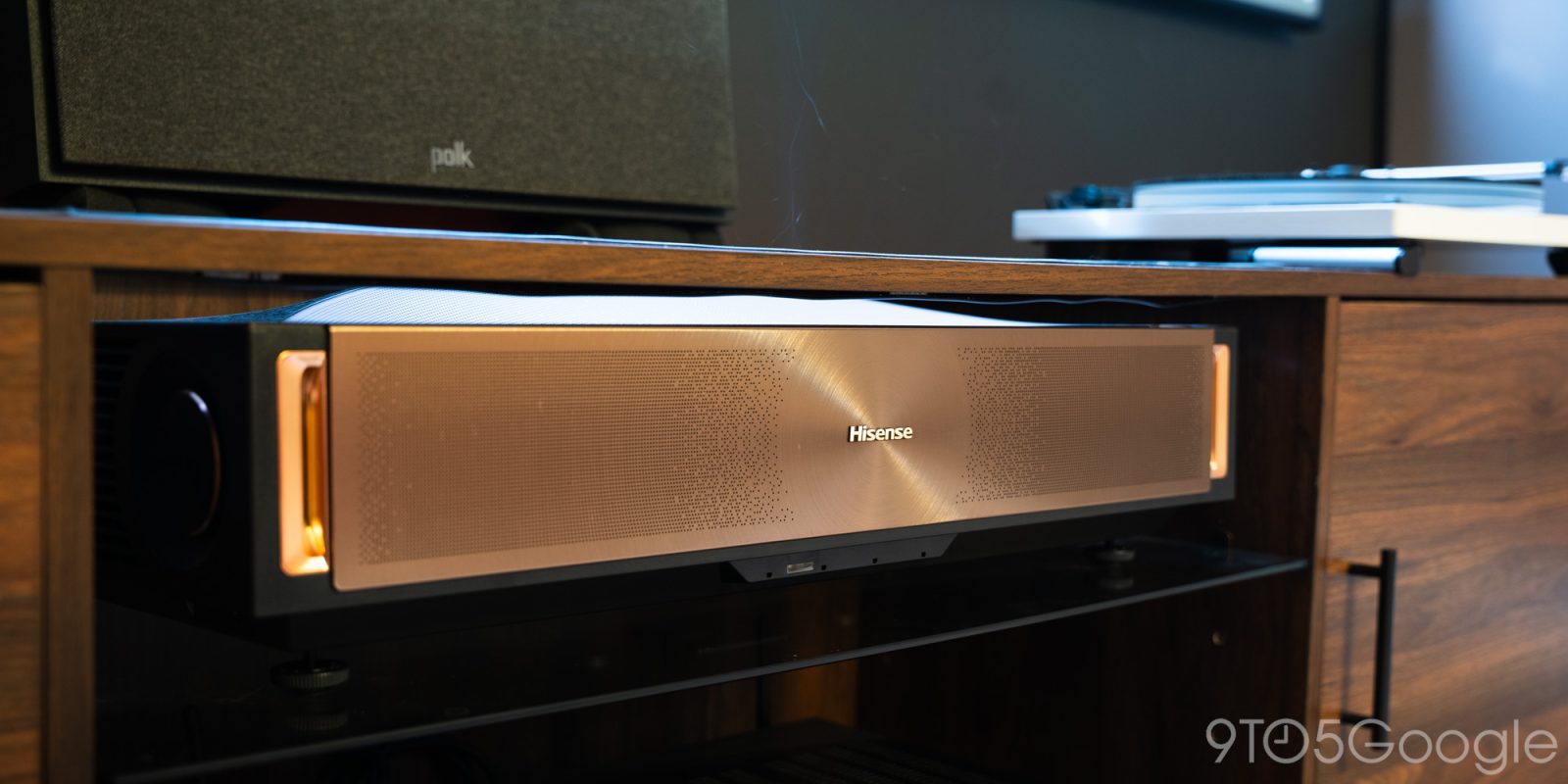
Coming off using the L9Q from Hisense for a while in my theater space, it’s clear that the theater experience is getting smaller and smaller, with little to no trade-offs.
The L9Q from Hisense brings a lot to the table, but it faces the same challenges that many ultra-short-throw projectors I’ve reviewed do. They aren’t new to the market, and a lot of the kinks have been worked out, for the most part. Hisense benefits from being one of the biggest UST projector brands, and the L9Q is proof that they keep getting better.
Hardware
The L9Q comes in a nice little presentation. It has this gold facade with a textured faceplate that catches light. I’m not generally one for shiny materials on my media console, but it brings this nice warmth to the projector. It’s further accentuated by two orange LEDs on either side that glow when the projector is sleeping.
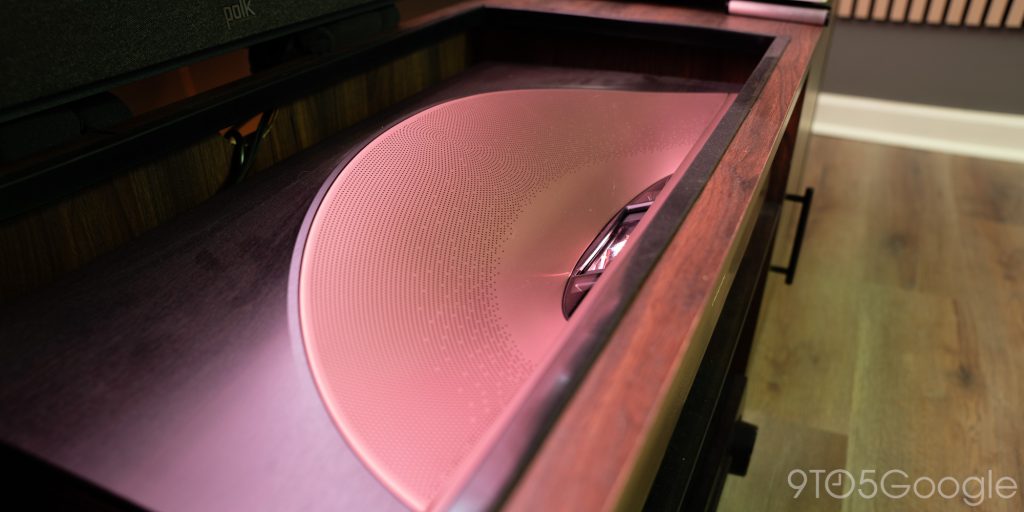
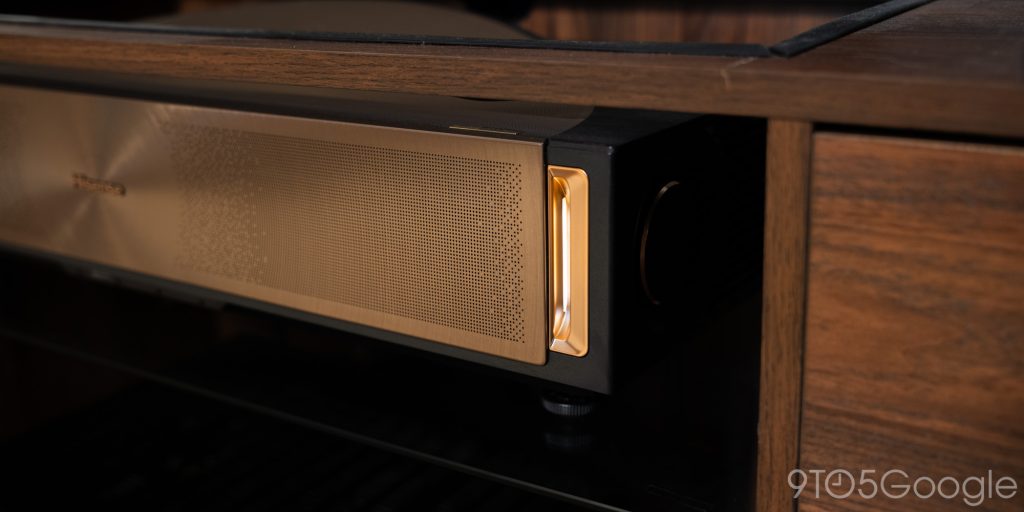
The rear of the Hisense L9Q carries an array of ports, including HDMI 2.1 and HDMI 2.0 with eARC. My setup consists of one outgoing HDMI connection to an AVR that handles all of my other devices, like an Nvidia Shield Pro and Xbox Series S. Hisense equipped the back of the L9Q with enough to cater to most users.
On either side and rear, Hisense added ventilation fans. It gets warm, but never hot. Obviously, the fans are doing their job because the amount of energy needed to shoot a 4K image is immense. The internal LPU Digital Laser Engine 2.0 is capable of an RGB triple light emission at 110% of the BT.2020 color space.
With that, Hisense rates the L9Q for Dolby Vision, HDR10+, HDR10, and IMAX Enhanced modes.
The build isn’t exactly something to interact with often, so the initial setup is key. There are four adjustable feet on the bottom of the projector. With that, you can get a proper angle when you set your screen up. Just like the PX4-Pro before this, the L9Q gives very little room for error when you set things up. I always recommend pulling the projector from the wall until you get the screen size you’re looking for. Then, mark and place your screen.
In the end, I had about 5 inches to spare on top and bottom, but patient measuring meant Hisense’s L9Q set up rather easily. I keep it about 12 inches off the ground so I can fit a 120-inch screen above it. Even with a massive screen in a small space, the L9Q only needs to come out around 16 inches.
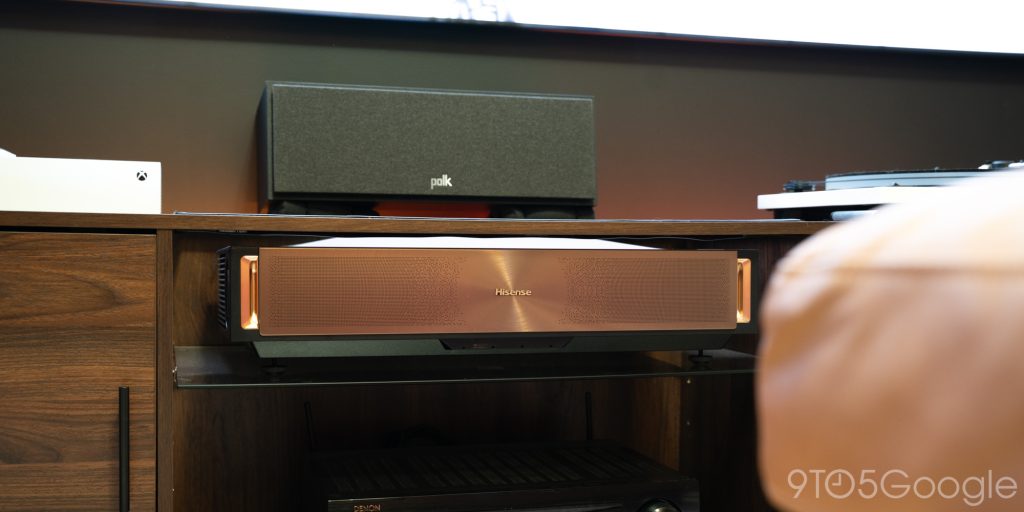
The overall profile, including space between it and the wall, is generous compared to some other UST projectors. Even in my small theater room, this is completely workable.
Picture
One of the best things about the Hisense L9Q is its brightness. On paper, the projector is rated at 5,000 ANSI lumens. Now, ratings and real-life performance are two different things. Fortunately, the L9Q delivers that promised brightness.
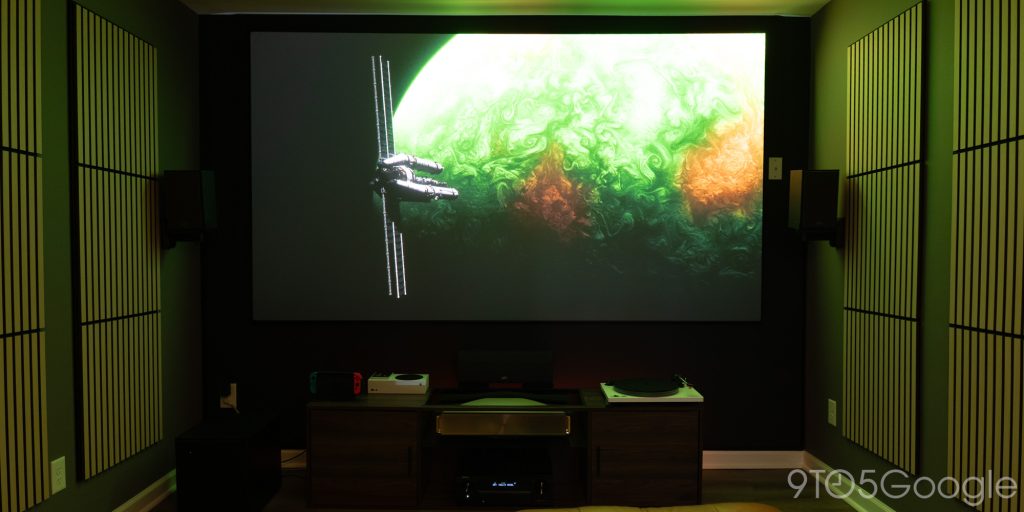
In fact, there have been plenty of situations where I thought the max brightness was too bright. It uses a 1-10 scale, and I default to level 8, even in daytime viewing. The brightness is so good at level 8, I can easily watch SDR and HDR content without worrying about turning off the lights. Now, when Dolby Vision is at play – and it is more and more – daytime viewing is less reliable. That isn’t the fault of the projector. It’s an issue with how Dolby Vision likes to present the optimal viewing experience.
In reality, it makes movies and shows much darker, so lighting in certain scenes can be controlled more easily. So dark scenes are actually darker, not just closer to dark colors. This means a well-lit room washes out those scenes easily. The same can be said of TVs, not just UST projectors.
Still, that positions the L9Q as a fantastic option for daytime viewing. You’ll still want to draw curtains and turn the lights off most of the time, but it isn’t going to be an awful experience if you keep the overhead lights on.
As for color, the 4K L9Q UST hits another high note. I haven’t used a UST without spending hours in the color settings for some time. Generally, there’s a lot to change so I can watch content in a mostly accurate setting. With base settings changed, like colo space set to “native” and temperature set to “Warm2,” the L9Q just looks so detailed and clean.
Your options are essentially endless if you want to customize each and every type of content. For instance, you can clean up Dolby Vision content for a more immersive feel, with SDR content set to faster and less natural. In the end, I have most content types set to minimal motion and medium active contrast, so nothing feels too washed.
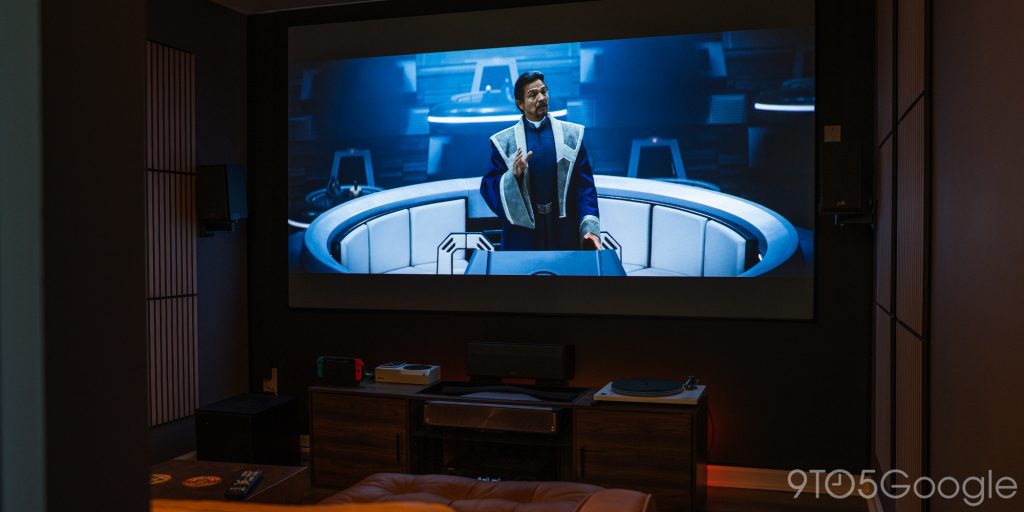
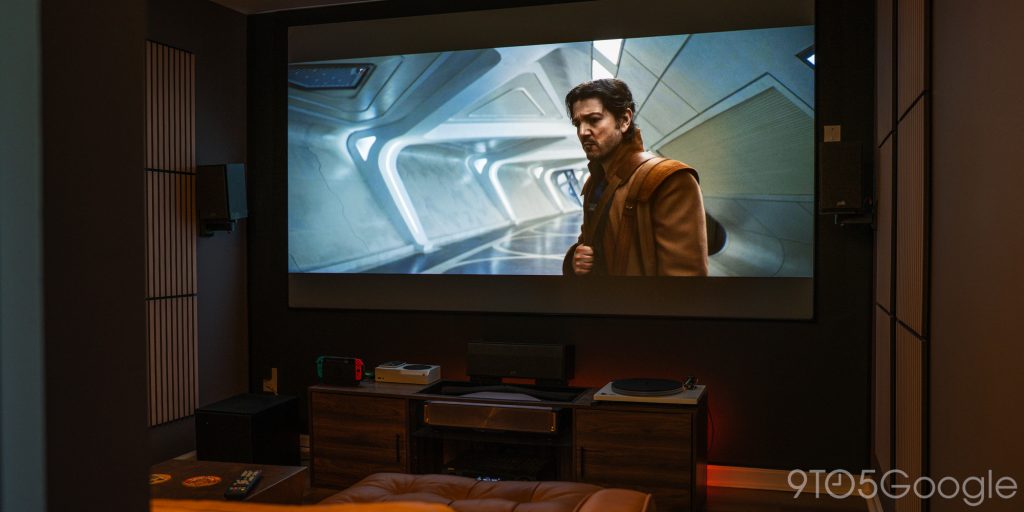
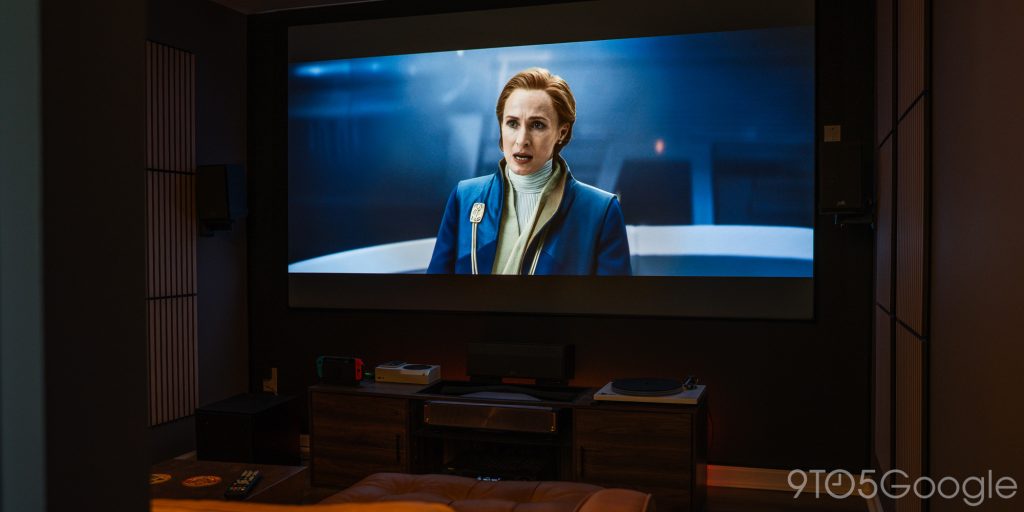
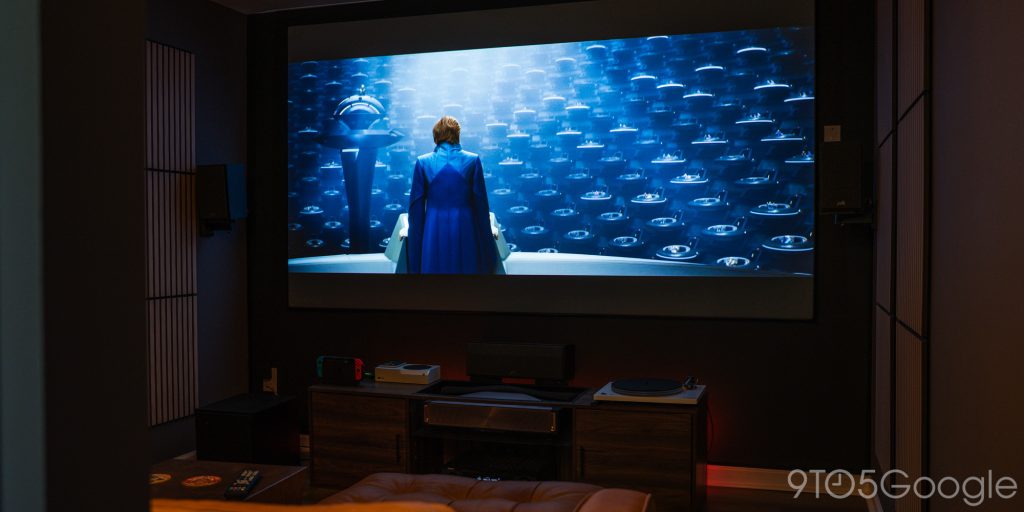
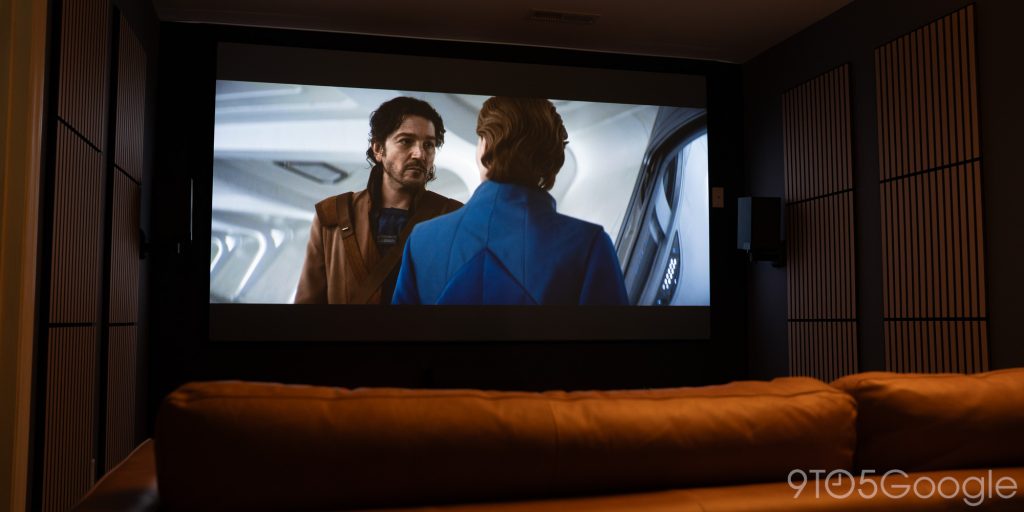
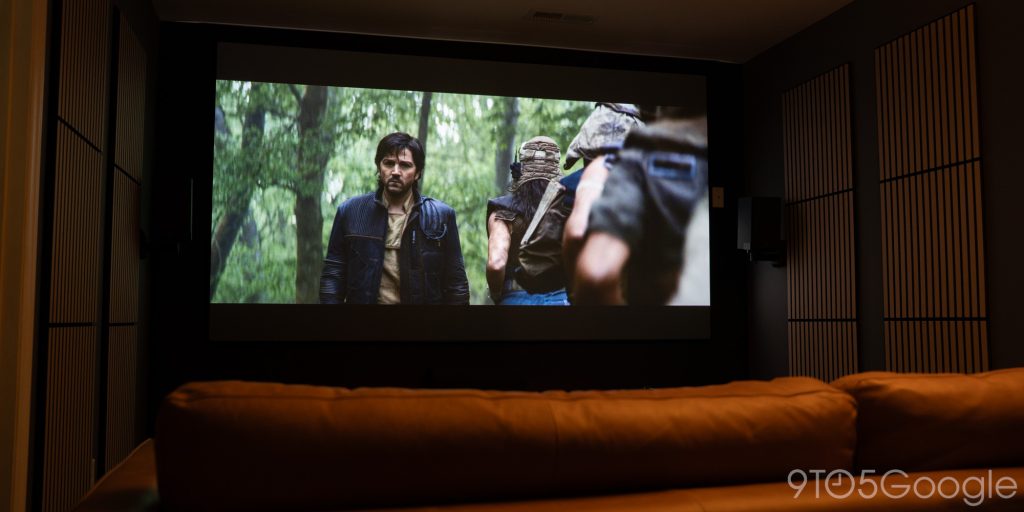
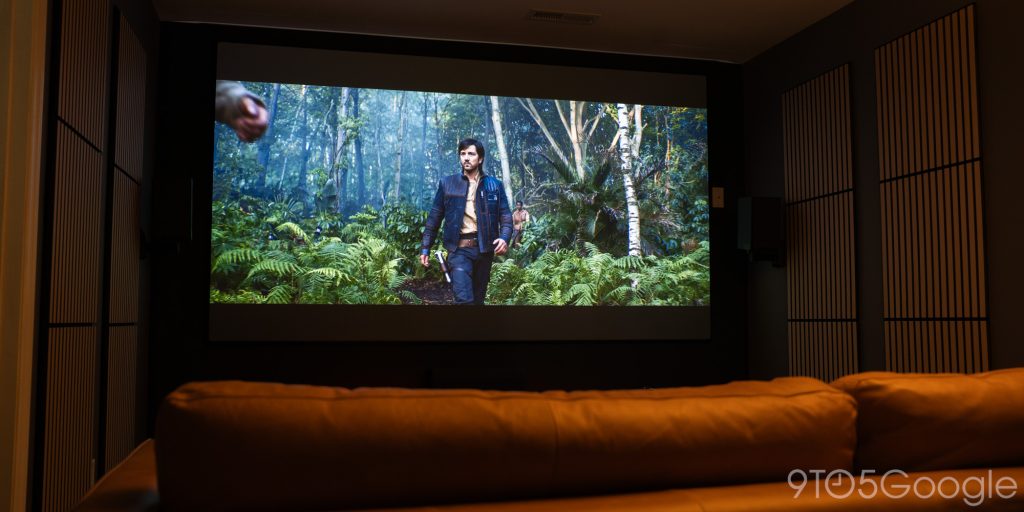
The picture is crisp, too. Hisense improved the motor focus in the L9Q over the PX4-Pro I tested before. I hadn’t realized that my corners were softened until I saw how even the focus adjustment is on the L9Q. Almost everything is perfectly in focus, save for just a little bit of the top corners. I can forgive that, because the picture is pixel-perfect, even in 1080p.
To get a good 1080p picture, I’m almost certain Hisense uses pixel-shifting tech under the “Ultra Sharp Mode” setting. It softens the sharp edges of text without blurring them, ridding it of that jagged look you can get with basic HD content.
The downside to this, and something I’ve seen across a few forums, is that the ultra-sharp mode engine seems to make a quiet ticking noise when it’s upscaling content. It’s only audible during certain shows, like on streaming services, but not necessarily from Blu-Rays. It sort of sounds like a near-empty sparkling water can as the bubbles pop and reverberate against the aluminum.
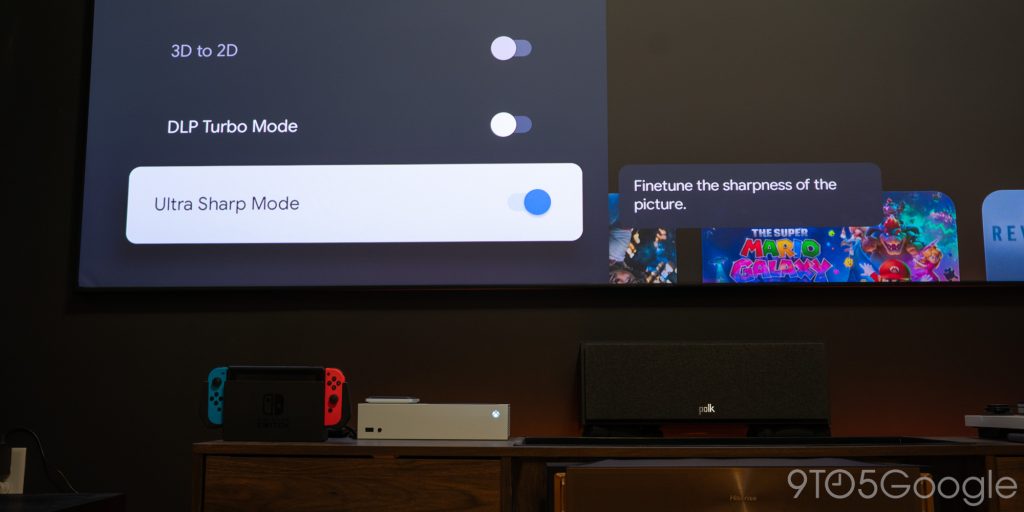
From my couch and during a show, it’s hard to hear. But it’s there.
The fan is audible, too. But not nearly as bad as projectors I’ve used in the past. If the Epson LS800 was loud, this is quiet.
I opt to use an AVR and speakers for audio, but you can easily get away with the built-in speakers. They’re genuinely not bad, and they’re far better than most TV speakers. It makes it easy to get a good experience without a full audio setup. It’s nice to know Hisense didn’t skimp on the built-in option and incorporated a proper Devialet-tuned system.
Google TV and gaming
Whether you’re in the camp of using a third-party streaming box or sticking to whatever your TV or projector gives you, I’d be easy to tell you Google TV works flawlessly on the L9Q. It’s designed with minimal additional content, save for a channel switcher.
Almost everything about it looks like a stock Google TV experience, and that’s perfect.
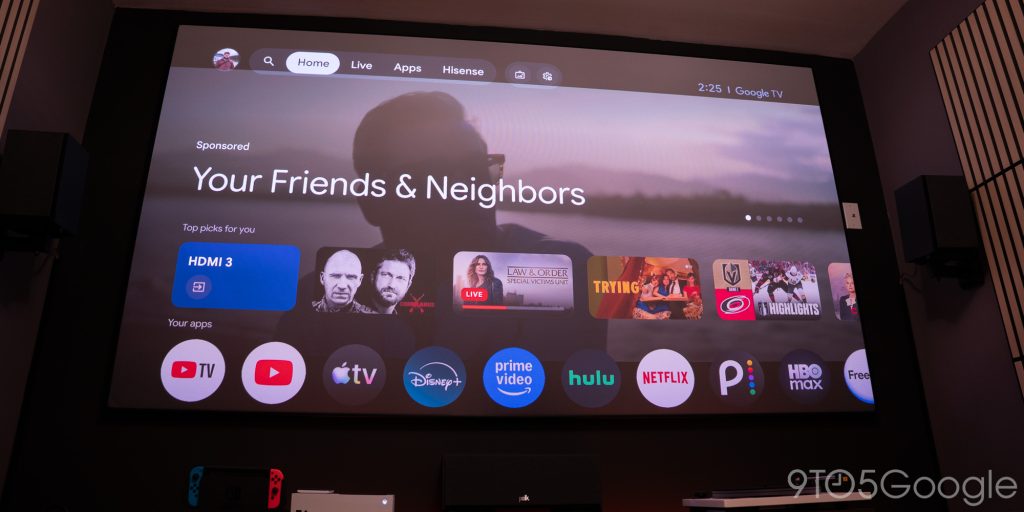
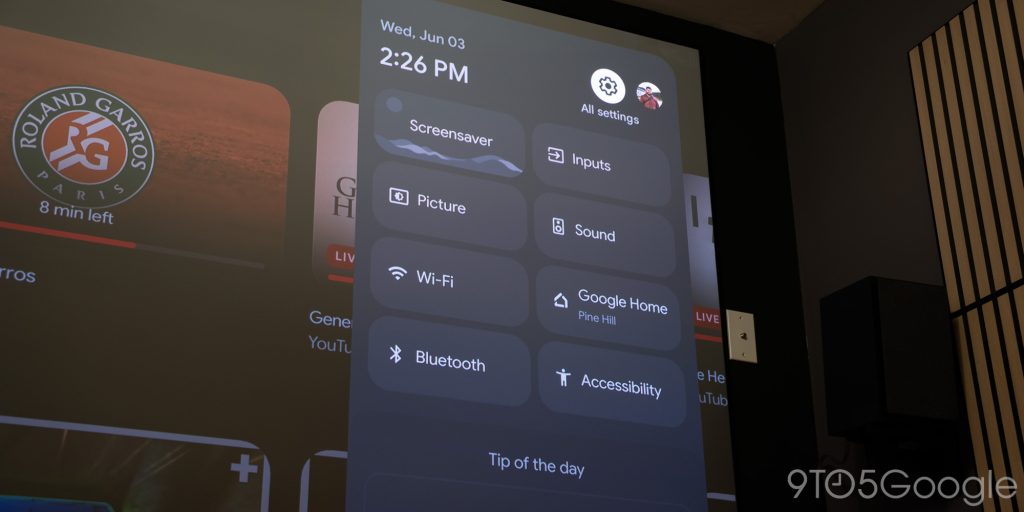
I do keep the Shield connected for high-quality content, but I’ve been perfectly happy to stream content from my apps through the built-in OS. I just feel like
The option to add another box is always there, but a lot of users would be happy with the onboard operating system. It simplifies things to have one remote and one center for streaming and watching content.
The L9Q is also set up to handle consoles at an increased refresh rate. It automatically turns on while a console is connected, and the menu shifts to something much more in theme.
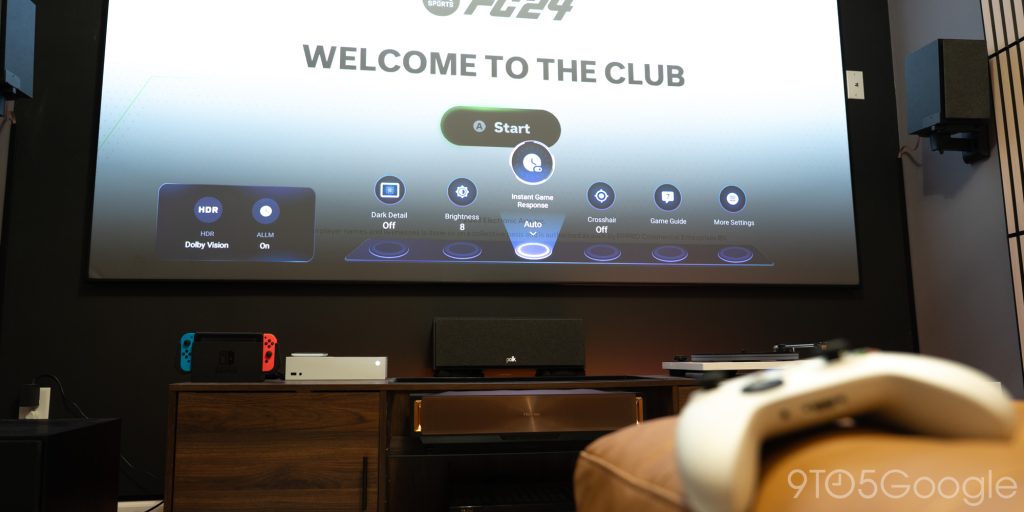
I don’t do nearly enough gaming on a massive 120-inch screen, but the Hisense L9Q handles it perfectly when I do. Even content from my first-gen Nintendo Switch looks good on a screen this size. The sharpening technique Hisense seems to use makes it a much better performer than I’ve used before.
Final thoughts
I’ve used a handful of UST projectors over the years, and it all started from wishing for a better World Cup 2022 experience. It’s funny to think it’s been four years since I started using them as my main screen.
That being said, the Hisense L9Q is easily the best projector I’ve used.
It gets colors and focus right, and it’s so bright that I have to bring it down a couple of notches to be comfortable. There aren’t many pain points that I’ve come across while using it. I wouldn’t consider the Ultra Sharp Mode ticking sound too bad, and it’s only exaggerated by my small theater room, it’s set up in.
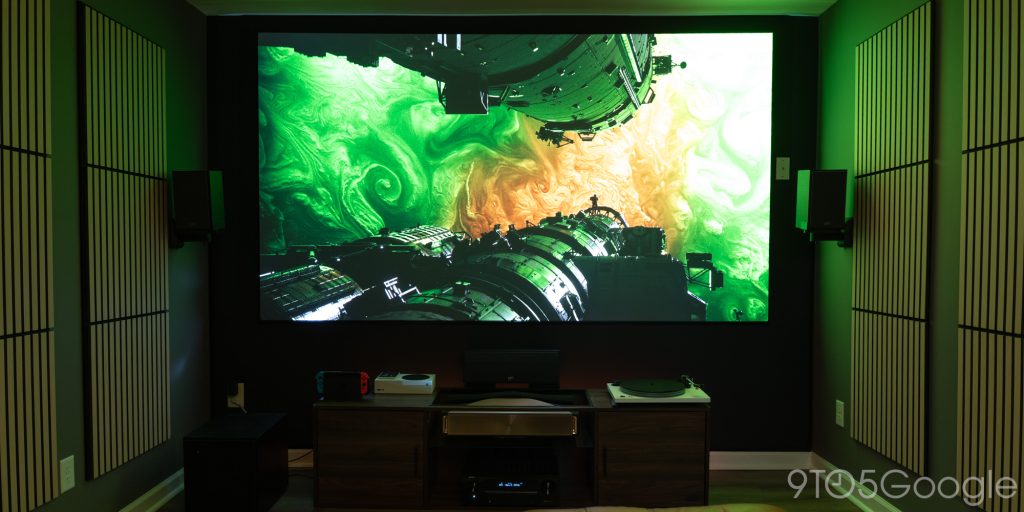
The Hisense L9Q runs for $5,999 at sites like Amazon and Crutchfield. In no world is it a cheap option, but it brings the theater experience in a small profile. A small profile that can give you an image up to 200 inches, with no problem.


FTC: We use income earning auto affiliate links. More.




Comments