
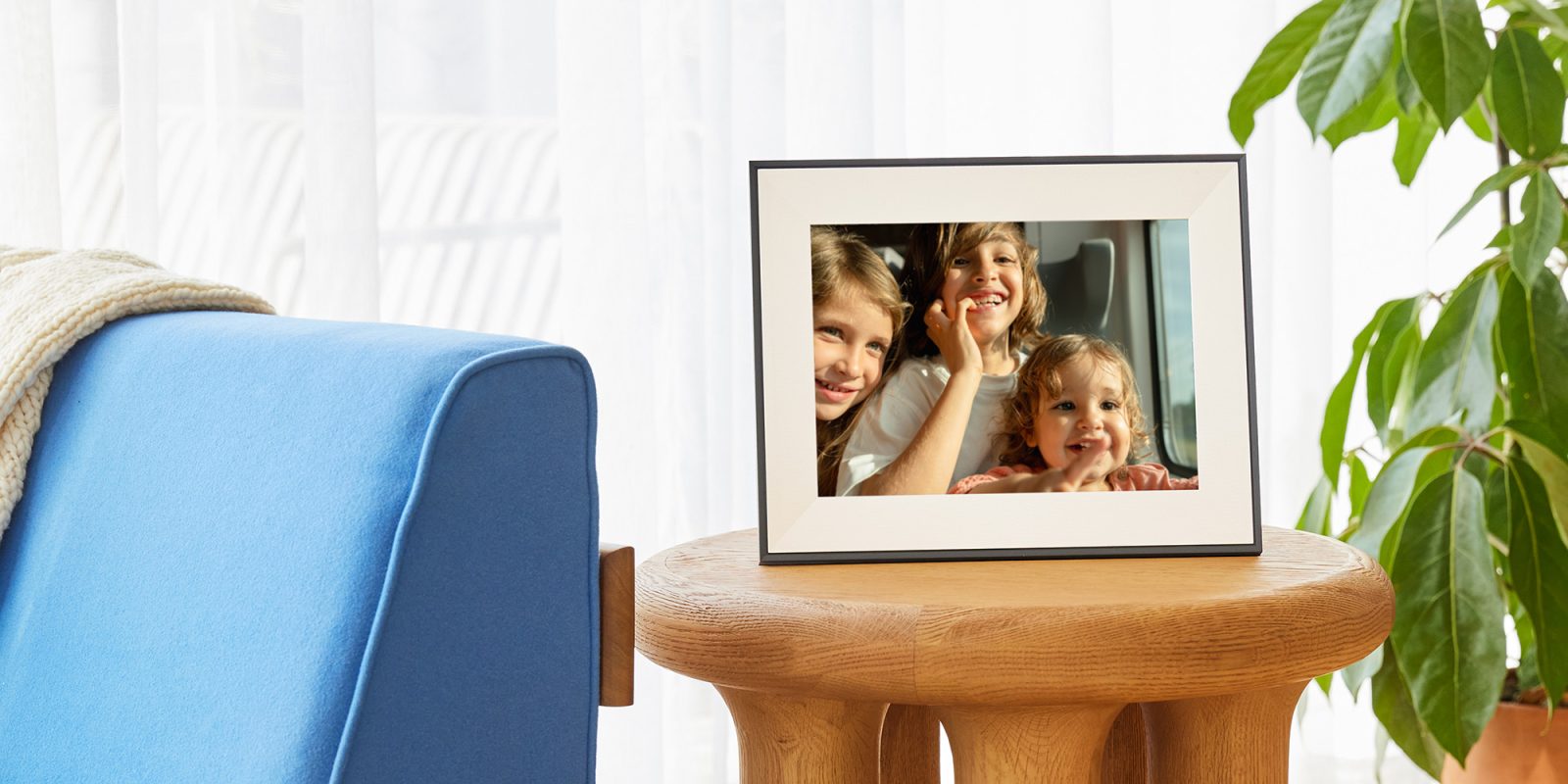
Digital photo frames offer a quick and easy way to display your family photos, and more in your home, and Google Photos integration is a no-brainer. However, changes from Google Photos last year resulted in Aura photo frames losing integration, but that’s now coming back.
In March 2025, Google Photos limited access for third-party apps (announced the prior September), in turn leaving products such as Aura’s photo frames without a way to sync photos. At the time, Google announced that it would be restoring access for third-party photo frames, but without any timeline attached.
Now, the day has come.
As noted by The Verge, a new “Ambient API” from Google Photos allows Aura photo frames to sync with your library in Google’s app.
Aura explains:
With our updated Google Photos integration, you can add photos directly from the Google Photos app or sync an entire Google Photos album to keep Aura frames updated automatically. Photos are sent directly to your Aura frames from Google Photos, without the need for manual uploads.
Over the past several months, the only way to use Google Photos content on Aura frames has been to manually download photos and upload them via Aura’s app.
The new integration is detailed on an Aura support page, with users able to either “auto-add” photos via the Aura app’s Google Photos integration, or select individual photos. Again, Aura explains:
- Sync entire Google Photos albums with the frame via the Aura app’s “Auto-Add” function. All current photos will be added, and any additional photos you add to these albums on Google Photos will be automatically sent to the Aura frame.
- Select individual photos (up to 50 megapixel) for your frame(s), on Android devices only. For iOS devices, you can add individual photos directly from the Google Photos app by using the Share Sheet.
Individual photos will remain on the frame even if you then delete them from Google Photos. In order to also remove those photos from the frame, you will have to use the “remove” option within the app itself. See Removing Photos from Your Frame.
However, if you sync an entire Google Photos album with your frame as an auto-add album, any photos that you delete from within that Google Photos album will also disappear from your frame. This may take a day or two.
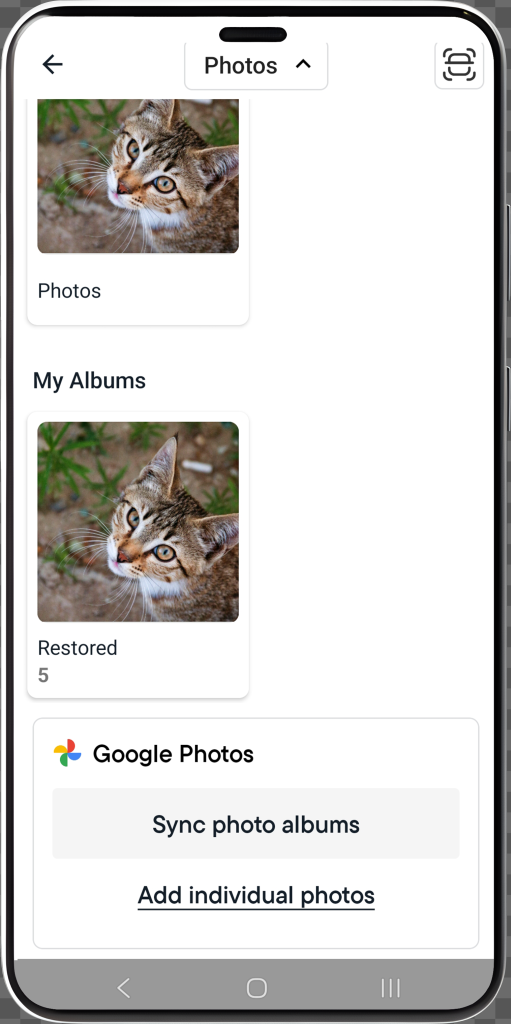
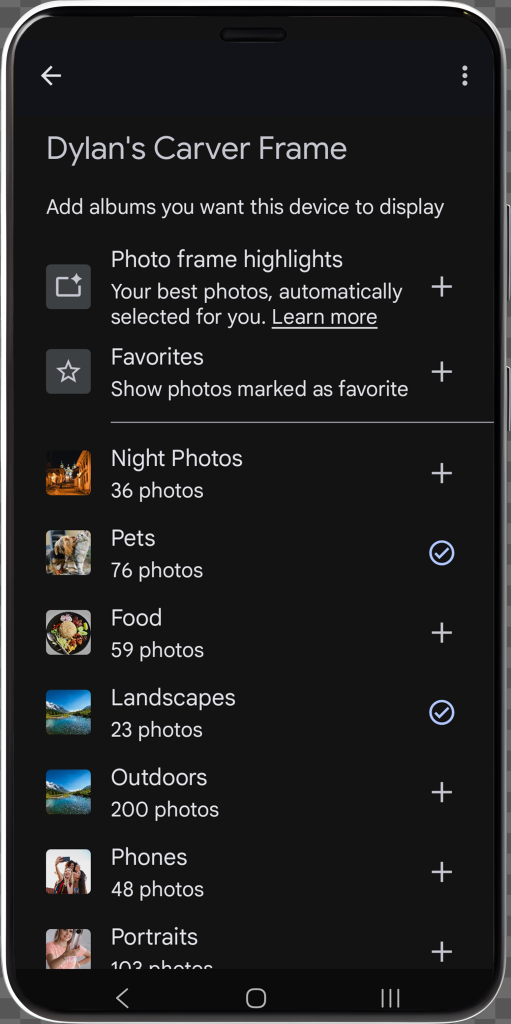
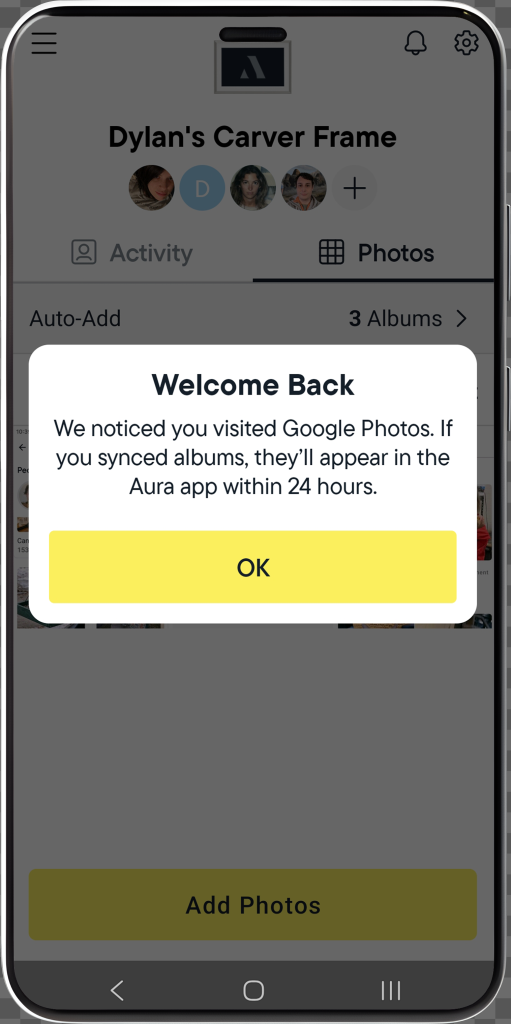
It’s not as simple as what you’d find on a Nest Hub, but the renewed third-party integration seems a bit less hacky compared to what users have been stuck with following last year’s changes.
Aura digital photo frames start at around $150.
More on Google Photos:
- Google Photos for Android rolling out saved Stickers folder
- Google TV is adding YouTube Shorts to the homescreen, new Photos screensaver, more
- Google Photos ‘Wardrobe’ digitizes your closet and helps find what to wear
Follow Ben: Twitter/X, Threads, Bluesky, and Instagram


FTC: We use income earning auto affiliate links. More.


Comments