
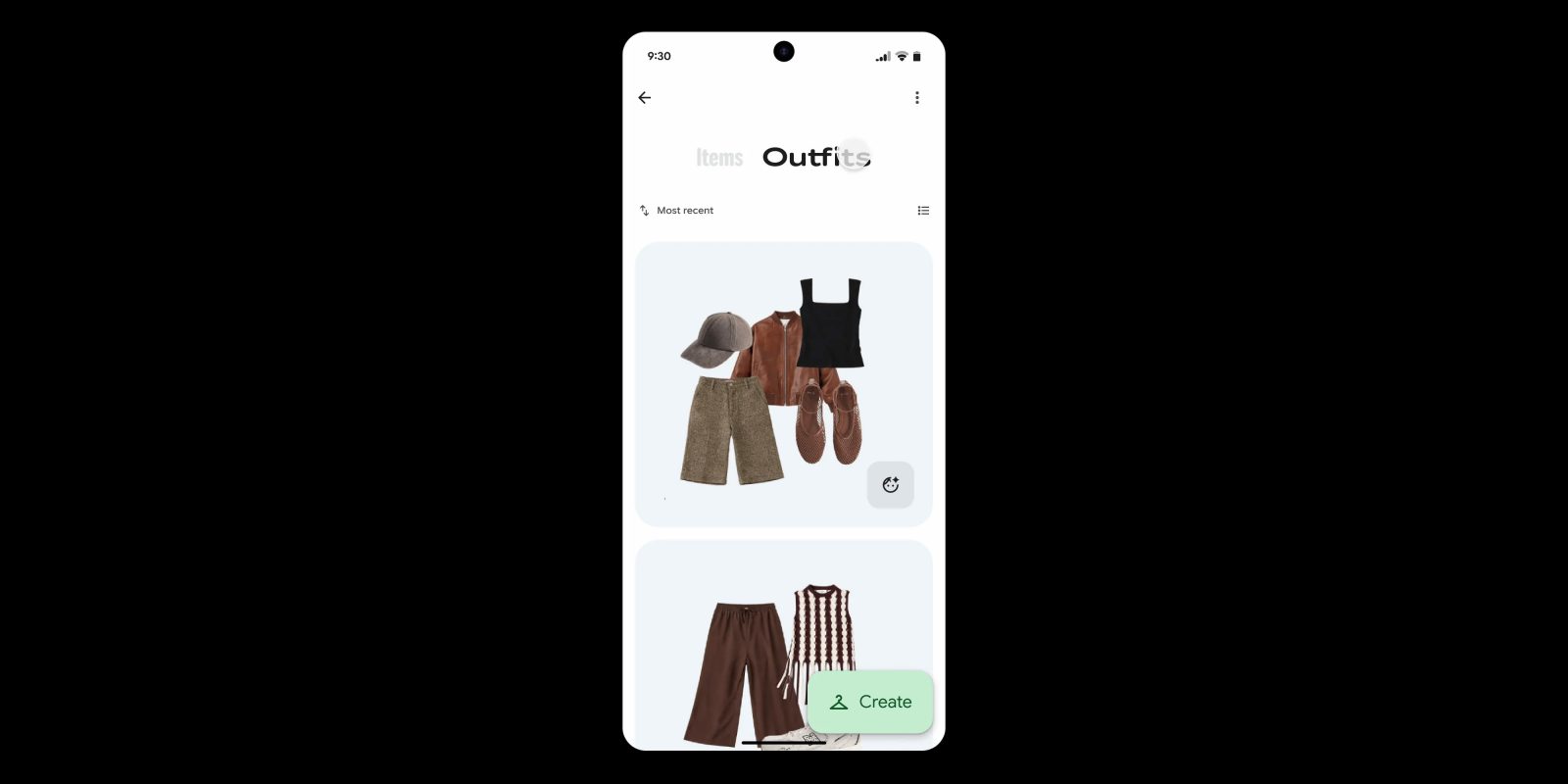
Announced earlier this year, the new “Wardrobe” feature of Google Photos is starting to roll out, but only for paid subscribers and only on Android.
In April, Google announced “Wardrobe” for Photos, a new feature that could digitize your closet and/or dresser and sort through your clothing to create outfits that you can preview on a digital avatar of yourself.
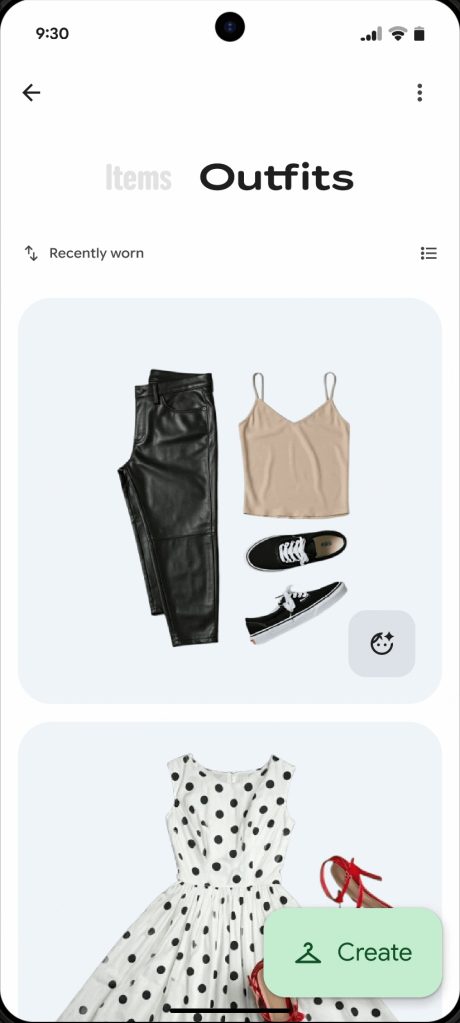
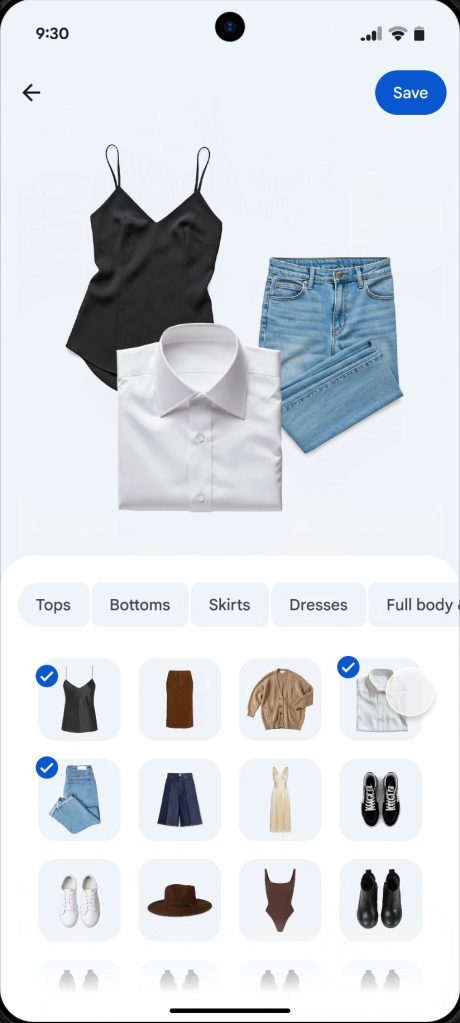
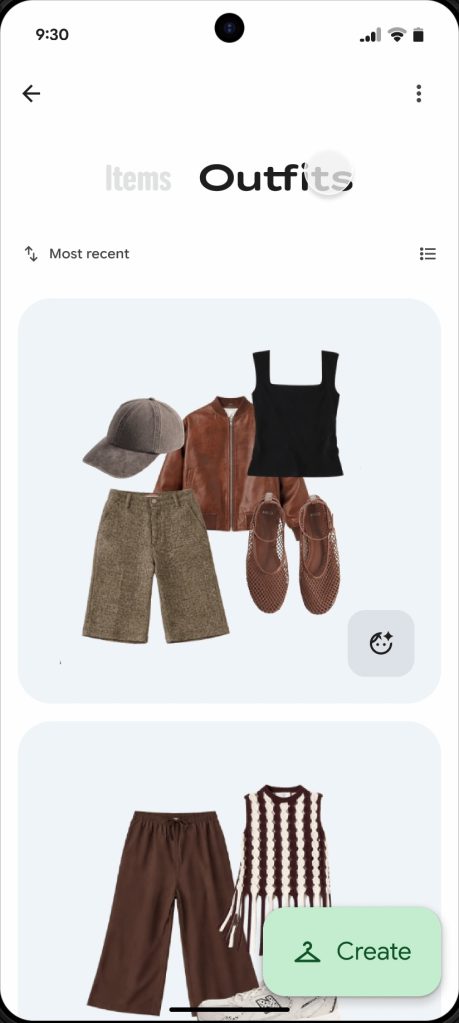
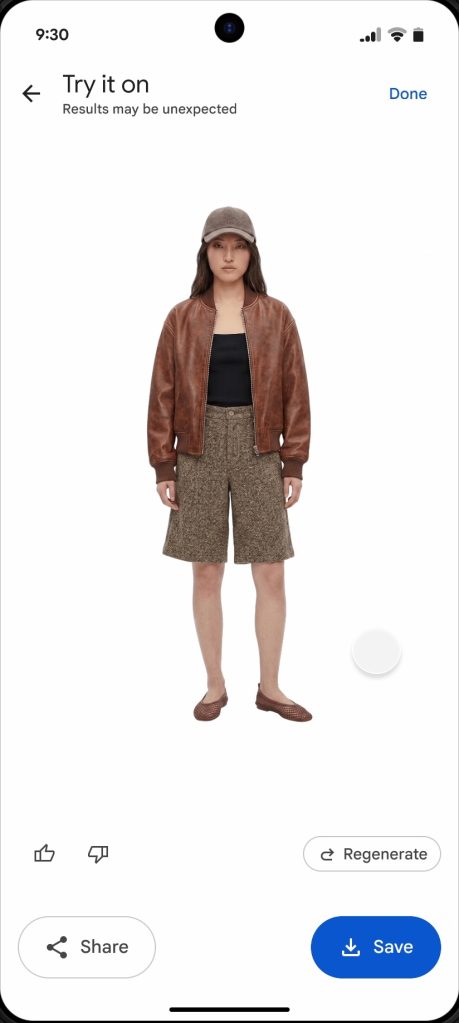
Now, the feature is starting to roll out as Google confirmed on a forum post. The feature is “slowly” rolling out starting in the US, Brazil, and India, with more regions to follow. It’s also Android-only to start, with iOS support planned “in the future.”
Google has also confirmed the requirements for this feature. You’ll need a paid Google One AI Pro or AI Ultra plan, at least for now, as well as meeting age requirements and leaving Face Groups turned on.
Google explains:
This feature will start rolling out in Brazil, India, and the U.S. first to Google AI Pro and AI Ultra subscribers — as well as other select users — on Android devices, with plans to expand to iPhone and iPad in the future.
You can use wardrobe if:
- You have an eligible Google Account that meets the minimum age requirements for your country or region.
- You’re an eligible user in a launched location.
- You turn on Face Groups.
- Select which face is yours.
More on Google Photos:
- Google Photos support has returned for Aura’s digital photo frames
- Google Photos for Android rolling out saved Stickers folder
- Google TV is adding YouTube Shorts to the homescreen, new Photos screensaver, more
Follow Ben: Twitter/X, Threads, Bluesky, and Instagram


FTC: We use income earning auto affiliate links. More.


Comments