
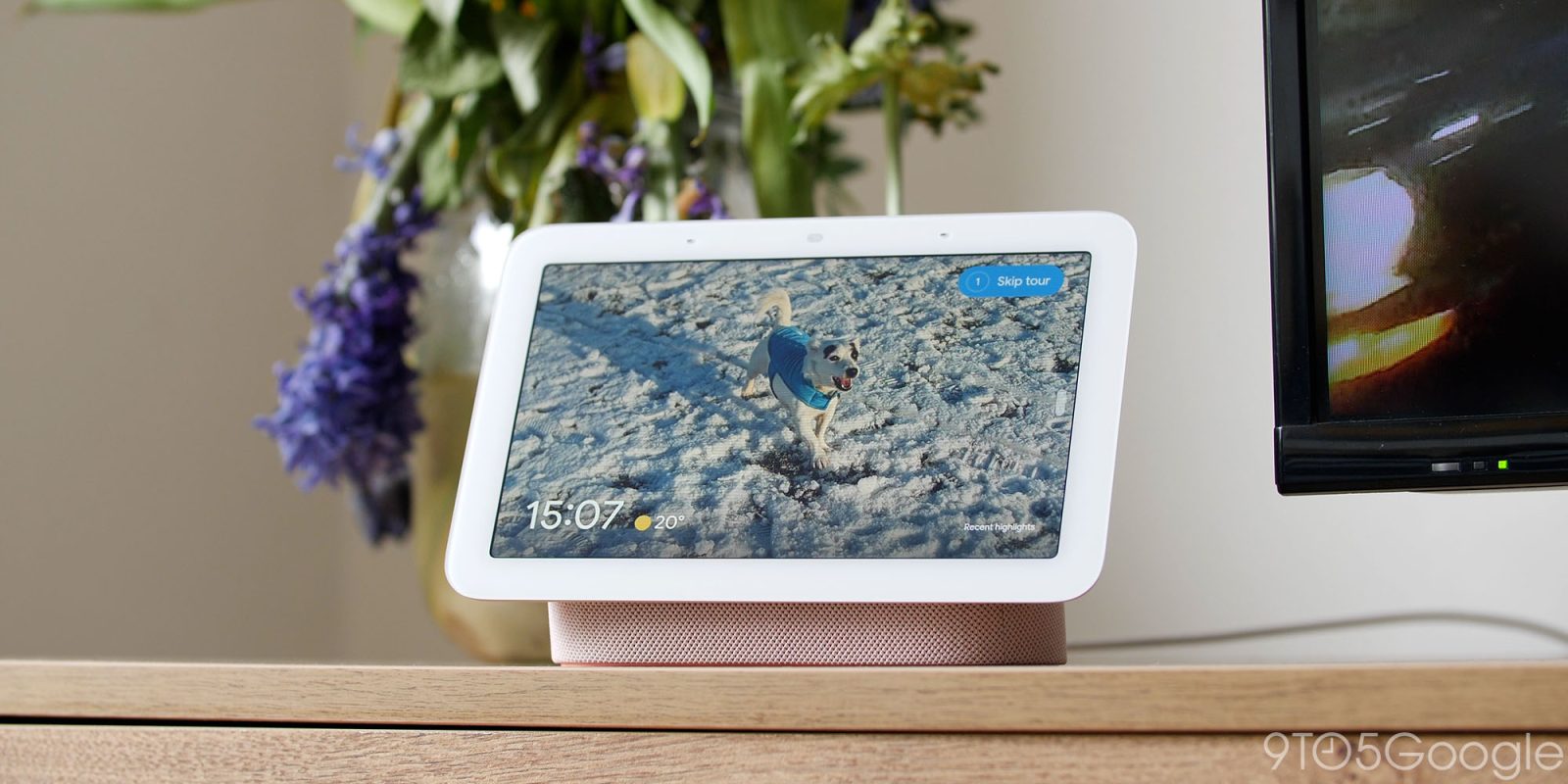
A recent Google Home update seems to have caused some confusion, as the familiar “play the news” command no longer works as expected under Google’s recent Gemini changes.
Google Home received an update earlier this month and has since been steadily rolling out to users in early access. The changelog notes a change to news summaries, noting that news provider broadcasts would be accessible under a new “play my news brief” command, rather than simply “play the news.” The latter results in story summaries generated by Gemini as it pulls in the latest headlines.
The update appears to be rolling out to more users. Some have noted their frustration with the change, citing the sudden change to a command they’ve been using for years. One user posted on Reddit, saying they have an automation set to play news briefings for them. Even with the automation set, Gemini returns with an error.
Even without an automation, users seem baffled by the change to a command that’s become habit. Saying “play the news” returns with Gemini’s account of recent headlines.
Google says this new approach adds an interactive element. The update allows Gemini to actively listen for a response without a hot phrase, and the intent is for users to ask about certain headlines Gemini listed off, or to dive down a rabbit hole of stories.
We have updated the news experience on Gemini for Home, shifting from static broadcasts to interactive, customized narratives that adapt to your unique interests. You can now engage in natural, back-and-forth conversations to dive deeper into specific headlines, or listen to your preferred providers through a customized ‘News Brief’. You can adjust your selected News Brief providers directly in the Google Home app.
Try saying:
- “Play my news brief” to hear from your selected news providers’ broadcasts
- “Tell me the latest news” or “What’s the news?” to hear interactive summaries
- Ask for news on specific topics “Catch me up on tech news.” or “What’s the local news for today?”
- “Tell me more about the second story” after a news summary to dive deeper into a story
Instead, some just want to hear custom news feeds, which is a valid expectation. Google notes this is possible in passing on the changelog. By saying “play my news brief,” Gemini will pull from your custom news sources and play broadcasts. When you ask using the old phrase, Gemini responds with advice for finding these settings. In Google Home head to Settings > Gemini for Home > Media > News. The page will let you add shows that play when using the new phrase.
It’s also worth noting that this early access update is showing why it’s a limited release. The same user cited before claims saying “play my news briefing” triggers Spotify, opening the app and disregarding the Gemini for Home news preferences.
Google does not appear to have commented on the issue, though for all intents and purposes, the news brief is working as intended. The change rolled out along with several other adjustments, like media features and more accurate weather forecasts on smart displays.
It’s possible to leave the Public Preview Program for Google Home (Settings > Public Preview), though you may lose access to other features.
Are you having the same issue with Gemini for Home?
More on Google Home:
- Google Home gets a new Nest-like $77 floodlight camera from Walmart [Gallery]
- Google: 3.5M users have tested the Gemini for Home assistant, Speaker teased for next week
- Google Home update upgrades Gemini weather forecasts, media on Nest Hub, and voice commands as a whole


FTC: We use income earning auto affiliate links. More.





Comments