
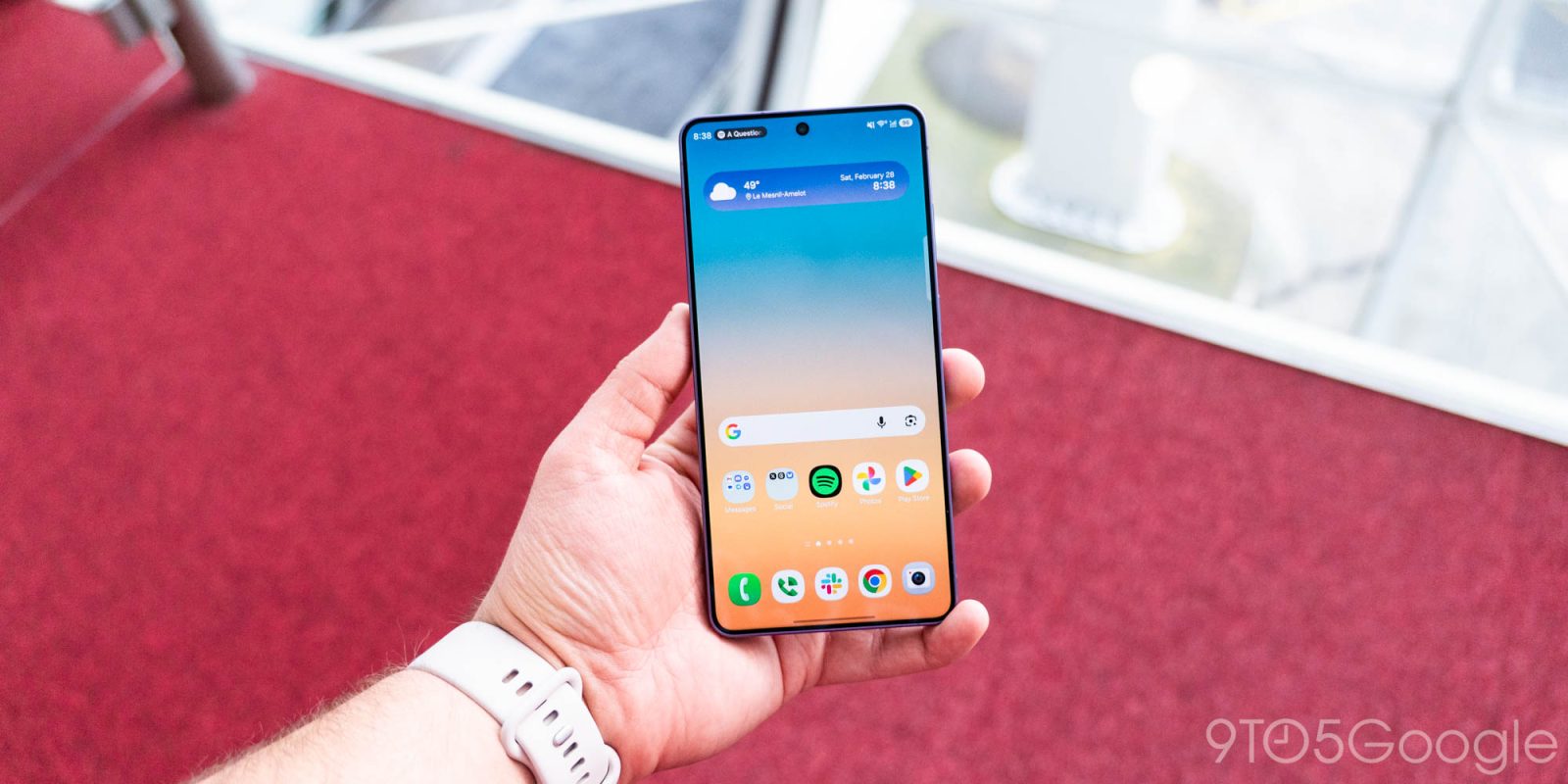
Samsung’s upcoming One UI 9 update, based on Android 17, is set to also launch some powerful new homescreen customization options, and early screenshots show off what’s coming.
Galaxy Techie on Twitter/X obtained an early version of Samsung’s “Home Up” Good Lock module designed for One UI 9. “Home Up” already allows for deeper customization, but the version debuting with Android 17 looks all the more capable.
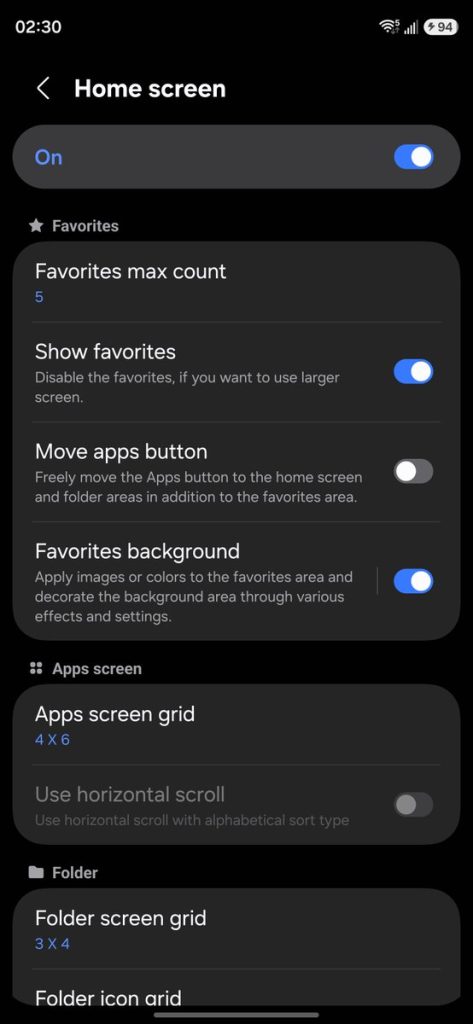
There are two specific new features here, and the first is in regards to the “Favorites” tray, or the dock as it’s also called.
Users will now be able to customize the background of the dock, adding colors, blur, or even images behind their most-used apps. You’ll also be able to adjust the number of apps that can appear in the dock, independent of the homescreen grid.
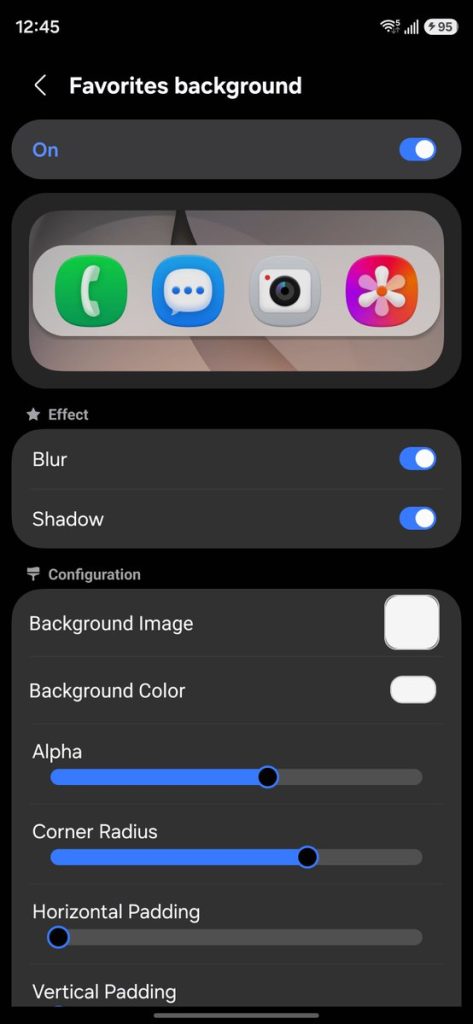
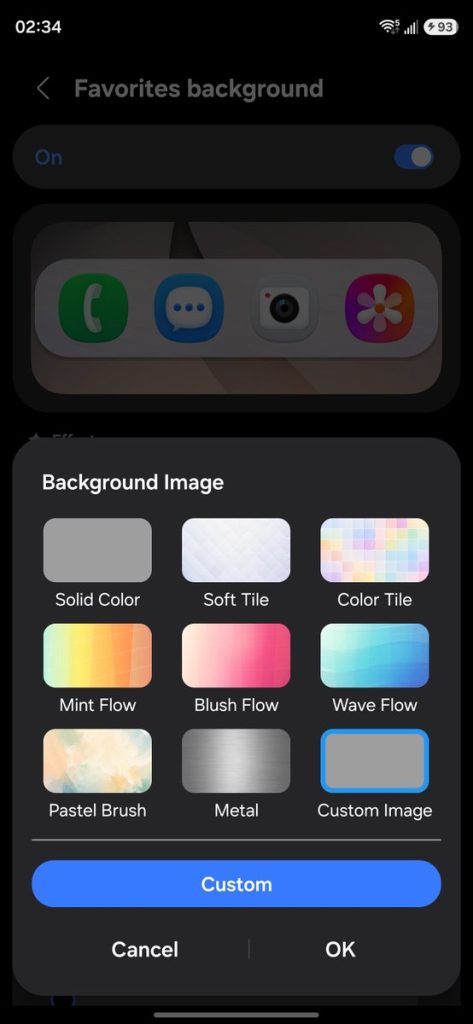
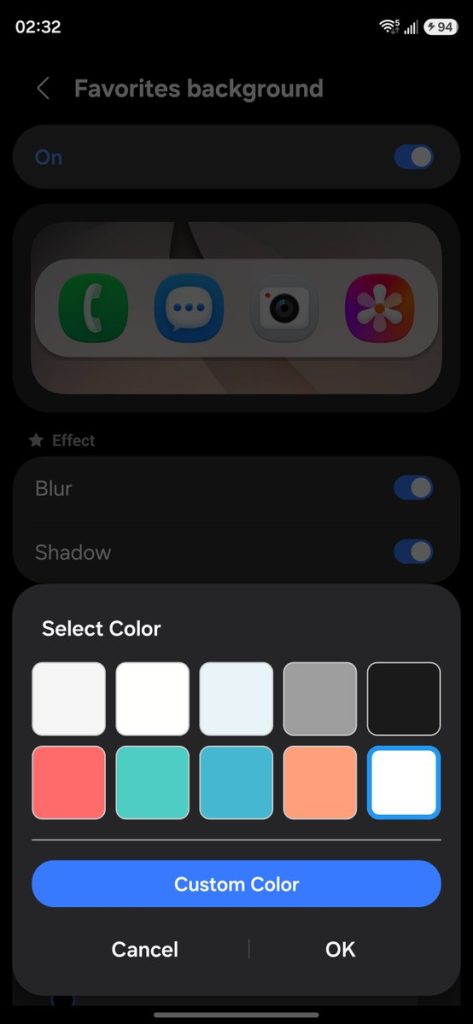
Beyond that, there’s also support for new multi-finger gestures, with separate actions for gestures like swiping in a certain direction, pinching, and more. This can include everything from swapping and launching apps, adjusting the volume, opening search, adjusting brightness, taking a screenshot, and more.
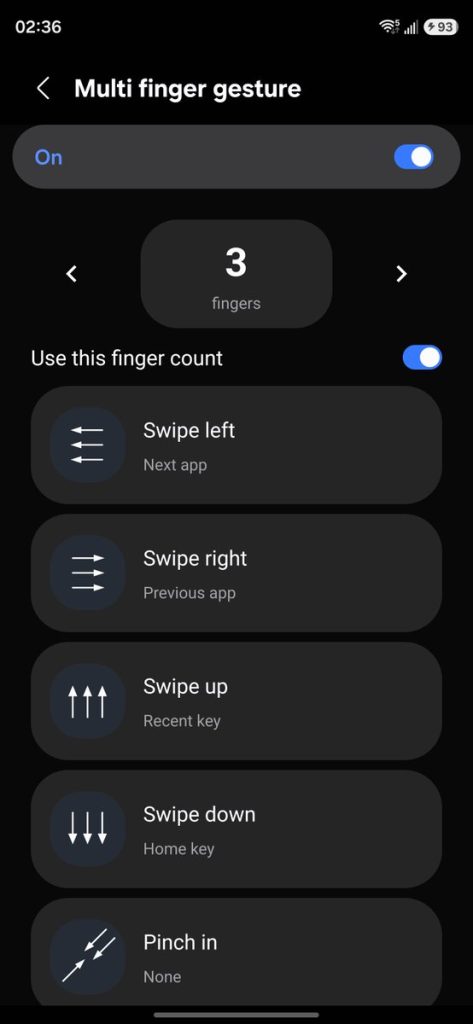
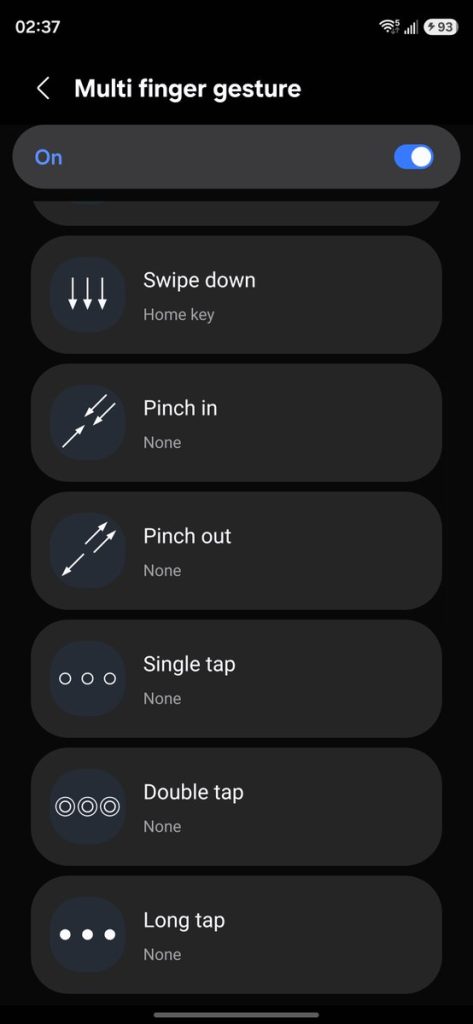
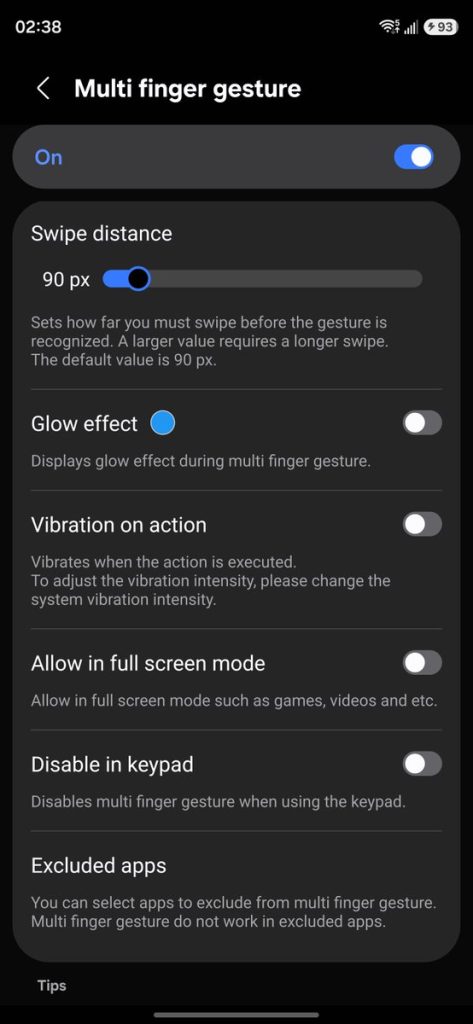
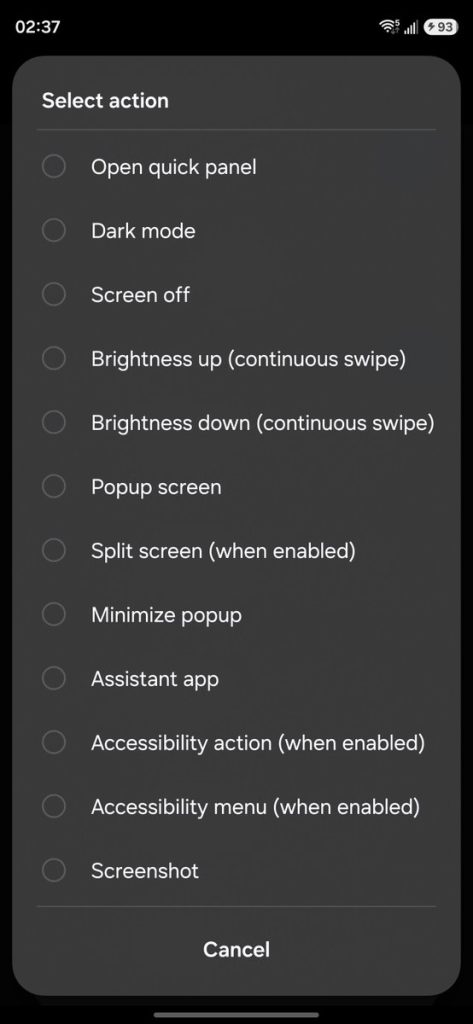
And these are in addition to existing Home Up features like more customizable homescreen grid layouts, the ability to backup and restore settings, adjusting the “task changer” and share sheet, and more.
This update should be available with One UI 9, which is expected to debut on the Galaxy Z Fold 8 series and Flip 8 before later heading to last-gen Samsung Galaxy devices. It’s already in beta on the Galaxy S26 series.
More on Samsung:
- Galaxy Z Fold 8 leaks in official-looking renders, confirming some final details
- Galaxy Watch 9, Ultra 2, and Z Flip 8 sure do look like Samsung sequels in official-looking renders [Gallery]
- Leaked videos show Galaxy Glasses including Meta Ray-Ban-like design, controls, etc
Follow Ben: Twitter/X, Threads, Bluesky, and Instagram


FTC: We use income earning auto affiliate links. More.


Comments