
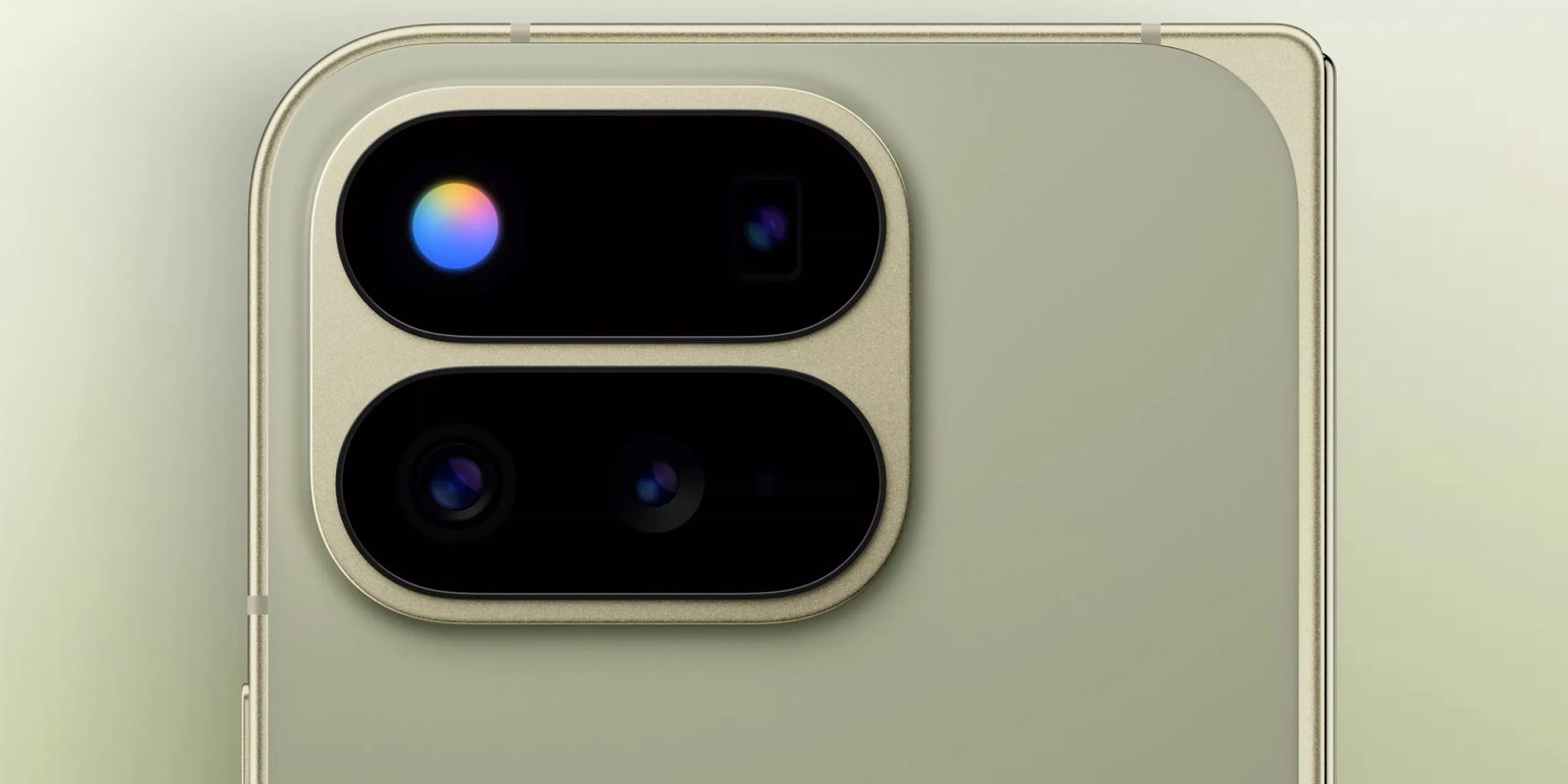
Ahead of the Pixel 11 launch, Google Contacts for Android has gained strings detailing upcoming support for HiLight.
About APK Insight: In this “APK Insight” post, we’ve decompiled the latest version of an application that Google uploaded to the Play Store. When we decompile these files (called APKs, in the case of Android apps), we’re able to see various lines of code within that hint at possible future features. Keep in mind that Google may or may not ever ship these features, and our interpretation of what they are may be imperfect. We’ll try to enable those that are closer to being finished, however, to show you how they’ll look in case that they do ship. With that in mind, read on.
Top comment by TurboFool
It's a fun option to have, and since it co-opts the flash anyway and therefore takes up no extra space and probably minimal-to-no extra cost, I'm happy they're including it, but it certainly won't draw me to the phone, and I'm 90% sure when I do end up with a Pixel that supports it I'll forget it was ever there.
Version 4.85 of Google Contacts outlines how the app will support HiLight, which is codenamed “glow” in strings, by letting you assign a “glow color” to your favorite contacts when they call.
- <string name=”glow_enable_favorite_calls”>Tap to configure HiLight for favorite callers</string>
- <string name=”glow_promo_card_subtitle”>Assign a custom glow color for when they call</string>
- <string name=”glow_promo_card_title_no_contact_name”>Add a notification color</string>
The available Pixel 11 HiLight colors are Blue, Cyan, Green, Orange, Pink, Purple, Teal, White, and Yellow.
This lines up with recent leaks, where the other launch functionality is rumored to be Gemini status when the phone is face down.
Support for HiLight in Google Contacts matches how Pixel VIPs is integrated with the app.


FTC: We use income earning auto affiliate links. More.



Comments