
With the back-to-school season underway, Google is introducing new study tools across the Gemini app and Search.
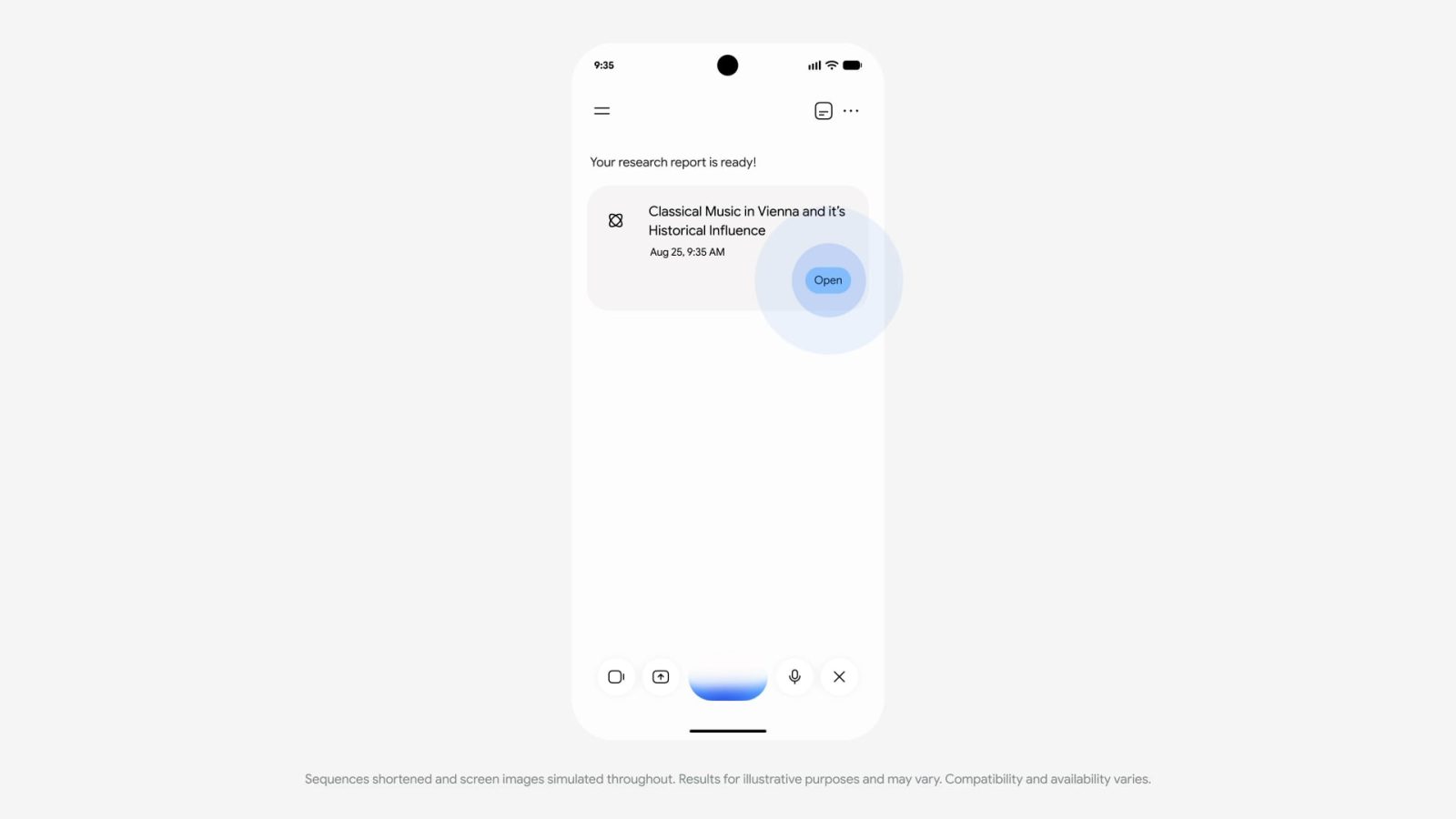
Gemini Live is rolling out Deep Research integration. This lets you ask for research reports by voice and then discuss what’s generated.
College students in the US can get one free year of Google AI Pro ($19.99 per month), while there’s a bundle with YouTube Premium that offers up to 70% off. Internationally, the offer is a year of AI Plus ($4.99 per month).
A new “Student” hub (gemini.google.com/students) in the Gemini side panel surfaces offers and tools, like flashcards and practice quizzes.

Meanwhile, the study notebooks introduced in June are getting new features. At the moment, you can upload notes and other class material to get lesson plans and quizzes. Over the coming weeks, Google is adding graphs and images, as well as Google Calendar integration that can schedule due dates and exams based on your syllabus.

Meanwhile, Google AI Overviews and AI Mode are adding a host of study tools. Search can generate custom tools and simulations to explain complex topics:
- “You can do a search like “ph scale” and quickly get an interactive visual in an AI Overview to help you understand the basics.” Fully available in coming weeks.
- “To go even further, you can follow up and ask to see something more specialized, like plotting citrus fruits on the pH scale, and AI Mode will create a customized experience just for your question.”
This joins custom practice quizzes for various topics and standardized tests, including the ACT, AP, ENEM, GRE, JEE, LSAT, MCAT, NEET, and SAT.
“create a quiz with the most commonly tested vocab words to help me prep for the SAT”
AI Mode is getting integration with Gemini Notebooks. Appearing in the side panel, Google recommends setting up notebooks for every class or project, and then adding slides, syllabi, and articles.
You can even add your previous AI Mode threads on related topics. Your notebook brings it all together in one place, letting you ask questions and analyze topics based on your reference materials, while you build on your ideas over time.

Another addition lets you “create ready-to-use study documents based on your uploaded files or AI Mode threads.”
For example, you can add a photo of your handwritten notes along with lecture slides and ask Search for a one-pager that outlines the key concepts.
Google Lens is getting a new interactive learning experience that can discuss “tough concepts and confirm if you’re on the right track.” Available in the coming weeks (globally in English), you just snap a photo of the problem.


FTC: We use income earning auto affiliate links. More.


Comments