
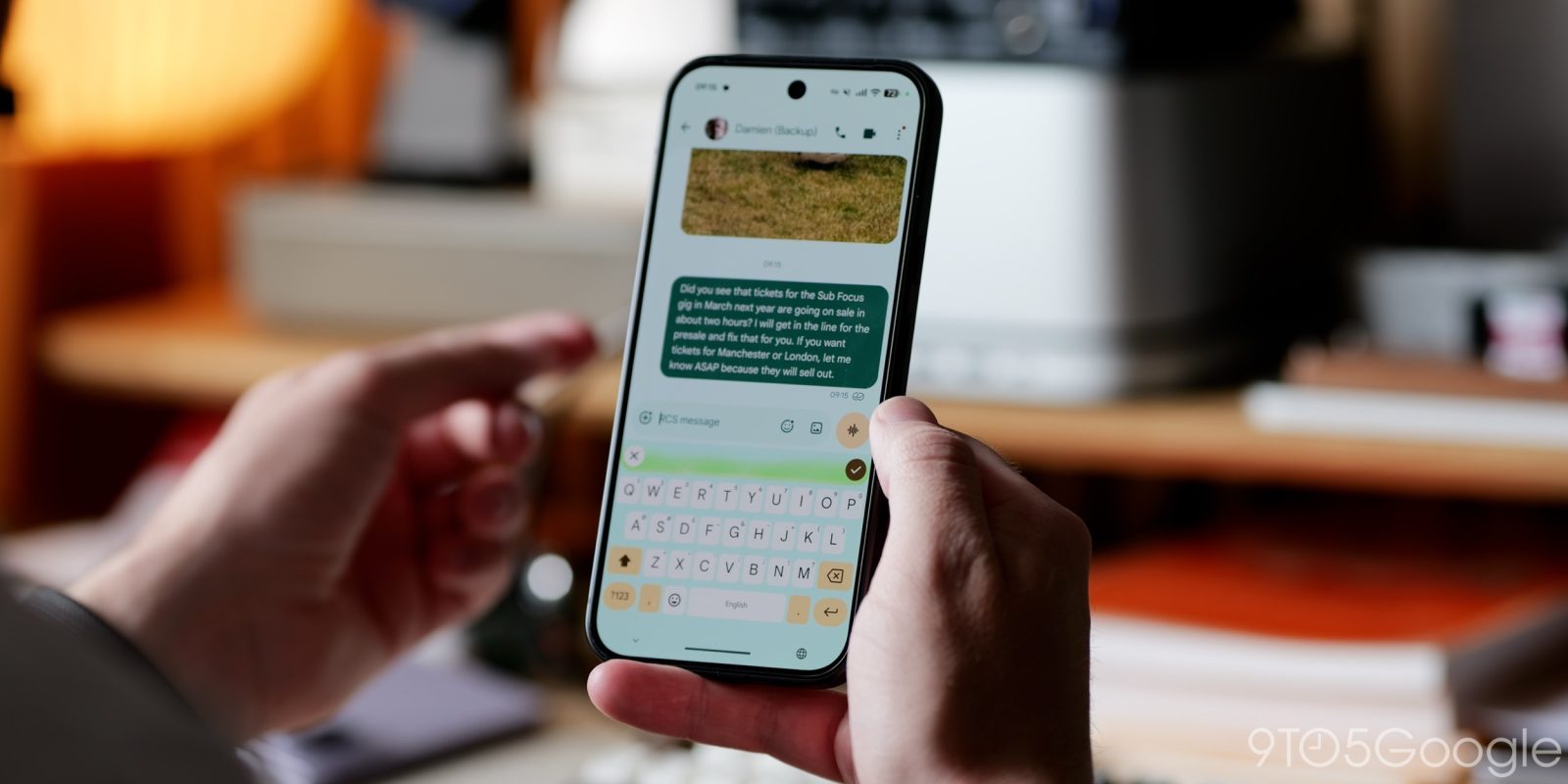
If there’s one part of using the Pixel 11 that I’ve really come to enjoy, it’s Gboard’s new voice-to-text tool, “Rambler.” But there is one big flaw, and that’s the lack of a live preview, and Nothing has just shown exactly what Google should do to fix that.
“Rambler” on the Pixel 11 is a part of Google’s Gemini Intelligence suite, and might also be one of the few AI features I’m fully on board with. Using the power of Gemini for something it’s actually good at – it is called a “Large Language Model,” after all – “Rambler” can process your “ums” and “ahs” into a coherent message.
And it’s impressive.
Between getting messages correct despite me tripping over my words and adding formatting that makes sense (bullet lists, new paragraphs, etc), “Rambler” does a really good job of taking the guesswork out of voice-to-text. I find that invaluable when I’m behind the wheel especially, as it means I don’t have to wait for a stoplight to parse through a message to make sure the voice-to-text didn’t go off the rails. While “Rambler” hasn’t been completely perfect, occasionally making a mess out of my message, it’s got a higher success rate than anything else I’ve tried.
I just wish it had some live feedback, something Abner pointed out in our Pixel 11 Pro review:
There’s an adjustment period to Gboard Rambler that’s not immediately obvious. The transcription does not appear in real time as you speak. Instead, you tap the corner microphone button, talk, and hit the checkmark once done. The transcription appears after a moment without any pauses or filler words thanks to the processing that occurs. Rambler then lets you edit and transform the output. It’s more like prompting in that regard.
In the span of a week, I’ve not adjusted to this. More than once, I’ve forgotten to tap the checkmark and ended up waiting for a transcript that will never come. Being able to immediately see what I’ve said allows me to check and make keyboard edits, which helps prolong the voice session.
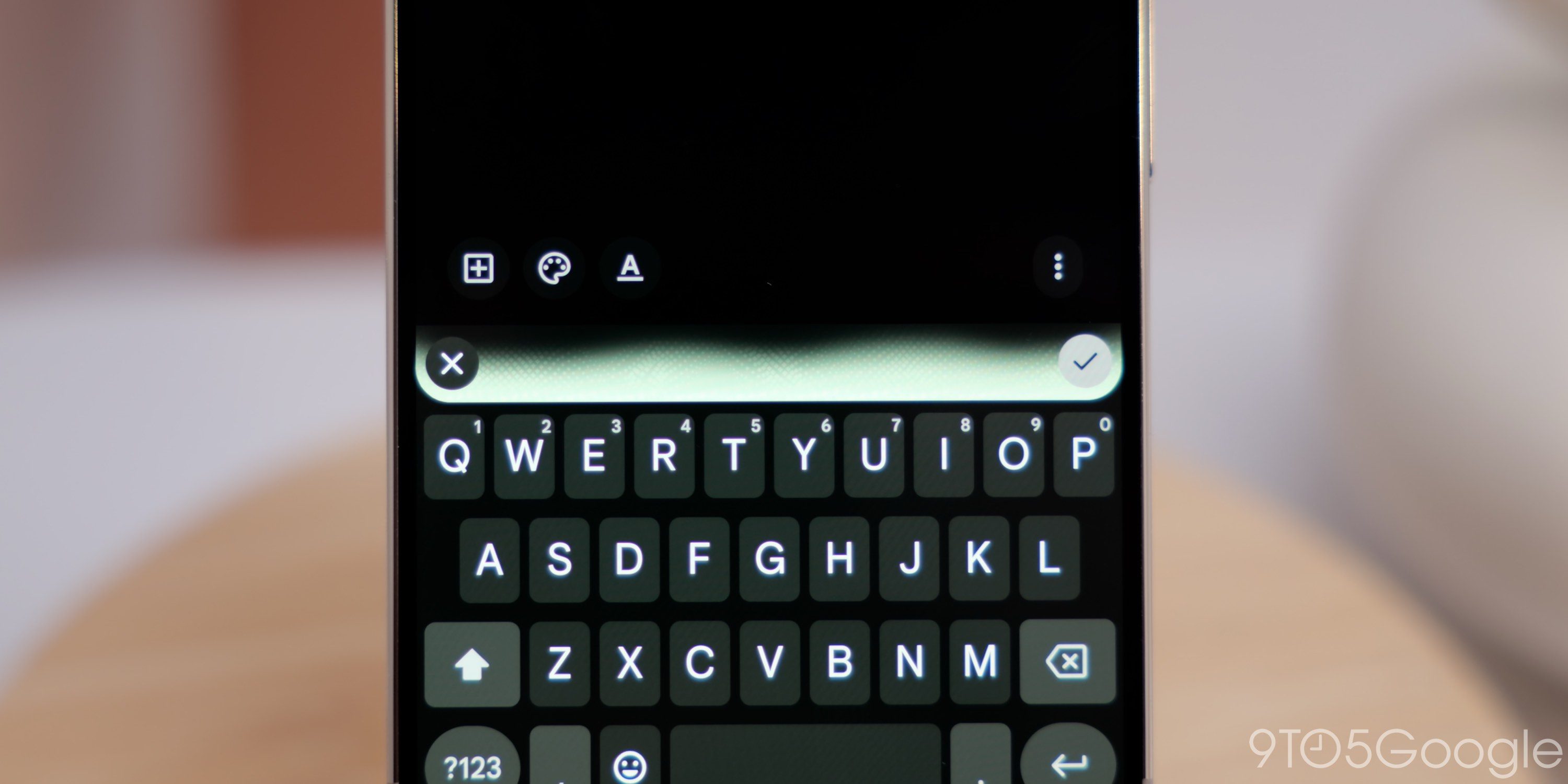
I’ve been trying to figure out a good solution to this. The trouble is that, as “Rambler” needs to process everything after you’ve finished talking, it can’t preview the full message. It needs the context of the whole thought before it can spit out the result, whereas traditional voice-to-text just jots down whatever you’re saying word-for-word.
And then Nothing showed the answer.
Top comment by berto1014
I would like an option to quickly switch between the 2 modes. There are times where I do want it to dictate exactly as spoken, particularly while I'm dictating code to Gemini. Right now you have to go into gboard settings and you have to switch it there. It's all or nothing. I'd like a press and hold button to switch between the two.
As a part of its upcoming “Essential Voice” update in Nothing OS 5.0, the company showed off a preview where the feature will transcribe everything you say in real-time as a preview, then delete the preview and spit out the final version after it’s done processing.
I want Google to essentially copy this entirely. Show the preview, even if it’s just in the little glowing bar in Gboard, but then spit out the real version at the end. Visual feedback to show me that “Rambler” is hearing me correctly would go a long way in making this feature feel better in day-to-day use, even if that preview isn’t fully reflective of the final output.
What do you think?
More on Pixel 11:
- Pixel 11 post-launch deals: Amazon now lets you stack trade-in bonus with $100+ gift cards
- The Pixel 11 Pro’s flashlight is a little bit worse because of ‘HiLight’ [Gallery]
- Pixel Camera adds ‘Launch control’ and new ‘Quick access’ slider controls on Pixel 11 [Gallery]
Follow Ben: Twitter/X, Threads, Bluesky, and Instagram


FTC: We use income earning auto affiliate links. More.


Comments