
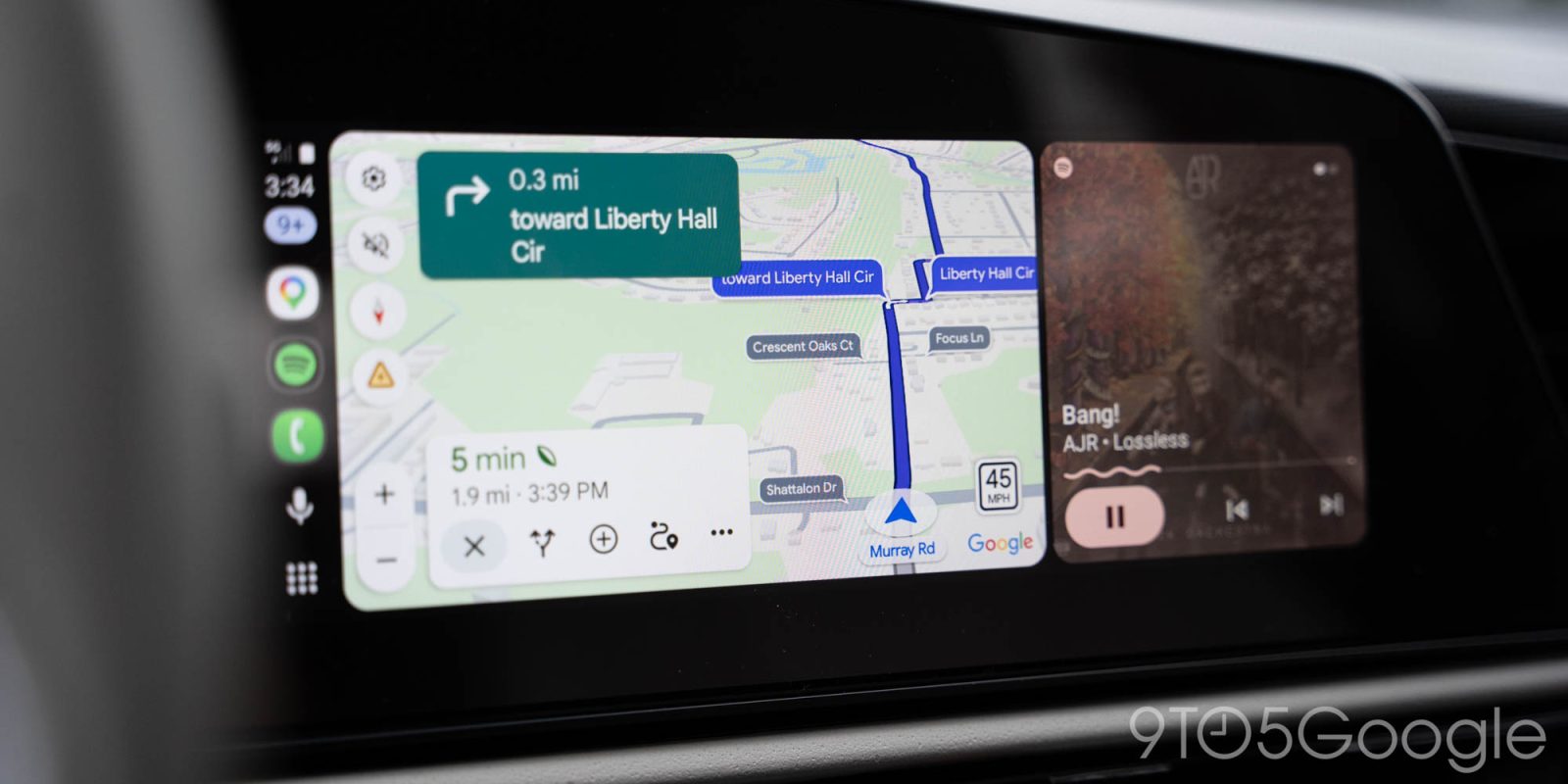
While the speedometer has been hit or miss for some Android Auto users as of late, Google Maps is now confirmed to be rolling out speed limits and a speedometer that show at all times, even when you don’t have a destination selected.
Speed limits in Google Maps launched back in 2019, with the live speedometer appearing later and only starting to show up on Android Auto a few months ago. Earlier this month, though, the speedometer vanished for some users.
Google is now confirming two things.
First, the disappearing speedometer is being investigated by the Android Auto team. In other words, it appears to be a bug of some kind rather than an intentional removal or rollback of the feature.
Top comment by Jimmy cychowski
I noticed just yesterday that I finally got the digital Speedo on my Android Auto head unit in my vehicle, while using Google maps, 😂 I normally use Waze now for most of my navigation needs but I thought I'll give Google maps a try again because the main reason for using Waze in the beginning was it had a digital speedometer in its maps, when my Pixel 10 Pro has a wired connected to the vehicle, well, I'm happy that Google maps now has this digital speedometer feature, however the speedometer is too small to read. It needs to be enlarged, or at least let us customize the size of it, to be honest, I prefer Waze maps.
More interesting, though, is that Google is rolling out the ability to see the speed limit of the current road as well as the live speedometer on Maps via Android Auto even when a destination is not set. There have been intermittent reports of this for a few weeks now, but Google is confirming that it’s actually rolling out.
…the ability to have the speedometer, speed limit, and traffic signals/stop signs showing without a destination set is still rolling out. Thus, not everyone will have this particular feature yet.
The exact timeline for when this will be widely available remains to be seen, but it’s great to see nonetheless. Drivers are very often using Google Maps navigation, but shorter or more familiar trips don’t always require setting a destination – but it’s still nice to see speed limits and the speedometer at those times.
More on Google Maps:
- Google Maps is finally going to bring turn-by-turn navigation to Korea
- Ask Maps in Google Maps rolling out Personal Intelligence, real-time transit, global launch
- Google Maps on Android Auto now shows bigger labels on streets along your route [Gallery]
Follow Ben: Twitter/X, Threads, Bluesky, and Instagram


FTC: We use income earning auto affiliate links. More.



Comments