

Following last week’s Feature Drop, Pixel VIPs 2.0 is beginning to roll out, and it brings more changes than just the widget redesign.
With version 2.0, tapping on a contact in the widget no longer slides up a bottom sheet over your homescreen. Instead, it now opens a fullscreen layout, which was previously accessible by swiping up. The previous design was better for one-handed use as the call and message shortcuts were closer to the bottom of the screen.
Other changes to this page include a pencil icon in the top-right corner that lets you quickly edit in Google Contacts, while the call, message, video, and contact buttons now use outline-style icons.
Old vs. new
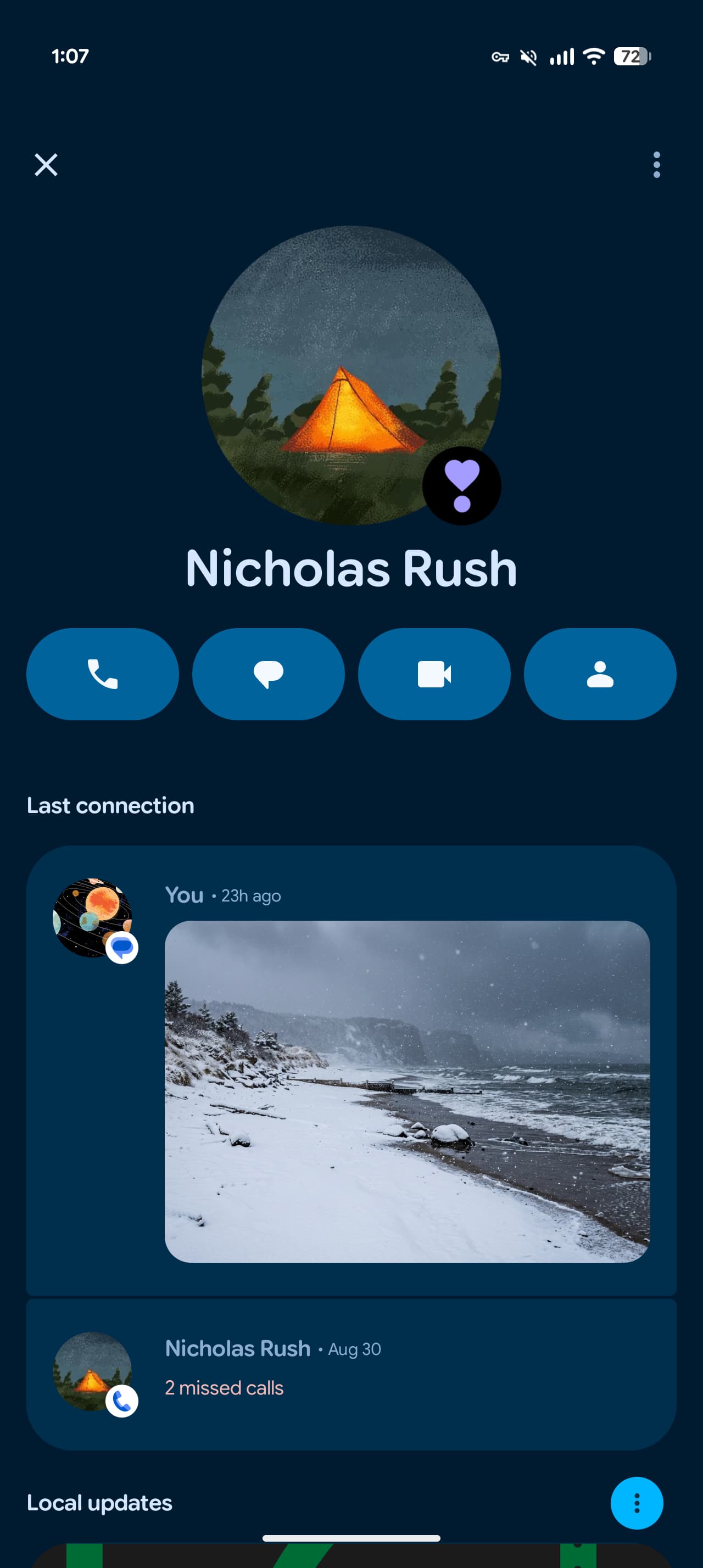
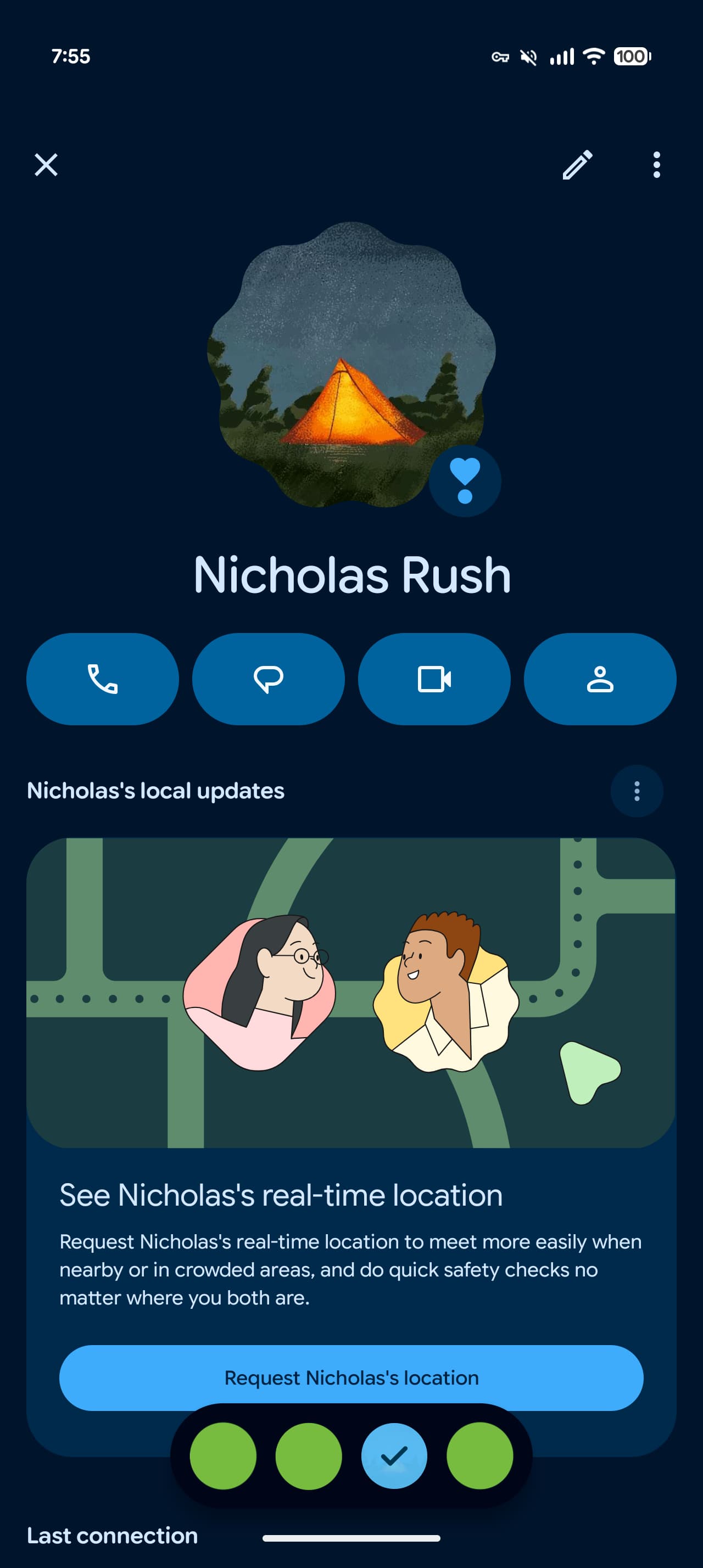
Google has moved the “Local updates” card to the top spot over “Last connection,” while “Notes” is now the last section as Pixel VIPs has removed the media and place recommendations.
Meanwhile, the big update today is a new pill-shaped switcher that shows all your VIPs. This allows for quick switching without having to go back to the homescreen.
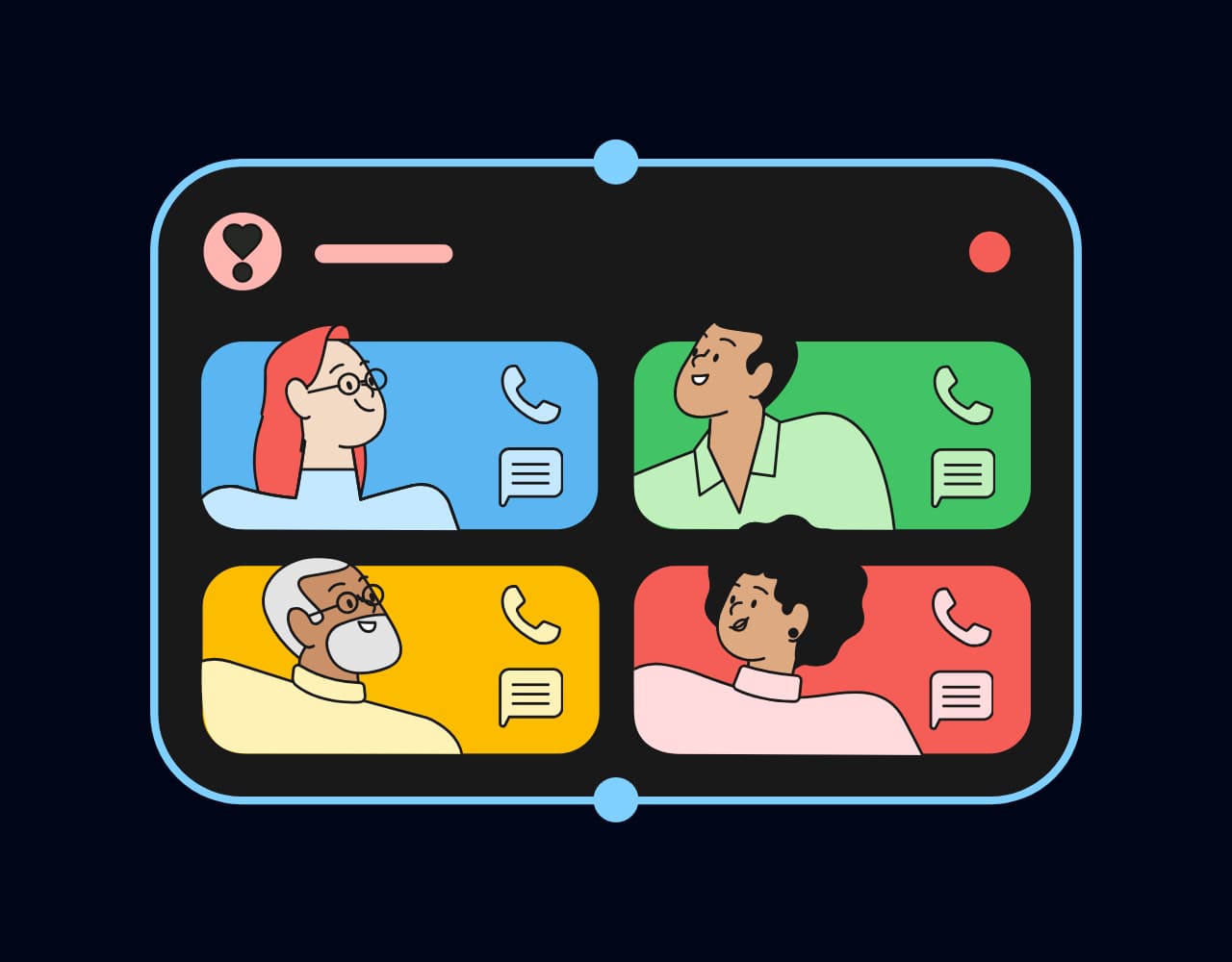
The actual widget redesign is not yet live after updating to Pixel VIPs 2.0. However, there is a preview of the new layout with “space for quick actions” that lets you call and message directly from the widget.
Pixel VIPs 2.0 is widely rolled out via the Play Store.


FTC: We use income earning auto affiliate links. More.


Comments