

Following the long-press menu, Google Messages is widely rolling out new ways to access timestamps and direct replies.
Previously, you could tap on a message bubble to see the sent time, read receipts, and RCS lock icon. Meanwhile, swiping left would let you send a direct reply.
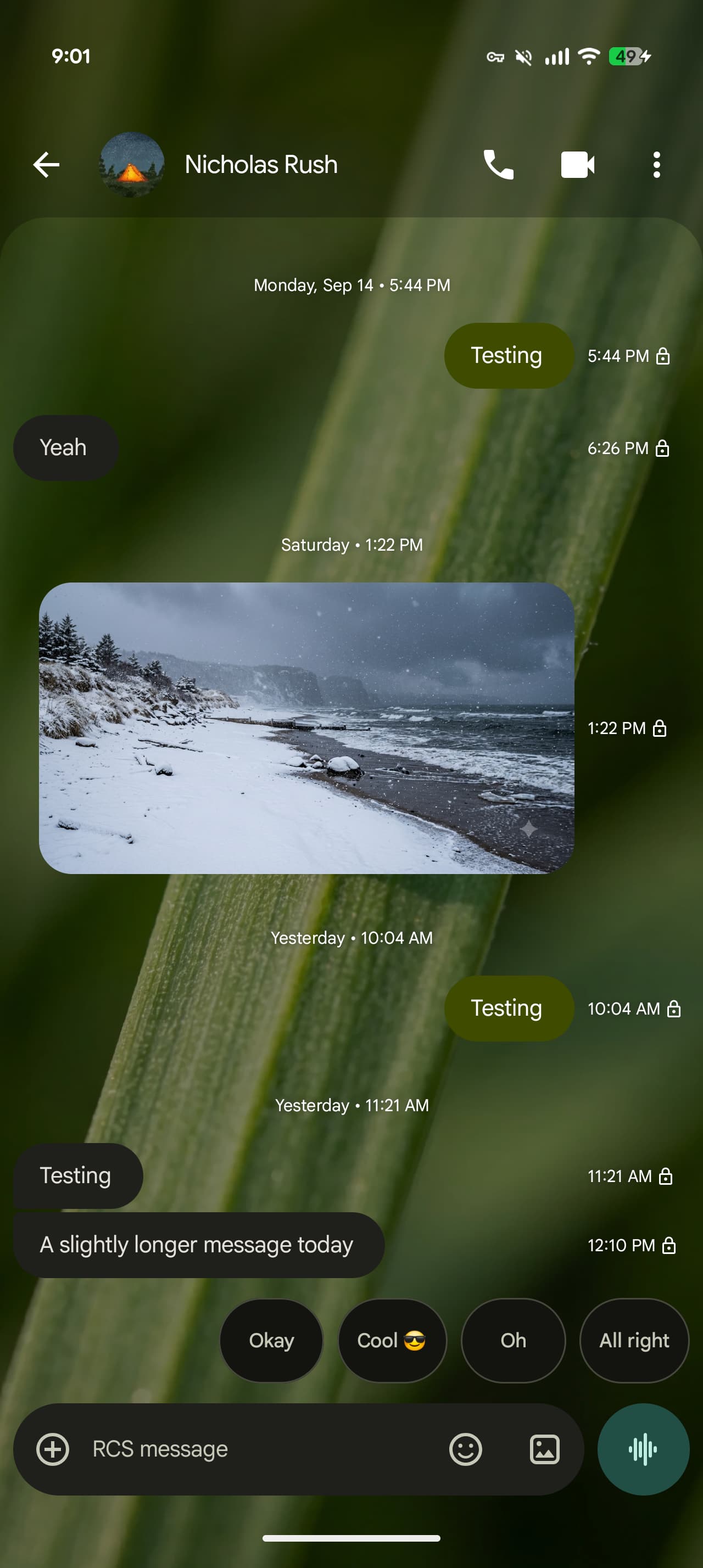
A redesign today changes all that. To see timestamps, you can now swipe left anywhere in a conversation. This also shows the RCS encryption status. Being able to see all times instead of having to tap the bubbles individually is an improvement.
Top comment by BlueTrumpet
I'll be honest I do not like the new timestamp feature at all. It was nice when I could just tap a message to see everything I need to know. Now I have to press, swipe left and hold it, and once I let go it goes away. I think it was much better before and should just be reverted to the way it was. If it aint broke don't fix it.
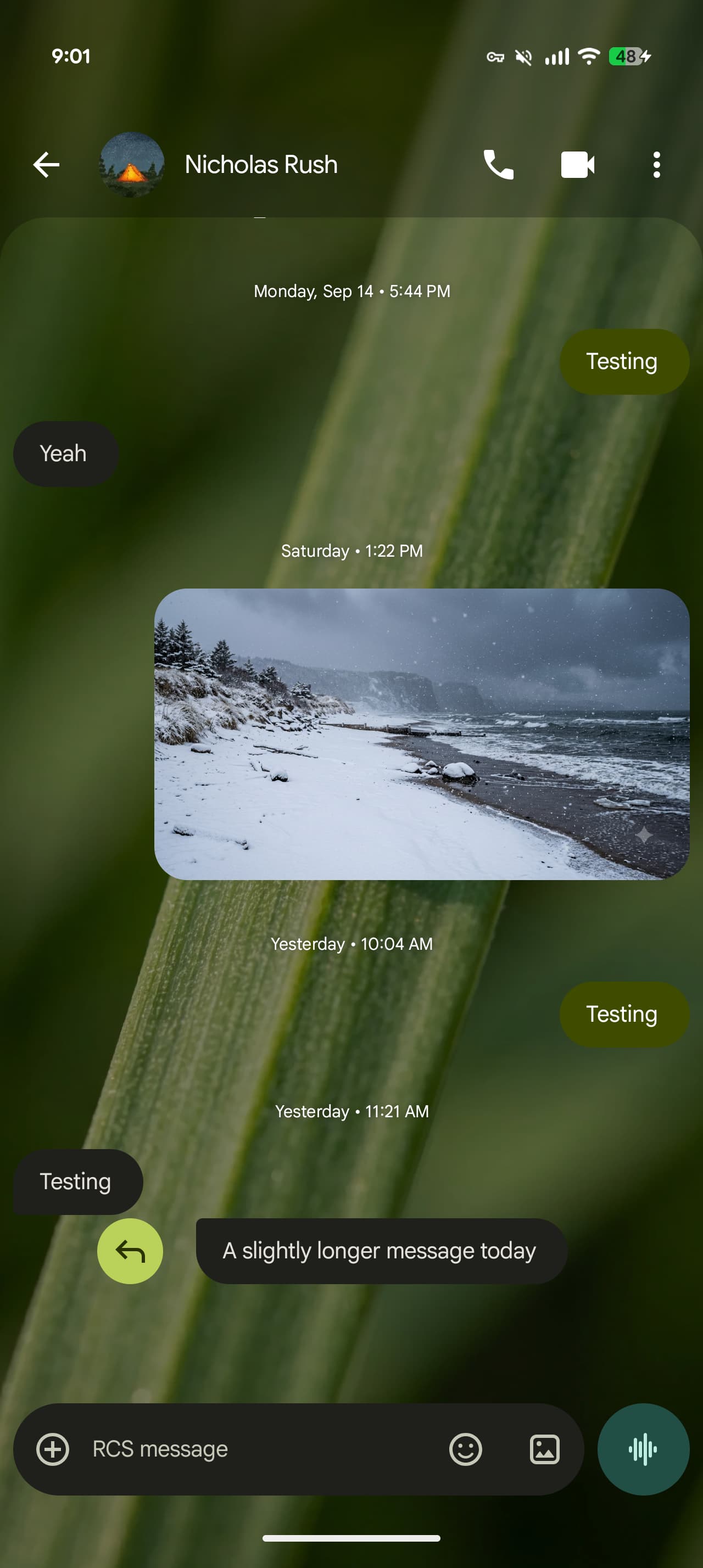
To reply to a message, you now have to swipe right on the bubble. Some amount of precision is required. You can still tap the message to see the read receipts.
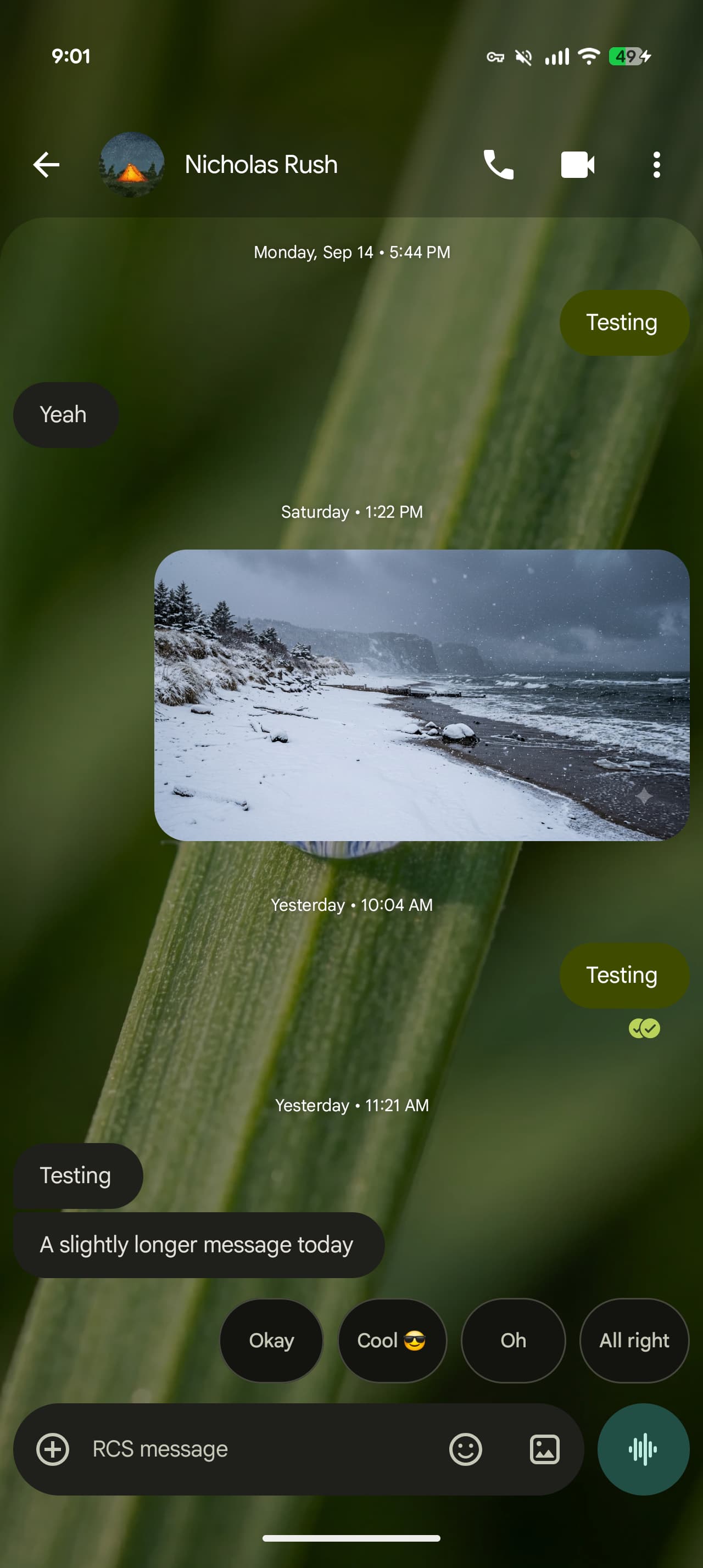
As of today, the most widely rolled out design appears to be the old two-circle look instead of the single version that has been in testing for ages. In fact, in a real show of inconsistency, the new design widely appears on an individual message’s Details page and might also show up on the homepage.
Google changing the swipe behavior is likely the biggest disruption today. When you tap on a message, Messages will briefly have the timestamps peek out as a hint about the new behavior.
We’re seeing this widely rolled out with version 20260910_03_RC02 of Google Messages.


FTC: We use income earning auto affiliate links. More.


Comments