
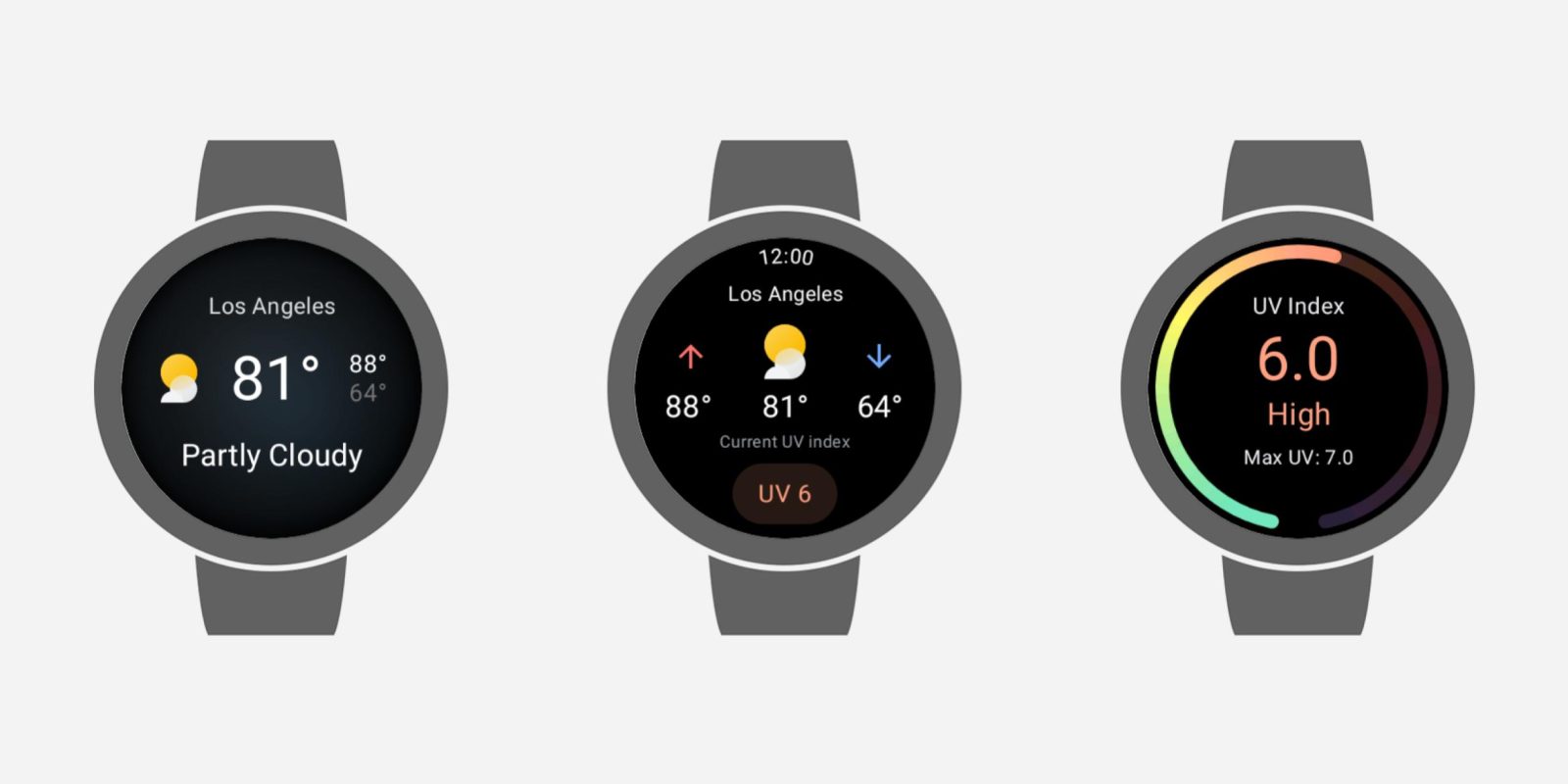
Back in September, Google stopped offering its Weather app for new Wear OS 6 devices. Google Weather has now stopped working on the original Pixel Watch and other devices due to a bug.
Update 12/15: As of Monday morning, Google has fixed this issue and the Weather app shows the temperature again. This is a server-side fix rather than an app update. If you’re not seeing forecasts yet, try restarting your watch.
Original 12/12: Opening Google Weather today results in a “Loading…” screen that then switches to “Can’t download weather data.” There’s a “Retry” button, but you’ll be stuck in a loop. This issue is also reflected on the Forecast, Sun, and UV Index Tiles: “Loading weather” and “Couldn’t retrieve your location.”


This is happening for all Google Weather users on every Wear OS device, including the original Pixel Watch and Samsung’s Galaxy Watch.
Officially, Google said in September that Weather will continue to work “if you had the app installed before you upgraded to Wear OS 6.” It’s just no longer available for new installs as Google wants you to use the default (OEM) weather app. (Pixel Weather is available on the Pixel Watch 2, 3, and 4.)
This is most likely a bug and not a deprecation. According to one customer support interaction, Google is aware of the problem:
Hopefully, this just requires a server-side update. Besides installing a third-party app (AccuWeather is a major name) from the Play Store, asking Gemini for the weather is a workaround that doesn’t require you to download anything.


FTC: We use income earning auto affiliate links. More.

Comments