
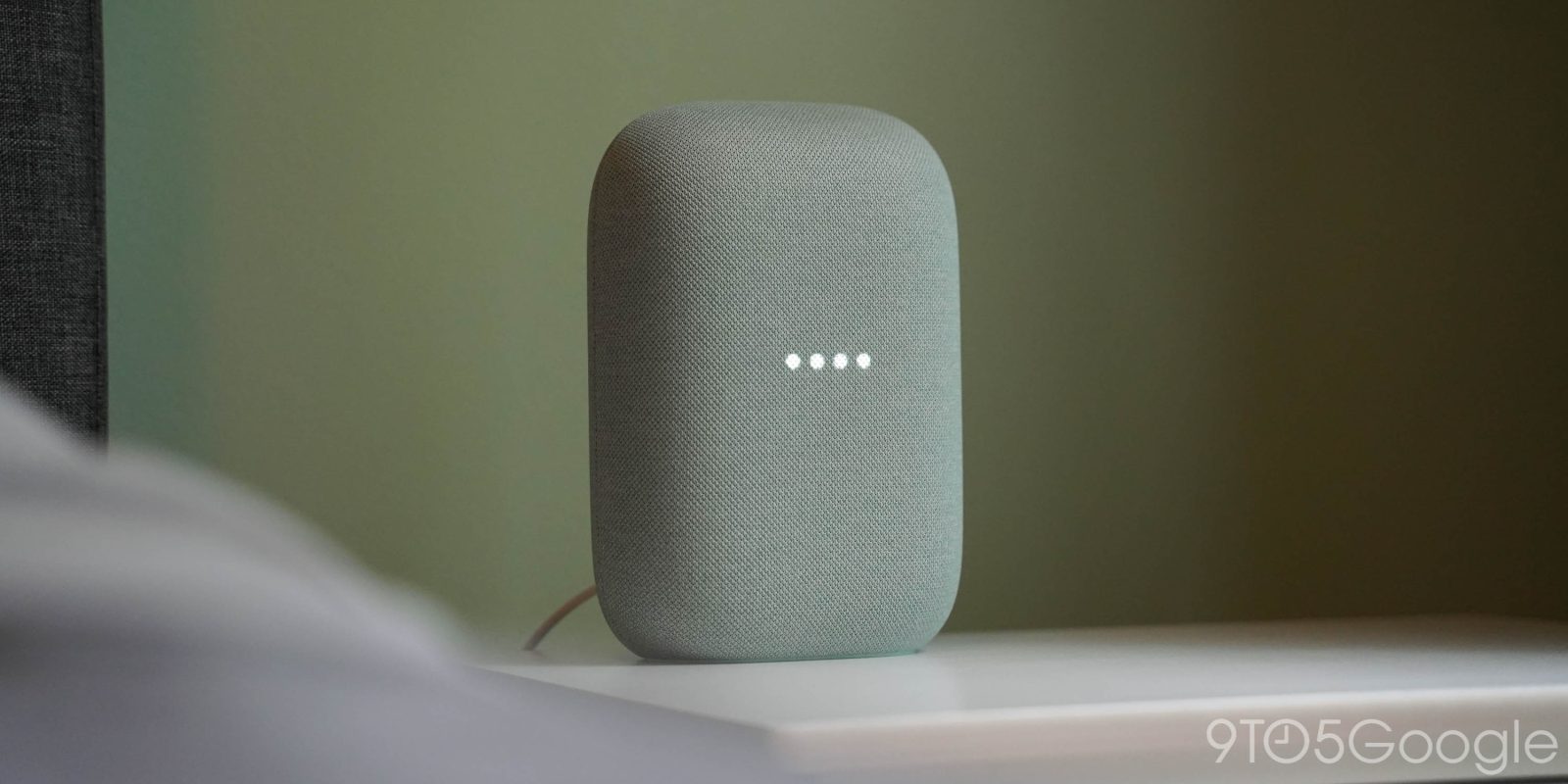
Over the last few weeks of staggered rollouts, some users have gained access to Gemini for Home, which adds Google’s AI assistant to existing Nest devices. The upgrade seems to be breaking some automations, though.
Google Assistant was never the true digital helper it needed to be. As limited as it was, the software embedded into Google’s Nest speakers worked well, even if in a rudimentary way. The automation function allows Google Home users to create custom ITTT scenarios, triggered by voice commands or other starters.
With the move to Gemini for Home, some – including us – are seeing broken automations set to trigger via voice commands. The upgrade seems to have broken some routines or nullified the keyphrase set to start them.
Users have noted that the Gemini for Home update seems to have put the last nail in the coffin for old automations. Those presets are easy to tell apart since they’re presented in the old UI prior to Gemini’s takeover, and they were already well on their way out. The post notes that duplicating the old automation seems to have fixed the issue.
That fix appears to work for automations that net the error, “that device does not exist” or something similar.
This issue doesn’t seem to be affecting everyone in Gemini for Home, which is good news for those looking to upgrade when invited.
In our case, the generic “Goodnight” automation no longer triggers with that key phrase after duplicating it. This was done with the intention of converting it to the new UI for usability, while deleting the original. Default routines can not be deleted, and the keyphrase “Good night” can not be changed or used by any other automation while the old routine exists. That leaves users with old, outdated routines in the Gemini for Home update – not unexpected while the move is still in early stages.
It took some time to understand that the new user-created bedtime routine wasn’t working because the difference in spelling from the keyphrase “goodnight” to “good night” meant Gemini would respond with kind words of sweet dreams rather than begin an automation to turn off all of my lights.
In this case, the easy fix for these default routines is to create automations with new, unique keyphrases until Google allows users to delete default routines or convert them in their entirety.
Gemini for Home is still very much a work in progress. Google has been sending small waves of invites for users who’ve signed up for early access, though there are still many users who haven’t received the Gemini for Home update.
More on Gemini:
- ‘Google News Audio Briefing’ rolling out with new Listen tab on Android
- Gemini app adds 3 Flash ‘Fast’ and ‘Thinking’ models, with 3 ‘Pro’
- Google announces Gemini 3 Flash with Pro-level performance, rolling out now


FTC: We use income earning auto affiliate links. More.





Comments