
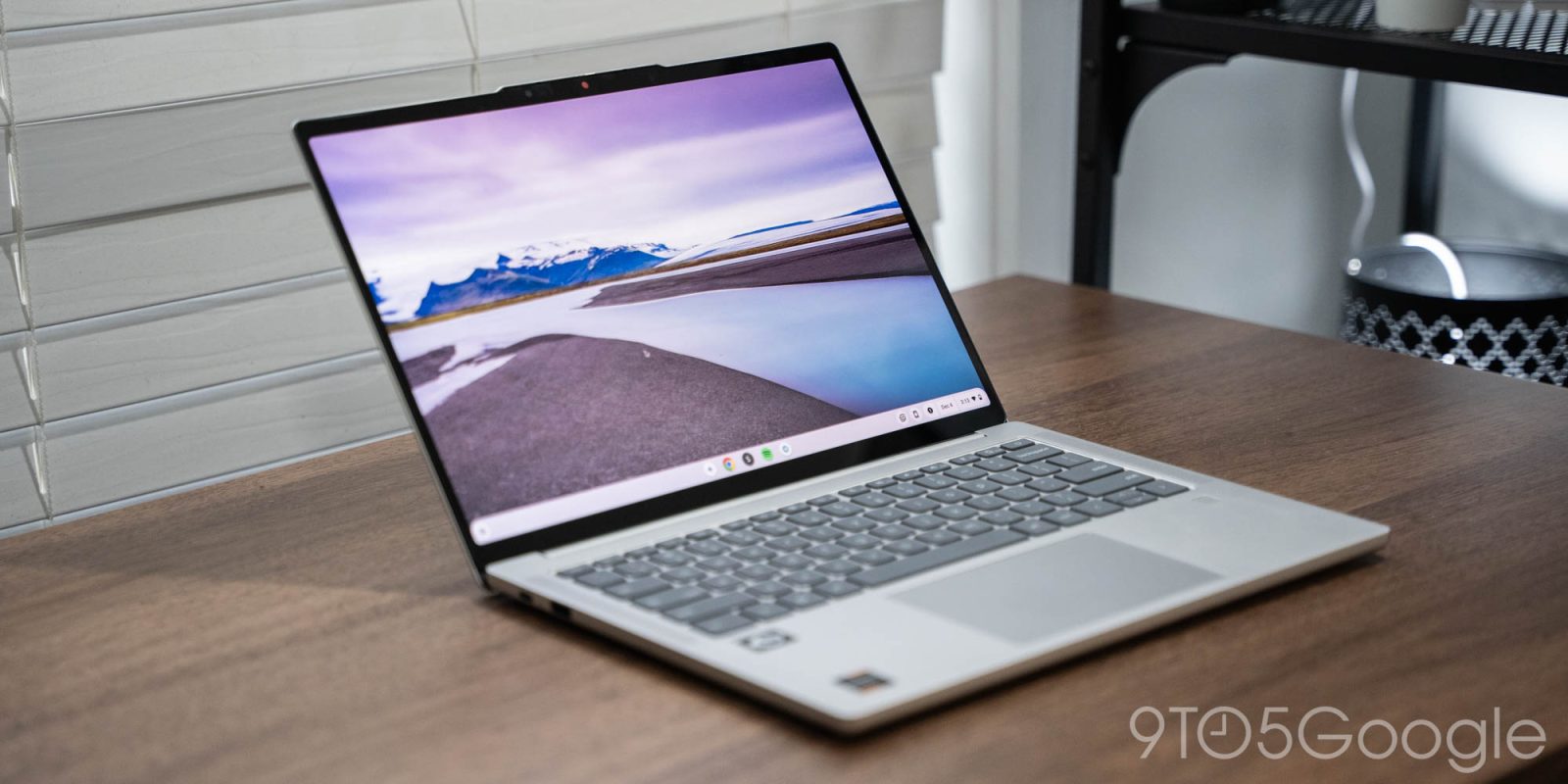
Chromebooks are in a sorry state, but it highlights a wider problem. Just what is happening with the desktop platform, and what is the future of Chrome OS?
Table of contents
Laurels fully rested upon
Chrome OS has been around for a long, long time, with the Pixelbook first showing us what a premium experience using just a browser could be. In the years that have followed, we’ve seen various Chromebooks putting Chrome OS at the heart of education and plenty of other retail spaces in favor of the “traditional” Windows laptops and, in some rare cases, MacBooks.
Efforts to break into the “premium” segment have been tough, as high-end hardware can’t be fully utilized on a browser-based operating system.
Gaming Chromebooks have also been a bust. While the now-defunct Stadia was used as a selling point, cloud-gaming has diminished or been reduced to just a few expensive players – namely, Nvidia’s GeForce Now. Google’s inability to capitalize on this when Stadia was arguably the best way to play cloud games is another component in the disappointing gaming Chromebook uptake.
Much of the Chromebook market is propped up by cheap, accessible, but ultimately woefully underpowered machines that leave a sour taste in the mouths of those who use them or are forced to use them day-to-day. It’s much easier to convince someone to buy a $500+ Windows machine that will run all of your work-related software than to be limited to workaround browser-based software packages.
At no point have we seen any of the “big” software players look to jump over and support Chrome OS. Glaring omissions like the Adobe Suite or even certain Microsoft packages make it truly hard for lots of people to even consider a Chromebook over other platforms.
A confusing new tier
Google added Chromebook Plus as a new tier fairly recently, but it creates a division within Chrome OS that only adds more confusion. Chromebook Plus laptops offer higher internal specifications and enhanced features. Most of these are AI-related and decoupled from using Gemini in your browser.
Having a two-tier OS approach isn’t a great look.
What’s more, updates have slowed in recent times. Chrome OS isn’t “feature complete” in any sense and still lags behind the competition in key areas. There have been small pockets of updates, but nothing groundbreaking in a few years now.
Chrome OS Flex was sold as a way to turn old hardware into a slick, smooth, web-browsing machine. It works exceptionally well, but has a big problem, as in the past few years, Linux has started to become an even more viable option for many.
Like Chrome OS, Linux also suffers from similar software-based limitations, but thanks to Valve and Steam OS, many are realizing that you can replace Windows with an alternative without giving up quite as many key components of the personal computer paradigm.
Linux is great for gaming, which is important now that Steam support for Chrome OS is going away. Games run natively without crushing performance. Creative applications, such as DaVinci Resolve for professional-grade video editing and GIMP for photo editing, exist. There are thousands of free, open-source applications to take advantage of, with various distros tailoring your experience to what you want or need.
More importantly, you can still use Chrome (or Chromium) if you want. Linux arguably works better with lower-end hardware than Chrome OS, which is very important on older laptops and PCs. There’s also the bonus of no AI if you would prefer to ditch Gemini – or Copilot on Windows.
Yes, Chrome OS offers Linux compatibility, but using Linux as the base rather than relying on Crostini and a Linux container is exponentially better for system performance.
The education play has been fruitful, but for how much longer?

The biggest success story for Chrome OS and Chromebooks is within the education sector.
During the height of the COVID-19 pandemic, millions of devices were distributed as a way for teaching to continue in a remote-learning world. IT departments loved the low-cost per device. Updates and security are two key concerns for distributed devices, but Chrome OS made that simple.
The deep integration with Google Classroom and the Workspace platforms is just the icing on the cake. It’s easy to see why these devices have been the backbone of many educational institutions.
Cracks start to appear in higher education institutions where specific learning software is required. While the repairability and e-waste issues are another reason that many IT departments complain about Chromebooks. Google’s support window is now fairly lengthy at around 10 years, but there are still problems with older devices “expiring” and essentially being useless as they cannot be deployed safely to students.
Even the Chromebook or Chrome OS Flex program isn’t always perfect in that scenario, despite being a way to get “unlimited” future updates. It’s great for what it is, but because you could be working with various hardware setups, certain limitations stop it from being a catch-all solution. Flex requires a 64-bit processor, at least 4GB RAM, and 16GB storage.
You lose out on some things, like Android app support, and there are numerous incompatibility issues with Nvidia GPUs, Wi-Fi, and Bluetooth hardware, among others. While it’s great at prolonging hardware lifespans, it might not be suitable for those low-cost, low-end machines preferred by educational institutions. Doing this still requires a further purchase for Chromebook Flex devices to be added to an educational institution’s Google Admin setup, which negates some of the cost savings.
Apple enters the chat
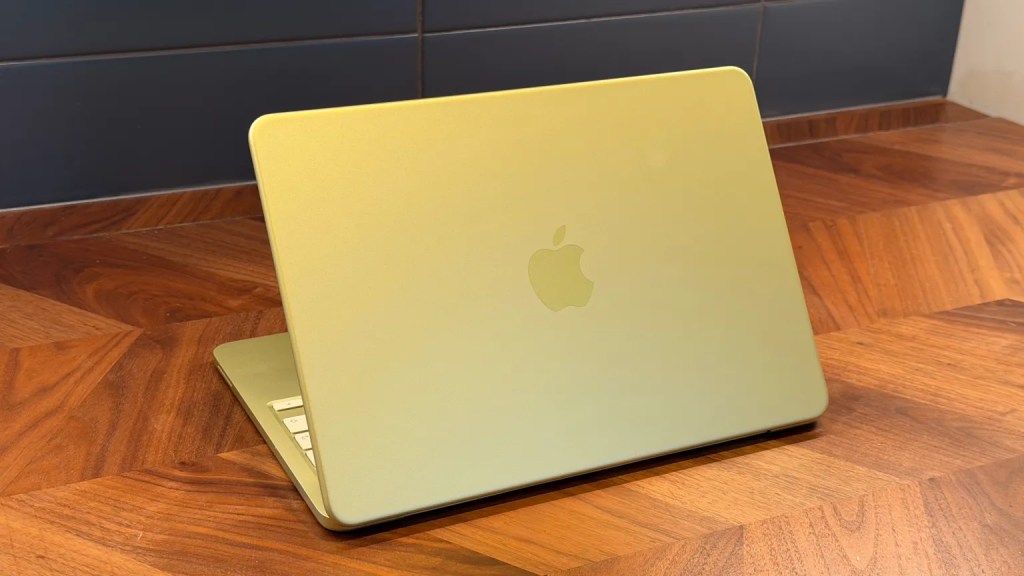
Google had or “has” a stranglehold on the educational space, but one wonders how much longer that could be the case with Apple dropping the MacBook Neo just recently.
Yes, the pricing is almost triple that of many entry-level Chromebooks. With educational discounts and other benefits, some education boards may opt to go down this route, while students will be enticed by the cheapest MacBook to date at under $500, with said discount available.
More competent and capable than any Chromebook, the extra cost opens up more software and usability options.
With so many young people using Apple products and services already, there is bound to be a “lock-in” that Chrome OS cannot compete with as readily. It doesn’t hurt that Mac OS on the Neo is identical to every version in Apple’s computing lineup. No such discrepancy between Chromebook and Chromebook Plus there.
We won’t know for a while if Apple can tackle the Chromebook monopoly in the education sector, but if anyone can, it’s likely Apple that can succeed where Microsoft has slipped in recent years.
For now, Google has a stranglehold in schools.
The future of Chrome OS is Android
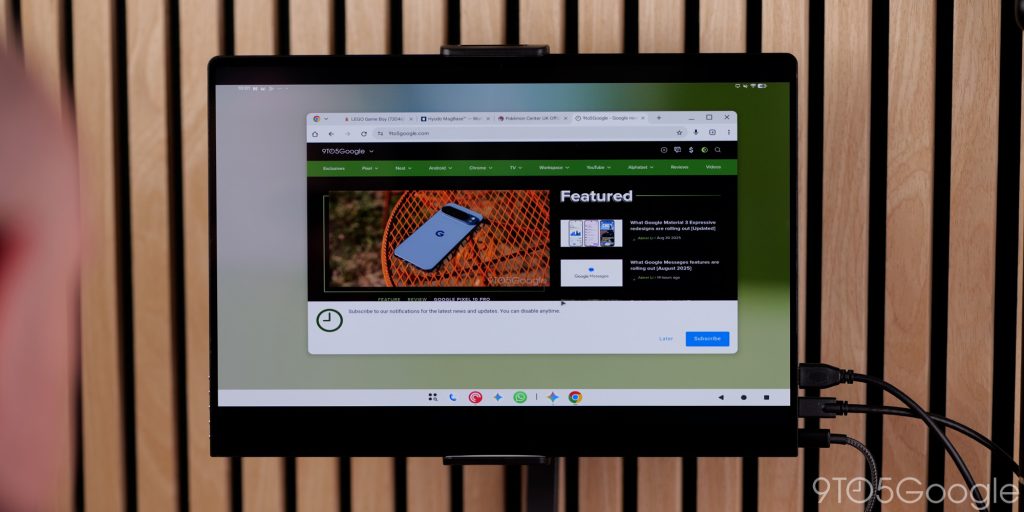
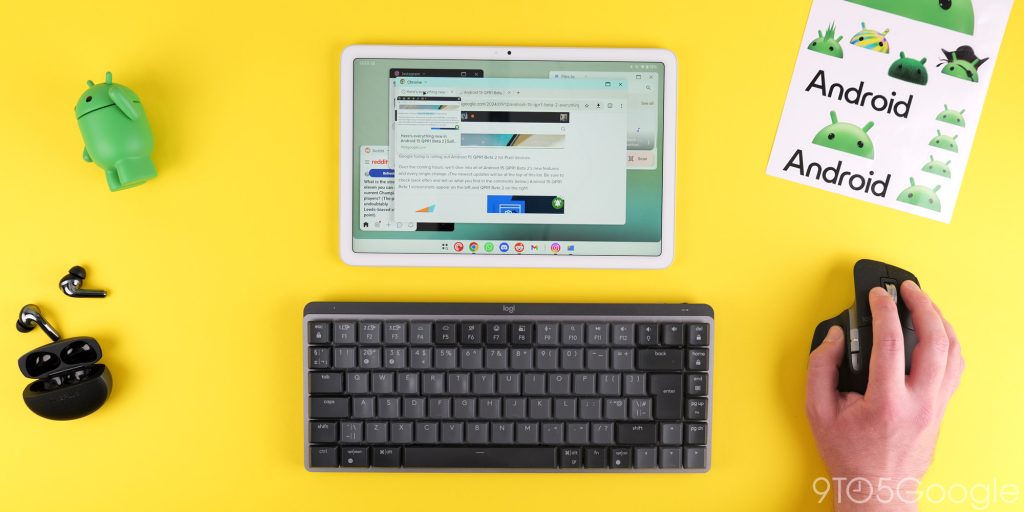
One of the few upsides to the diminishing role of Chrome OS is how much better the Android desktop experience is going to get over the next few years. Desktop mode is now available to Pixel owners, as long as you have a Pixel 8 or newer.
Plugging into an external monitor and connecting extra peripherals nets a modest, but vastly improved experience than was available previously. However, it lacks some of the inherent benefits of Chrome OS.
There are no full-featured and extension-capable browsing options. File management needs to be improved drastically; the cursor experience and somewhat watered-down homescreen are something that needs immediate attention.
Memory management and window management are still far behind the competition. Android limitations mean that we’re also still going to be using what are technically scaled phone applications in a desktop environment. That brings about its own problems and raises lots of questions.
In all likelihood, Android is not ready for many sectors as a Chrome OS replacement. Firstly, how will existing Chromebooks be updated to work on an Android platform? Will we lose certain functions, or will Chrome OS functionality be added to the siloed desktop experience?
What will happen to the update schedules of existing hardware? Will this continue for existing users? It’s unclear how Google plans to tackle these issues with Android on the laptop form factor.
There are potential benefits, but the immediate pitfalls are very pronounced. Android doesn’t quite feel ready for many sectors, while Chrome OS feels like it’s being left to dwindle or diminish. Just how quickly things develop is ultimately up to Google, but we’re sure teething problems will emerge regardless of how the transition is handled.
Alternatively, the slow death of the Chromebook might be overexaggurated and it clings to life for a few more years to come. Again, the ball is in Google’s court. Let’s just hope a decision gets made in good time – as there are millions of people wondering just what the future holds for their favorite desktop OS.
We just need some communication as soon as possible.


FTC: We use income earning auto affiliate links. More.



Comments