
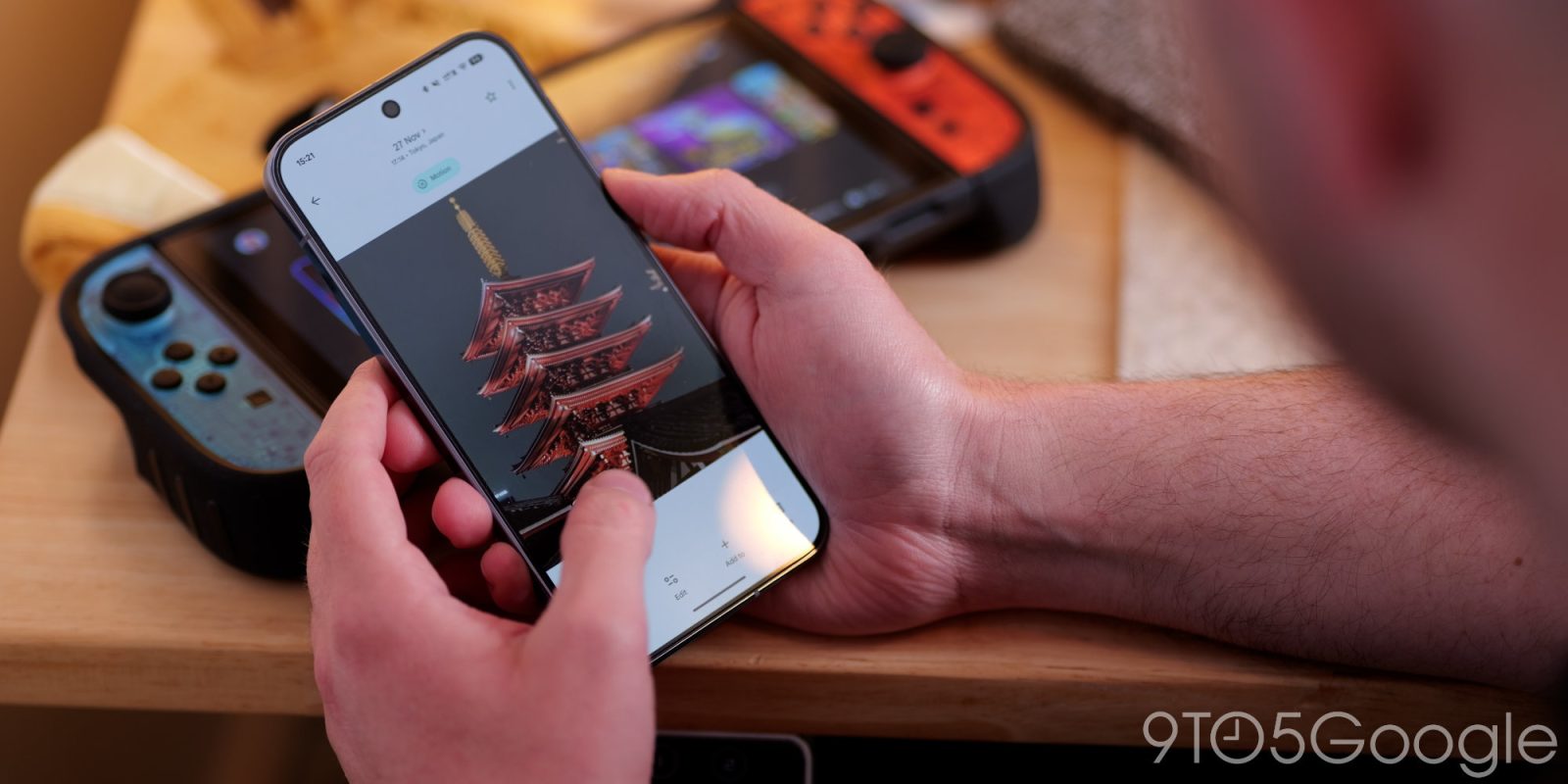
Google Photos has become much more than a way to manage and backup your photos and videos, especially in the age of AI. Not everyone needs — or, more accurately, wants — to trigger these functions on a regular basis, though, and a new update to the app is helping to eliminate those annoying, unwanted pop-ups.
Google is removing some of the shortcuts you might’ve been using to access specific editing tools in Photos on Android, all in the name of “reducing accidental triggers.” These include circling, tapping, and scribbling directly on the photo in the editing view, which activated functions like Move, Erase, and Reimagine. As you might expect, not everyone looking to perform quick edits — say, rotating an image into its correct orientation, or quickly cropping the shot you just took — wants to load into Google’s Reimagine tools, or erase objects in the background of an image.
By limiting these functions to their specific actions, it should lead to fewer interruptions for those looking for simpler actions, while still making it easy for power Photos users to access these options from the Tools menu. Google also says this should “optimize memory performance on Android devices,” and while I can’t imagine these shortcuts were using a massive amount of background resources, considering the RAM crunch we’ve all found ourselves in over the past few months, I won’t say no to some streamlining of apps in their default state.
More on Google Photos:
- The last remaining subscription for unlimited Google Photos storage is dead [U]
- Google Photos adding toggle to quickly swap between Ask Photos and classic search
- Google Photos for Android rolls out sticker creation


FTC: We use income earning auto affiliate links. More.



Comments