
Like last year, Google is making most of its Android announcements a week before I/O 2026. At The Android Show, we got four sets of announcements.
Gemini Intelligence
Gemini Intelligence is how Google will refer to its best AI features on “advanced” Android devices, including phones, watches, cars, glasses, and laptops.
It integrates premium hardware and innovative software to help you stay a step ahead by working proactively to get things done throughout your day — all while keeping your data private, and keeping you in control.
The first wave of features is coming to the “latest” Google Pixel and Samsung Galaxy this summer. There’s a consistent interface for Gemini Intelligence that builds on Material 3 Expressive.
Task automation will work in more apps and support screen/image context. For example: “Imagine you have a long grocery list on your notes app. Just long press the power button over the list and ask Gemini to build a shopping cart with all of the items for delivery.”
Chrome for Android is getting deeper Gemini integration that lets you ask questions and get things done with webpages as context. Auto browse from the desktop browser is also coming to mobile. This capability is coming in late June.
Autofill with Google is getting (opt-in) Gemini Personal Intelligence to support more types of forms in Chrome and other apps.
Gboard Rambler upgrades voice input with Gemini models that understand the core of what you want to type and filters out filler words, pauses, repetition, and self-corrections.
Android is getting generative UI, starting with the ability to create custom homescreen widgets and Wear OS Tiles that are populated by information from the web and your Google apps.
Googlebooks
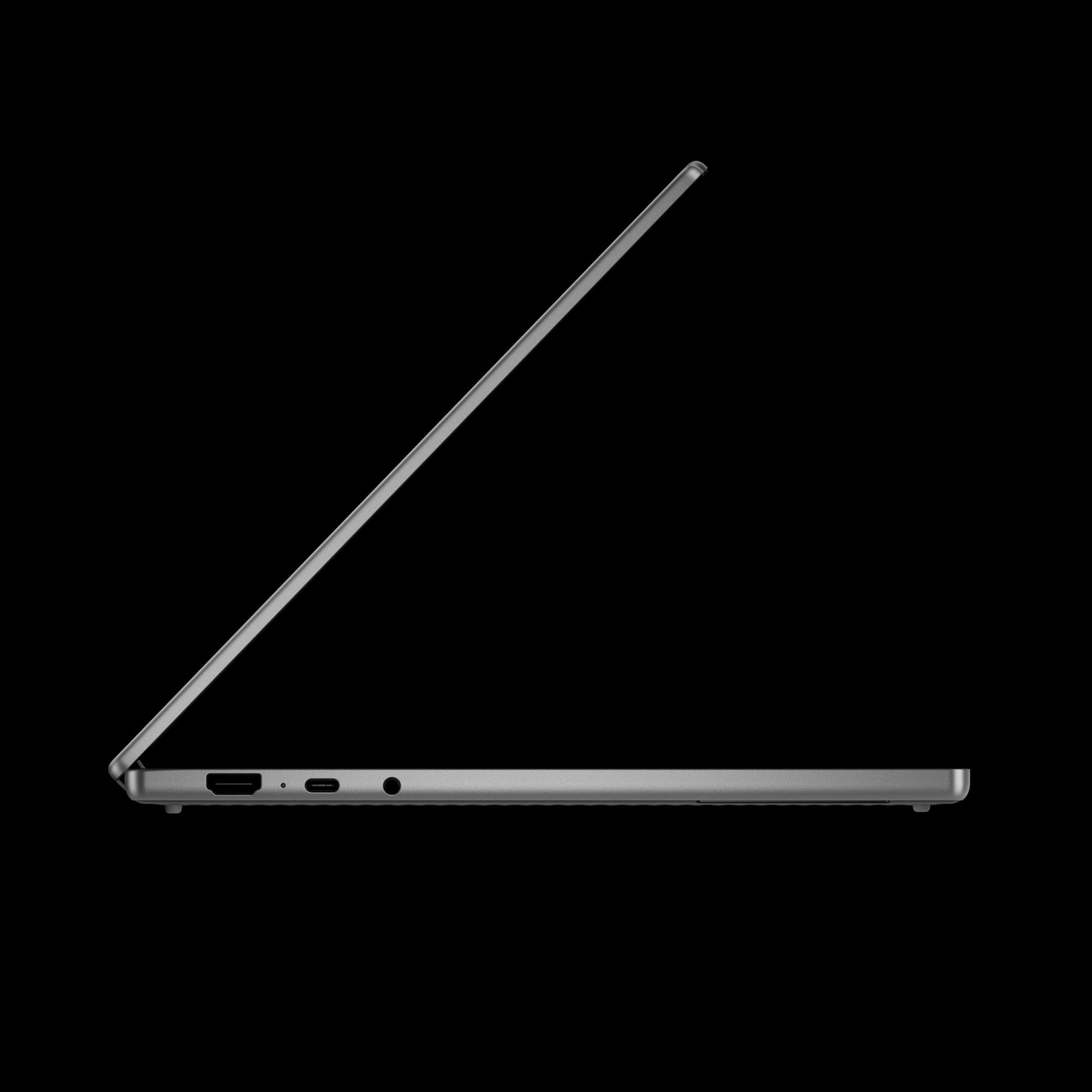
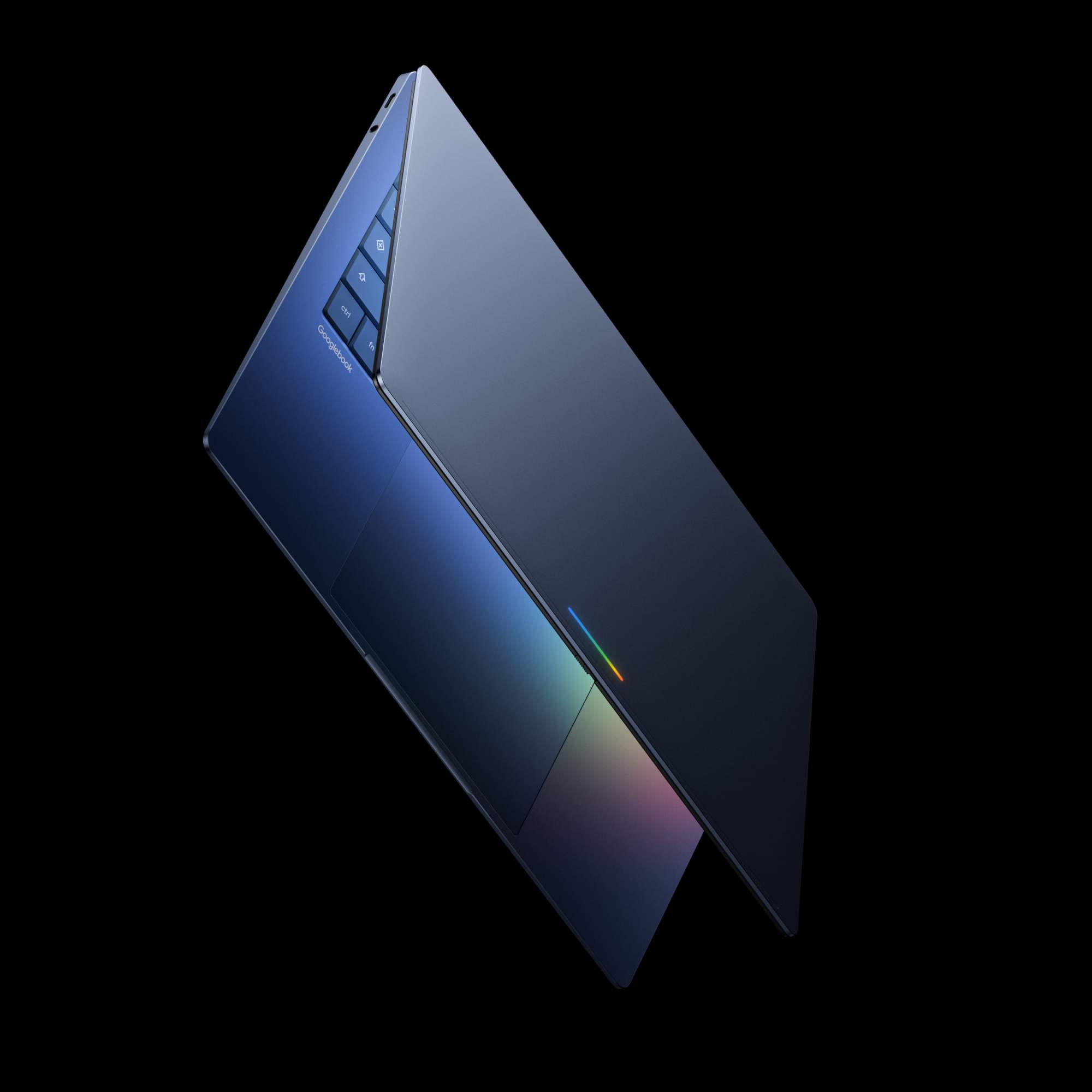
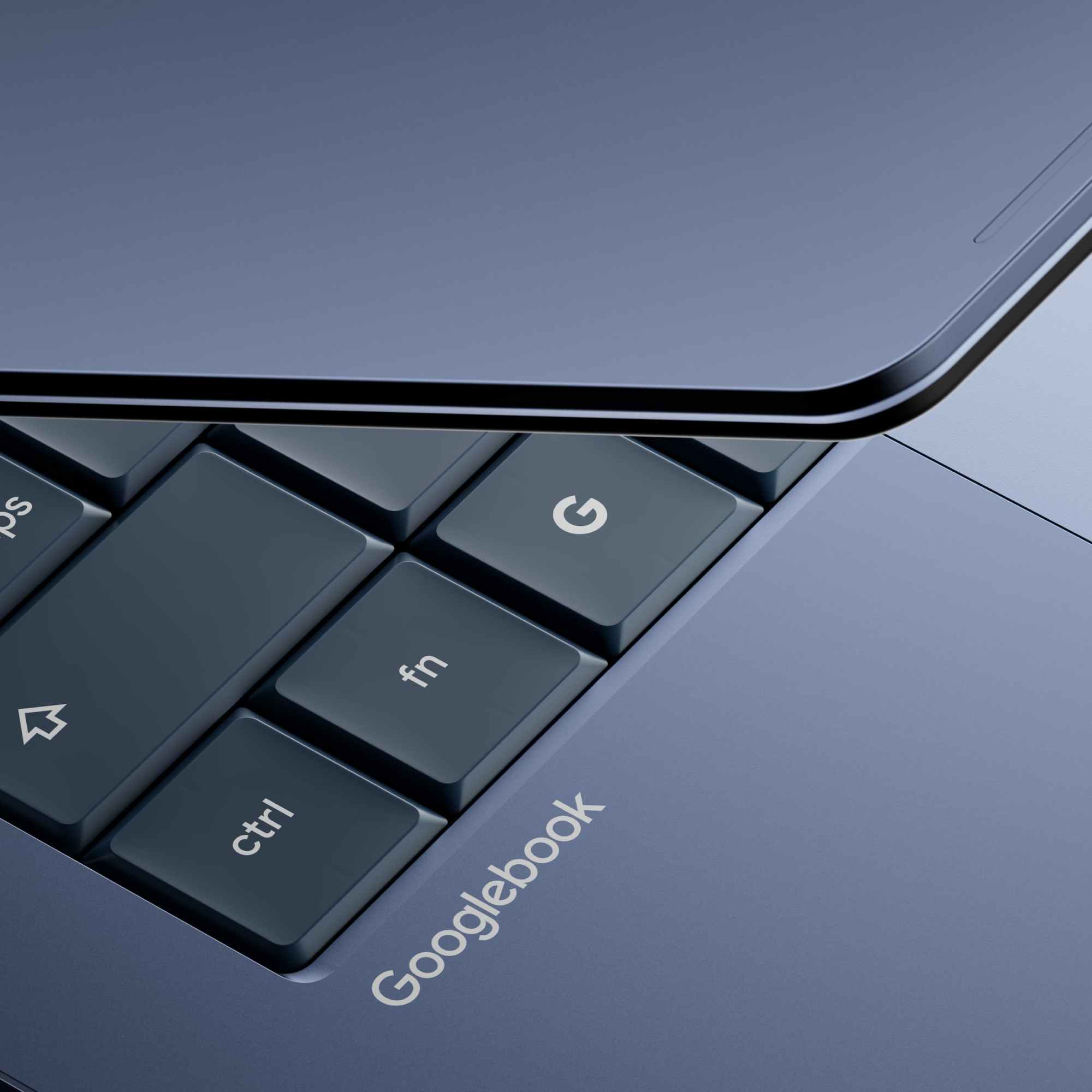
“Googlebook” is Google’s name for a new category of devices. Today we only get a preview of the effort, which aims to rethink laptops with Gemini Intelligence at the core. The first Googlebooks are coming this fall.
Google showed off AI-powered features like “Magic Pointer” that let you quickly ask Gemini and take action with what’s on your screen. Create Your Widget will also be available, with the ability to place these objects on the desktop.
Googlebooks have tight integration with Android phones, including Cast my apps to access any piece of mobile software on the bigger screen. There’s a Quick Access file browser capability that lets you see everything on your phone from the laptop.
The final tentpole Google shared today is that Acer, Asus, Dell, HP, and Lenovo are the first partners. Googlebooks will have a premium build and a “glowbar.”
Android 17
The upcoming version of Android introduces features aimed at creators:
Screen Reactions let you “record yourself and your screen at the same time.” Coming to Pixel this summer.
Instagram for Android is getting:
- Optimized tablet experience
- Ultra HDR capture and playback
- Built-in video stabilization
- Night sight integrations
- Optimized capture-to-upload pipeline so photos and videos remain sharp
Instagram’s Edits app is adding Smart enhance to upscale photos and videos with on-device AI. Sound separation will isolate audio tracks for wind, noise, and music.
The Adobe Premiere app is coming to Android this summer.
Meanwhile, Quick Share’s AirDrop compatibility is coming to Samsung, Oppo, OnePlus, Vivo, Xiaomi, and Honor this year. Until that happens, Quick Share can now “generate a QR code, which will let you instantly share with iOS devices via the cloud.” The final update here is Quick Share availability coming to WhatsApp and other apps.
Google is improving the iOS-to-Android transfer process. This lets you wirelessly migrate passwords, photos, messages, apps, contacts, homescreen layout, and eSIM. This is coming first to Galaxy and Pixel devices this summer.
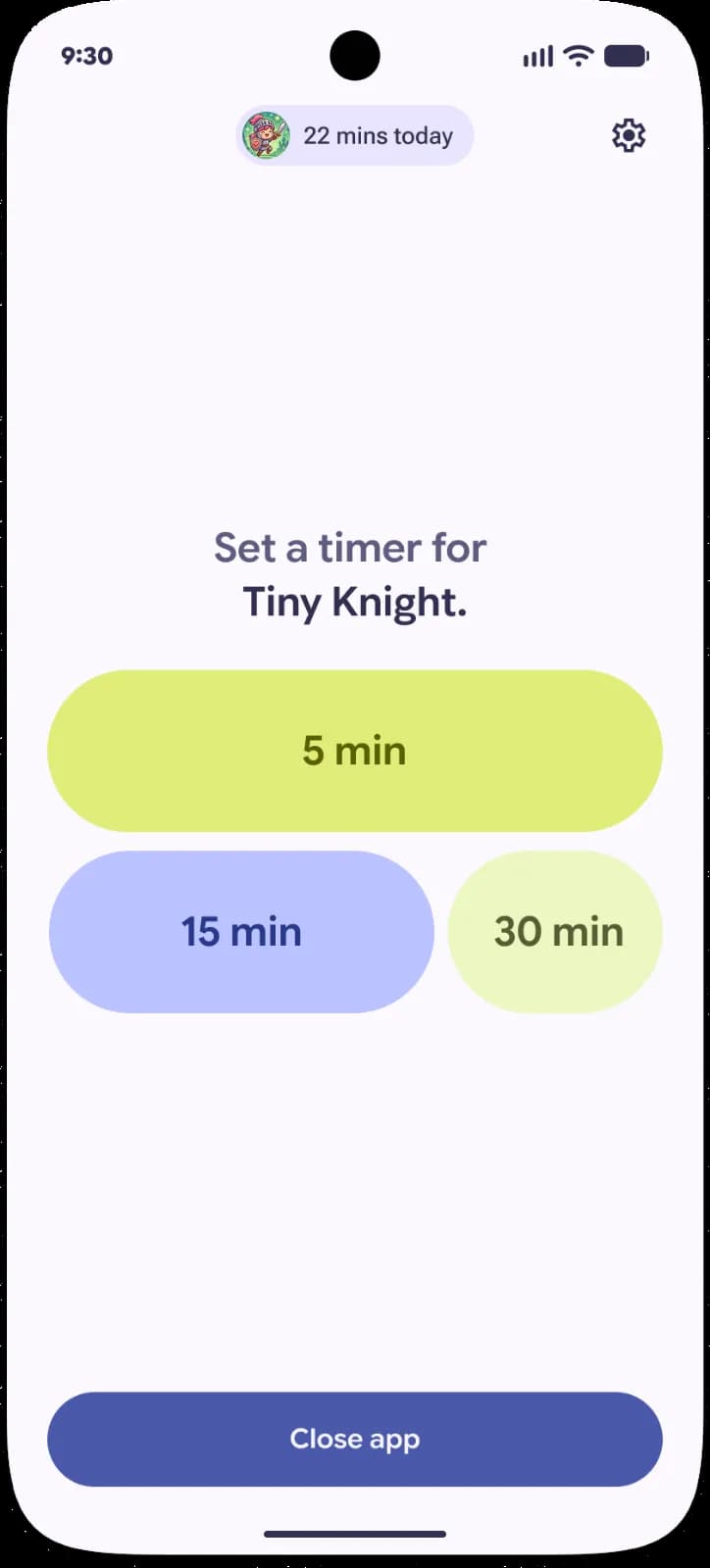
Digital Wellbeing is getting its first new feature in ages with Pause Point.
App timers can be easy to snooze, and total lockouts aren’t always practical. Sometimes you need something in the middle that encourages app use with clear intention.
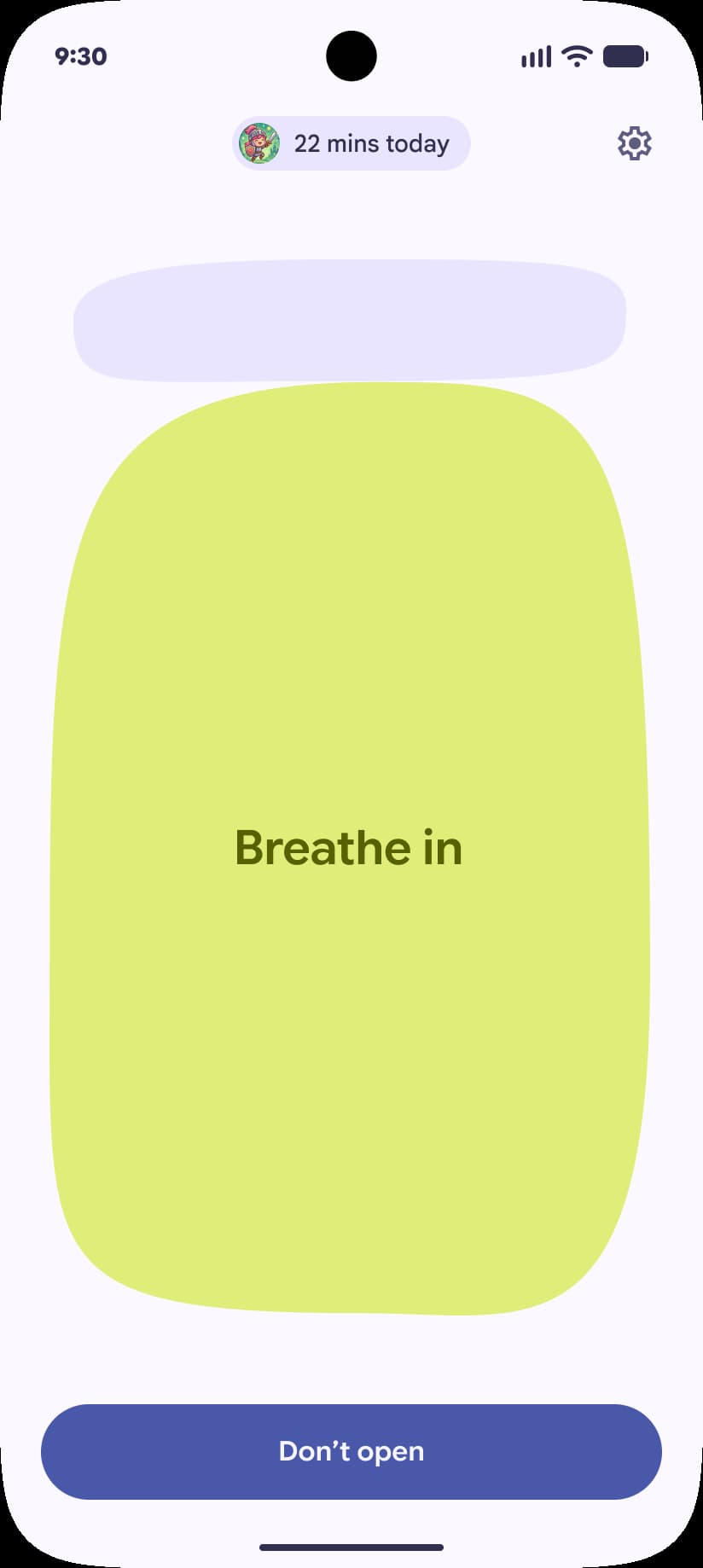
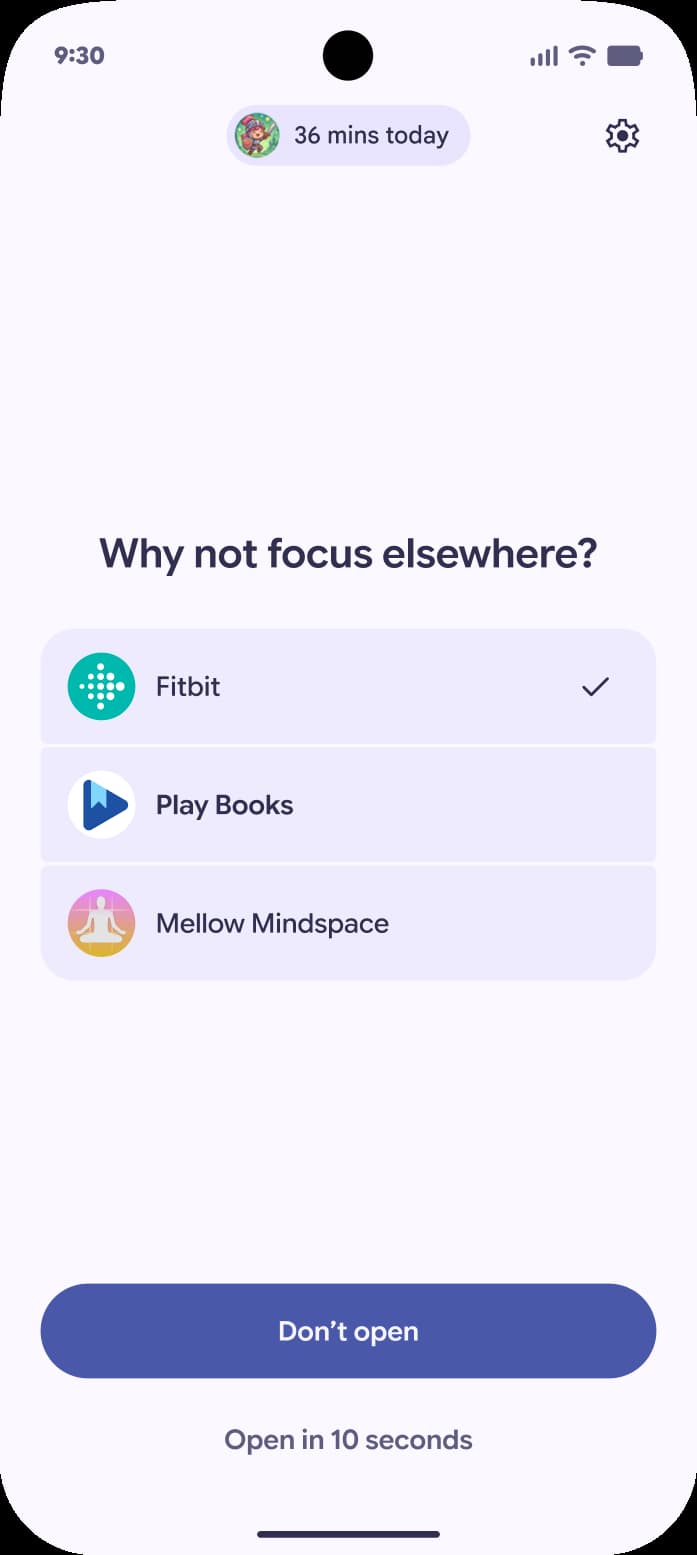
Google’s alternative is a 10-second breather that asks “Why am I here?” While you wait, there’s a breathing exercise and the ability to set a timer.
You can also look at some favorite photos or jump to alternative app suggestions, like an audiobook.
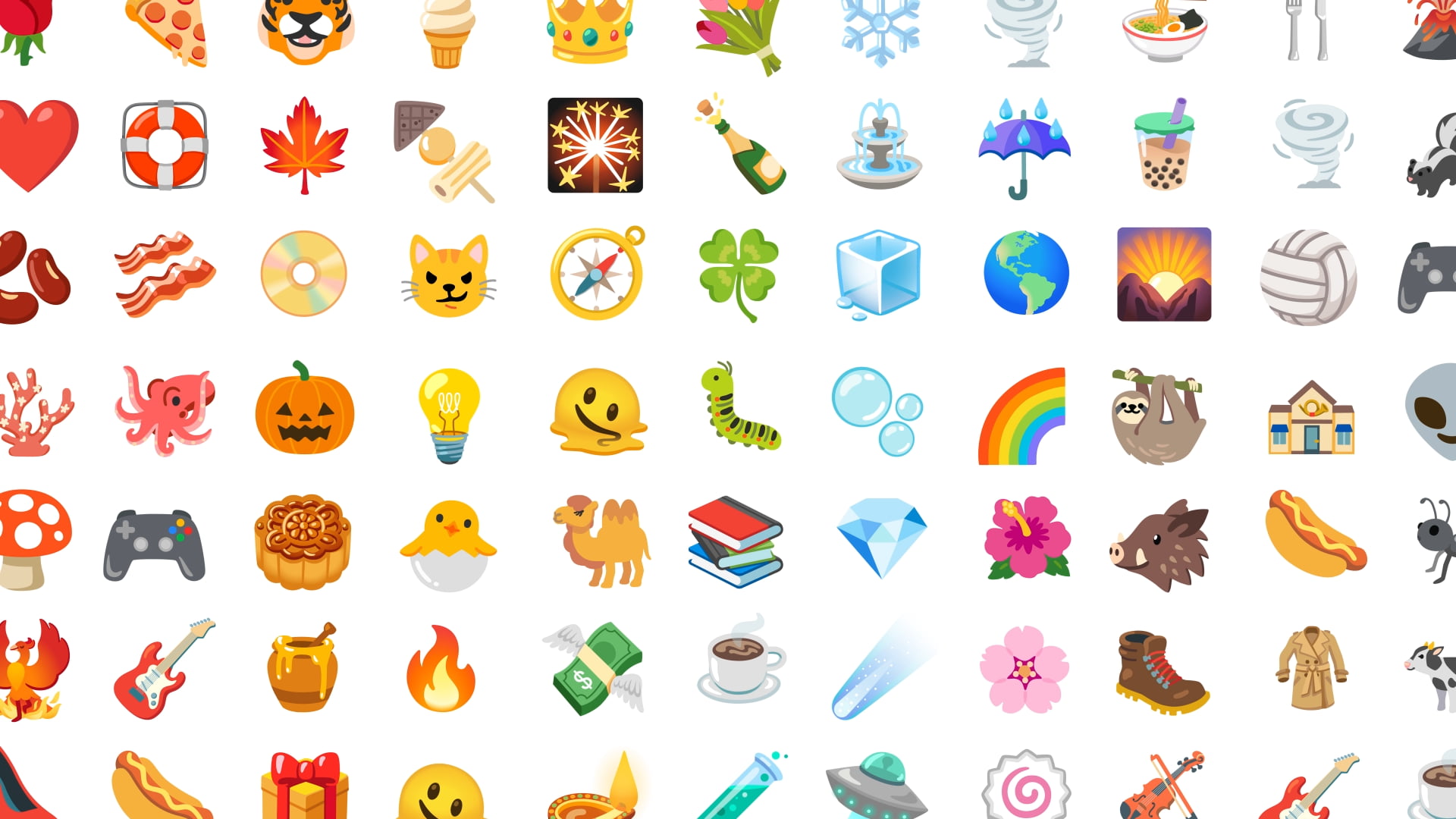
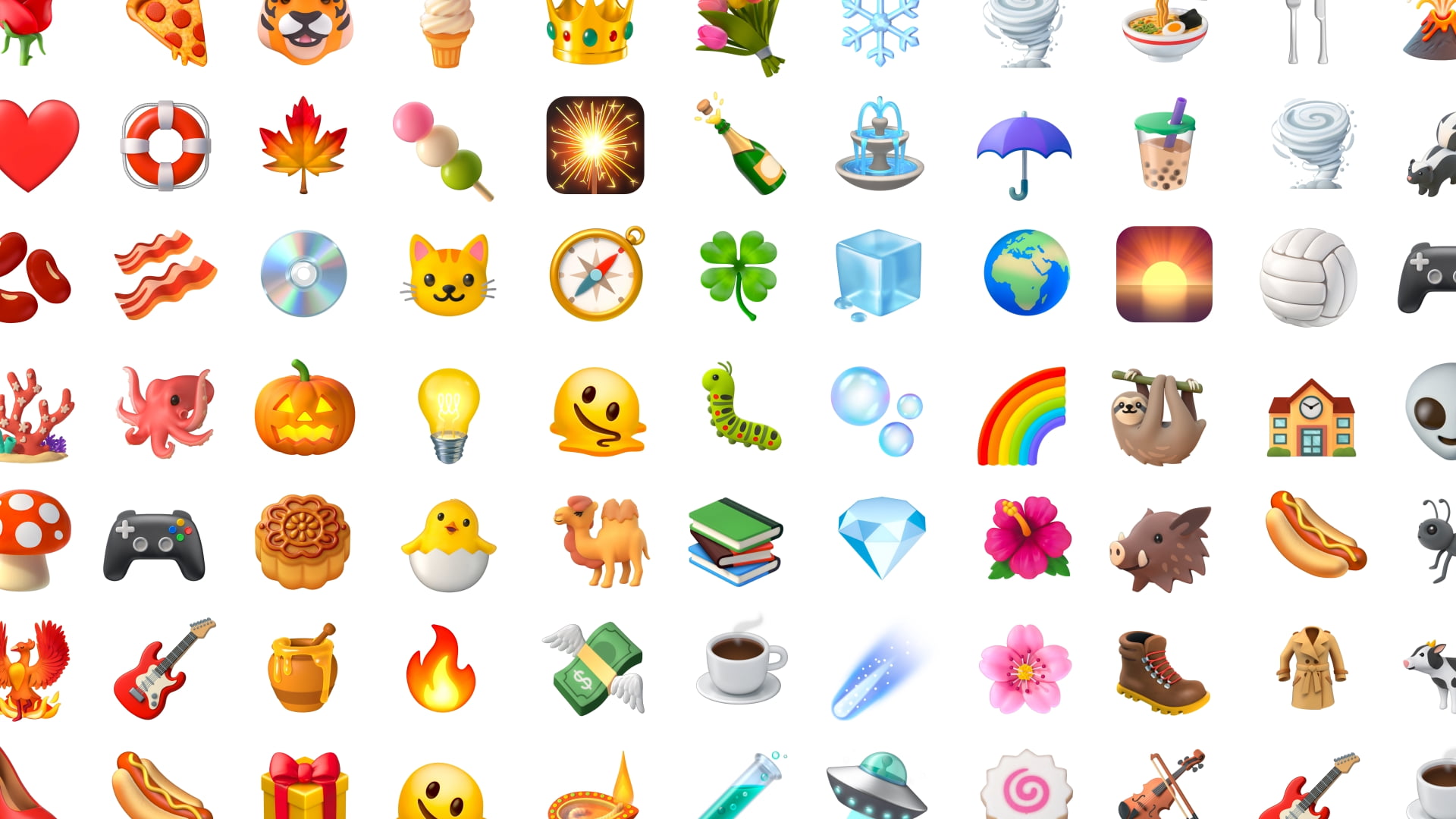
The final announcement is an emoji redesign called “Noto 3D.”
These 3D emoji bring a touch of physicality to these moments and help you overcome this digital divide. It’s the difference between a message received and a presence felt. Available across Google, starting with Pixel phones later this year.
Old vs. new
Android Auto
Android Auto is getting a Material 3 Expressive redesign. It starts with “expressive fonts, smooth animations, and wallpapers,” while there’s also support for widgets. The Google Maps Immersive Navigation redesign is a key part of this update with an edge-to-edge experience.
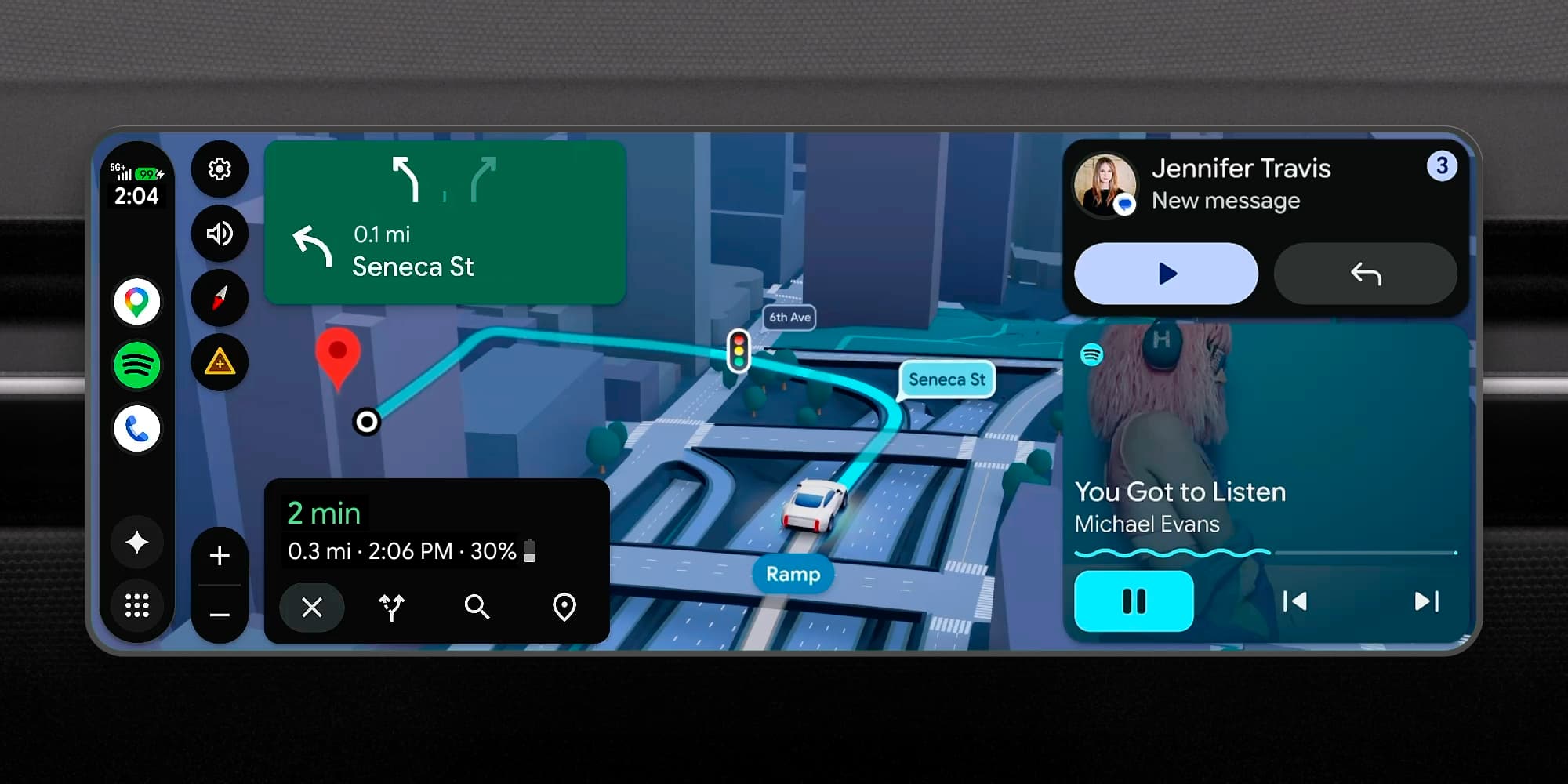
Supported cars from BMW, Ford, Genesis, Hyundai, Kia, Mahindra, Mercedes-Benz, Renault, Škoda, Tata, and Volvo are getting video in full HD at 60 FPS. Videos will now safely transition to audio-only mode in apps that have background support.
Vehicles from BMW, Genesis, Mahindra, Mercedes-Benz, Renault, Škoda, Tata, and Volvo are getting spatial sound with Dolby Atmos.
Top comment by Wayne Schulz
Are the Pixel AI features going to work as well as Magic Cue and Daily Hub? Or will I be buying a new Pixel only to find that the features either don't work or are "paused" ( Daily Hub )?
Finally on the media front, YouTube Music, Spotify, and other media apps are getting a visual navigation redesign.
Gemini Intelligence features on supported phones can be accessed via Android Auto “later this year.” Available features include Magic Cue replies and app automation, like for ordering food.
Cars with Google built-in (Android Automotive) are getting the features mentioned above.


FTC: We use income earning auto affiliate links. More.


Comments