
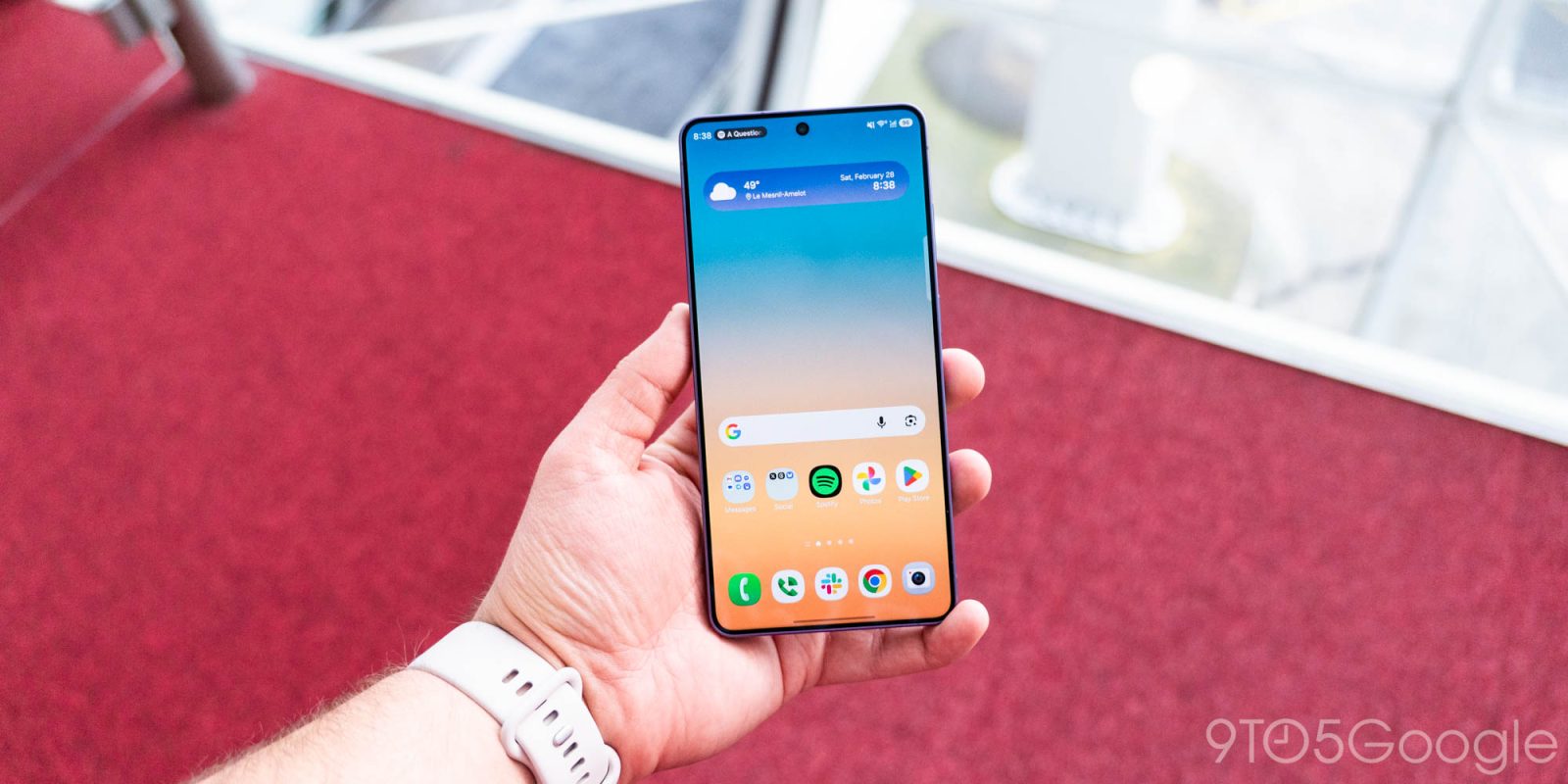
Samsung has a new feature for Galaxy phones that gives users the ability to easily block apps that are spamming your notifications with ads.
Highlighted by SammyGuru, Samsung has added an option to “Block apps with excessive ads.”
This isn’t an ad blocker, but rather a setting that can recognize and block apps from sending notifications if those apps are sending “frequent advertisement alerts.” Samsung explains:
Apps that send frequent advertisement alerts will be put in deep sleep to prevent them from bothering you. Apps in deep sleep can be viewed in Settings > Device care > Care report > Excessive alerts.
There are two blocking options, a “basic” setting where apps are blocked based on Samsung’s data “whenever they’re detected on your phone,” with an “intelligent” option “analyzing” notifications and blocking apps that the system determines are sending too many advertisements through notifications.
It’s unclear how Samsung plans to roll this feature out. It was highlighted following the latest Device Care update through the Galaxy Store, but some note that it has been on Galaxy S26 for the past few months. We’re not yet seeing this on our Galaxy Z Fold 7 running One UI 8.0. If it was available on Galaxy S26, it seems reasonable that more Galaxy devices will gain access via One UI 8.5 which is starting to roll out.
How effective this tool is also remains to be seen – will it block Samsung’s own notification ads?
More on Samsung:
- Samsung ‘Galaxy Ring 2’ likely launching ‘early’ 2027 with battery, hardware upgrades
- Galaxy S26 Ultra outsold its predecessor, but still dropped off of 2026’s first top 10 list
- Samsung leaked its ‘Wide Fold’ again, right alongside the Galaxy Z Fold 8 [Gallery]
Follow Ben: Twitter/X, Threads, Bluesky, and Instagram


FTC: We use income earning auto affiliate links. More.


Comments