
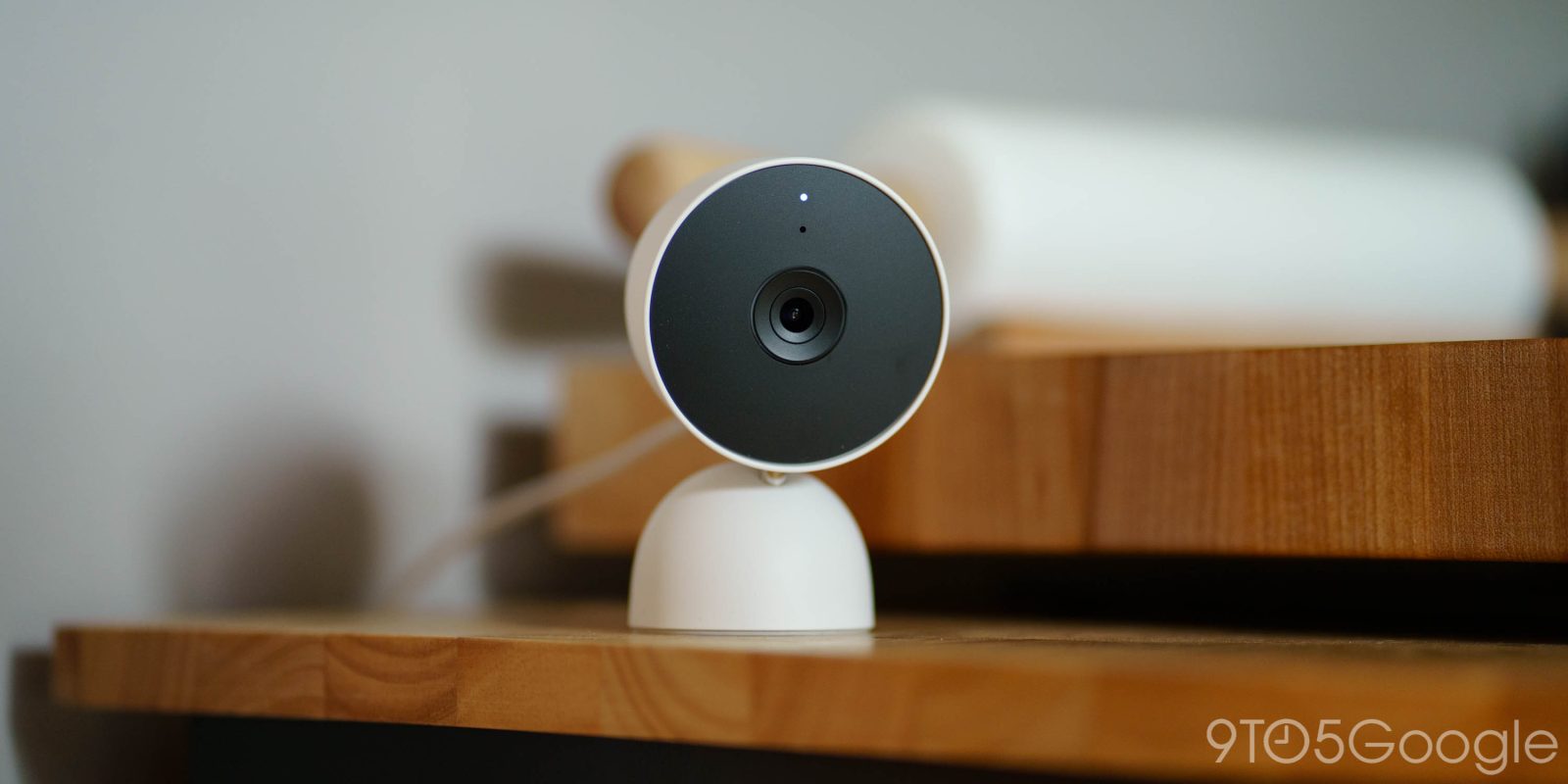
I’m a Nest Cam user every single day, and I mostly enjoy the product. But “Familar Faces” has been a sticking point for me as, frankly, it just doesn’t work very well. Finally, though, Google says it has a plan to fix “Familiar Faces” on Nest Cam, and I really hope it works.
Alongside a slew of other updates announced earlier this week, Google Home is rolling out a behind-the-scenes change to the Nest Cam’s Familiar Faces feature that will hopefully improve detection – emphasis on hopefully there, as Google has been trying to crack this one for years now.
The plan actually sounds promising, though.
Google says that it will start automatically updating the Familiar Faces library to save the “most recent and accurate examples” while also taking things such as clothing into account if a face isn’t visible in the shot.
We know identifying family members correctly matters. To improve detection, we are automatically updating your Familiar Face library to save the most recent and accurate examples, while also updating face recognition for Advanced plan users to use additional signals like clothing when a subject’s face is not visible. By focusing on the best examples and using these new signals, we reduce missed or incorrect identifications and make managing your library easy. Learn more about Familiar Face detection here.
Prior to this, Google would go through the whole library of identified faces, so it was easy for things to get out of hand. In theory, this change should focus in on the most recent results and, as Google claims, get better over time.
This is rolling out right now to Nest Cam owners with Google Home Premium in the Early Access program.
More on Google Home:
- Google Home gets another big update with app improvements, voice & camera upgrades
- Google has ended Nest Mini and Nest Audio production, discontinuing both speakers
- Google Home news briefing change sparks confusion and breaks routines
Follow Ben: Twitter/X, Threads, Bluesky, and Instagram


FTC: We use income earning auto affiliate links. More.




Comments