
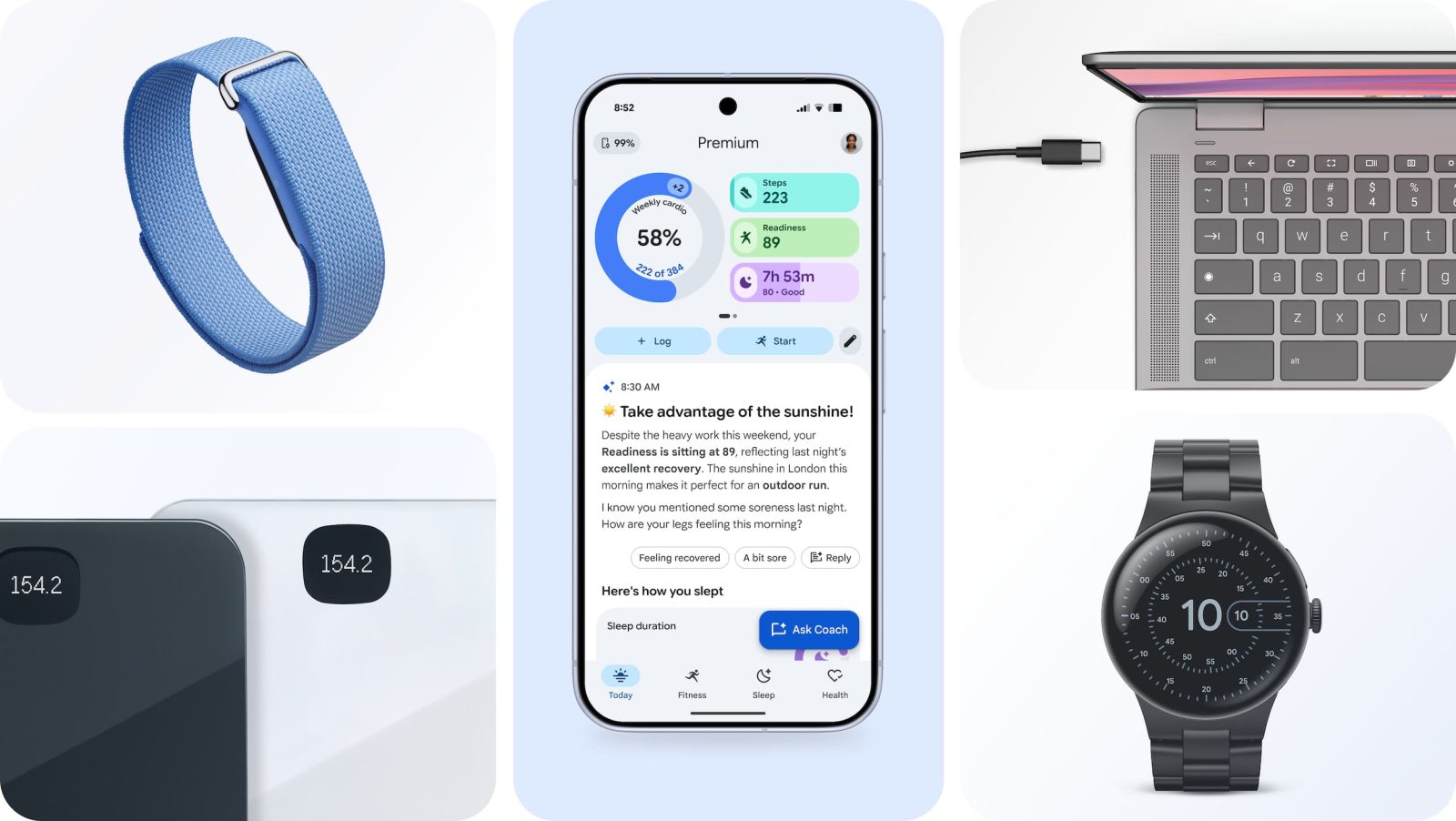
As previewed, Google Health now offers a command-line interface (CLI) that allows users to access their data and build tools like dashboards.
Leveraging the Google Health API and “designed with agent use in mind,” the CLI provides easier access to data from devices like the Fitbit Air and Pixel Watch. Specifically, there are over 40 health and wellness metrics like Activity, Sleep, Heart Rate, and Vo2Max.
Stats can be exported into “streamlined JSON, clean terminal tables, CSV files ready for a personal spreadsheet, or build a custom health dashboard.”
Whether you are running quick commands in a terminal or hooking it up to your favorite AI agents, the Google Health CLI makes the data you access work for you. It comes with two starter skills to streamline setup and authentication. Just prompt your agent to the README file to get started.
Google Health CLI can be used by both a “commercial application developer building an app for a broad audience or an individual health enthusiast diving into your own data in new ways.” Example use cases include:
- Monitor trends: Automate a daily sync of sleep, recovery and health metric trends, helping you optimize training readiness or track how minor routine changes impact specific health symptoms.
- Integrate into your day to day: High Readiness today? Connect to your calendar to automatically block out a workout or a mindfulness break if your day is packed with back-to-back meetings.
- Build custom alerts: Create automated workflows that correlate nutrition logs with blood glucose, or set up subtle recovery alerts when vitals deviate from a personal baseline.
To get started:
- Install the Tool: Download the CLI directly from our official open-source GitHub repo
- Run the Guide: Initialize the setup with a single command: ghealth setup –instructions
- Connect Your Data: Follow the interactive prompts to securely create and connect a project on Google Cloud Console and download your secure credentials


FTC: We use income earning auto affiliate links. More.



Comments