
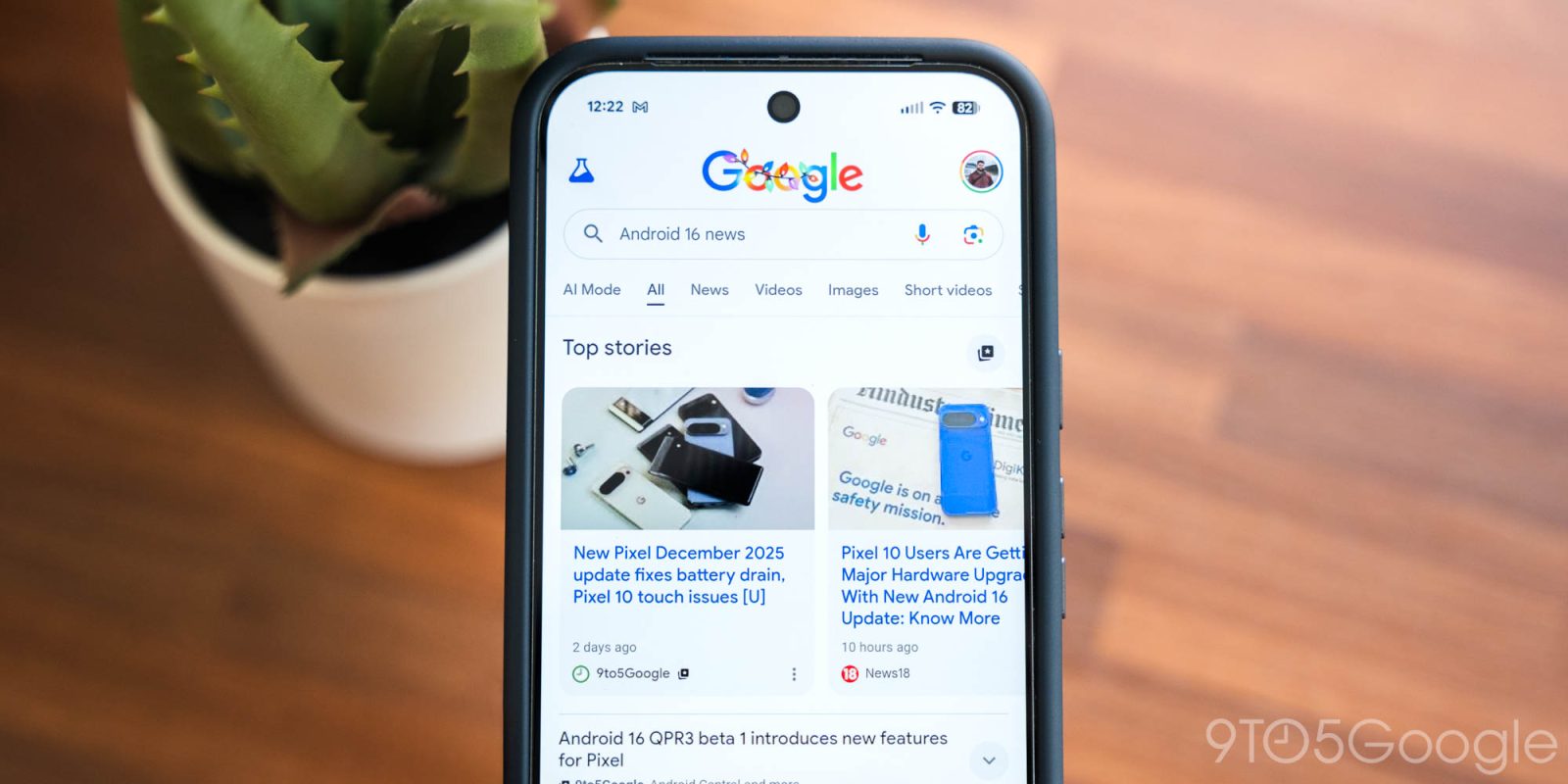
Instead of relying on algorithms to recommend news stories, Google Search lets you set “preferred sources” so the stories you see come from the news outlets you actually like.
Google Search displays top news stories to every user a little differently, based on backend processing that determines sources “selected algorithmically.” It may not be AI in the current sense, necessarily, but it isn’t the pinnacle of tailored news, either.
Automatic suggestions in the Top Stories section work for some, but oftentimes it’s preferable to set custom sources. Hence, each hit story comes from favorite websites, and that can vary from user to user. Setting up preferred sources in Google Search is straightforward, and doing so will result in the Top Stories section looking a little different, but ideally more appealing.
There are two methods for selecting sources. First, users can navigate to their settings and locate the search personalization page. Alternatively, sources can be selected on the fly whenever the carousel appears.
Via settings:
- From Google Search on web or mobile, click/tap your profile photo.
- Select Search Personalization.
- Click/tap Source Preferences.
- Enter your favorite sources by URL.
- Example: Enter 9to5google.com and check the box that appears next to it.
Via top stories card:
When searching for a popular topic, the Top Stories carousel may appear. If it does:
- Tap the icon in the top right.
- Enter your favorite sources by URL.
- Example: Enter 9to5google.com and check the box that appears next to it.

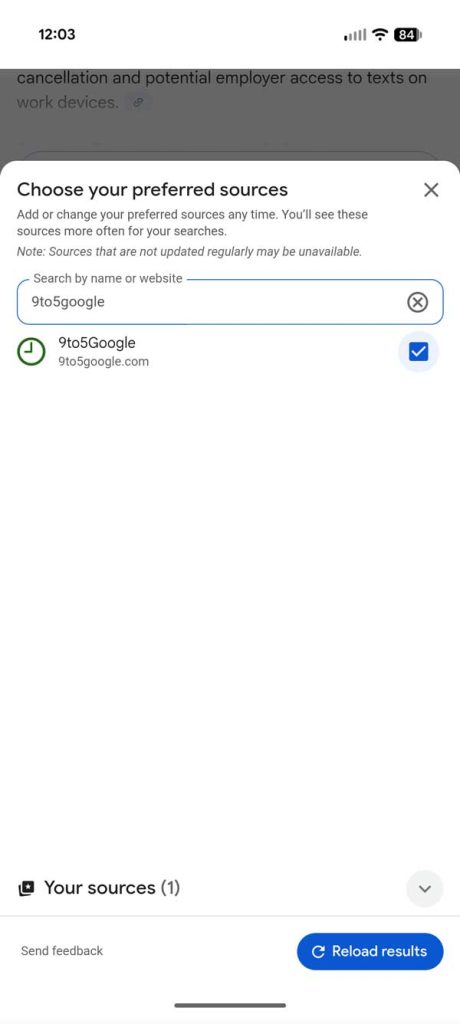
Both of these methods work on Android, iOS, and desktop or web versions of Google Search. The settings option will appear only if you’re using Google Search, and not from any Google product website, so be sure to find the Search page itself.
With the right sources set, the Top Stories carousel should prioritize news cards from your favorite websites first.


FTC: We use income earning auto affiliate links. More.




Comments