
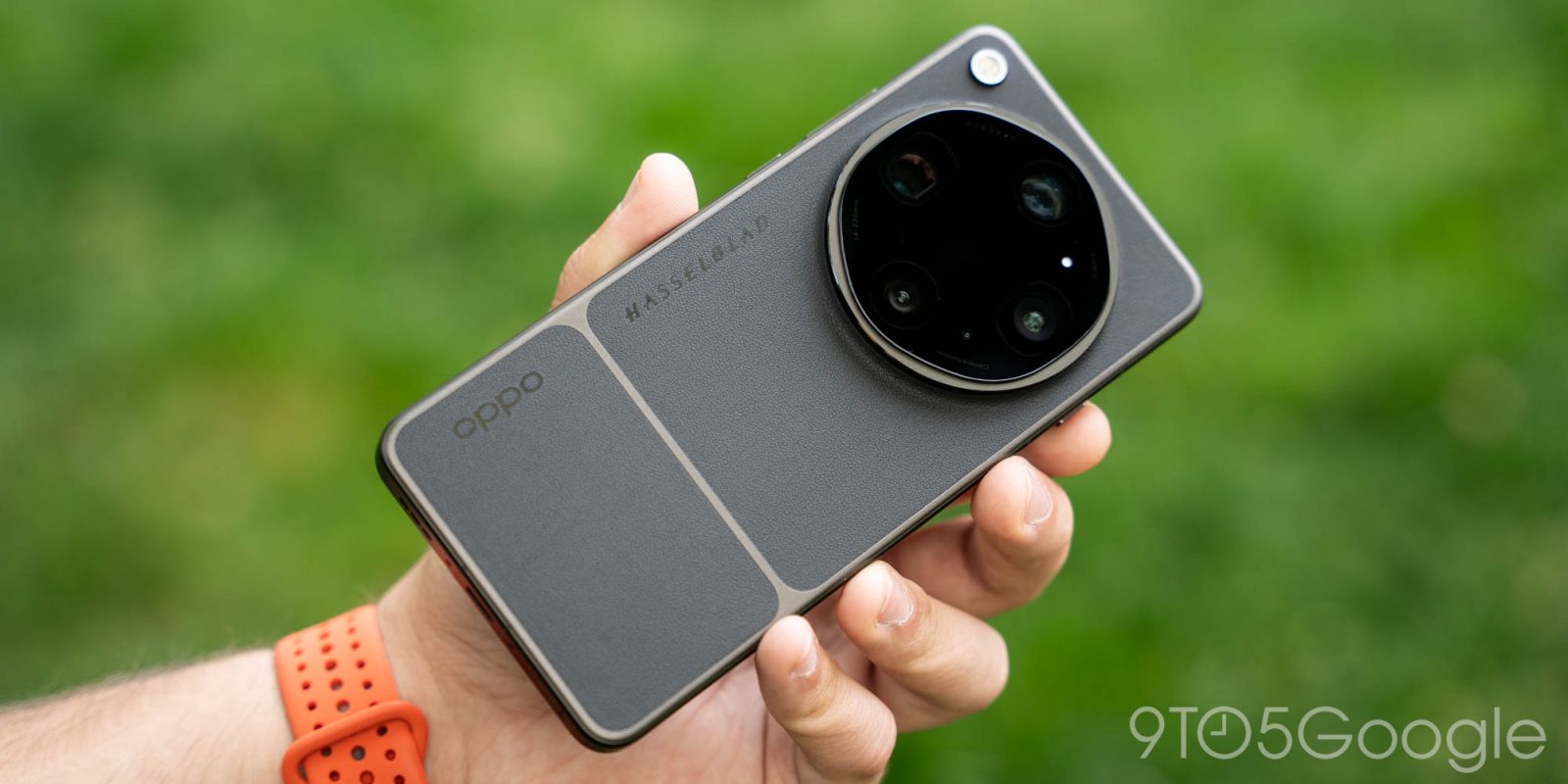
Ahead of its launch next week, Oppo is teasing some of the new AI-powered software features coming to Find X9 Ultra, while also hinting at wider AirDrop over Quick Share support.
Building on its Android 16-based ColorOS 16 update, Oppo is launching a few new AI experiences and apps on its camera-focused Find X9 Ultra. These include:
- AI Mind Space: Captures screenshots and uses AI to analyze them and offer search (like Pixel Screenshots, Nothing Essential Space)
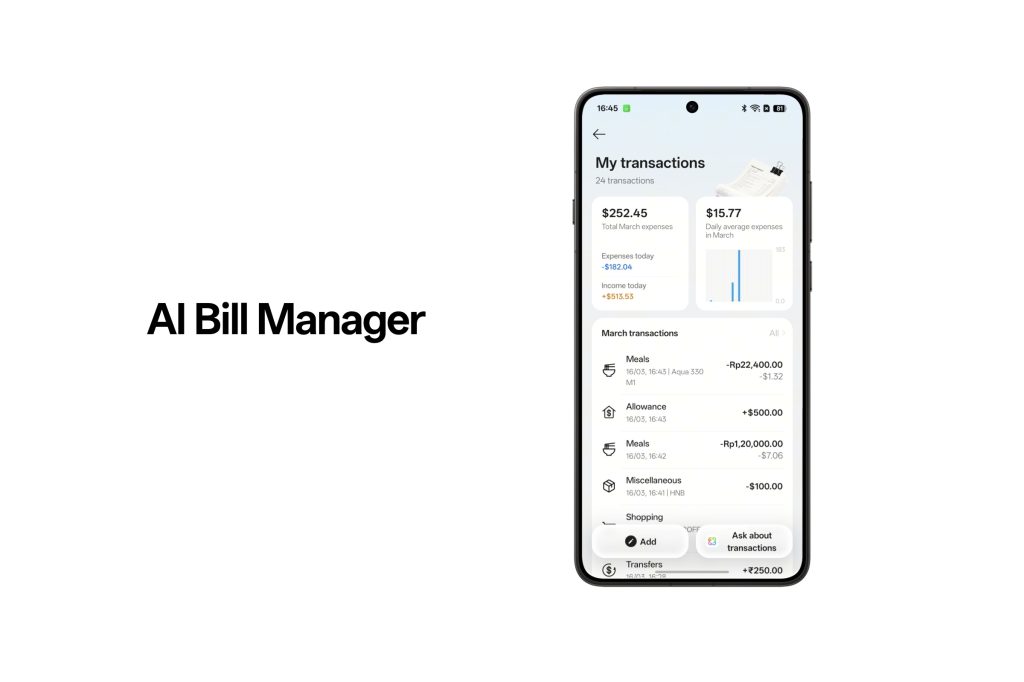
- AI Bill Manager: Phone payments, pictures or screenshots of receipts can create a history of transactions
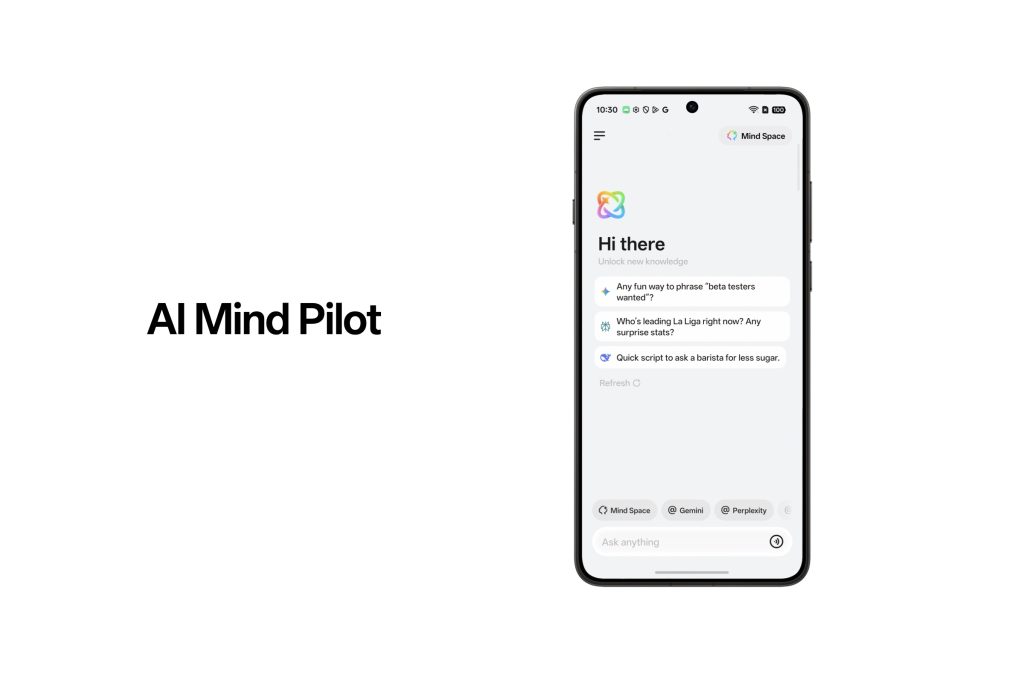
- AI Mind Pilot: Combines personal context from Mind Space with “a team of leading AI models” to answer questions
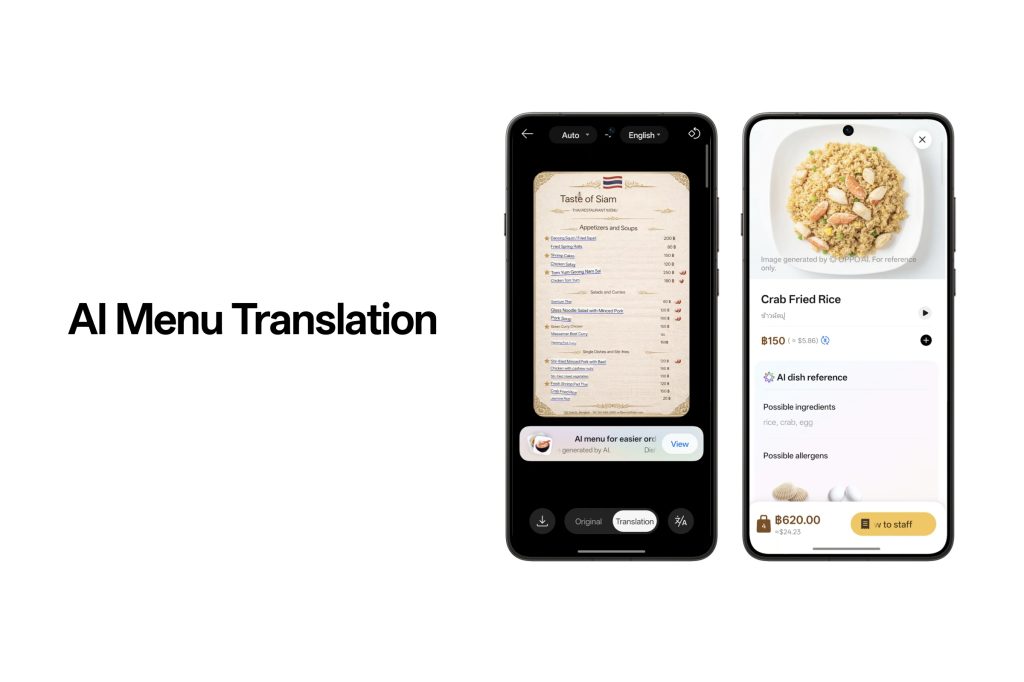
- AI Menu Translation: Translates menus from a picture and can show “rich descriptions” of dishes (limited to 30 uses per month)
Beyond AI, a useful feature possibly coming with Oppo Find X9 Ultra is support for AirDrop over Quick Share. This functionality is already available on select Google Pixel and Samsung Galaxy phones, but has yet to expand to Oppo devices. The company first teased it was working on this last month, but there’s been no word on a release date – even now, it seems uncertain.
Oppo says:
OPPO is also collaborating with Google to develop Quick Share with Apple Devices, which enables Find X9 Ultra to send photos, videos, and files directly to Apple devices—no additional apps required, completely breaking down the long-standing barriers to cross-ecosystem collaboration.
Obviously, there’s not much here talking about timeline, but it stands to reason we’ll hear more about this when Find X9 Ultra launches next week. Hopefully.
More on Oppo:
- The Oppo Find N6 is the best foldable you can’t buy, again
- Oppo Find X9 Ultra is a stunning camera phone I’m thrilled is launching ‘globally’ [Gallery]
- Oppo teases Find X9 Ultra camera with dual 200MP sensors, 10x periscope
Follow Ben: Twitter/X, Threads, Bluesky, and Instagram


FTC: We use income earning auto affiliate links. More.



Comments