
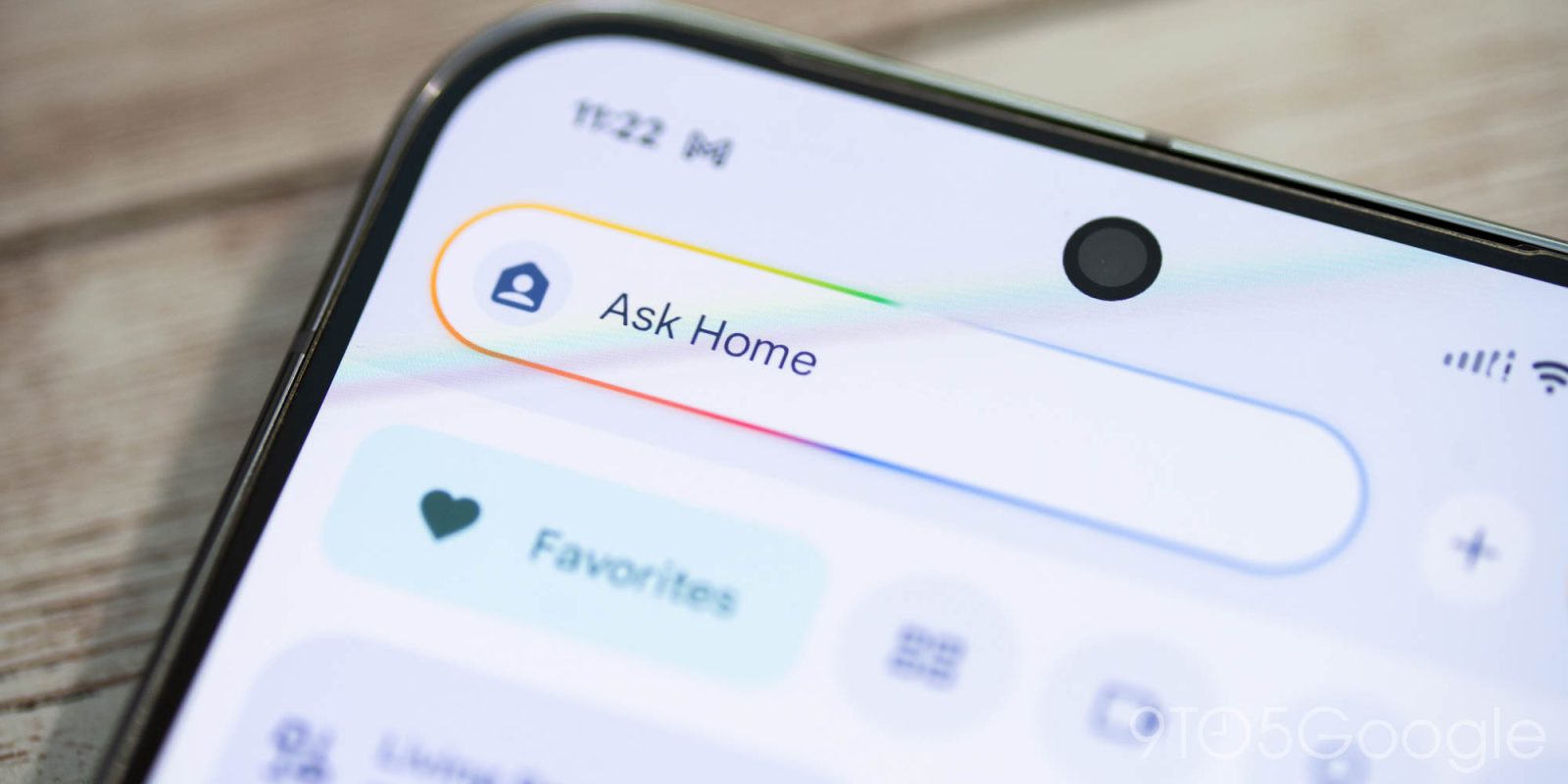
The latest Google Home update lets you tap into Gemini’s camera scene understanding for automations, while there are a slew of updates across the Home app and voice assistant.
The big update today lets other smart home devices “use Gemini’s advanced scene understanding from your cameras in smart home automations.” This is available for Nest cameras and “select” Gemini Built-in cameras like the onn Outdoor Camera Plug-In. There’s a new starter that “lets you design automations based on visual insights” and “almost anything happening around your home.” Examples include:
- Red BMW enters driveway
- [Specific individual] gets out of car (Familiar Faces needs to be enabled)
- Car door left open
- Raccoon near trash bin
- Amazon delivery
To set these up, you just need to use simple, natural language prompts to describe the exact event you want to start an automation, and select which cameras should look for it.
Google provides the following tips:
- Describe clearly visible items: Only use descriptions of things the camera can clearly see.
- Use general terms for people: For the best results, use “person”, “people” or “someone” in your triggers when referring to people. Alternatively if you want to be more specific, enable Familiar Faces and use specific names.
The Google Home app is also seeing a handful of updates today with version 4.17. Of note is a more “responsive” Android widget that “ensures your smart plugs, lights, and switches react instantly to your first tap.”
Other updates include:
- Easy Watch Favorites Management: We’ve resolved an issue on Wear OS where watch names and reordering options were missing when editing favorites from your wrist. This makes it easy to organize your favorite devices directly from your Pixel Watch.
- Visual Refinements to Familiar Faces: We’ve cleaned up the Familiar Faces interface to make managing recognized faces a smoother, more streamlined experience with clearer name suggestions and perfectly aligned text and buttons.
- Feedback Improvements: You can share feedback about your video clips with Google to help us improve your experience and troubleshoot issues. You can also choose to share your video clips to Google, which helps with product improvement and AI model training. Learn more here.
On the Gemini for Home voice assistant front, the latest updates let you “combine an even broader selection of actions” into a single command, like: “Set a 20 minute timer for the chicken, start the vacuum cleaner, and play some relaxing music.”
- Casual language for more effortless controls: Get a more consistent and predictable response when you turn lights off with phrases like “set brightness to 0”, or adjust settings by a little bit, such as making the living room “a little warmer.”
- Ongoing speed upgrades for everyday commands: As part of our continuous investment in speed and latency reduction, the daily commands that you use in your home will become faster and more fluid.
- Silence a response from Gemini without stopping your music: If music was playing in the background when you asked Gemini a question, you can silence Gemini’s response by saying “stop” without also stopping the music that was playing.
- Apple Music playback restored: We worked with Apple to resolve an issue so you can listen to Apple Music on your speakers again.
- Bluetooth Pairing: We’ve improved the reliability of using your speakers and displays as Bluetooth speakers. Say “pair Bluetooth” to allow your speakers or displays to be used for media playback through a Bluetooth connected device, such as your phone.
- Improved response reliability: We’ve made a number of model updates to make your experience faster and more reliable. And, we’ve reduced instances where Gemini mistakenly claims it cannot perform a supported task, such as playing music or controlling lights.
- Additional optimizations for alarms and timers: Building on recent latency improvements, we’ve further optimized stop and snooze commands for speed, making daily time-tracking and wake-up alerts even more responsive. Gemini is also better at keeping track of active running timers during conversations and understanding which timer or alarm you’re referring to when requesting to change or cancel it.
- More complete answers: Gemini provides more complete responses to questions about general knowledge, weather, and sports, so you get all the key information up front.
- Expanded Availability of Early Access in Supported Countries: All existing users* in the 19 countries and languages that we have rolled out to can now opt-in to early access. *Enterprise (Google Workspace) and Family Link child accounts are not yet supported so if your Google Home has one of these accounts you will not be able to opt-in to early access yet.


FTC: We use income earning auto affiliate links. More.



Comments