
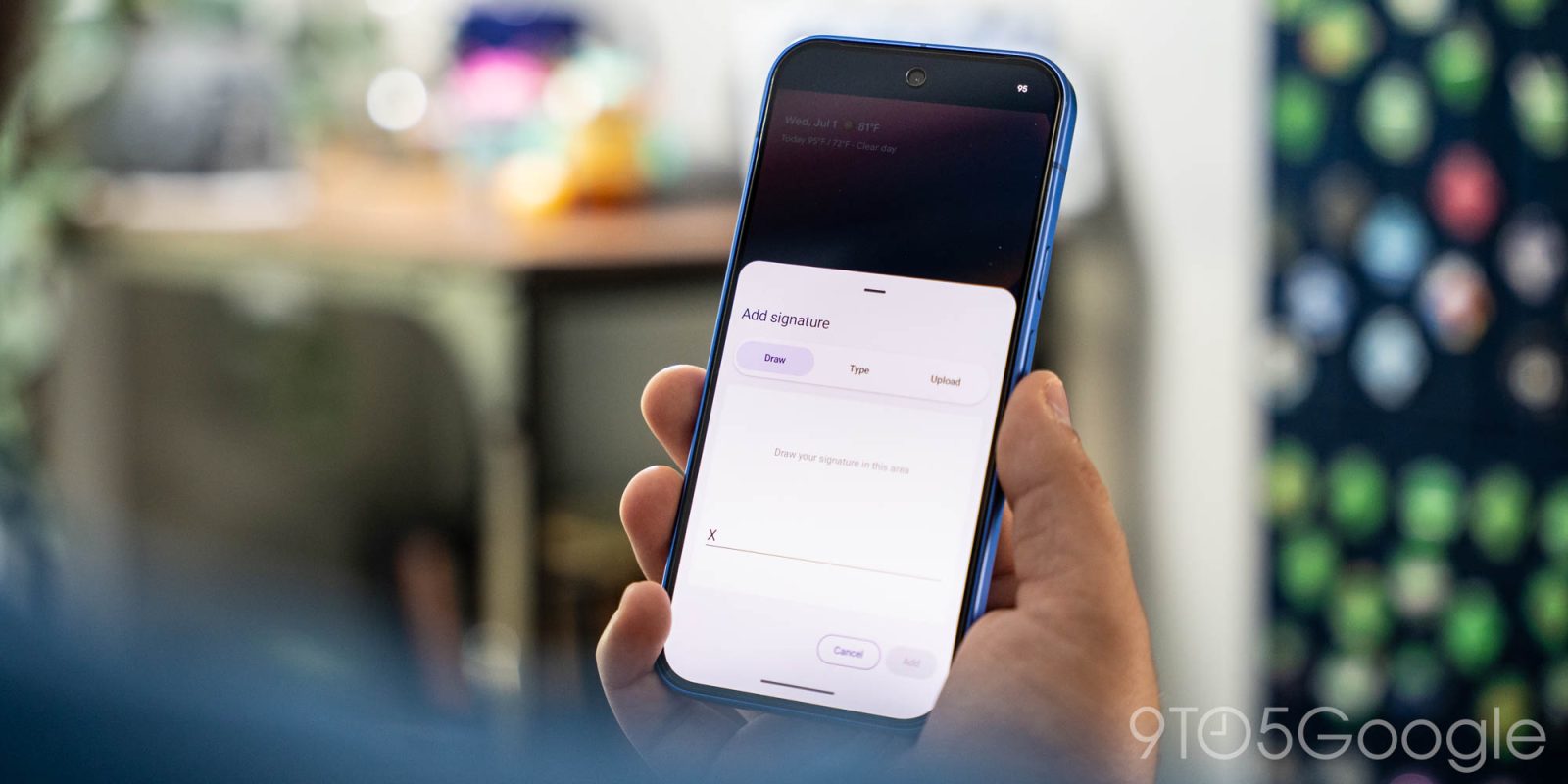
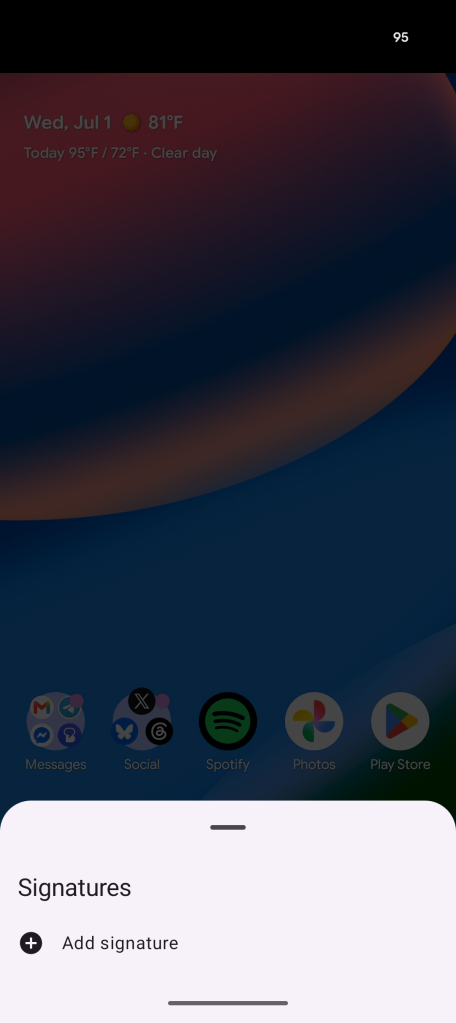
Google is quietly adding a new utility app to Android, with a “Signatures” app now showing up on Pixel devices and some other Android phones.
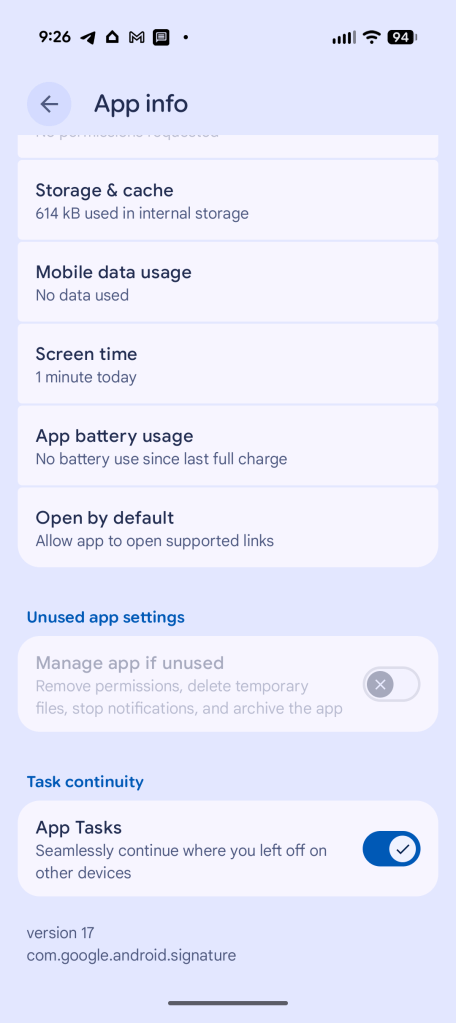
“Signatures” is a new system app on Android phones that appears to be rolling out with the June 2026 Play system update.
We’re seeing the app live on our Google Pixel 10 as well as a Samsung Galaxy Z Fold 7, the latter seeing the app appear directly after installing the June 2026 update. It’s unclear which devices are and are not supported. An Oppo Find X9 Ultra with the June update installed lacks the app, but it’s also appearing on some OnePlus devices with the same update installed.
Oddly, it’s not mentioned in Google’s changelog for the June 2026 update.
What does the app do?
Top comment by Hak Daddy Stevens
Got the June play system update but not signature app on pixel 10 pro XL and z fold 6
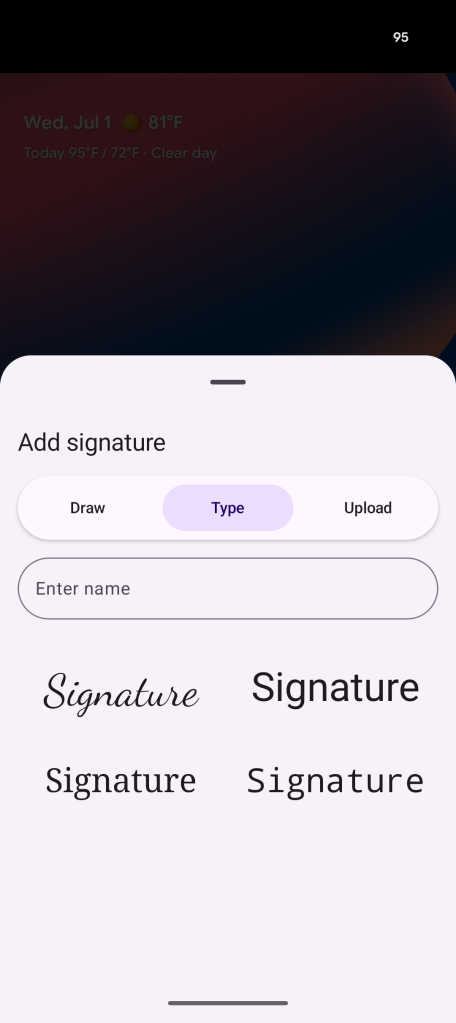
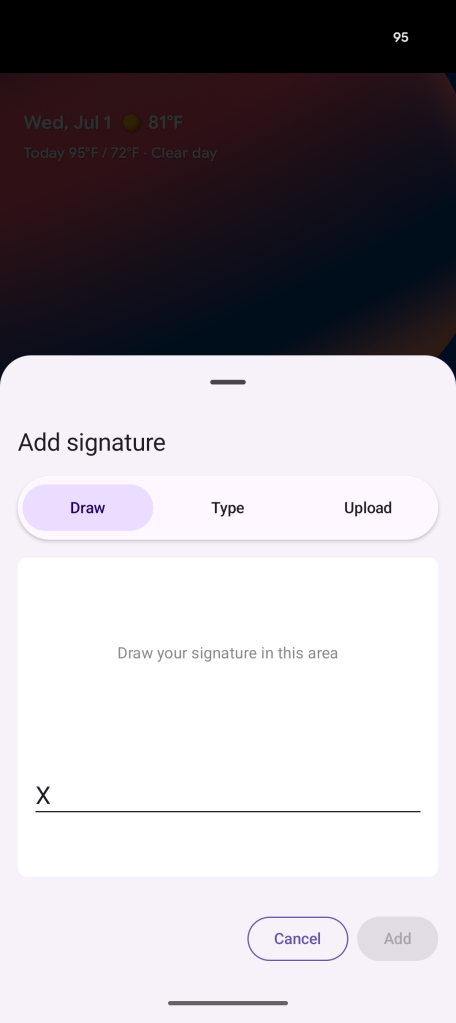
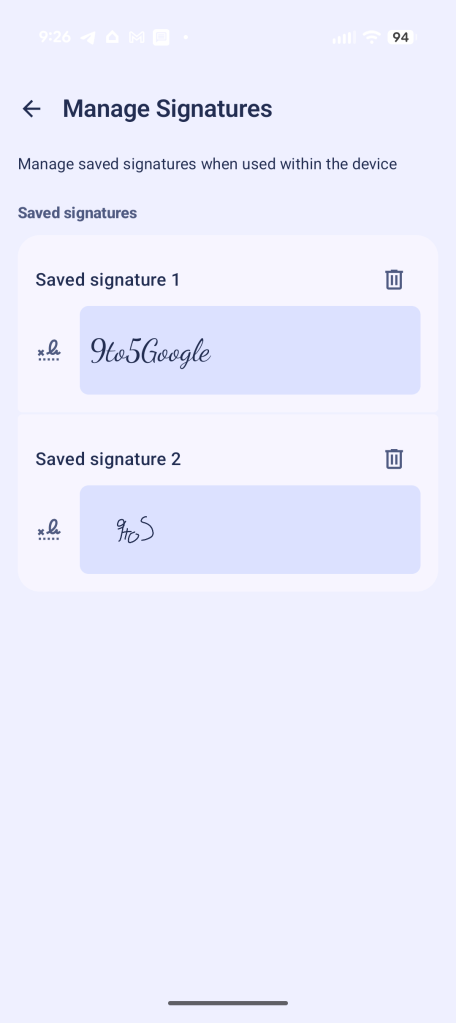
Essentially, it acts as a place to store your digital signature, whether that’s one you’ve drawn on the screen, typed out, or scanned from an image.
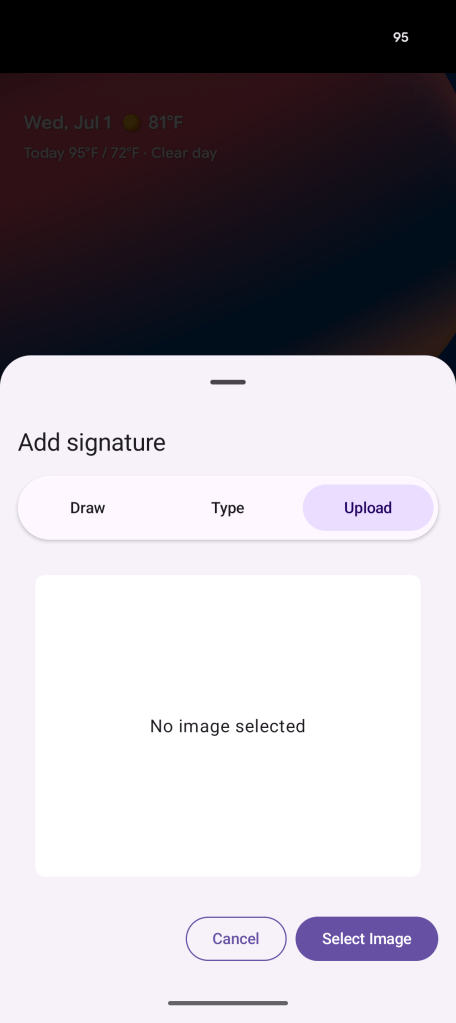
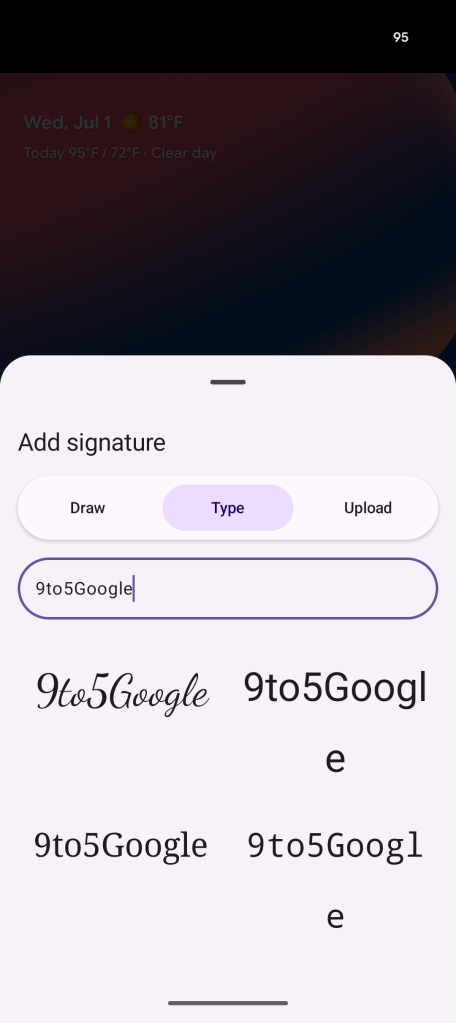
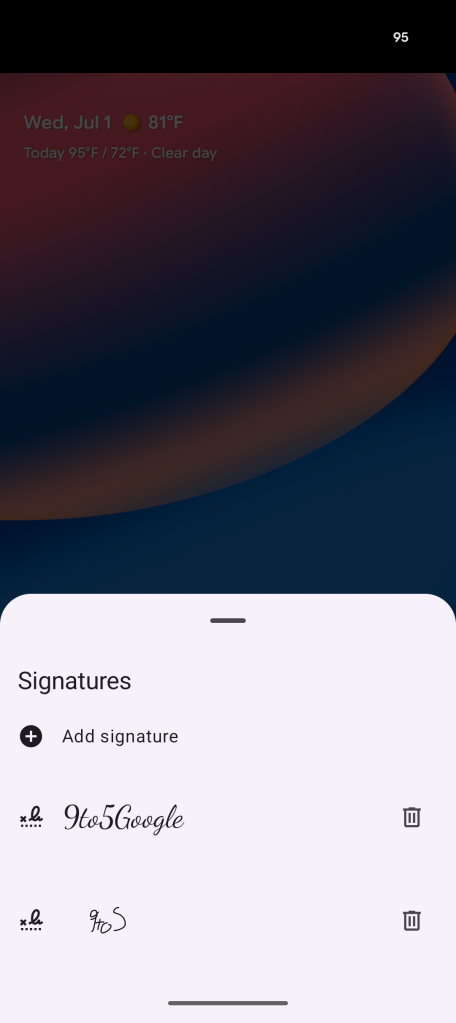
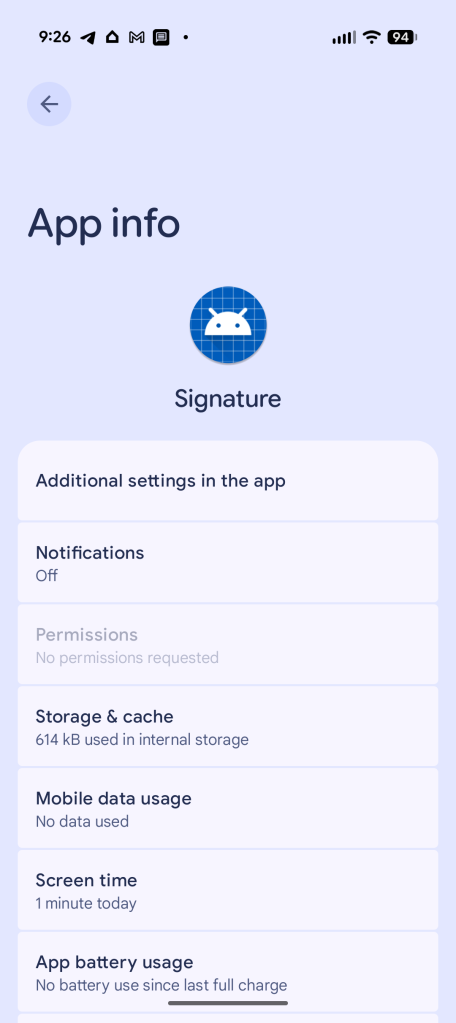
How you’re actually able to use that signature remains unclear at this time, though. It stands to reason this could integrate with PDF apps, online forms like DocuSign, or other applications, but none of that is immediately obvious at the moment. Right now, the only way to see the app is to manually launch its activity components.
The app is actively rolling out, though, so Google likely has some plans in the works. While we first noticed this on a Pixel running Android 17 and the app, (com.google.android.signature) carries a “17” version number, it supports Android 12 and newer, so Google is likely planning to roll this out fairly broadly. That said, there’s no Play Store listing for this app – it seems to be rolling out solely through Play System Updates.
More on Android:
- Google rolling out per-app controls for Android Backups
- What’s new in Android’s June 2026 Google System Updates
- Supreme Court rules the Fourth Amendment protects your phone’s location history
Follow Ben: Twitter/X, Threads, Bluesky, and Instagram


FTC: We use income earning auto affiliate links. More.



Comments