
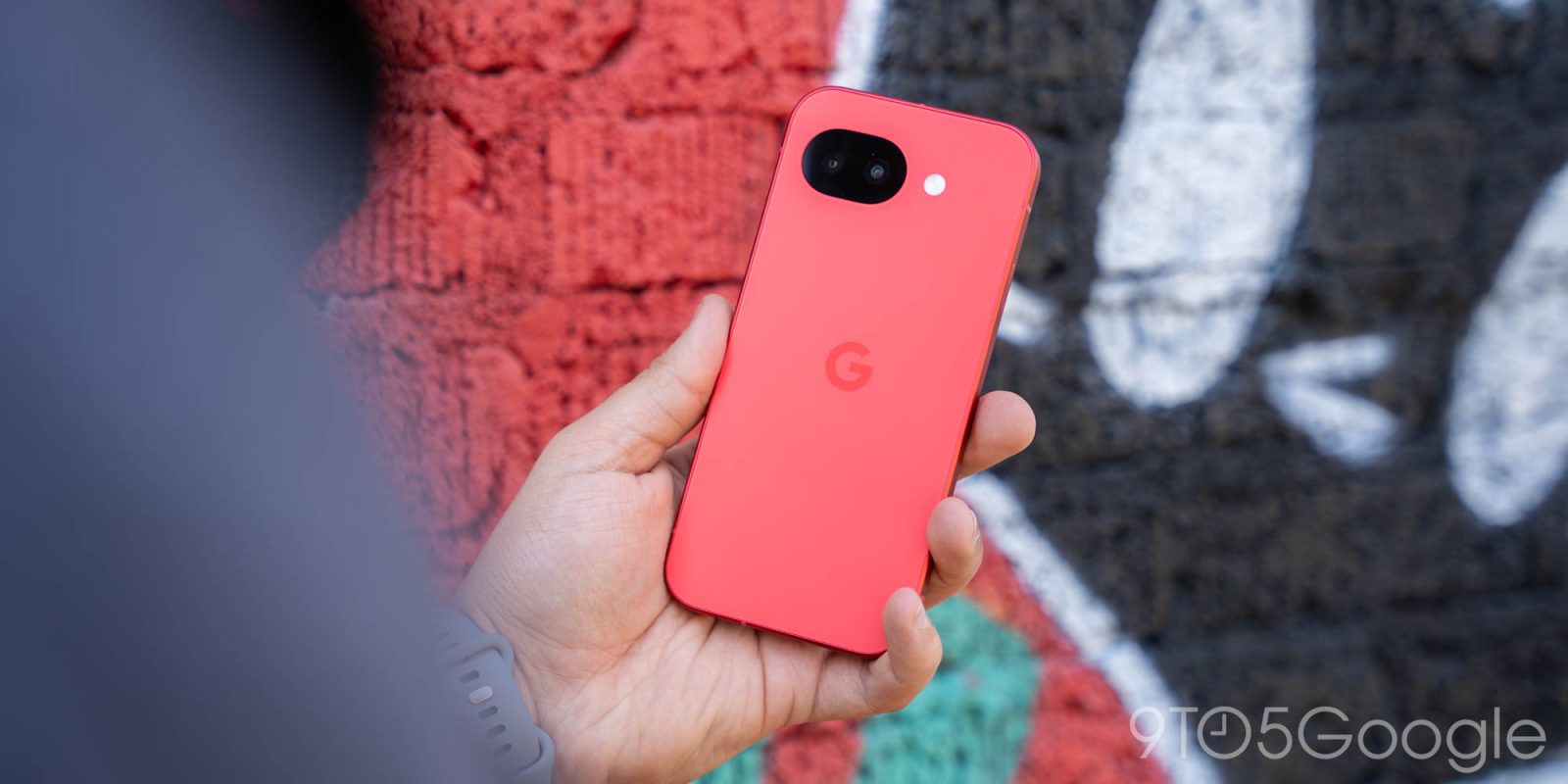
Google Pixel phones aren’t exactly known for taking an “everything and the kitchen sink” approach to features, which has led to some well-established features on other devices not being found on Pixel. According to 9to5Google readers, these are some of the biggest missing features on Google Pixel.
The following are all based on some of the most-upvoted and/or most-mentioned points from a recent poll we ran of 9to5Google readers, but are presented in no particular order. Thanks to everyone who commented!
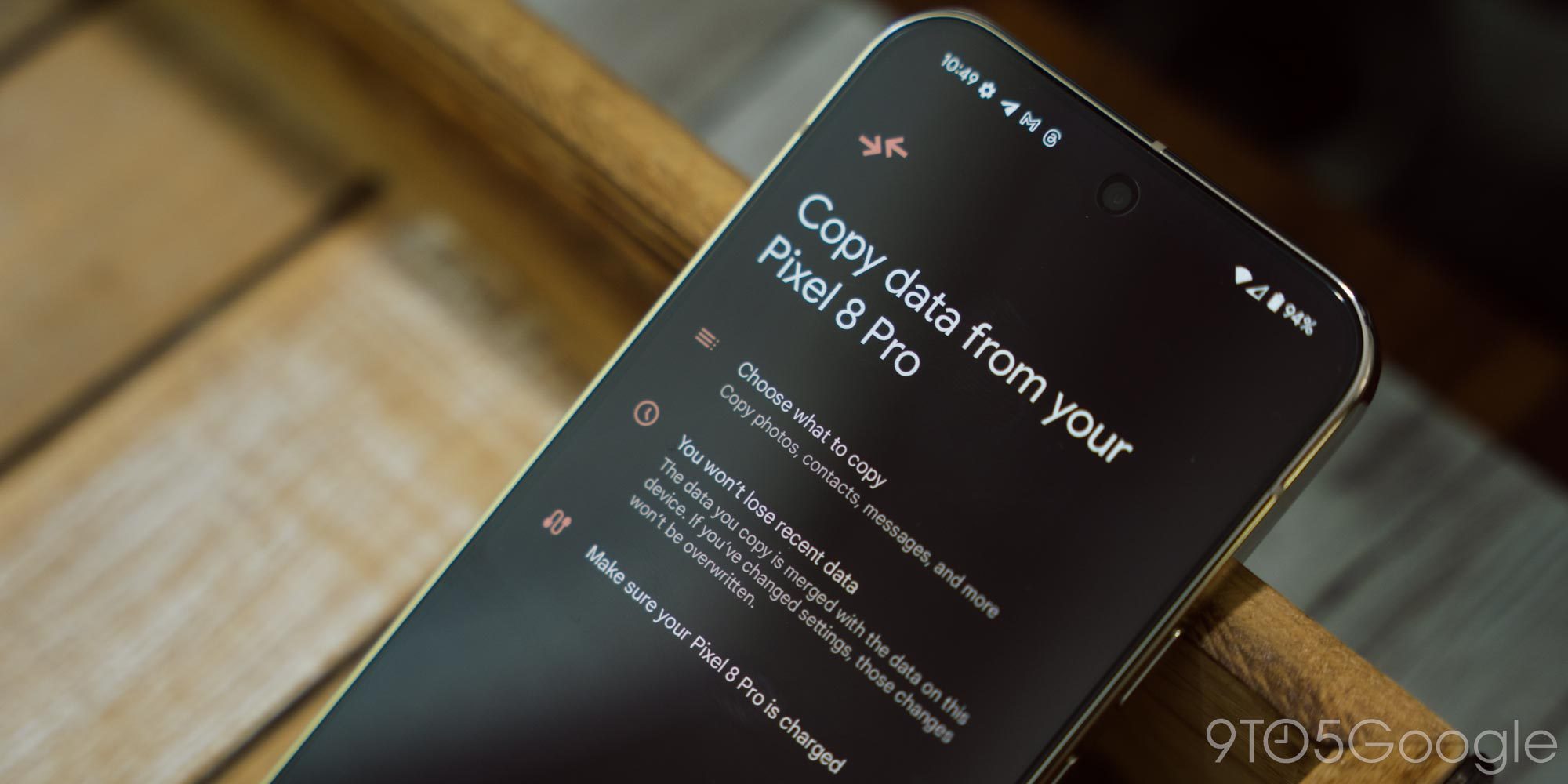
Better backup/restore, iPhone-style
Android has gotten a lot better over the years when it comes to backing up user data and making that available to transfer to a new device, especially as of late. Just in the past couple of years, Google has simplified the setup and transfer process while speeding things up dramatically and copying over more data than ever. Android 17 even makes improvements to what can come over from an iPhone.
Yet, Apple objectively does this better.
Moving from one iPhone model to another is a painless process. Nearly everything moves over, from your homescreen layout to your app logins and data. It’s as if you just took the storage chip off of one phone and put it into another.
Android is a completely different story, even on Pixel. There are ways for apps to transfer over data, but it’s opt-in for developers and pretty sparsely supported. You’ll usually see your homescreen transferred over, but not if you came from any other Android brand. It’s all very hit or miss, despite, again, a lot of improvements in recent years.
Better homescreen and lockscreen management
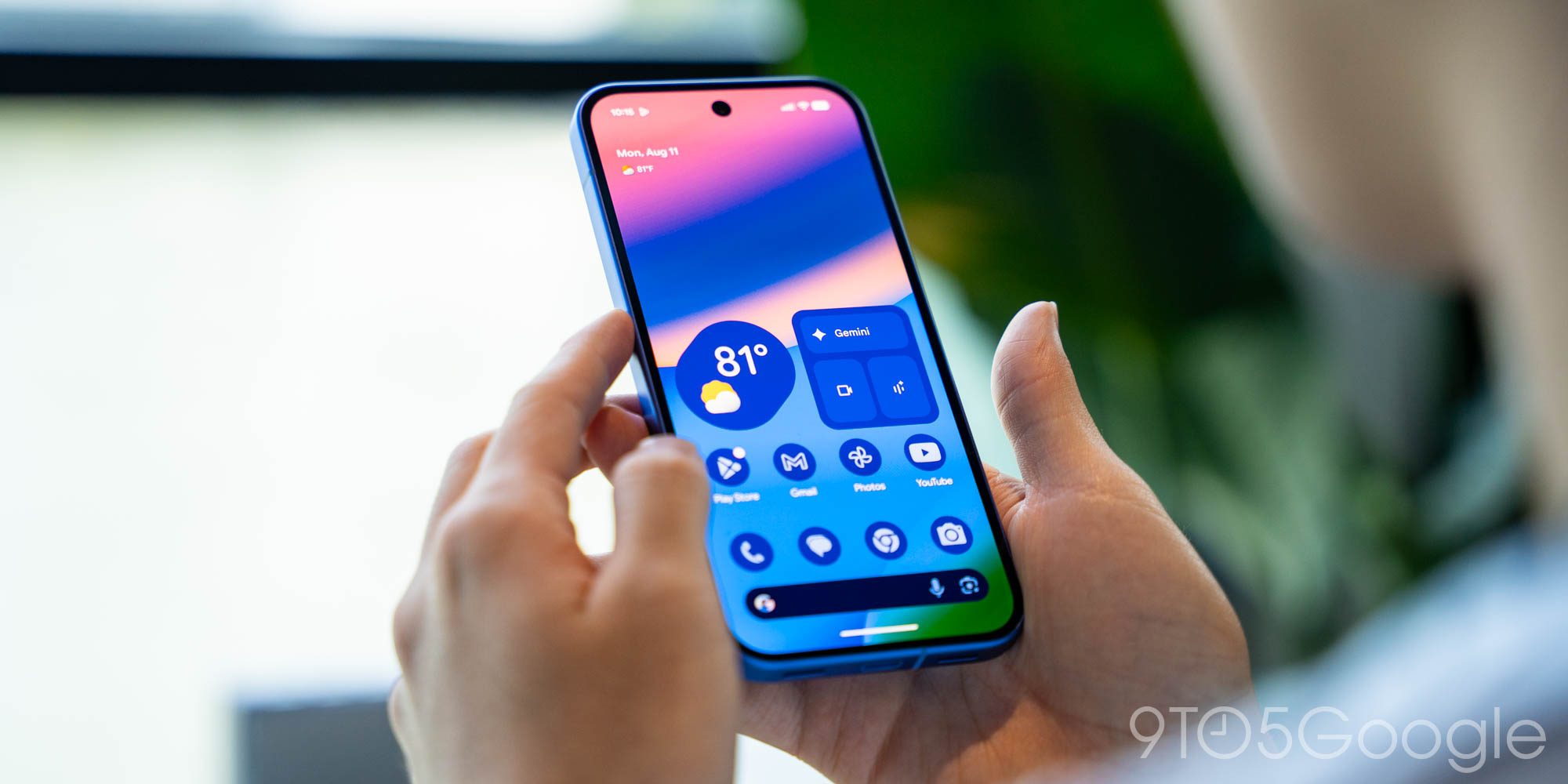
I’d describe the Pixel Launcher and lockscreen experience as “clean,” not feature-packed. I’ll take that over the bloat found on a lot of other Android devices, but there are absolutely points that could be improved here.
On the homescreen, 9to5Google readers called out missing options such as the ability to add apps to a new folder en masse instead of individually pulling them over from the app drawer. Other missing options like proper icon packs – AI-generated icons are a half-measure at best – were also mentioned by our readers. I’d also throw in that Pixels would benefit from the ability to move homescreen pages as a full pane, rather than having to individually move each item piece by piece. It’s a niche use case, but it’s become standard across most other Android devices.
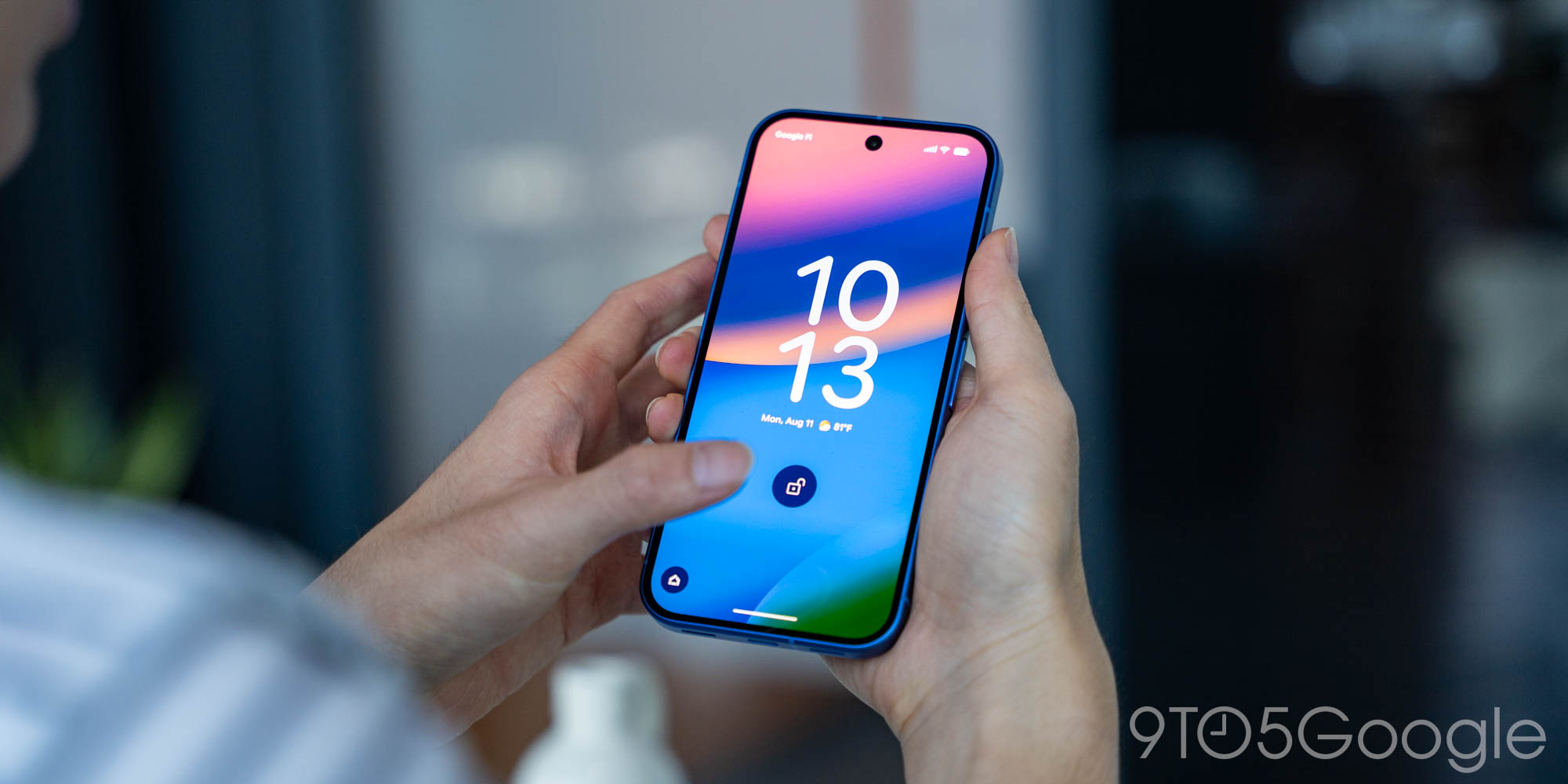
As for the lockscreen, this is ready for a pretty big update.
Our readers pointed out places where even Apple has pulled far ahead here, such as the ability to save multiple layouts, to use widgets on the homescreen – proper widgets, not this second-page nonsense – and more.
The point that left the biggest impact on me was around shortcuts. Pixel gets two customizable shortcuts and the choice between camera or wallet access when double-tapping the power button, with Gemini on a long-press. Apple’s iPhone gives users those same two shortcut buttons, an always-active swipe shortcut for the camera, and the power button shortcut for Siri and Wallet, while most iPhones now have two more physical buttons for camera or customizable access to anything else. I’ve always been pretty happy with the Pixel’s setup in this department, but when you lay it out against the competition, it’s clear Google has room for improvement.
If you remember ‘Rules,’ you’ve probably thought about it more than Google
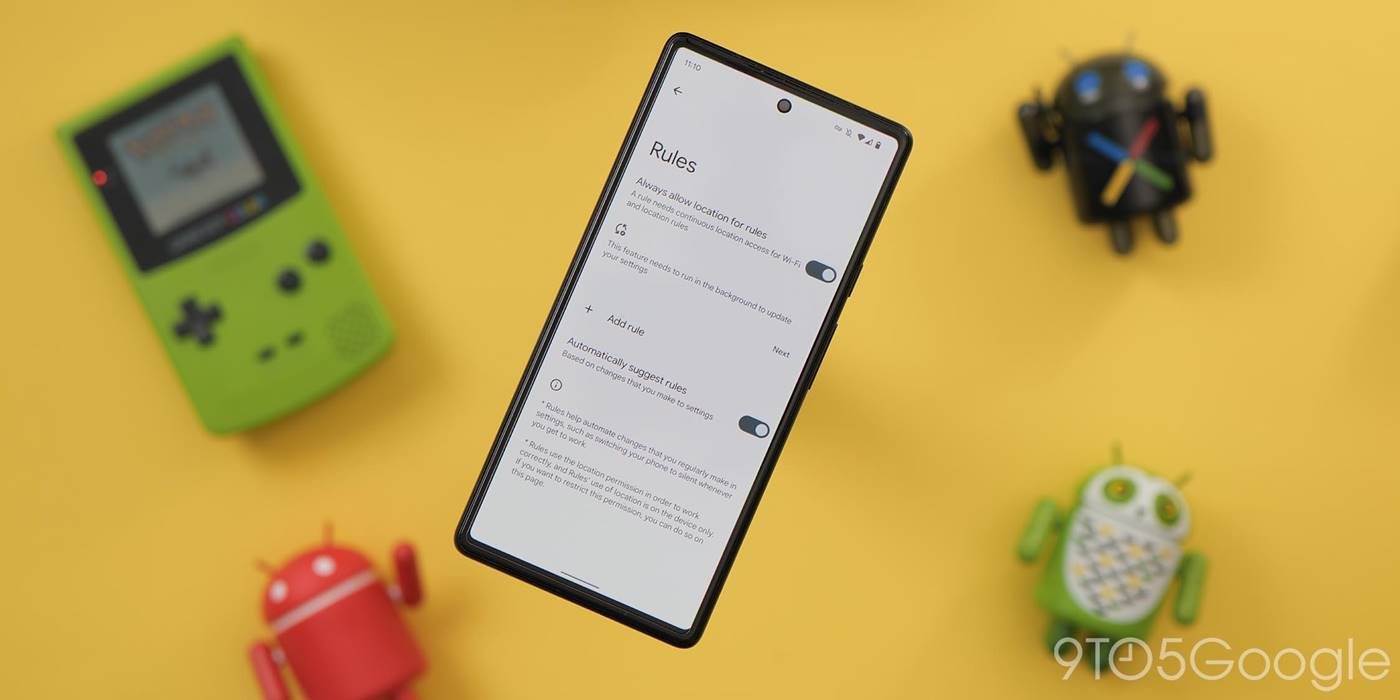
The “Rules” feature that debuted with Android 10 might be the single biggest missed opportunity on Pixel. The feature arrived silently and has never really been acknowledged by Google. And, six years later, it’s barely been touched either.
All it can really do is adjust your ringer mode based on a Wi-Fi network or location.
Meanwhile, Samsung Galaxy users have advanced “Modes” and the iPhone has “Siri Shortcuts,” which are both wildly capable features that do a lot more than Pixel “Rules.” It’s honestly a bit wild that Google has ignored this for so long, and it’s probably not in the thought process at all during the Gemini era. Still, I’d love to see an overhaul to this, and it sounds like 9to5Google readers agree.
Other missing Google Pixel features
Those were the biggest standouts, but there were some other features mentioned that caught my eye.
Double-tap to lock was mentioned a few times, and I’d love to see that too. My first thought was that perhaps an old LG patent was in the way or something like that but, if that were true, Samsung wouldn’t have the feature either. So, yeah, this seems like a no-brainer for Google. Better charging limits were also repeatedly brought up, as were additional clock/font styles.
Top comment by Andre Meaux
I'm surprised by the backup/ restore feature. I feel like transferring my data to a new phone couldn't be any easier...granted I'm going from Pixel to Pixel so maybe it's different with other phones?
Of course, there were plenty of hardware requests too. Google clearly still needs to work on heat management. This is something I’m being reminded of this week amid a massive 100-degree heat wave in my home state, but it’s something that users in warmer climates deal with year-round, and it’s well past due for Google to be working on this.
What else?
Missed out the first time around? What other missing Google Pixel features would you like to see? Vote in the poll below around what features we mentioned here, and bring up more of your requests in the comments below! Maybe we can give Google some inspiration…
More on Google Pixel:
- Google rolling out new ‘Signatures’ app to Pixel and other Android phones [Gallery]
- How to install the latest Android 17 Beta on Google Pixel
- Google Pixel phones may soon let you ‘shuffle’ your favorite wallpapers
Follow Ben: Twitter/X, Threads, Bluesky, and Instagram


FTC: We use income earning auto affiliate links. More.



Comments