
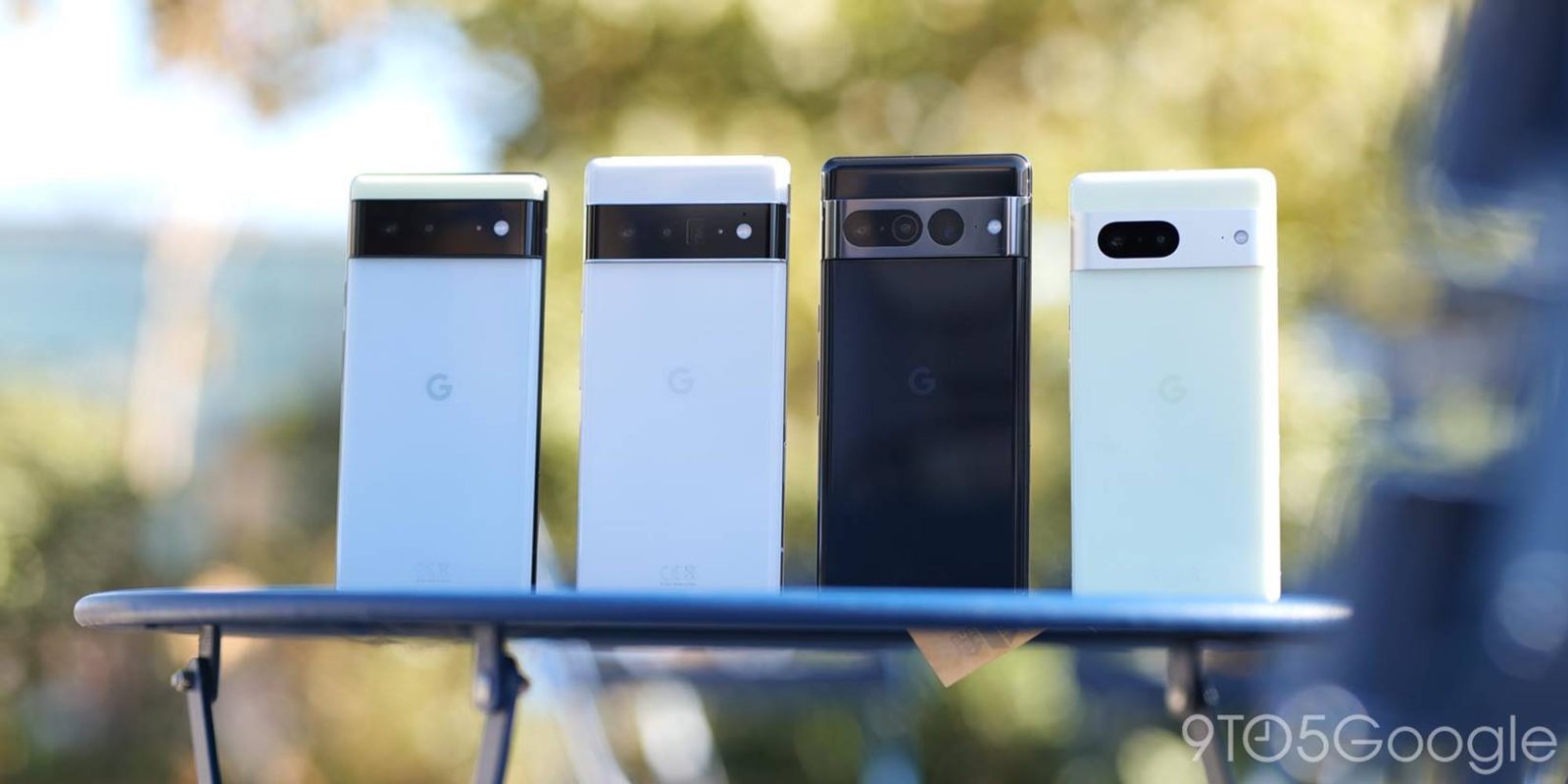
Google this morning rolled out an update to the “Google Wi-Fi Provisioner” app and made it available via the Play Store in the process for faster releases.
Update 11/3: Version 1.2.482943591 of Google Wi-Fi Provisioner is rolling out this morning with “Bug fixes and improvements” cited in the changelog. Meanwhile, Google now provides a more detailed Play Store listing that explains how the app/service “enables over-the-air updates for Carrier Wi-Fi network configurations.”
The Google Wi-Fi Provisioner is included with your device and enables over-the-air updates for Carrier Wi-Fi network configurations. This feature makes it easy for devices to access more connectivity in more places.
Google Fi (W+) and other carriers do this to extend coverage and reduce the burden on mobile networks. Screenshots today show those Wi-Fi networks labeled with “Connected via [Carrier Name].”
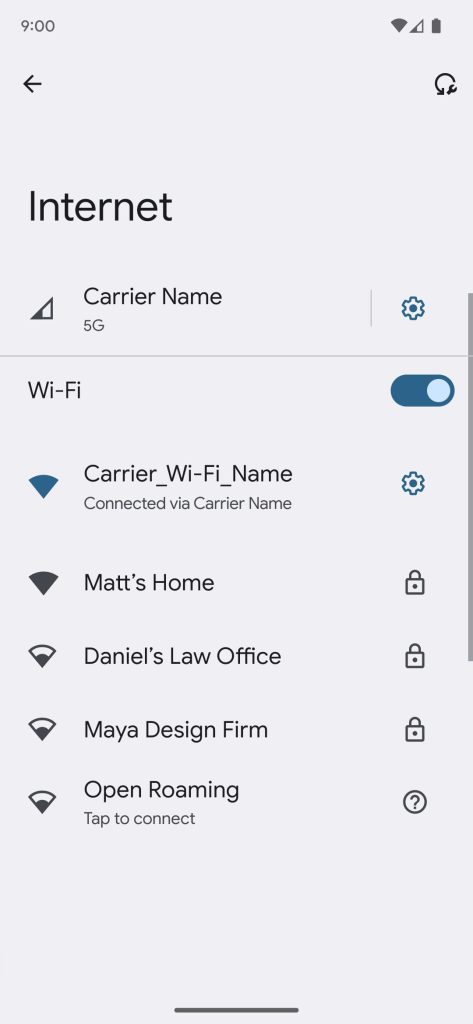
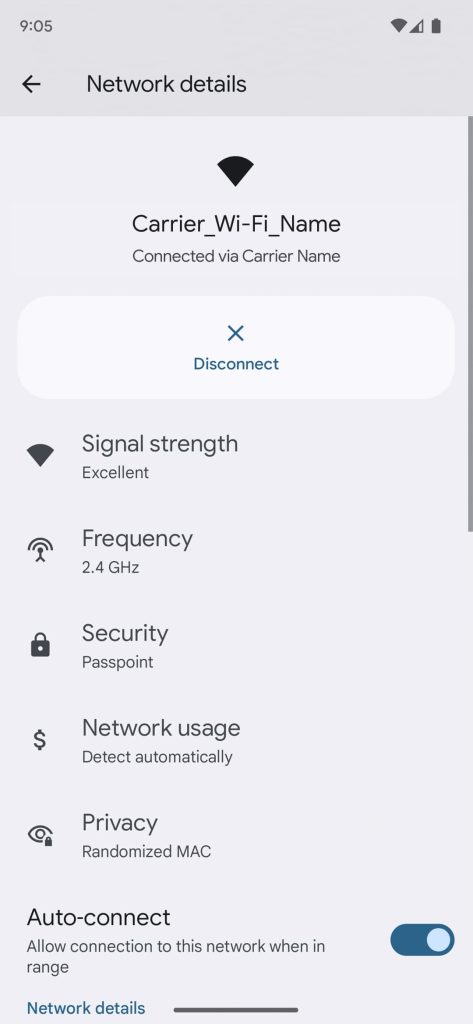

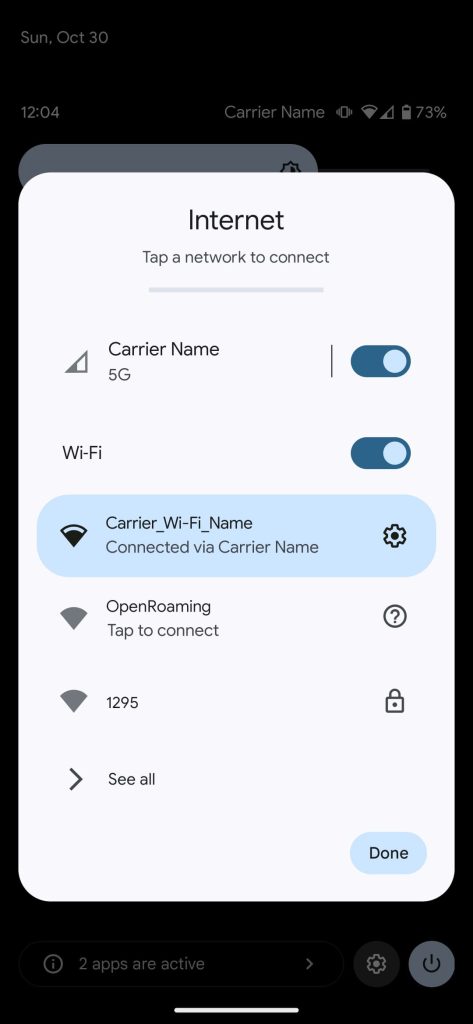
Original 10/20: The Google Wi-Fi Provisioner is used to “Provision and manage Wi-Fi network configurations.” There are no other details with (old) generic screenshots used for the Play Store listing.
Top comment by OliveBottleOpener
On a Pixel 6 Pro, 7, and 7 Pro, version 1.2.449257753 is already installed, and updating today takes you to 1.2.480746471. The package name is as follows: com.google.android.apps.carrier.carrierwifi.
We’re not seeing any obvious differences after updating. Meanwhile, this is not just for Pixel devices but rather all Android phones and tablets by the look of it. (This update is not appearing for Chromebooks or Wear OS watches.)
We’re seeing this update, which just uses a generic Android figure icon, on a Samsung tablet running a slightly different version 1.2.394488071. However, it gets updated to the same new release this morning.
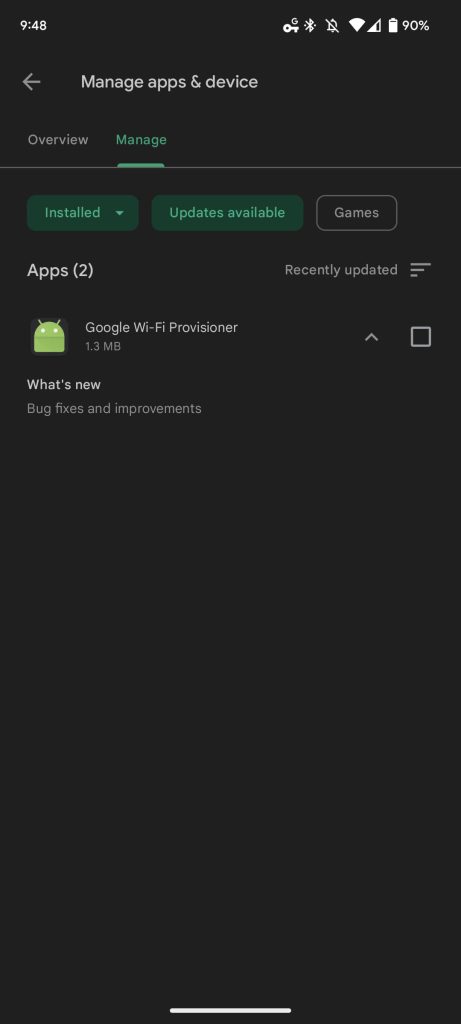

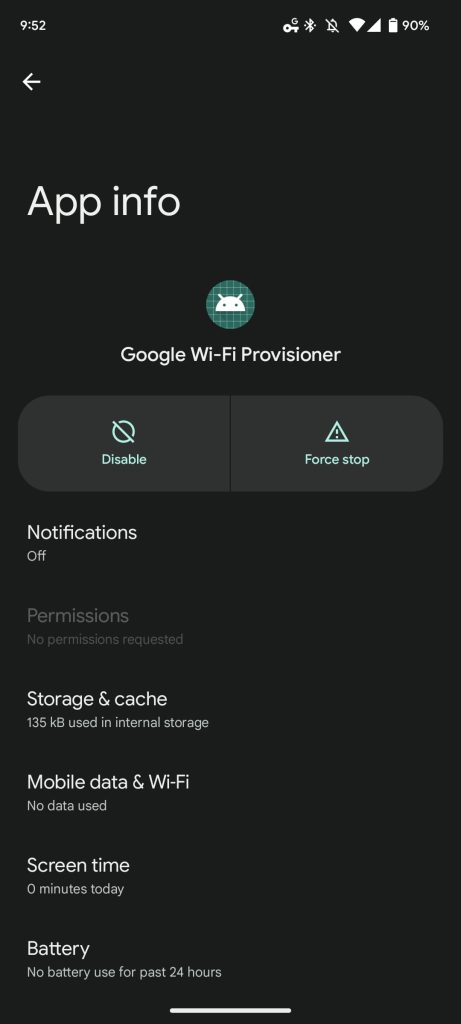
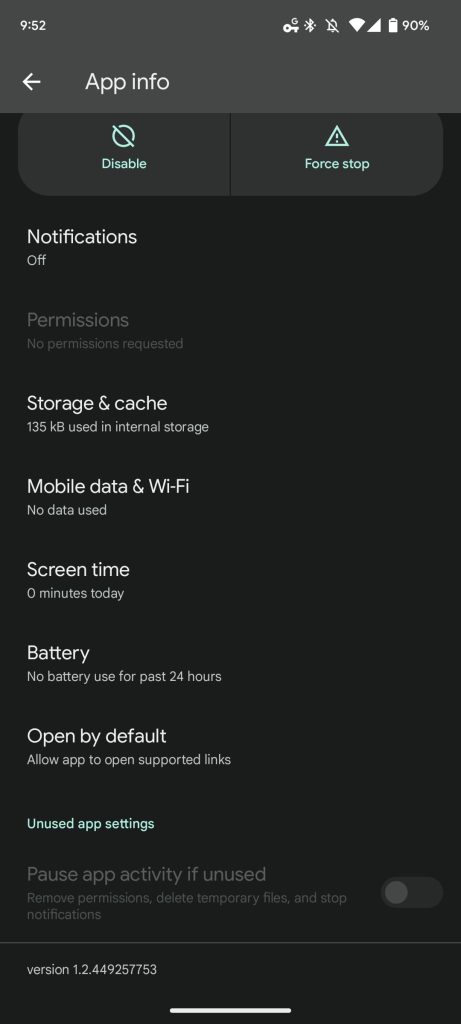
Google Wi-Fi Provisioner is not a new application, but one that can now be easily updated via the Play Store without a full OS update. This joins the various other first-party service apps like Google Play service, Carrier Services, Google Play Services for AR, Google Support Services, and Speech Services by Google.
More on Google Play:
- October’s Google Play system updates: Android TV patch reminders, Play Store search tweaks [U]
- ‘Google Pixel Watch Services’ released on Play Store
- Google Play highlights recent multi-device improvements to the store
- Full Google Play tablet and foldable design with rich homepages coming in 2023


FTC: We use income earning auto affiliate links. More.


Comments