
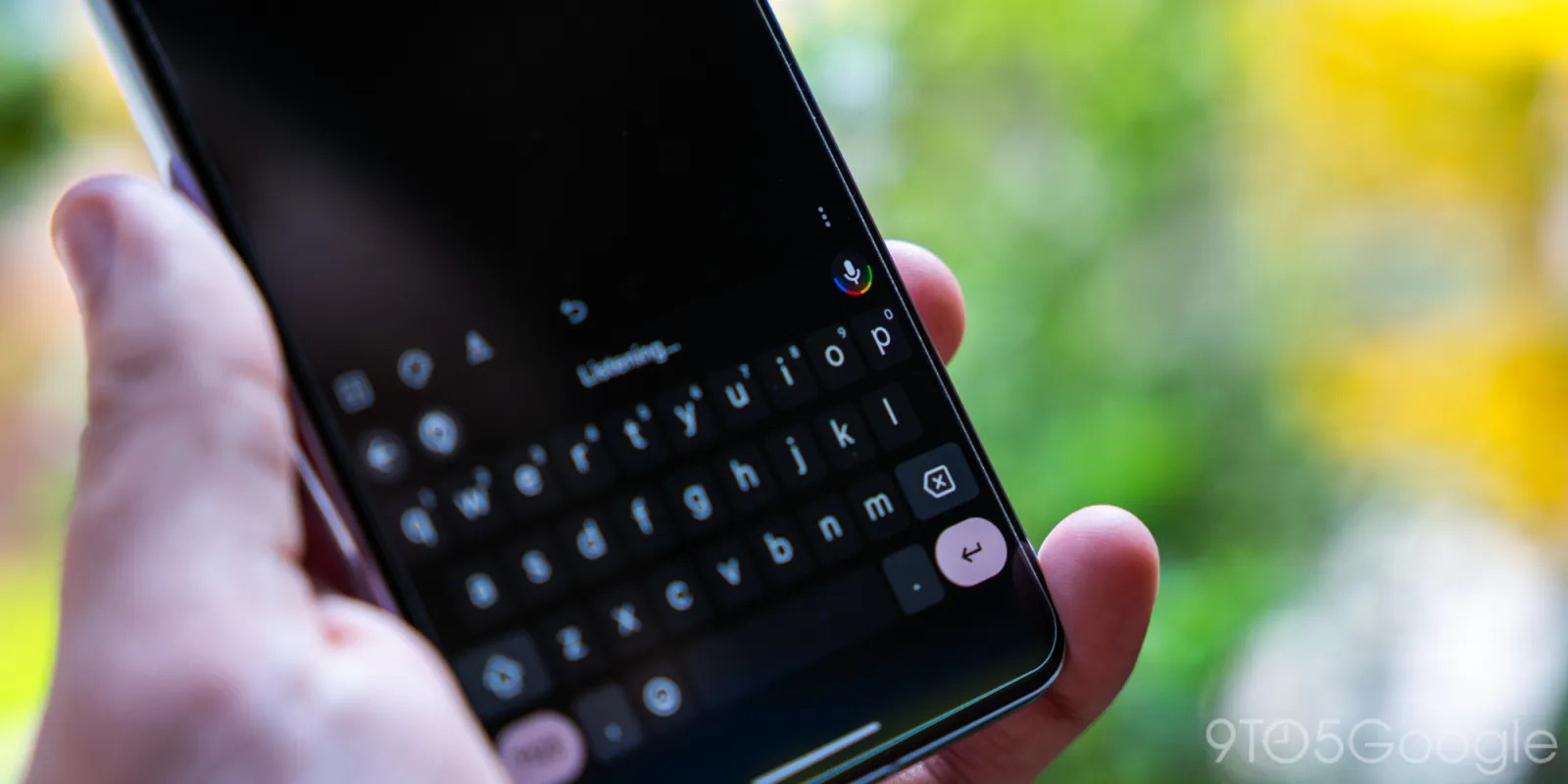
Assistant voice typing in Gboard was introduced with the Pixel 6 in 2021 as one of Google’s best features. With Google Assistant going out the door on phones, Gboard has been updated accordingly.
“Assistant voice typing” in Gboard Settings > Voice typing has been very generically rebranded to “Advanced features.”
- Assistant voice typing: “Use Google Assistant to type and edit messages, add emoji, and more”
- Advanced features: “Use advanced voice commands to edit text, add emojis, and more”
Assistant voice typing lets you dictate and issue commands, like send, delete, clear, add emoji, and move across fields. It’s meaningfully better than Gboard’s standard voice experience that works offline and is available for all other Android devices.


We learned this week that “Google Assistant” is sticking around on Nest displays and speakers, with a focus on smart home interactions. The latest Gemini large language models (LLMs) will make possible back-and-forth conversations with follow-up questions that can be asked naturally. New voices are also coming to Google Assistant.
On phones, it’s full stream ahead on Gemini and this Gboard rebrand makes sense. There’s no change to the UI today, with the curved variant of the light bar — as introduced on the Pixel 4 — remaining in the corner microphone icon. That said, “Fix it” looks to be Gemini branded/adjacent now.
We’re seeing this Assistant voice typing branding change with beta version 14.5.x of Gboard for Android.
More on Gboard:
- Gboard dark theme gets a distracting splash of Dynamic Color
- Passkeys will show up in Gboard on Android 15 and come to Wear OS 5
- Gboard ‘Fix it’ gets Gemini-esque glow-up


FTC: We use income earning auto affiliate links. More.



Comments