
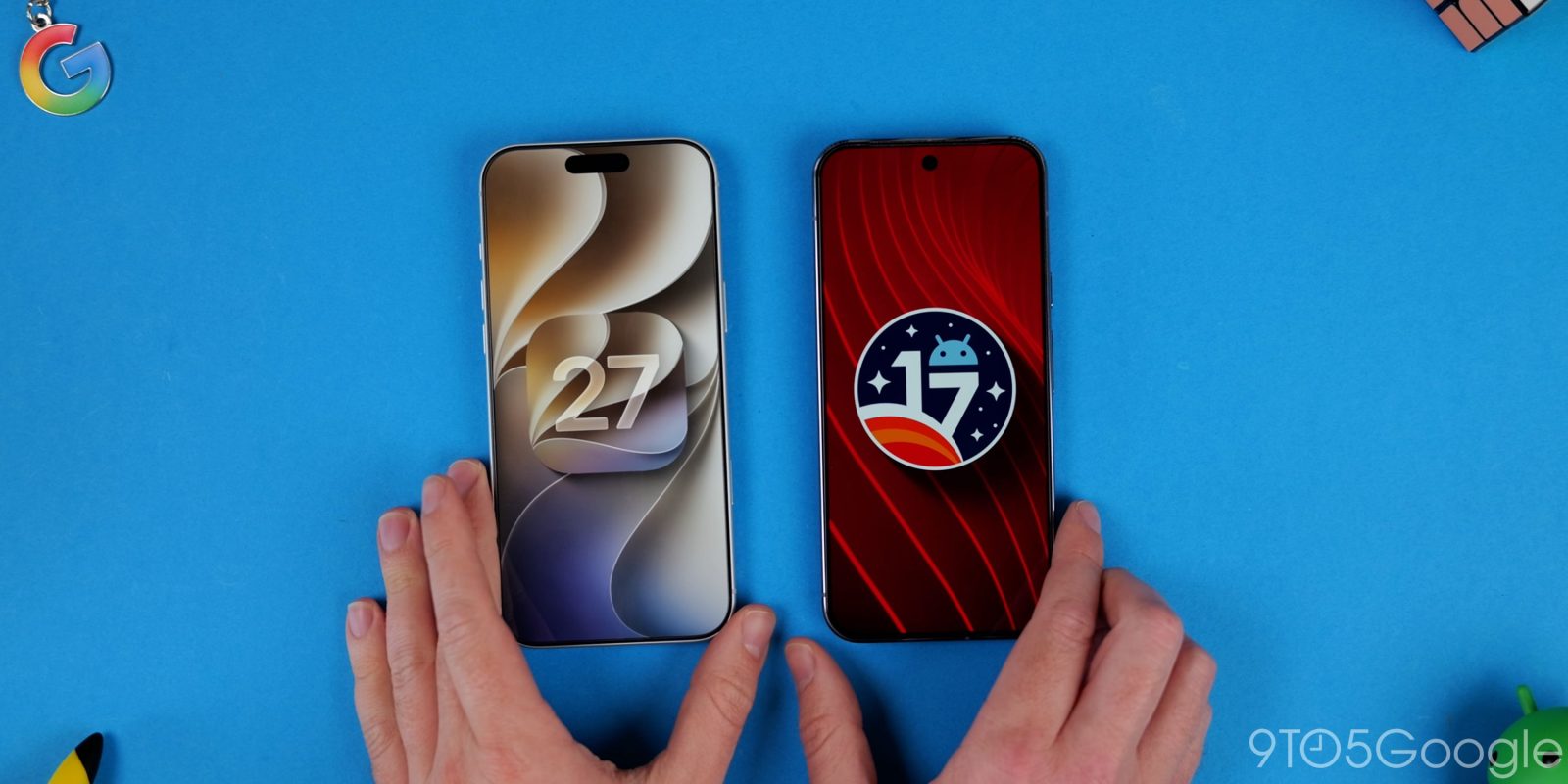
Apple has unveiled and detailed iOS 27, while Google has just dropped Android 17. With more than a hint of Google in Apple’s next vision for mobile, just how do these OSes stack up?
Table of contents
Customization differences
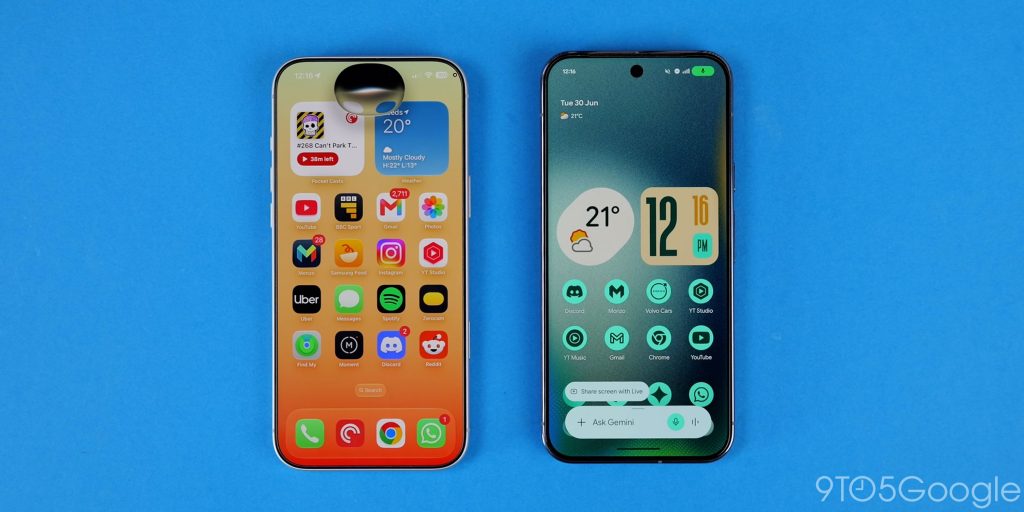
Something we’ve noticed over the past few years is how Apple has really leaned into giving iPhone owners options to at least add a base level of customization. Liquid Glass then wiped a lot of the good moves away in favor of clear UI elements.
Whether as a rebuttal to the complaints, Apple has added a few more options that, in some ways, make it obvious where the base Android 17 customization has stalled.
For starters, iOS 27 has much better lockscreen customization than Android 17. There are options to minimize the clock entirely, which looks a lot like the At a glance widget, for what it’s worth. You can also change the colors of backgrounds on the fly, plus all the extra widgets and clock tuning that were present in previous versions. Widgets on the homescreen are now fully resizable to take a full page, something that might feel long overdue on iPhone.
On Pixel phones, we’re still limited to a preset selection of clock styles, with some font adjustment options only for one of those. Widgets are back, though. Hub Mode lets you add homescreen widgets to a right-swipe shelf, which might be useful for glanceable information. However, this isn’t quite the same as the mini docked 1×1 and 2×1 tiles that iOS uses and works similarly to how a smartwatch does.
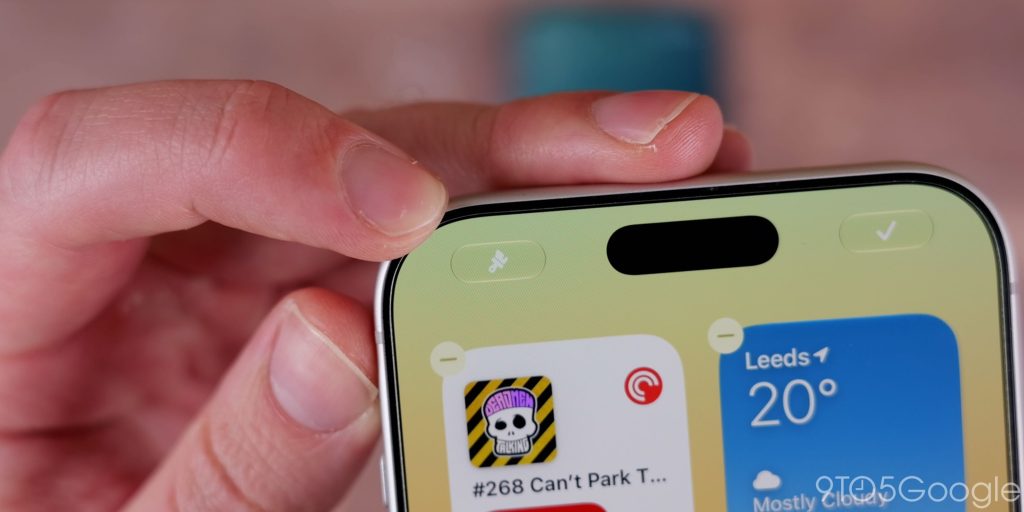
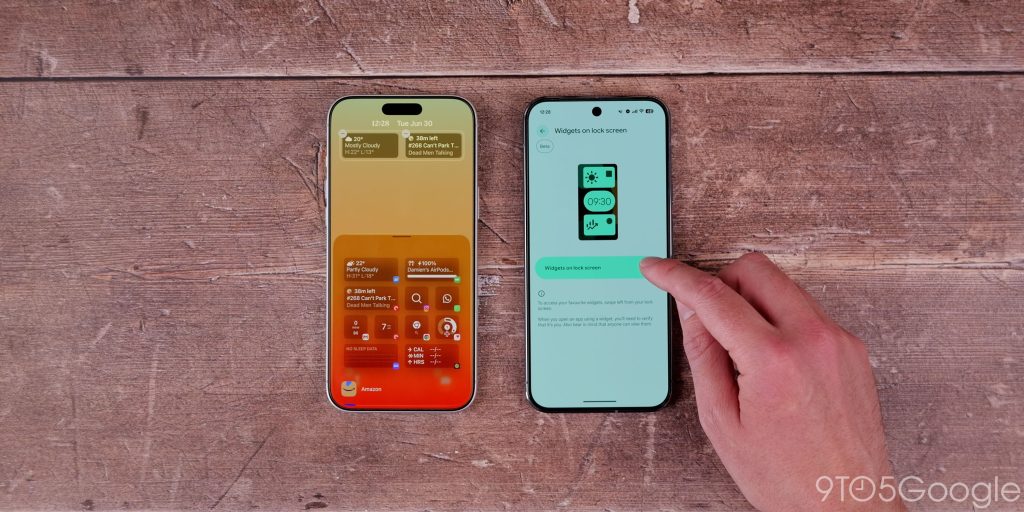
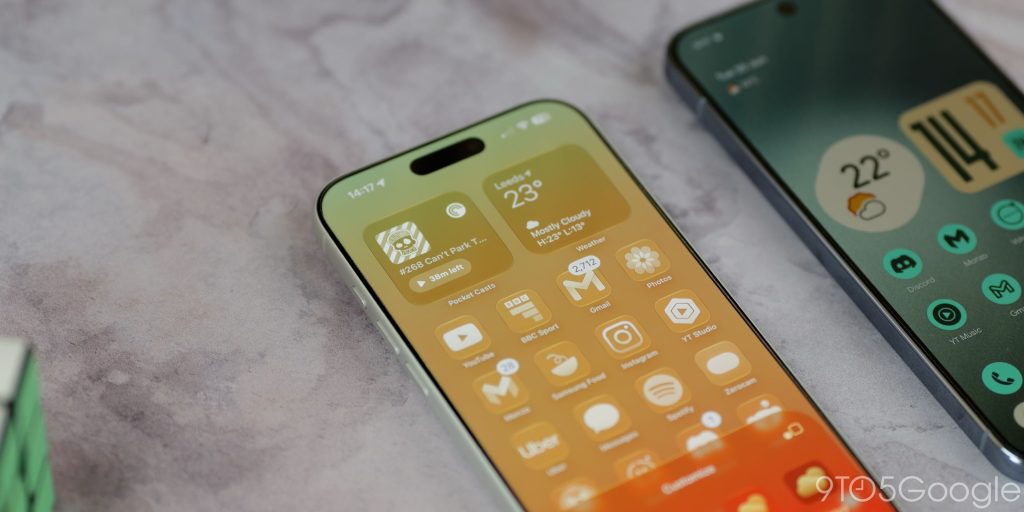
When you have unlocked your phone, there are some other changes to iOS 27 and Android 17 that help differentiate. Apple is allowing people to finally adjust the Liquid Glass strength. If you choose to apply the theming to your icon set, there are options to adjust the intensity of the effect from fully clear to a more tinted or frosted appearance.
Android 17 has introduced a few elements of Gaussian blur to just a handful of UI elements. When Liquid Glass settings are adjusted to the maximum opacity level in iOS 27, it looks eerily similar to the frosted Android 17 sections, such as the widget panel and some volume sidebars. However, the frosted UI isn’t present everywhere on Pixel like it is on iPhones. It’s less aggressive in being applied to areas that would reduce accessibility, such as the Quick Settings panel.
Although without getting too deep into the AI portion early, Gemini Intelligence is coming later this year and will let you create custom widgets for your homescreen. Apple is sort of doing something similar with the Shortcuts feature. It lets you craft a custom prompt for a task or similar; these are task-based rather than reference options on your homescreen. Even so, I’d love Google to copy Shortcuts wholesale. It’s one of the most powerful functions on iOS that we haven’t seen Android try to lift – save with third-party apps like Tasker.
Usability differences
The biggest tentpole change in Android 17 is App Bubbles. Multi-tasking in iOS 27 simply doesn’t work in the same way; in fact, it barely works. Bubbles is a rebirth of chat heads but repackaged for 2026 (and beyond). If you want to be able to quickly jump back into a group chat or maybe check the status of your Uber while watching a video, it’s a way to do that without using split-screen. Just dismiss the app, and it lives in a floating bubble you can stash for later.
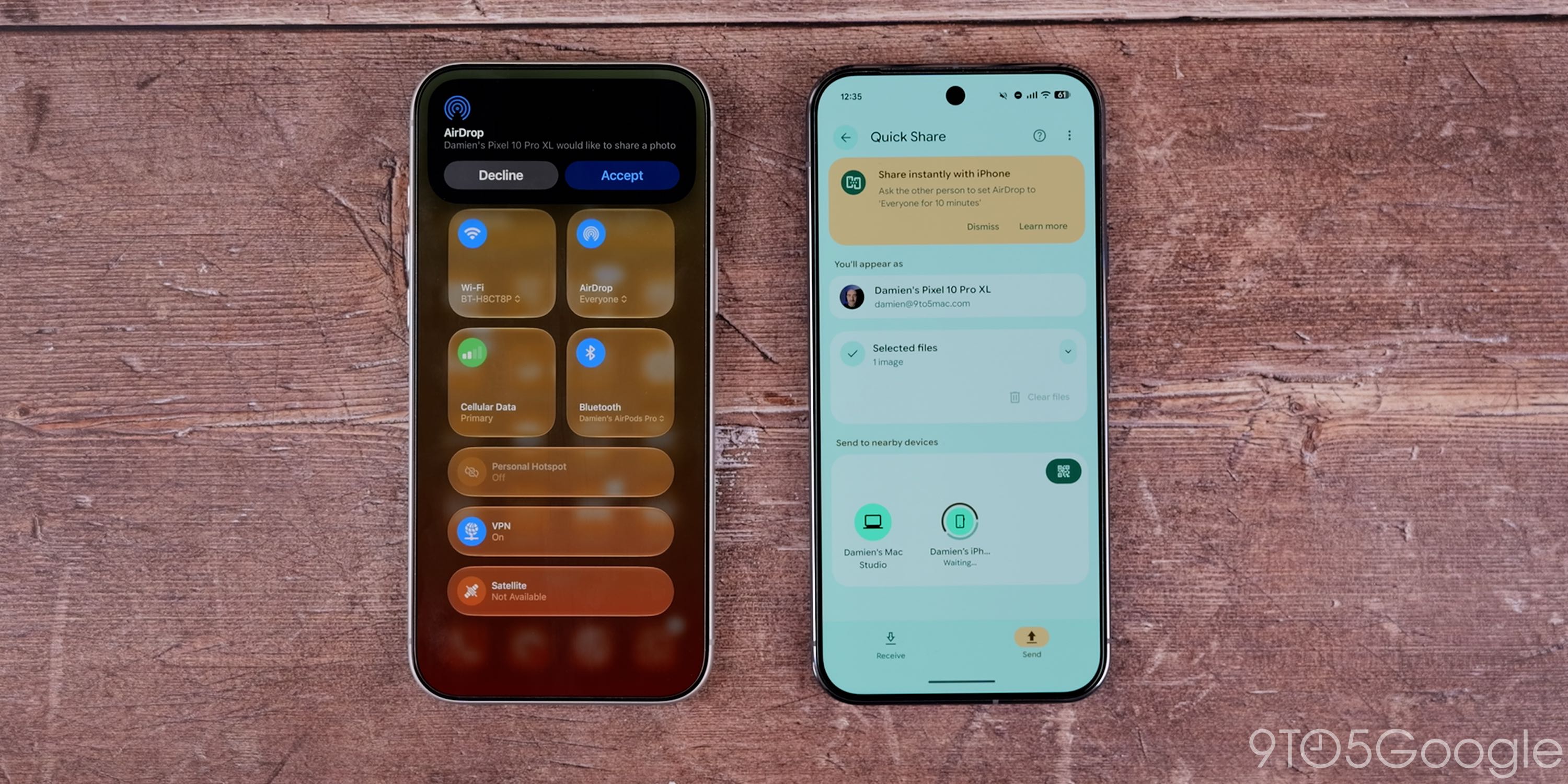
For the most part, iOS 27 works just the same as any iPhone operating system has worked for a long time. There are no major usability differences, save in some applications. Google has, though, found a way to make AirDrop work cross-platform, which isn’t down to Apple, so that should benefit iOS users regardless of what software version they’re running.
Gemini plus Siri: Magic Cue vs. Agentic AI
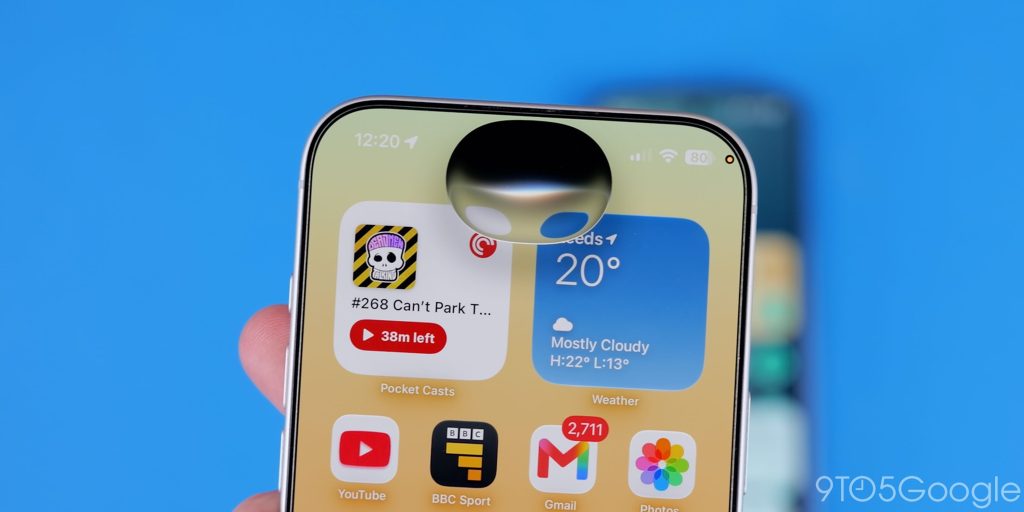
The visual Siri overhaul looks great, and it has really improved drastically now. The two-step approach that relied heavily on ChatGPT is just gone. With the help of Gemini’s underlying models, you can do so much more, and it’s faster, too. That said, this is not Gemini running things behind the scenes. It’s completely separate.
Being able to contextual search on iPhone feels better than it ever has before; you can ask for photos from a recent trip or ask when you last texted or checked in with a friend. These are useful reference abilities because you can do it all from Spotlight search.
It’s nothing that Gemini hasn’t been able to do for a while already, but it is going to be a nice way for iOS 27 to at least catch Android 17 in the core AI-powered functionality.
What I will say is that the Agentic AI works better than the sometimes sporadic Magic Cue feature on Pixel phones. Magic Cue, when it works, is great. Like asking for a phone number or the date of an upcoming event via text. Siri is not as good at that kind of thing right now, but it should get contextual content suggestions later down the line. You can add events to your calendar, sort of like how Google Messages has had quick actions for a while. It’s a clean, concise implementation, but nothing groundbreaking.
Siri is allowing continued conversations, which works similarly to Gemini Live, but I can’t deny that the ability to customize the voice is something that Android fans will definitely be jealous of. On iOS 27, the experience is a little stunted; it doesn’t feel like a flowing conversation like it does with Gemini on Android 17 and older.
The visual search capabilities rely on the camera application; this just doesn’t feel as seamless as Gemini Live Video or even Circle to Search, which doesn’t require multiple steps. You can’t get live video guidance using Siri for troubleshooting or further research. Just static images with questions and answers help.
They are good features, but feel par for the course now due to the rapid development of Gemini and AI features in the time since Apple Intelligence was shown off.
Considering Apple’s stance on AI editing tools, I’m shocked at how good the AI Reframe tool is for adjusting viewpoint while extending and enhancing some images that you may not have captured perfectly when hitting the shutter button works almost flawlessly. It’s a genuinely useful tool in, admittedly, specific circumstances. Gemini would rely on Nano Banana and uploading to the cloud to do something similar. It seems that iOS 27 handles everything on the device.
I don’t think that Google Photos editing tools are quite as good with image extension unless you’re really specific. However, Ask Photos gives you effectively limitless options with image prompts for editing on the go. It’s a case of pick your poison there.
I’ve barely even talked about things like Gemini Spark, which promises full AI control of lots of tasks on your phone when it comes to more regions and leaves preview in the coming months.
Final thoughts
Android 17 and iOS 27 are very similar to their predecessors. It’s just more of the same with a few licks of paint. AI is the big ticket item, and that does feel like a bridge to some functionality gaps or a lack of new functionality.
I worried last year that Liquid Glass would become a bigger component in Android as OEMs try to replicate it. It turns out that fear was justified, but this year it’s Apple’s turn to try and replicate Google, but with Siri.
If anything screams “smartphone plateau,” it’s these recent updates. Maybe AI offers a way to differentiate, but so far, everyone is just doing the same things – and do buyers even care? If you want an AI-free phone experience without installing a custom ROM, then your options have basically gone entirely.
Follow Damien: Threads, Bluesky, Instagram
Top comment by Arthur
Now that we've seen the rollout of M3E and iOS 26 with LG, larger system wide UI overhauls I think are effectively done. Both of these platforms are beyond mature nearly 20 years later and Google and Apple are done trying to rock the boat of their userbase with UI changes that could potentially upset that.
The things shown off at The Android Show and I/O surrounding Google Intelligence and how Rambler work, while some of that animation and behavior are slightly new and unique, I don't think any of that constitutes as some kind of continuation of the current A17 design language or M3E since it was so far only unique to GI.


FTC: We use income earning auto affiliate links. More.



Comments