
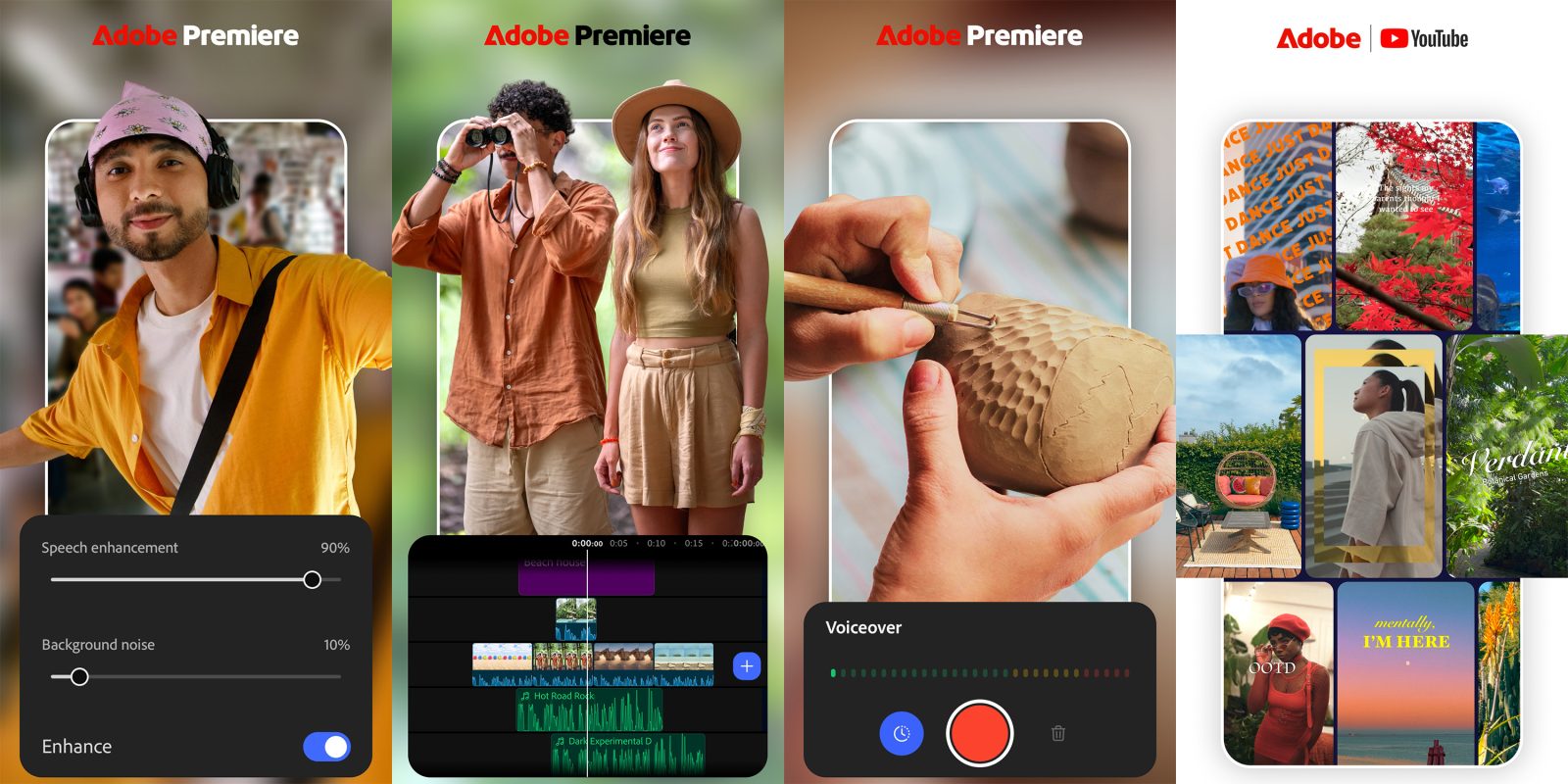
Months after it arrived on iPhone, Adobe Premiere’s mobile version is now available on Android devices with layered video editing, templates, foldable optimization, and more.
Adobe Premiere Pro is widely recognized as a powerful video editing suite on desktop machines, but Adobe’s last version for mobile devices vanished a while back. Now, Adobe Premiere is once again available on Android, delivering what appears to be a very capable video editor that promises to be a solution across all Android devices.
This is the same app that debuted on iPhone in late 2025, and it brings quite a few features with it.
Some of the key features include:
- Enhance Audio: Reduce background noise, clean up voiceovers, etc
- Multi-track timeline: Manage multiple videos, sound effects, music, etc
- Templates: Custom-made templates to speed up editing
- Effects: Transitions, creative assets, Adobe Stock integration
- Export: Up to 4K editing + export
The app already has wide support of different Android devices and form factors, including optimization for foldable smartphones. There’s also a built-in voice recorder.
Adobe says that more features are coming, including support for Adobe Fonts in creating text overlays, the ability to transfer projects to Premiere Pro on desktop, “beat detection,” cropping, and more.
The big deal here, though, is that Adobe Premiere for Android is free. You don’t need a Creative Cloud subscription, you don’t need to sit through ads, and there are no watermarks either. Adobe says you can purchase upgrades for “additional generative credits and storage,” but that’s optional.
Requirements for Adobe Premiere on Android include 5GB of RAM or more and Android 13 or newer.
More on Android:
- Google goes in-depth, and a bit NSFW, on Noto 3D emoji as Android rollout expands
- Android Bench 2.0 focuses on long-horizon tasks, agent evaluations
- Google rolls out Motion Assist bubbles to Pixel, Samsung
Follow Ben: Twitter/X, Threads, Bluesky, and Instagram


FTC: We use income earning auto affiliate links. More.


Comments