
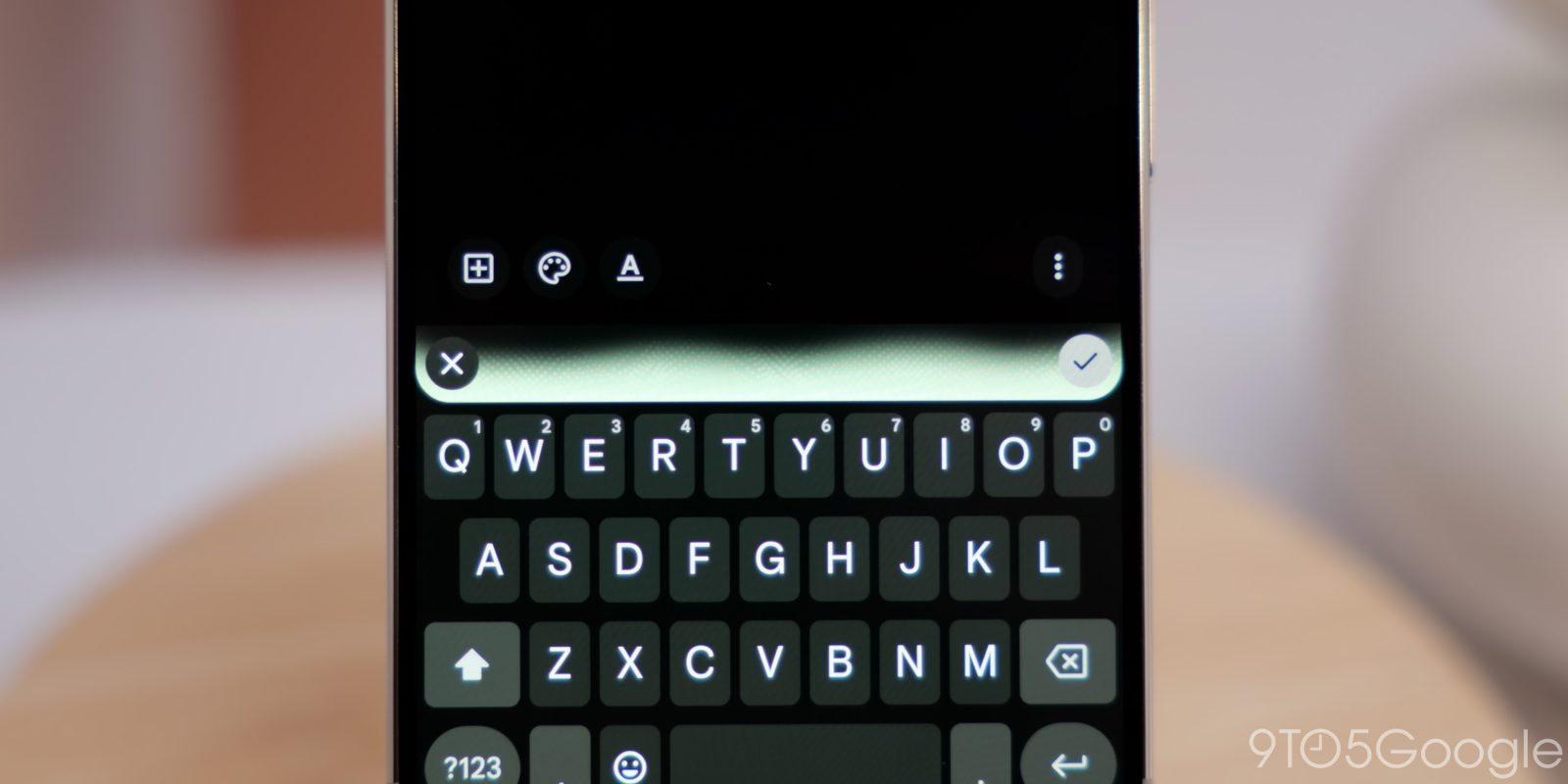
Rambler in Gboard is perhaps one of the best Pixel 11 features, delivering powerful voice-to-text backed up by AI models. Once you’ve used it, it’s hard to switch back to anything else, but the Microsoft-owned SwiftKey is testing out a new “AI voice” feature that brings the core functionality of Pixel 11’s Rambler to basically any other Android phone.
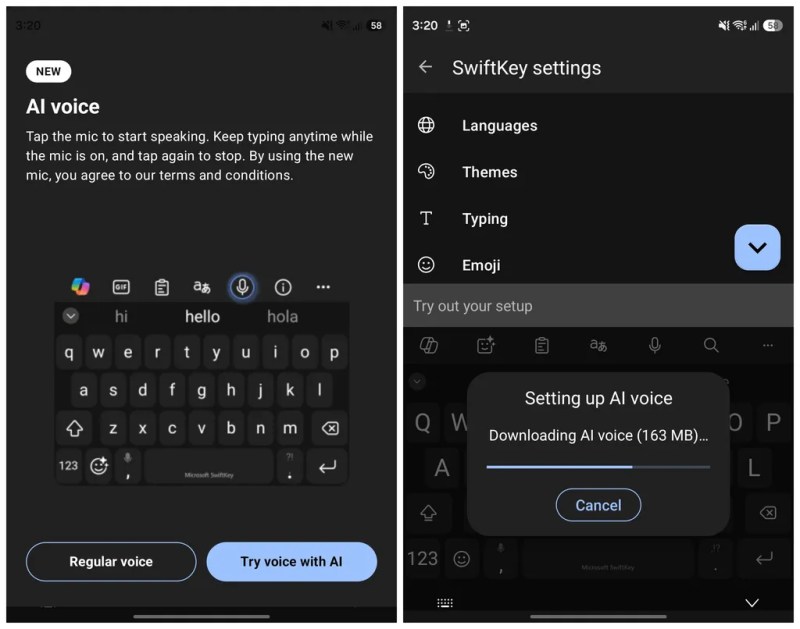
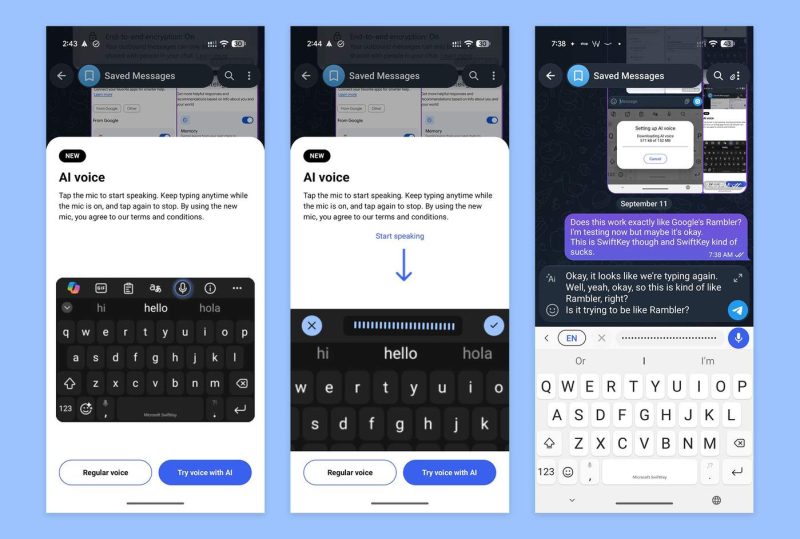
Available in the latest SwiftKey for Android beta release (v9.13.16.4), “AI voice” is an enhanced voice-to-text feature that allows you to speak and then let the AI step in to clean up filler words, format text, and more. In other words, it’s Pixel 11 Rambler, just without the exclusivity.
You tap a microphone icon to get started, with no live preview showing (the one thing we don’t love about Rambler) and a checkmark button ending the session, leaving the AI to process the result.
Android Central notes that you’ll need to download an offline language model for “AI voice” to work, which is one big difference – it works offline, no servers required. The publication says that testing the feature on a Fold 8 required only 163MB of storage and worked with the device fully offline, something you can’t do with Rambler on the Pixel 11 series. Droid-Life also tested it out, finding that you can’t use voice commands to edit the test as Rambler allows, but it gets the job done.
While it initially seemed like Rambler might not be a Pixel exclusive, that’s where we’re at right now, so “AI voice” in SwiftKey is probably a good alternative for many. Wispr Flow is also available, as we previously covered, though its lack of keyboard integration can be a bit annoying at times.
You can download the SwiftKey for Android beta through the Play Store.
More on Android:
- What’s new in Android’s September 2026 Google System Updates
- Samsung pokes fun at iPhone to Android switching drama in reality star-packed ad [Video]
- Google rolls out Motion Assist bubbles to Pixel, Samsung
Follow Ben: Twitter/X, Threads, Bluesky, and Instagram


FTC: We use income earning auto affiliate links. More.


Comments