
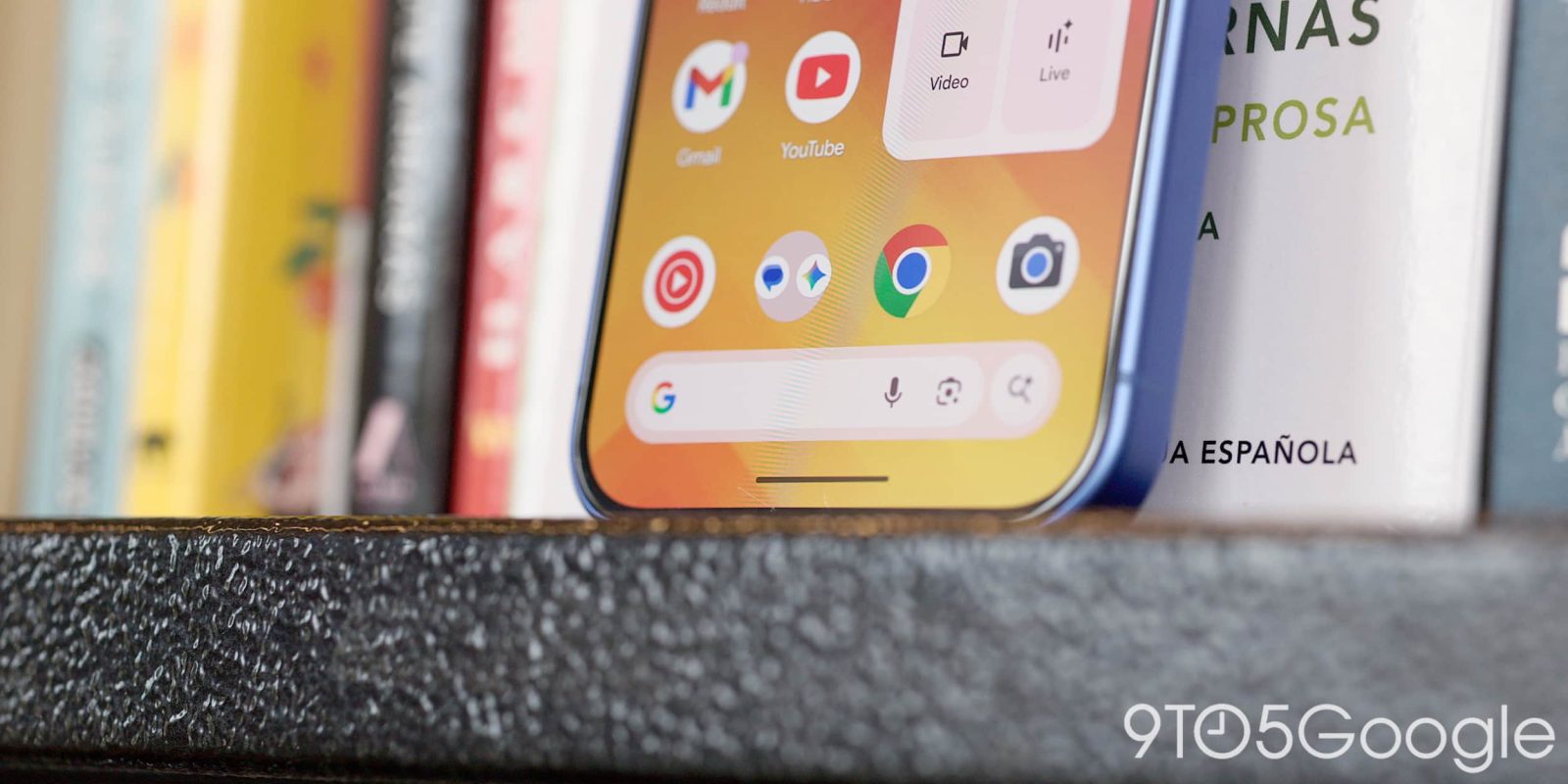
Google’s expansion of AI Mode continues today with an integration into the Search bar on Android devices.
Tapping the bar at the bottom of the Pixel Launcher reveals a fullscreen interface that is (unfortunately) mostly unchanged. However, the “Search…” prompt has been replaced by “Ask Google.”
The bigger change is that the ‘G’ logo has been removed in favor of a ‘plus’ menu. Tapping lets you add an image (Gallery or Camera) to your query, change it to an AI Mode prompt, or use Nano Banana to “Create images.”
Old vs. new


A smaller change sees the microphone and Google Lens icons drop the four-color treatment.
More broadly, this change also applies inside the Google app when opening the top Search bar or bottom tab. It also appears in the Google for iOS app.
This behavior matches recent updates to the Chrome address bar that integrate AI Mode deeper into desktop and mobile browsers.
We’re seeing this roll out to Google app beta (version 17.18) users today.
Google app


In other developments, Google has rolled out AI Mode’s plus menu redesign that turns it into a bottom sheet. It joins other design updates to the fullscreen interface, including the adjusted history panel.


FTC: We use income earning auto affiliate links. More.



Comments