Google Calendar

Google Calendar this week is adding a nice quality-of-life update that gives users more than 11 colors for customizing events. Additionally, enterprise Google Voice users now have AI-powered “Take notes for me.”
Expand Expanding Close
Gemini today is rolling out a “major upgrade” to the Google Calendar “tool” that allows you to manage shared and secondary calendars.
Expand Expanding Close
Following Add to Calendar earlier this year, the latest Gemini capability coming to Gmail is “Help me schedule” with Google Calendar.
Expand Expanding Close

With the in-app redesign widely available, Google Calendar for Android is now rolling out M3 Expressive homescreen widget updates.
Expand Expanding Close
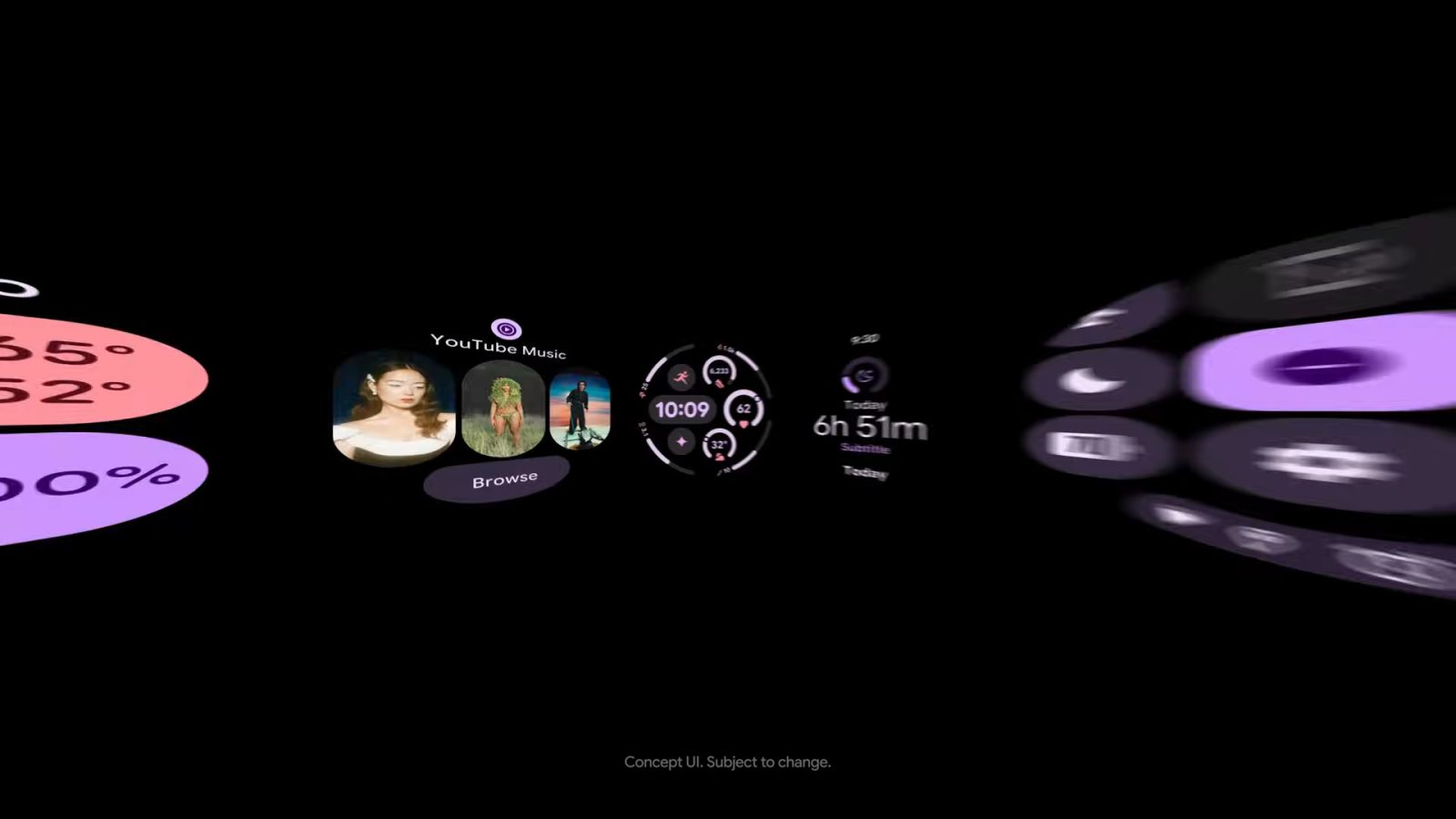
Google Calendar is just beginning to roll out M3 Expressive on Android phones and tablets. On Wear OS, Google Calendar’s M3 Expressive Tiles are now widely available.
Expand Expanding Close
Following Keep (which we’re now seeing go live on more devices), Google Calendar for Android is beginning to see its Material 3 Expressive redesign go live.
Expand Expanding Close
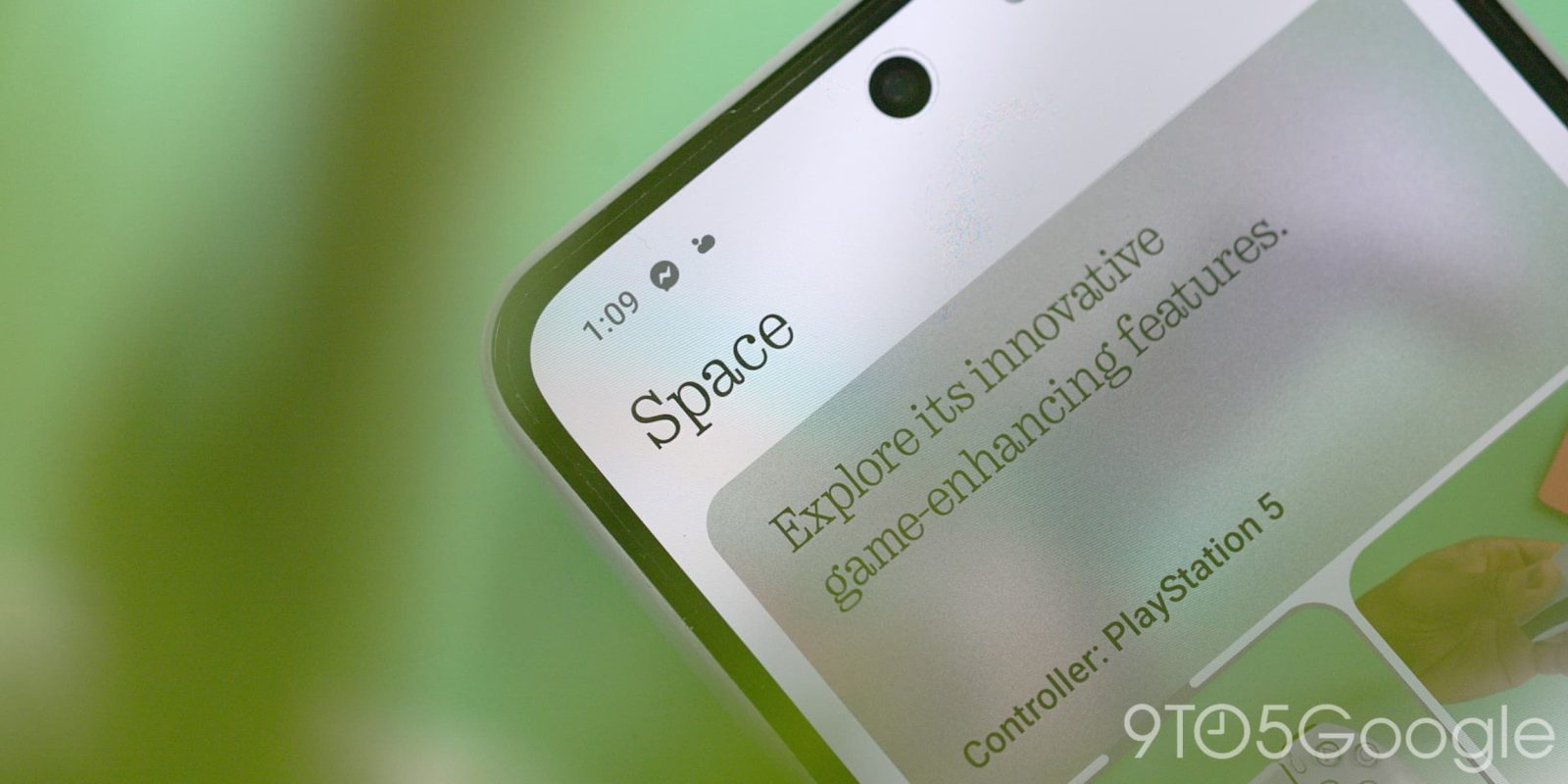
Nothing has just announced new updates to Essential Space, its AI-powered hub, which includes support for Google Calendar as well as updates to the new “Flip to Record” feature on Phone (3).
Expand Expanding Close

Introduced in 2021, “Google Drive for desktop” is getting a visual redesign that centralizes controls and management in one window.
Expand Expanding Close
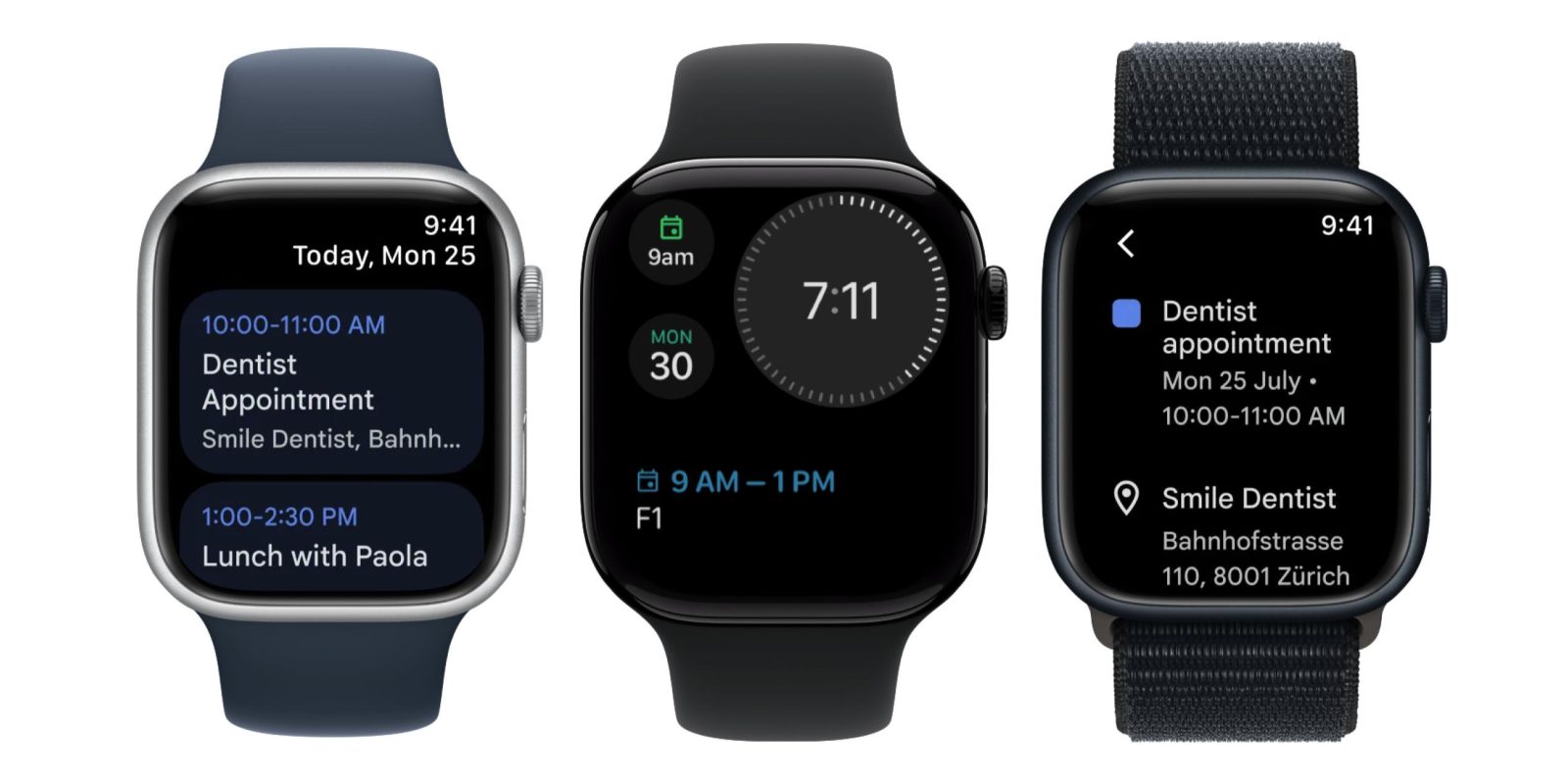
Only a few Google services offer Apple Watch clients, with Google Calendar unexpectedly becoming the fourth app today.
Expand Expanding Close

While Material 3 Expressive is not coming to Wear OS 6 until later this year, Google is already beginning to update apps and Tiles with the new design language.
Expand Expanding Close
A new update is rolling out to Google Calendar on Android which makes it easier to create events across separate Google accounts.
Expand Expanding Close
Google Calendar is the latest Workspace app to get the Gemini side panel on the web. This is currently being tested in Workspace Labs.
Expand Expanding Close
Earlier this week Apple released its latest app, Apple Invites, as a clever combination of iCloud services for digital event invitations. Apple Invites is a great idea, but one that I can’t help but feel like, with products like Calendar, Gmail, and Photos at the ready, Google could have done better.
Expand Expanding Close
Shared calendars on Google Calendar are incredibly useful, but one small oversight was made with sharing. Now, Google Calendar is rolling out an update that makes it easier to see who else has access to a shared event.
Expand Expanding Close
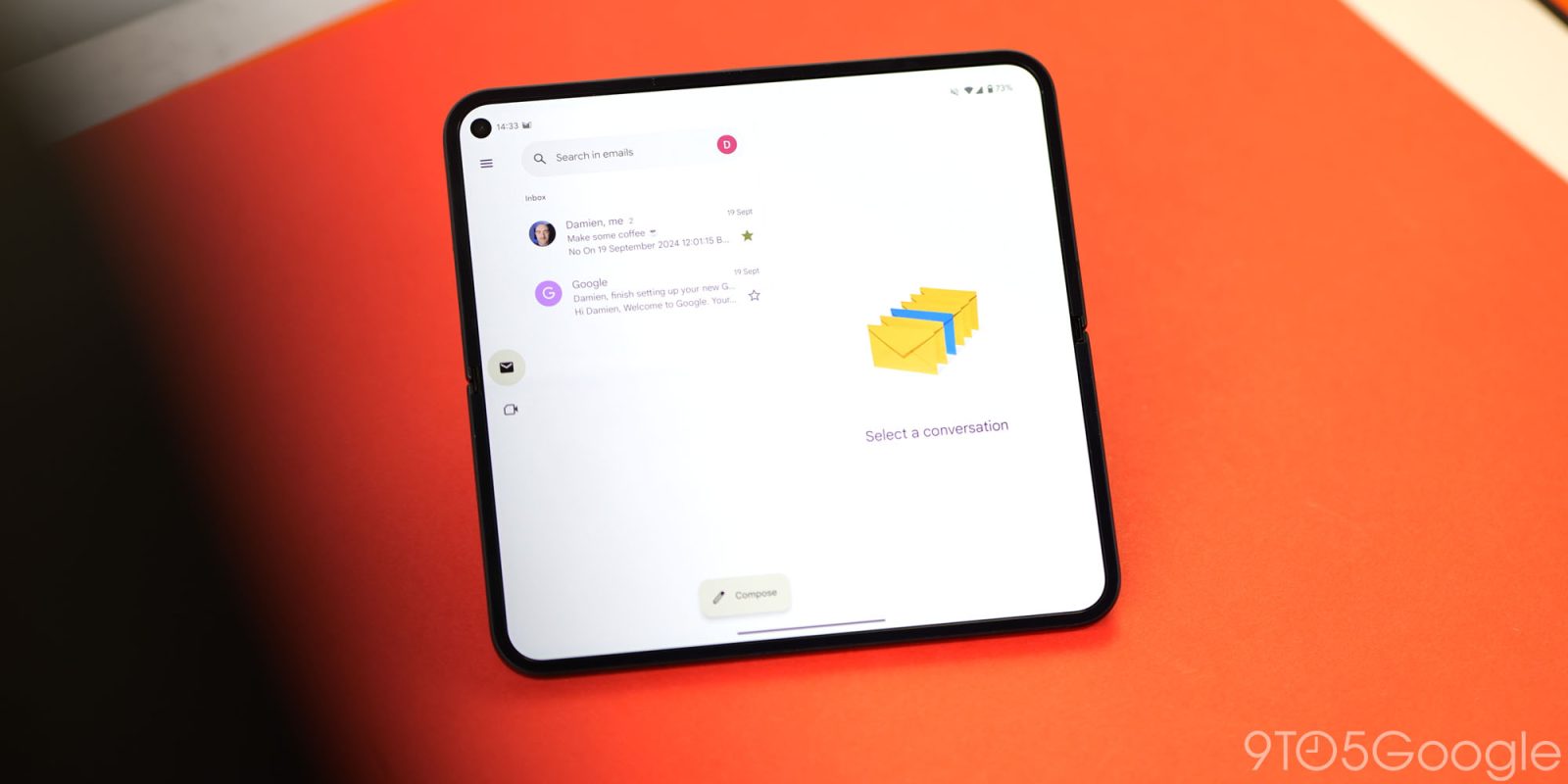
Back in October, Gmail redesigned its summary cards to be more glanceable and actionable, with the updated Google Calendar card now available.
Expand Expanding Close

Last year, I wished that Google iterated more on the personal side of Gmail, Calendar, and other Workspace apps. In 2024, Google made a number of updates to the suite of productivity apps that I benefit from and appreciate on a daily basis.
Expand Expanding Close
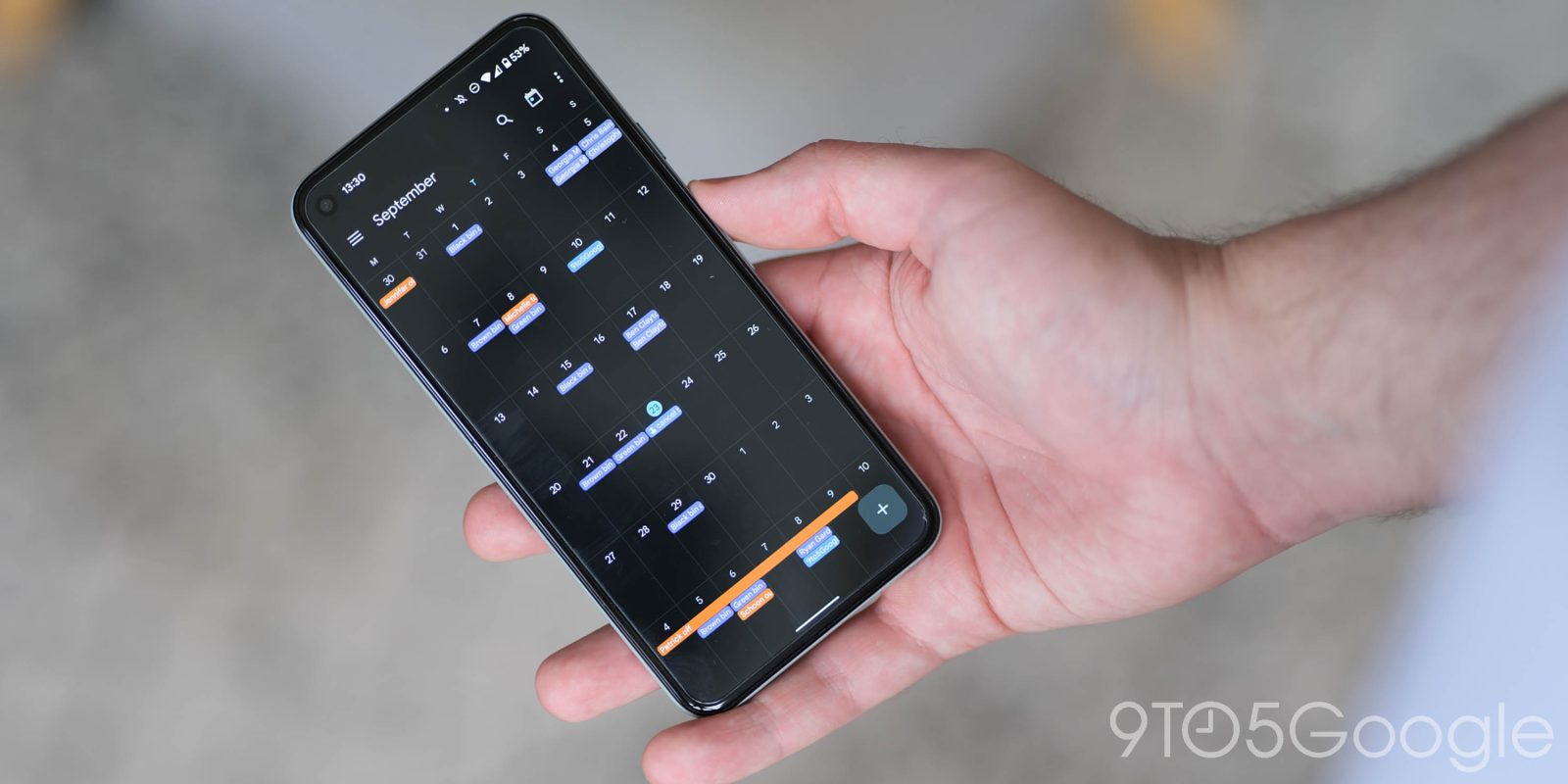
Following last week’s announcement, the new Google Tasks functionality in Google Calendar for Android is widely rolling out.
Expand Expanding Close
Google Calendar on Android is getting a more full-featured Google Tasks experience to make it “easier for users to stay on top of and organize their tasks.”
Expand Expanding Close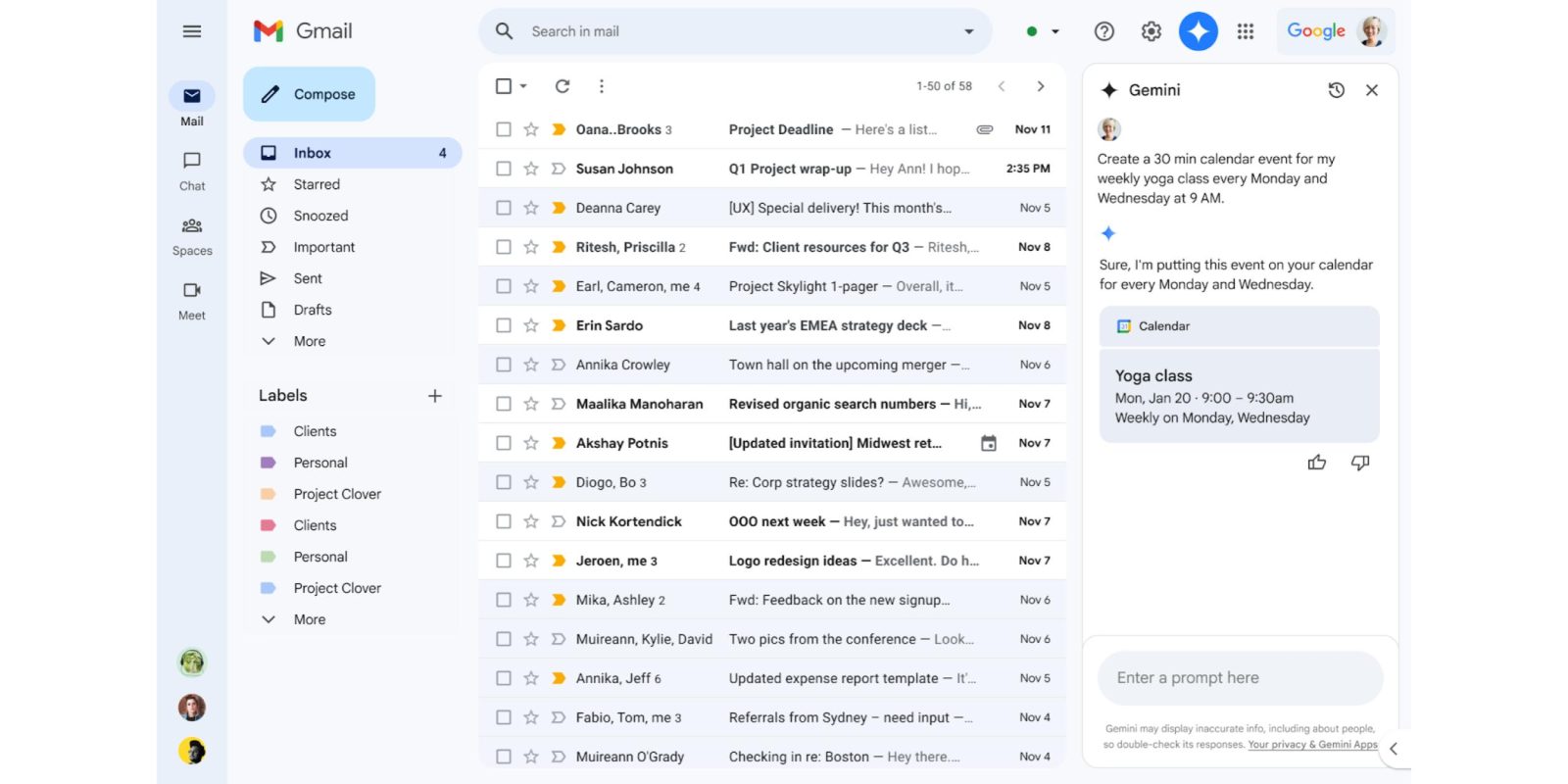
The Gemini side panel on the Gmail website now works with Google Calendar after initially integrating Drive, Docs, Sheets, and Slides.
Expand Expanding Close
Following Gmail, Drive, Docs, Sheets, and Slides, Google Calendar on the web is getting a Material You redesign that finally adds a dark theme.
Expand Expanding Close
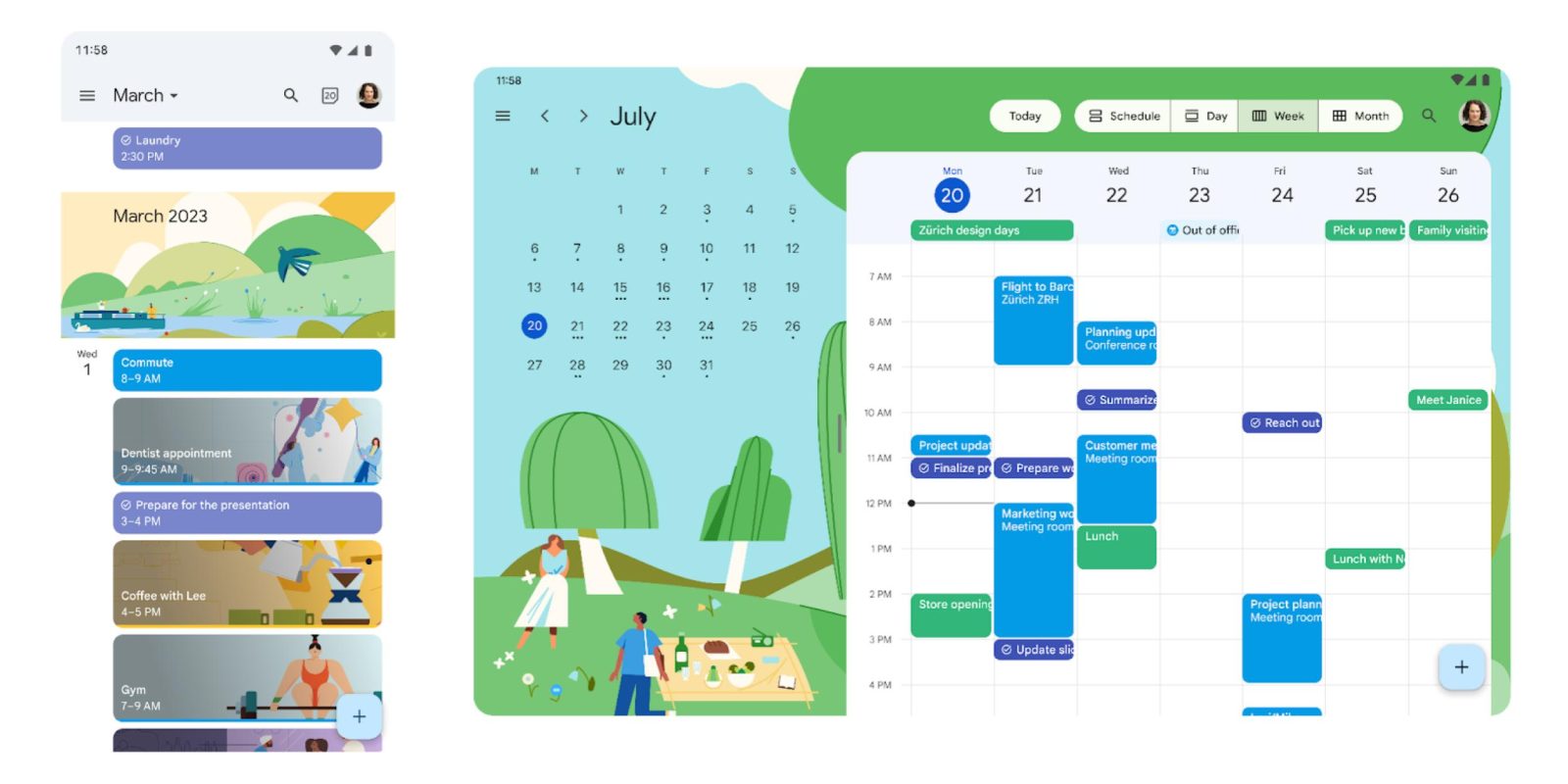
As announced on Friday, Google Calendar for Android and iOS now have “refreshed illustrations.”
Expand Expanding Close
The fun little backgrounds seen in Google Calendar events are apparently getting an expansion, as Google is preparing some new “flairs.”
Expand Expanding Close
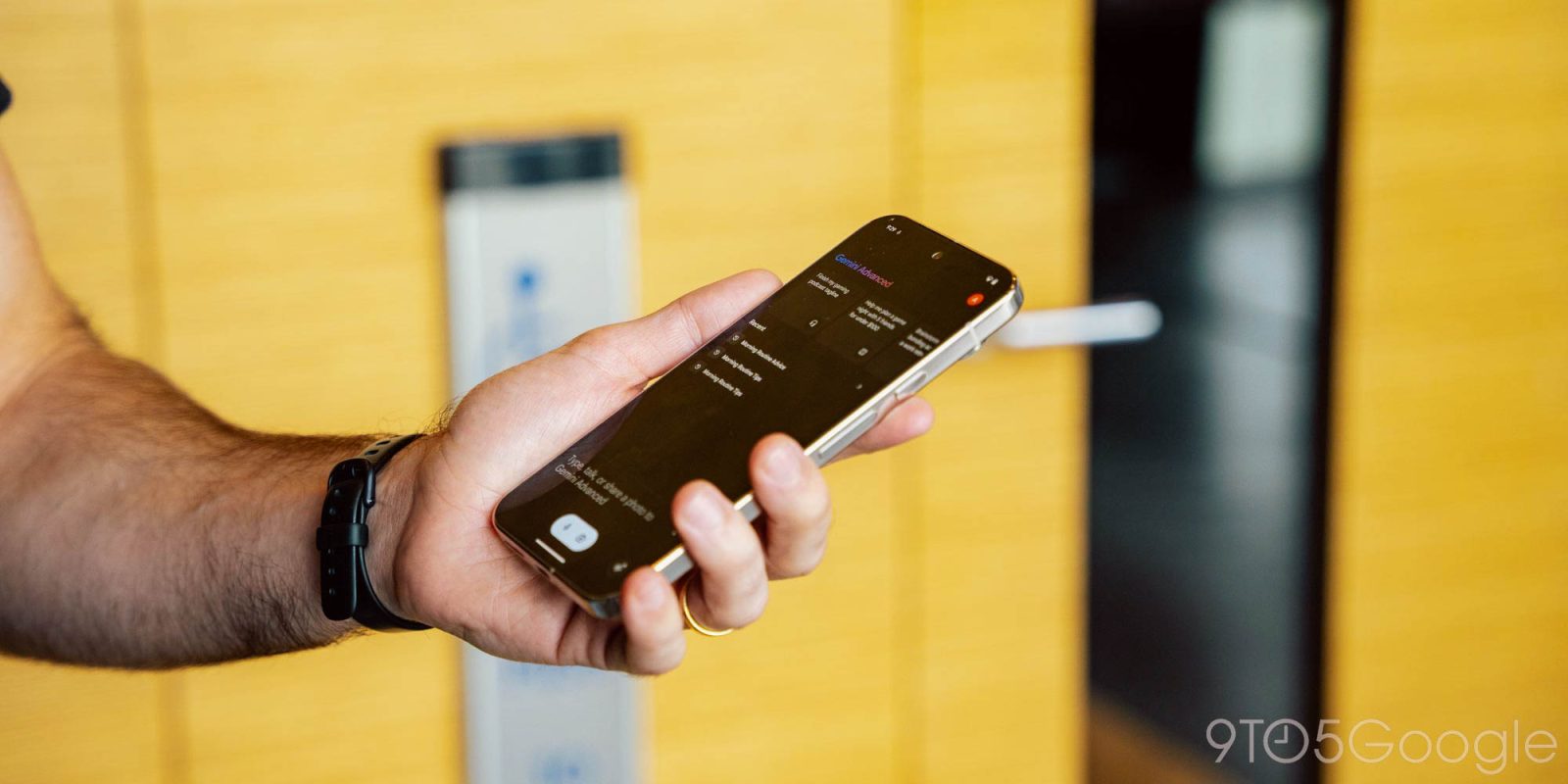
The Gemini Extension for Google Calendar is starting to roll out for some accounts on Android and the web client.
Expand Expanding Close
At the moment, birthdays that appear in Google Calendar are based on Google Contacts information, but manual creation is now coming.
Expand Expanding Close