
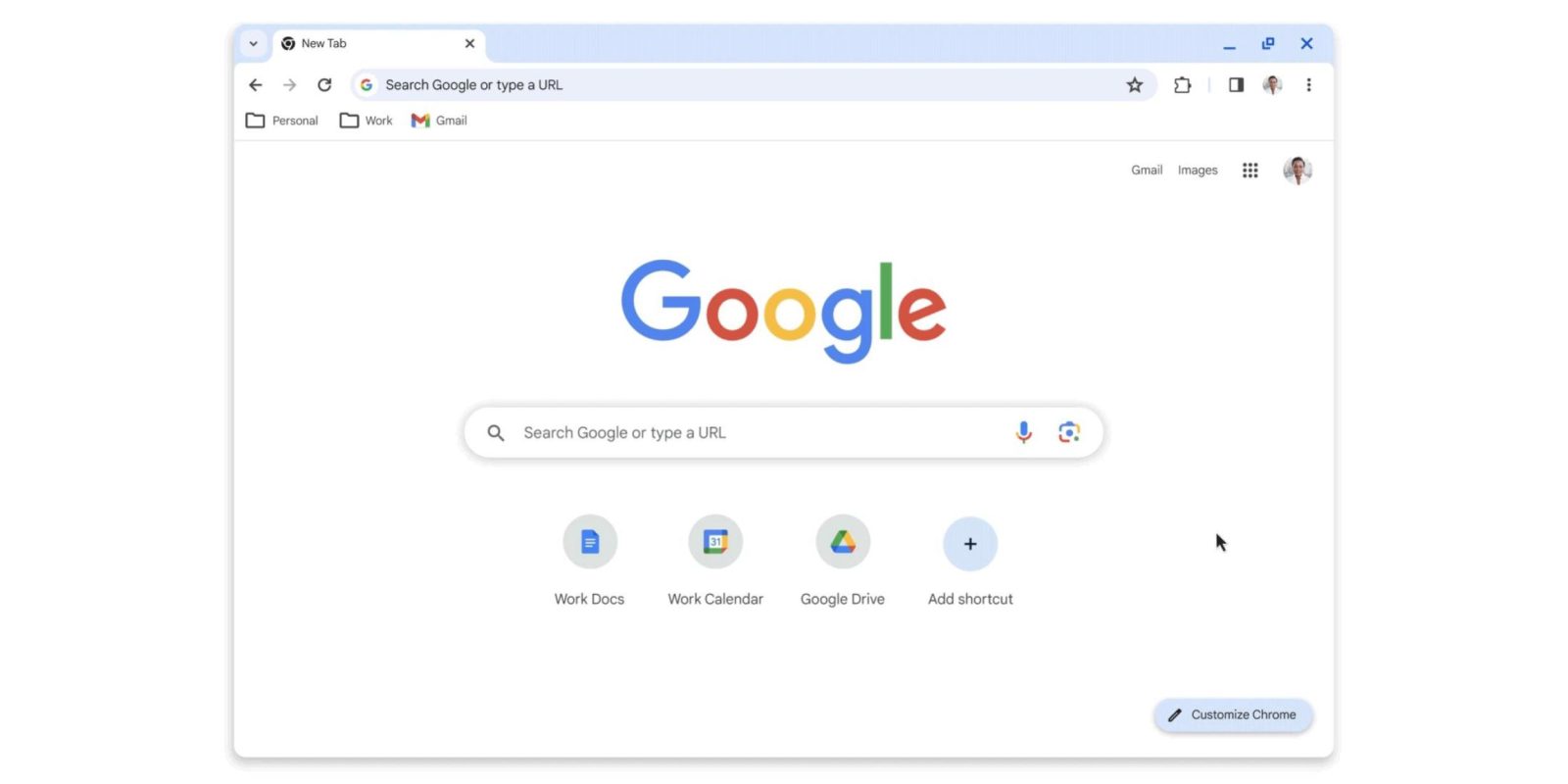
To mark Chrome turning 15 this month, Google announced a Material You redesign for the desktop browser on Mac, Windows, Linux, and ChromeOS.
It follows the previous redesign five years ago that brought the Google Material Theme. While the general layout remains the same, various corners have been rounded, and the top portion of the browser (tabs, Omnibox, and bookmark bar) is ever so slightly taller.
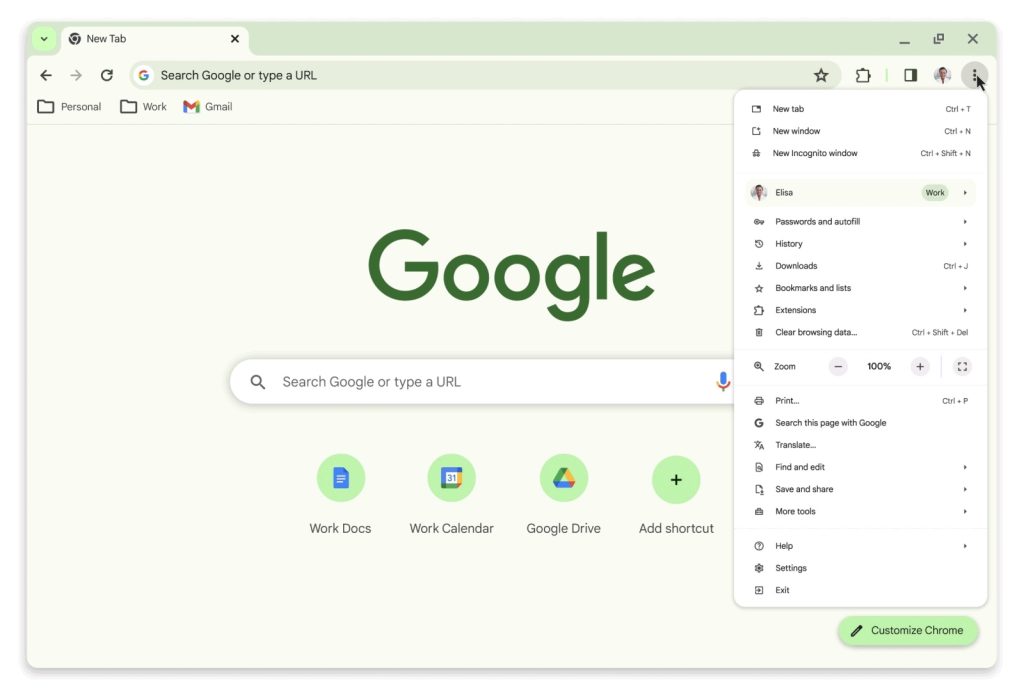
Icons have been “refreshed” to be more legible, like how the downward chevron is placed in a button, while the icons now also appear in the three-dot overflow menu to make finding key settings easier. Some of the menus have been reordered, while a prominent sub-menu for your signed-in Google Account now exists.
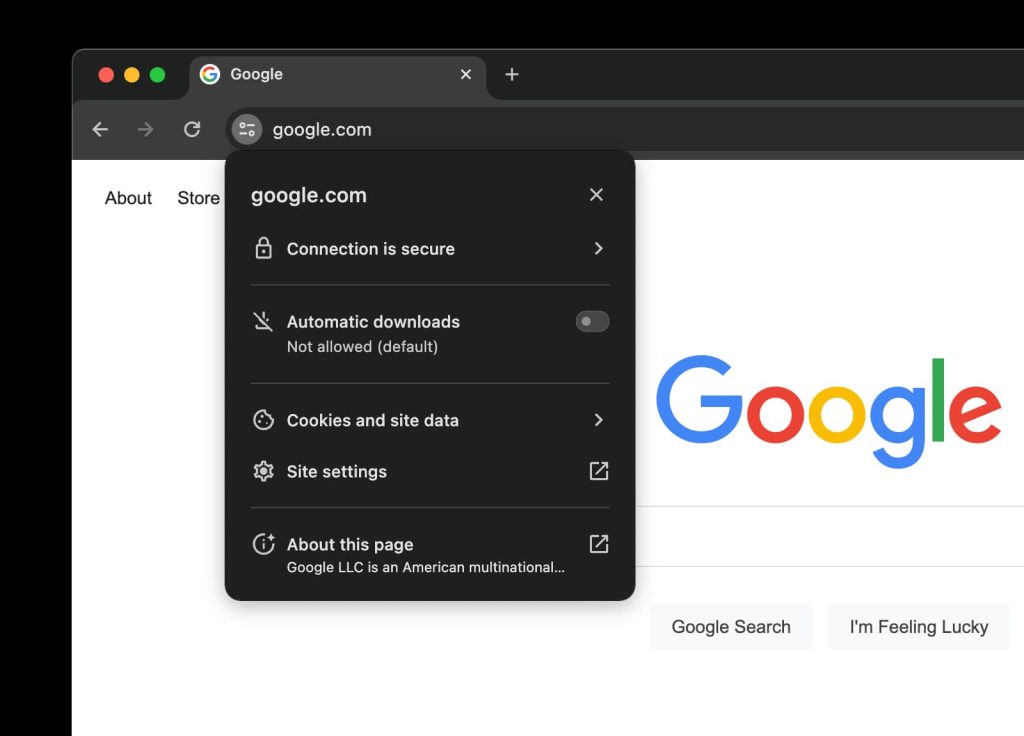
The address bar no longer features a lock, in light of widespread HTTPS adoption, with a new icon for accessing site options. These floating menus have been redesigned with rounded corners and pill-shaped switches.
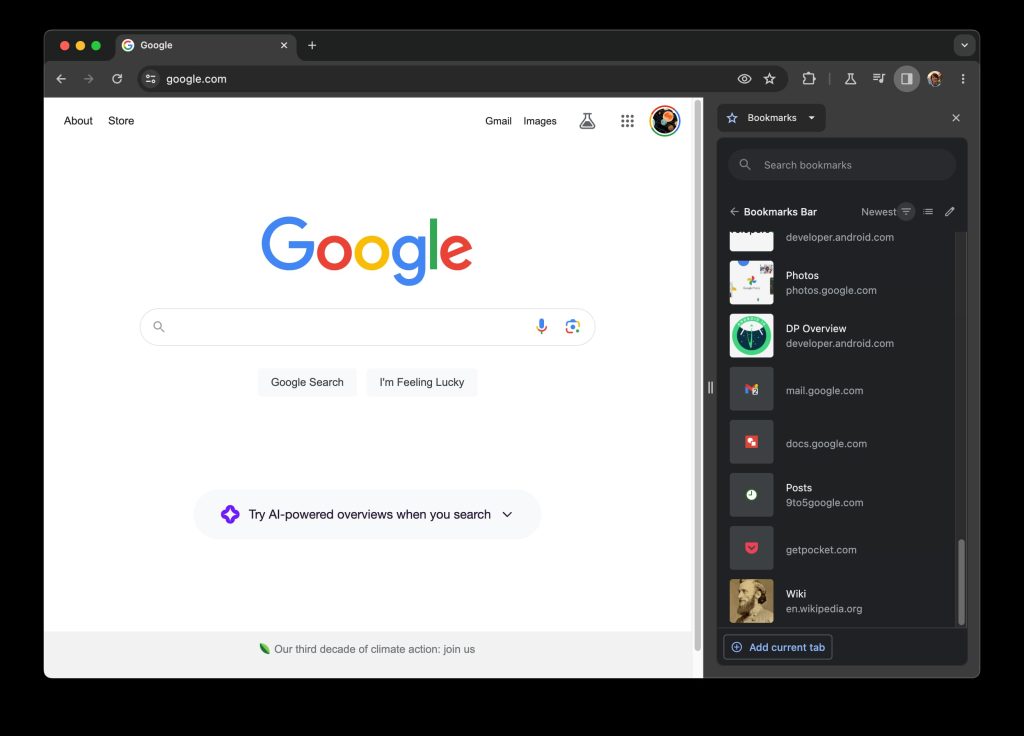
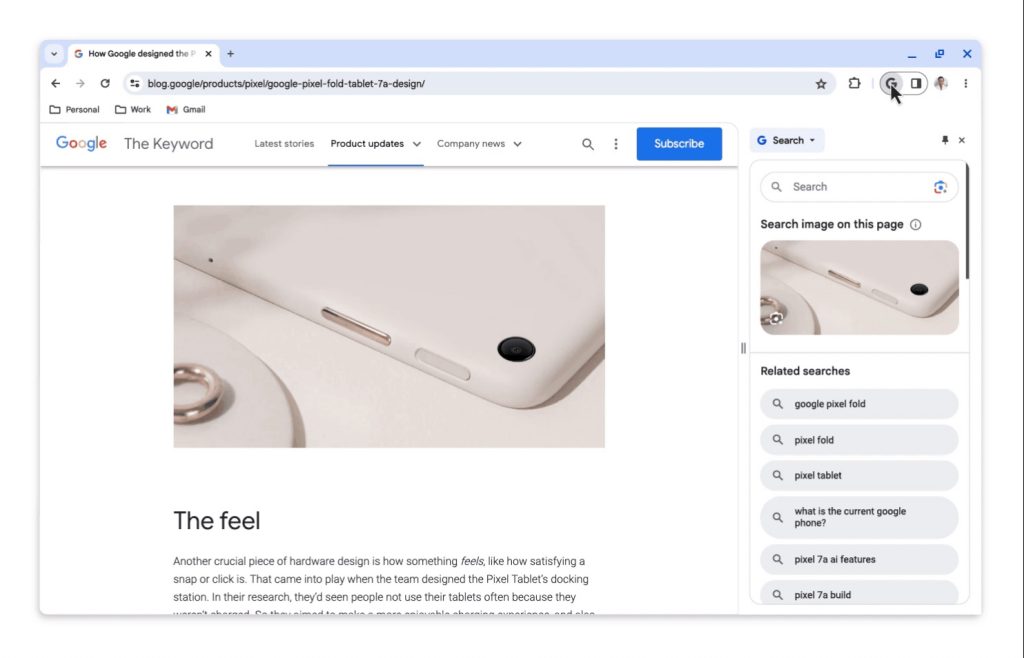
Chrome’s persistent side panel continues to grow in functionality and is now home to “All Bookmarks.” You’ll also find a “Search this page with Google” feature that opens a panel for highlighting images and related queries.
Top comment by JG
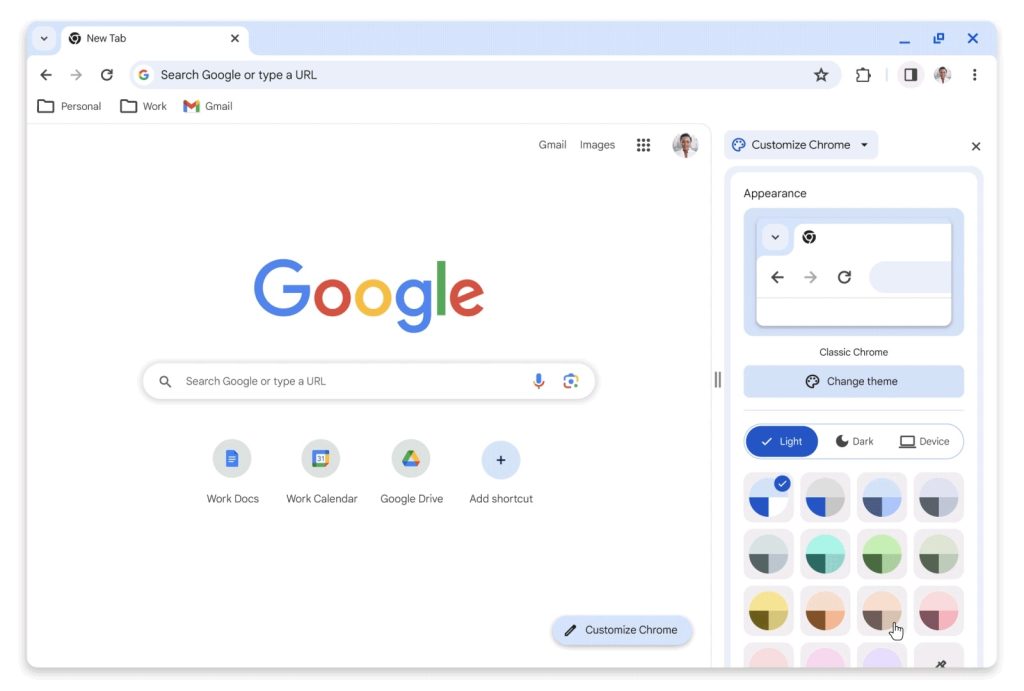
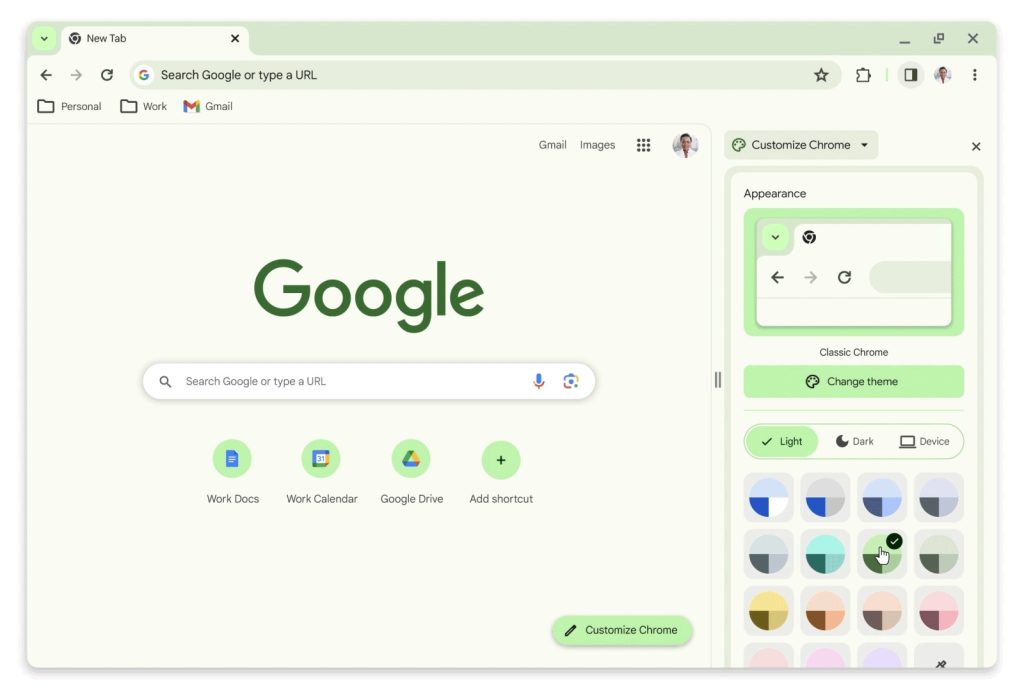
Color plays a significant role in this Material You redesign, introducing new palettes “that better complement your tabs and toolbar.”
Speaking of color playing an important part...
Would it be possible to change the color of grouped tabs to match the tab group color?
IMHO the little strip of color under the tabs can be a bit challenging to tell when the group ends and which tab is the next non-grouped tab.
But if the tabs in the group were blue, for example, with the ungrouped ones being standard grey. There woukd be a more obvious change.
Color plays a significant role in this Material You redesign, introducing new palettes “that better complement your tabs and toolbar.” This is best experienced when not using a dark theme. From the New Tab Page, click Customize Chrome in the bottom-right corner to try them out.
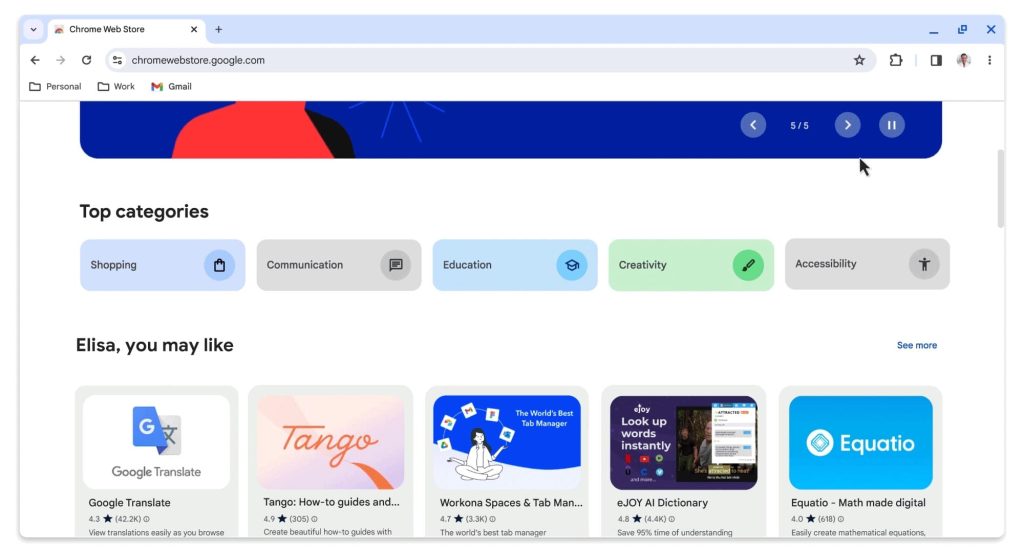
Google is also officially unveiling a Material You redesign of the Chrome Web Store, which adds personalized recommendations and new categories like Editors’ Picks and AI-powered extensions.
This Chrome Material You redesign is rolling out over the “coming weeks,” with version 117 hitting stable next week.
On the security front, Safety Check will cover extensions, and Google Safe Browsing now works in real time to compare sites against a list of known bad URLs. Previously, your browser would refresh a local list every 30-60 minutes, but 60% of phishing domains now exist for less than 10 minutes.
By shortening the time between identification and prevention of threats, we expect to see 25% improved protection from malware and phishing threats. This update will roll out to Chrome in the coming weeks.


FTC: We use income earning auto affiliate links. More.



Comments