Andrew Romero is a North Carolina-based journalist specializing in Android and Google news, reviews, and in-depth analysis. With a keen eye for detail honed from his previous career as a CNC machinist, Andrew possesses a unique appreciation for hardware and the intricate engineering behind the technology we use daily.
He brings this passion to his coverage, offering insightful perspectives on the latest devices, software updates, and the evolving Google ecosystem. When he’s not diving into the world of tech, Andrew can be found tackling the trails on his mountain bike, enjoying the natural beauty of his home state of North Carolina alongside his wife.
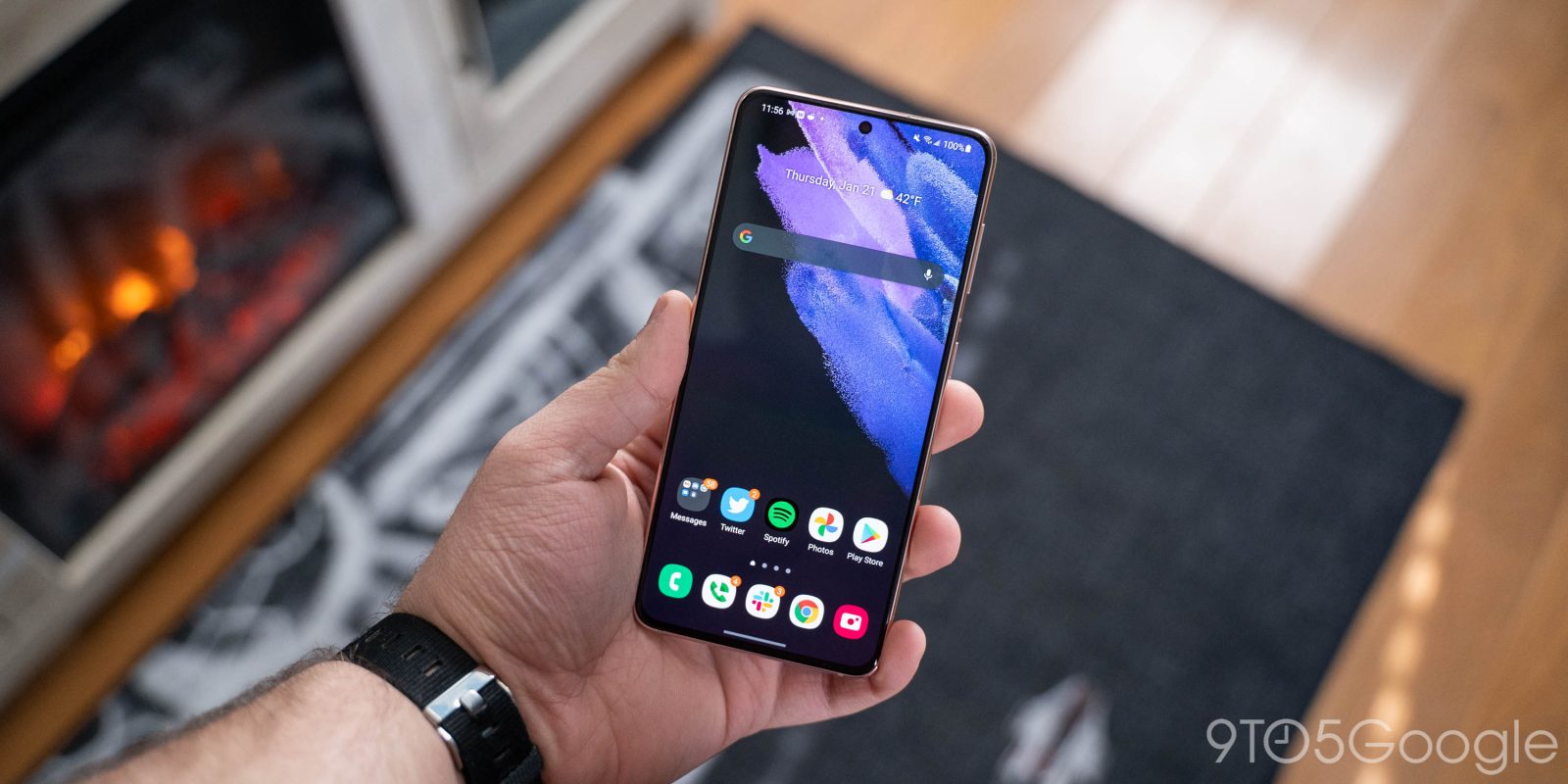
Android 12 has been available on some Google devices for a little bit now and has even made its way to a couple of Samsung Galaxy devices for download. Since the build became official back in October, manufacturers have been working to get Android 12 out and into the hands of their customers.
Earlier this week, Google pushed a feature that could check your heart rate on the Pixel 6 and 6 Pro without the use of a smartwatch. By reading the minute details in your index fingertip using the Pixel’s camera, Google Fit can identify your BPM. This allows anyone with a Pixel 6 or 6 Pro to check their heart rate on the go in seconds without external hardware.
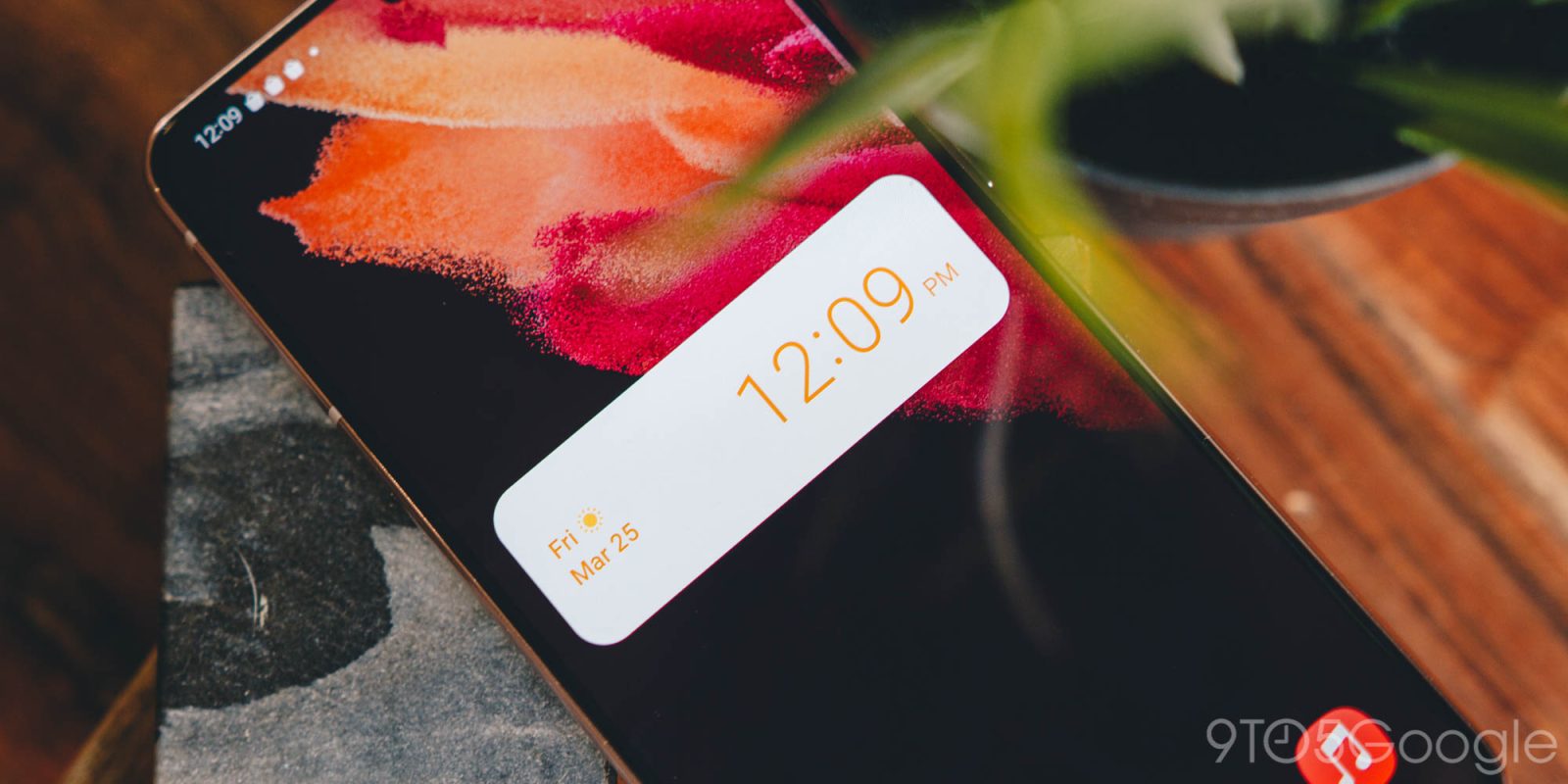
Android not only offers a lot of new AI-driven processing capabilities, but it also adds a little flare to the quality of life department. With the addition of Material You, wallpapers mesh well with the UI adding a cohesiveness that many people love about their Pixel 6 and 6 Pro. In addition, Google’s widgets play along well and are easy to customize, allowing you to tailor the Android 12 experience even better.
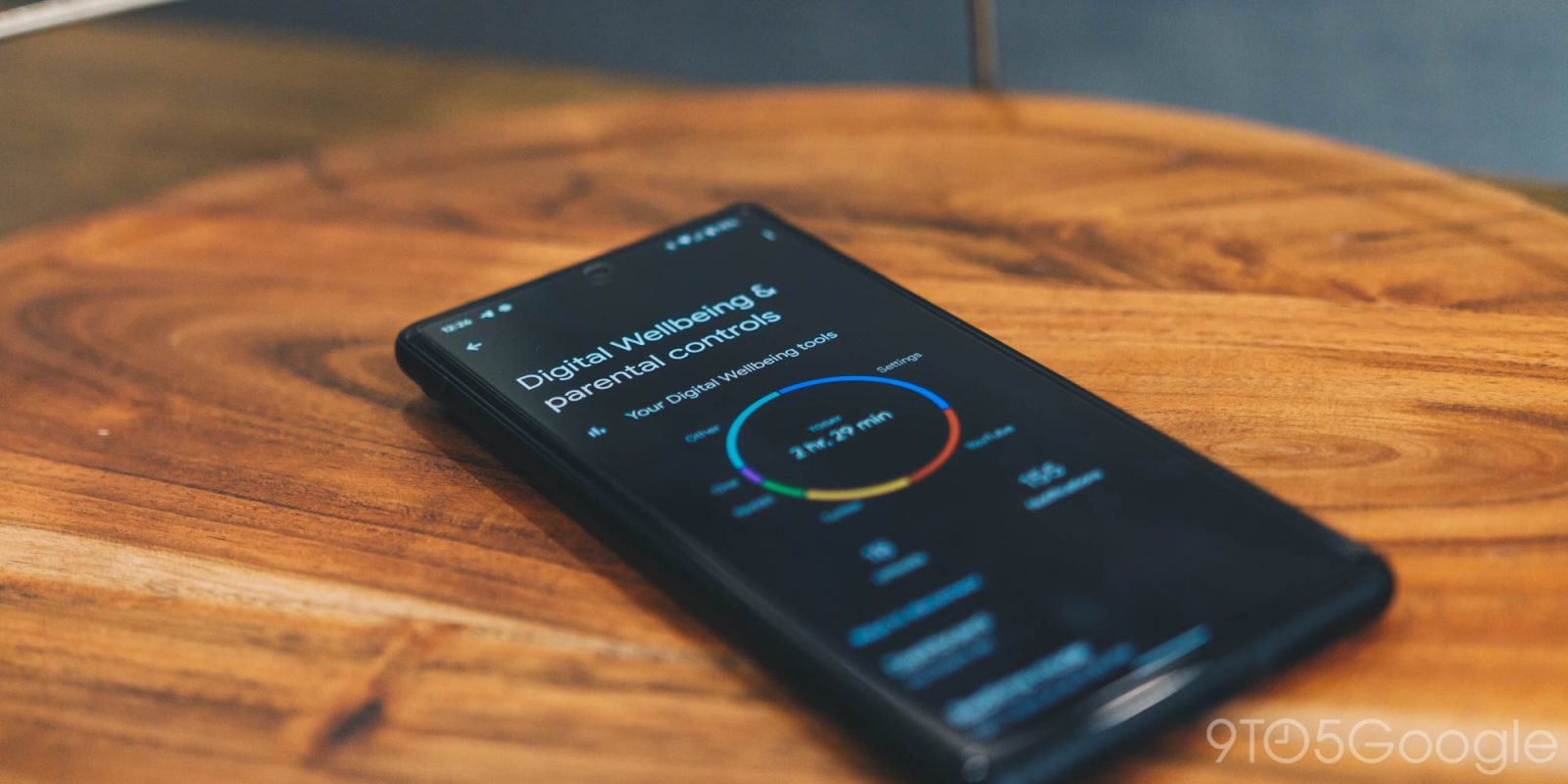
Android 12 is chock full of useful features. Features like focus mode and digital well-being functions stand out as building blocks of the new iteration of Android. Fortunately, all of these features are accessible with quick settings in Android 12, putting them within reach at any moment.
Google recently announced that going forward, accounts would need to have 2-Step Verification (2SV) enabled. According to the company, the first wave of accounts are already being transitioned into this security measure. Many companies already employ this feature, though under the name 2-Factor Authentication (2FA). Fortunately, Google’s 2-Step Verification is easy to set up, and just as easy to use.
Google Drive is a powerhouse of a file storage system. It makes it easy to save documents and other data that can be transferred to other Google apps as well. Fortunately, Google makes it easy to access Drive straight from your desktop – whether Mac or PC.
The internet is full of incredible photos, and there are endless reasons you’d want to save them to your device. In some cases, you may think you’re looking at your new wallpaper when you realize the image only saves a WebP file. Fortunately, an extension for Google Chrome can be added that will allow you to save any image, including WebP images, as a JPG or PNG file.
Having a Google Account means customizing it to your heart’s content. That truly becomes the case when choosing a profile picture, since that picture is the face of your account and the thing that everyone sees. Google Illustrations is a tool integrated into Gmail for Android that lets you create custom profile pictures and really spice up your account.