Google I/O


At I/O 2026, Google announced a tidal wave of new Gemini-powered features across its biggest products and services that will soon be available. We’ve compiled all the consumer-facing announcements and notable developer developments below.
Expand Expanding Close
I/O 2026 kicks off today as Google’s biggest event of the year to showcase what’s new for users and developers. Gemini and AI will undoubtedly be the big focus. Join us as we live blog the two-hour keynote live from Mountain View.
Expand Expanding Close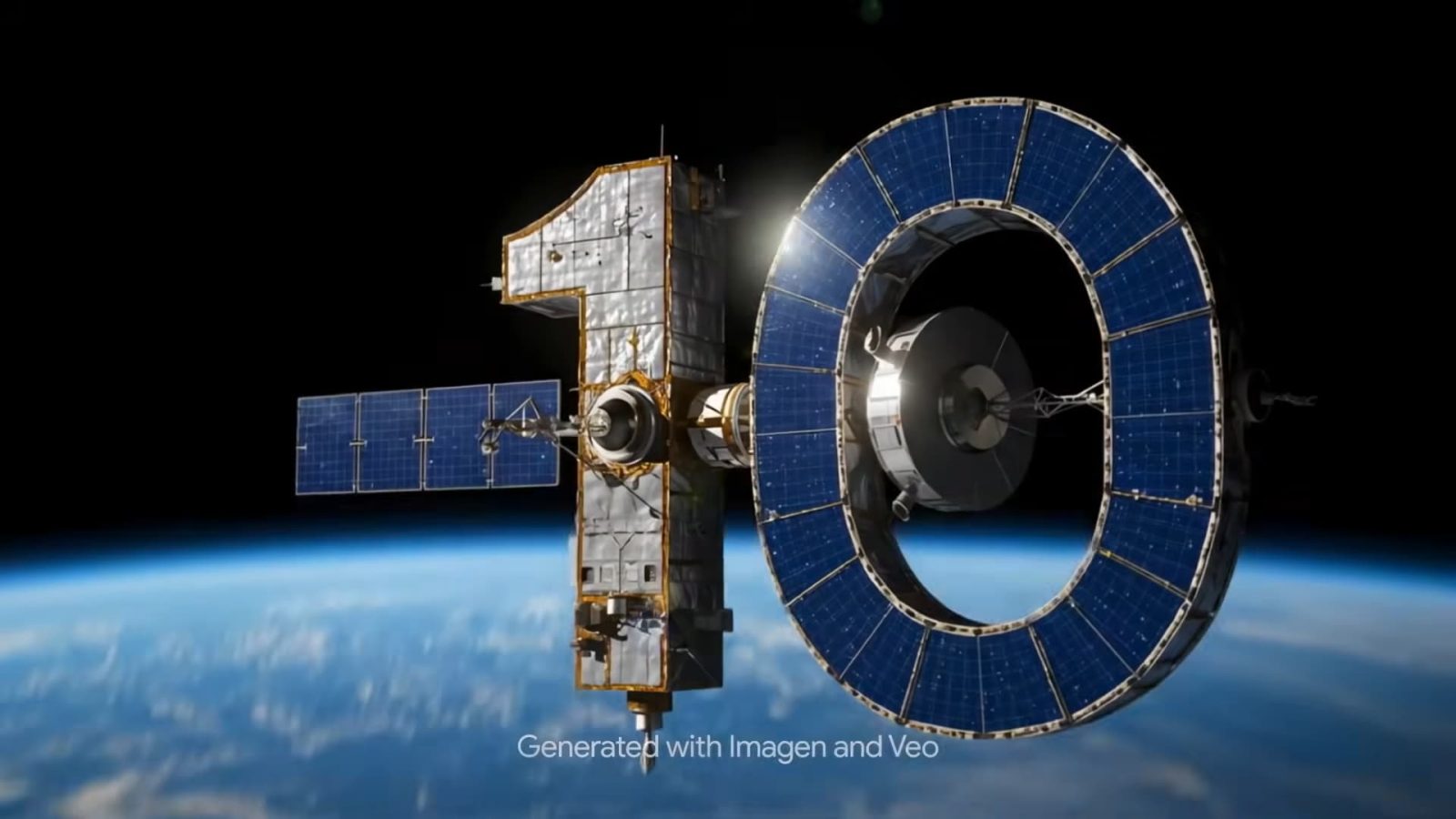
Google’s biggest show of the year always starts with a countdown. For I/O 2026, you can be part of it thanks to vibe coding.
Expand Expanding Close
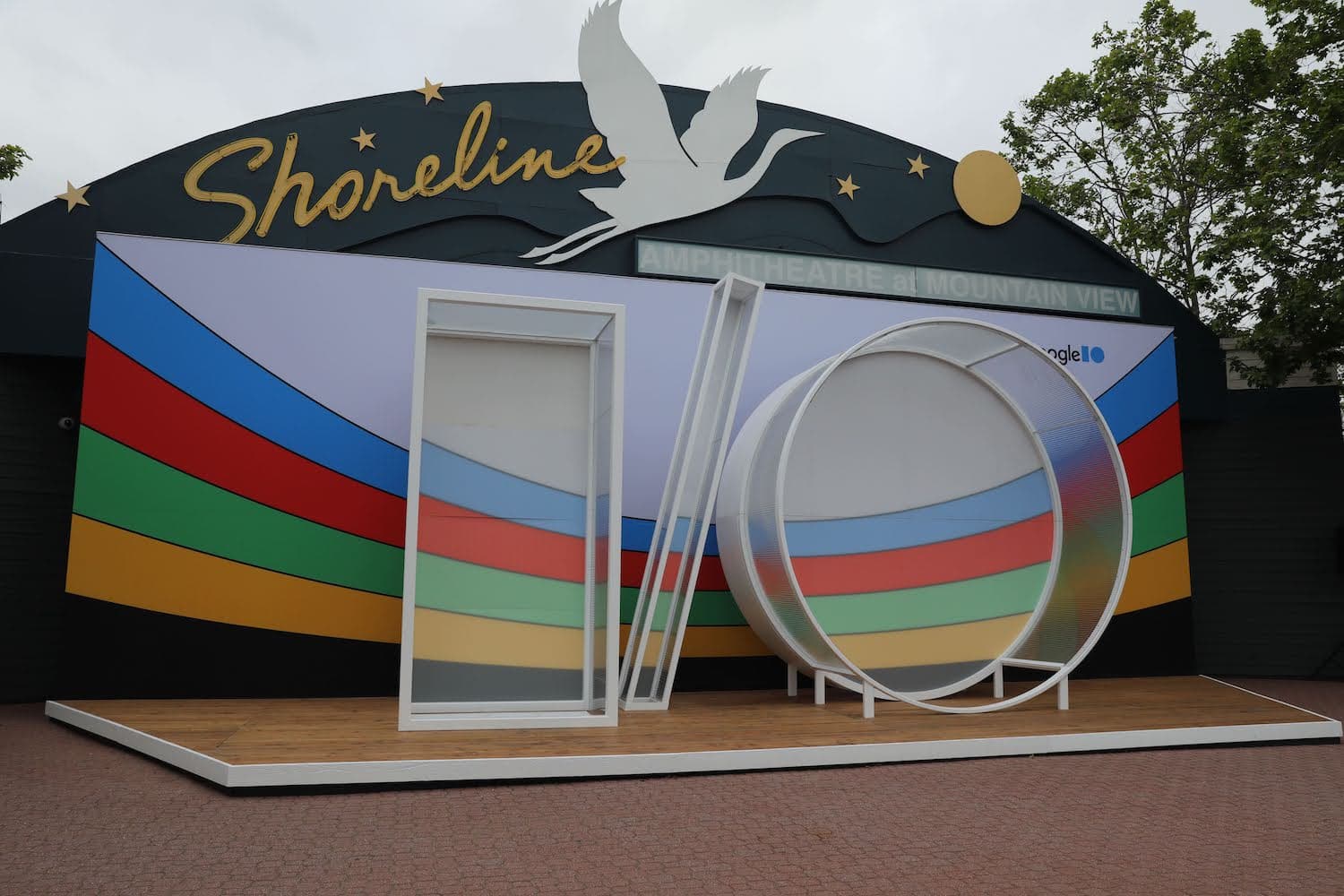
With I/O 2026 a month away, Google has posted the initial sessions list. The developer conference runs from May 19-20.
Expand Expanding Close
Following the puzzle this morning, Google has announced that I/O 2026 is taking place May 19-20.
Expand Expanding Close
The journey to Google I/O 2026 is well underway this morning with a puzzle to figure out the dates for the developer conference.
Expand Expanding Close
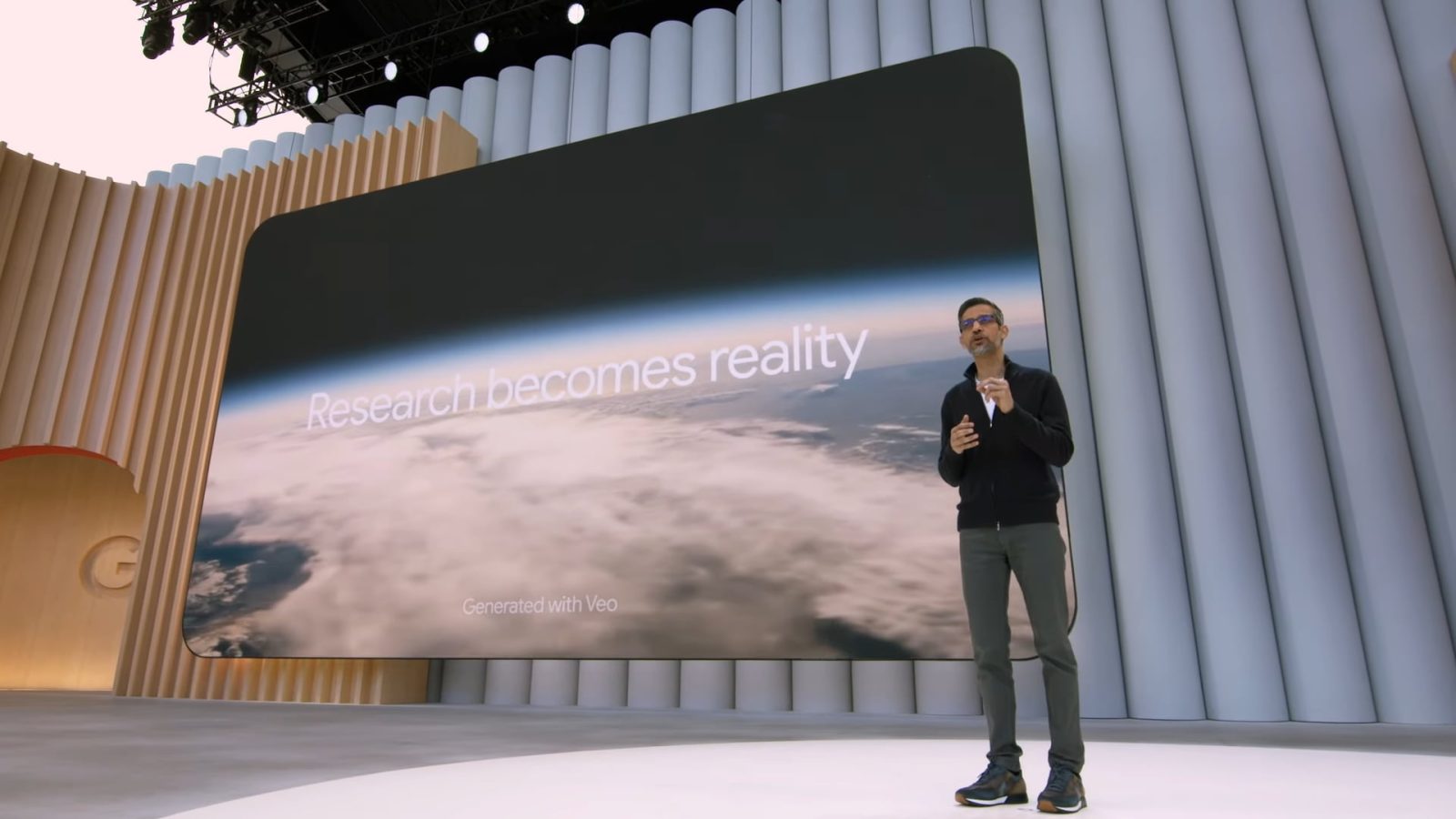
My decade-long personal and professional interest in Google comes down to how I think the company will invent the future. I’ve always seen it as a laboratory with — let’s say — unconventional scientists pushing the boundaries of what’s feasible.
Expand Expanding Close

At I/O 2025, Google announced an absolute torrent of new features, powered by Gemini and AI, across its biggest products and services that will soon be available to users. We’ve compiled all the consumer-facing announcements and notable developer developments made at the event below.

I/O 2025 kicks off today as Google’s biggest event of the year to showcase what’s new for end users and developers. Gemini and AI will undoubtedly be the big focus. Join us as we live blog the two-hour keynote.
Everything Google announced at I/O 2025: Gemini, Search, Android, and more
Expand Expanding Close
With Google sharing I/O 2025 sessions list this morning, we have a closer look at what to expect for Android at the developer conference.
Expand Expanding Close
With I/O 2025 less than a month away, Google has posted the initial sessions list. The conference has four “focus areas”: Android, AI, Web, and Cloud.
Expand Expanding Close

Following the “Prism Shift” puzzle this morning, Google has announced that I/O 2025 is taking place Tuesday, May 20 to Wednesday, May 21.
Expand Expanding Close
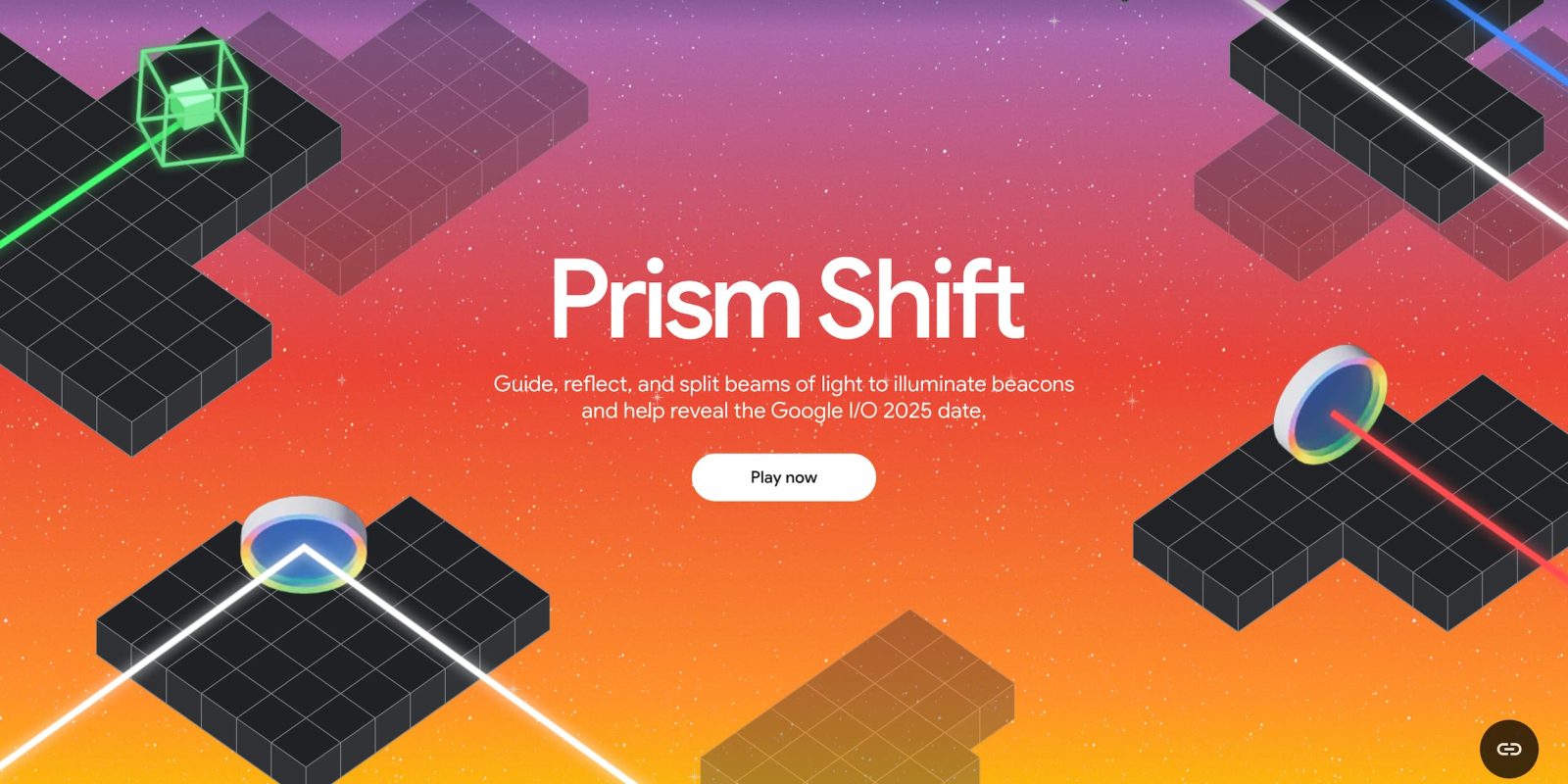
The road to Google I/O 2025 is underway this morning with a puzzle to figure out the date for the developer conference.
Expand Expanding Close
I/O 2024 kicks off today as Google’s biggest event of the year to share what’s new for users and developers. Gemini and AI will be a big focus, while we expect to learn more about Android 15.
Expand Expanding Close
Google I/O is gearing up to go live on May 14, 2024. With it, the company is looking to make some big announcements surrounding AI and possibly upcoming hardware. This guide will detail how you can tie in live to watch Google I/O 2024.
Expand Expanding Close
Google Search is effectively a bridge between users and content on the web nowadays, but volatility in Search has led to many smaller websites seeing steep dropoffs. As Google I/O approaches, will anything at the event provide a ray of hope?
Expand Expanding Close
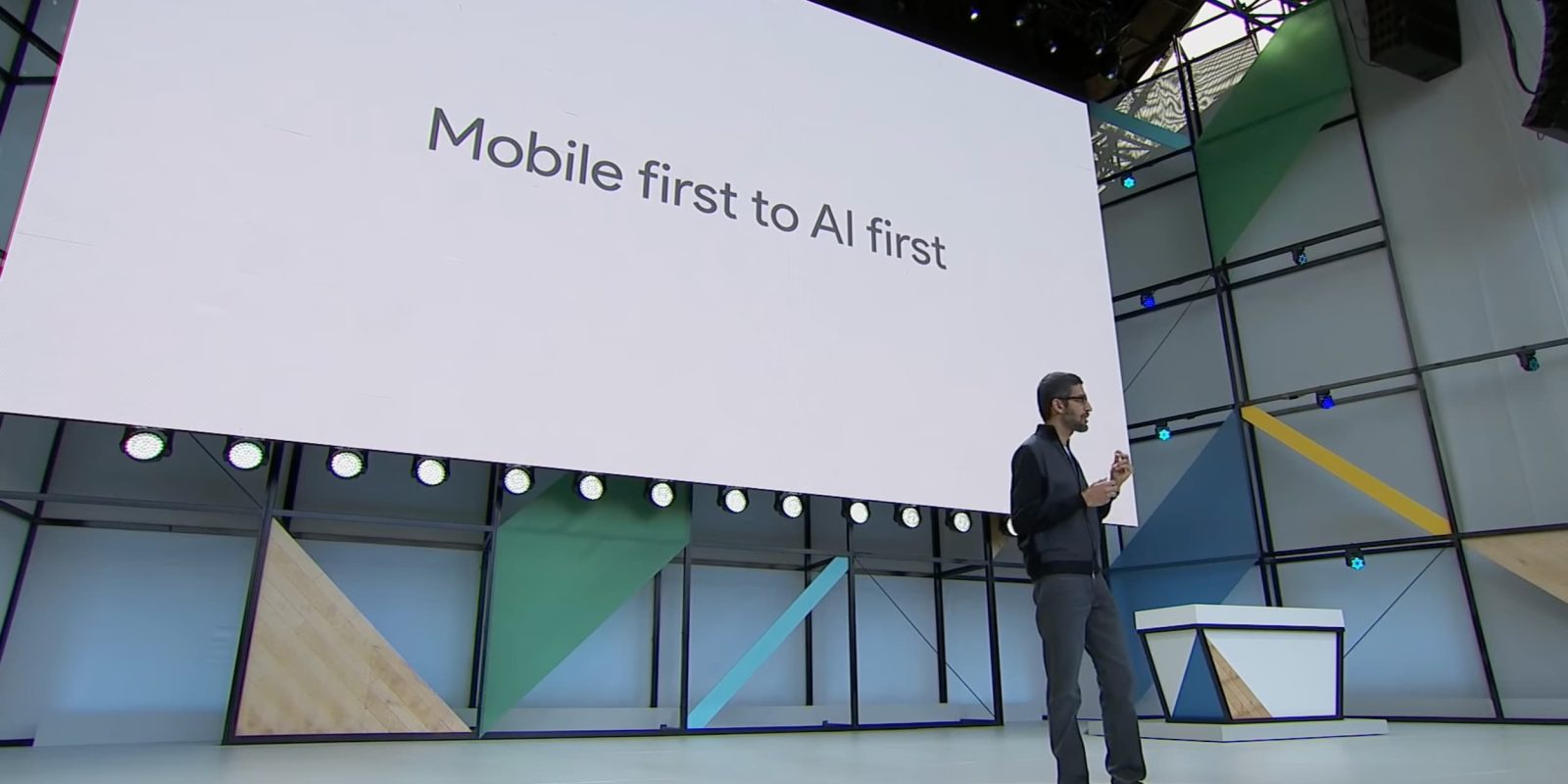
At I/O 2016 and 2017, Sundar Pichai said Google was moving from “mobile first to AI first.” This involved “rethinking all [its] products and applying machine learning,” with search in Photos and Smart Reply being early examples of that. However, for much of last year, Google was considered to be on the back foot with applying large language models, and this AI-first proclamation was largely forgotten.
Historically, I/O is where Google makes its biggest announcements of the year. That being said, the AI race has forced the company to make more frequent announcements in the past year, not necessarily at the pace it otherwise would have. With I/O 2024 a few days away, here’s what we expect Google to announce.
Expand Expanding Close
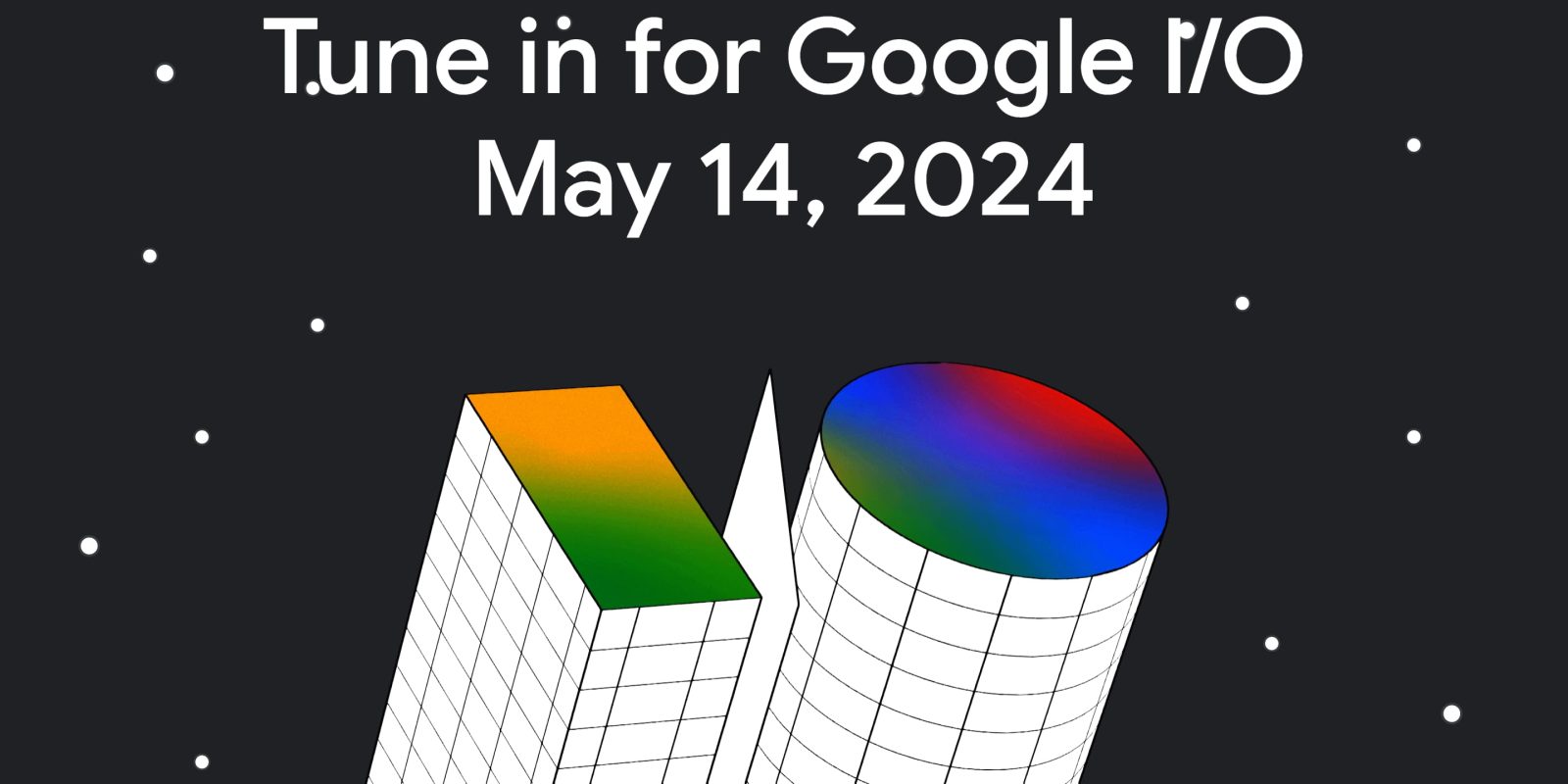
Following the “Break the loop” puzzle this morning, Google has announced that I/O 2024 is taking place Tuesday, May 14 at 10 a.m. PT.
Expand Expanding Close
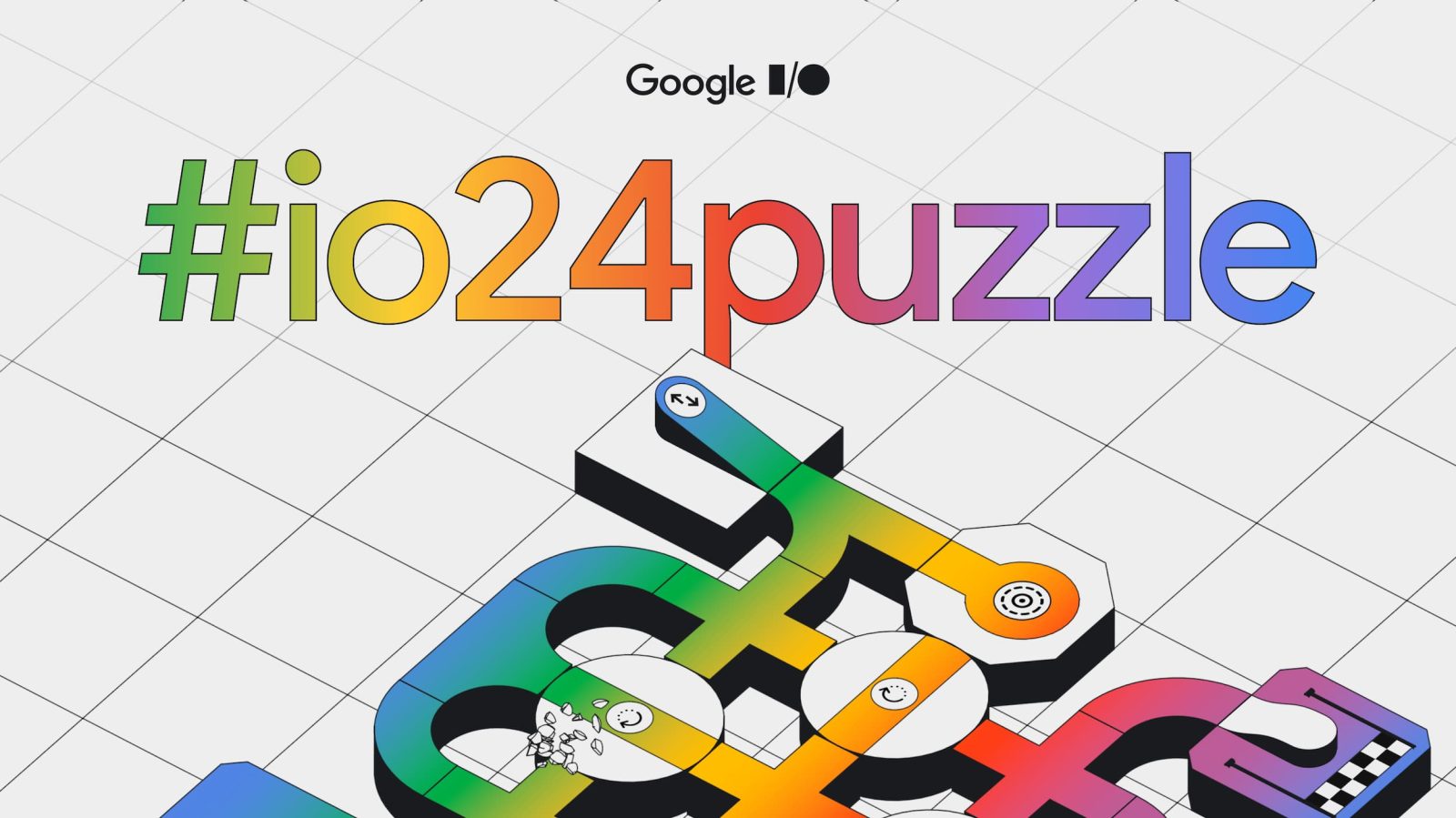
The road to Google I/O 2024 is underway this morning with a puzzle to figure out the date for the developer conference.
Expand Expanding Close
Last year, Google hosted additional “I/O Connect” events around the world after the main developer conference in Mountain View. I/O Connect “save the date” invites for 2024 are now starting to go out.
Expand Expanding Close
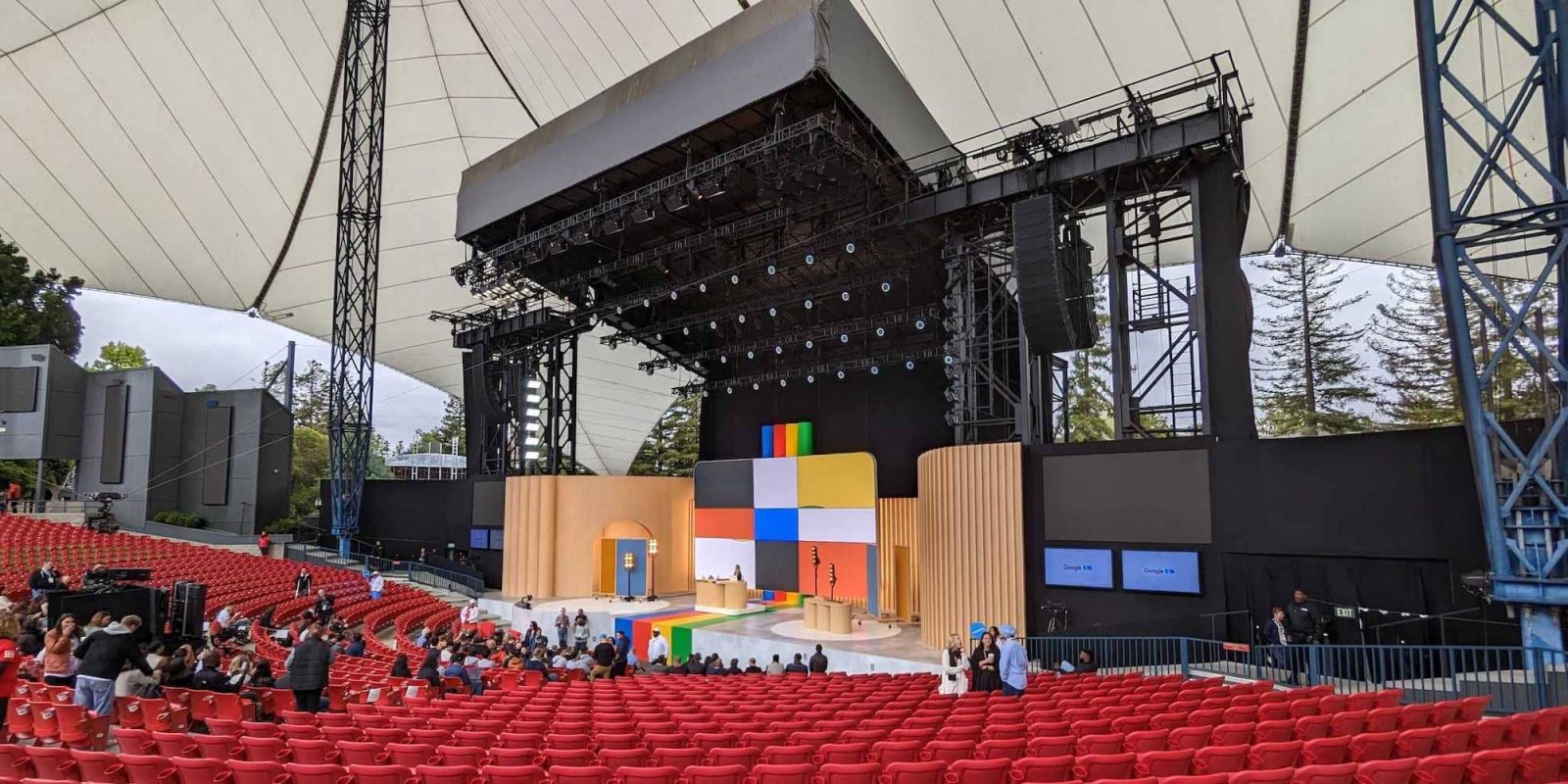
I/O 2023 kicks off today as Google’s biggest event of the year to highlight what’s new for users and developers alike. This edition is especially important given the AI-focused tech landscape. You can also expect Pixel announcements and updates to Android 14.
Expand Expanding Close

There have been quite a few leaks for the Pixel Fold over the past week. Thanks to Jon Prosser of Front Page Tech, we now have all of the detailed specs for the Pixel Fold.
Expand Expanding Close
Following the literal input/output puzzle this morning, Google has announced that I/O 2023 is taking place Wednesday, May 10.
Expand Expanding Close
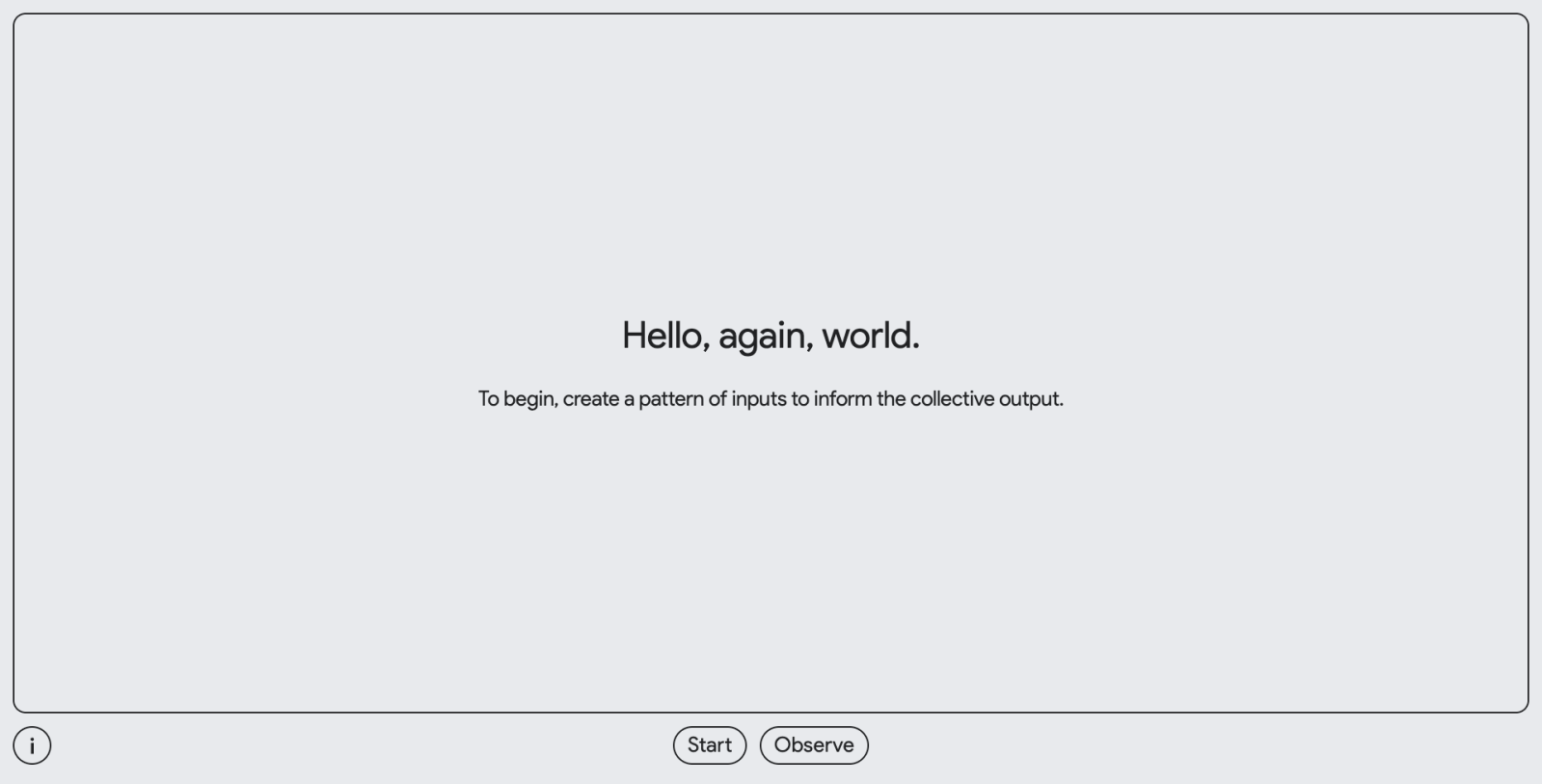
Google I/O 2023 must be just around the corner, as the company has launched a new “input/output” puzzle that should reveal the date and location for this year’s event.
Expand Expanding Close