
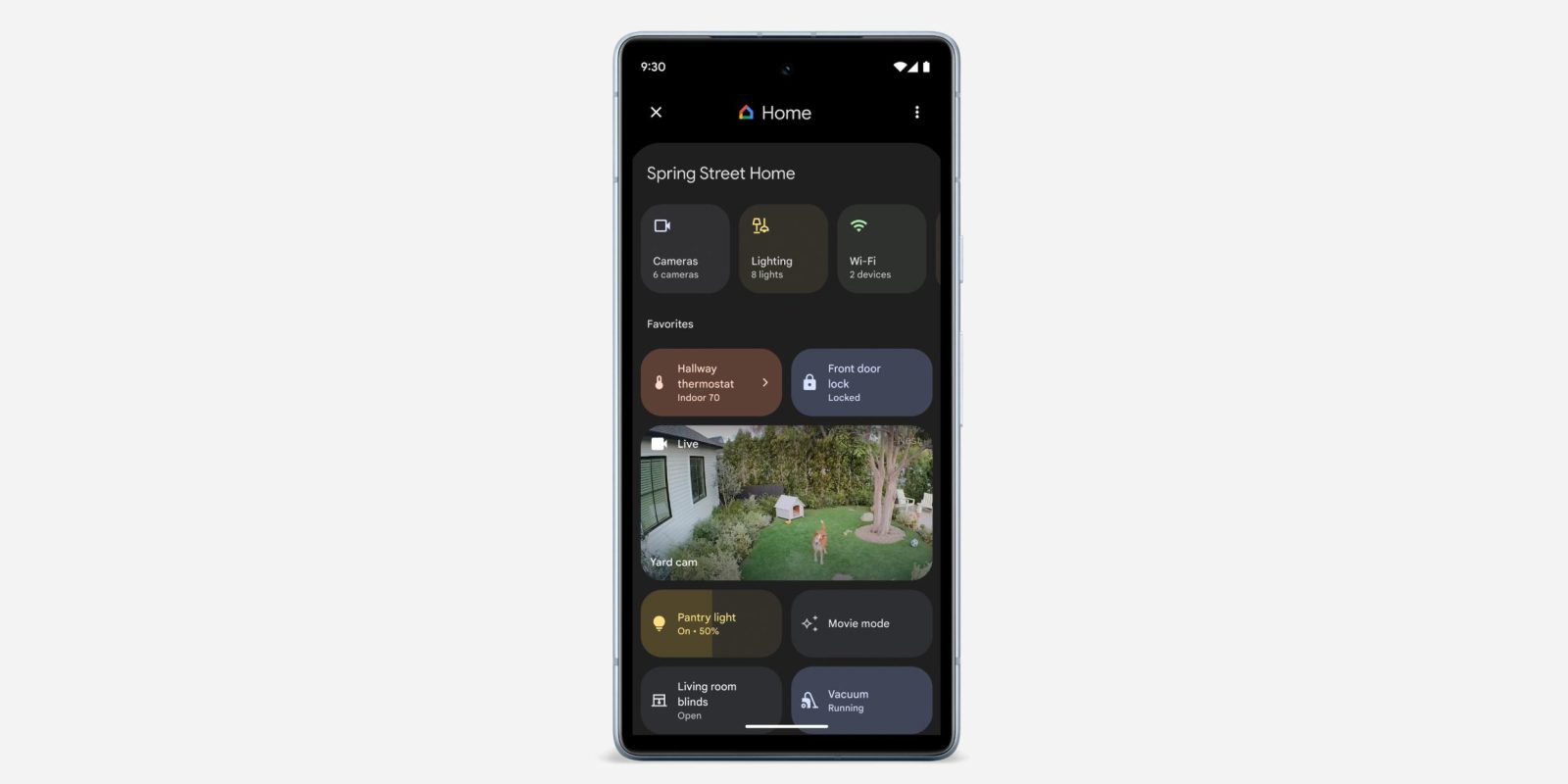
Google announced Home Panel was coming to Pixel phones with the June Feature Drop, and it’s now widely rolling out with an update to the Google Home app.
Version 3.3 of the Google Home app is widely rolling out today via the Play Store, and it enables the new Home Panel, which is basically your existing Favorites tab in a boost to consistency.
In the past, Android’s Device controls required you to select which smart home tiles you want to appear and arrange their order. This capability dates back to Android 11 when it was part of the power menu.
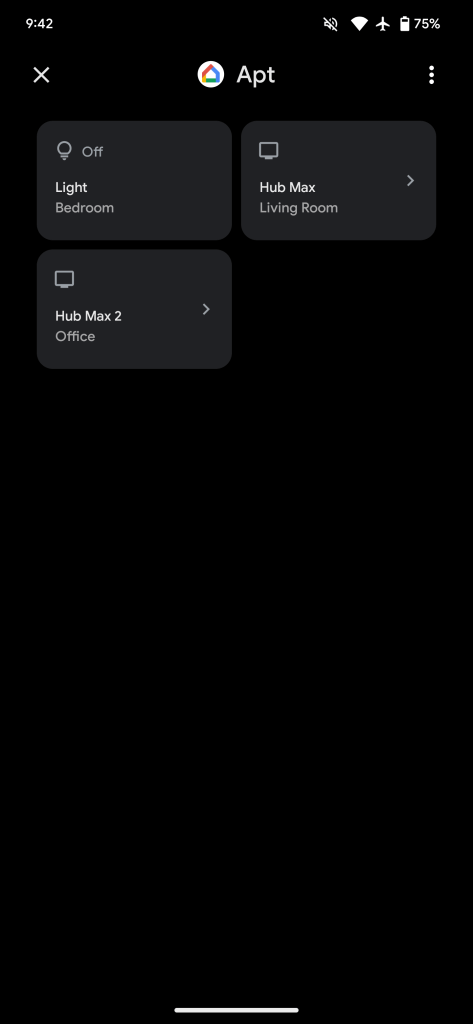
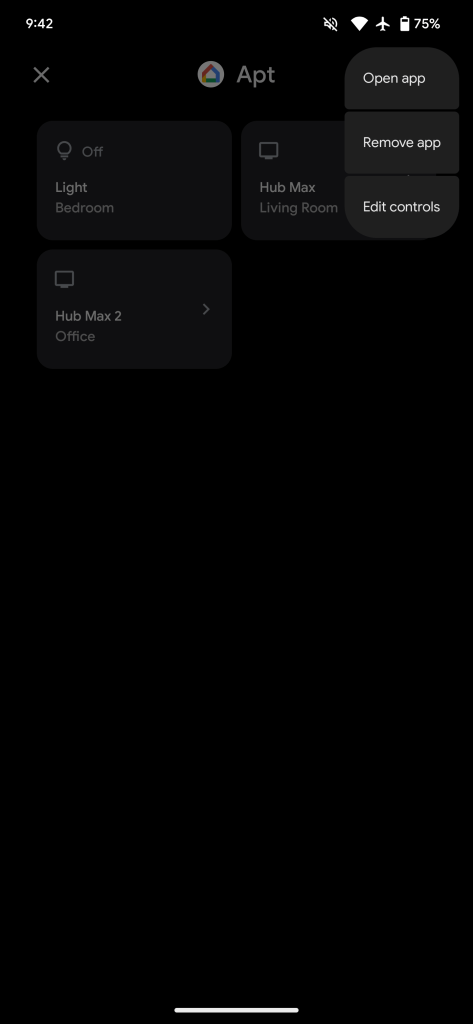
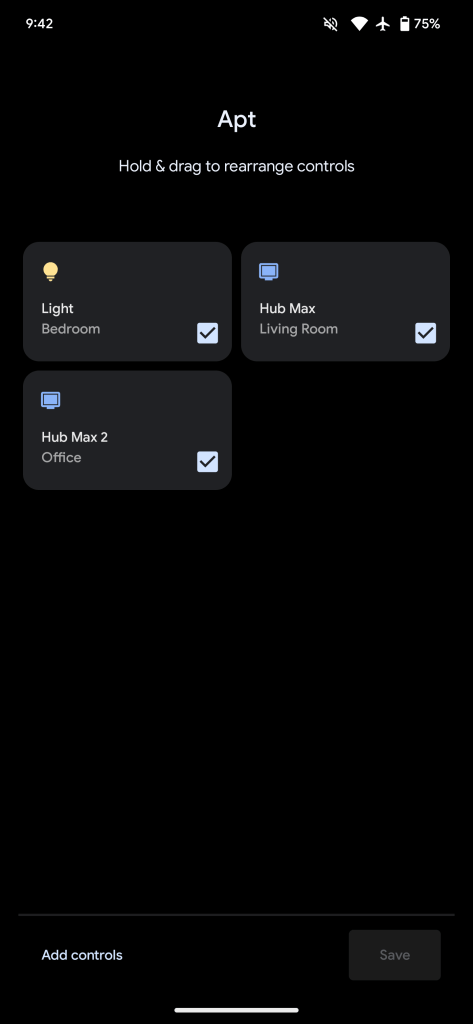
Home Panel starts with a row of Spaces for Cameras, Lighting, Climate, and Wifi. This is followed by a grid of devices, including camera feeds, automations, and other actions.
Top comment by matteventu
Got this about a week ago on my Pixel 6.
Good that the new Home panel opens with both the lockscreen shortcut and the quick toggles shortcut, but such a shame that they've left the Google Home control panel that appears on Pixel Stand just the way it was... Which means entirely broken and literally unusable.
Especially since this new Home panel was born on the Pixel Tablet in a fashion that mimicks 100% what was the originally intended Home control experience of Pixel phones docked on Pixel Stand - which to date, is still broken and unusable since day-1 (2018).
It can be accessed from the Home icon in the bottom-left corner of your lockscreen or the Home tile in Quick Settings. You’ll be prompted to unlock when accessing sensitive devices and controls.
Home Panel first debuted on the Pixel Tablet, but it’s only coming to the Pixel Fold and other Google phones running Android 13 QPR3 with this app update, which started rolling out in the past week.
We’re seeing it on the Pixel 7 and 6 Pro with Google Home 3.3.
Update: Home Panel is also now appearing on Android 14 this morning after a server-side update (try rebooting your device).
More on Google Home:
- Review: Tailwind is the best garage door opener for Google Home
- The new Google Home app sets the bar for Android apps on screens big and small
- Google Home’s new automation Script Editor is already available to all users
- Google Home routines can now be triggered from the web, cameras get redesign


FTC: We use income earning auto affiliate links. More.



Comments