
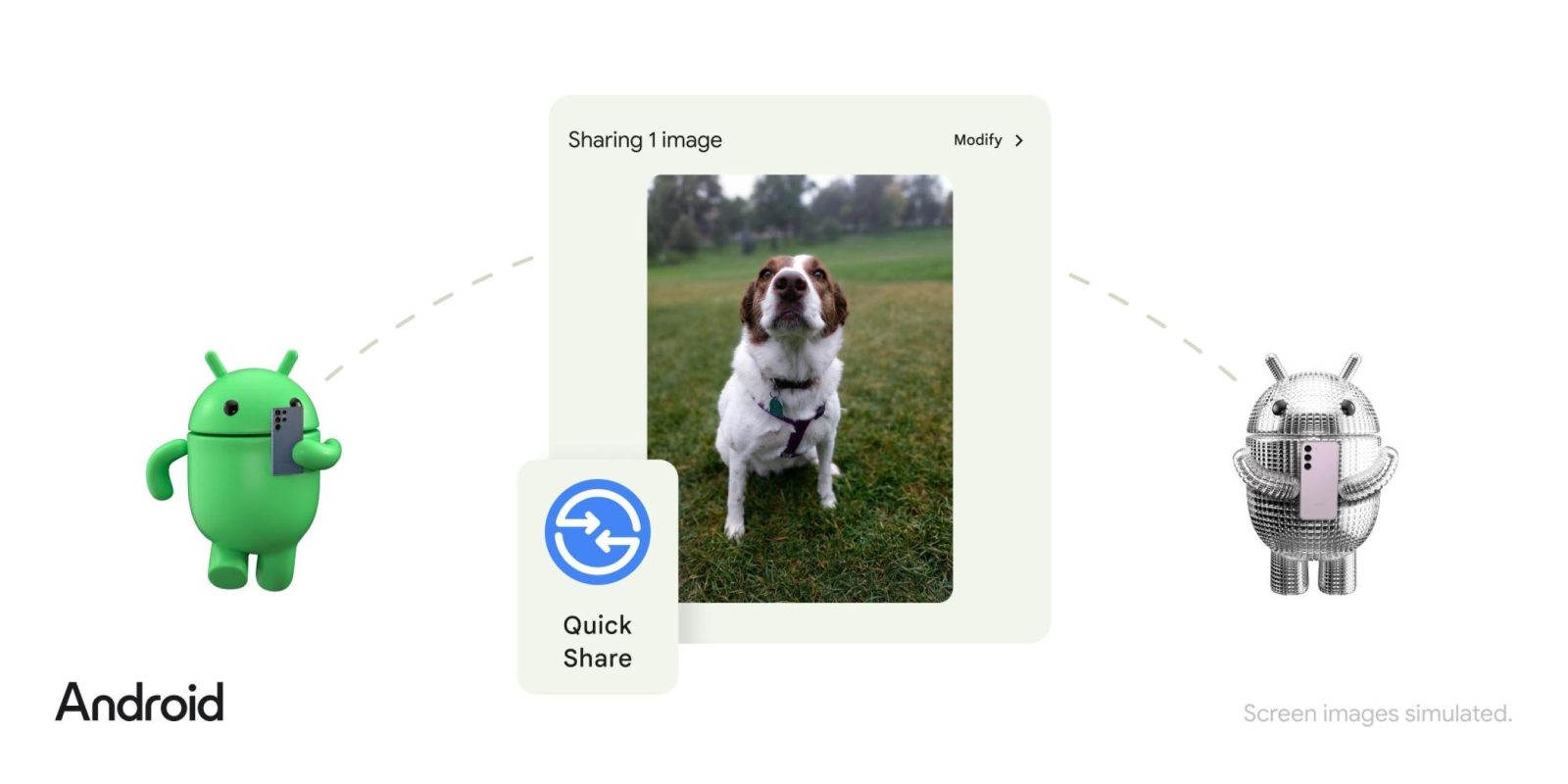
Nearby Share was officially announced in August of 2020 to let Android users locally send files from one device to another. Google is now “collaborating with Samsung” to create a “singular cross-Android solution” called “Quick Share,” and it begins rolling out next month.
Before today, Quick Share was the name of a similar Samsung feature first introduced with the Galaxy S20 and later made available on the company’s Windows laptops.
Google and Samsung are now combining their two efforts, with the “Quick Share” brand replacing “Nearby Share.” There’s a circular logo with two arrows in a blue and white color scheme that matches Google’s aesthetic.
In integrating the two experiences, Google says Quick Share is the “best default, built-in option for peer-to-peer content sharing across all types of devices in the Android ecosystem, including Chromebooks.”
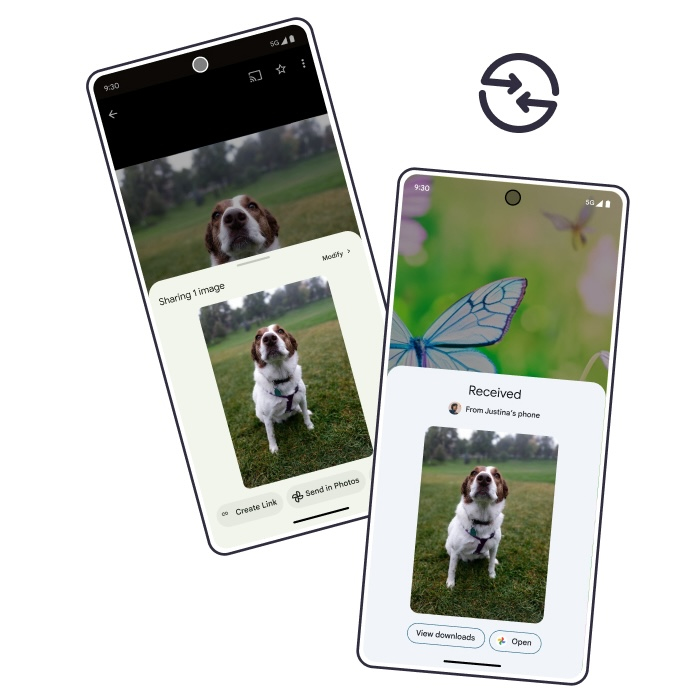
Meanwhile, Google is “working with leading PC manufacturers” to make Quick Share a pre-installed app on Windows. LG was named as a partner today, with Samsung devices presumably also featuring it.
Top comment by JG
Now that it's not going to be called Nearby Share... I'd like to see Google (& Samsung) give us the ability to share files through the internet to friends who may not be physically nearby.
When I click Quick Share, it could check to see who might be near while also checking a server to see if any of my contacts are visible to me.
If they are standing next to me, Nearby/Quick Share connects locally with WiFi Direct to transfer the file. If we move out of range, much like switching from WiFi to cellular, the transfer should seamlessly switch to a private peer to peer tunnel through the net.
And if I chose a target who isn't near by, my phone & their phone establish a private connection and the data is transfered e2e.
All Google needs to do is let me know who is online & where they are. The actual transfer would be private not going through their server, so no Google bandwidth or storage is used.
In terms of the end user experience, the current Nearby Share experience (settings, privacy controls, etc.) should not be changing beyond the new icon and branding. That said, the bottom panel has been replaced by a fullscreen UI after you tap the new Quick Share icon in the system Share sheet.
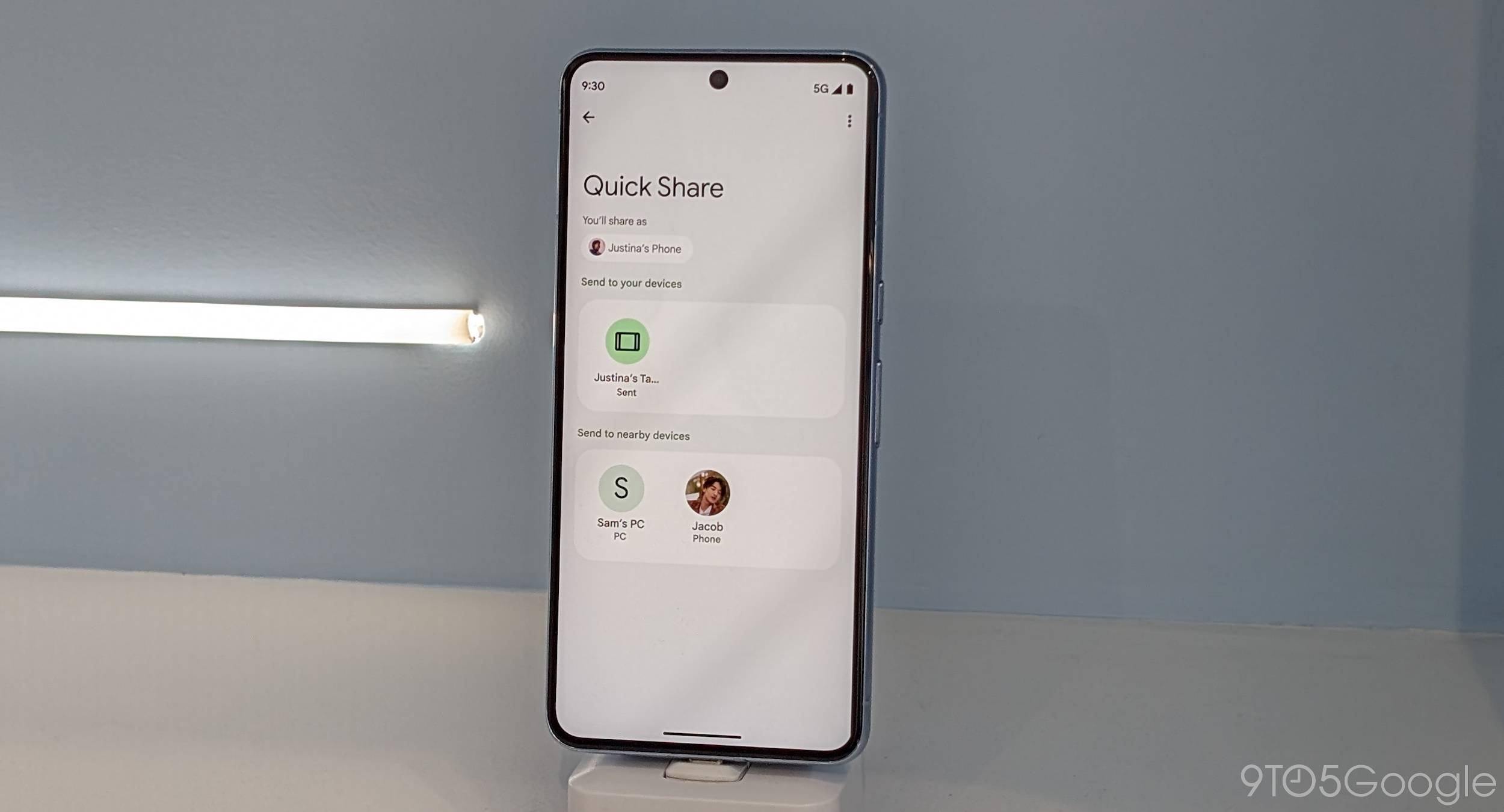
Officially, Quick Share is supported on Android 6.0+, ChromeOS 91+, and computers running a 64-bit version of Windows 10+.
Quick Share will start rolling in February to current Nearby Share devices, with all transfers working regardless of the name. Samsung devices should see an update from the Galaxy Store that replaces the old experience.


FTC: We use income earning auto affiliate links. More.


Comments