Apps and Updates




Google has updated its Android apps for editing Google documents on the move. Google Docs now allows you to accept, reject or comment on suggestions, as well as track changes and comments in Word files; Google Sheets lets you move, resize and delete spreadsheets; and Google Slides now offers you the ability to reorder objects on slides.
Google said that PowerPoint presentations will also be faster to load and scroll.
The company previously updated Google Docs with improvements to its Office Compatibility Mode. All three apps are a free download from the Google play store.


From 9to5Toys.com:
Amazon has now kicked off another large freebie Android promotion. This time around you can grab up to $105 worth of paid Android apps for free on the Amazon App Store.
Along with several other notable and highly rated titles, one standout from the bunch is Amazing Alex from Angry Birds creator Rovio. The physics based puzzle game is regularly listed at $1 and features more than 100 levels:
From cleaning up his room to battling cardboard robots in his backyard, Alex creates amazing chain reactions to get the job done with the maximum amount of fun!
Other notable titles in the sale include Plants vs. Zombies (Reg. $1), Runtastic PRO GPS Running (Reg. $5), Pudding Monsters HD (Reg. $1), Wolfram|Alpha (Reg. $3), Table Top Racing (Reg. $2), Osmos HD (Reg. $3), plus more.
Head over to our daily roundups for more of the best game/app deals across every platform.


Popular live streaming app Meerkat has announced today that it is opening up a public beta for its upcoming Android client. Currently, Meerkat is available only on iOS. Meerkat promised Android support when it first launch, as did its primary competitor, Periscope.
Google’s Update Wednesday routine is in full swing today with a variety of updates rolling out to the company’s apps. Earlier today, Chrome 42 for Android made its was to the Play Store. Now, several other Google apps have been updated. Google has pushed updates to its Docs, Slides, Sheets, and Google My Business apps. The company also today released Android for Work app to the Play Store.

Google has today released version 1.0 of its new “Handwriting Input” keyboard, which lets you manually draw the text you would like to type. The app works on both smartphones and tablets as you can see in the gallery below, and it’s—based on my first few minutes using the app—actually pretty good at deciphering your handwriting no matter how bad it may be. It works in any Android app that has a text input field.
Expand
Expanding
Close

Google has pushed out version 42 of its Chrome browser for Android. Like the desktop counterpart that debuted yesterday, Chrome 42 for Android introduces support for push notifications from websites, allowing you to keep up with changes to your favorite sites without having to constantly check back.
Google invited developers in mid-November of last year to submit apps that integrate Google Fit, and now they’ve announced the winners of that contest. The main requirement was that the app integrated Fit in some way, and judges were specifically looking for apps that were “innovative, fun to use, keep users coming back, offer users real benefit, and meet the Android design and quality guidelines.”
It looks like they’ve made their picks.
The winners include six apps that are brand new, and six that were updated to include Google Fit features. The two grand prize winners from each category will be receiving some nice swag from contest partners adidas, Polar, and Withings, to further their development. Prizes include X_CELL and SPEED_CELL activity trackers from adidas, a new Android Wear device, a Loop activity tracker and more.
Here’s the full list of winners, all of which will be getting the spotlight on Google Play at some point in the coming months:
- 7MinGym: All you need is this app, a chair, and a wall to start benefiting from 7 minute workouts at home. You can play music from your favorite music app and cast your workout to Chromecast or Android TV.
- Aqualert: This app reminds you to stay hydrated throughout the day and lets you track your water intake.
- Cinch Weight Loss and Fitness: Cinch helps you with detailed information your steps taken and calories burned. The app also supports heart-rate tracking with compatible Android Wear devices.
- FitHub: FitHub lets you track your fitness activity from multiple accounts, including Google Fit, and multiple wearable devices, including Android Wear. You can also add your friends to compare your progress!
- FitSquad: FitSquad turns fitness into a competition. Join your friends in a squad to compare progress, track achievements, and cheer each other on.
- Instant – Quantified Self: Instant is a lifestyle app that helps you track not only your physical activity but your digital activity too and tells you how much you’re using your phone and apps.other activity. You can also set usage limits and reminders.
- Jump Rope Wear Counter: This simple app lets you count your jump rope skips with an Android Wear device.
- Move it!: This app packs one neat feature – it reminds you to get up and move about if you haven’t been active in the last hour.
- Openrider – GPS Cycling Riding: Track and map your cycle routes with Openrider.
- Running Buddies: In this run tracking app, runners can choose to share their runs and stats with those around them so that they can find other runners similar to themselves to go running with.
- Strength: Strength is a workout tracking app that also lets you choose from a number of routines, so you can get to your workout quickly and track it without manual data entry. Schedules and rest timers come included.
- Walkholic: Walkholic is another way to see your Google Fit walking, cycling, and running data. You can also turn on notifications if you don’t meet your own preset goals.

Fnord Software has today announced that they’re releasing a free plugin for Adobe Premiere Pro CC that adds support for Google’s WebM video format. But the plugin doesn’t just add WebM support to Premiere Pro CC, but also other parts of Adobe Creative Cloud including Adobe Media Encoder and more.
Expand
Expanding
Close

Google is inviting developers to opt-in to a new program launching on Google Play, which will distinguish apps that meet certain requirement as being “family-friendly.” The program, called “Designed for Families” is launching “in several weeks,” and will bring a new “family-focused” experience to the Mountain View company’s app store…
Expand
Expanding
Close
After teasing the update last week, OnePlus today has announced that Lollipop-based Cyanogen OS 12 is now rolling out to the OnePlus One. The update has been a long time coming and while users have been waiting, OnePlus also released Oxygen OS, which is also based on Android 5.0 Lollipop.

After unveiling a revamped “quote tweet” functionality for iPhone and web users last week, Twitter today has revealed that the feature is coming to Android devices today. With this change, using the quote tweet feature will now embed the actual tweet instead of simply quoting it as plain text.
The LastPass password manager app has been given a Material Design makeover, and the company has partnered with Samsung to provide Galaxy S6/edge owners with between three and six months of free Premium membership, allowing cross-device use.
On smartphones with fingerprint sensors, you can unlock the app with your fingerprint and then enter passwords automatically. Autofill of passwords and form data is available in the Android version of Chrome, as well as the LastPass browser.
If you’re an S6 owner, check the LastPass app to see the local Premium offer for your region.

Snapseed, the excellent free photo editing application, today received its first major update since Google purchased developer Nik Software back in 2012. Version 2.0 arrived in the Play Store with a brand new user interface and a huge collection of new features, most notably including spot healing, lens blur effects, perspective transformation, and a non-destructive editing system that can copy edits from one image to another. The app has been refreshed has a minimalist UI with Material Design influence on Android.
Snapseed’s unique ability to selectively fix small parts of photos — such as improving the brightness level of one dark face in an otherwise bright image — has kept it relevant as a key photo editing tool for years. Snapseed 2.0 expands upon that feature, letting you apply filters and brushes selectively with a brush tool. You can also go into individual layers and make adjustments to changes that were previously applied during the editing process.
Snapseed 2.0 is available for free from the Play Store now, although it’s still rolling out so it may not be available for your device just yet. Additional details are after the break…

Adding to recent reports that Google is working on iOS support for Android Wear devices, today The Verge reports that the company is “close to finishing the final technical details” on the companion app for iOS. The report cites sources close to the development of the project and also includes the image above showing a FaceTime notification on the LG G Watch R. More from the report:
In its current state of development, Android Wear works along with a companion app on the iPhone and supports basic functions like notifications — as you can see in the photo below. As it does on Android, on the iPhone Android Wear also supports Google Now’s ambient information cards, voice search, and other voice actions. It should also support some more advanced features with Google’s own iOS apps, like replying to Gmail messages.
A previous report noted that Google was developing Android Wear support for iOS and could debut the project as soon as its I/O developer conference in May.
Today’s report brings up the possibility that Google might have a bit of trouble getting through the App Store’s approval process. At the very least it could run into guidelines that prevent it from bringing over all of the features it offers on Android devices to iOS. Pebble and other smart watches have companion apps, but like them Google will be limited to working within the iOS and App Store guidelines, unlike on Android.
Dunkin’ Donuts is a pretty big breakfast food and beverage chain in the United States, and Google has today announced that they’re partnering with the seller of donuts to bring Google Wallet integration to the Dunkin’ Donuts Android app.
Dunkin’ Donuts now brings its guests a faster way to purchase and recharge their mobile Dunkin’ Donuts Cards in the Dunkin’ Donuts Mobile® App on Android. By simply selecting Google Wallet at checkout, Dunkin’ Donuts guests can recharge their cards with a couple of clicks—no need to type in credit card information anymore. And hungry Seamless customers will start to see the Google Wallet payment option available in their Android app, helping them get their grub – a delicious array of 80+ cuisine types – in a snap.
While you previously had to use a Credit Card (and spend minutes typing in the appropriate information), the latest version of the Dunkin’ Donuts app lets you recharge your perks cards with a couple taps. Selecting Google Wallet from the “Payment method” section will simply ask for your Google account information.
Google says that Seamless, a company specializing in food delivery and takeout, has also this week integrated Google Wallet in their app. You can download both the Dunkin’ Donuts and Seamless apps on the Play Store for free.
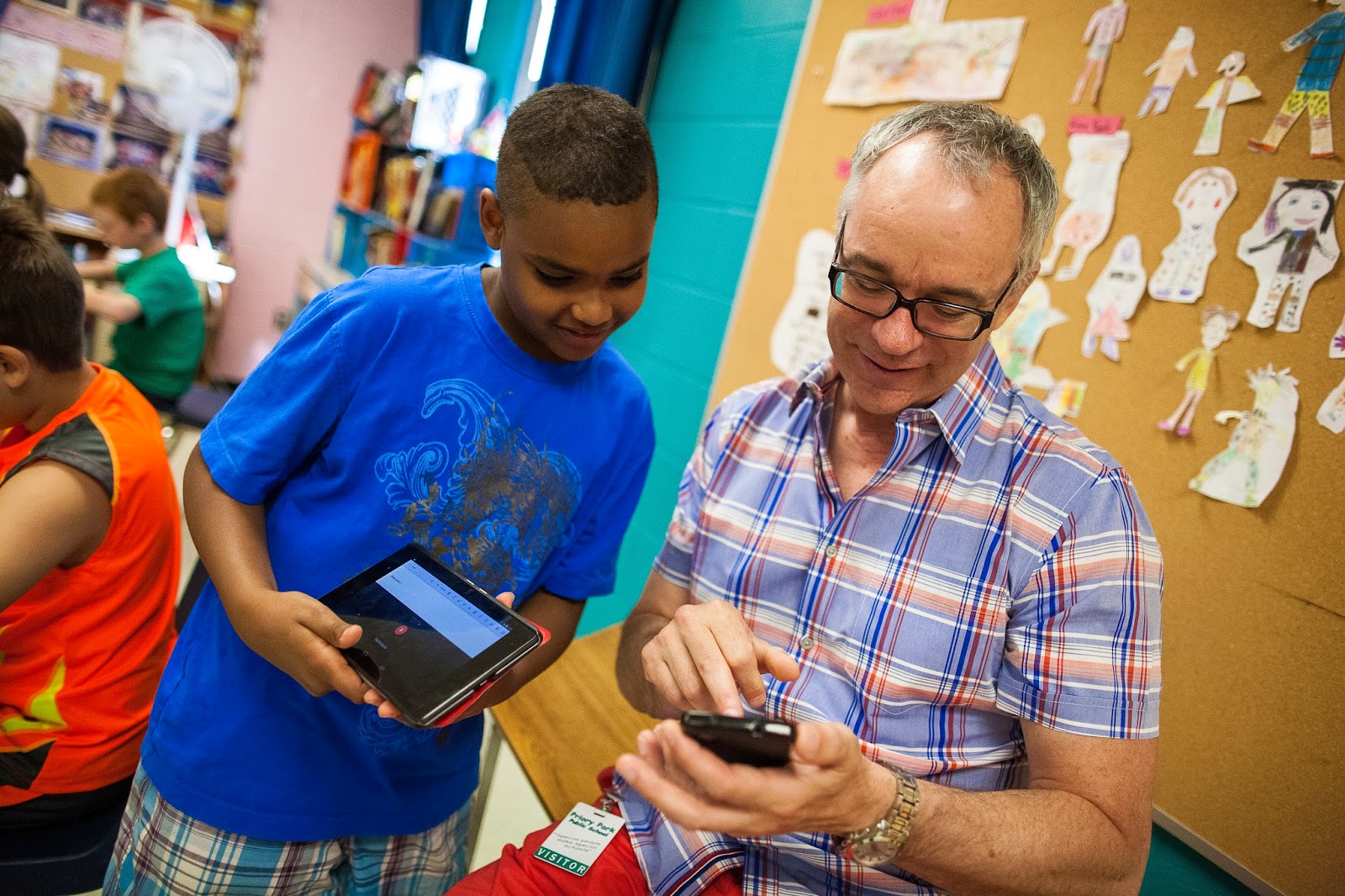
Google first launched its Google Play for Education effort, a program that aims to get classroom-ready Android tablets into schools, back in November of 2013 in the US. It expanded into the UK back in January of this year, and today Google announced that both Google Play for Education features and Android tablets that support the platform are now available in Canada.
Expand
Expanding
Close
Google is usually pretty good at acting on user feedback, and today they’re doing so with the return of month view to the Google Calendar app for smartphones.
The view “provides a high level view of all scheduled events for a full month, allowing people to then tap on a specific day for a closer look,” according to Google’s blog post…
First noticed by Florian Kiersch on Google+, Google appears to be testing a new meetings service. Google Meetings, also referred to as GMeet, appears to allow users to schedule and join teleconference calls with one click. Instead of having to dial into a teleconference call, one user could create a meeting topic in GMeet, then invite everyone else to the call. People who received an invite would be able to then join the call with a single click.
Instagram is adding a few new features to its Android app today including two new creative tools for editing photos and a new post notifications feature.
For the two new creative tools, the Fade feature offers “a quiet tone to your photos by softening colors,” while the Color tool allows you to apply a yellow, orange, red, pink, purple, blue, cyan or green tint to the shadows and highlights in your photos.
Also new in the updated Instagram app is a Post Notifications feature that allows you to receive notifications when people you follow post once enabled: You will see an option to “Turn on Post Notifications.
The updated Instagram app, version 6.19.0, is available on Google Play now.
Twitter this evening has announced a change to the “quote tweet” functionality of its service. With an update that’s rolling out to Android users soon, using the quote tweet feature will now embed the actual tweet instead of simply quoting it as text.

A week ago, Twitter released its answer to mobile live video broadcasting, Periscope. Mobile live video broadcasting is definitely the latest trend in social networking, and it was initially introduced by Meerkat. But both Periscope and Meerkat chose to release their apps on iOS first (as is sadly a common theme). Now that the public’s interest is growing, though, the need for an Android version is pressing.
Periscope summed it up in their latest blog post, with a couple of answers to common questions, one of them being “When is Android coming?”. Periscope, as expected, answered “Soon! We’re working on it.” This is great news for the many Android users who find it unfair and illogical that both Meerkat and Periscope hit iOS first, considering Android has a much larger hold of the mobile OS market.
Periscope didn’t give a timeline, but Android users can rest assured that Periscope will be available to them sometime in the near future. You can read more about Periscope on their official website. As of now, there’s no word on Meerkat.
Google announced today that it has started rolling out an update to Google Wallet on Android with a couple of notable new features. First off, Wallet on Android now packs Google Maps integration. With this integration, you can see exactly where you performed any given transaction on an embedded map. This feature, Google says, will make it easier to notice any sort of suspicious activity that occurs.

Today, thanks to an update to the Amazon Prime Instant Video app, Amazon is finally allowing users to stream video content on Android tablets (via Android Police). Previously, Prime Instant Video only worked with Android phones, and more recently with Fire devices and iOS devices. The functionality of the app hasn’t changed—users still have to launch Prime Instant Videos from their web browser.
Sadly, support for Chromecast is nowhere in sight, and probably won’t be around any time soon considering how long it has taken Amazon to support Android tablets.
Now watch Amazon Instant Video on your Android phones and tablets. Android tablet customers can search and browse for videos on Amazon.com in their web browser and tap Watch Now to have the Prime Instant Video app begin playing the video.
You can download Amazon Instant Video version 2.0.45.1010 for free from the Amazon App Store (and only the Amazon App Store, sadly).
Recently, Dropbox updated its Mailbox email app with Material Design, bumping the version number to 2.0.1. Google first introduced Material Design at Google I/O 2014, but it has definitely been a trend that some apps—even those made by companies as large as Dropbox—are still only just now pushing their visual overhauls. The update includes a new FAB (floating action button), rearranges the navigation drawer and action bar to better fit their purposes, and more.
Expand
Expanding
Close