how-to
A collection of tutorials, tips, and tricks from the 9to5Google team helping you fix and get the most out of Android, Google Assistant, Chromebooks, Android TV, and more.
A collection of tutorials, tips, and tricks from the 9to5Google team helping you fix and get the most out of Android, Google Assistant, Chromebooks, Android TV, and more.

There are plenty of task programs out there, and many of them work perfectly fine. Some of them work really well, given what they can do and how they can integrate with other apps and programs. Google Tasks, for instance, not only reminds you on the device you set it up with, but it also reminds you everywhere else you have a Google Account set up. This guide will take you through the basics of using Google Tasks more effectively.
Expand Expanding Close
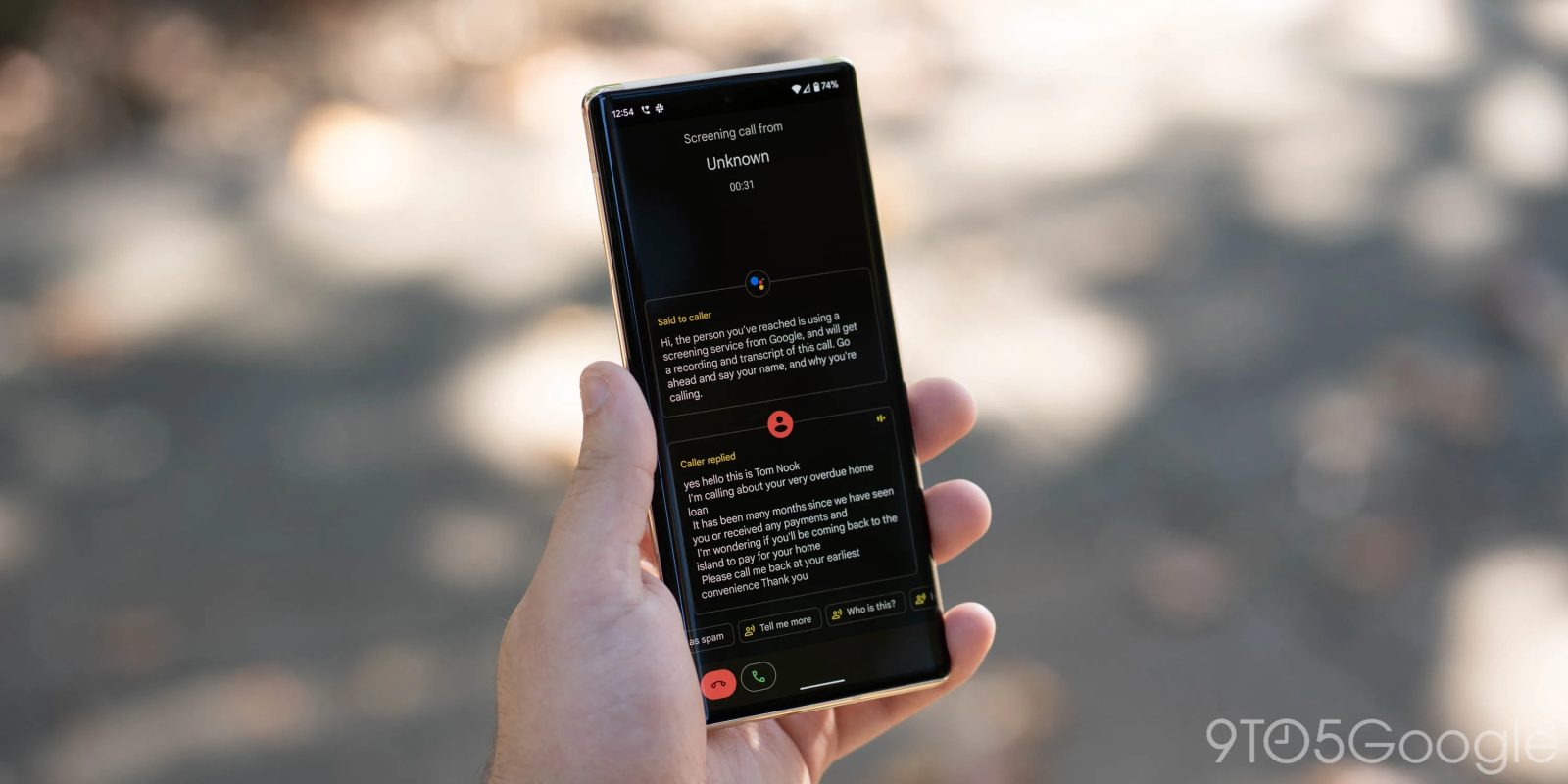
We’ve all been there. Whether it’s spam, robocalls, or a repeated wrong number, there are plenty of reasons you might want to block a phone number. On Android that process is very straightforward and can be done over and over for tons of different numbers. Here’s how to block a number on your Android device.
Expand Expanding Close
When using your phone, there exists a virtual toolbox of things you can do to fix potential issues and bugs that come up. For instance, if an app stops working as planned, you can clear that app’s cache. Here’s how to do that on Android.
Expand Expanding Close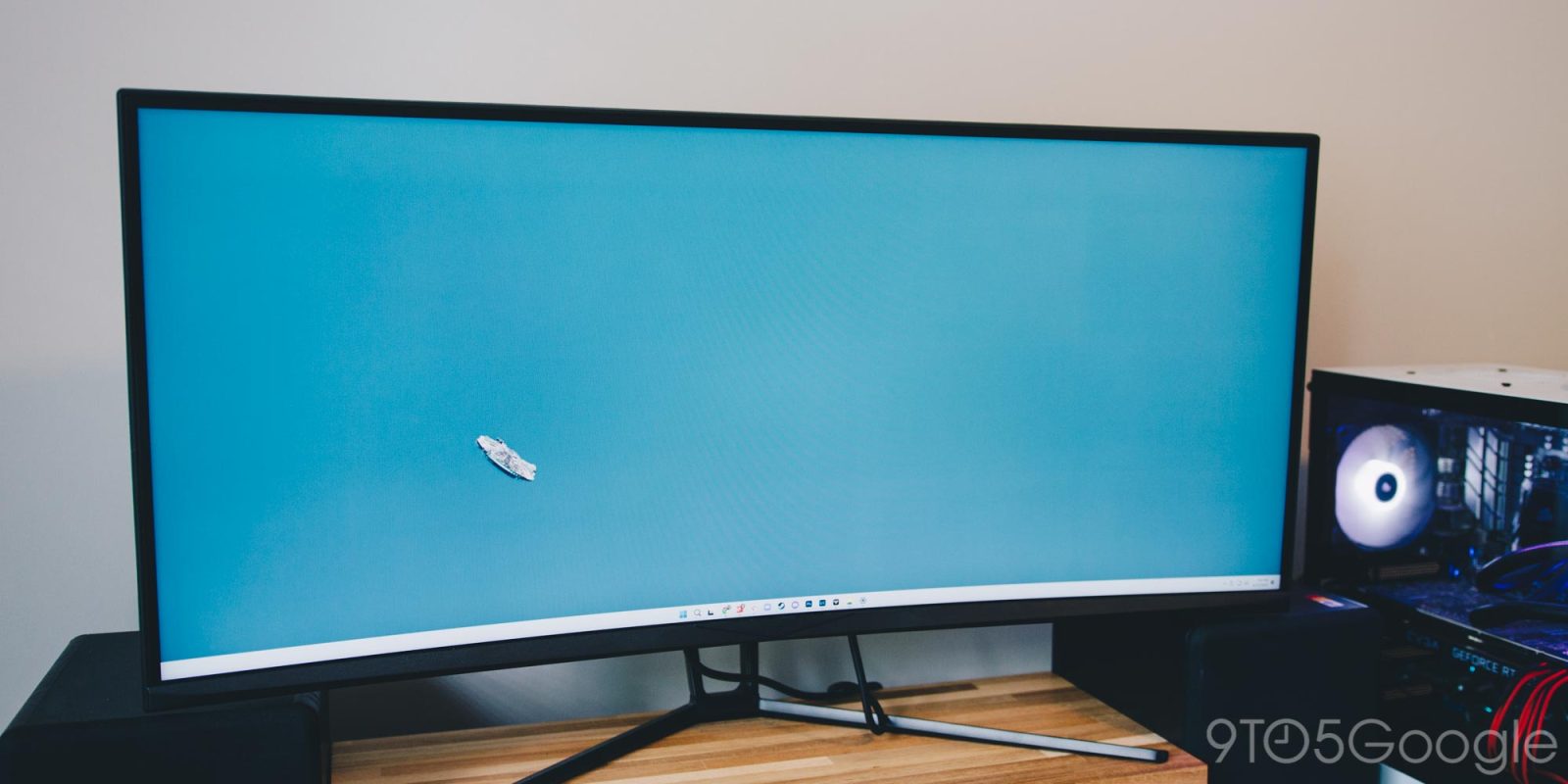
If you have an ultrawide monitor, you no doubt know the struggle. Streaming videos and content from services, while created in 21:9, doesn’t get you quite the right look. This guide will show you how to get fullscreen 21:9 content to display correctly on your ultrawide monitor.
Expand Expanding Close
Google TV is an all-around great OS that finds itself on devices like Chromecasts and some TVs. Recently, Google added the ability to add different profiles to the media hub – here’s how you can add or remove profiles in Google TV.
Expand Expanding Close
Rewards programs can vary in usefulness, and some aren’t worth using at all. Google Play Points has some hidden usefulness that can fly under the radar – unless you’re looking for it. This guide will take you through how to use Google Play Points to redeem and pay for things like apps and perks.
Expand Expanding Close
Waze is a popular navigation tool that undoubtedly does a great job of getting you from point A to point B; the problem is that getting to point B is expensive right now. Fortunately, Waze is also a great tool for finding the cheapest gas prices near you. This guide will break down how to use Waze to find gas prices.
Expand Expanding Close

There are plenty of people out there who use Android Auto on their phones. After all, it’s an alternative to what can sometimes be an expensive Android OS for your vehicle. Unfortunately, that Android app has been deemed “totaled” by Google. This guide will give you the rundown on Google Assistant’s “Driving Mode,” a capable replacement for Android Auto on mobile.
Expand Expanding Close
Can you believe it? It’s been 15 years since the development and rollout of the Google Street View car, that awesome little vehicle with a 360-degree camera attached to the top like a big lollipop. To celebrate, Google Maps has added a new Street View car mode that lets you cruise around as – you guessed it – the Google Street car. Here’s how you can activate and use it as your personal vehicle.
Expand Expanding Close
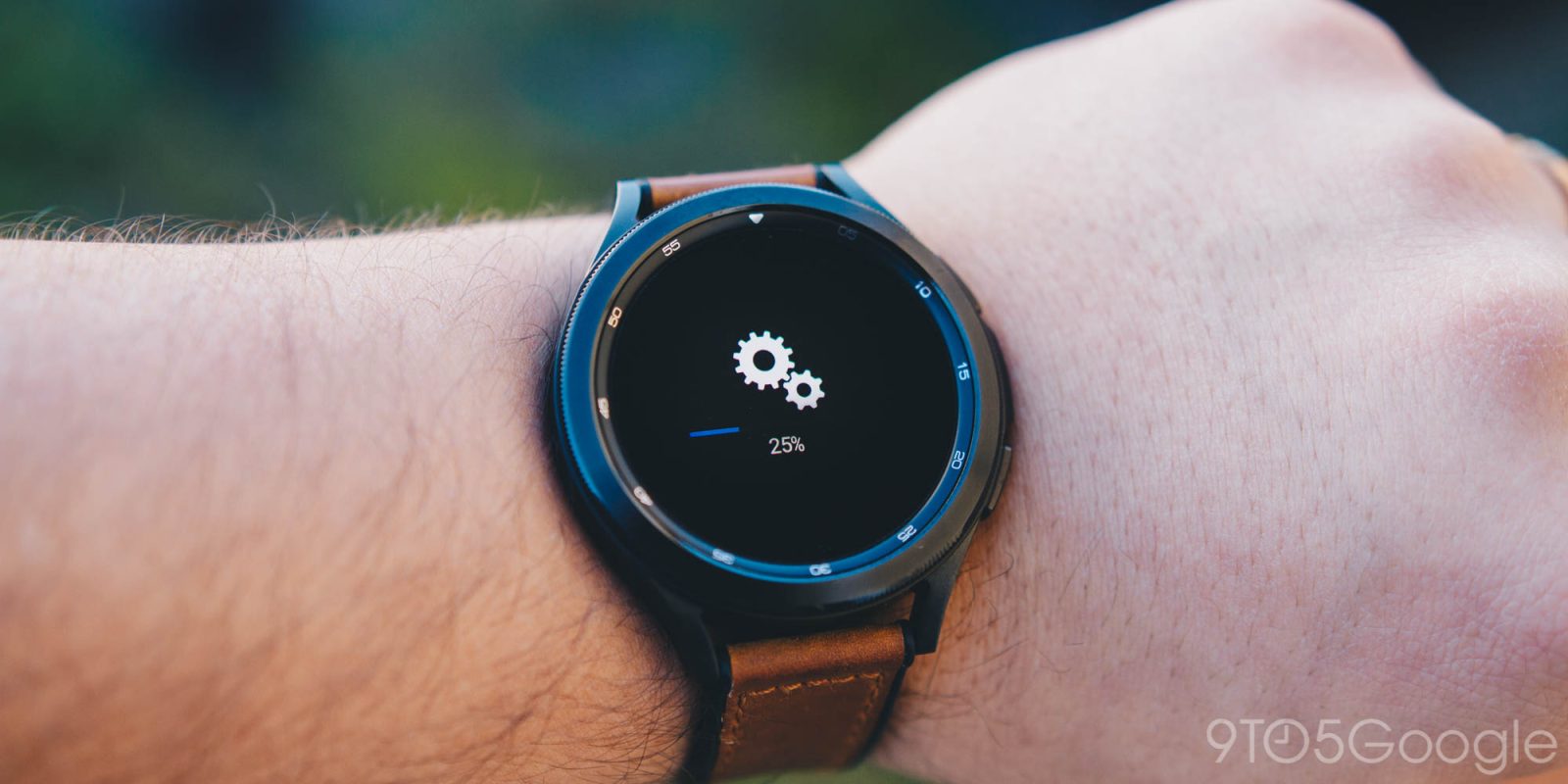
Galaxy Watch 4 owners can now install Samsung’s newest One UI Watch beta for the smartwatch, but only if they’ve signed up previously. This new beta showcases the next Wear OS generation for Samsung’s wearable and might have some cool new improvements up its sleeve, but Samsung has already closed off sign-ups for the beta program.
Expand Expanding Close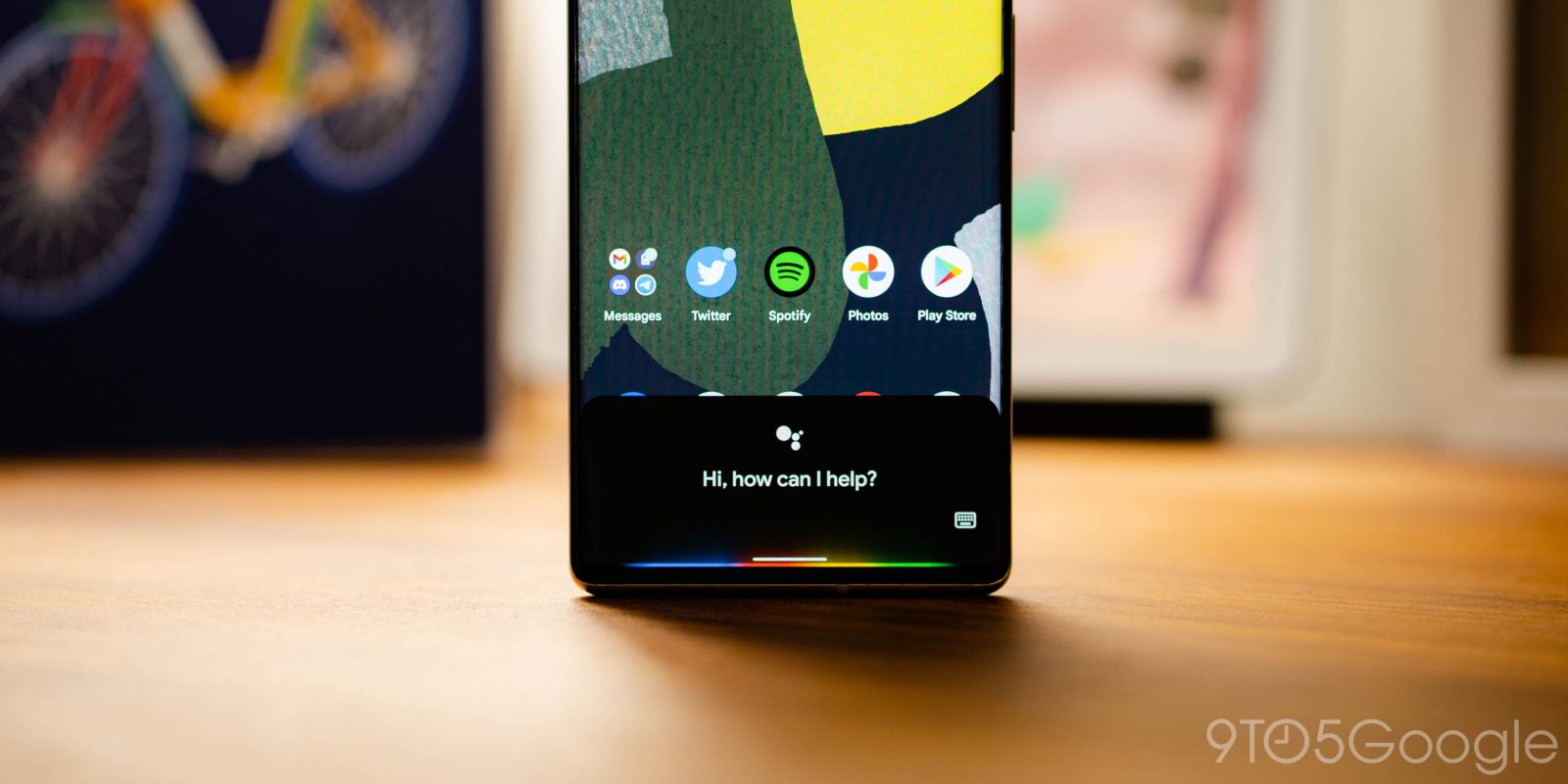
One thing the Google Pixel does well is “Hey Google” detection. The problem is that if you have a lot of Google Home devices in your house or apartment, sometimes your Pixel can pick up your query when you don’t want it to. This guide will help you disable “Hey Google” detection on your Pixel and present a couple of other options for enabling your Google Assistant, like using the power button!
Expand Expanding Close
We’ve all been there. Emails are stacking up, and none of them seem important in the least. Fortunately, there’s a feature in Gmail that allows you to unsubscribe from emails with a couple of taps or clicks. This guide will take you through it.
Expand Expanding Close
Google Chrome has the potential to be a large program with many different moving parts. Depending on how many moving parts you add to it, it can slow down and get bogged up with tasks. That’s why the Task Manager exists. Here’s how to find and use it.
Expand Expanding Close
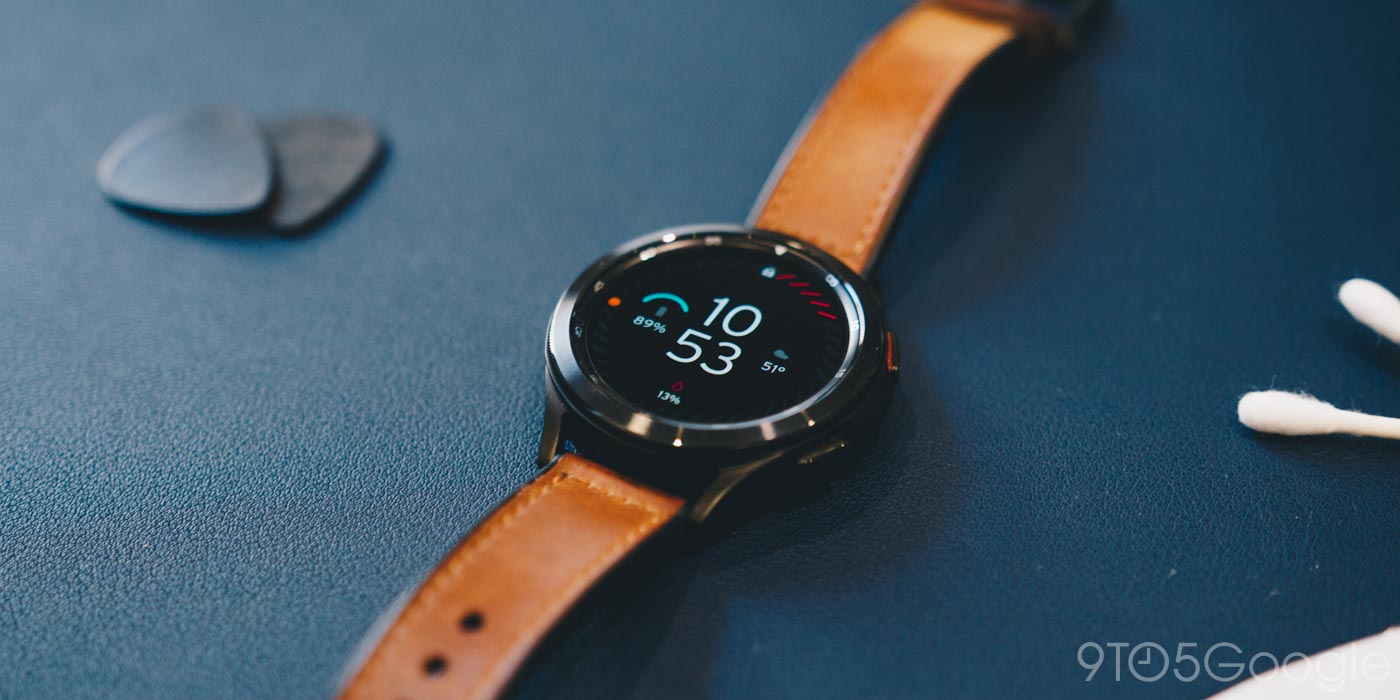
One of the many neat features of the Galaxy Watch 4 Classic is the rotating bezel that lets you navigate the watch just by turning the outer ring. Over time, though, that Galaxy Watch bezel can get stiff and feel much worse than the day you first got it. This guide will lead you through the steps to clean that Galaxy Watch bezel out and fix it so that it feels brand new once again.
Expand Expanding Close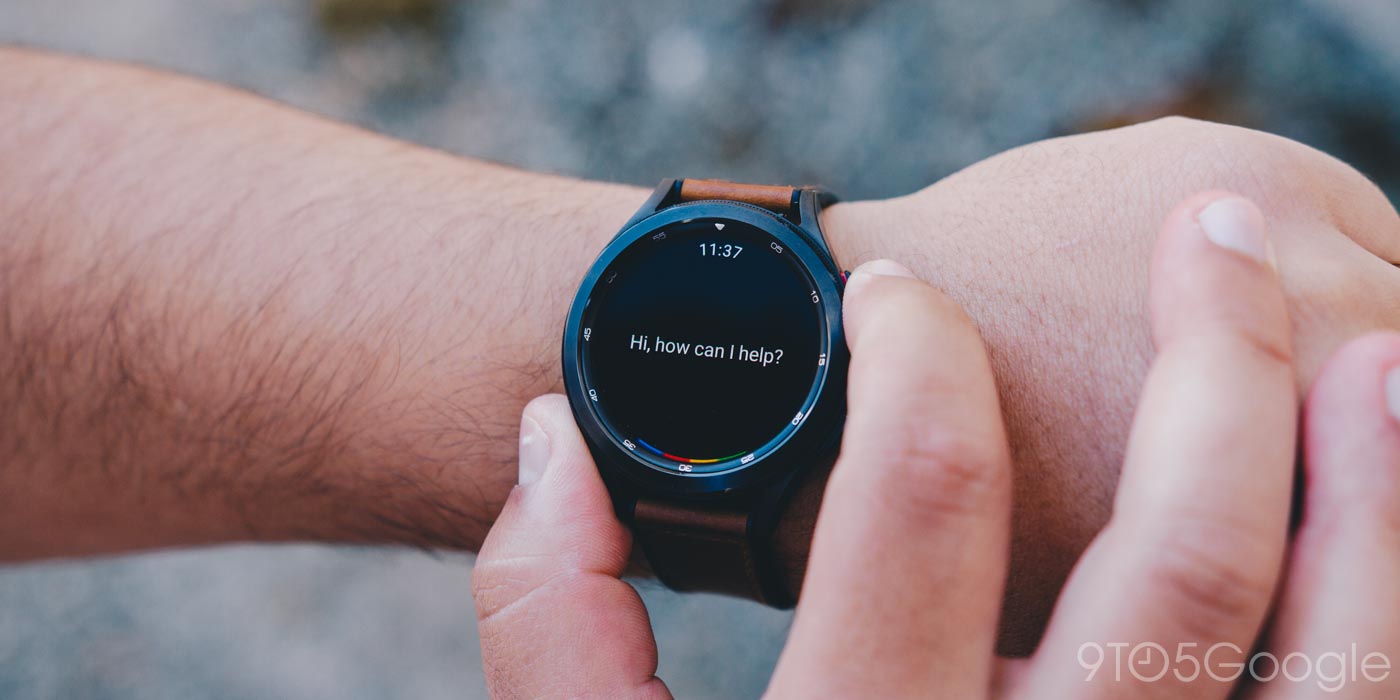
While the addition of the Google Assistant to the Galaxy Watch 4 has been a well-received one, it isn’t without its drawbacks. One of those is that having “Hey Google” detection enabled, which has a negative effect on battery life. This guide will help you disable or turn off “Hey Google” detection on your Galaxy Watch 4.
Expand Expanding Close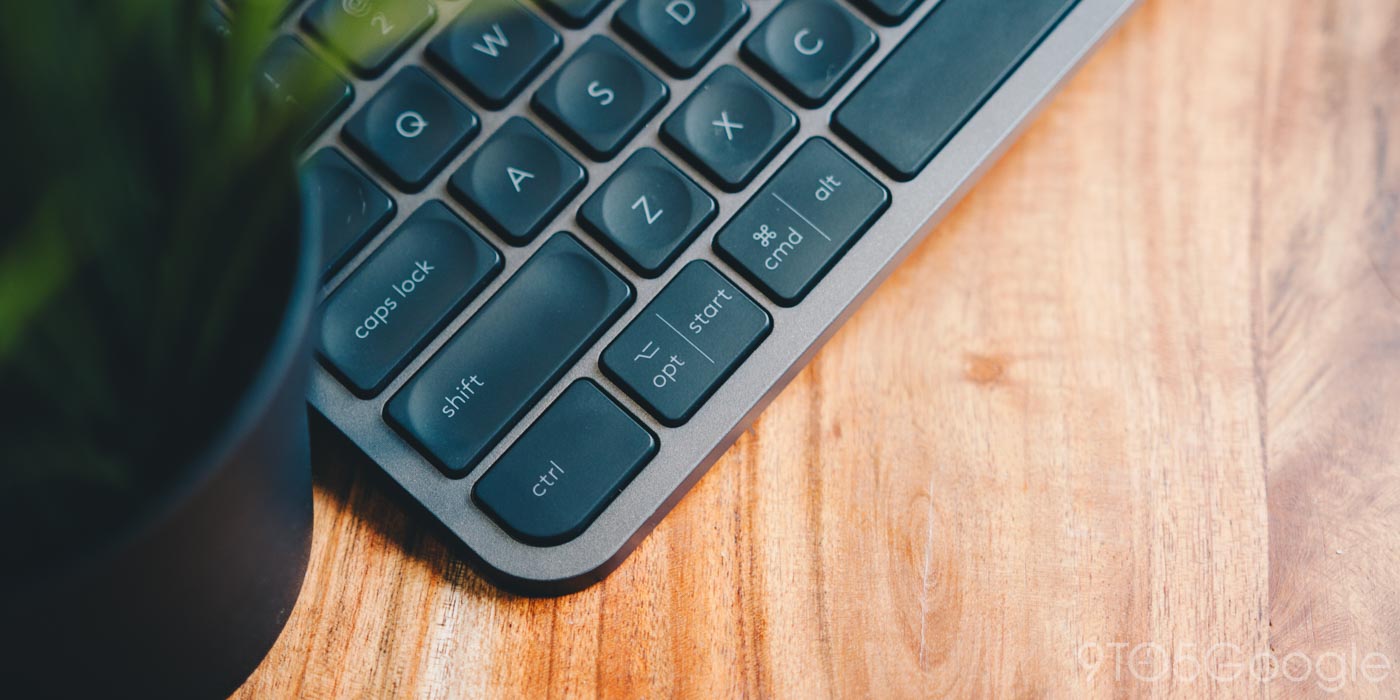
There’s something to be said about just using a browser and using a browser proficiently. Google Chrome on Windows and Mac doesn’t keep that too far out of reach with its plethora of different keyboard shortcuts you can learn. Here are the basics.
Expand Expanding Close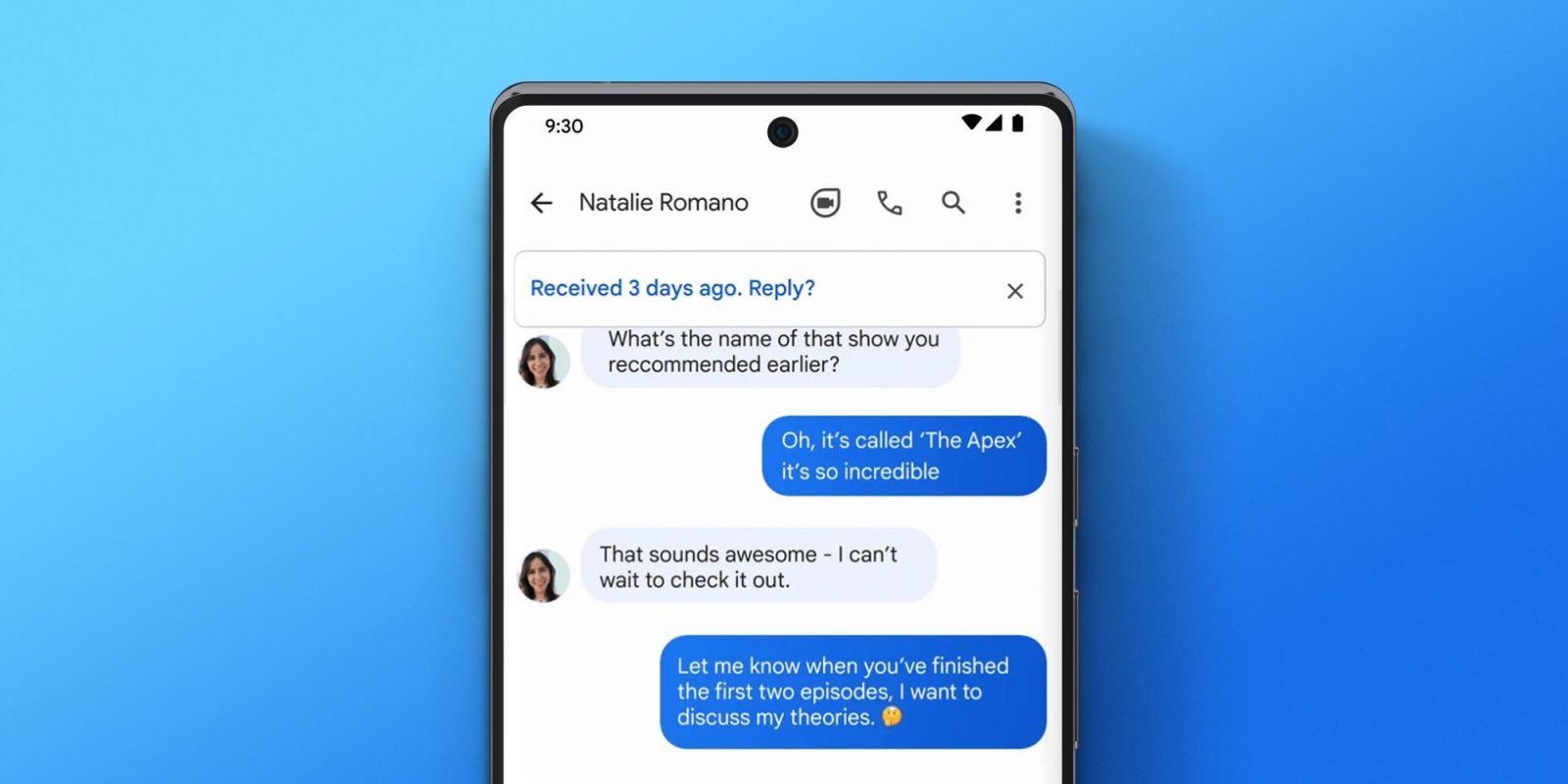
Apps like Google Messages and Gmail have come a long way in terms of development over the past few years. A side effect of this development results in a plethora of features you might not even want to be enabled. One of those is Nudges on Gmail and Google Messages. So what are Nudges and how do you disable them on your Google apps? This quick guide will take you through it.
Expand Expanding Close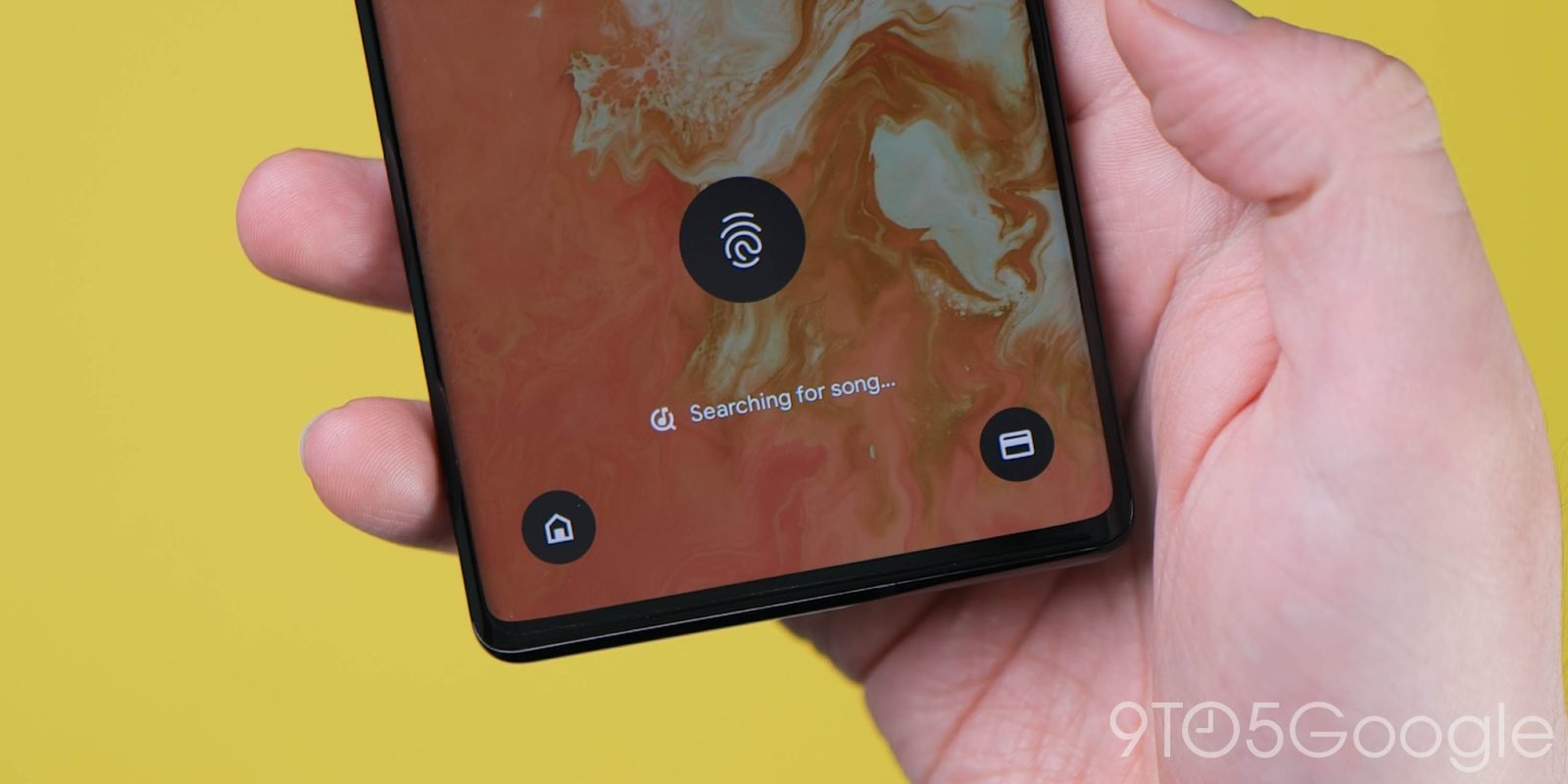
One of the worst things to happen is hearing a song play, thinking you’ll remember it to find later, only to completely forget. Fortunately, your Pixel has a feature called Now Playing. It lets you identify playing songs in the background so you can easily add any song you hear to your library. On top of that, you can find songs that played near your Pixel over a week ago in your Now Playing history. Here’s how to do it.
Expand Expanding Close
Late last year, Google started testing out a new feature called “Journeys” for Chrome. This feature would allow users to utilize their Chrome history in a more impactful way by showing you not only the sites you’ve visited recently, but how you got there and what you found along the way. Sound cool? This guide will take you through Chrome Journeys and explain how to use the feature.
Expand Expanding Close
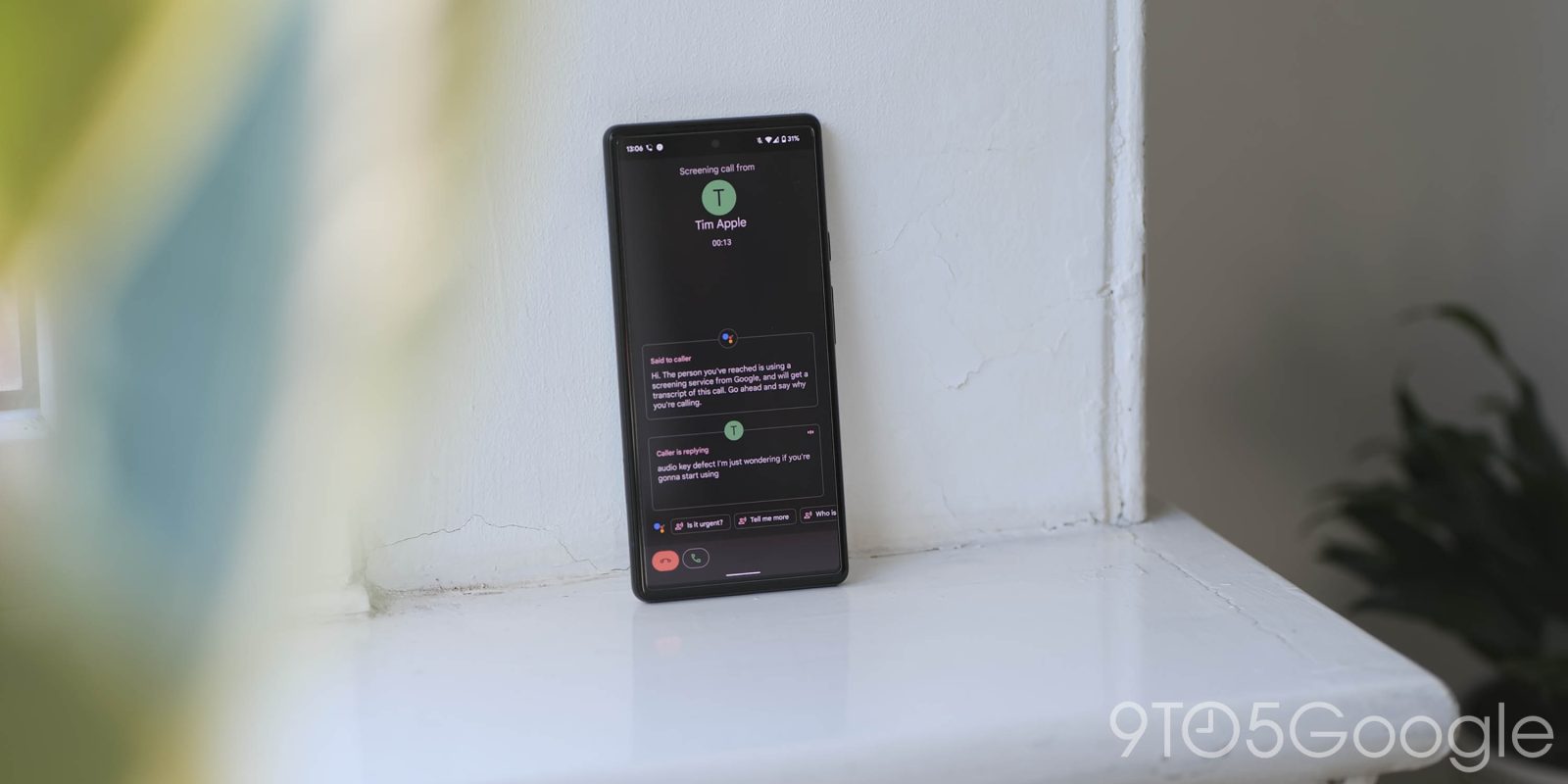
Hands down, one of the very best features to live on the Google Pixel is its call screening feature. The ability to discern a caller’s intention before even picking up is fantastic and makes handling calls and fighting spambots much easier. On the Pixel, these settings are fully customizable and allow you to change what kind of calls get screened. This guide will bring you through all of the basics.
Expand Expanding Close
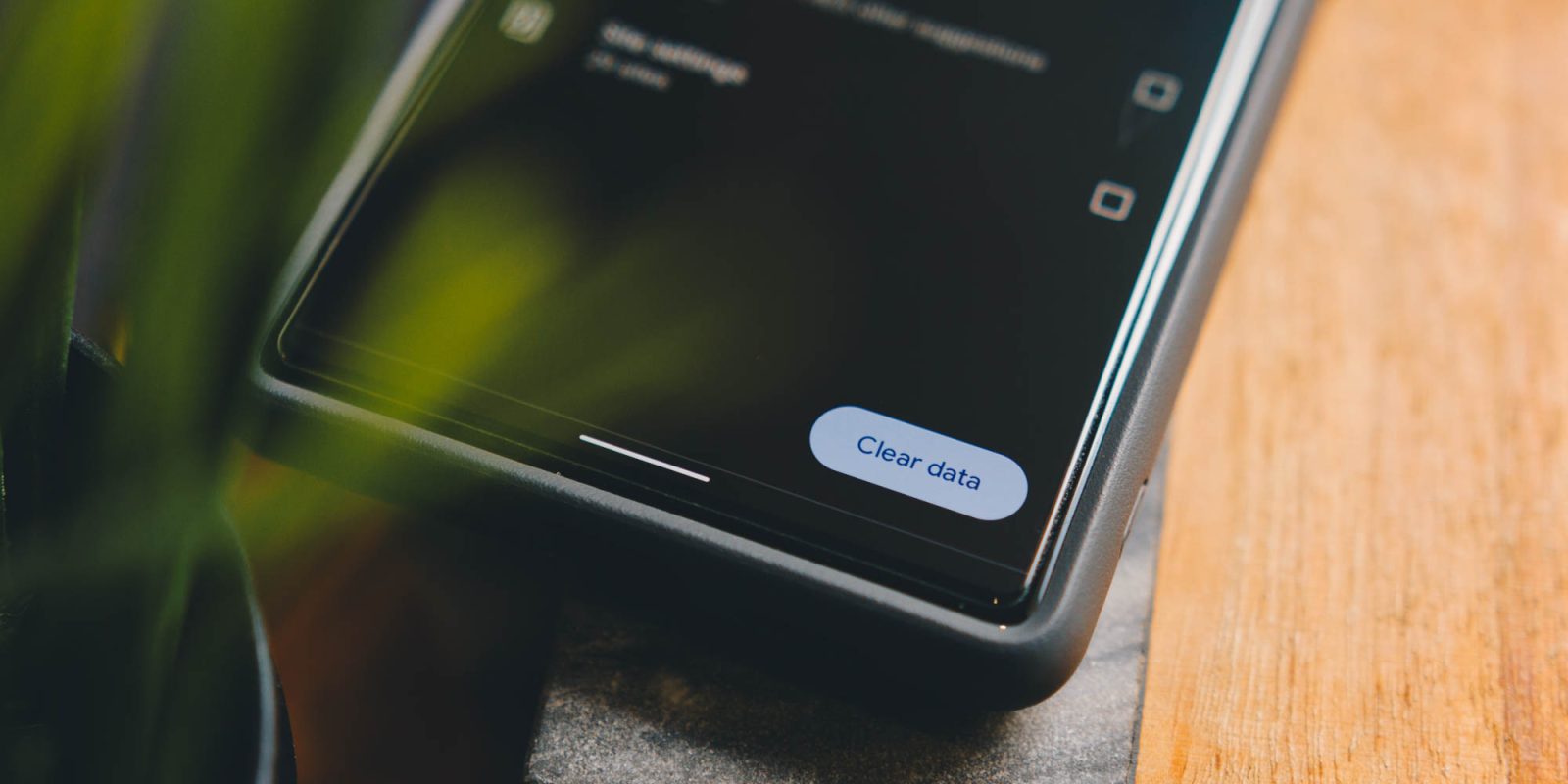
There are multiple different services available that allow you to save your passwords, including Google Chrome. If you happen to use one of the many other password-saving programs out there, you probably don’t need to use Chrome’s version. This guide will help you clear all your passwords to essentially turn off Chrome’s autofill.
Expand Expanding Close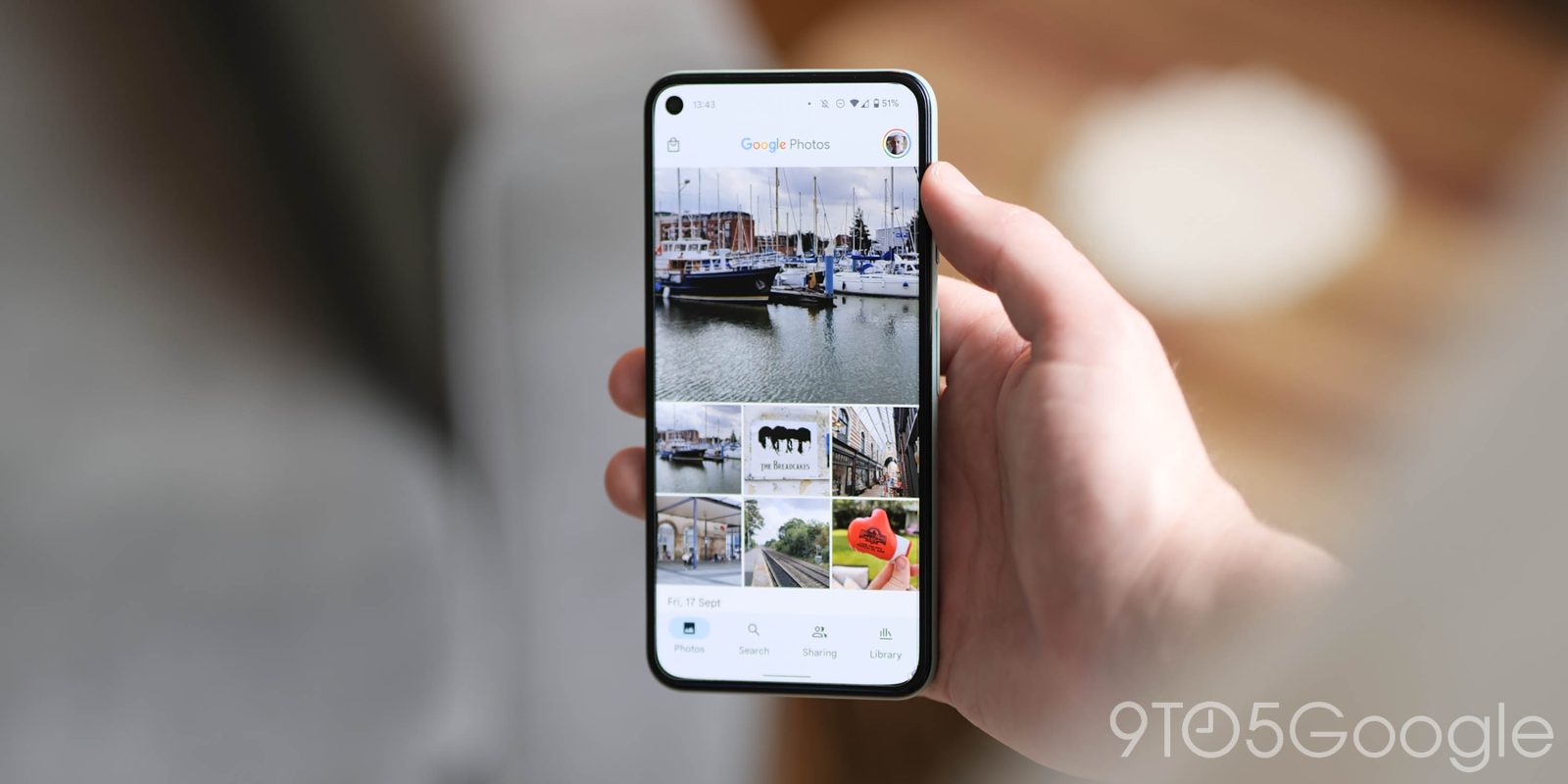
We’ve all been there. For some reason or another, a photo you want to find has ended up in the trash, and you need to find it again. Fortunately, Google Photos makes it easy to restore your pictures even after they’ve been “deleted.” This guide will explain how to restore your trashed photos in Google Photos.
Expand Expanding Close
Twitter has had its ups and downs in recent years, and though no one really knows for sure what’s to come of its new ownership, there are reasons you might want to exit. This guide will explain how to delete your Twitter account on Android so you can move on to bigger and better things.
Expand Expanding Close
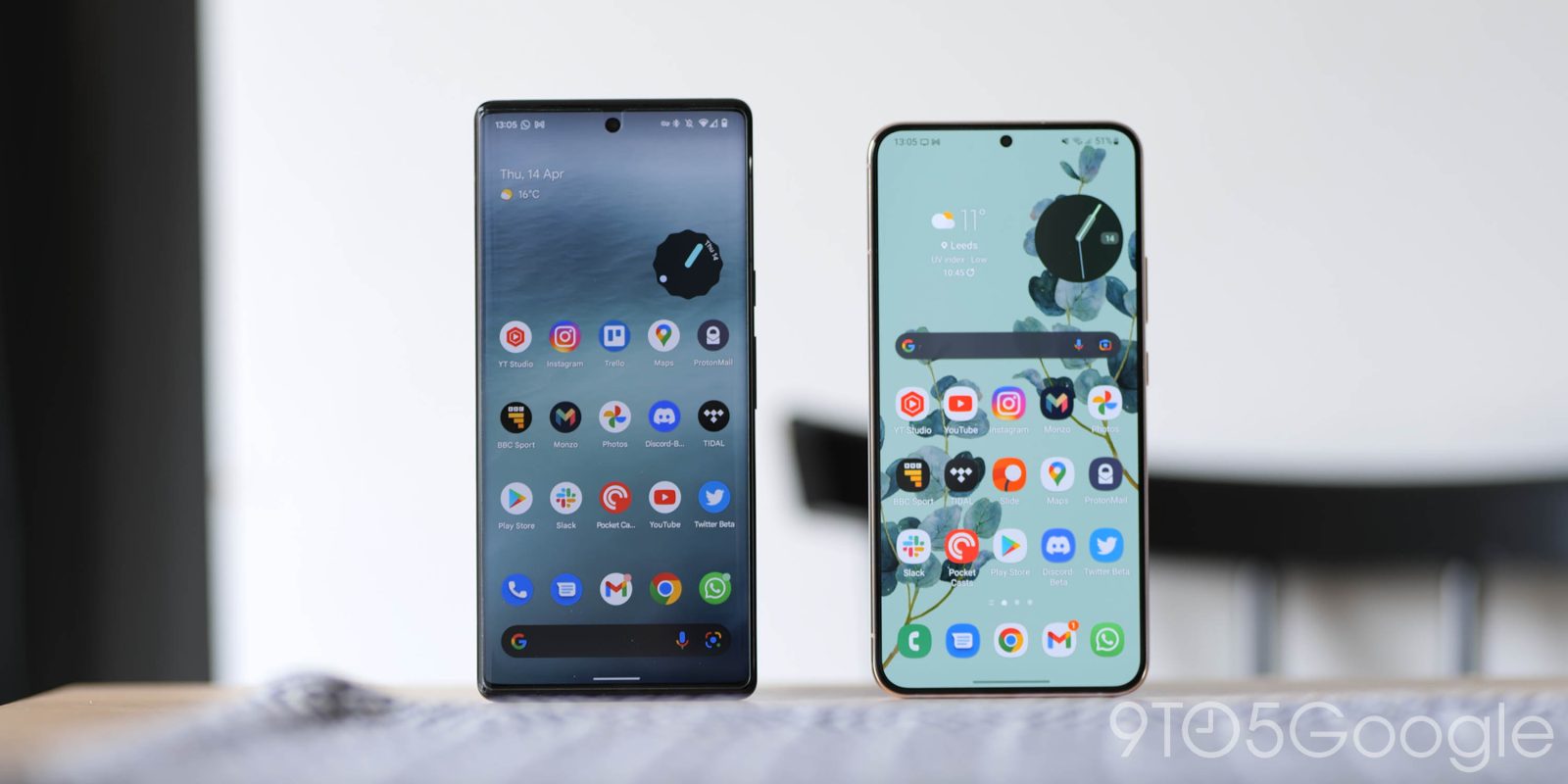
It would be insane to think that every app you ever install on your phone would be useful or interesting forever. Uninstalling or deleting apps is a natural part of owning an Android device, meaning you need to know how to do it. This guide will take you through the ins and outs of uninstalling and deleting apps on your Android device.
Expand Expanding Close