how-to
A collection of tutorials, tips, and tricks from the 9to5Google team helping you fix and get the most out of Android, Google Assistant, Chromebooks, Android TV, and more.
A collection of tutorials, tips, and tricks from the 9to5Google team helping you fix and get the most out of Android, Google Assistant, Chromebooks, Android TV, and more.

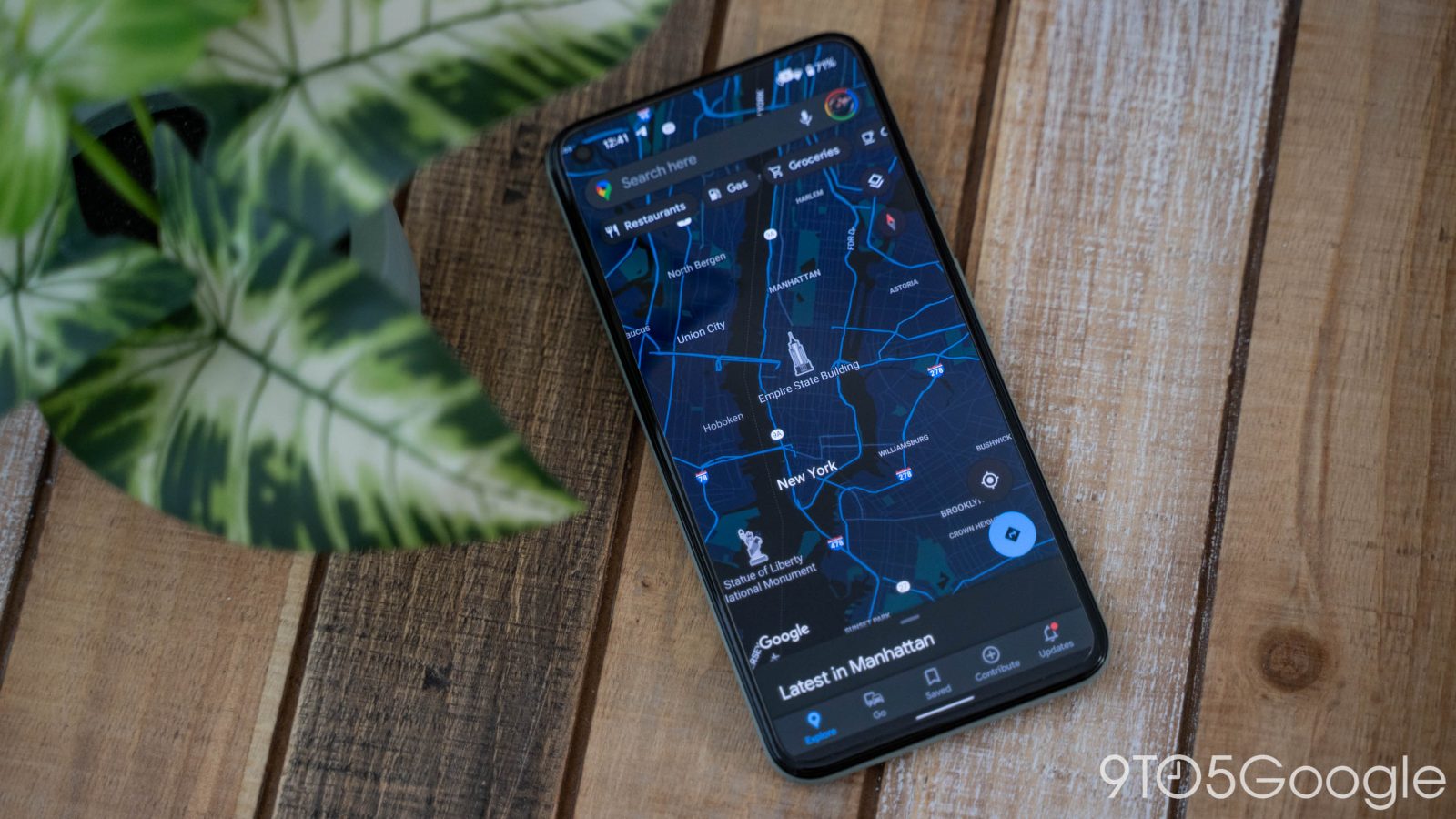
There’s nothing worse than trying to find your way when suddenly you run out of signal and can’t view your map. Fortunately, Google Maps has a feature for downloading maps for offline use. Here’s how to use it.
Expand Expanding Close
Cellular plans come in all shapes and sizes, and not all are created equally. No matter what kind of plan you’re on, you might be able to benefit from an easy way to manage your data right in your device’s settings. This guide will take you through setting and managing cellular data limits on your Pixel, so you can save mobile data on Android.
Expand Expanding Close

Google Photos has a built-in editor, giving you the ability to really dig in and adjust your images. So what editing tools are available in Google Photos editor?
Expand Expanding Close
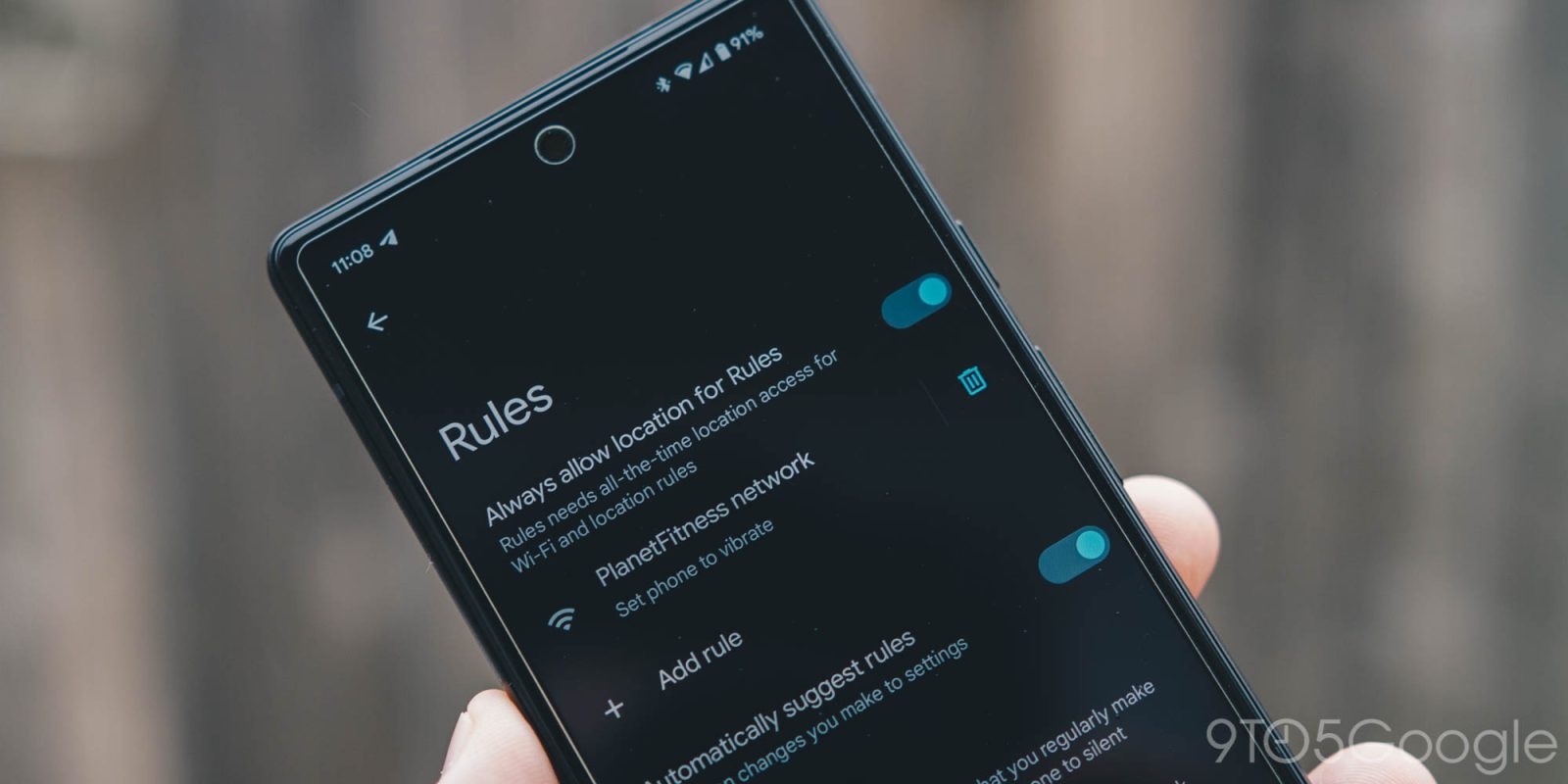
Many an Android phone have hidden features that don’t get the limelight all too often. One of these features, in my opinion, is Rules. What are they? Well, let’s dig in and find out how to use Rules on the Pixel.
Expand Expanding Close
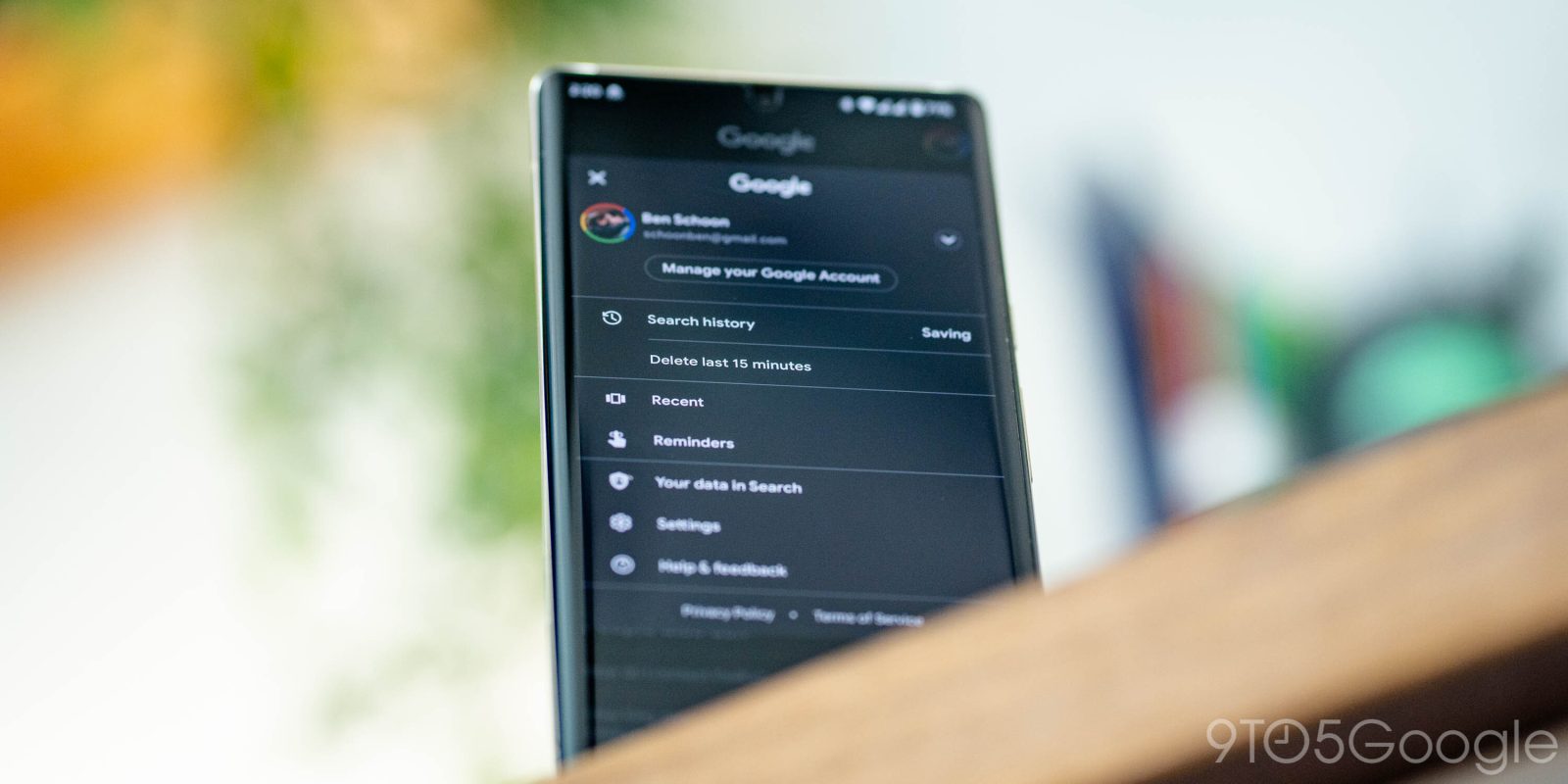
Recently, Google added the ability for users on mobile to delete the last 15 minutes of their Google search history with one single tap. This guide will take you through how exactly you can do this on your device.
Expand Expanding Close
There’s nothing less productive than staring at lists upon lists that are all the same shade of gray. Fortunately, Google Keep now lets you change how your notes look to help you keep things organized and visually pleasing with colors and backgrounds. Here’s how.
Expand Expanding Close
There are a lot of great ways to check and test your internet speeds. Maybe you’re trying to figure out your internet connection’s download and upload speeds to ensure your network is working correctly, or perhaps you just want to show your friends how fast your internet is for some reason. One great way to check your speeds, if you want, is to use Google. Of course, there are other options too. Here’s how.
Expand Expanding Close
If you’ve been using Google Photos for any amount of time, you know that photos can stack up fast. That’s why you need to know how to export Google Photos safely if you ever need to move to a different service, like Apple’s iCloud. This guide will explain how you can use Takeout, a service by Google, in order to export your images.
Expand Expanding Close
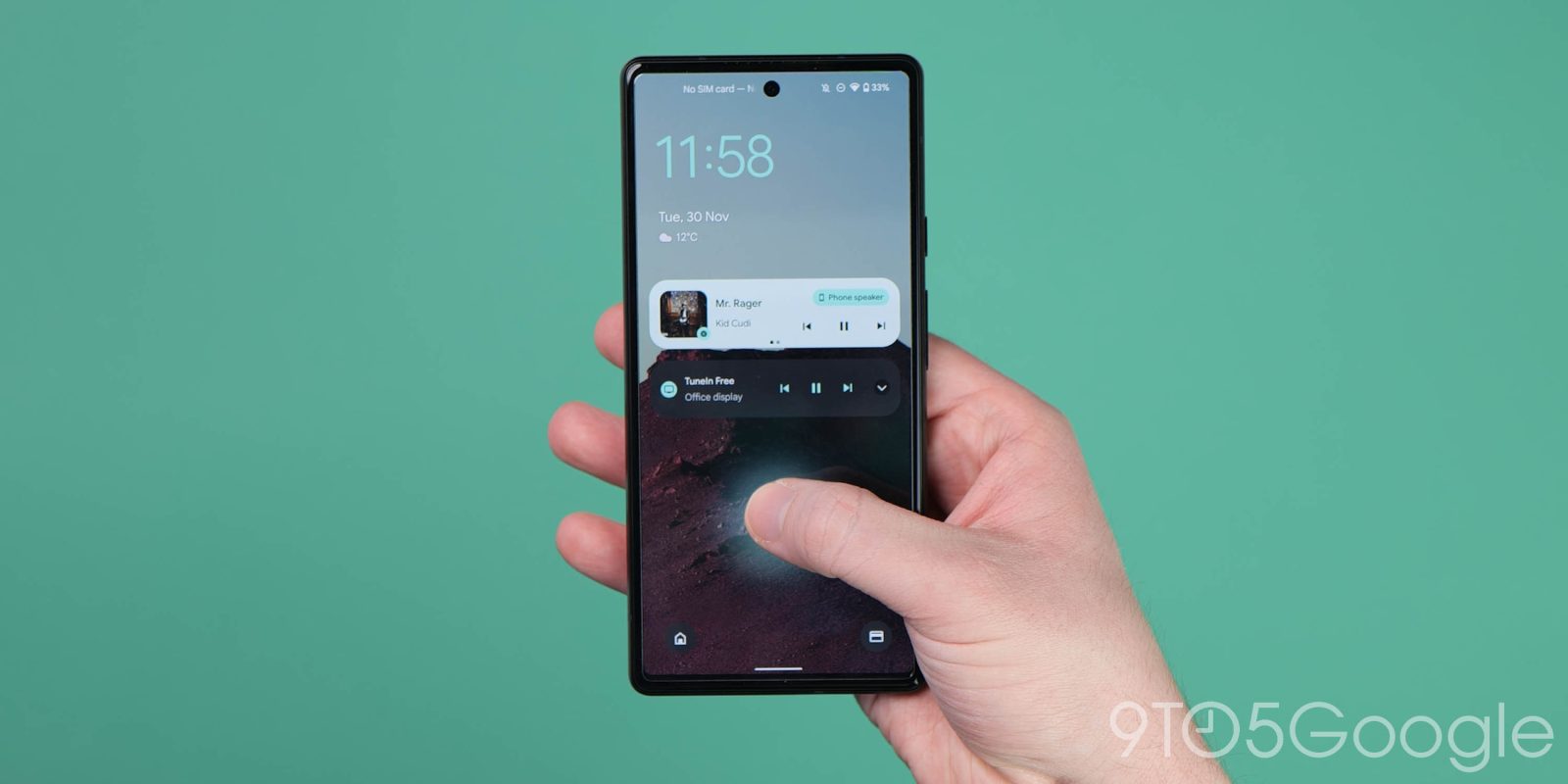
Being able to manage and customize your notifications on a device is a key part of being able to enjoy the experience. On Android, you have a few different options for managing notifications to fit your needs. This guide will walk you through how you can get those notifications in check.
Expand Expanding Close
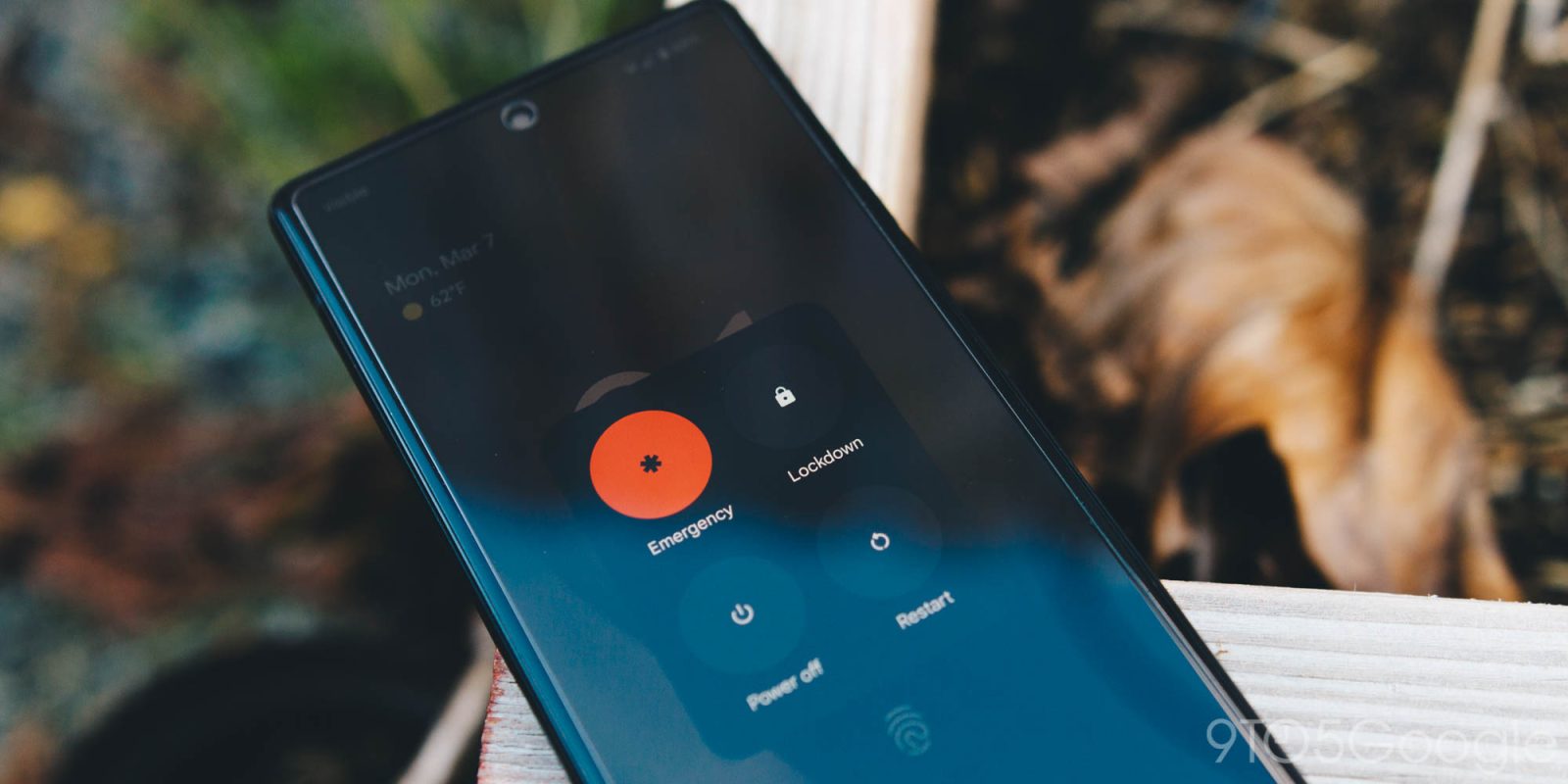
Lockdown is a feature on Google Pixel meant to protect your phone if someone tries to access it without permission — something no one wants, but some people have experienced, unfortunately. This guide will go through exactly how to enable the feature.
Expand Expanding Close
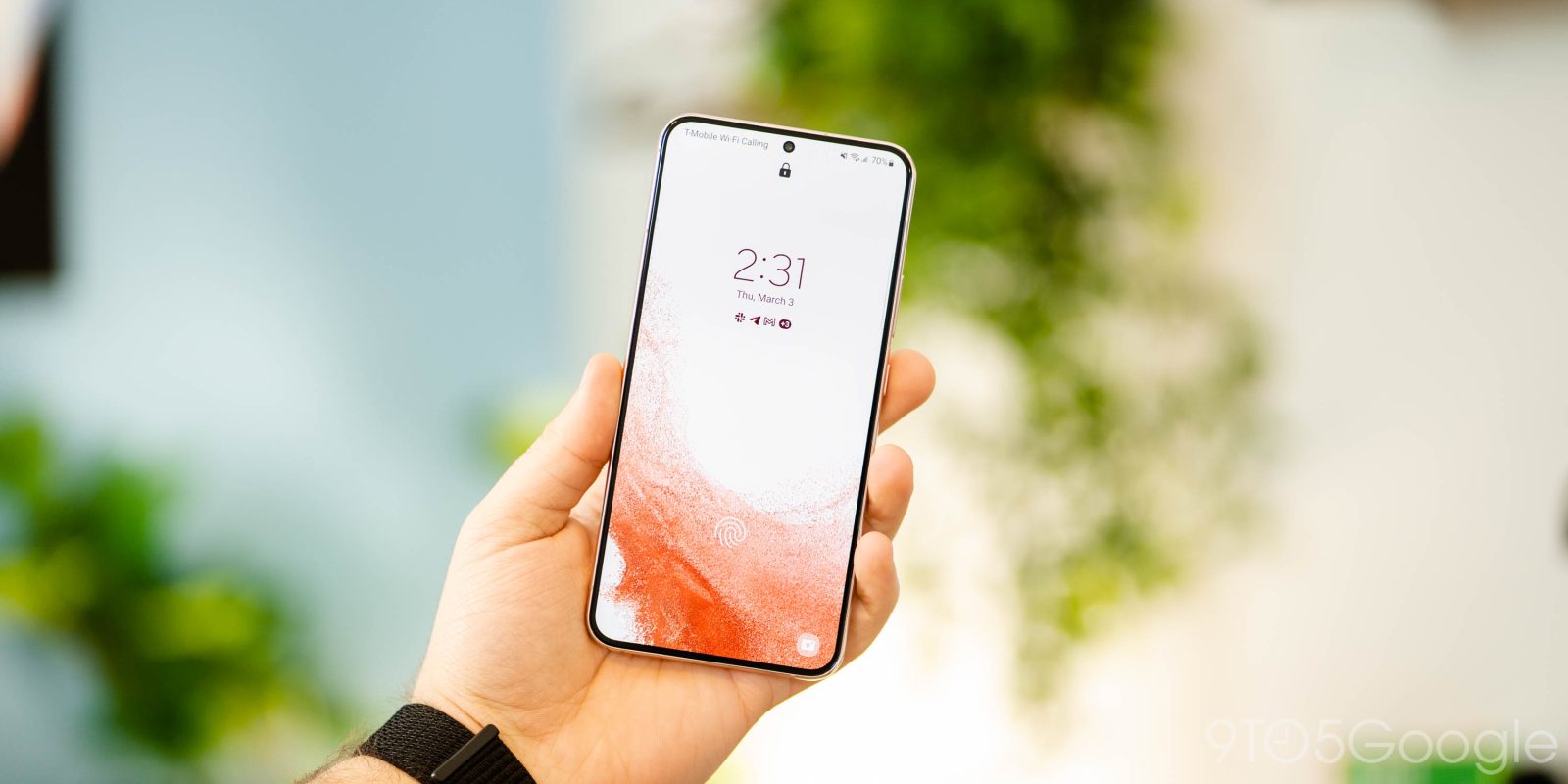
Samsung’s One UI 4 brings a lot of customization to Galaxy devices, including the ability to change up the Quick Panel. So what is the Quick Panel, and what can you do with it? This guide will take you through the details step by step.
Expand Expanding Close
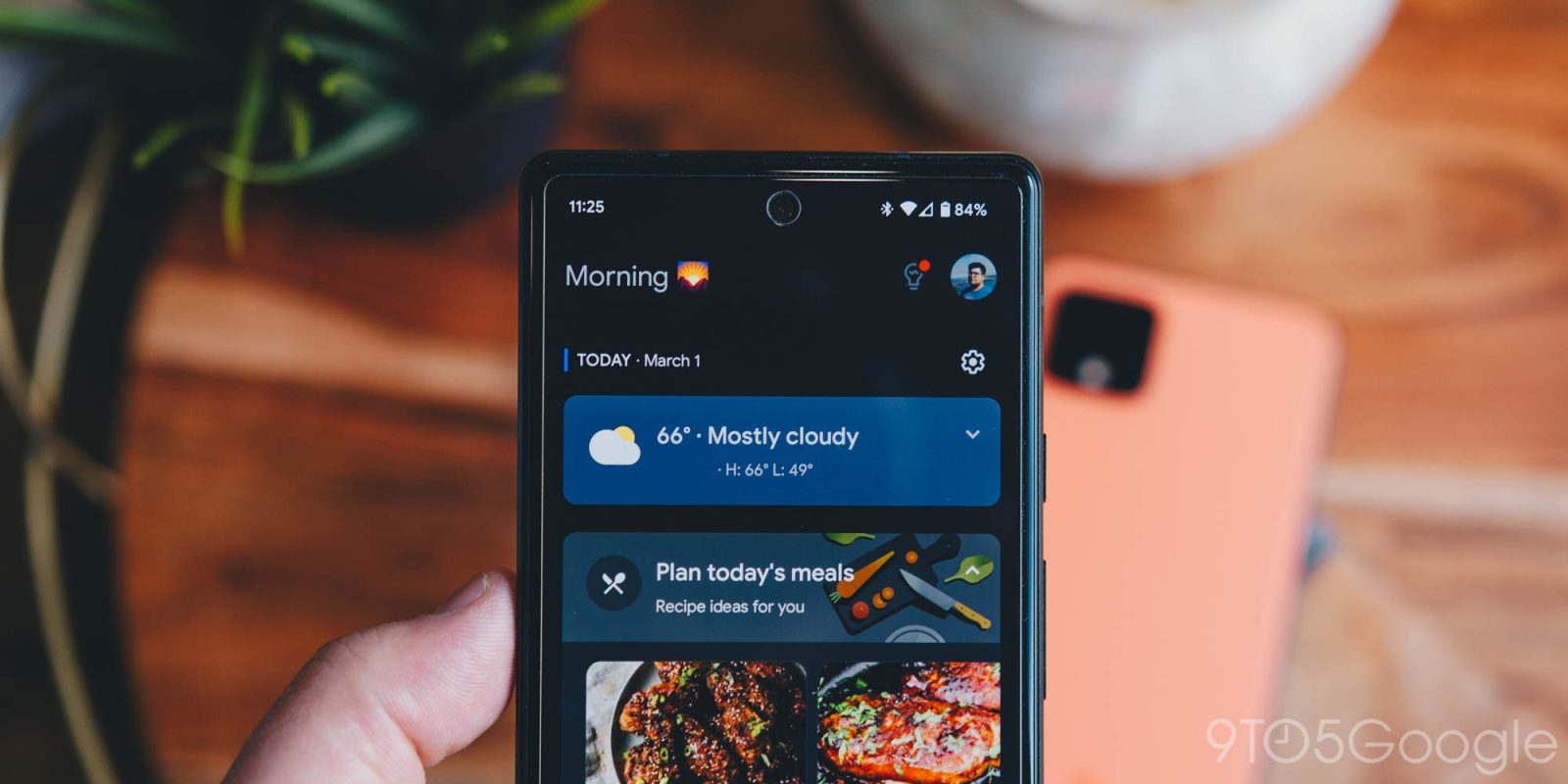
Android has a lot of features that have the potential to make things a little easier. Sometimes, those features are a little out of the way and hidden. One prime example is the Google Assistant Snapshot feature. This guide will take you through what Snapshot is and how you can use it.
Expand Expanding Close
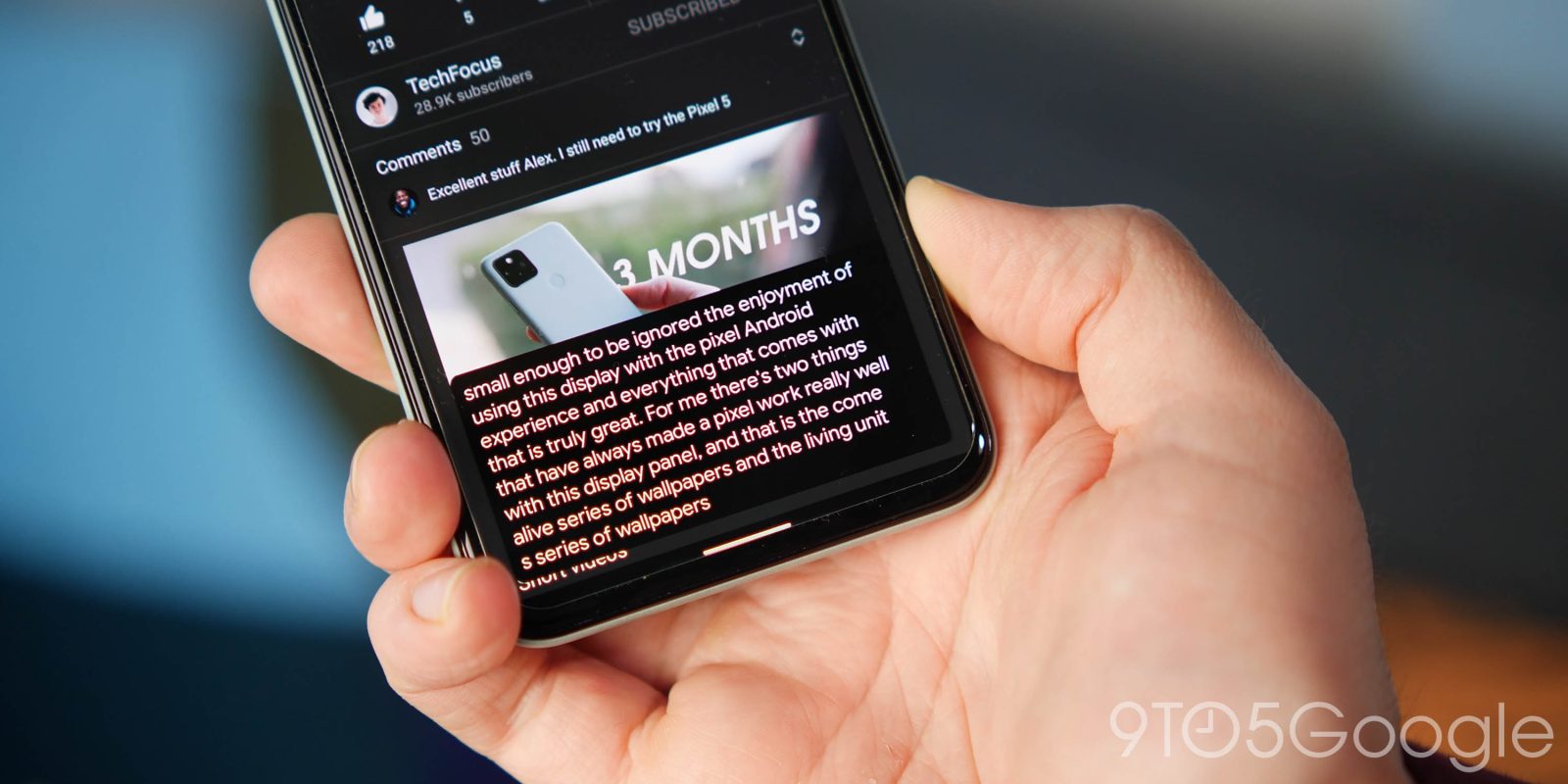
Live Captions is one of those features you never really realized you needed until it was available. In essence, it captions every bit of audio that your device plays for easy accessibility. This guide will take you through how to enable it or disable it on your Android 12 device, as well as a couple of tips and tricks.
Expand Expanding Close
Google’s Password Manager is an ecosystem-wide service for users of Google Chrome and Android. Password Manager saves the credentials you use most and helps you log in easily while on Google Chrome. This guide takes a look at whether Password Manager is safe, walks you through how to use the feature, and highlights unique aspects of the service.
Expand Expanding Close
Quick settings in Android 12 is a quality-of-life feature that can streamline a lot of your device’s operations. For instance, the Internet quick settings tile has a lot to offer, in terms of use and function. This guide will take you through how to use Android 12’s Internet quick settings tile to do things like connect to networks or even share your internet via QR code.
Expand Expanding Close
As browsers go, Google Chrome is one that has a ton of features in plain sight, though it can be easy to forget about them. A few of those features are found right in the address bar. This guide will take you through the many icons you might find on the right of the address bar, as well as what they mean and do.
Expand Expanding Close
No OS is absolutely perfect, and if you’ve spent anytime at all on a smartphone, you’ll know that sometimes you just need to reboot your device. This guide will take you through why you might want to reboot, and how to restart the Google Pixel on Android 12.
Expand Expanding Close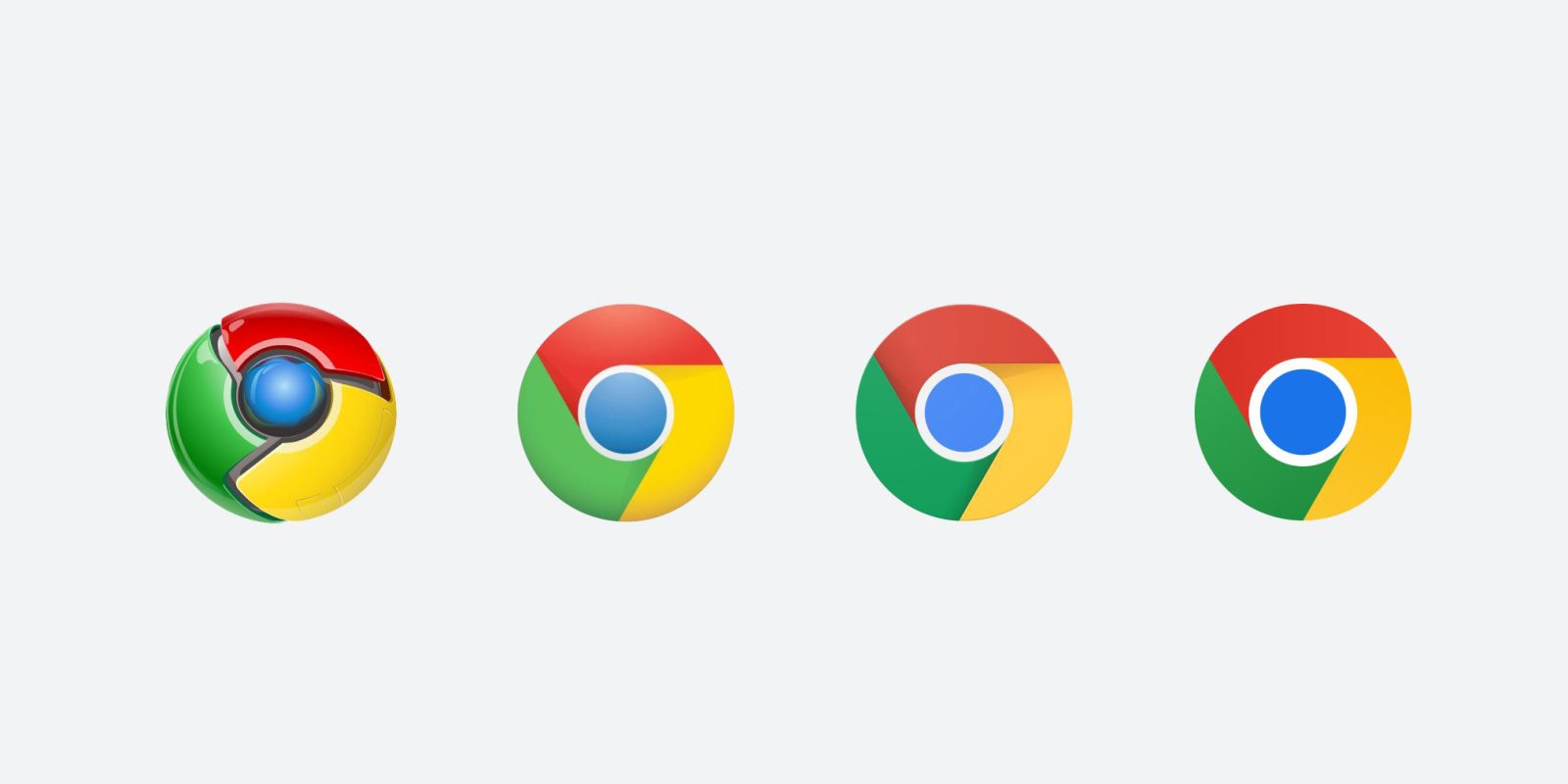
Google Chrome is an ever-evolving browser, which means that it gets updated pretty regularly. Often, these updates improve security to protect you while browsing the internet. This guide will take you through how often Chrome updates, automatic updates, and updating Google Chrome automatically.
Expand Expanding Close
One of the biggest draws of smartwatches is their ability to deliver notifications in an easily viewable way. Even so, there are some notifications that just don’t deserve your attention, even when on your wrist. This guide will take you through how to set up and manage notifications on your Galaxy Watch 4.
Expand Expanding Close
Google Drive is an excellent tool for managing and storing files. Integrated with the rest of Google’s G Suite – soon to turn into Google Workspace for free users – Google Drive on the web has a lot of potential for productivity if managed right. This guide will take you through how to use search chips the right way in Google Drive.
Expand Expanding Close
Being able to copy and paste text on your phone is vital to everyday usage. On Google Pixel, there are a few features that make the copy-and-paste process incredibly seamless. This guide explains how to copy and paste text on Google Pixel from just about any app and gives you a few copy-and-paste tips and tricks, too.
Expand Expanding Close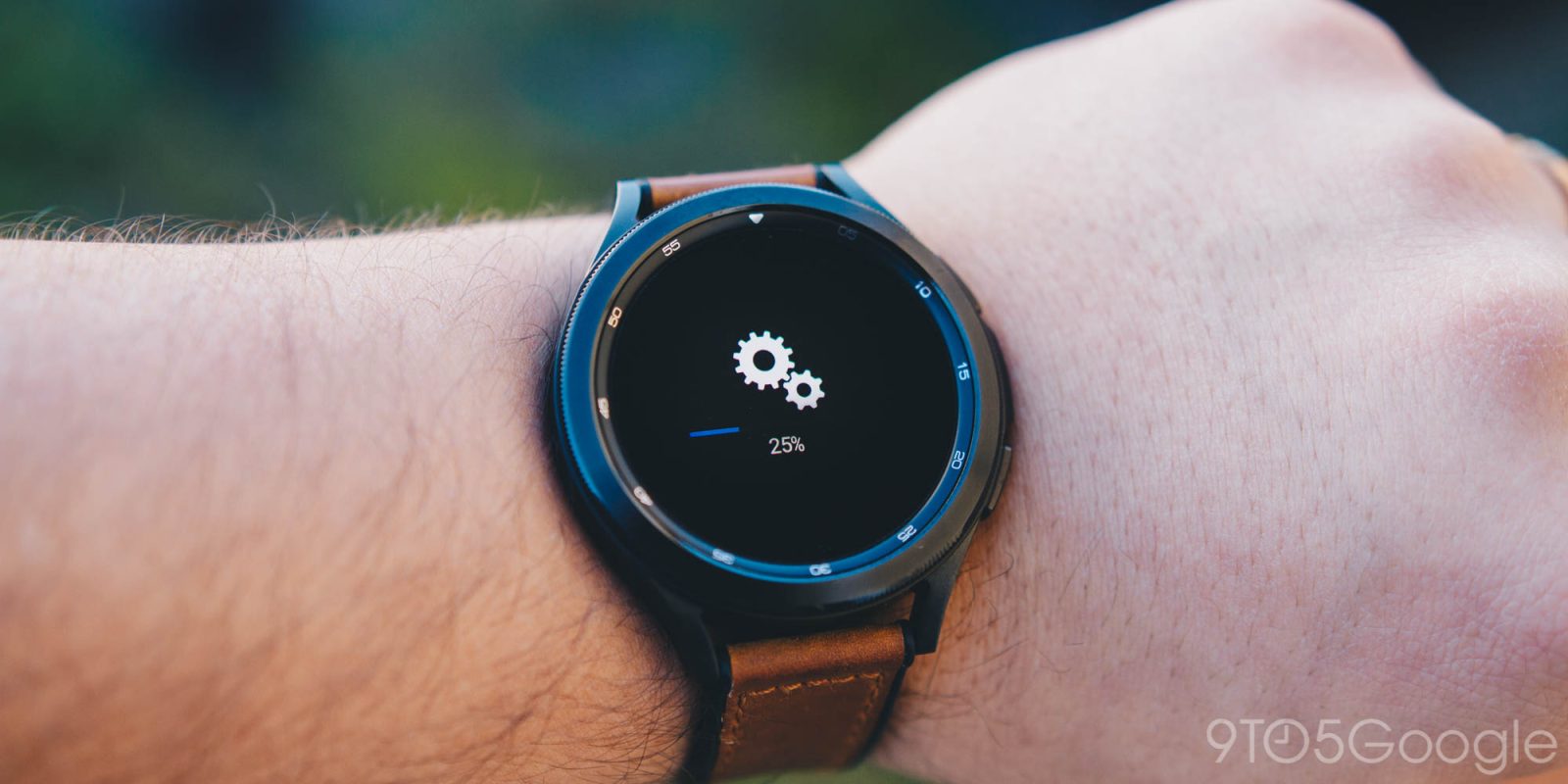
Every now and again, the Galaxy Watch 4 gets major updates to improve the already capable Wear OS smartwatch. Of course, in order for you to take advantage of improvements to your Galaxy Watch, you need to ensure the device gets updated. This guide will take you through exactly how to check for updates on your Galaxy Watch.
Expand Expanding Close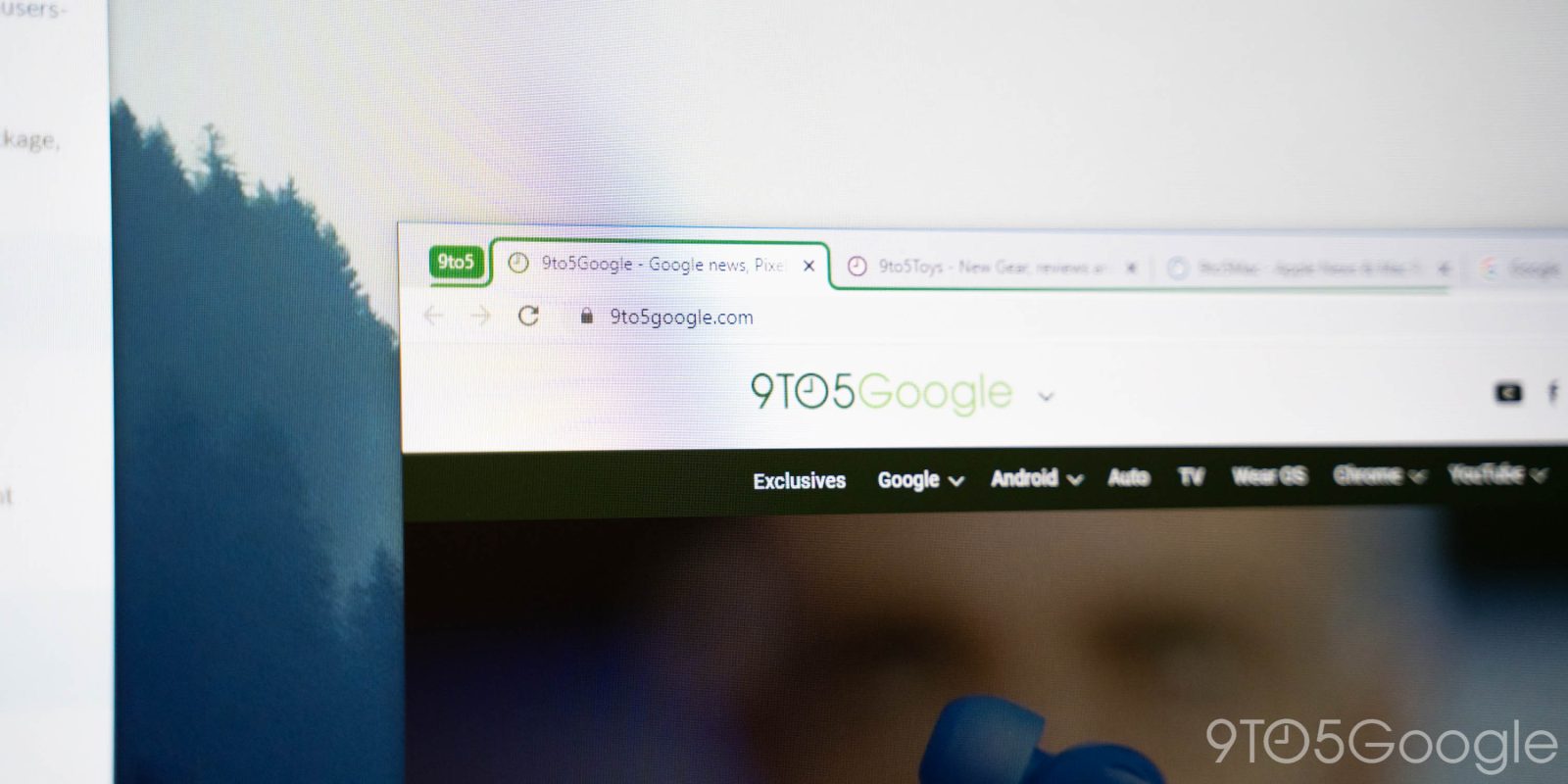
Opening and closing tabs can get real messy real quick, especially if they aren’t organized and kept up with. Fortunately, Google Chrome has a feature that lets you group tabs together, saving a lot of headaches. This guide will take you through exactly how to create tab groups in Google Chrome.
Expand Expanding Close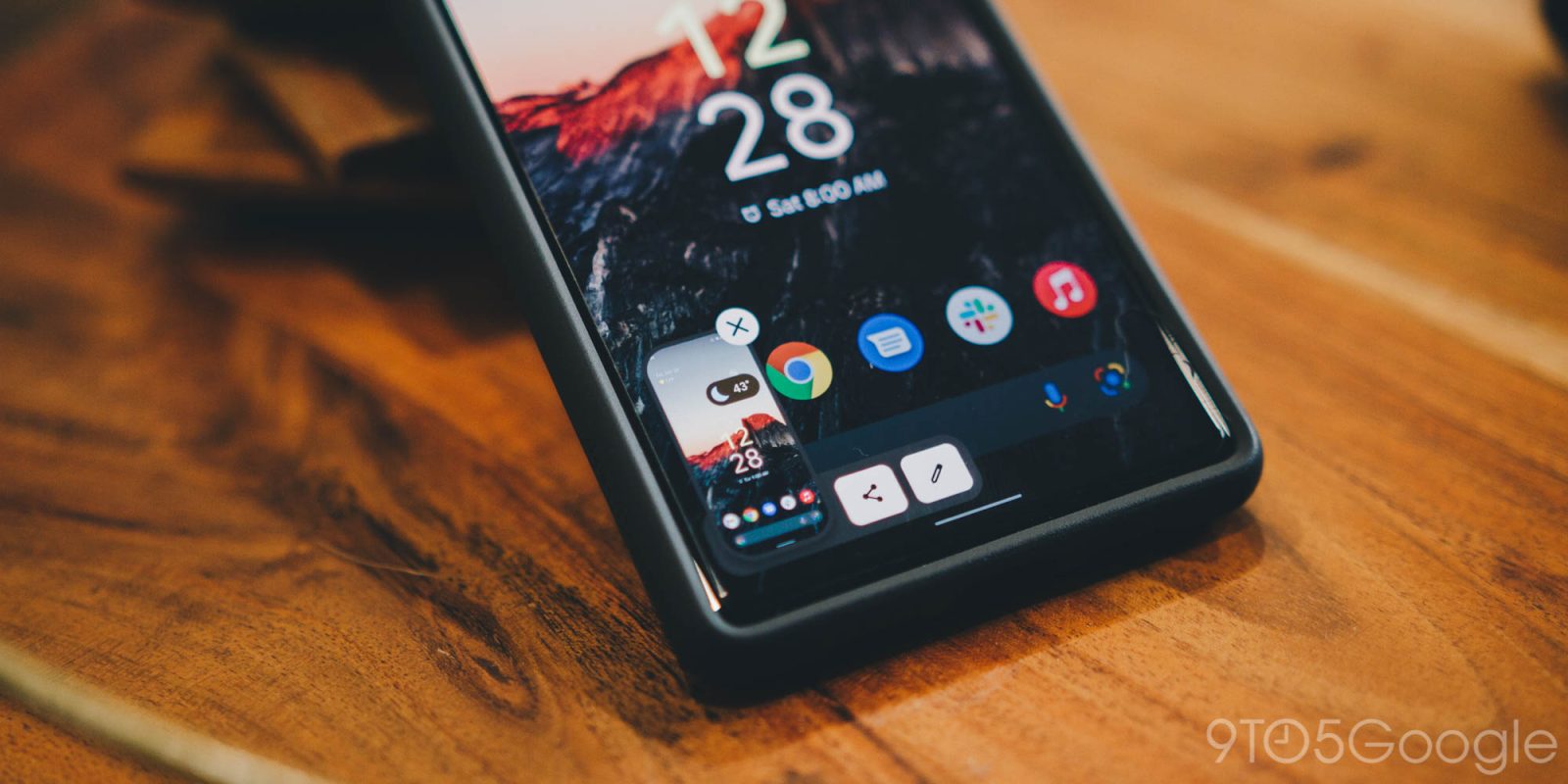
There are countless reasons to take a screenshot. You might want to save something from social media, help someone with an app remotely, or circle things on your screen. Bottom line? Taking a screenshot is a basic function you should know how to perform! Read on to learn how to take a screenshot on Android devices, such as the Google Pixel, Samsung Galaxy, and OnePlus.
Expand Expanding Close