how-to
A collection of tutorials, tips, and tricks from the 9to5Google team helping you fix and get the most out of Android, Google Assistant, Chromebooks, Android TV, and more.
A collection of tutorials, tips, and tricks from the 9to5Google team helping you fix and get the most out of Android, Google Assistant, Chromebooks, Android TV, and more.
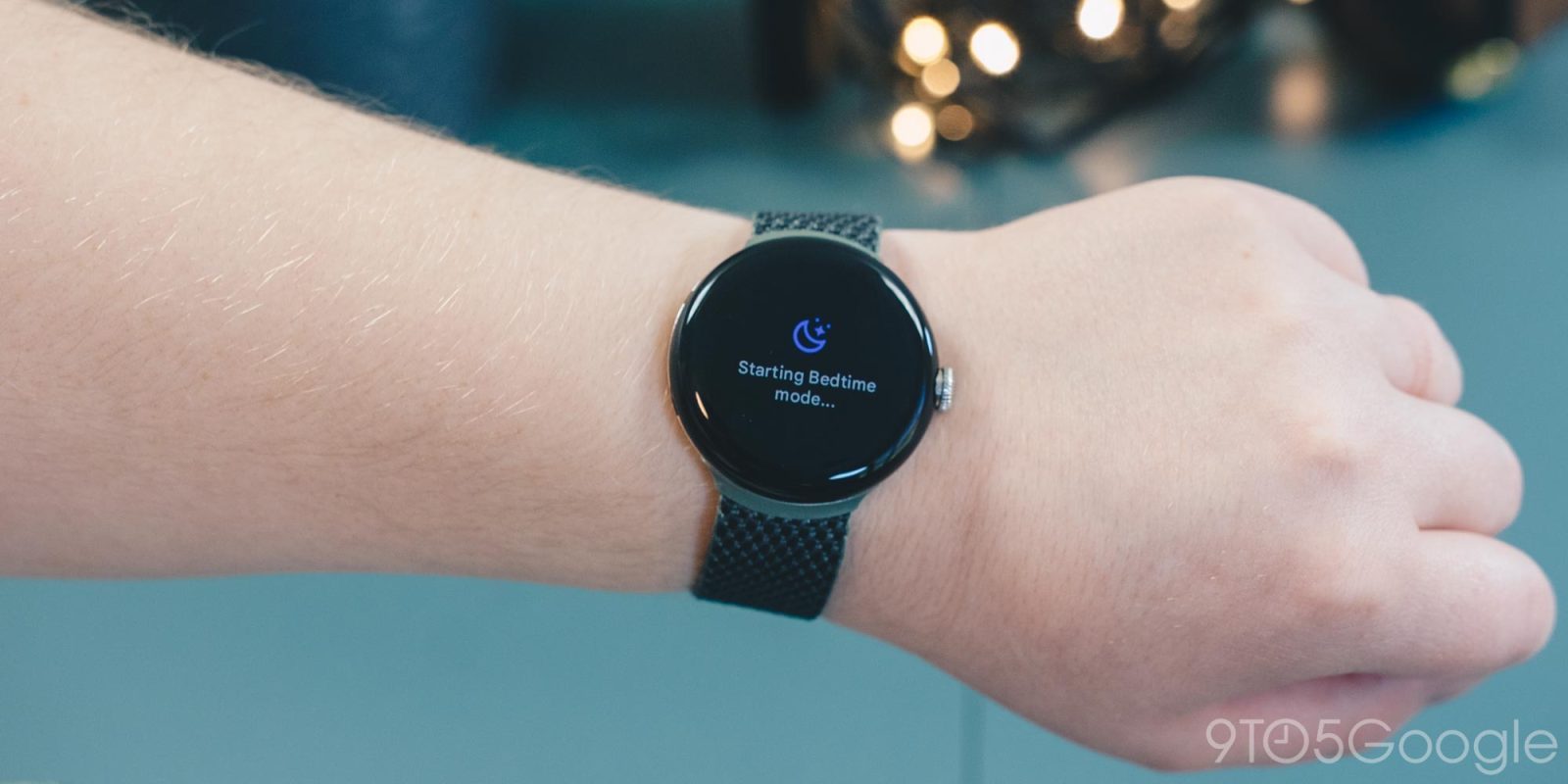

The Pixel Watch follows the same recipe as many smartwatches and fitness trackers before it. One of its main features is sleep tracking powered by Fitbit. With that, there’s a setting called Bedtime mode. Here’s what you need to know about Bedtime mode on the Pixel Watch.
Expand Expanding Close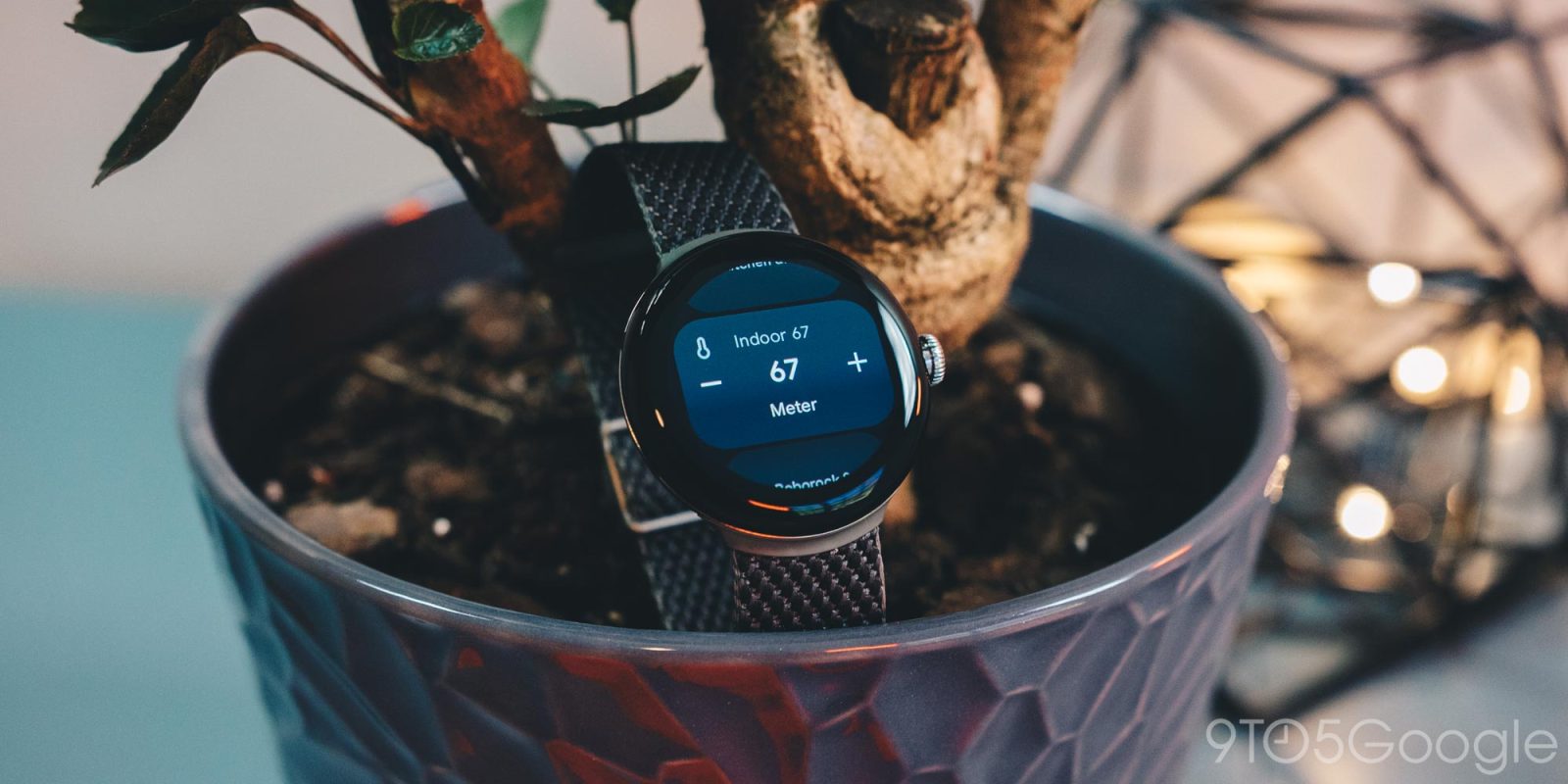
Google’s Pixel Watch is meant to be one of the missing pieces to a complete ecosystem. Part of that ecosystem is Google Home, and the two work together quite nicely. Here’s how to access Google Home from your Pixel Watch or on any Wear OS 3 device, like the Galaxy Watch 5.
Expand Expanding Close
Just about every smartwatch has some sort of SOS feature now, though that’s far from a bad thing. The Pixel Watch’s Emergency SOS mode is easy to set up and use in a pinch. Here’s how it works.
Expand Expanding Close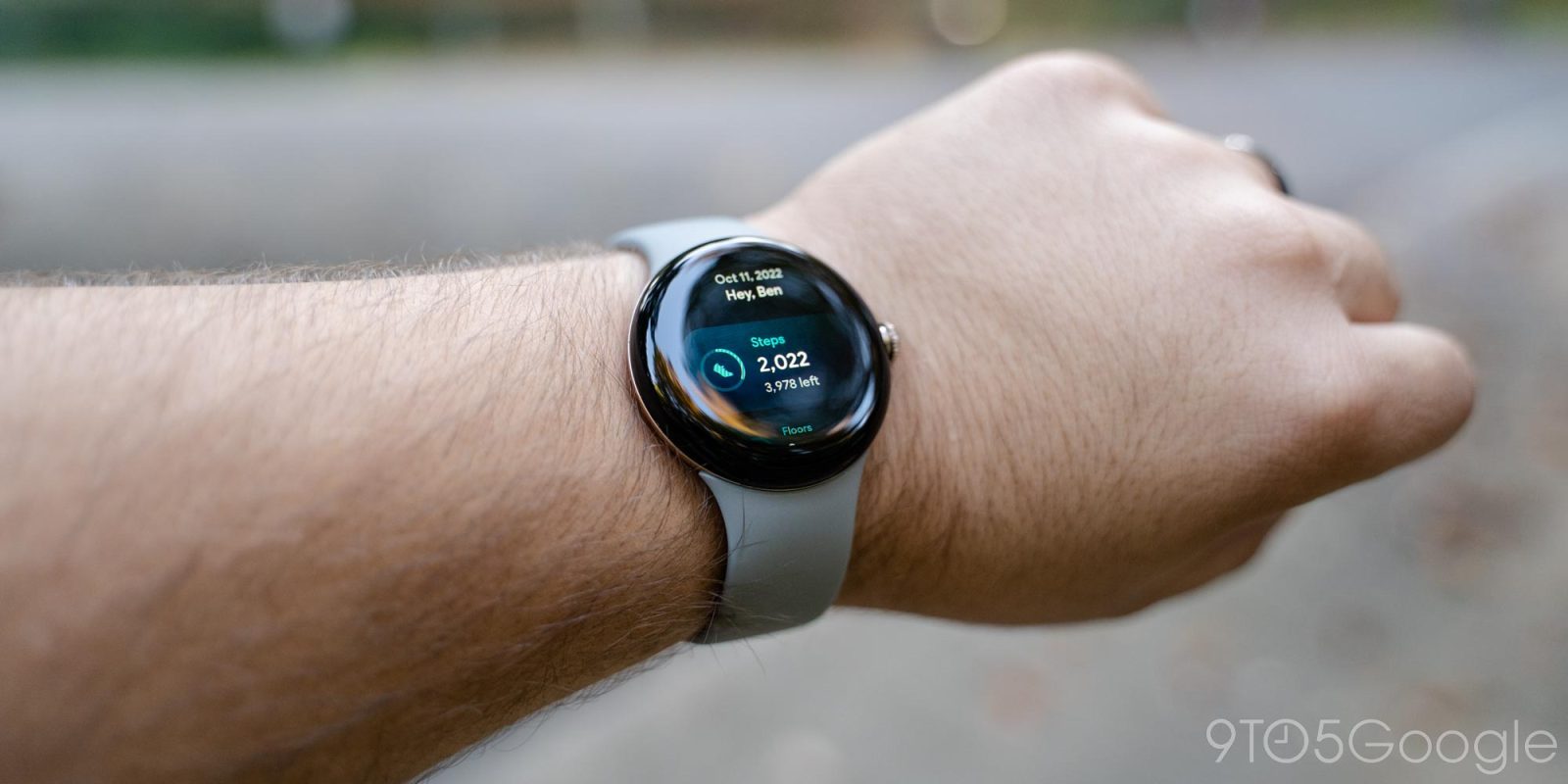

By default, the Fitbit app on the Pixel Watch will remind (see: nag) you to get up and walk around every hour, but thankfully, you can easily disable these step count reminders — here’s how!
Expand Expanding Close
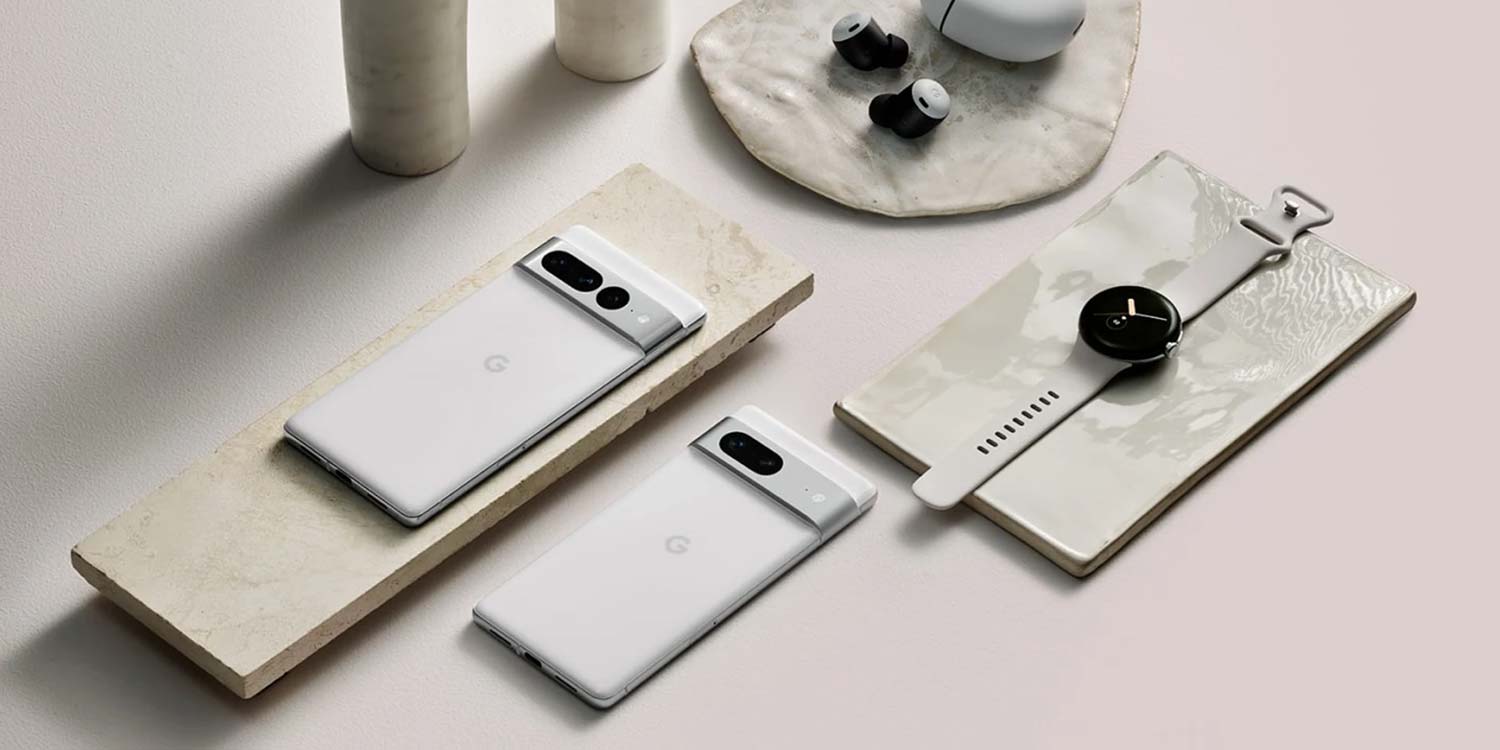
This year, Google is slated to launch several new devices, including the Pixel 7 and 7 Pro, Pixel Watch, and several new Nest products. Here’s where you can watch the 2022 Made by Google event live and catch every release.
Expand Expanding Close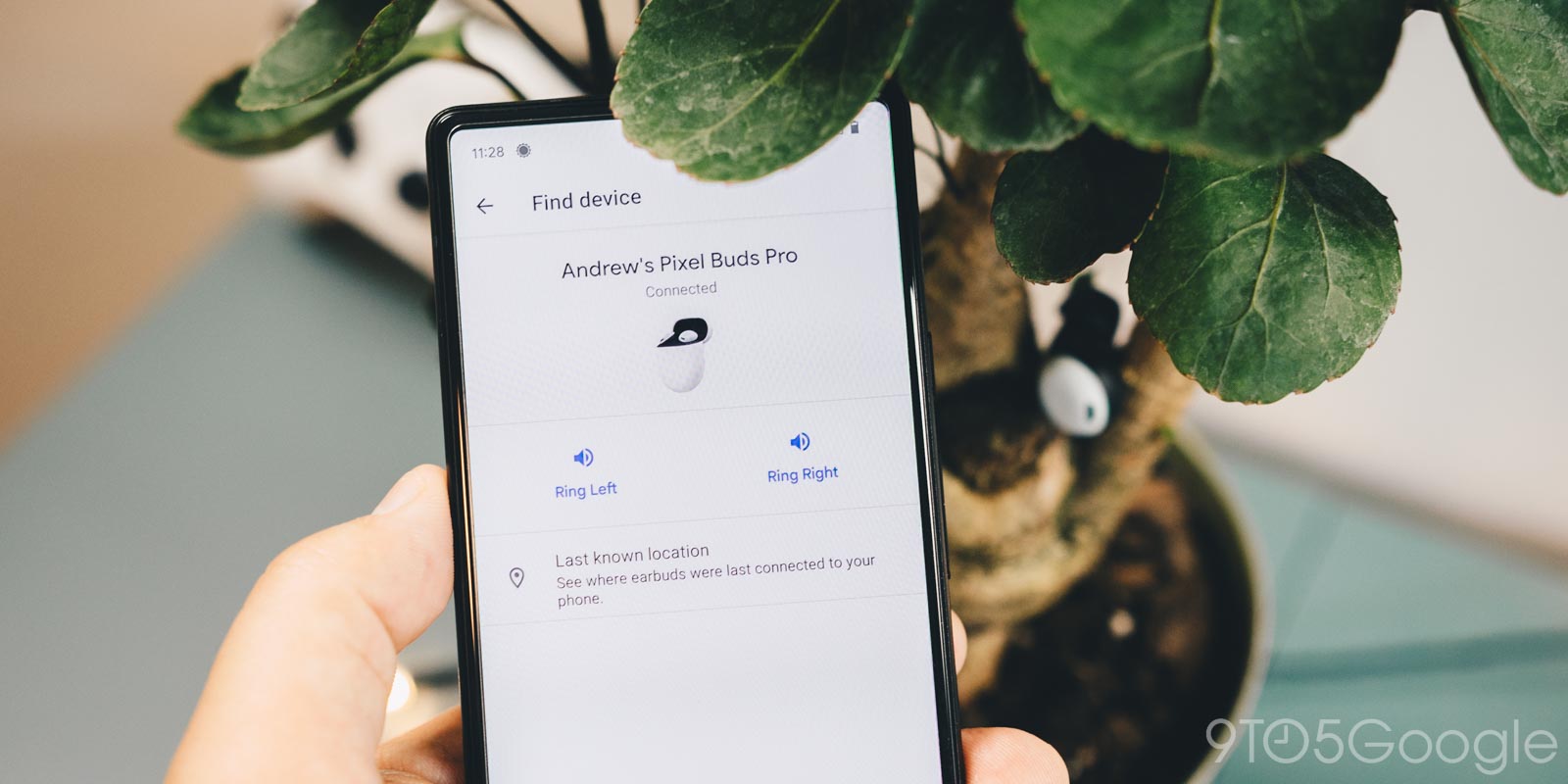
We get it – Pixel Buds and earbuds in general are small and easy to lose. Fortunately, Google’s Pixel Buds Pro have a lost mode feature, allowing you to find them easier. Here’s how it works.
Expand Expanding Close
Most devices have some sort of battery saver mode, while Google’s Pixel lineup comes with an “Extreme Battery Saver.” So what is it, and what makes it extreme? This guide will take you through it.
Expand Expanding Close
In Google Messages, you can send reactions to received messages with a selection of emoji, no matter who texted you. This guide will quickly show you how to react to messages.
Expand Expanding Close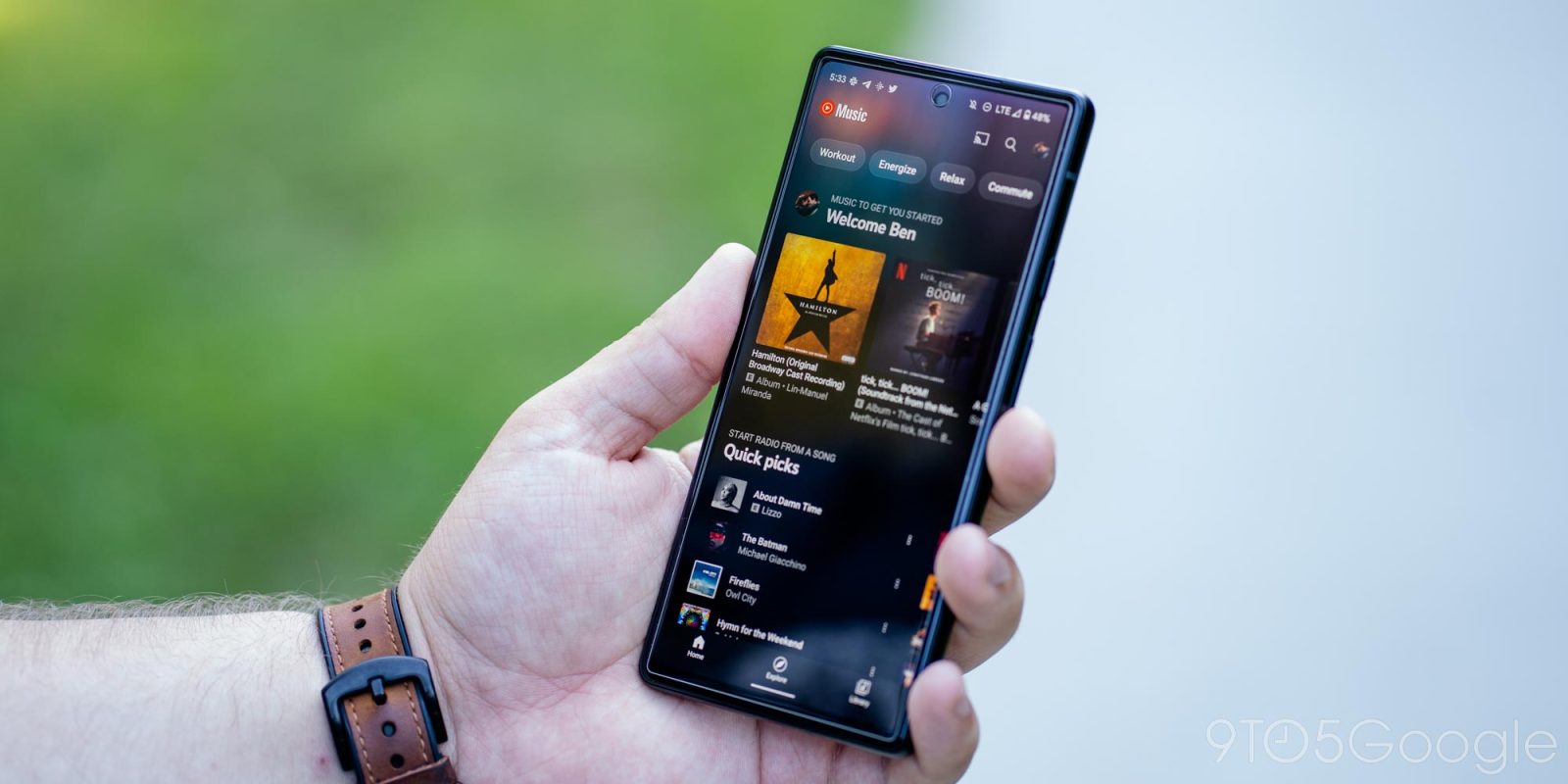
YouTube Music is a good combination of audio and video, with music straight from YouTube’s huge backlog of content. Sometimes, you might want to dive in with audio-only mode, which can dramatically reduce your data usage when listening. This guide will take you through the process.
Expand Expanding Close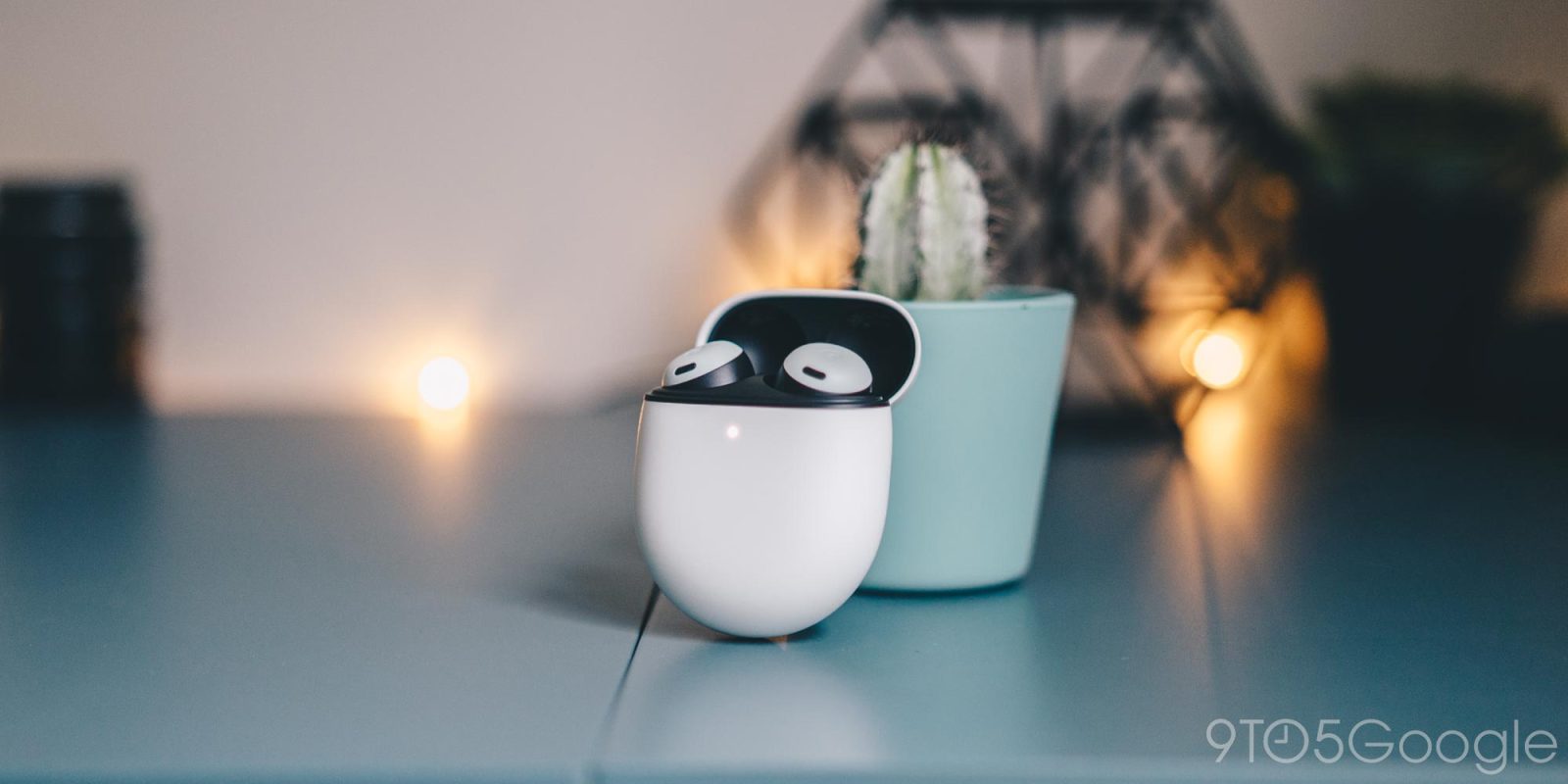
Just about every set of wireless earbuds has touch controls to change volume and playback. The Google Pixel Buds Pro are no different, with some of the better volume and playback controls on the market. This is a quick guide on using them properly.
Expand Expanding Close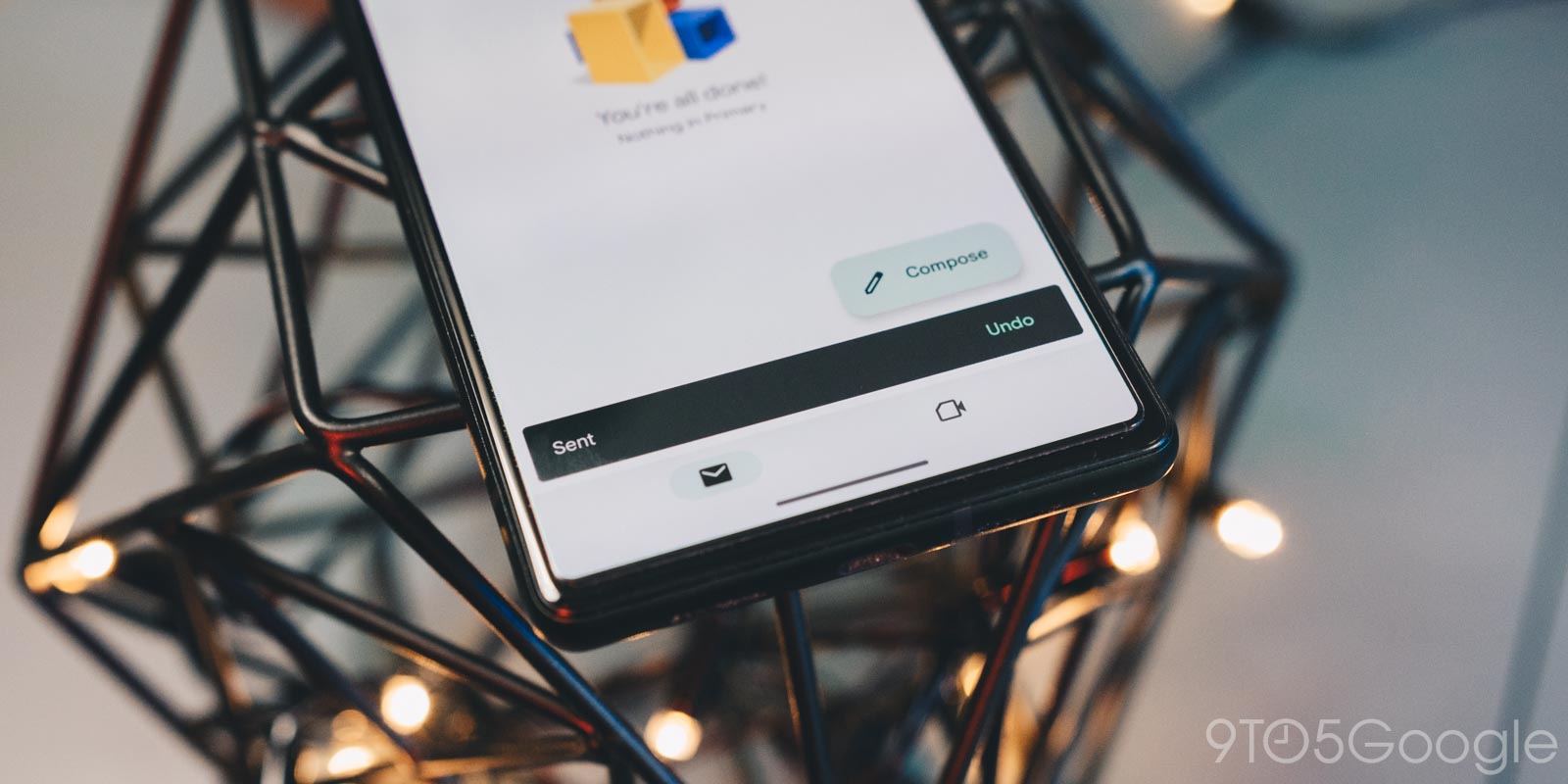
There’s nothing worse than sending an email too early or without double-checking it. Fortunately, there are ways to prevent that in Gmail with the “undo send” feature. This guide will take you through unsending an email in Gmail on the web and in the app.
Expand Expanding Close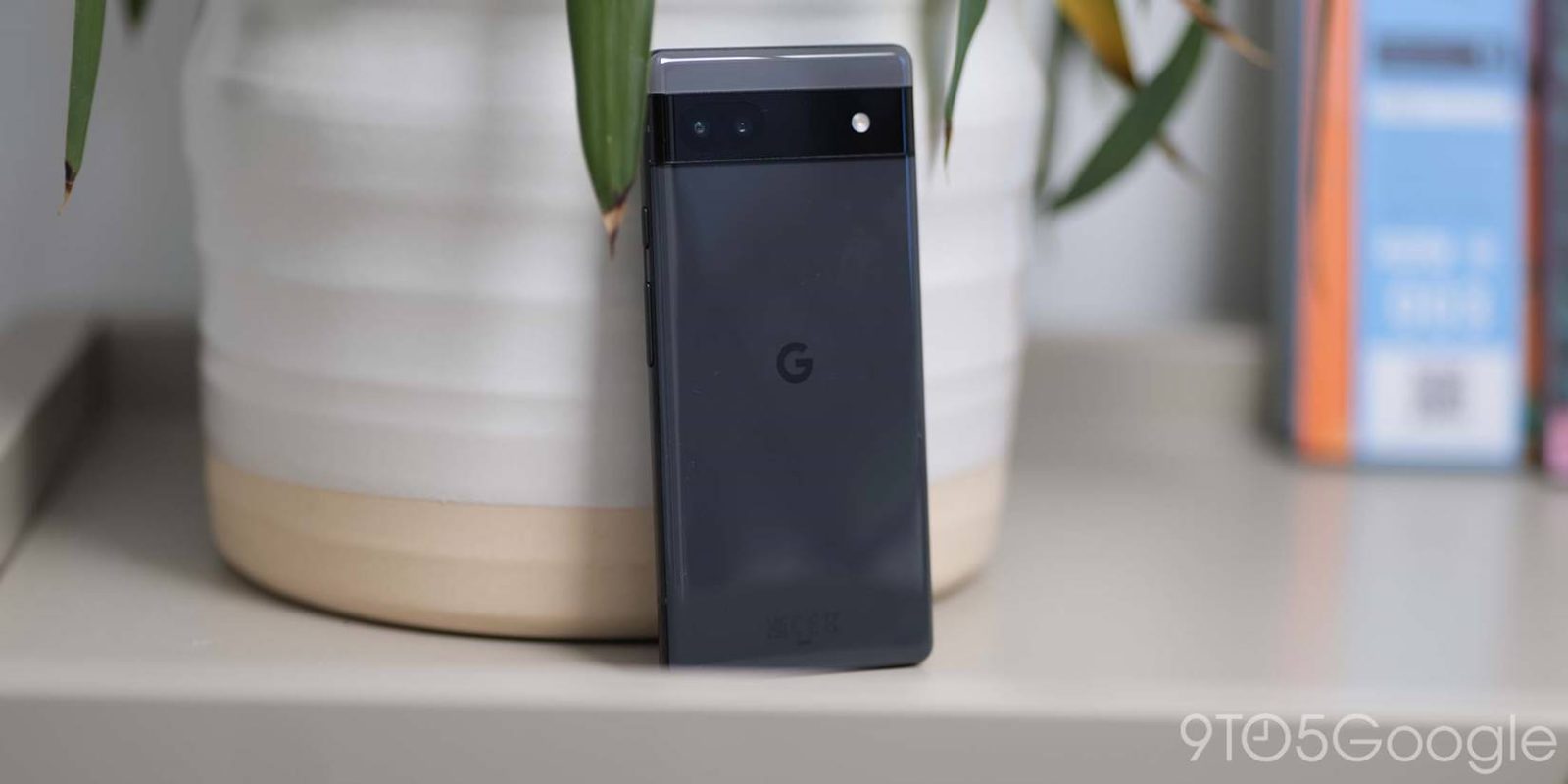
As part of several accessibility features to make it easier for you to use your Google Pixel, Talkback is a way for you to get spoken descriptions of what’s going on with your screen. It’s pretty easy to turn on, if even by accident.
Expand Expanding Close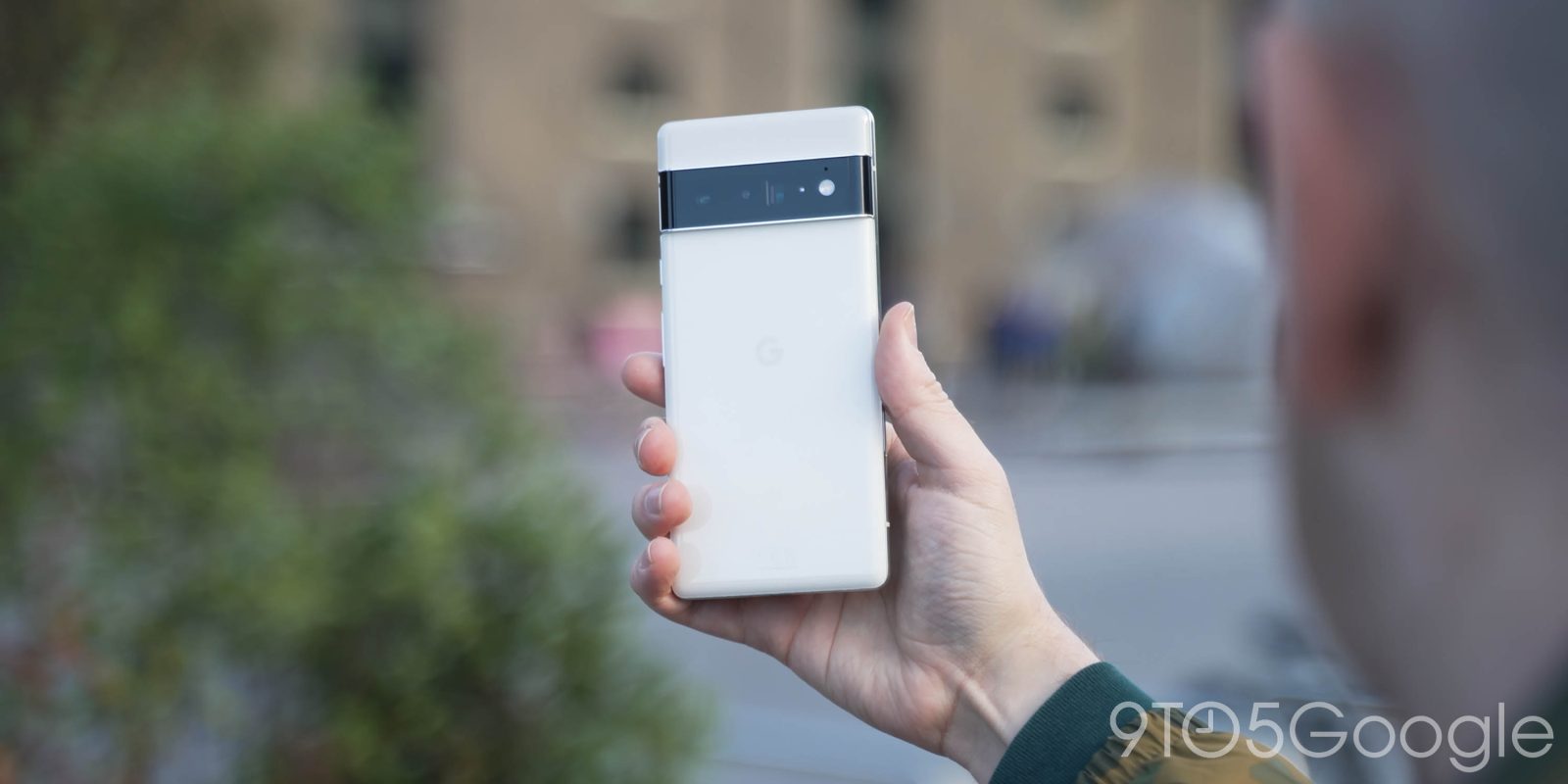
Stock Android makes it pretty easy to jump in and make your phone your own. One way is to set up a custom ringtone or song for your Google Pixel. This guide will take you through the simple yet fast process.
Expand Expanding Close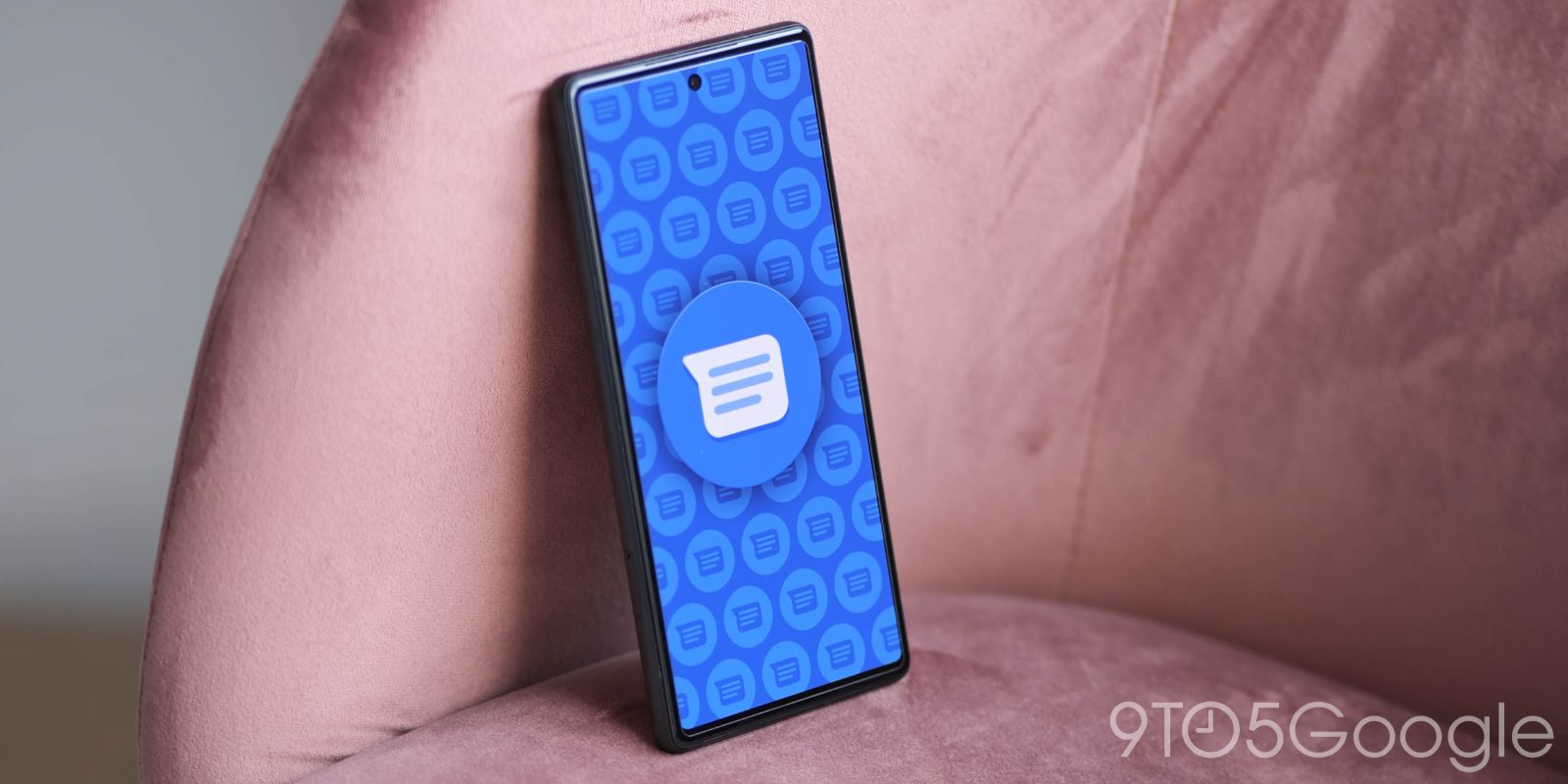
Swipe actions have been around for almost as long as we can remember. In Gmail, they let you easily sort incoming mail with a quick swipe. In Google Messages, swipe actions act in pretty much the same way.
Expand Expanding Close
To make your browsing even more secure, Chrome on Android has added a feature that lets you secure the mode behind a fingerprint. This guide will show you how to turn it on and off for Incognito mode in Google Chrome.
Expand Expanding Close
On Android, there are a couple of ways of accessing Google News, and there are a few ways to customize your Google News and Google Discover feed. This guide will take you through how to block certain sources, tell Google what you’re interested in, and save the stories you really like.
Expand Expanding Close
Google Maps is one of the most useful tools for finding new places to visit, the best restaurants in town, or even some areas to avoid during high traffic. One way to make it easier for yourself is to create lists and place labels on your favorite spots in Google Maps. Here’s how.
Expand Expanding Close
Google Docs is great for all different types of uses, though the default setup isn’t for everyone. This guide will quickly take you through changing the margins so you can adjust the Google Doc to your liking.
Expand Expanding Close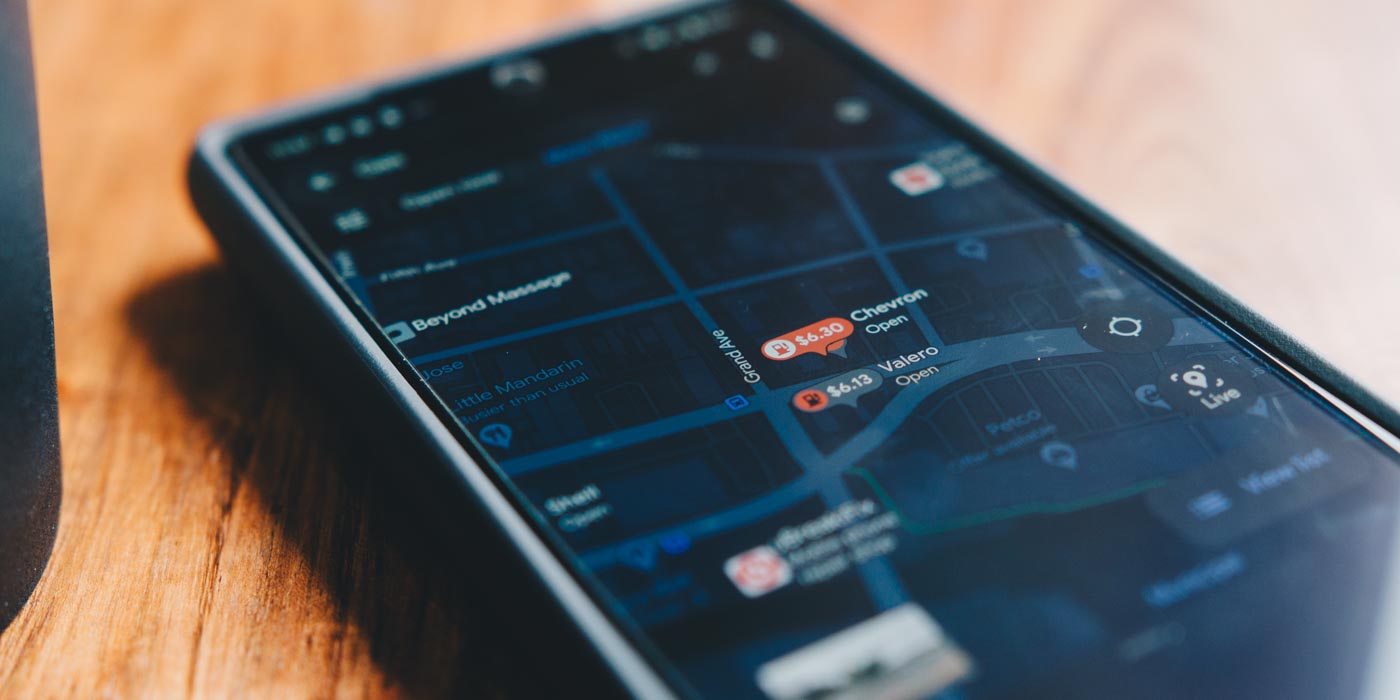
Google Maps has a well-designed location tracking feature for friends and family to use to keep up with each other’s whereabouts. Now, Google has added a new fully customizable Maps tool to send alerts whenever a friend or family member leaves or arrives somewhere.
Expand Expanding Close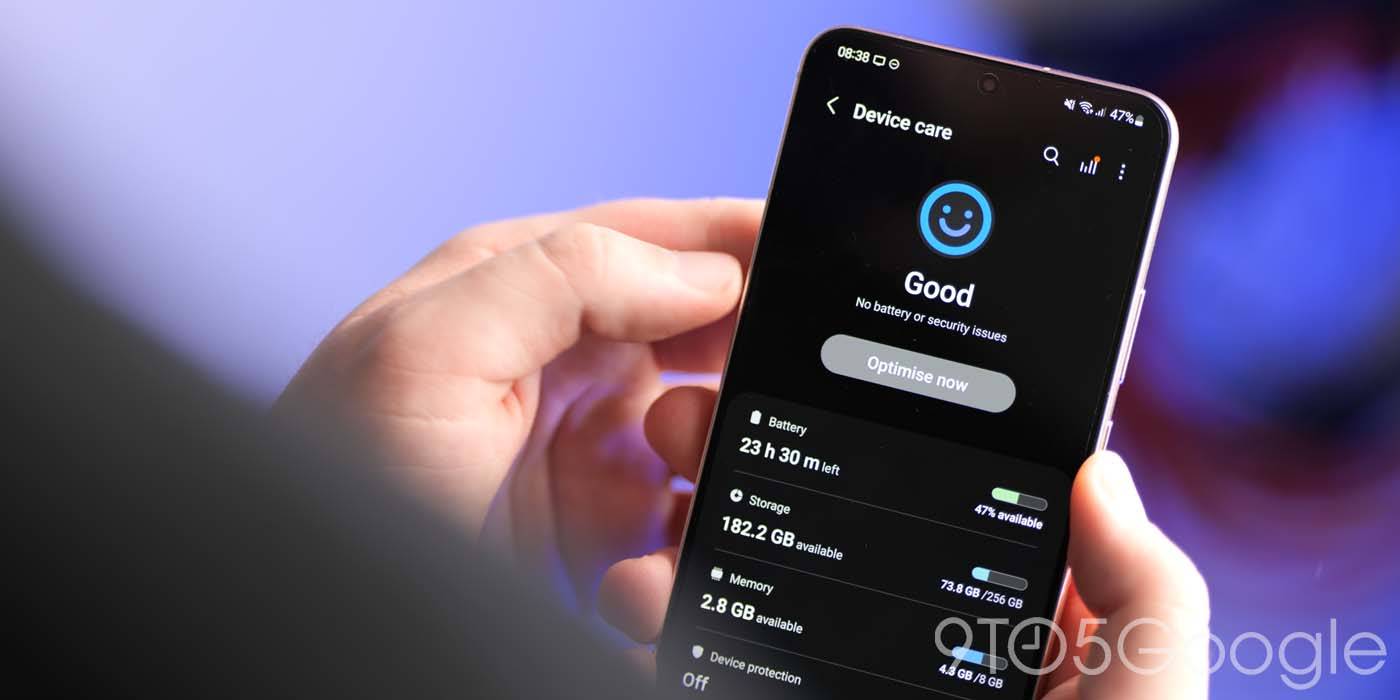
Batteries used to be cut and dry in our phones, doing all of the heavy lifting to power our devices. Now, our phone’s SoC plays a huge role in regulating power so that we can stretch battery life out to the max. This guide will dive a little deeper into how Android’s Adaptive Battery feature works as well as how you can make sure it’s turned on for your device.
Expand Expanding Close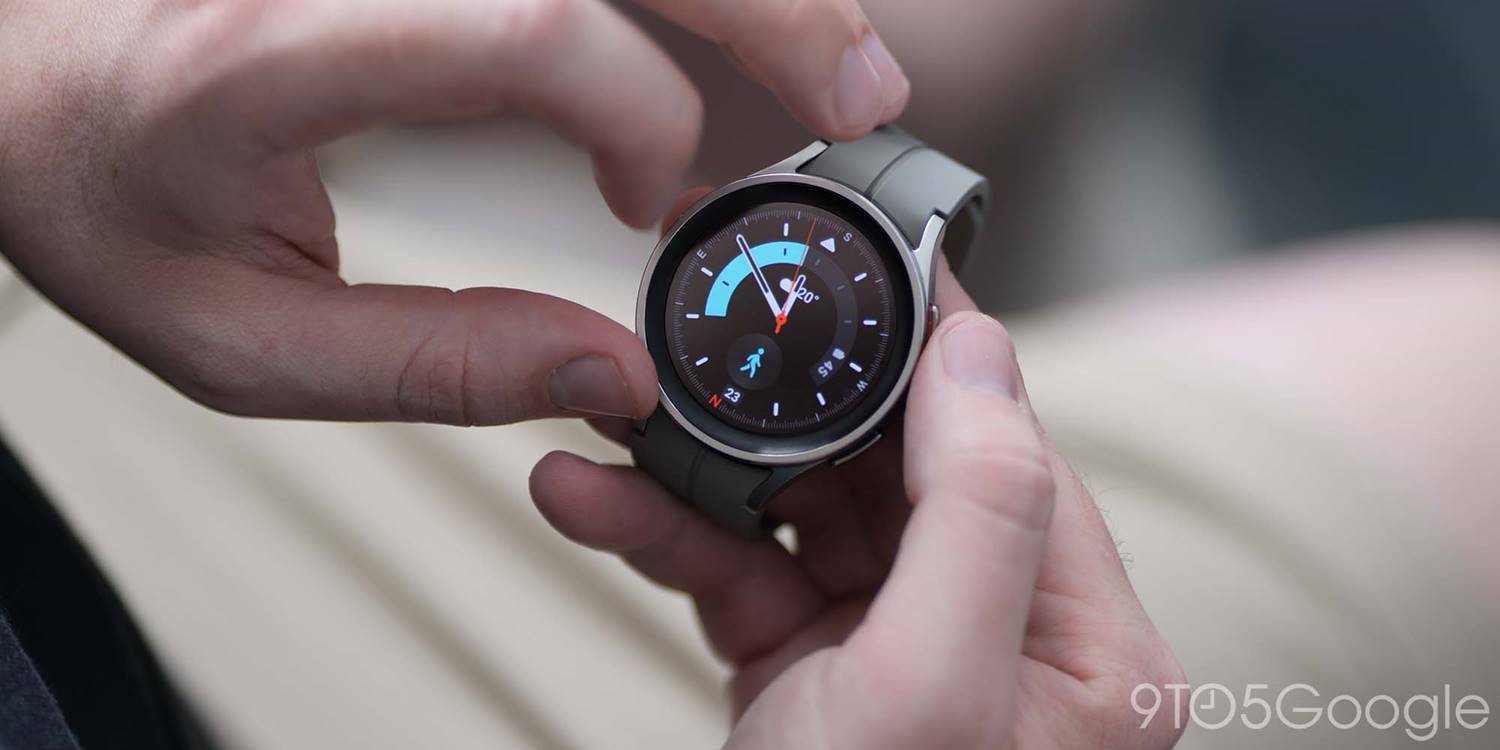
No smartwatch is perfect, and Samsung’s Galaxy Watch line has a track record of random bugs and issues. While fixable on the Galaxy Watch 5, most of these bugs require you to perform a factory reset on the watch, which is straightforward and not as inconvenient as it would be on a phone.
Expand Expanding Close
Waze is back again with a new theme that includes new icons, phrases, and more. This week, “Biz Jargon” will be making its way to Waze users to bring office life to the road.
Expand Expanding Close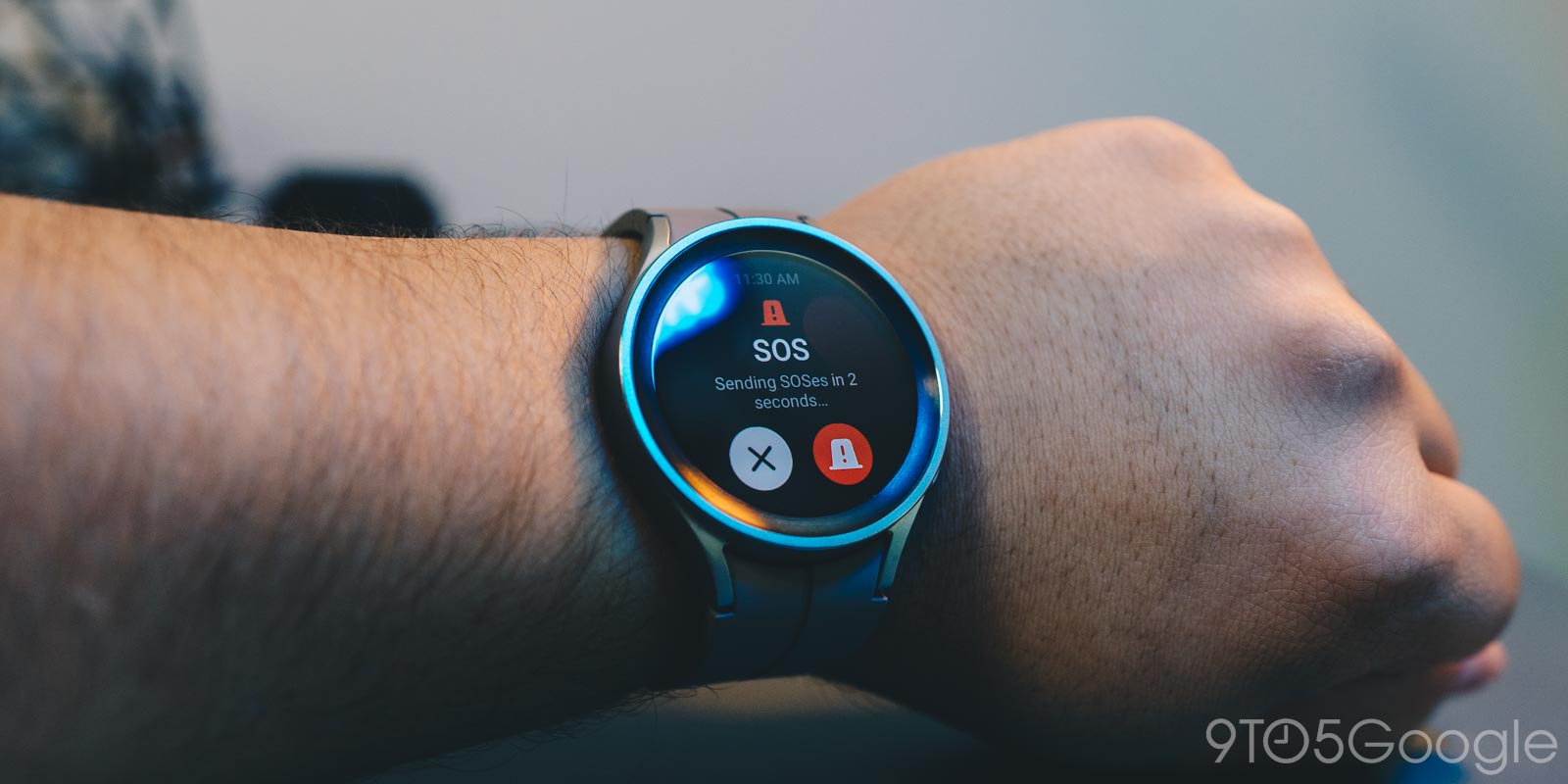
Most Android devices with an SOS feature call 911 or emergency services when activated, so does the Galaxy Watch 5 do the same thing? This guide will take you through how it works.
Expand Expanding Close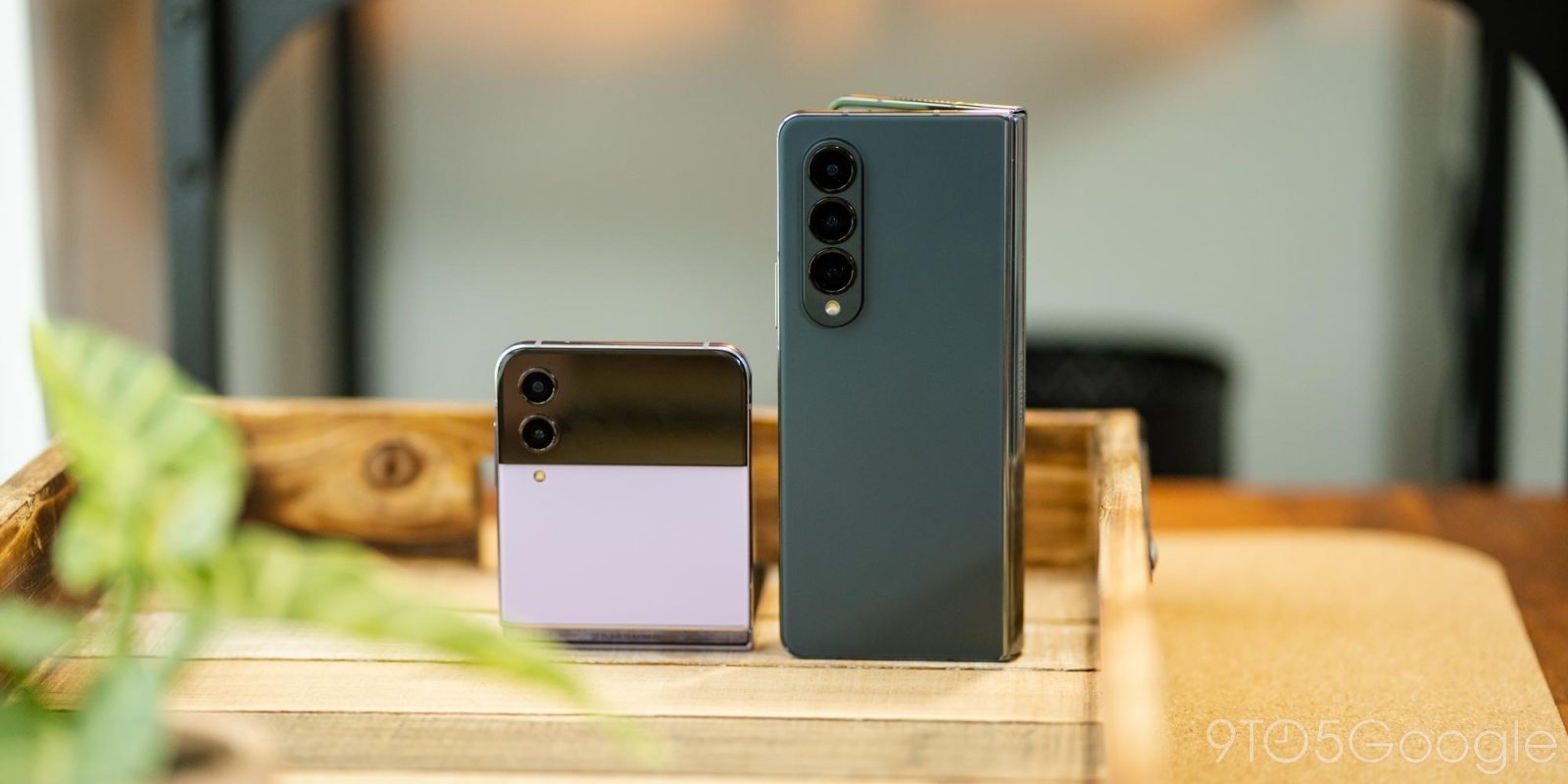
The Galaxy Fold 4 and Flip 4 – while surprisingly easy to handle – are not always the epitome of one-handed devices; both have tall screens that force some careful movement when trying to pull the Galaxy Fold or Flip’s notification shade down. This guide will take you through a feature that allows you to use a quick trick to pull down those notifications.
Expand Expanding Close