Gmail

See All Stories

Announced on April 1, 2004 with an unprecedented 1GB of user storage, many assumed that Gmail was just one of Google’s April Fools’ pranks. For comparison, competing services only had 2 to 4MB for users to store email messages and attachments. Currently, Gmail storage is combined with that of other Google products with 15GB available for free.

Gmail was released in beta with an invite system and was not open to the general public until February 2007. In July of 2009, it finally dropped its beta status. As of February 2016, Gmail is the most widely used web email provider with 1 billion active users worldwide.

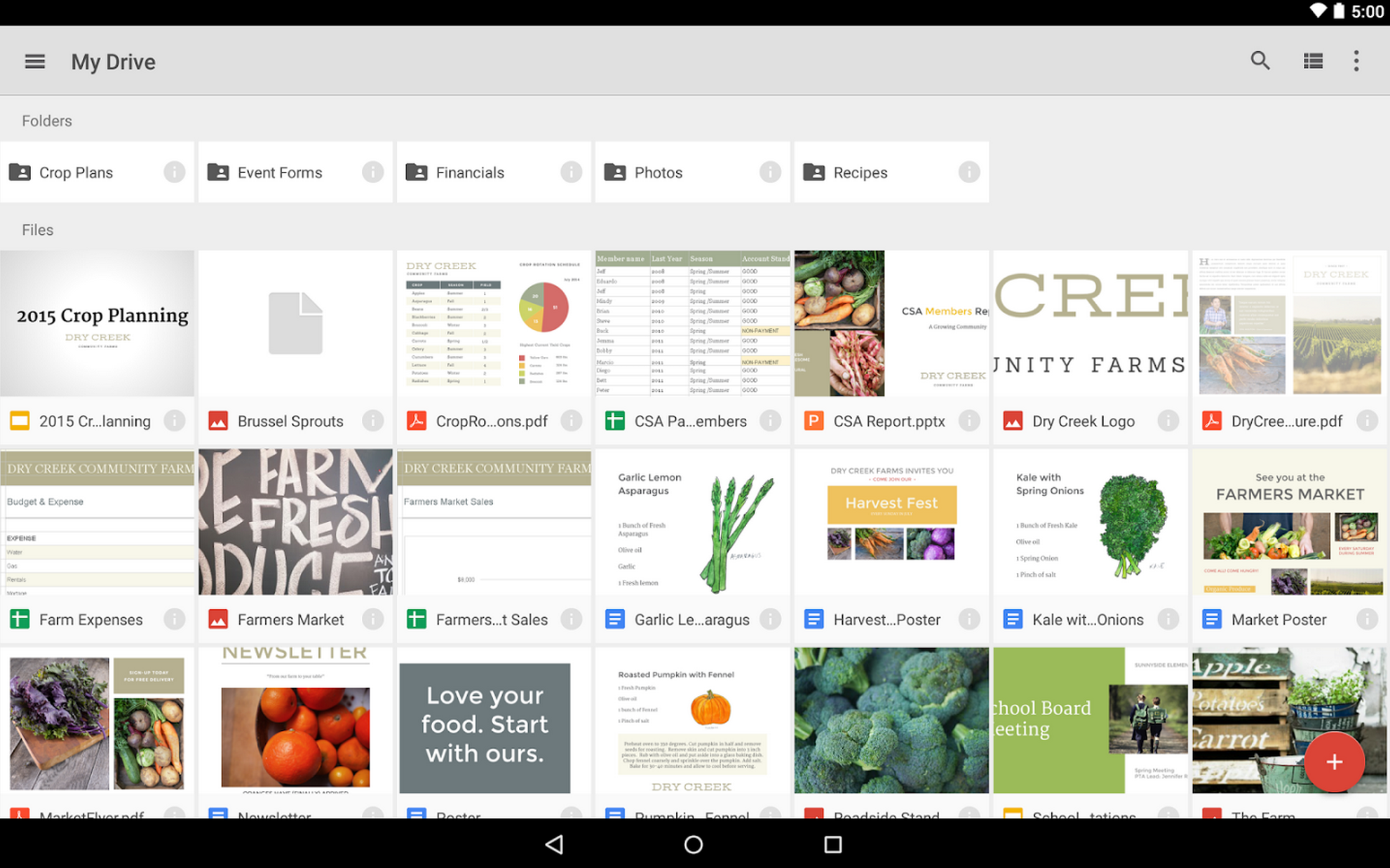
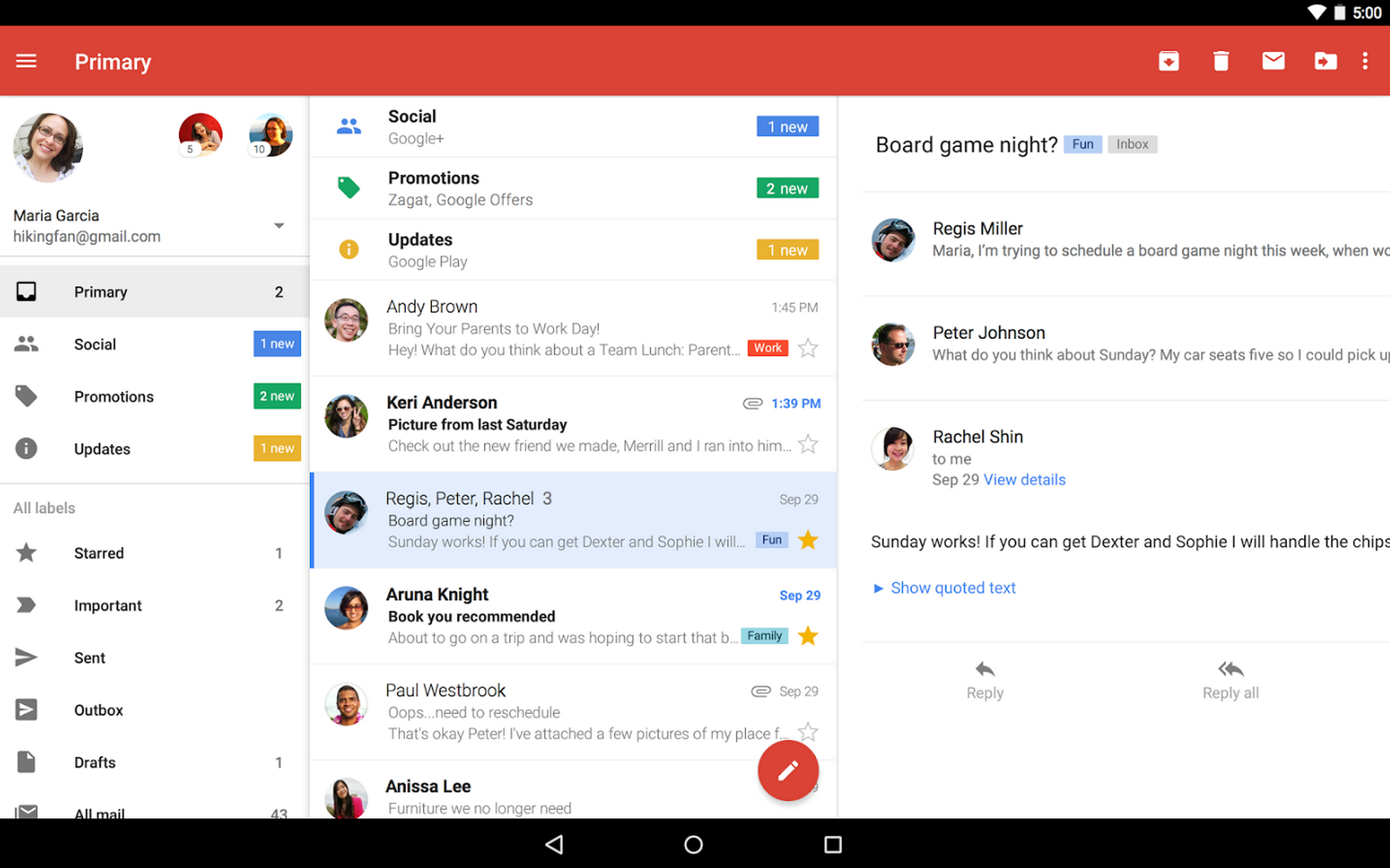
Besides email, Gmail has a number of features, including integration with Google Drive for sending large attachments and choosing images from Google Photos. Users can fully search their email with advanced spam filtering and labels to manage messages. Google also scans emails to show context-related advertisements.

Since launch, the email service has gone through a number of redesigns. Apps are available for Android, iOS, and the mobile web.

Google Inbox makes its way to iPad, now works with Firefox and Safari on the web

Google has this morning announced that its Inbox email app experience made for Gmail is officially expanding to tablets, and both the iOS (you can read more about the iOS update over at 9to5Mac) and Android versions of the app (which actually received the update in December) are now ready to go.

Since the app was launched, its web interface was tied down to Google’s own Chrome browser. But Google announced change to that requirement today as well…
Expand
Expanding
Close

Google removes Sparrow email client from iOS and Mac App Stores

Site default logo image

Google acquired the popular email client Sparrow back in 2012 and announced that the entire team would be joining Google to work on Gmail. Since that acquisition, Sparrow apps received only a handful of updates and have been seemingly neglected in favor of Google’s new Inbox initiative. Over the past few days, however, Sparrow appears to have received the final nail in its coffin as it has been removed from both the Mac App Store and iOS App Store (via TechCrunch).


Expand
Expanding
Close

Site default logo image

Screenshots show Google’s upcoming Calendar iPhone app w/ Gmail, Photos, & Maps integration

It appears that Google could soon release its promised redesigned Calendar app for iPhone after first making the announcement and releasing the app for Android last November. The Next Web this morning shared a handful of leaked screenshots that provide a first look at Google Calendar for iOS, including info cards that indicate Gmail, Photos and Maps integration will be key features of the app.
Expand
Expanding
Close

China tightens blockade on Google, blocking email app access to Gmail [Update: restored for now]

Site default logo image

Update: The FT reports that access has been restored for now at least, with a slight pickup in Google’s stats appearing to confirm.

China has tightened its firewall blockade of Google services, reports Re/code and the WSJ, with email apps no longer able to access Gmail via IMAP, POP3 or SMTP. While web access to Gmail has been blocked since June – believed related to the 25th anniversary of the Tiananmen Square massacre – users had remained able to access mail using email apps like Apple Mail and Outlook until Friday … 
Expand
Expanding
Close

Site default logo image

Hangouts in Gmail gets updated, lets you set a status message

Google has updated Hangouts in Gmail today to allow users to set a status message. The Hangouts area, if you weren’t already using it, looks much more like Hangouts in Google+, showing you a small avatar for each contact. There’s also a Hangouts icon at the bottom that will show your most recent Hangouts message, truly bringing a Hangouts-like experience to Gmail–albeit in mini form. To get the updated version of Hangouts in Gmail, just click your own contact name, where you’ll find a button labeled “Try the new Hangouts.” After that, just click your own contact again where you’ll find you can now set a status message (and even use Emoji if you’d like!).

Here’s the official announcement from Google, really bad pun and all:

Status messages for Hangouts in Gmail are “available” starting today! Status messages make it easy to tell your Gmail contacts what you’re doing – whether you’re going on a trip, working from home on Tuesday, or thinking about adopting a puppy.

You can see your friends’ statuses by selecting the “Contacts” tab on the bottom left corner of Hangouts. If you’re not already using Hangouts in Gmail, simply click on your photo above the chat list and select “Try the new Hangouts”.

Gmail now supports Content Security Policy to prevent extensions from loading unsafe code

Google has made several strides to improve the safety and reliability of Gmail in the past year, such as serving images through secure proxy servers and requiring an encrypted HTTPS connection. Looking to continue to that trend, Google announced on Tuesday that it has improved the security of Gmail on the desktop by adding support for Content Security Policy (CSP).
Expand
Expanding
Close

Site default logo image

PSA: Google is guaranteeing Inbox by Gmail invites for the next 90 minutes

If you haven’t already received an invitation to use Inbox, Google’s alternative Gmail experience for handling your email, then you’ll want to jump on this opportunity as soon as possible.

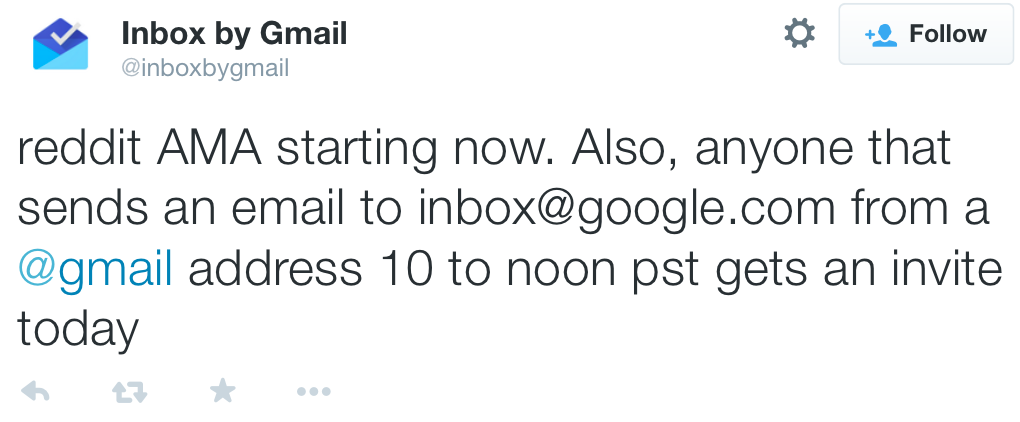
The Inbox team, which is doing a Reddit AMA (Ask Me Anything), says anyone that emails inbox@google.com from their Gmail account between 10 am PST and 12 pm PST today is guaranteed to receive an invitation granting access to the Inbox apps and site.

For more information on Inbox by Gmail, check out our extensive hands-on with the app from when it launched earlier this fall, and grab Inbox for Android from the Play Store or for iOS from the App Store.

Site default logo image

PSA: You can now get a Google Inbox Invite right here, right now

Inbox is that oh so Googley way of doing Gmail we told you about last month. Until now though, it has been invite only and invites were a precious commodity. But as of right now, you can pick up your free/easy invite via email to Google.

[tweet https://twitter.com/inboxbygmail/status/530066644400218112]

Get yourself on the Inbox bandwagon by Clicking here!

Google provides Inbox for Gmail users with three additional invites

It has been just over one week since Inbox for Gmail was released as Google’s intuitive new emailing solution for Android, iOS and Chrome, and many users have been eager to get their hands on the exciting new product. For those still waiting, you’re in luck, as Google has just provided Inbox users with three additional invites to send out.
Expand
Expanding
Close

Google makes three Inbox invitations available to the app’s current users

Site default logo image

Earlier this week, Google launched Inbox, a new email management app that’s currently available on an invite-only basis. Almost reminiscent of when Mountain View launched Gmail as a beta product in the spring of 2004, the now social media-driven internet worked itself into a frenzy of tweets, +1s and likes from people vying to get hold of an invitation.


Expand
Expanding
Close

Inbox for Gmail: hands-on and first impressions

Google this afternoon announced Inbox for Gmail, its all-new emailing solution that is intended to coexist with the regular Gmail platform. Inbox for Gmail is available on an invite only basis for Android, iOS and Chrome. I am fortunate enough to have received an invite to Inbox for Gmail, and I have been giving the iPhone app a rundown to see how it works. For the most part, Inbox is everything that you know and love about Gmail in a sleeker package.


Expand
Expanding
Close

Google’s new Inbox app is a marriage between Gmail and Google Now (update)

Site default logo image


Today, Google unveiled a new email solution called Inbox, which looks like a marriage between Gmail and Google Now. Currently available by invitation only, this new app takes bits from your email like purchase invoices and bank statements and groups them together for fast access. Like Google Now, Inbox adapts to the way you operate, highlighting key pieces of emails like flight plans, photos, documents and upcoming event information.


Expand
Expanding
Close

Lollipop will see big update to Gmail app, will handle non-Gmail accounts too

Site default logo image

[protected-iframe id=”7770eb70df41976815fdd008a9ff8e18-22427743-8994189″ info=”https://vid.me/e/yx3″ width=”368″ height=”490″ frameborder=”0″ scrolling=”no”]

If you were wondering why Google hasn’t yet introduced an updated version of the Gmail app on Android to match its Material Design guidelines, the answer appears to be that it has something big in store. Gmail 5.0, which will be introduced as part of Android 5.0 Lollipop, will for the first time allow you to access all your email accounts within the same app, Gmail and non-Gmail alike … 
Expand
Expanding
Close

Site default logo image

Gmail for iOS updated with support for iPhone 6 and 6 Plus display sizes

Google has updated the Gmail app for iOS with support for the larger displays on the iPhone 6 and iPhone 6 Plus. There don’t seem to be any other unmentioned changes (still no unified inbox), but you won’t have to use the awkward zoomed view when using the app anymore.

You can grab Gmail version 3.1415926 (yes, that’s Pi) for free from the iOS App Store.

What’s New in Version 3.1415926
Support for iPhone 6 and iPhone 6 Plus

Site default logo image

Gmail adds new full-screen mode for images within emails

Google has just rolled out a nice new feature for Gmail that lets you click to view images within an email in a full-screen mode.

You might be familiar with the full-screen mode for Gmail on the web, which was already available for images and documents attached to emails. Now you’ll get the same experience when clicking on emails contained within the body of an email:

New! View images within your message full-screen

Similar to attachments, you can now click on large images within a message to see them full-screen in Gmail on the web. Click the Google Drive button to save the images directly to Drive or the arrow button to download them to your computer.

European Union tells Google combining user data across services without opt-out is illegal

Site default logo image

Google has come under fire from European Union officials on a number of fronts already. It’s been accused of unfair search results, been criticized for the way it has implemented the controversial ‘right to be forgotten‘ ruling and asked to stop describing apps which offer in-app purchases as ‘free.’

Reuters now reports that the EU believes Google is breaking the law in combining user data across unrelated services like Gmail, YouTube and Google Maps without offering users an opt-out, and the way in which it has consolidated 60 separate privacy policies into one … 
Expand
Expanding
Close

Refreshed Hangouts in Gmail makes it easier to see who’s online

Site default logo image

Today, Google announced an update that improves Hangout’s integration in Gmail. In an effort to make your contacts more accessible, this new tab displays friends who are online first, followed by those who aren’t. You can still send messages to offline contacts, however they won’t get them until they sign into Hangouts from a desktop, smartphone or tablet.


Expand
Expanding
Close

Site default logo image

Gmail now blocking email w/ suspicious letter combinations to protect against scammers

Google announced today that it’s adding a new feature to its spam filtering support in Gmail that will help it protect against possible scams and spam as it introduces support for non-latin characters. Google announced earlier this month that it was adding support for the non-latin characters in email addresses (like accented characters and those written in a script like Chinese), and that it hoped the rest of the industry would follow to offer a seamless mail experience in various languages. Google said today, however, that with the new feature comes the possibility of new scams taking advantage of similarities in characters:

Scammers can exploit the fact that ဝ, ૦, and ο look nearly identical to the letter o, and by mixing and matching them, they can hoodwink unsuspecting victims. Can you imagine the risk of clicking “ShဝppingSite” vs. “ShoppingSite” or “MyBank” vs. “MyBɑnk”?

To protect against these possible scams, Gmail will now block emails with suspicious letter combinations based on an open standard from the Unicode Consortium:

To stay one step ahead of spammers, the Unicode community has identified suspicious combinations of letters that could be misleading, and Gmail will now begin rejecting email with such combinations. We’re using an open standard—the Unicode Consortium’s “Highly Restricted” designation—which we believe strikes a healthy balance between legitimate uses of these new domains and those likely to be abused.

Google says the changes are rolling out to Gmail users starting today.

Site default logo image

Gmail adds easy to find unsubscribe button next to sender’s address

Google announced today that it’s adding a new “unsubscribe” link at the top of emails in Gmail making it easy to unsubscribe from mailing lists. Most of us have hunted for the unsubscribe button in an email that marketers often bury at the bottom and make hard to find. Some users might have noticed the feature rolling out in recent weeks, but it appears Google has now made it live for all. 

Making the unsubscribe option easy to find is a win for everyone. For email senders, their mail is less likely to be marked as spam and for you, you can now say goodbye to sifting through an entire message for that one pesky link.

This new Gmail feature will get rid of that problem by detecting emails that include an unsubscribe link and putting an easy to access button right next to the sender’s email address. You’ll notice the option in Gmail’s Promotions, Social, and Forums inboxes.

Google discusses child porn detection policies after recent sex offender arrest

Site default logo image

Photo: http://www.corporateofficeheadquarters.com

Google recently helped police in Houston, Texas catch a sex offender after tipping the National Center for Missing and Exploited Children (NCMEC) that it had located explicit pictures of children in a man’s email. Although the search giant’s efforts helped catch a criminal, they’ve also made some people wonder if the company regularly monitors its subscribers’ email accounts.


Expand
Expanding
Close