Google Workspace

After launching for Drive, Docs, Sheets, and Slides, Workspace client-side encryption (CSE) is coming to Google Meet.
Expand Expanding Close
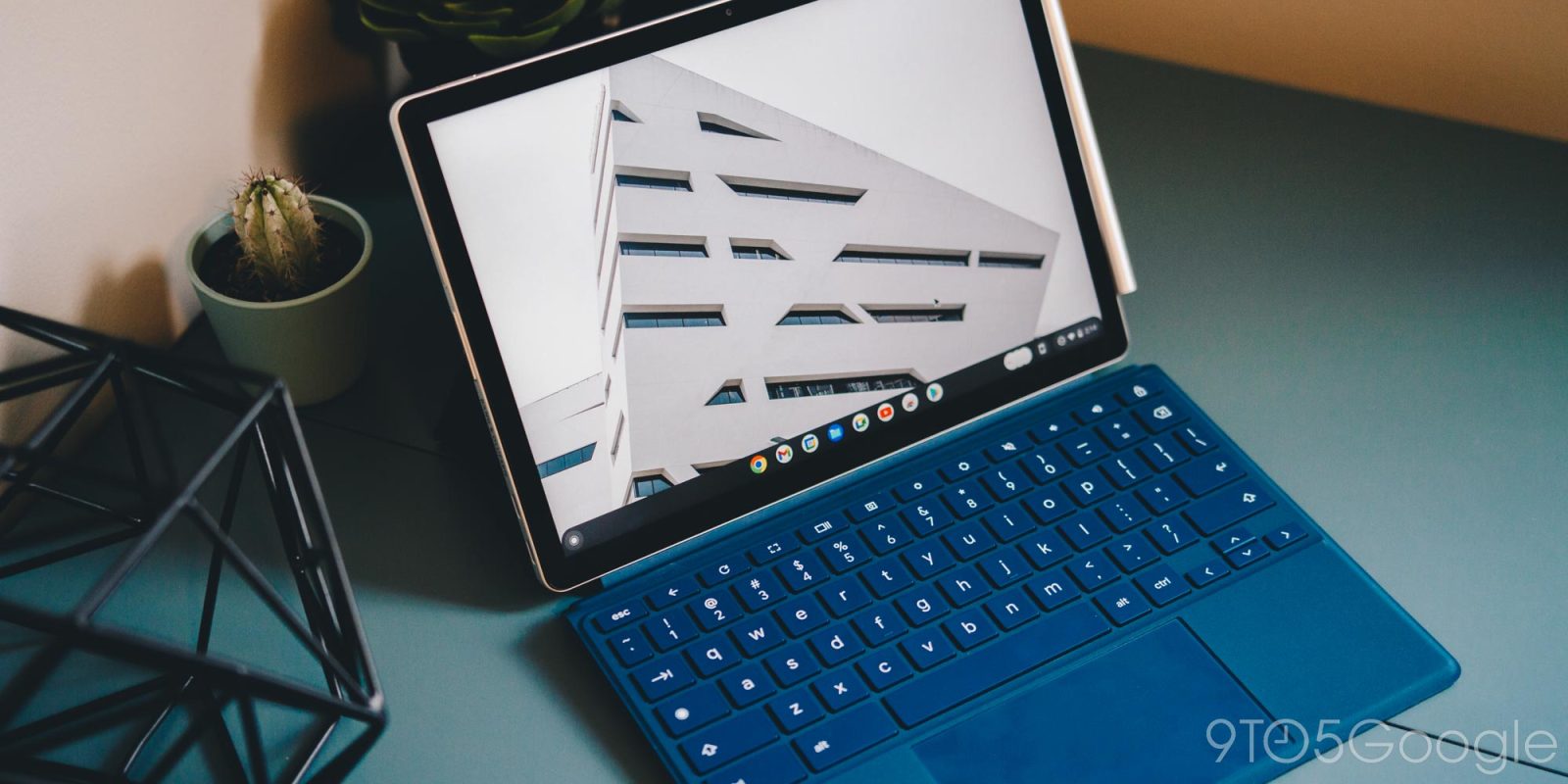
There was a little bit of truth when people – especially in the early days of mobile – said that the iPhone was the best place to use Google apps. That’s definitely not the case today on Android phones, but I think a part of that argument rings true when comparing Google web services running on Chrome for Mac/Windows versus ChromeOS. Fortunately, that’s starting to change on Chromebooks as seen with one-click Google Calendar integration.
Expand Expanding Close

Last week, Gmail’s web version started rolling out a brand-new Material You redesign that takes a lot of cues from Android 12 as we know it. Depending on your theme, Gmail will take on a unique look in your browser. But what if you’re not in love with the new look? That’s no problem; there’s an easy way to revert back to the original view in Gmail.
Expand Expanding Close
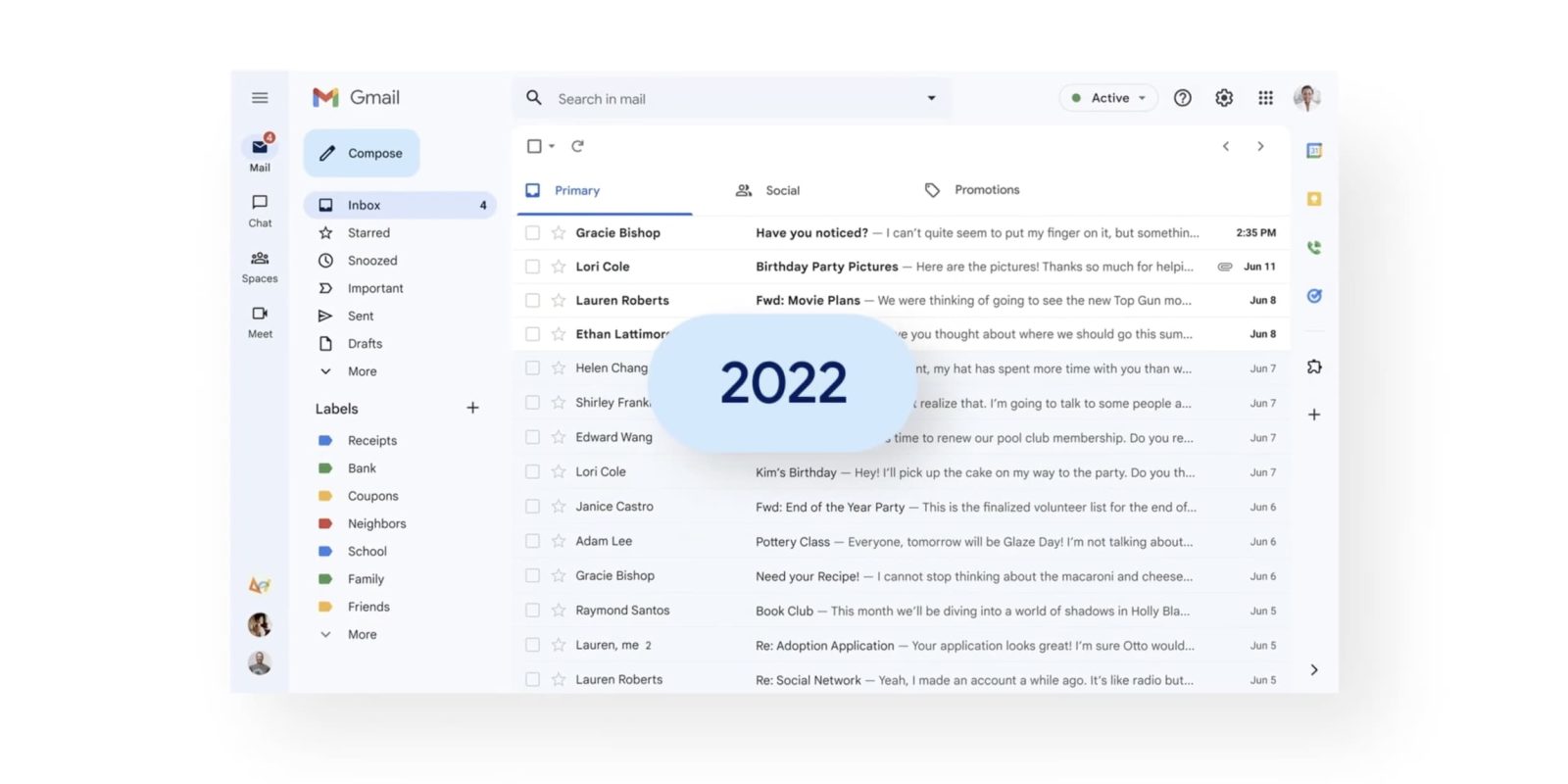
Google is now more widely rolling out Gmail’s Material You redesign – first announced last month – on the web while also teasing that a tablet revamp is coming later this year.
Expand Expanding Close
A bug that started overnight (PT) sees “Google For Education iOS users with an under-18 age settings” (i.e., K-12 and equivalent students) unable to access Gmail or Google Drive though the iOS apps.

Back in June, Google announced that it was merging Duo with Meet in a migration that’s currently underway. As part of that, Google’s first “Meet” app is now called “Meet (original)” with a different icon.
Expand Expanding Close
Google is bringing Gmail’s email template layouts and multi-send capabilities to more Workspace users, just as they did with appointment scheduling in Calendar earlier this year.
Expand Expanding Close
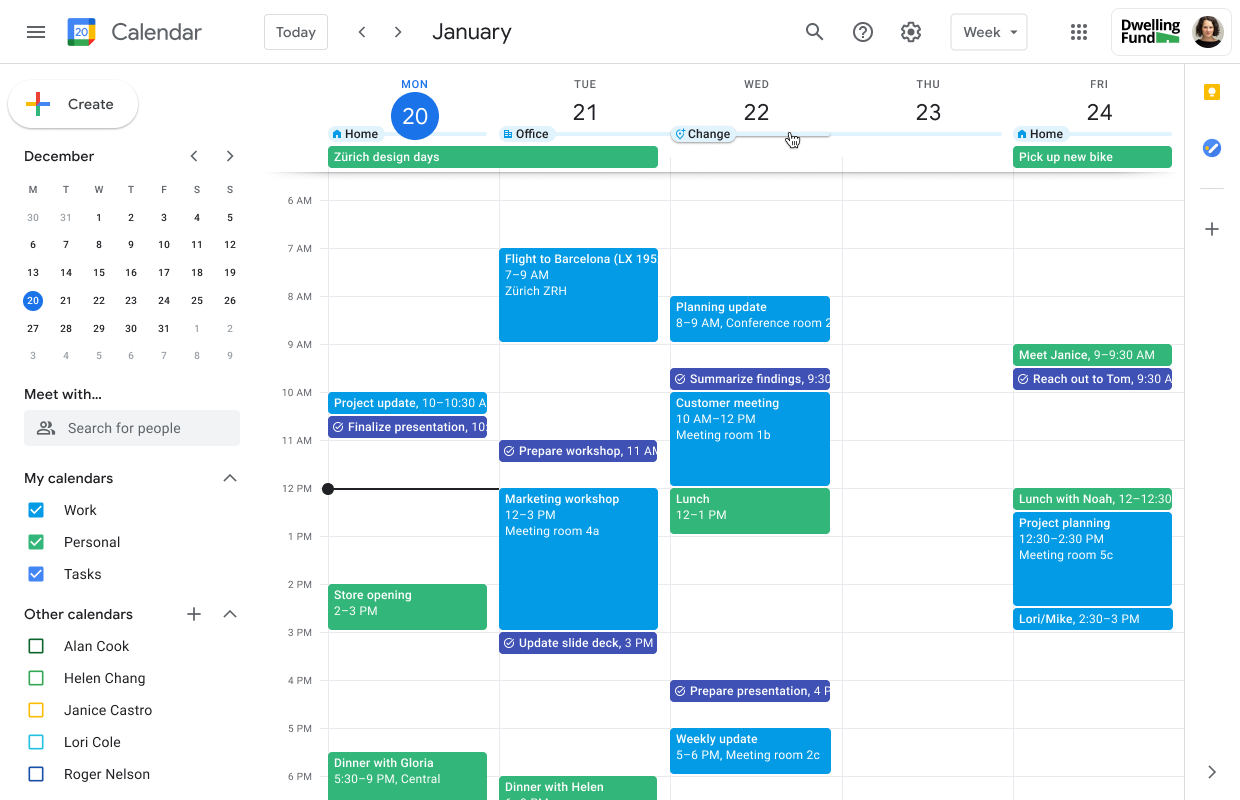
Back in May, Google updated the UI for Calendar’s working locations to make it less obtrusive, and is now enabling the feature by default for Workspace users.
Expand Expanding Close
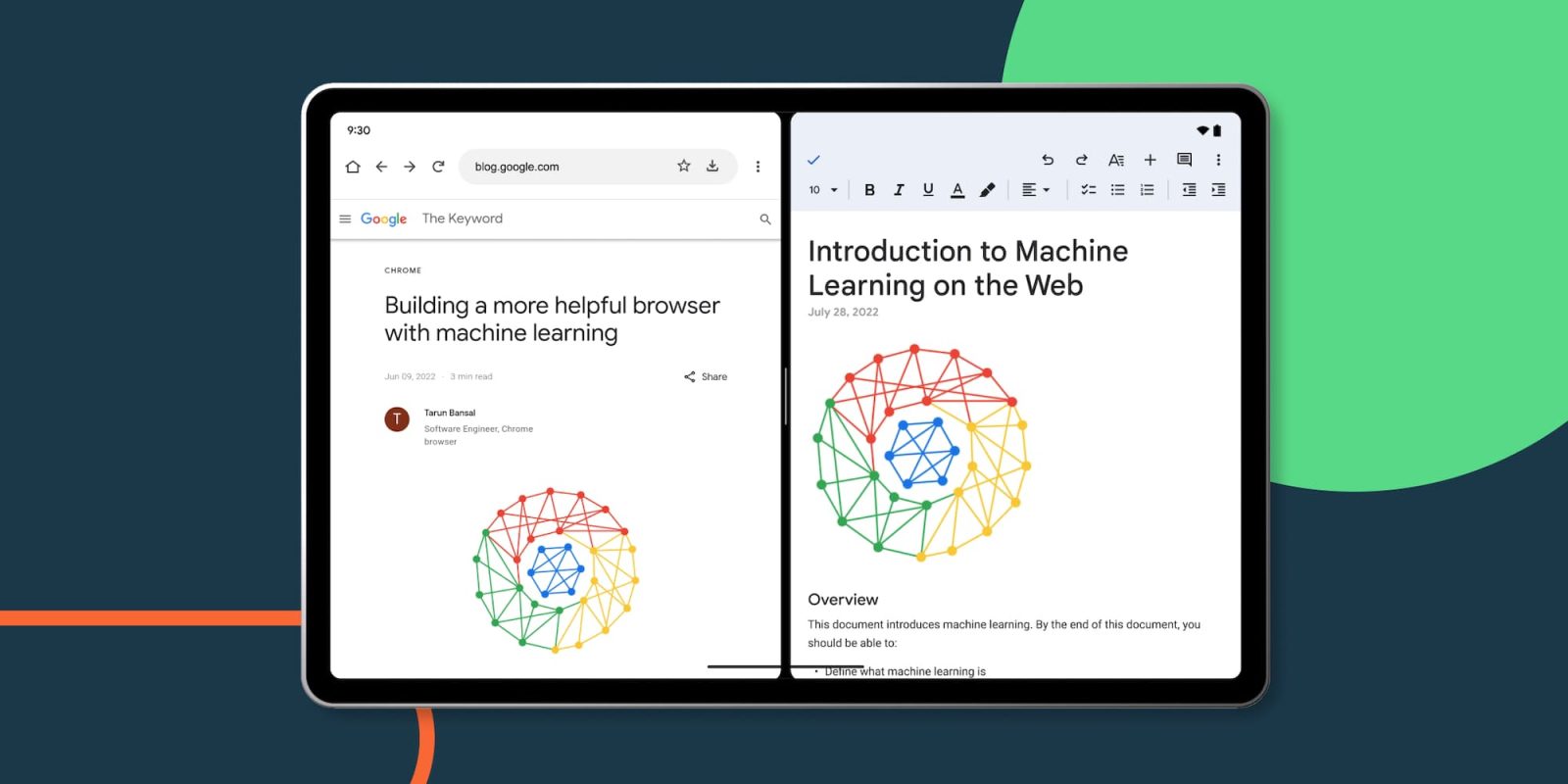
At I/O 2022, Google announced that over 20 first-party apps would be optimized for tablets. We’ve already seen a handful of launches since May, and Google Drive, Docs/Sheets/Slides, and Keep are now set to receive updates that improve multitasking on Android tablets.
Expand Expanding Close

The ability for Google Meet to YouTube livestream is rolling out to personal Gmail accounts and several other Workspace tiers.
Expand Expanding Close
Touted as a way to keep your “Calendar free from spam,” Google is adding the ability to only have events appear if they come from a known sender.
Expand Expanding Close
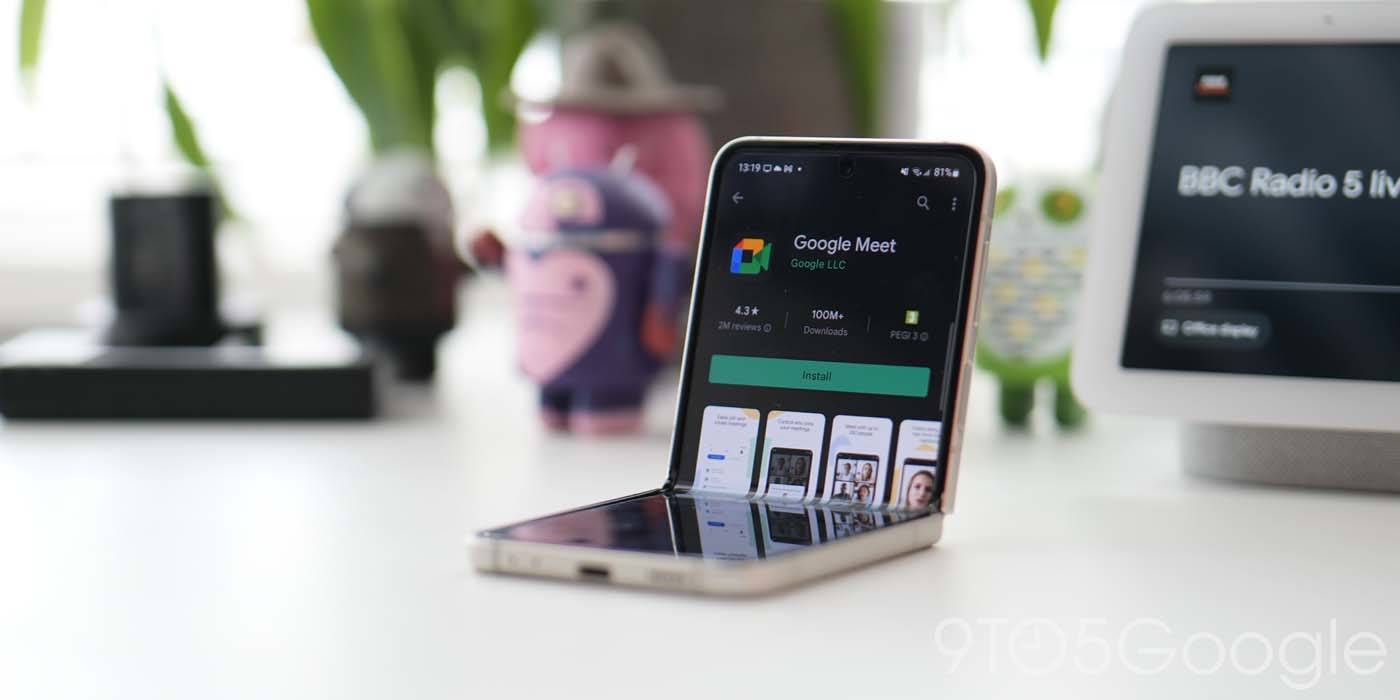
With the Duo migration underway, Google continues to add more enterprise-focused features to Meet. The latest lets Google Meet participants ask questions and answer polls anonymously.
Expand Expanding Close
In addition to comments, Google Docs will soon alert you to content additions and removals with edit notifications.
Expand Expanding Close
Google’s early years were marked by a spate of experimental apps under the “Google Labs” banner. The company today added a curious setting for enterprise admins to control “experimental Google Workspace apps.”
Expand Expanding Close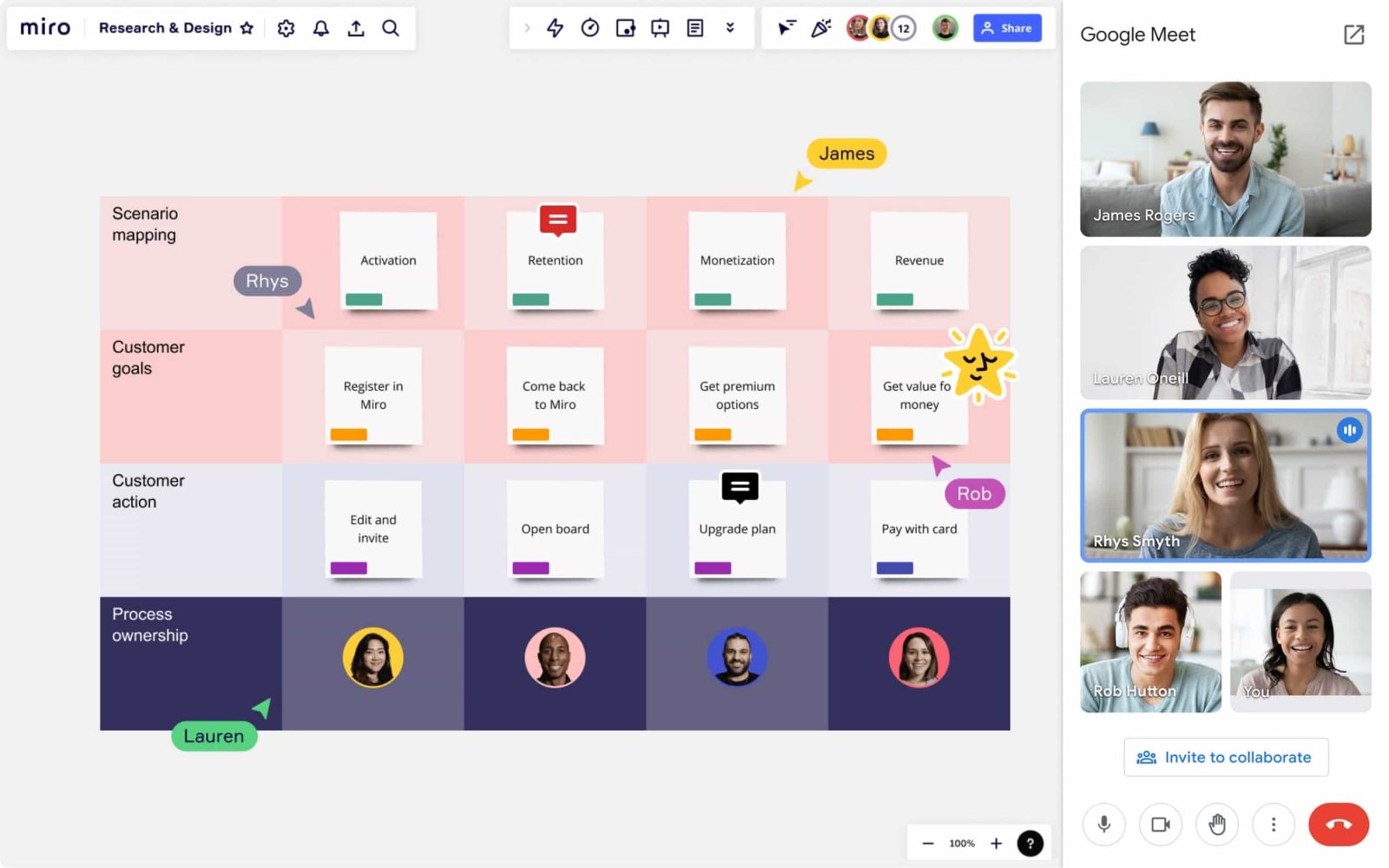
In addition to first-party apps, Google Workspace wants to integrate third-party tools into a user’s existing workflow. Google Meet now has another whiteboarding option with Miro.
Expand Expanding Close
Google Workspace Individual was announced a year ago as an upgrade for one-person businesses that have been using @gmail.com accounts to run their companies. Subscribers will soon get access to eSignature support in Google Docs.
Expand Expanding Close
In an unexpected development, Javier Soltero announced this evening that he’s leaving Google after nearly three years as head of Workspace and later consumer messaging.
Expand Expanding Close
We live in the cloud. That’s just how things are now. Pages are being printed less often and most of our work is done online and shared with others through programs like Google Drive. To embrace that shift, Google Docs has added a feature called “Pageless” editing. Here’s how it works.
Expand Expanding Close
Google announced today that Material You is coming to Gmail on the web in a redesign that also addresses complaints about the integrated view overhaul from earlier this year by introducing a “Gmail-only” view.
Expand Expanding Close
For this year’s International Small Business Week, Google is offering product discounts on Workspace and an HP Chromebook, as well as a “Heroes of Small Business sweepstakes.”
Expand Expanding Close
There are plenty of task programs out there, and many of them work perfectly fine. Some of them work really well, given what they can do and how they can integrate with other apps and programs. Google Tasks, for instance, not only reminds you on the device you set it up with, but it also reminds you everywhere else you have a Google Account set up. This guide will take you through the basics of using Google Tasks more effectively.
Expand Expanding Close
After adding the ability to star, Google Tasks will soon let users print out a list of their to-dos on the web.
Expand Expanding Close
Next to Keep, Google Workspace offers its own to-do app that’s integrated with first-party services like Gmail and Chat. Google Tasks is now adding the ability to star especially important reminders on the Android, iOS, and web apps.
Expand Expanding Close

As previewed in March, Google Meet is updating its desktop experience in Chrome with picture-in-picture (PiP) and the ability to pin multiple video feeds.
Expand Expanding Close