how-to
A collection of tutorials, tips, and tricks from the 9to5Google team helping you fix and get the most out of Android, Google Assistant, Chromebooks, Android TV, and more.
A collection of tutorials, tips, and tricks from the 9to5Google team helping you fix and get the most out of Android, Google Assistant, Chromebooks, Android TV, and more.

Google Chrome has an abundance of tools, though the best ones are the features that save you money. This guide will take you through using Google Chrome’s new price tracking feature so you can find the best deals online.
Expand Expanding Close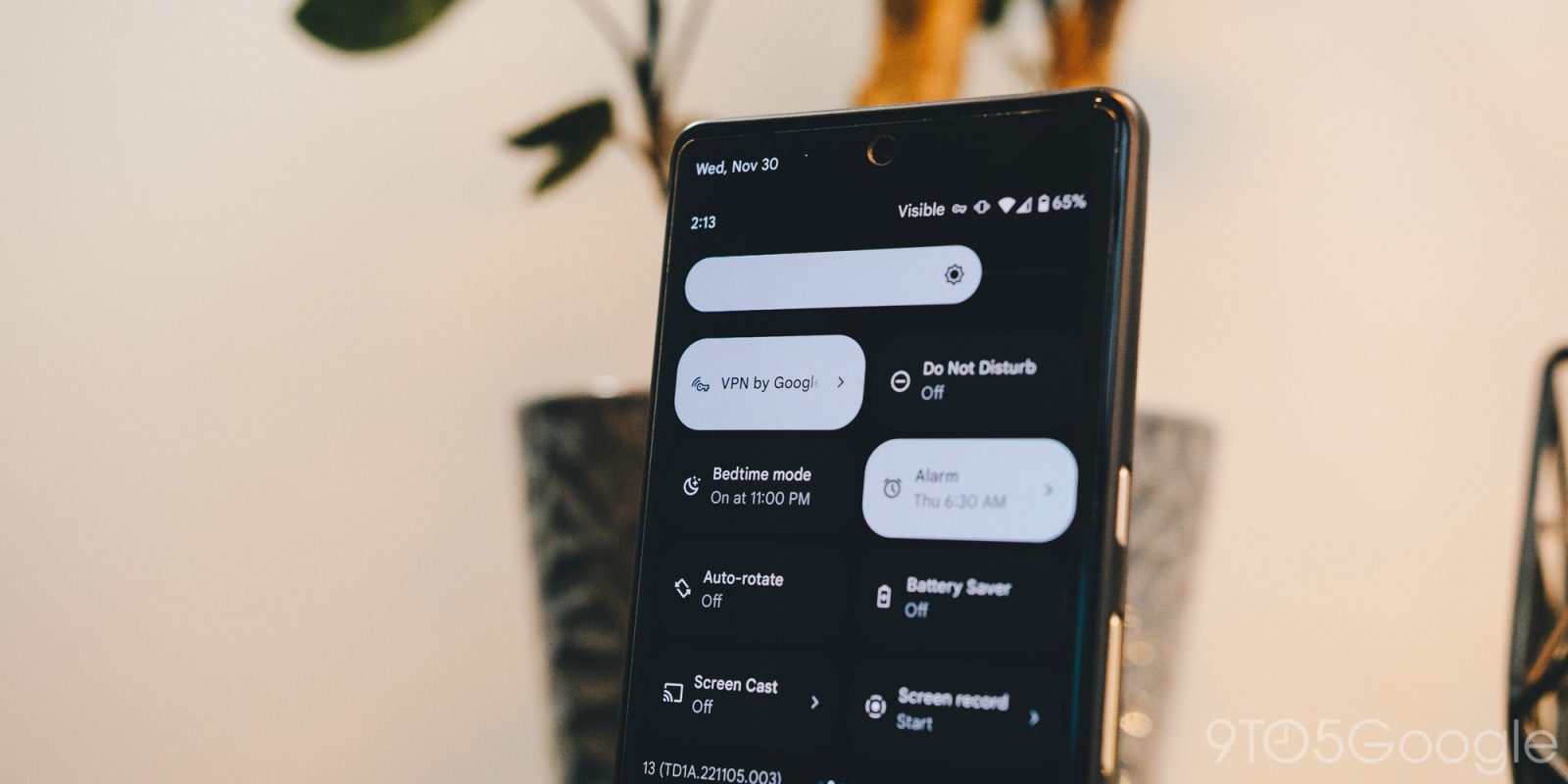
Google’s Pixel 7 and 7 Pro both come with a free VPN from Google as an added benefit for its newest Tensor G2-powered devices. This guide will show you how to run it and manage it to keep you safe online.
Expand Expanding Close
Waze provides a lot of function and a little bit of a social atmosphere for drivers on the road. With that, using Waze on Android Auto can prove quite useful. This guide will bring you through how to add and use Waze with Android Auto.
Expand Expanding Close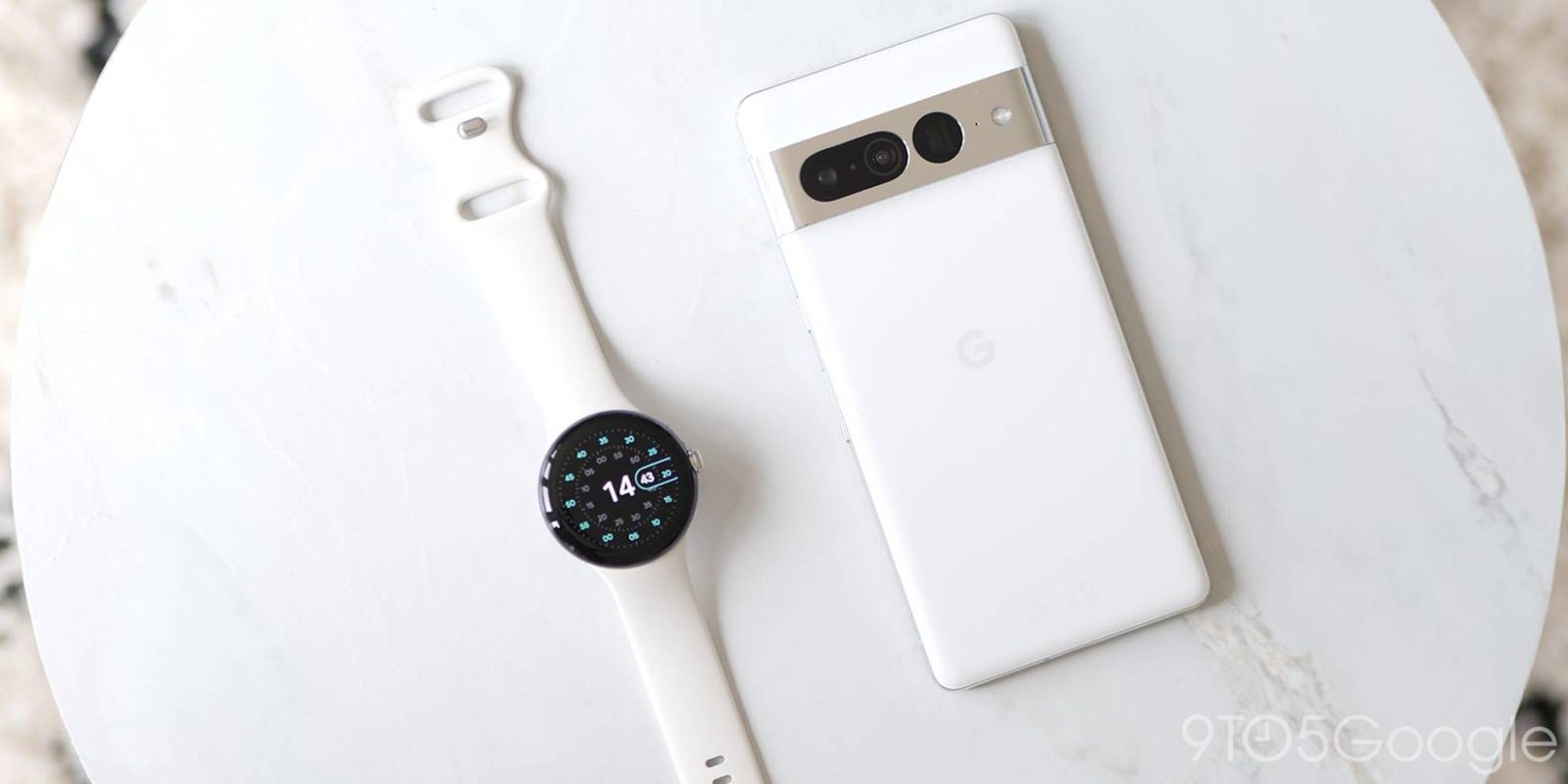
There are few things more annoying than losing your phone moments after holding it in your hand. Fortunately, Google’s Pixel phone series allows for several different finding methods, like finding your phone using your watch, Nest speakers, and more.
Expand Expanding Close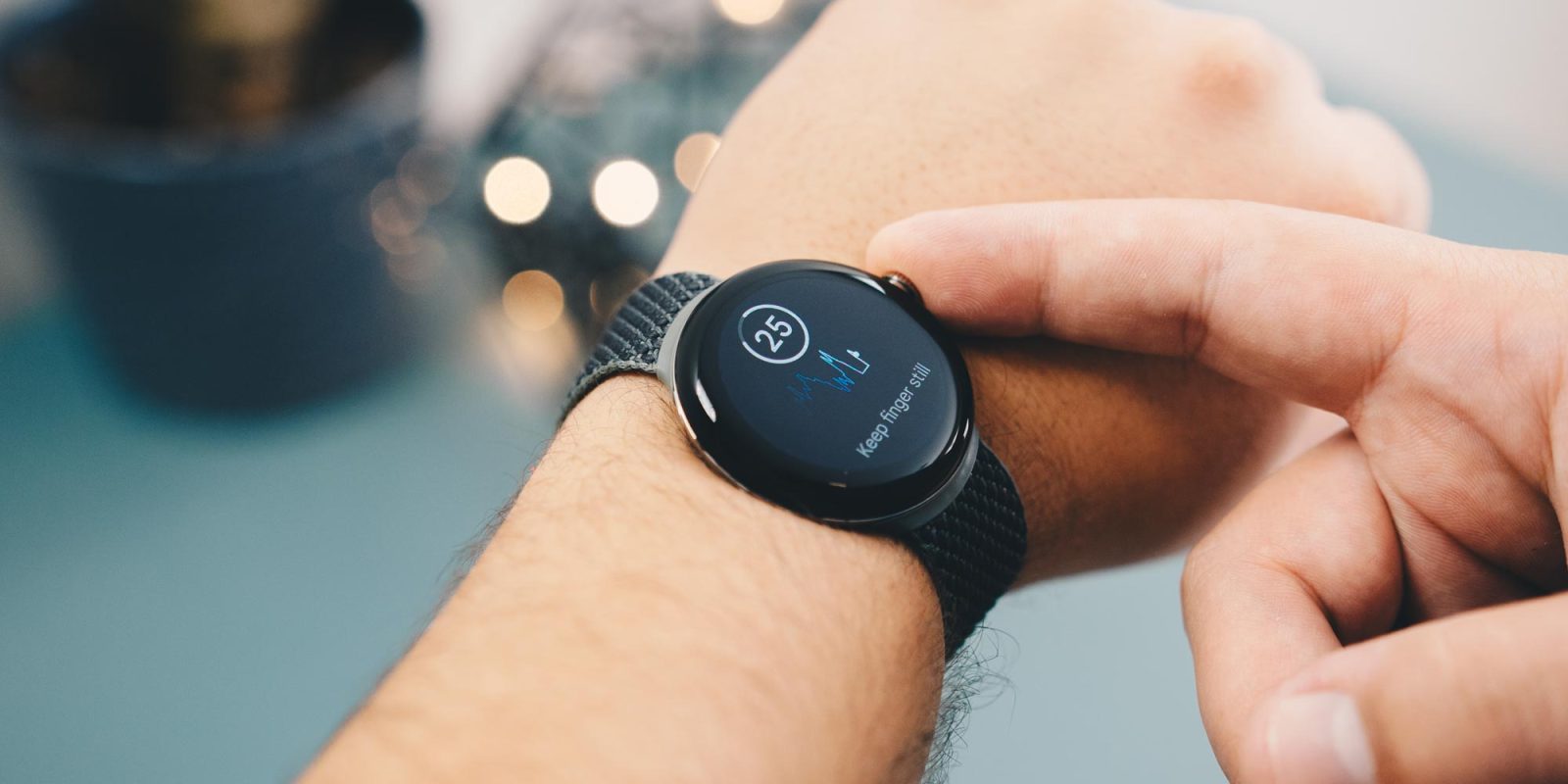
An ECG – electrocardiogram — reading can be a vital piece of data to have on hand. With it, you get a better look into your heart health, which is invaluable. This guide will take you through using your Pixel Watch to take an ECG reading.
Expand Expanding Close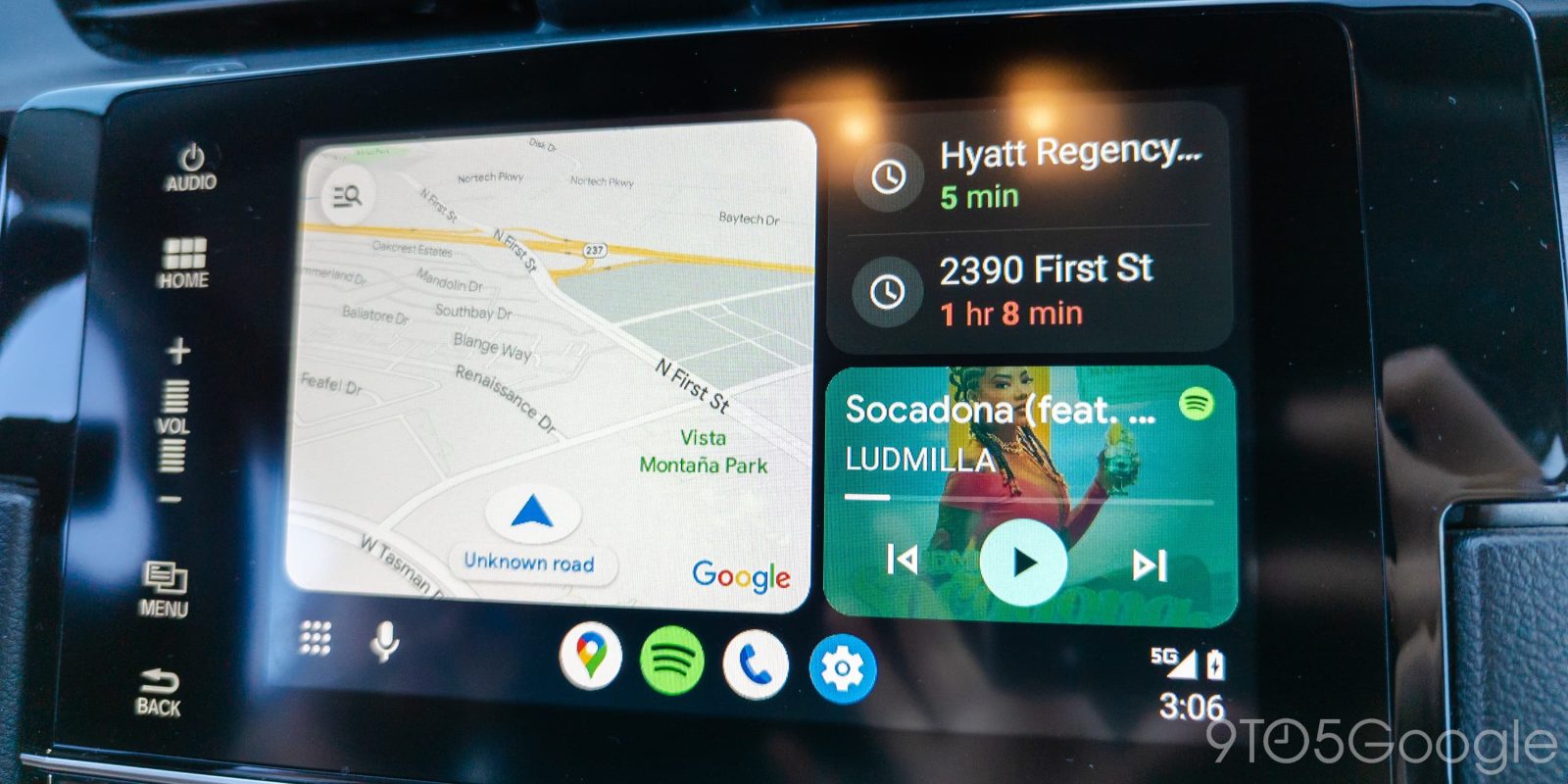
Android Auto’s new beta comes with some new tricks up its sleeve, including a new taskbar redesign. Well, what if you don’t really want the new look? This guide will take you through switching back to having media control and Maps taskbar widgets on your Android Auto device.
Expand Expanding Close
Google’s safety suite on the Pixel series can legitimately be a lifesaver. One Pixel feature, “Safety Check,” keeps your friends and family updated on your whereabouts when you most need it. Here’s how it works.
Expand Expanding Close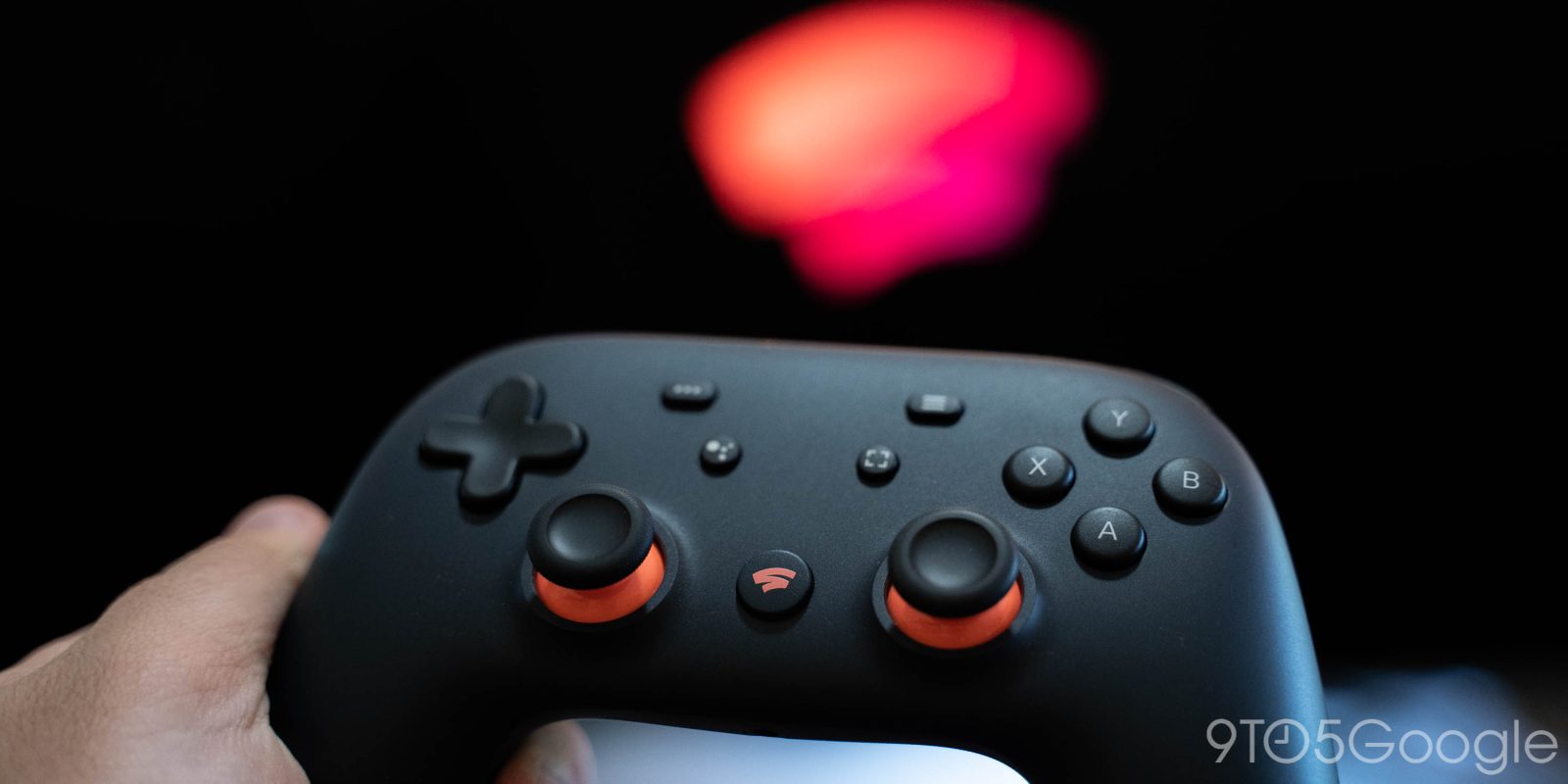
Stadia is shutting down coming this January, and the cloud-gaming service is refunding almost every purchase you ever made. Here’s how to make sure you get your Stadia refund and see how much will be sent.
Expand Expanding Close
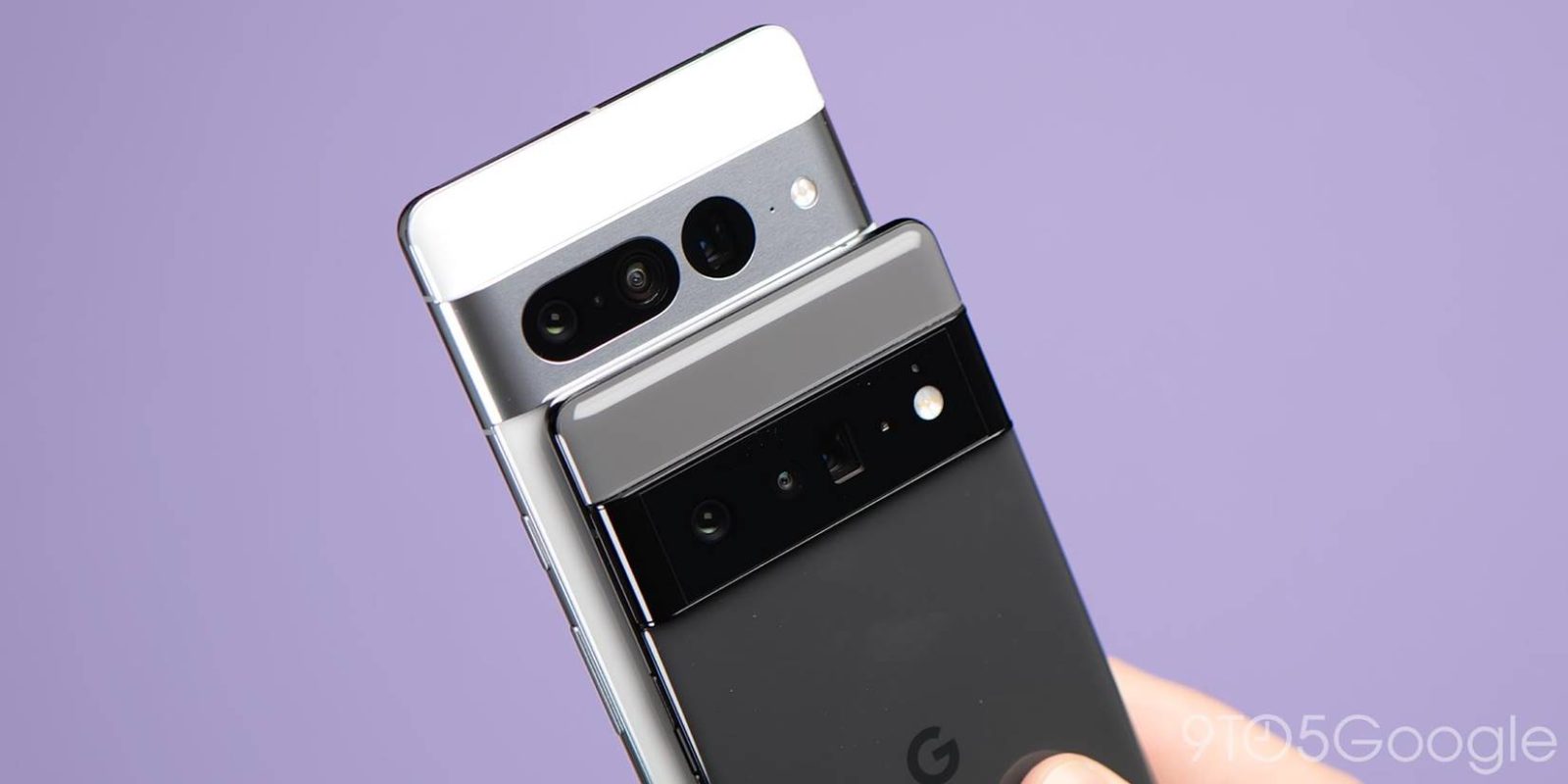
With all three cameras on the Pixel 7 Pro and two main sensors on the Pixel 7, you’re bound to get some stunning shots. What makes them even better is a healthy amount of editing, based on your style. This guide will take you through exporting your RAW photos from your Pixel and importing them to Adobe Lightroom, whether on PC, Mac, or mobile.
Expand Expanding Close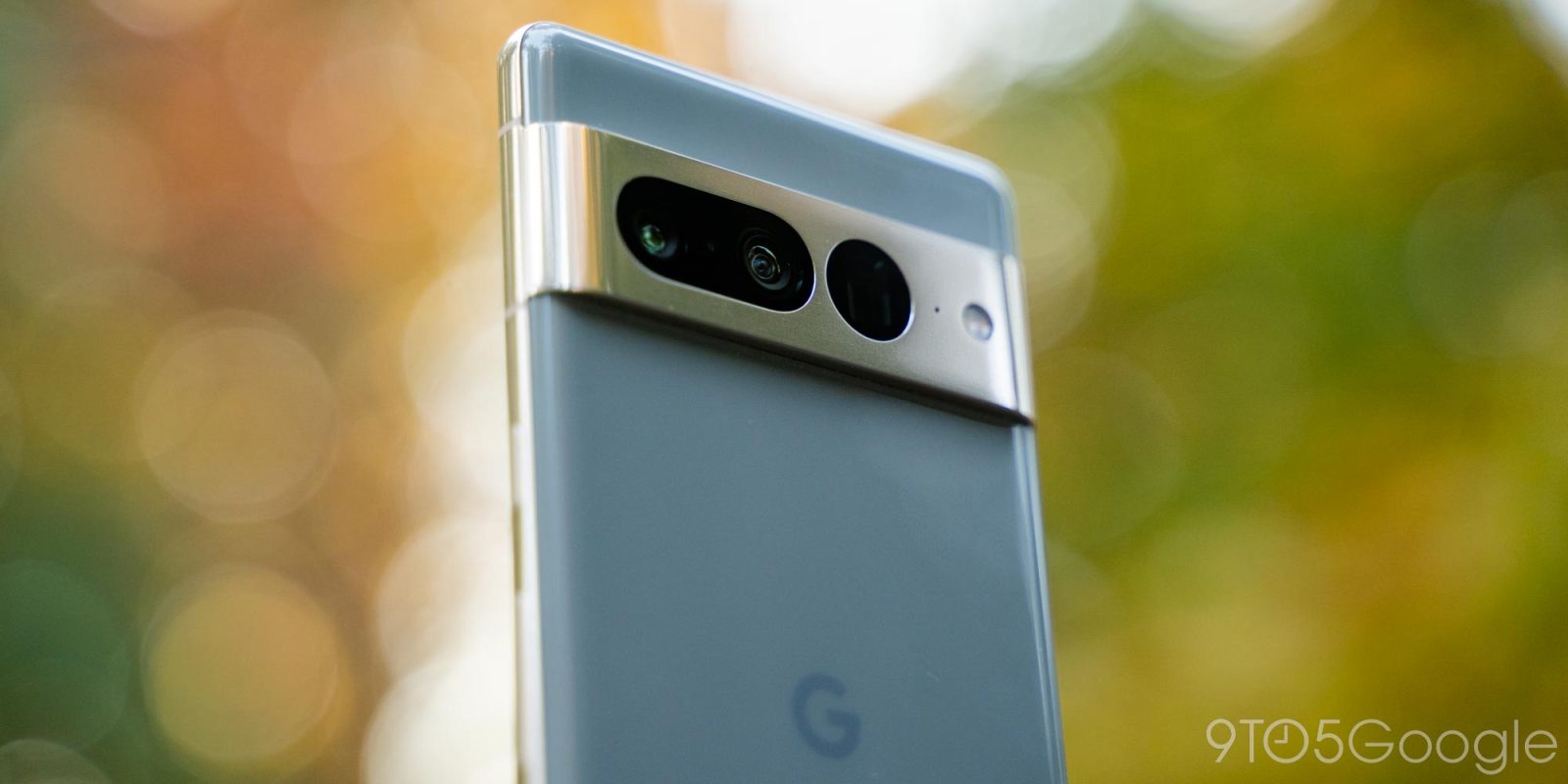
It’s no secret that Pixel phones – especially the Pixel 7 and 7 Pro – take downright fantastic photos. Of course, it’s always nice to have RAW images so you have a little more freedom in your editing process. This guide will take you through enabling RAW file picture capture on your Google Pixel.
Expand Expanding Close
Even on Wear OS, every watch out there has a different method of taking screenshots. With the Fossil Wear OS lineup, you need to use a proprietary app. This guide will take you through grabbing a screenshot on Fossil Wear OS devices.
Expand Expanding Close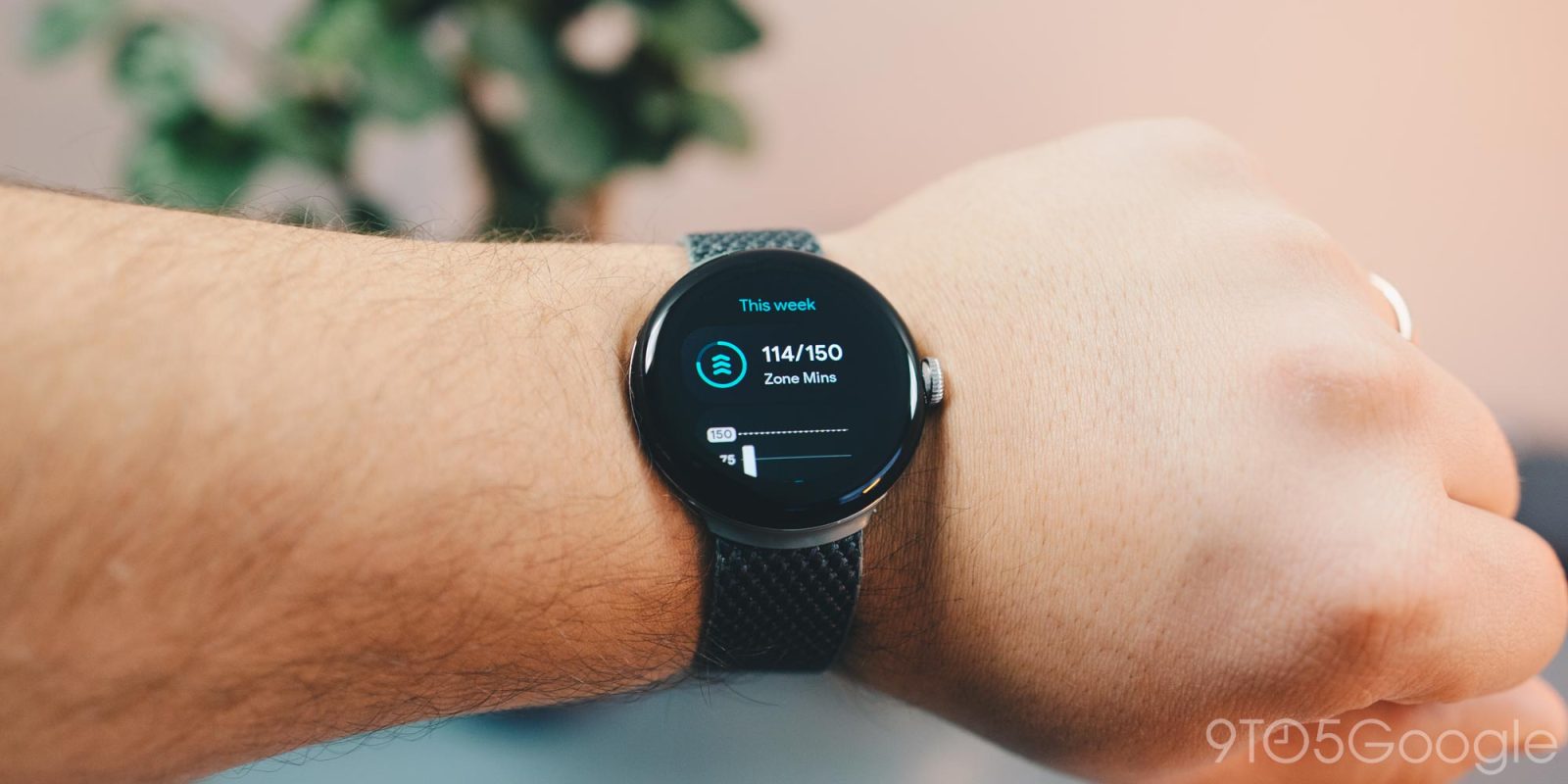
As far as fitness trackers go, the Pixel Watch performs relatively well. With Fitbit’s integrated tracking, one way to keep up with activity is by recording “Active Zone Minutes.” This guide will take you through what those are and how you can keep an eye on them throughout your day.
Expand Expanding Close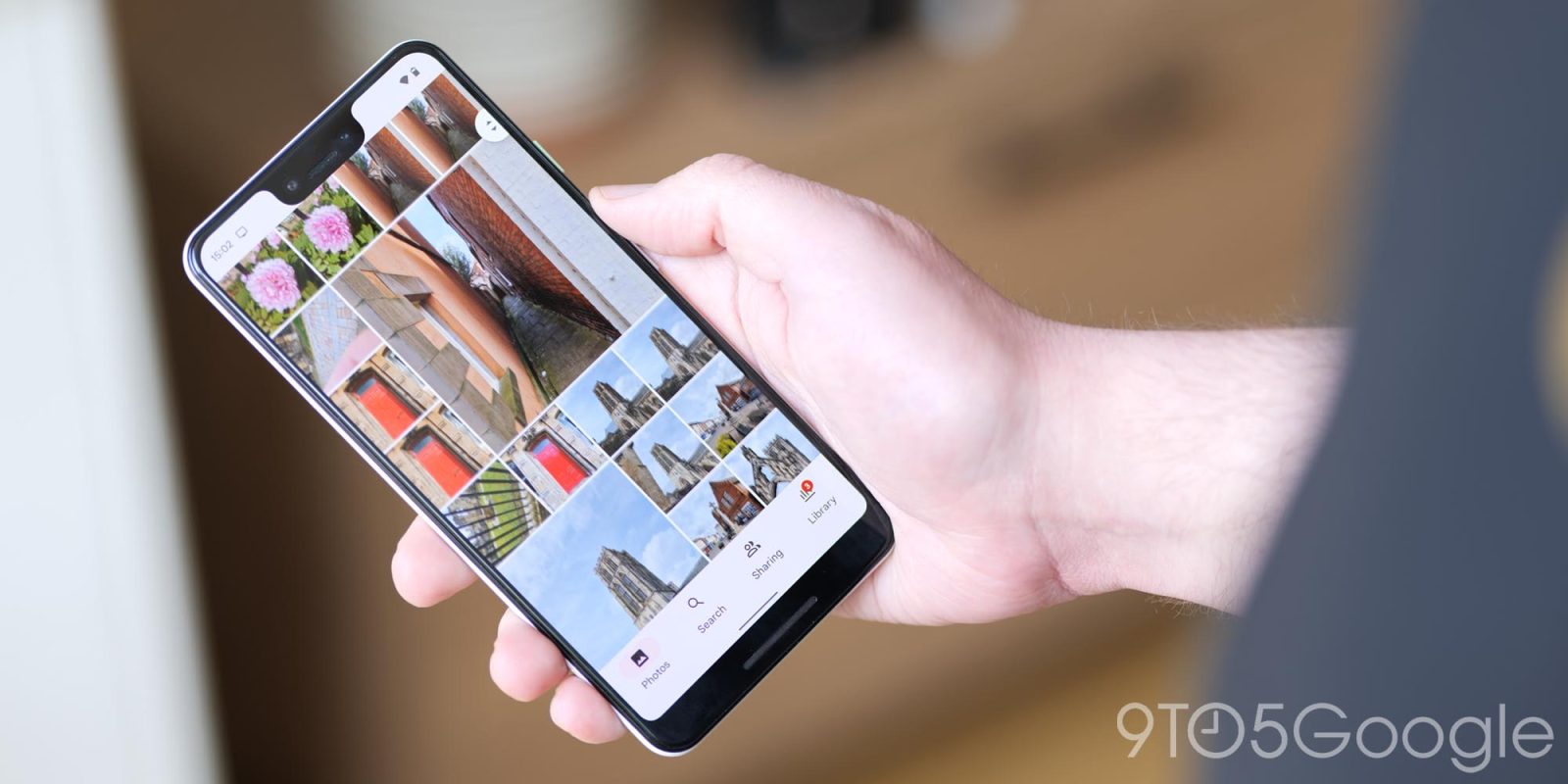
Sharing photos with others goes beyond sending them in messaging apps like Telegram. Google Photos Shared Albums do a great job of housing your favorite photos with friends and family – Google Photos can even add pictures of people automatically. Here’s how it works.
Expand Expanding Close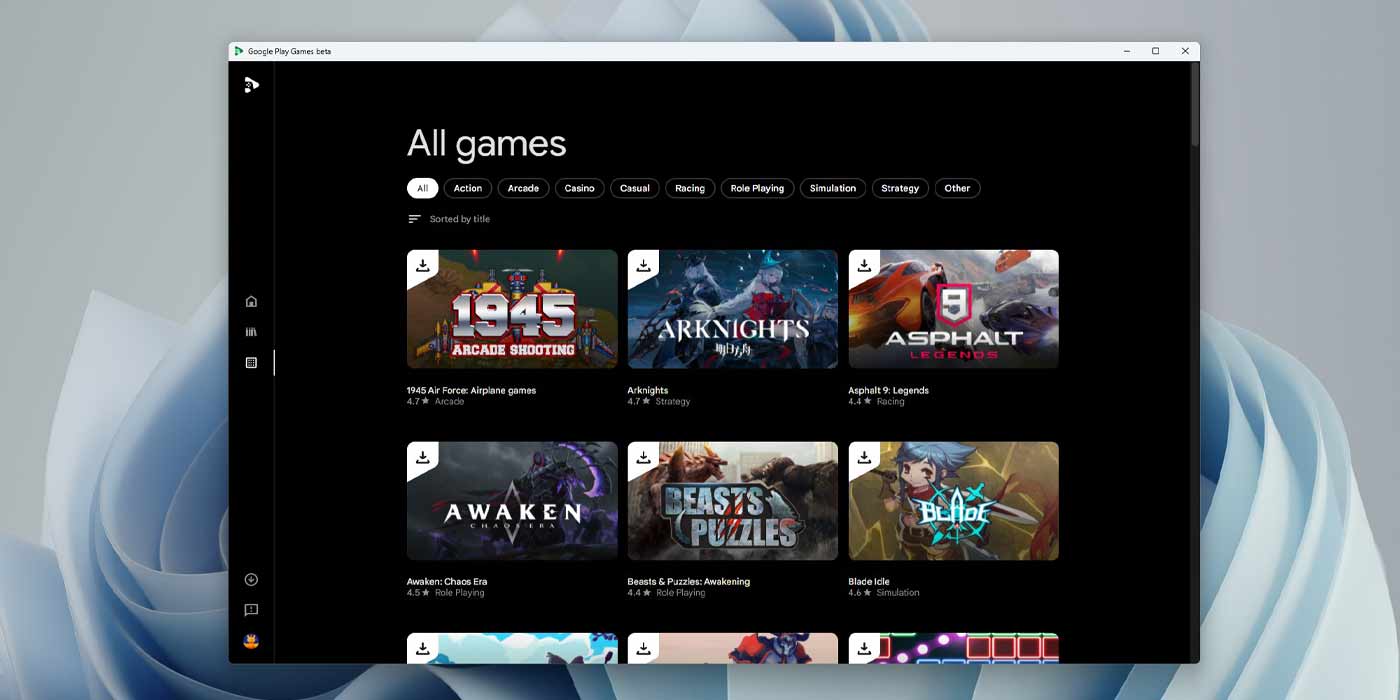
It seems a little limiting to only play your favorite Android games on your phone or tablet. Recently, Google opened the way for users to play those Android games on their PC. This guide will take you through getting started so you can start downloading Android games on to your computer.
Expand Expanding Close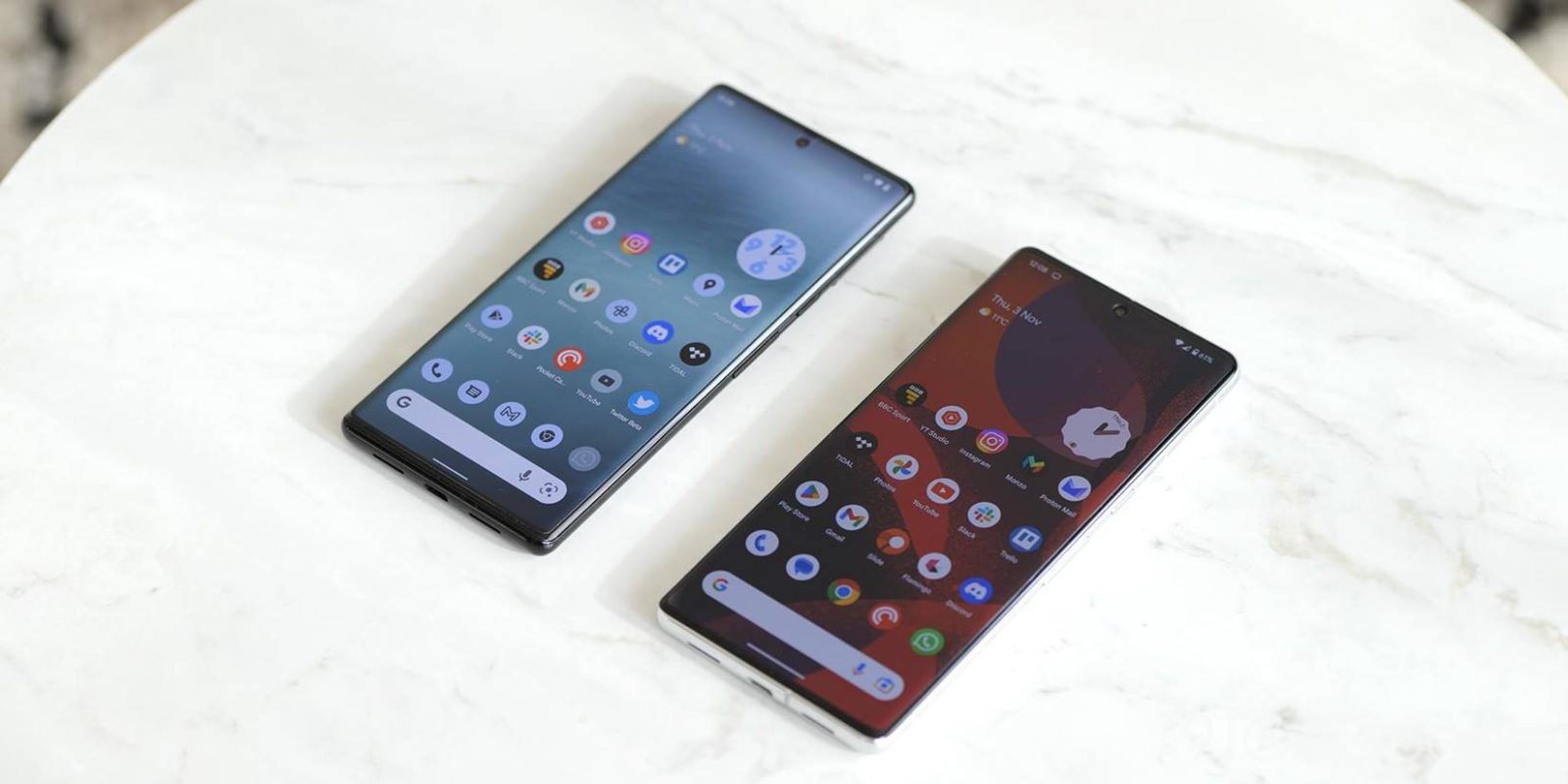
Google’s Pixel lineup has the goal of making your life just a little bit easier. This is evident with the dozens of smart features that have made their way to the Pixel 7 and Pixel 6 series. One favorite Pixel feature is called “quick phrases.” This guide will take you through exactly what they do.
Expand Expanding Close
Google Home is starting to undergo a big overhaul. One major change is the addition of “household” routines. So what are they, and how do they differ? This guide will take you through Google Home’s household routines and how you can start using them.
Expand Expanding Close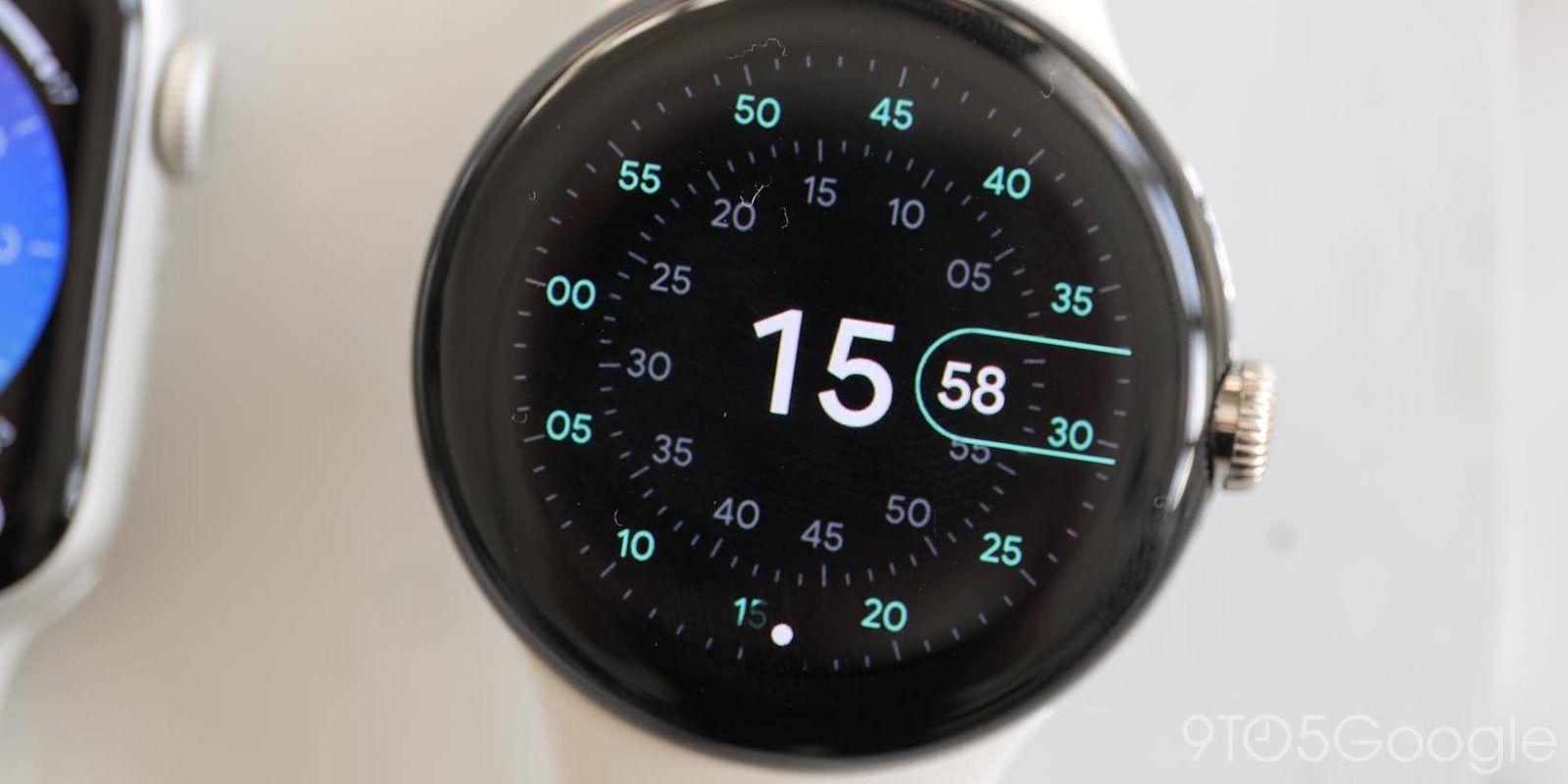
No wearable is immune to bugs or issues, and while we haven’t come across any major ones on the Pixel Watch, that doesn’t mean it can’t happen. This guide will take you through resetting your Pixel Watch in a quick and painless process.
Expand Expanding Close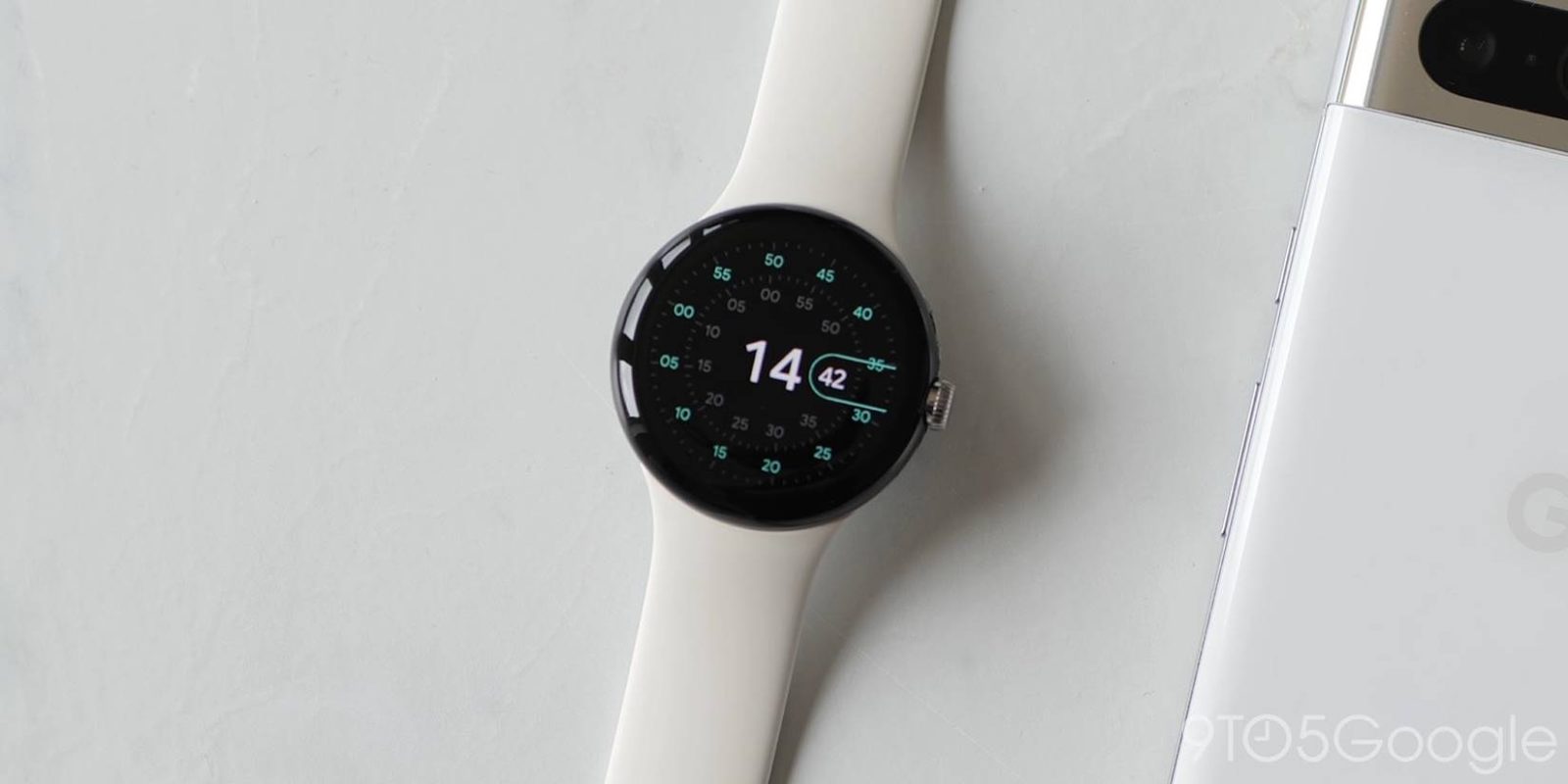
Believe it or not, there are countless reasons to take a screenshot on your smartwatch. This guide will take you through the process of taking a screenshot on your Pixel Watch using your phone.
Expand Expanding Close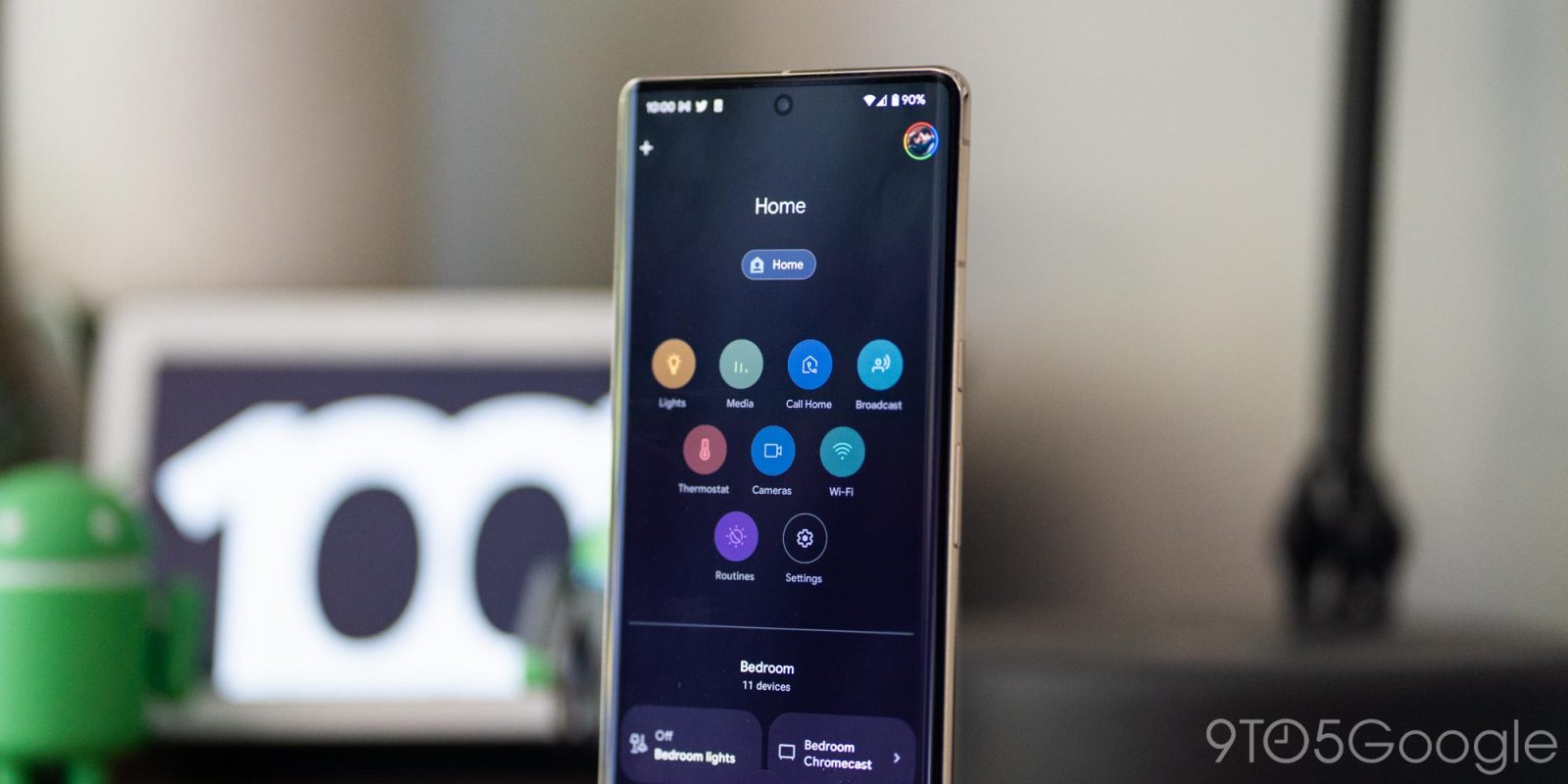
Over the next few months, Google Home is getting a full makeover, complete with new tools, functions, and more. One of these new tools is device triggers for routines. Here’s how they work.
Expand Expanding Close
Google’s Arts & Culture app has added a little something new to the Art Filter feature – a set of new paintings to disguise yourself as in the AR selfie mode.
Expand Expanding Close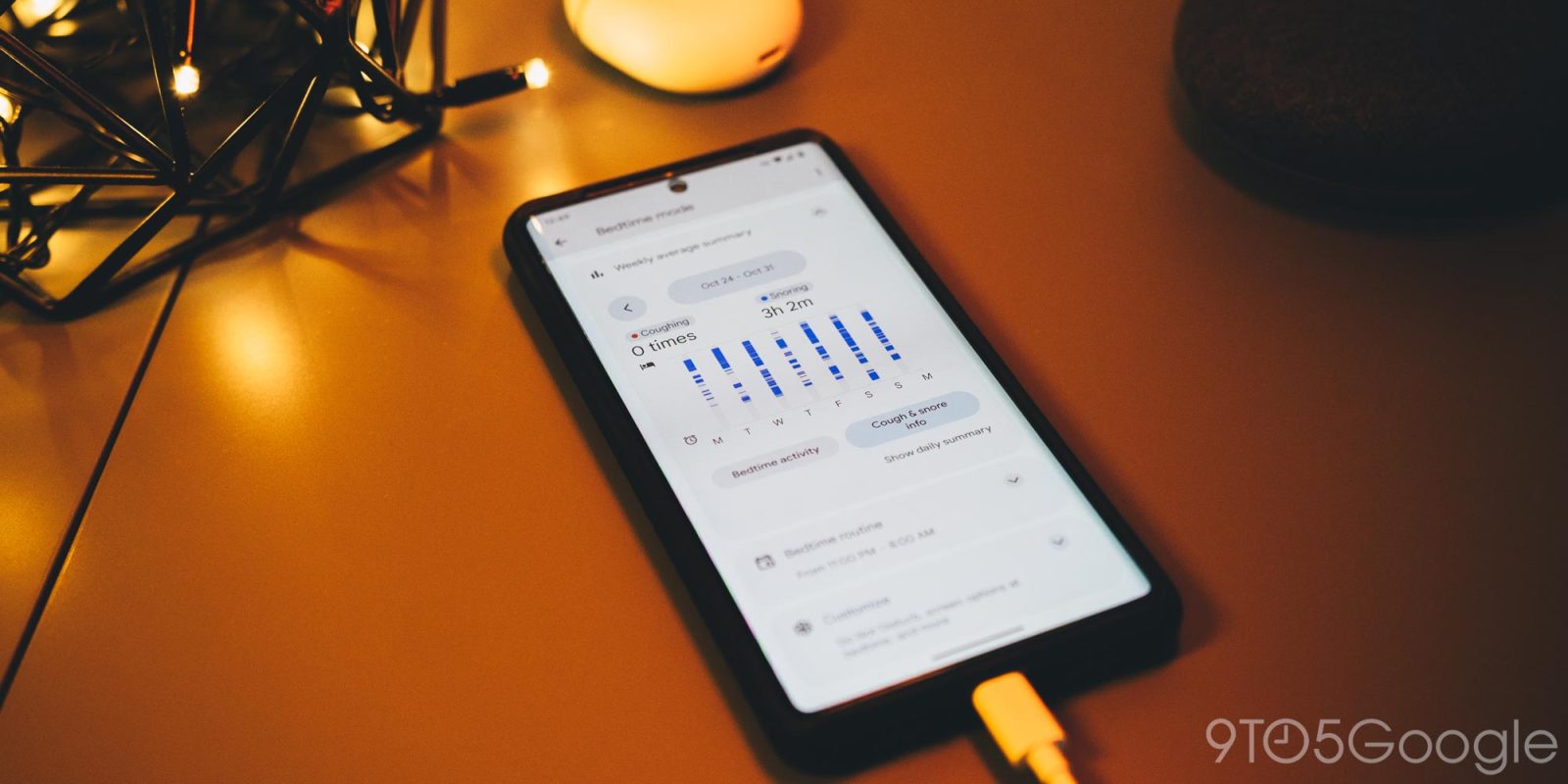
Cough and snore detection on Android is relatively new, brought to users with the launch of the Pixel 7 series. With that, you can easily see if you’re having breathing troubles during the night. Here’s how it works.
Expand Expanding Close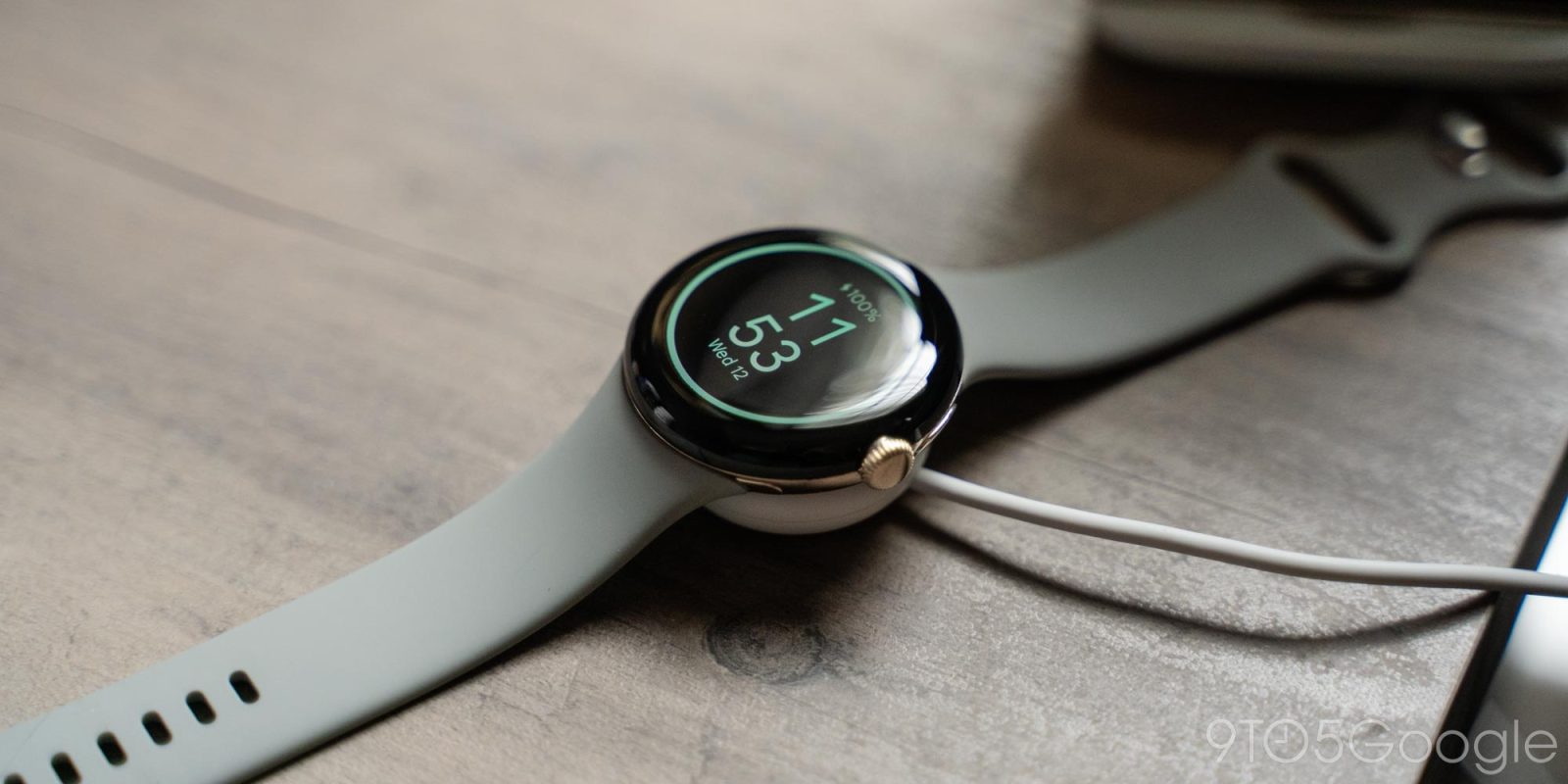
The Pixel Watch has proven that it can make it a full day just as long as you stretch the battery pretty thin. This guide will take you through ways to save battery on your Pixel Watch so you can get as much use out of it as possible.
Expand Expanding Close
Stadia is soon to go for good, leaving thousands of controllers out there without proper use. Fortunately, there is a way to keep using your Stadia Controller wired, as it’s highly regarded as one of the best controllers out there.
Expand Expanding Close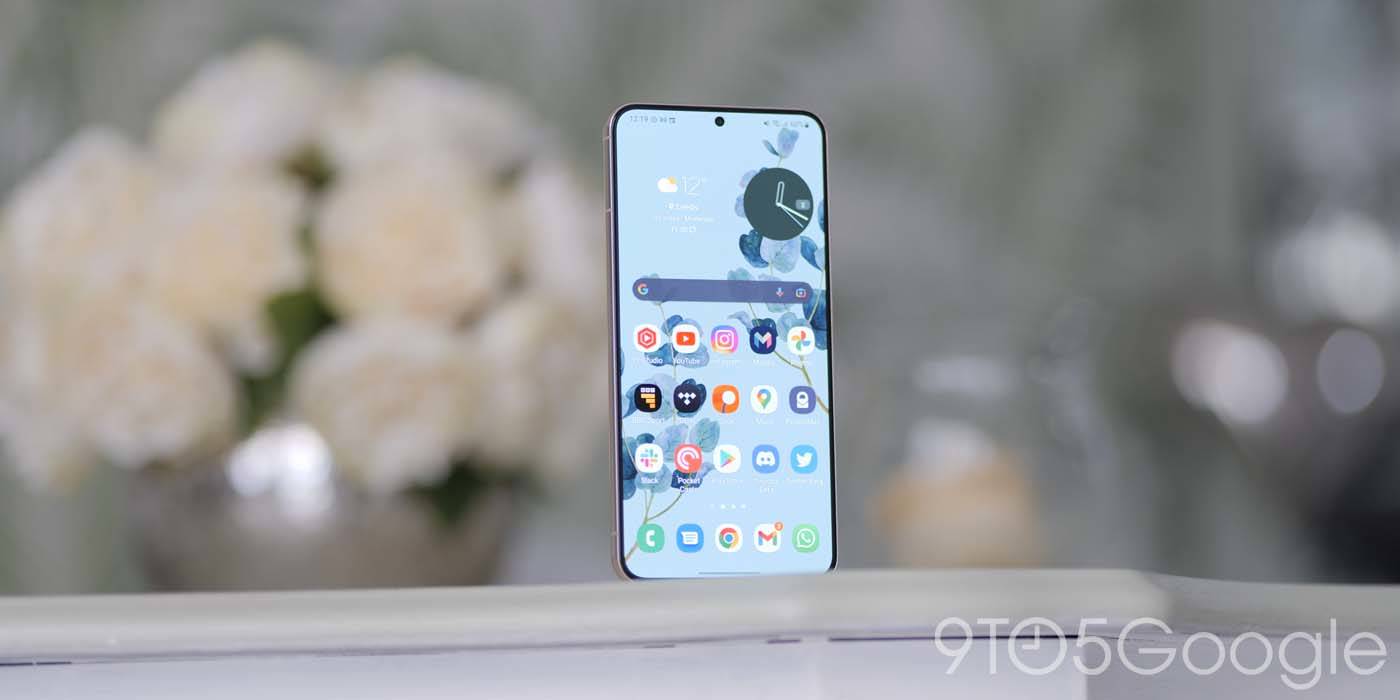
Handing your phone off to be repaired can be a little anxiety-inducing, given that it contains your valuable info. Samsung has a new “Maintenance Mode” that keeps your data locked away so technicians can do their job without compromising your data.
Expand Expanding Close