Stephen is Growth Director at 9to5. You can find his current work at 9to5Mac, 9to5Google9to5Toys, Electrek, and more. If you want to get in touch, follow me on Twitter. Or, email at stephen (at) 9to5mac (dot) com, or an encrypted email at hallstephenj (at) protonmail (dot) com.
Four months ago, the team behind the BLOCKS smartwatch — a device not all too different from Google’s Project Ara smartphone in principle — said that it would begin crowdfunding in the “summer”. While the company may have missed that deadline by a few weeks, it looks like it’s going to happen nonetheless. The device is set to finally hit Kickstarter on October 13th… Expand Expanding Close
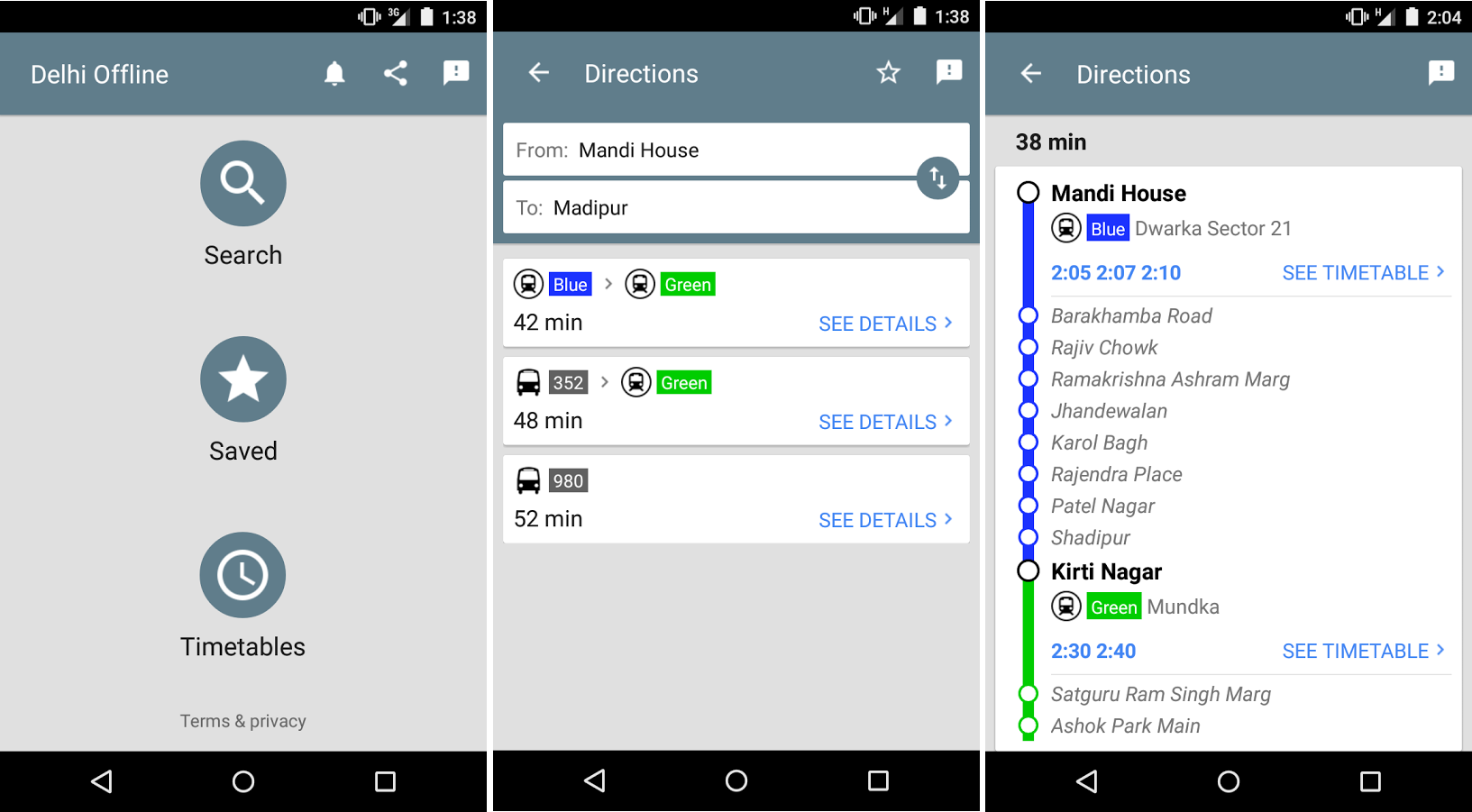
Google has today released a new app called Delhi Public Transport Offline and, well, most people probably don’t need it. But if you do happen to live in Delhi and would like a very simple app to help you get around town via public transportation, today’s your lucky day — it’s free, and it’s packed with lots of features that might make a quick download worth your time… Expand Expanding Close
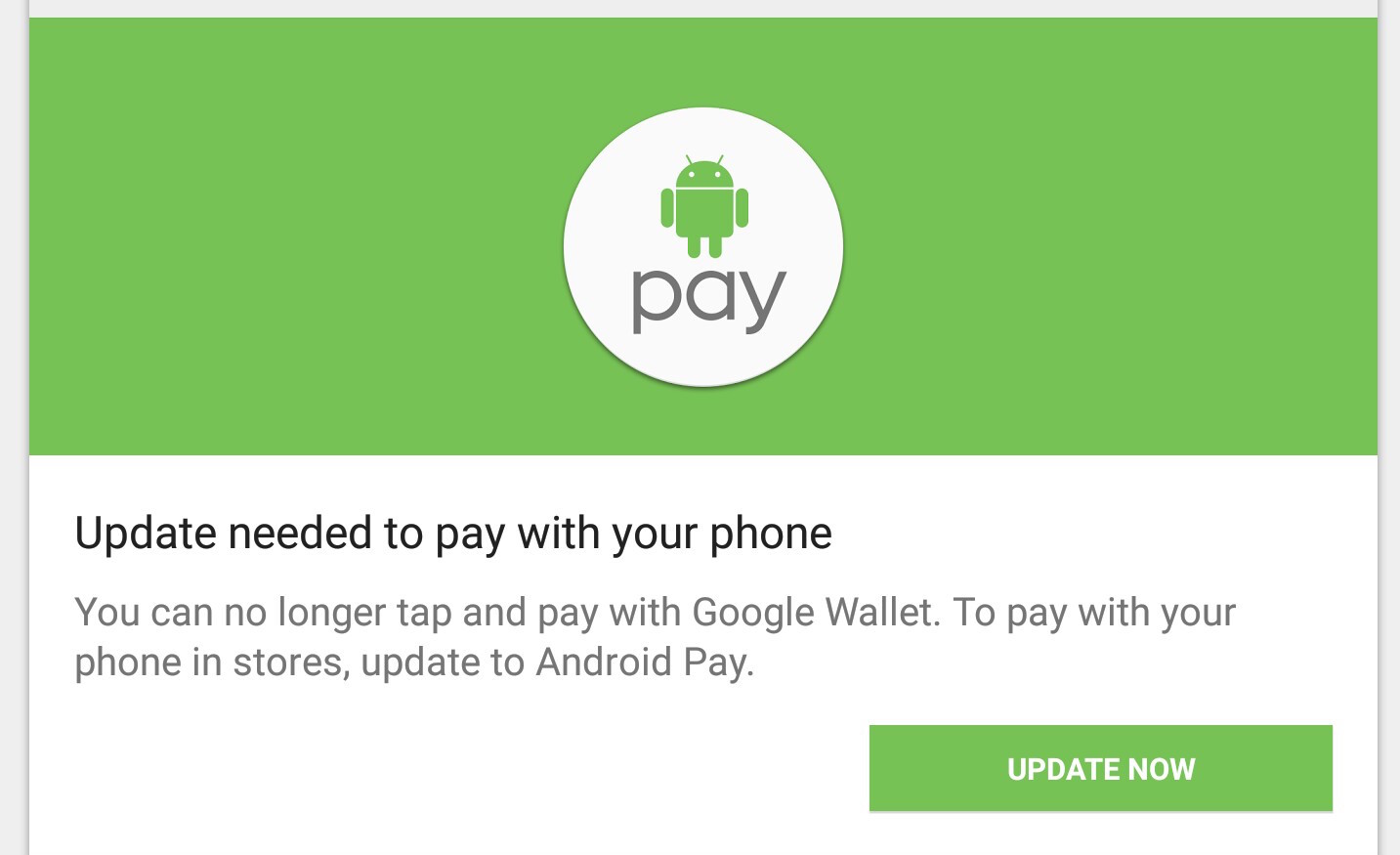
If you’re an Android Pay holdout, you might have found this morning that tap and pay has stopped working with the old Google Wallet app. Google has been warning users since Android Pay first became available three weeks ago that they need to update to the new app to keep using tap and pay, and now the Mountain View company is requiring it…
This is unfortunate for users who prefer to keep their device rooted for a variety of reasons. While rooted devices worked fine with tap and pay through Google Wallet, Android Pay — touting its high levels of security and all — doesn’t play along very well. The new Google Wallet app doesn’t offer tap and pay functionality at all.
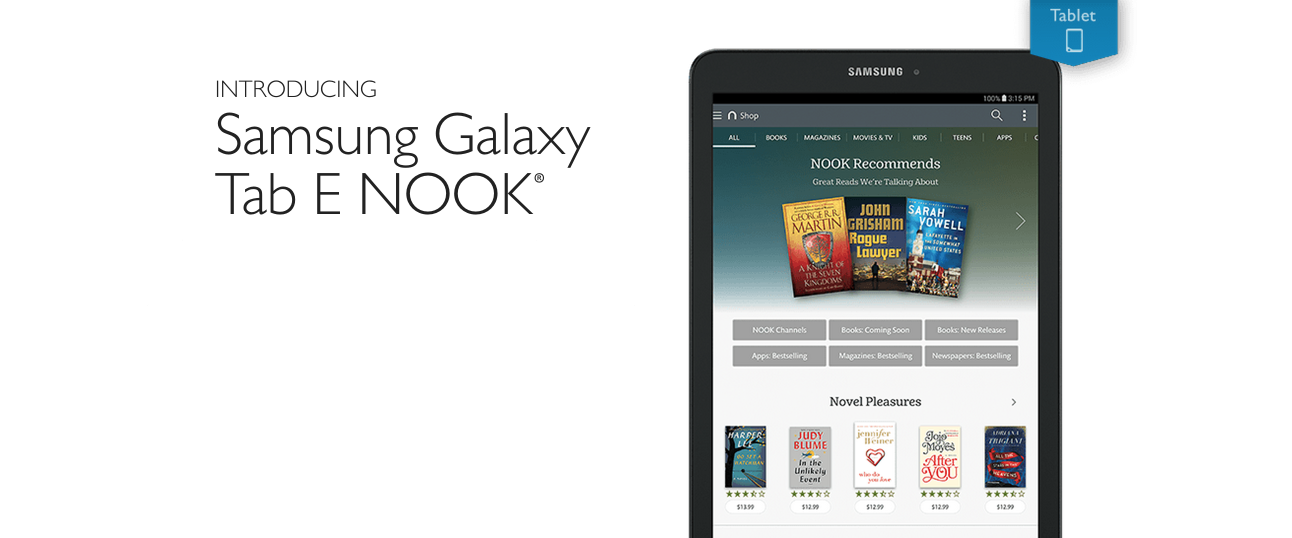
Last year, Samsung and Barnes & Noble introduced the lower-end Samsung Galaxy Tab 4 Nook, and just last month the same companies partnered to launch the Galaxy Tab S2 Nook on the other end of the spectrum. Today, Barnes & Noble has announced that there’s now a Samsung Nook offering that joins the two halfway: the Galaxy Tab E Nook… Expand Expanding Close
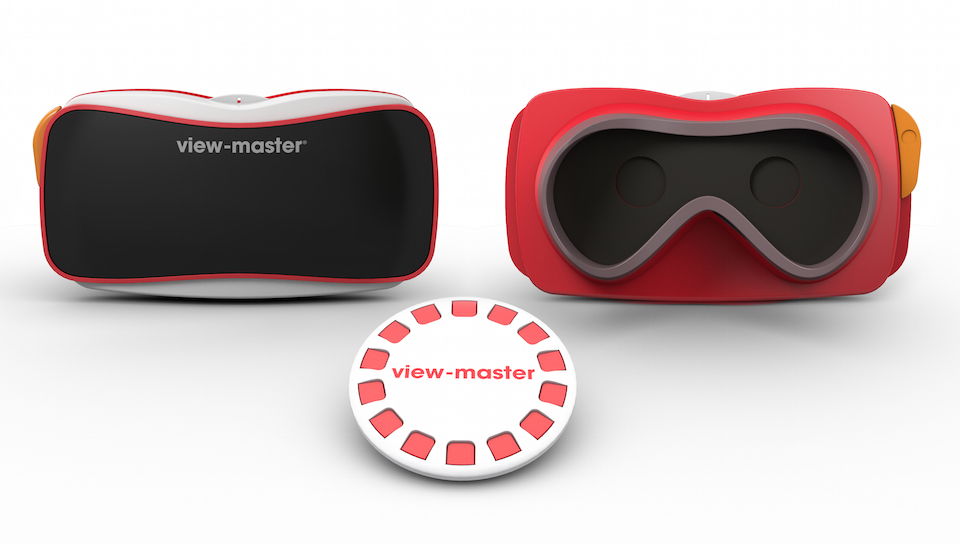
If you aren’t yet aware, Google released a standalone Street View app for Android last month — and with it comes a showcase of all the best Street View imagery right at your fingertips. While previous versions of the app have allowed you to use your phone’s gyroscope to look at the Street View photography in 3D, the latest version of the app brings a great feature for VR fans: Google Cardboard support…
To access the feature, all you have to do is make sure you have the latest version of the app (which is rolling out now on Google Play, and alternatively available now over at APKMirror). Once you open the app, all you have to do is navigate your way to a view that you’d like to look at, rotate your phone 90 degrees, and tap the new Google Cardboard icon at the top-right of the screen.
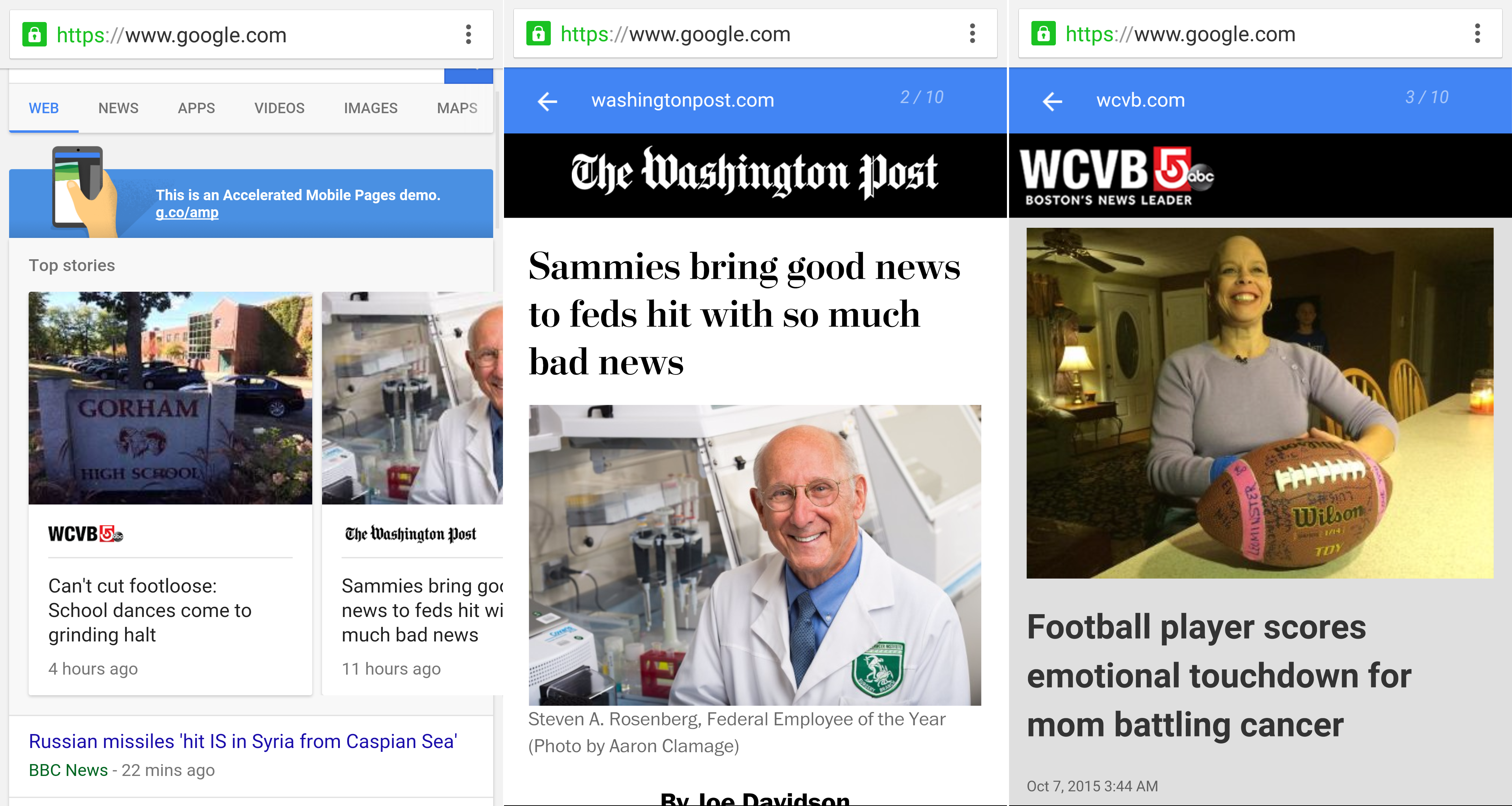
With the debate over ads and the speed of the mobile web growing every day, many web companies like Apple and Facebook have pushed for publishers to hand over their content in the name of a better experience for users. But content creators — for the most part — don’t want to do that, and Google knows that. So today, the Mountain View company has announced the Accelerated Mobile Pages initiative, a plan it’s leading to make the mobile web faster… Expand Expanding Close
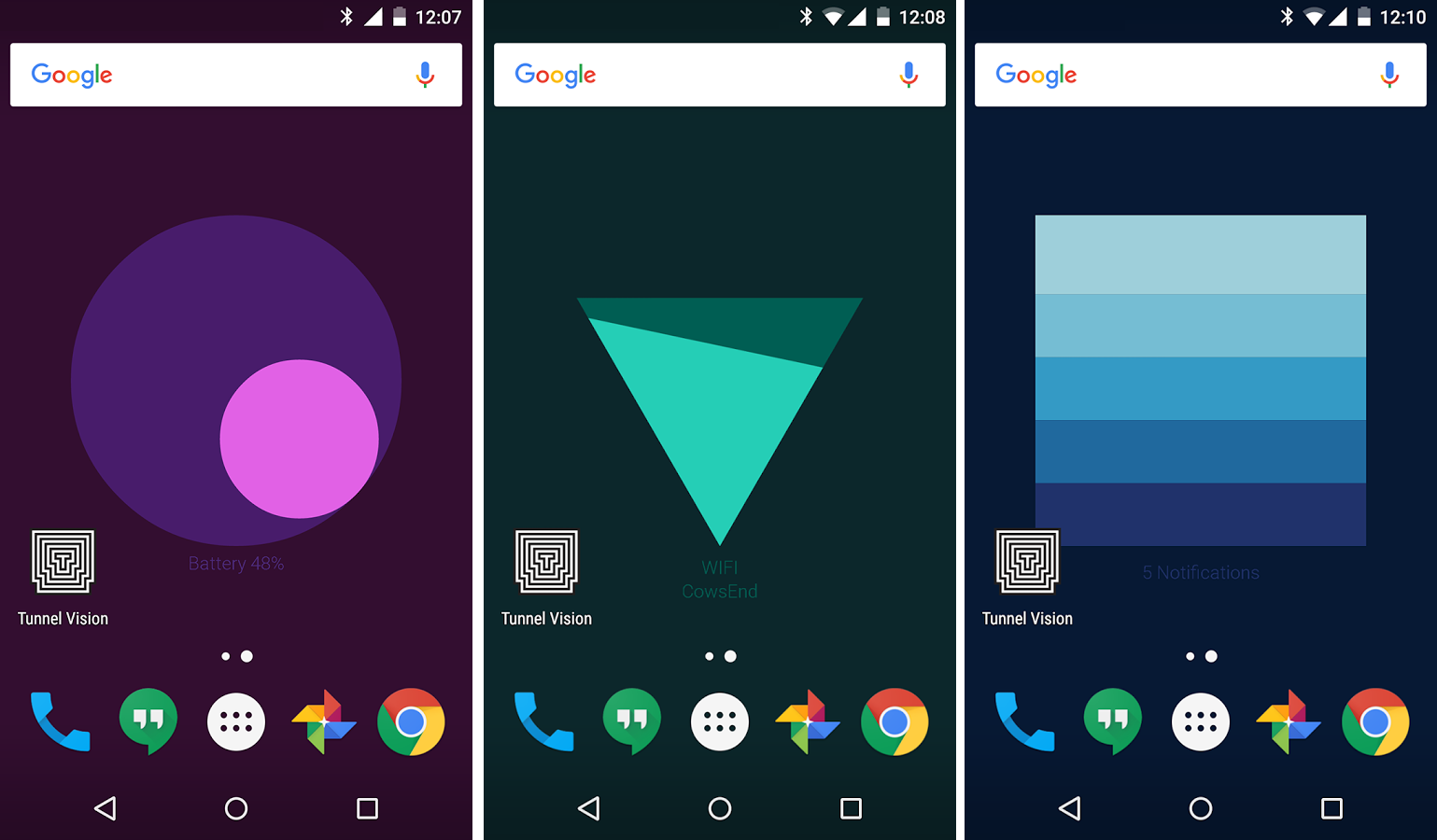
Google Creative Lab, the same group responsible for a few quirky photo and location-based apps that we told you about earlier this year, has released a new live wallpaper for your Android phone that shows you some useful info about your device. There are three different status indicators shown with this wallpaper: Battery, WiFi, and Notifications…
Based on my initial testing, it seems that the wallpaper randomly switches between these three indicators. Locking and unlocking your phone, as well as opening and closing apps, will rotate between them so that you’re always up to date. Also, they all respond to the tilting of your device for some added phone — the battery one reminds me a lot of calibrating the iPhone’s compass app.
Synaptics has today announced the ClearPad 3700 force-sensing touchscreen controller, which the company hopes will be packed inside many a 2016 flagship Android smartphone. This comes just about a month after Apple’s September 9th event, at which the Cupertino company announced the iPhone 6s and 6s Plus, both packing “3D Touch” as a headline feature… Expand Expanding Close
According to recent reports from both Re/code and The Wall Street Journal, Google is in the later stages of talks to invest in Symphony, a startup building a secure messaging platform. While the exact terms of the investment, including its value, have not been determined, WSJ’s report said that the deal will value Symphony at $650 million… Expand Expanding Close
Never does a software update — of any kind — land without some group of users believing that it caused more problems than it solved. With Android 6.0 Marshmallow, which Google starting pushing out yesterday, it looks like Nexus 5 owners who use T-Mobile are that minority group of people. Apparently, Marshmallow is causing some problems with reception for these users… Expand Expanding Close
Google yesterday announced that Android Marshmallow is coming over-the-air to Nexus devices in the coming days and weeks, but now we have confirmation that Google is also pushing the update to Android One devices. Google promised when it launched the Android One program that these phones would get update priority and offer the latest and greatest much like Nexus phones, and it looks like the company is delivering on that promise… Expand Expanding Close
Google today announced that Android Marshmallow is coming OTA to several Nexus devices in the coming days and weeks. If you like to get the latest from Google, you know that “coming weeks” could be a pretty long wait. Thankfully, you can head to the front of the line and install the over-the-air (OTA) update by following our quick guide…
Google began the rollout of Android 6.0 Marshmallow earlier today, and while we already have full access to downloading the 6.0 factory images, OTA update download links are going to trickle in slowly as the update rolls out over the next several days. Factory images are typically for doing a fresh install of the OS, but these OTA updates are intended to let you keep your data intact and are typically smaller in total size… Expand Expanding Close
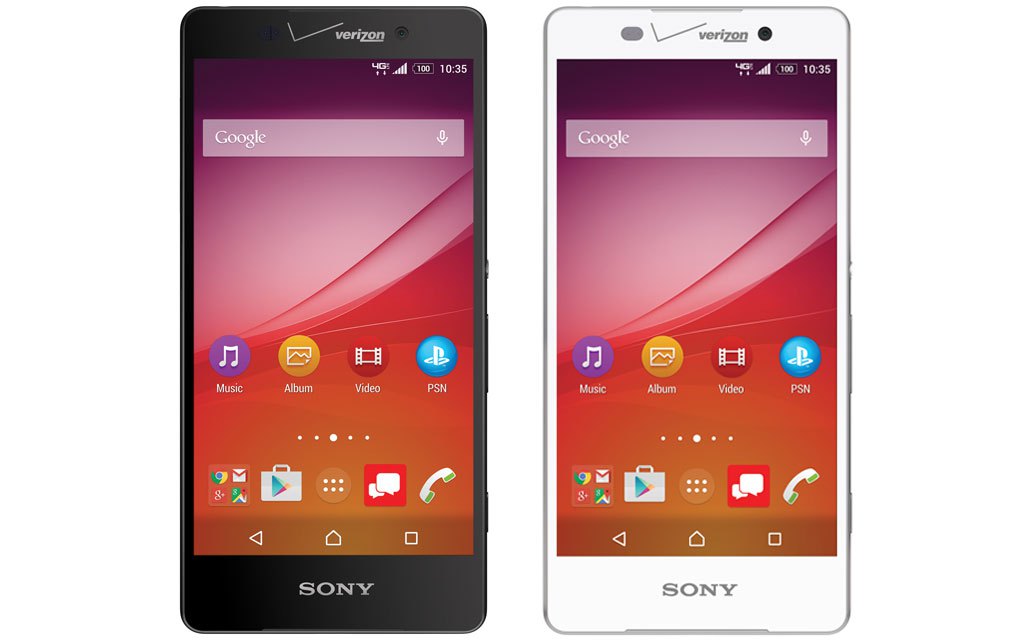
Verizon took the veil off of the Sony Xperia Z4v just about 4 months ago, saying that it would be coming in the summer. That quite obviously didn’t happen even after Sony’s website proudly proclaimed that the phone would be coming on August 13th, leading most to believe that it has just been straight-up cancelled. As of today, Verizon has confirmed that to be the case: The Xperia Z4v will never see the light of day… Expand Expanding Close
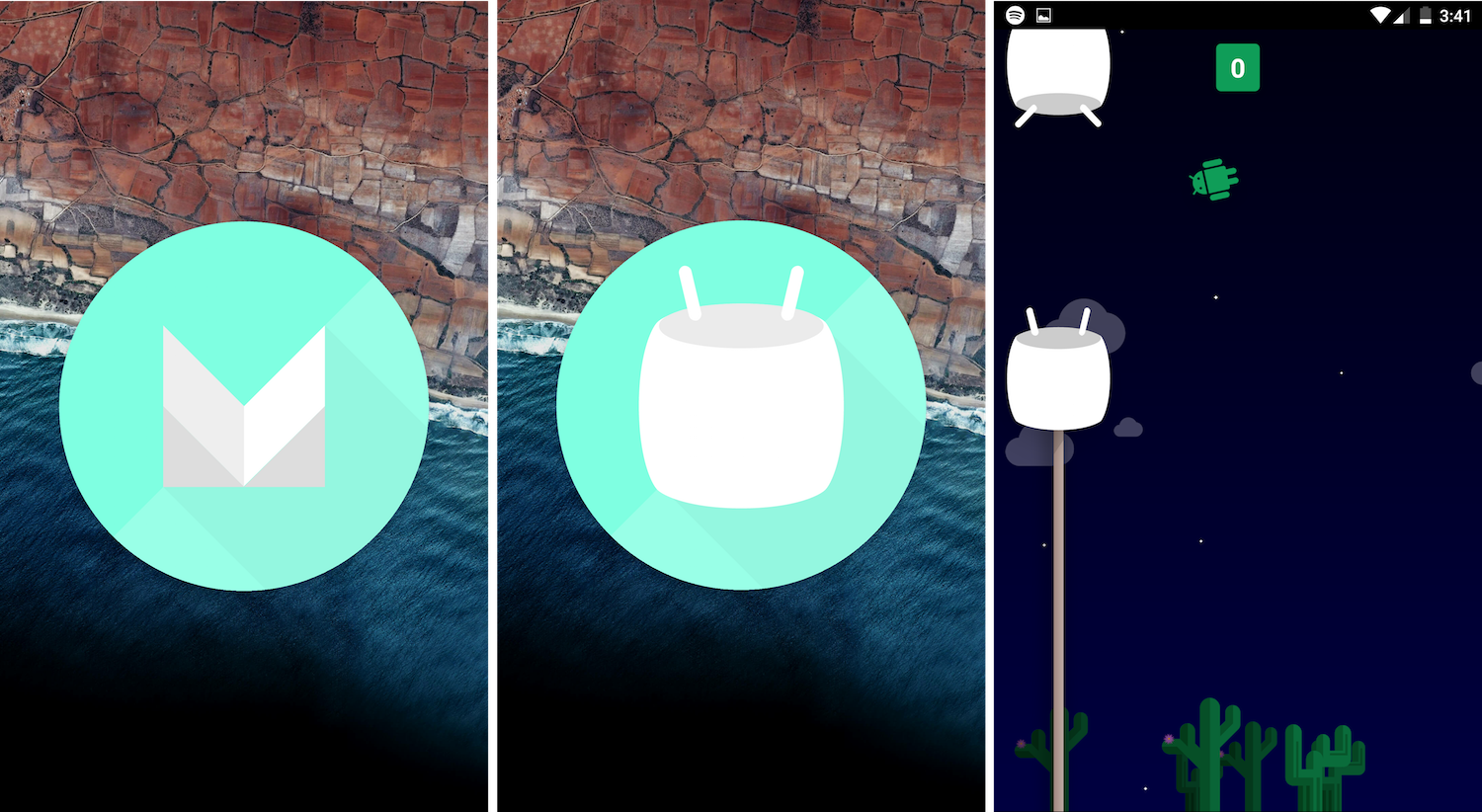
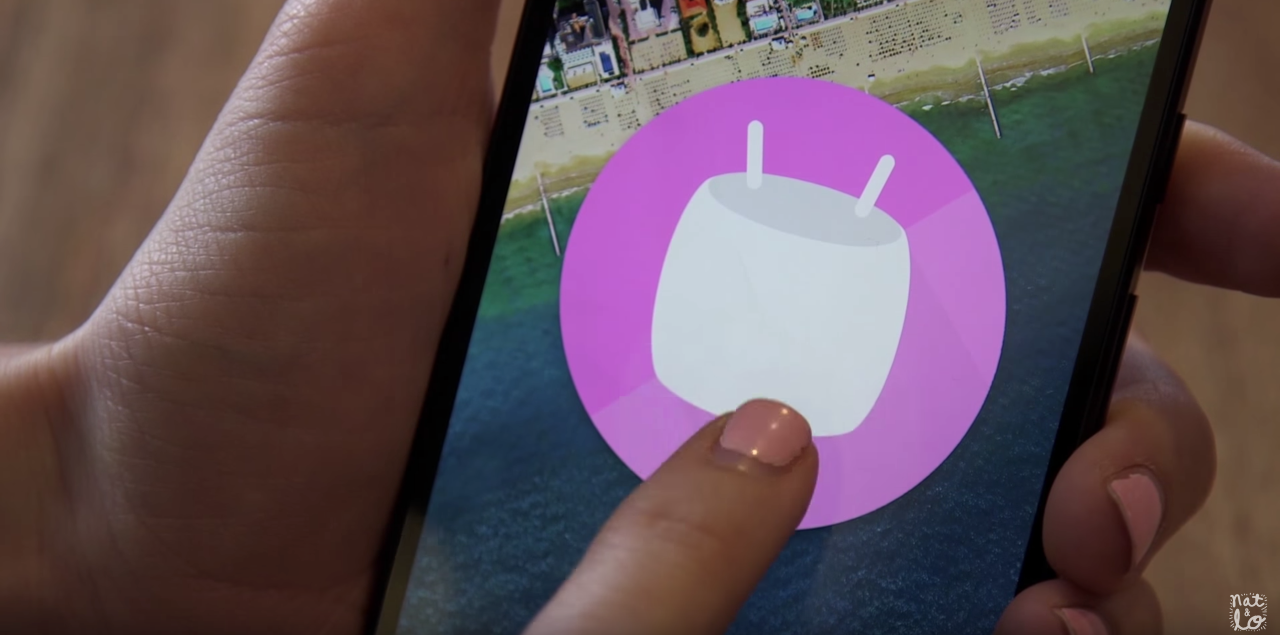
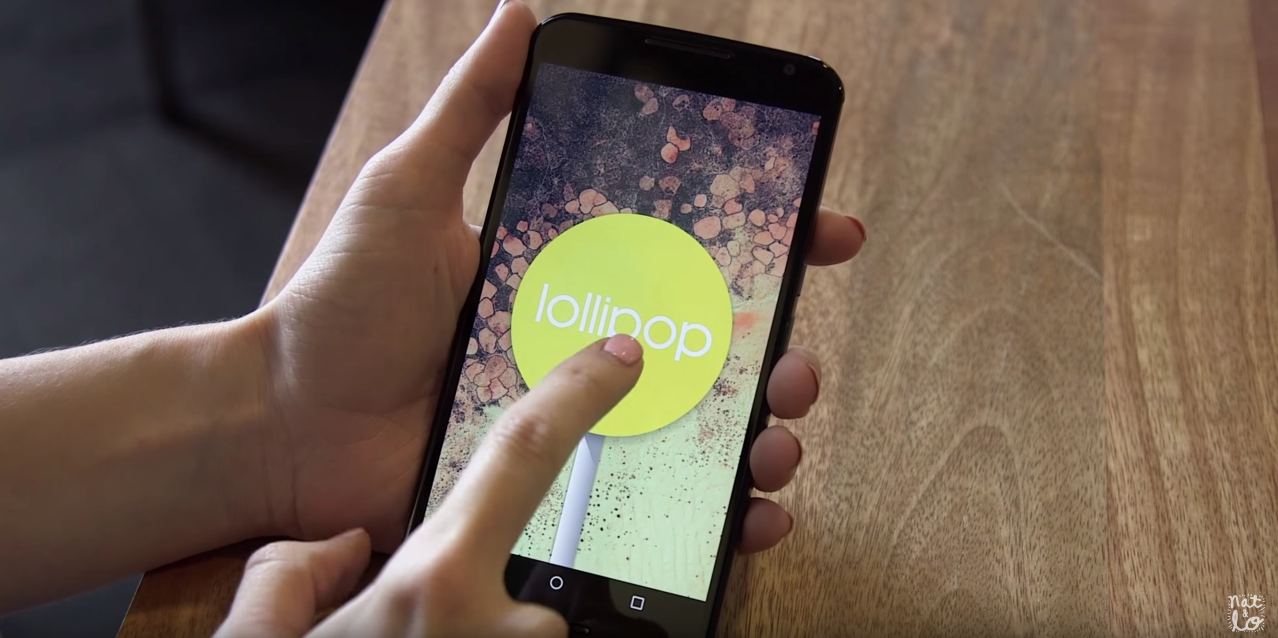
With the release of Android Lollipop, we saw Google add what many agreed was the best Android Easter egg yet. And today, following Nat & Lo’s tease earlier this morning and the release of Android Marshmallow thereafter, we now know what the Easter egg is this time around. And it’s pretty much the same as the one from Lollipop…
If you’re new to Android Easter eggs, here’s how you access them: Go to the Settings app, head to “About phone,” and then tap the Android version 3 or 4 times in a row quickly. With Android M, you’ll se a large M icon, and tapping on that will eventually show you the real Easter egg: a playable Flappy Bird game.
It works pretty much the same as last year’s game. You’ll get a quick countdown, and then you’re left trying to tap to keep the little Android figure away from the harmful Marshmallows. I don’t know about you, but I’ve found this game to be much more difficult than the original Flappy Bird. Watch this video for proof:
This morning saw the release of the Android 6.0 Marshmallow factory images, and now Google has confirmed that the update’s OTA rollout has begun. Generally, this means that supported devices running older versions of the OS should see the update hit their device sometime in the next few days… Expand Expanding Close
Google has now released the latest version of Android, dubbed Android Marshmallow, which the company first previewed earlier this year at Google I/O in San Francisco. And while Google will most certainly be rolling out the update (and subsequent updates) over-the-air with no work required on your part, many who aren’t as familiar with how to flash factory images might want to install the latest build manually.
That’s why we made this guide. If you have the Nexus 5, Nexus 6, Nexus 7 (2013) Nexus 9, or Nexus Player, there’s a build of Android 6.0 Marshmallow available right now for you to install on your device. Be warned however, that this process isn’t something that most regular users should attempt. If you do have a little bit of command line knowledge (or you think you want to take the time to learn), keep reading… Expand Expanding Close
Update: Just as this article was being published, Google released the Android Marshmallow factory images.
Nat & Lo make videos about Google for their 20% project at Google, and today they’ve released episode 8. And with Google likely planning to push Android Marshmallow today (or very soon if not today), it would make sense for the pair to release a video covering the brief history of Easter eggs in Android… Expand Expanding Close
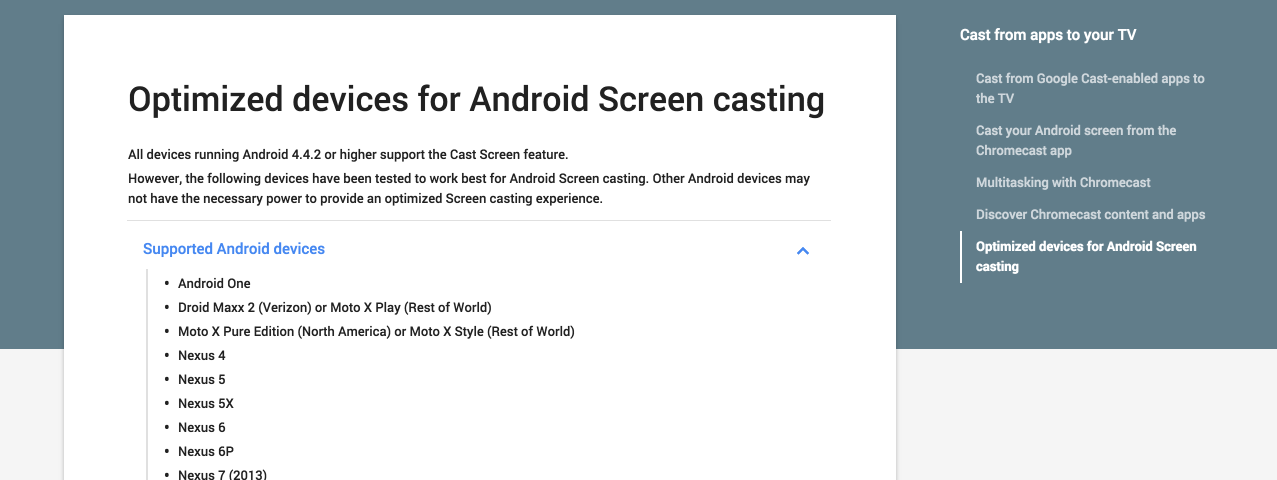
It’s not really a matter that’s up in the air, but now the confirmation is coming straight from Google. At the time of this writing, the “Optimized devices for Android Screen casting” Chromecast support page lists the “Droid Maxx 2,” a phone that hasn’t yet been announced in any official capacity… Expand Expanding Close
We told you about Nova Launcher’s new icon normalization features when they came to the beta build of the app a couple of weeks ago. If you’re not a fan of running potentially buggy beta software on your daily driver, though, you might be glad to hear that this feature — along with plenty of others in the latest version — has now made it to the public build in version 4.1.0… Expand Expanding Close