Google Play

See All Stories
google play store

Before the unified Play branding, Google had the Android Market, Google Music, and Google eBookstore. Google decided to merge and rebrand its individual digital offerings into the Play Store in March of 2012.

The Play Store is now the default place to purchase apps, movies & television, music, books, and news subscriptions for all Android devices. The latter four offerings having their individual Android and iOS apps to watch, listen, and read purchased content. Most content can also be accessed through the web.

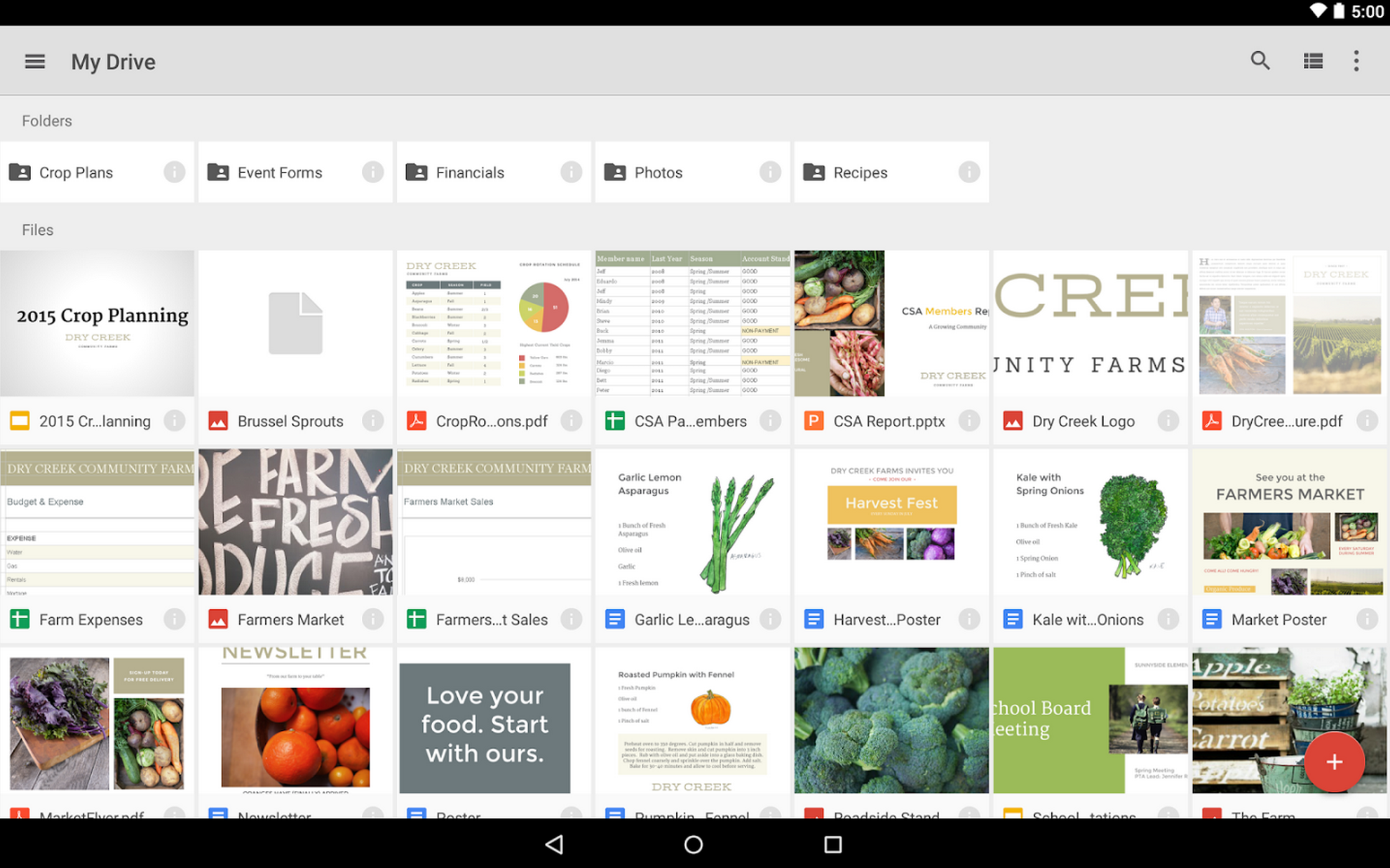
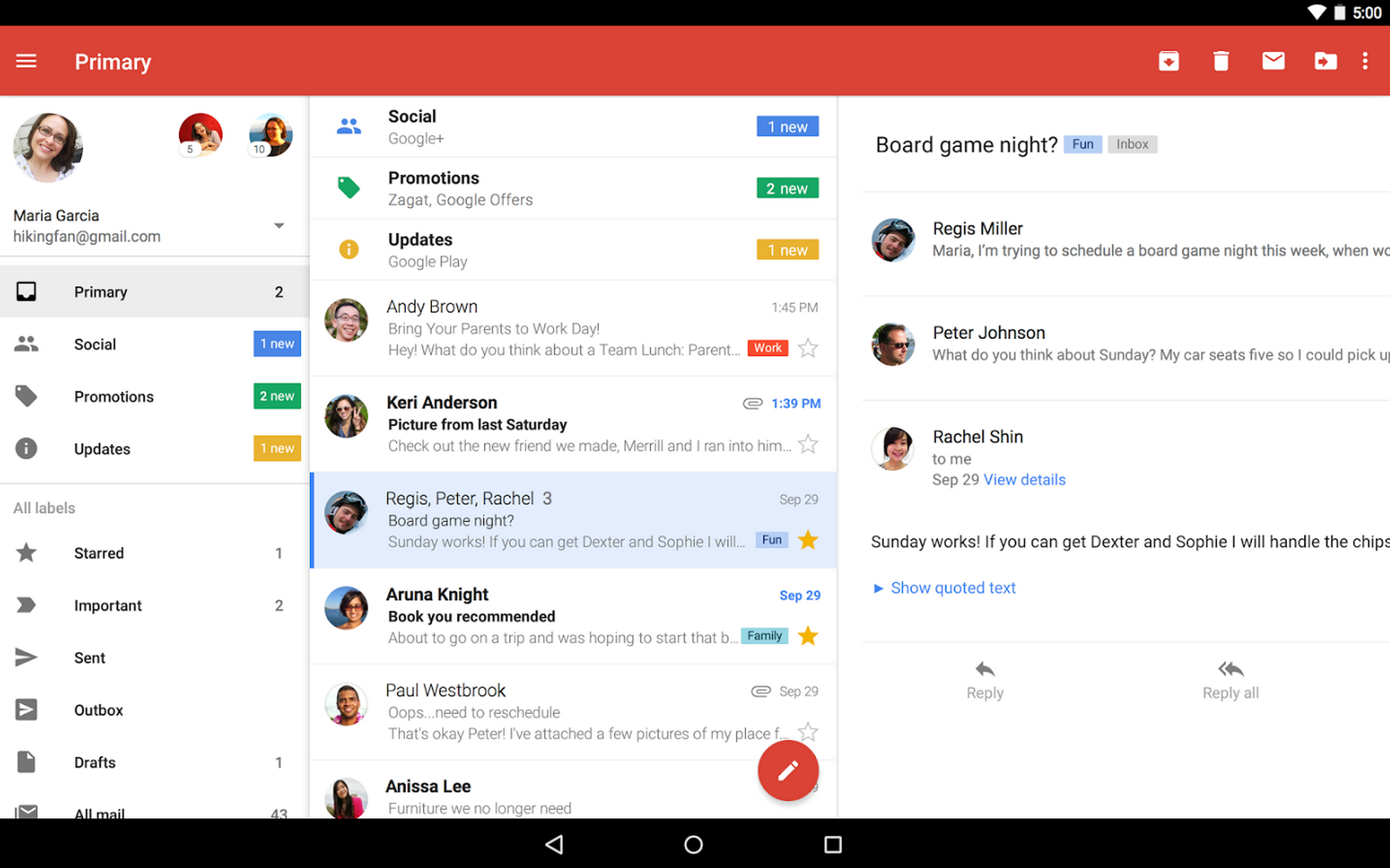
In April of 2016, the suite of icons were redesigned in a similar style to provide a consistent look across all devices and the web.

Slack for Android updated with much faster navigation, emoji support, more

Site default logo image

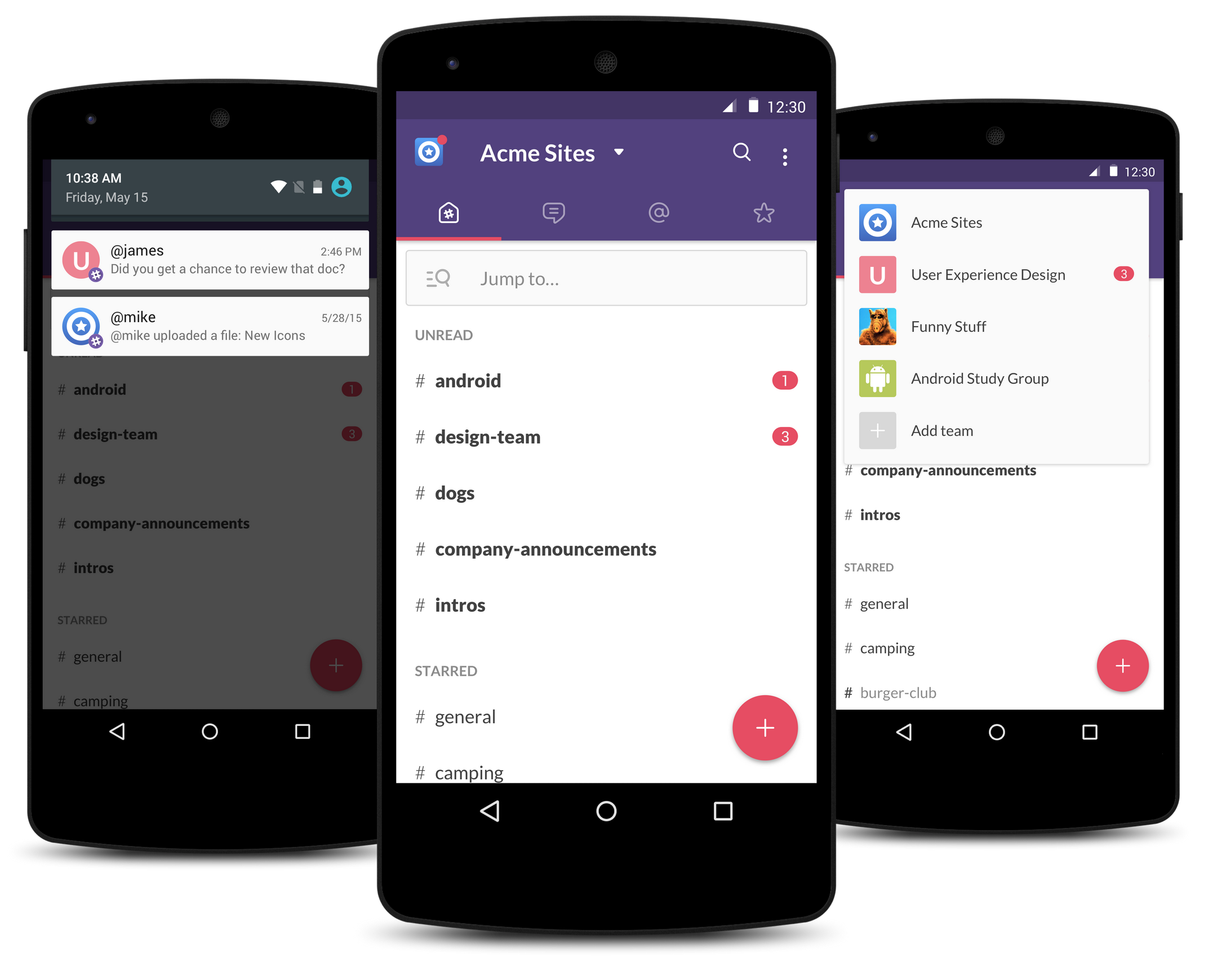
Slack, the workplace communication service that has taken the corporate communications space by storm, has released what is says is a “better, faster, and all around Android-ier” Slack app for Android, rewritten from the ground up. The biggest changes to come with this new version are a faster user experience for navigating around the app and the introduction of new user interface elements which follow the Material Design guidelines set forth by Google.


Expand
Expanding
Close

Site default logo image

Google Play Store now displaying age-based ratings

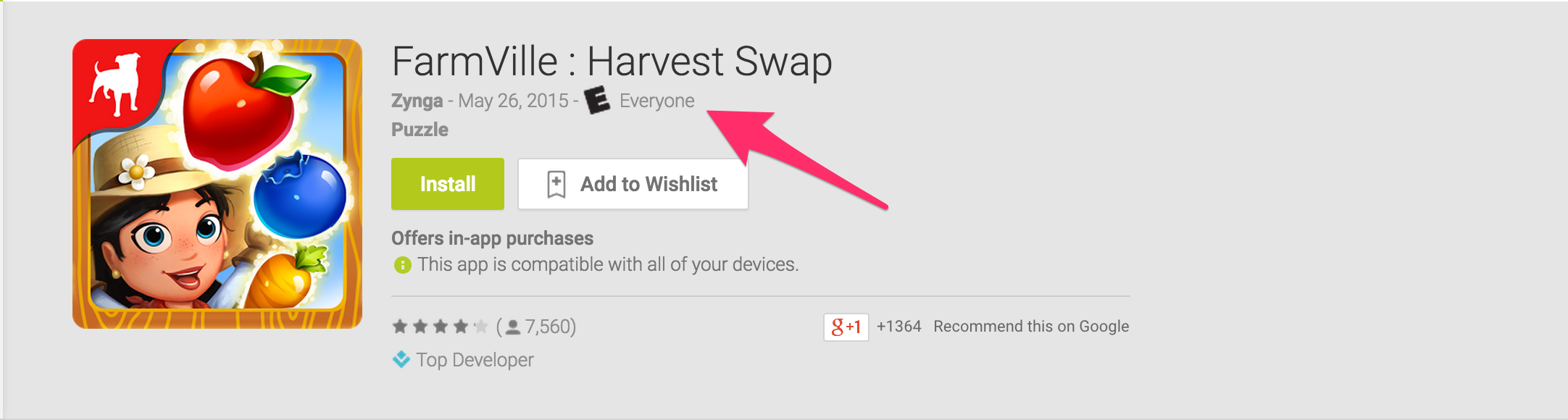
We reported back in May that Google was adding age-based ratings to all apps in the Play Store as determined by the International Age Rating Coalition (IARC), and now it seems those ratings are starting to appear like in the example above.

Some apps display “Unrated” where the rating should be, which either means the developer didn’t complete the surveys Google asked them to by the beginning of May, or the IARC hasn’t finished rating all apps in the store yet. Google warned in the announcement of age-based that by not completing these simple surveys about their apps by May, developers would risk having their apps blocked in some territories.

The IARC ratings will vary by region, as different territories like the EU and United States have their own participating bodies in the IARC who set their own standards – the ESRB in the US, for example –but they shouldn’t vary too widely. Below are the ratings for the United States.

  • E: Suitable for all ages but “May contain minimal cartoon, fantasy or mild violence and/or infrequent use of mild language.”
  • E10: Suitable for everyone age 10 and up.
  • T: Suitable for teens age 13 and up, may include crude humor and minimal blood, simulated gambling and the possibility of strong language.
  • M: For age 17 and up, may include intense violence, blood and gore, sexual content and strong language.
  • AO: Adults only, ages 18 and up. Intense violence, graphic sex and gambling with real money.

Google says age-based ratings “will give developers an easy way to communicate familiar and locally relevant content ratings to their users and help improve app discovery and engagement by letting people choose content that is right for them.

Google Play Store gaining new features for discovering family-friendly apps, videos, & books

Site default logo image


Google gave some stage time today at the I/O conference to a few family-focused changes coming to the Google Play Store. Families can now find age appropriate digital content from apps to game to books to movies and TV shows by tapping a new “Family” button.

This will take you to a section for each media type that allows you to browse for content by age and interest. When you browse the Play Store after tapping the Family button, you’re presented with more than just a curated section of content as other elements of the digital store change as well.
Expand
Expanding
Close

Google announces Android ‘M’ with a focus on ‘quality end to end,’ developer preview coming soon (Update: dev preview live now)

Site default logo image

Update: Developers can find the preview images of Android M for Nexus 5 (GSM/LTE), Nexus 6, Nexus 9, and Nexus Player on the Preview SDK page. Google has said updates to the preview version will roll out regularly and that they’ll come down over-the-air, so you won’t have to flash your phone again each time it’s updated.

Google has announced the next major iteration of Android, called Android “M,” which Android VP of Engineering Dave Burke emphasized has a “focus on quality end to end.” Here are the six core changes coming to Android with this release.


Expand
Expanding
Close

Site default logo image

Minecraft Pocket Edition for Android updated w/ skins, fishing, and much more

Mojang today announced a huge update to its popular Minecraft Pocket Edition app for Android devices. The big focus of the update is access to new free and paid skins for characters (as pictured above):

Skins are the way you change the appearance of your Minecraft character. Instead of looking like Alex or Steve, you can roll with a different vibe, like a butcher, dog, or plumber. Skins are purely cosmetic – they don’t affect the way the game plays or give you any special abilities.

Paid skins are available to purchase in bundles, but users can also upload or create their own as well as find free skins within the game. You’ll get around 20 skins for $0.99/€0.79/£0.79 if you opt for the paid bundles. 

The update also includes other improvements and new features including the ability to fish and a long list of new animals. The full list of what’s new is below:

  • Multiple language support
  • Boats with space for two! Take your pet for a pleasant ride.
  • The ability to throw stuff from boats, including snowballs and eggs
  • Fishing! Now you can fish for fishies!
  • Squids!
  • Spider jockeys!
  • Cave Spiders!
  • Bats!
  • Adorable baby zombies!
  • Weird chicken jockeys!
  • Edible clownfish. Yum!
  • A fancy new World Edit screen so you can rename worlds, change game modes and do other things
  • Creative players can no longer be set on fire. Controversial
  • We’ve stopped cheeky chickens from walking on water
  • Animals can no longer breed without touching each other ooh err
  • Drinking milk now removes mob effects
  • Ridiculous amounts of bug fixes
  • More cool things that you should discover for yourself

You can grab the updated Minecraft Pocket Edition on Google Play soon. 

Site default logo image

Google and Comedy Central are offering one free episode from 12 shows on Google Play

Memorial Day in the United States is a time for remembering and celebrating, relaxing and unwinding, and an extra day off from work to spend with friends and family. Google wants to make sure you don’t have to waste any of it flipping through TV channels to find something that’s on to watch, which is why the company has partnered up with Comedy Central to offer 12 episodes of 12 different Comedy Central original shows absolutely free on Google Play.

Some of the shows are more recent, like Key & Peele, while others are more of Comedy Central classics, like Strangers with Candy from the 90’s. My personal favorites from the selection are Key & Peele and Tosh.0, but maybe Reno 911! is your sort of thing. One episode from each show is free and then you can pay for the season it’s from to see more. The sale page is here.

New Snowden files: Intelligence agencies planned to hack Android phones by compromising app stores

Site default logo image

A multinational government group known as the Five Eyes intelligence alliance – the spy group comprising Canada, the U.S., Britain, Australia and New Zealand – planned to hack Android phones by compromising both Google and Samsung app stores. The plan was revealed in newly-released Snowden files dating back to 2012, reports CBC News.

Five Eyes specifically sought ways to find and hijack data links to servers used by Google and Samsung’s mobile app stores [trying] to find ways to implant spyware on smartphones by intercepting the transmissions sent when downloading or updating apps.

The alliance planned to begin by analyzing traffic to the stores to identify the Internet usage habits of targets (such as which apps they used), but the ultimate goal was to plant spyware that would enable them to extract data from targeted smartphones, or even to take control of them … 
Expand
Expanding
Close

Samsung Flow hits beta with Apple Continuity-like cross-device communication

Site default logo image

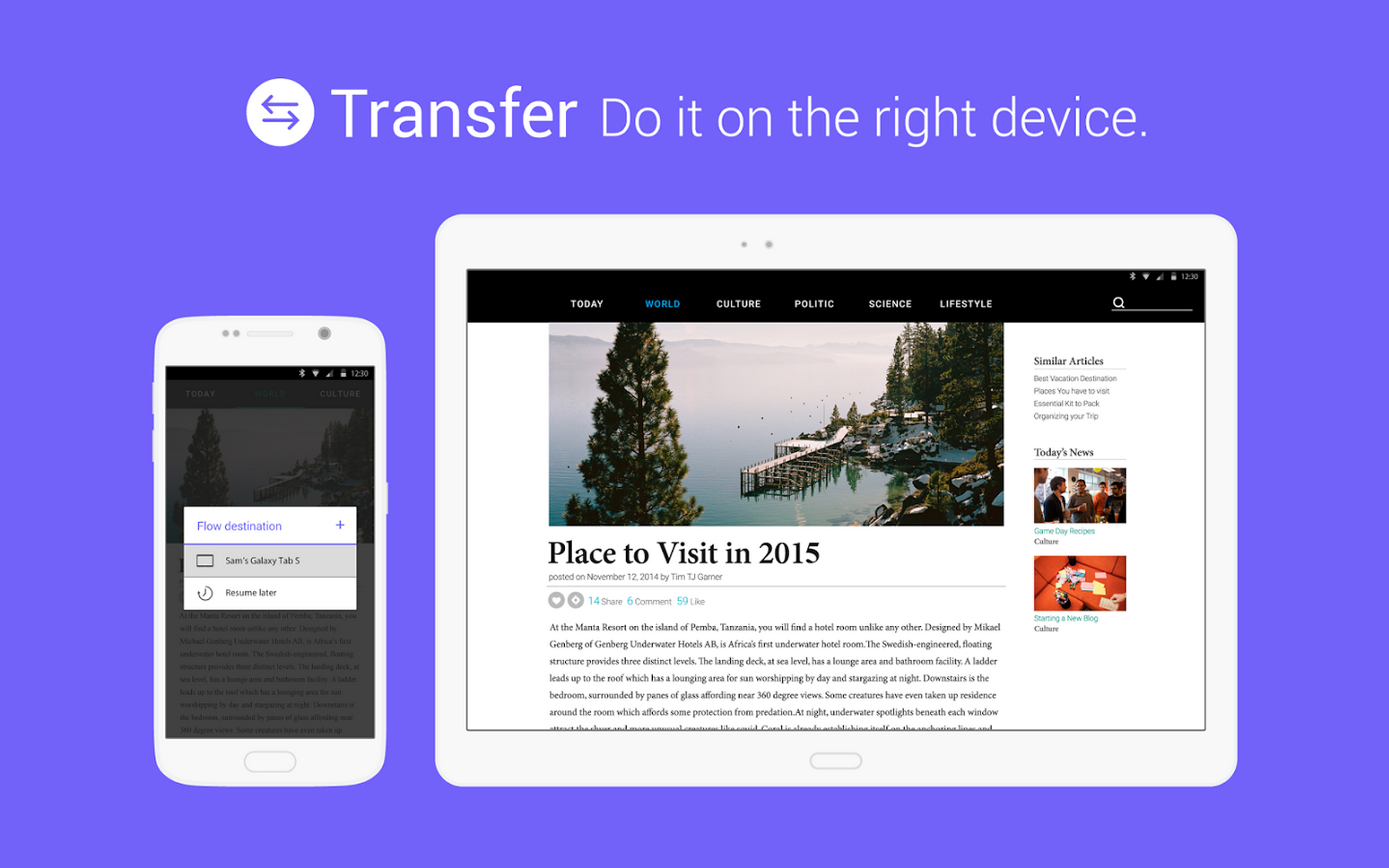
Late last year Samsung used a punchy video on YouTube to introduce a new platform “that allows users to seamlessly transition their activities across their devices.” They called it Samsung Flow, and today it has finally become available in the Google Play Store with the “beta” moniker slapped to the end of its name.


Expand
Expanding
Close

Site default logo image

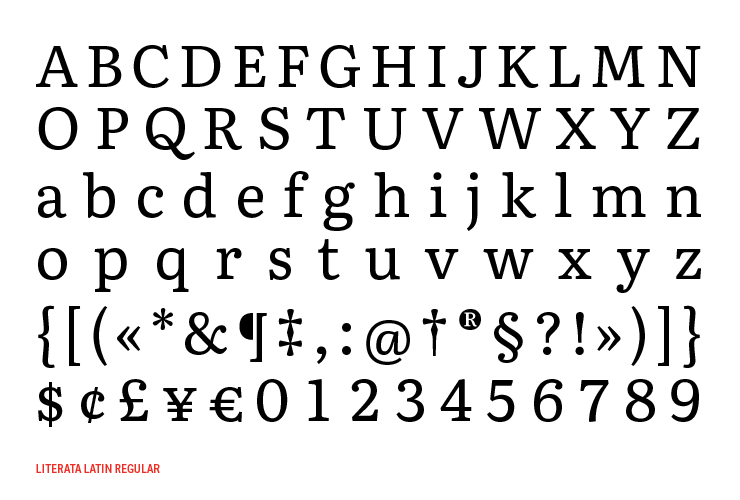
Google officially introduces Literata, the new default font for Play Books

Google today introduced its new default font family for Google Play Books, tweeting to show off the new typeface and saying that it’s “perfect for long reads on all devices.”

The new typeface default was actually included in Play Books version 3.4.5, released May 6th, alongside a new card-based interface for text translation and the ability to create notes in book samples. This, however, is the first time that Google has drawn any attention to the new font which replaces Droid Serif as the default.

The company commissioned the font from Type Together, a firm focused on creating new type designs tailored for corporate use. The group often works alongside companies like Google, and here’s what the design firm said about the challenge designing for digital books:

A new book typeface was needed that would provide an outstanding reading experience on a whole range of devices and high resolution screens running different rendering technologies. Additionally, the new Play Books type is meant to establish a recognisable visual identity for Google’s native eBook App and stylistically distinguish itself from other eReader competitors.

The electronic or digital book represents one of the most important challenge designers and developers face today. The technical limitations of devices regarding rendering of type, together with their variety of physical sizes, are only two of the main obstacles eBooks have to tackle. These facts contribute to an unfair yet appropriate comparison with their analog counterpart, where typography plays a leading role. The Play Books project offered an opportunity to approach some of these problems from a new perspective.

And further, how they arrived at the style they chose:

TypeTogether’s counterpart team at Google, lead by senior UX designer Addy Lee Beavers, agreed that the desired typeface should have a more interesting and varied texture than other fonts being used in eBooks or ones generally developed for on-screen use. This could be achieved by means of slanted stress, less mechanic letter structure and varied horizontal proportions of characters. Based on these premises and on an intensive iterative process, TypeTogether arrived at a solution of hybridisation taking inspiration from both Scotch and old-style Roman types. The resulting letterforms create a pleasant organic texture that helps to deliver very good results for ease of reading and comfort.

Literata most notably has a lower x-height and higher ascenders than Droid Serif, and features two different weights and matching italics. It includes PanEuropean language support—meaning that Western, Central, and Eastern European languages are all included—as well as type for full Latin extended, Polytonic Greek, and Cyrillic.

Type Together has made more pictures of the typeface available on Flickr.


Site default logo image

Android Wear watches receive basic Google Play Music browsing


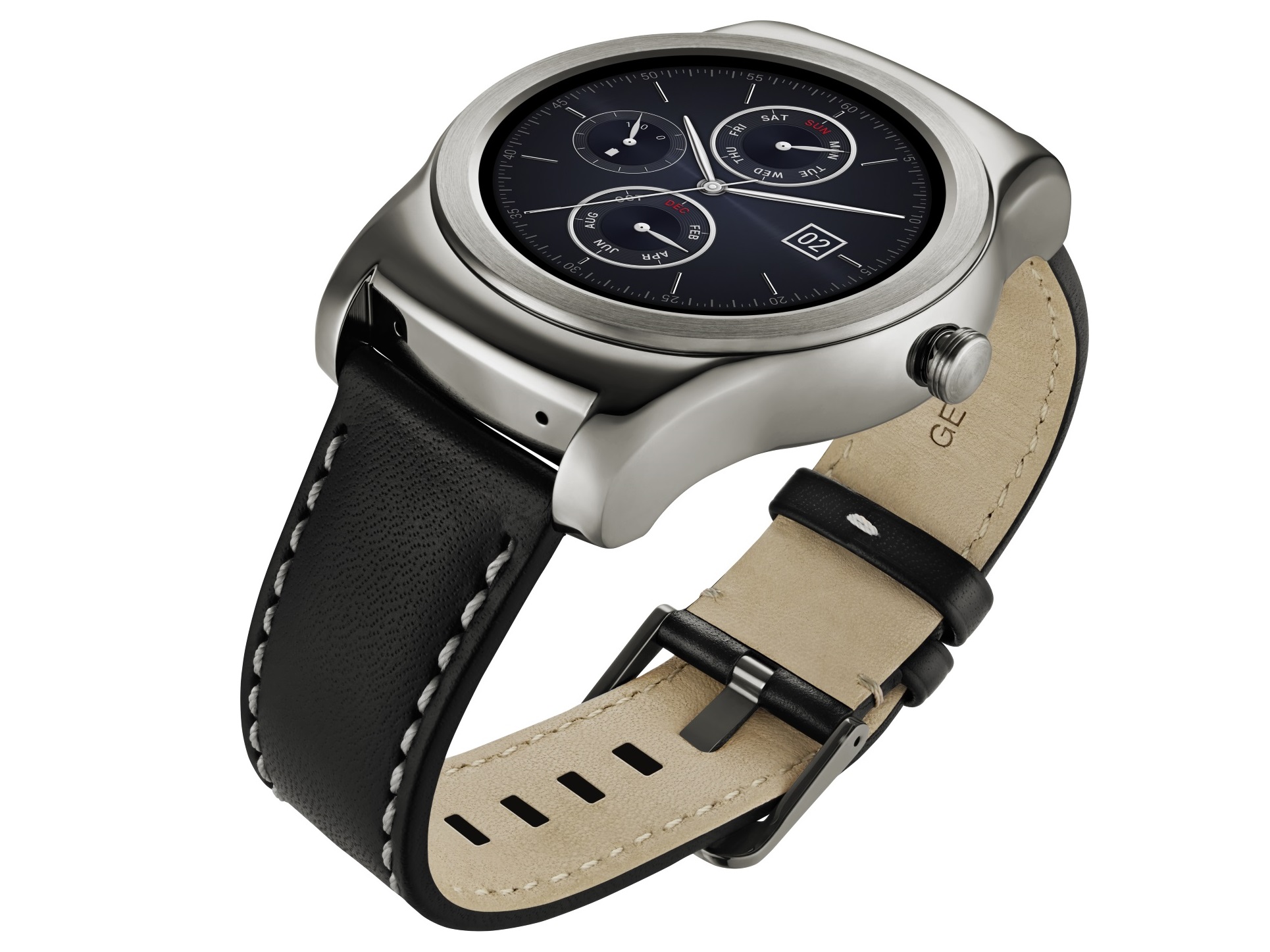
For owners of a limited set of Android Wear watches running Android 5.1.1 (namely the LG Watch Urbane and ASUS ZenWatch), Google Play Music has today become a little more useful. The cloud music service from Google just received an update which allows users to navigate to music from their watch through three pre-existing features: “Listen Now,” “Recent Playlists,” and “Radio.”


Expand
Expanding
Close

Google’s ‘Designed for Families’ Play Store program likely to launch at Google I/O

Google has begun sending out an email to developers, asking them to opt-in their family-friendly apps and games to the Designed for Families program. The Mountain View company first started inviting developers to take part in the initiative about a month ago, aiming to increase discoverability of family- and kid-friendly apps on the Play Store…
Expand
Expanding
Close

HTC Car app arrives on the Play Store, but it’s still exclusive to certain phones

Site default logo image

While those of us living at the bleeding edge of technology (aka Uber) may not have a use for this, HTC knows that many people still drive and need a safe way to get information while keeping their eyes on the road. That’s why they today released a previously HTC One-exclusive Android app called HTC Car, which turns your smartphone into an in-car dashboard, to the Play Store…


Expand
Expanding
Close

Site default logo image

Google Chrome for Android team is holding an AMA at 3PM PDT


The folks behind the Android version of Google Chrome made an announcement earlier today that they’ll be hosting an AMA on Reddit later this evening. The term ‘AMA’, for those less well versed in Internet terminology, stands for “asking me anything.” You’ll, well, be able to ask them anything you’d like—be it about Chrome for Android, the team’s favorite desert (ice cream sandwiches, perhaps?), or whatever else.

The AMA won’t start until 3PM Pacific Daylight Time/6PM Eastern , which is about 20 minutes from the time of posting this. The team says they’ll being answering questions until 5PM PDT. You can, however, queue up your questions here early and cross your fingers that they’ll answer yours. They ask that you report all bugs through the bug tracker.

Site default logo image

Google Drive for Android gets updated w/ performance improvements, PDF enhancements

Google is rolling out an update for the Google Drive for Android app today that it says brings a long list of performance improvements and polish.

Google says the update also includes enhancements to PDFs with “the ability to see completed form data.”

The updated Google Drive for Android app, version 2.2.183.15, should be available to all through Google Play over the coming week.

Google released updates to other Android apps today including new features for Google Docs and Slides and improvements for Gmail.

Site default logo image

Improvements to Gmail for Android incoming

Google is rolling out some improvements to Gmail for Android that it says are based on recent feedback from users.

Updates include quick access to recent conversations, contact info and more by tapping on avatars, and improved support for non-Gmail addresses:

– Tapping on people’s avatars now lets you see recent conversations, contact info, and more.
-Support for non-Gmail addresses (IMAP) is now more reliable and adding additional accounts is a smoother experience.

The updates will be available in the latest Gmail for Android app for all in the coming days.

Earlier today Google rolled out updates to its Android apps for Google Docs and Slides

Google reportedly prepping to give Android users more control over app privacy settings

According to a report this afternoon from Bloomberg, “people familiar with the matter” have said that Google is preparing to give Android users more control over what data gets shared with their apps. Users will, at some point in the near future, have “more detailed choices” over which pieces of their information that apps have access to:

Google’s Android operating system is set to give users more detailed choices over what apps can access, according to the people, who asked not to be identified because the matter remains private. That could include photos, contacts or location. An announcement of the change, which would put Android closer in line with Apple Inc.’s iOS, is expected for Google’s developer’s conference in San Francisco this month, one of the people said.

More than likely, this is a feature that Google will be announcing alongside Android “M” at this year’s Google I/O conference which is set to kick off at the end of the month.


Expand
Expanding
Close

Google Play Store updated w/ new animation, popular quotes from reviews section

Site default logo image

Google today has started rolling out an update to the Play Store app that bumps it to version 5.5. The update doesn’t add much, but it keeps with Google’s trend of enhancing the design of its in-house apps. With Play Store 5.5, Google has added a new circular animation that appears when you tap on a TV show title.


Expand
Expanding
Close

Google doubling the free trial period for new Play Music All Access members

From 9to5Toys.com:

Google Play is currently handing out two free months of its Unlimited All Access Music service. While you can always grab one month for free as a trial, today’s deal packs an extra 30 days on for nothing. After the usual 30 day grace period, All Access will regularly run you $9.99 per month, bringing you a total savings of $10 today. This is only for new subscribers, not renewals.

With Unlimited access, you can listen to the million of songs in the Google Play catalogue as much as you want with no ads. You’ll find a series of mood based radio stations/playlists, and full syncing of your personal library on all your devices.

Looking for premium streaming for even less? Spotify is currently offering 3 months of its primetime service for just $0.99 right now.

Site default logo image

Microsoft Remote Desktop for Android gets a new UI, multi-session support, more

Microsoft has updated its Remote Desktop app for Android with a number of new features including a brand new UI that includes a “new connection center and in-session improvements.”

Also included in the update is multi-session support, allowing you to run multiple application or desktop sessions simultaneously. In addition, you’ll find a few other improvements including overall stability enhancements and a lot of bug fixes for issues that many users were experiencing.

The updated Microsoft Remote Desktop app, version 8.1.11, is available on Google Play now.

What’s New

What’s new in 8.1.11
This release introduces a completely brand new client. We’ve put a lot of work into delivering a new improved experience that provides:
– A new user interface – New connection center and in-session improvements
– Multi-session support – Run more than one application or desktop session at a time
– Overall stability – Lots of bug fixes
Thanks to everyone for the on-going feedback and support!
Site default logo image

‘Marvel Future Fight’ action RPG for Android arrives as Avengers: Age of Ultron movie hits theaters

[youtube=https://www.youtube.com/watch?v=2HlJSTVX7KA]

With the North American release of the new Avengers: Age of Ultron movie hitting theaters tomorrow, Korean developer Netmarble has perfectly timed the release of its anticipated “Marvel Future Fight” action RPG for Android.

Available on the App Store now for free, the game features 36 officially licensed Marvel characters, including The Avengers, Hulk, Captain America, Iron Man, Spider-Man, Daredevil, the Guardians of the Galaxy, Loki, Doctor Octopus and Ultron.

The game includes a single player campaign, 3 vs. 3 battles, one-finger gesture control or a virtual gamepad, and a familiar RPG leveling system.

With a storyline penned by best-selling Marvel comics writer Peter David, players can experience the world of Marvel firsthand across four action-packed modes. In addition to the PVE Mission Mode, Marvel Future Fight also includes a PVP three-on-three Timeline Battle that will see teams of players fighting heroes from other dimensions. For players looking to take it to the next level, the Villain Siege mode taps on players’ knowledge of the Marvel Universe to uncover evil plots of the most infamous villains, while Dimension Rift Missions will offer a true test of skill for players seeking the ultimate challenge.

To celebrate the launch of the title, Netmarble and Marvel are offering players the ability to unlock Iron Man armor as an in-game item during the first week.

Marvel Future Fight is available for free on Google Play now.

Google launches dev channel for Chrome on Android

Site default logo image

Today Google released a new Chrome Dev app, a way for developers to access the latest Chrome builds and experimental features before they’re ready for beta and public releases.

Google has always had a developer release channel for Chrome, allowing devs to get access to the latest builds and features even before regular users are encouraged to start testing through its beta and public release channels. Previously the dev channel was only for Windows, Mac, Linux, and Chrome OS, but today the company is bringing it to Android.


Expand
Expanding
Close