Stanford University moving to Google Apps for entire staff and student-body

Stanford University in Palo Alto, Calif., is moving from VM Ware’s Zimbra to Google Apps for its entire staff and student-body, according to The Stanford Daily. Stanford has given Google Apps a trial for the past year and is finally ready to open it up campus-wide. Stanford will roll out Google Apps this spring with undergraduate students able to move to Gmail when they choose. Google Docs will then roll out in the summer. The full roll out of Google Apps across the campus cannot happen until Google enters into a Business Associate Agreement with the university.

Stanford is making the switch to Google Apps from Zimbra, an open source email software made available from VM Ware. Stanford’s Matthew Ricks said, “In delivering Google Apps to Stanford, we’re responding to the desires of the majority of our community,” which indicated Zimbra was not meeting the campus’ needs.

Google Apps will offer Stanford document creation from Google Docs through Gmail, management through Google Calendar, and more. Many other schools and organizations have also made the move to Google Apps while citing it to be the most affective. Thanks for spotting the title error, Dane!

Read more

Rumored Google Drive already being referenced to in Google Docs code

Rumors about Google Drive claim the product is Google’s new cloud file storage service. WSJ reported last night it is launching Google Drive in the coming weeks. Flickr user Sebastien Fuss (via GigaOm) discovered today that Google Docs is referencing the product through a code viewable in any browser, which reads: “Add to My Drive.” There is not any physical button in Google Docs, but the code reference is definitely interesting.

It should not be long before we see something out of Google. The Google Drive product will most likely integrate on Android and throughout its other services, like Google Docs and Google Plus.

Read more

Google reportedly close to launching Google Drive in the coming weeks

Google Drive has been rumored to launch for quite awhile as a competitor to the popular Dropbox. Google Drive will be a file locker for users to store files accessible from anywhere. Think Google Docs, but for files. Tonight, Wall Street Journal said Google would be launching Google Drive in the coming weeks or months, citing people familiar with the matter.

Google will most likely also release a Google Drive Android app. Users will be able to quickly grab the files they upload through the web and grab them for use on their phones.

WSJ said Google Drive will run for free, but it will cost more money as more data is used like Google Docs. We will keep you updated as the launch draws closer.


Read more

Google Docs for Android updated with offline access and improvements to tablet experience

Google just announced on the Android Google+ page that Google Docs for Android was updated with a few highly requested features. First off, the app now provides the ability to save documents for offline viewing through a “make it available offline” option and even updates the files automatically when connected to Wi-Fi. Offline documents can also be updated manually from within the new “Offline” section of the app.

Another new improvement included in the update is new features for tablet users including high-resolution versions of documents, the ability to swipe right and left between pages, and a slider at the bottom of docs to jump to a specific page.

The new Google Docs for Android is available from the Market now. You can learn everything you need to know about working with offline Docs here.

Read more

Many schools abandon Microsoft Office for Google Apps to save money; Google Docs added 100 new features in 2011


Google Apps is a Google service that features several Web applications similar to traditional office suites. The services vary per edition but generally include Docs, Gmail, Calendar, Talk, Sites, Groups, Video, and Marketplace. Its popularity among students and educational institutions is rapidly increasing due to enhanced sharing features, accessibility and cost.

Google Apps for Education is just one edition that offers 25 GB of storage space per user for free through K-12 schools, colleges, and universities with up to 30,000 users. Forty-million active users currently use Google Apps, and according to US News & World Report, 61 of the Top 100 schools have switched to the educational service.

“Google Apps offers simple, powerful communication and collaboration tools for educational institutions of any size – all hosted by Google to minimize maintenance and reduce IT costs,” said Google Apps for Education on its website. “Google Apps is provided to educational institutions at no charge, and is hosted on the same enterprise-class infrastructure used by corporate and government customers.”

UC Berkeley announced Dec. 21 that they planned to make Google Apps for Education their new campus calendar and email system. “Operation Excellence” is a cost cutting initiative designed by the university to save $75 million annually. UC Berkeley currently offers their campus faculty, students and staff access to Microsoft software and Adobe Creative Suite free of charge. However, campus officials agreed to convert to Google Apps for Education in January 2012.

Read more

Google rolls out new Google Docs redesign (again)

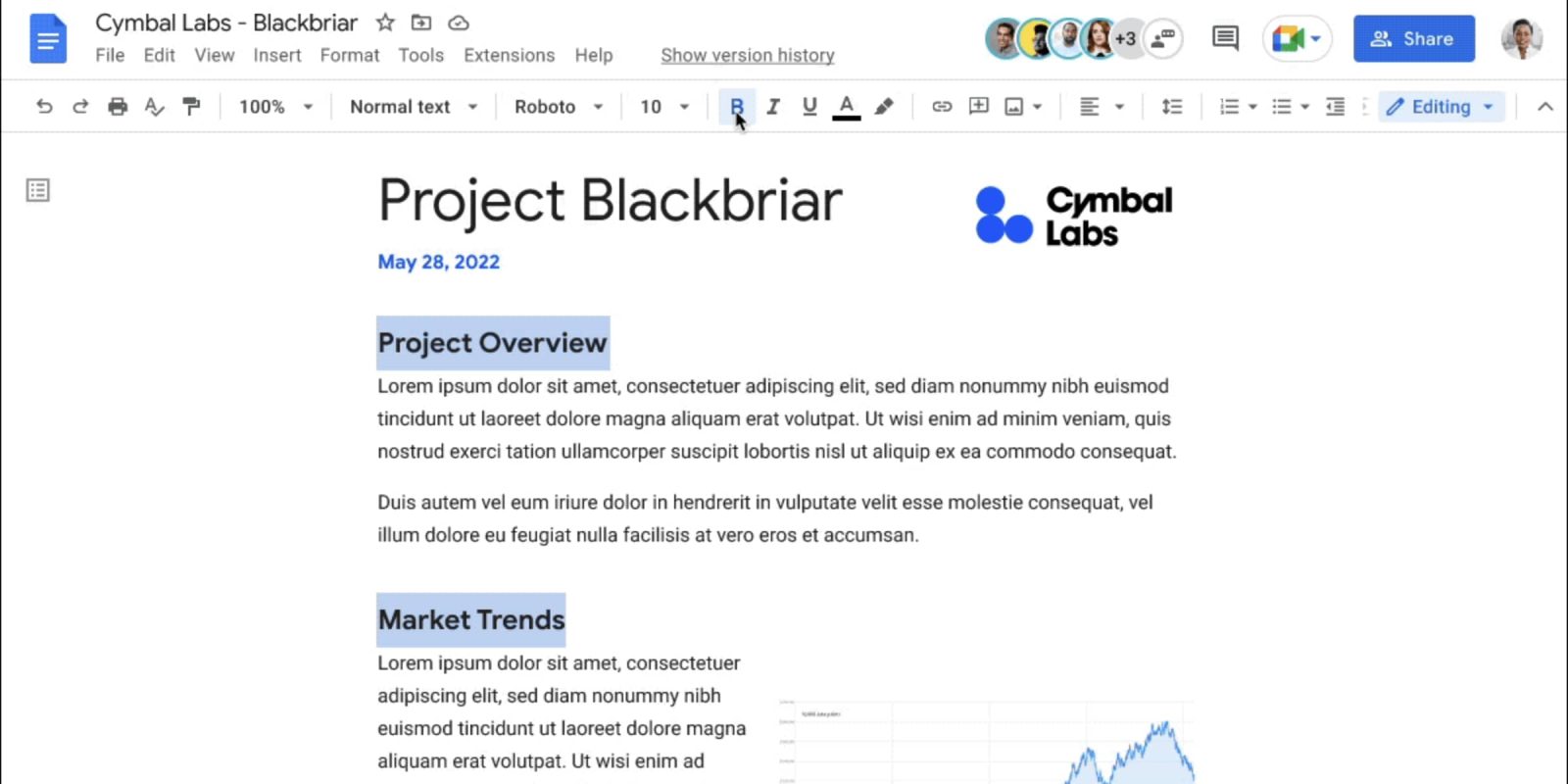
Google has just begun rolling out a new Google Docs redesign, which features new menubars and a bigger focus on the content. Hasn’t it already been redesigned? Well — kinda, but this looks a ton better. Google highlights the changes:

  • We made it clearer that your document is always saved, by showing “Saving…” right after you make a change and then “All changes saved” once it’s fully saved.
  • We added an icon to the Share button so you can tell if your document is shared at a glance.
  • If you’re looking for options that were previously under the Share button (e.g. “Email as attachment…”), you can now find these in the File menu.
  • By default, the documents list automatically fits a comfortable number of documents on your screen (large desktop monitors show more, smaller laptop screens show fewer). We also added density options to give you more control:
Pretty, right?