Android 13


For Android 13, Google has been working to expand Material You’s dynamic color system to offer different color theme styles. Here’s how to try them out early.
Expand Expanding Close
Battery life is something that can always improve, and Google is introducing a handful of battery-preserving measures in its next mobile OS version. The most notable is a system notification in Android 13 for apps with excessive background battery usage.
Expand Expanding Close
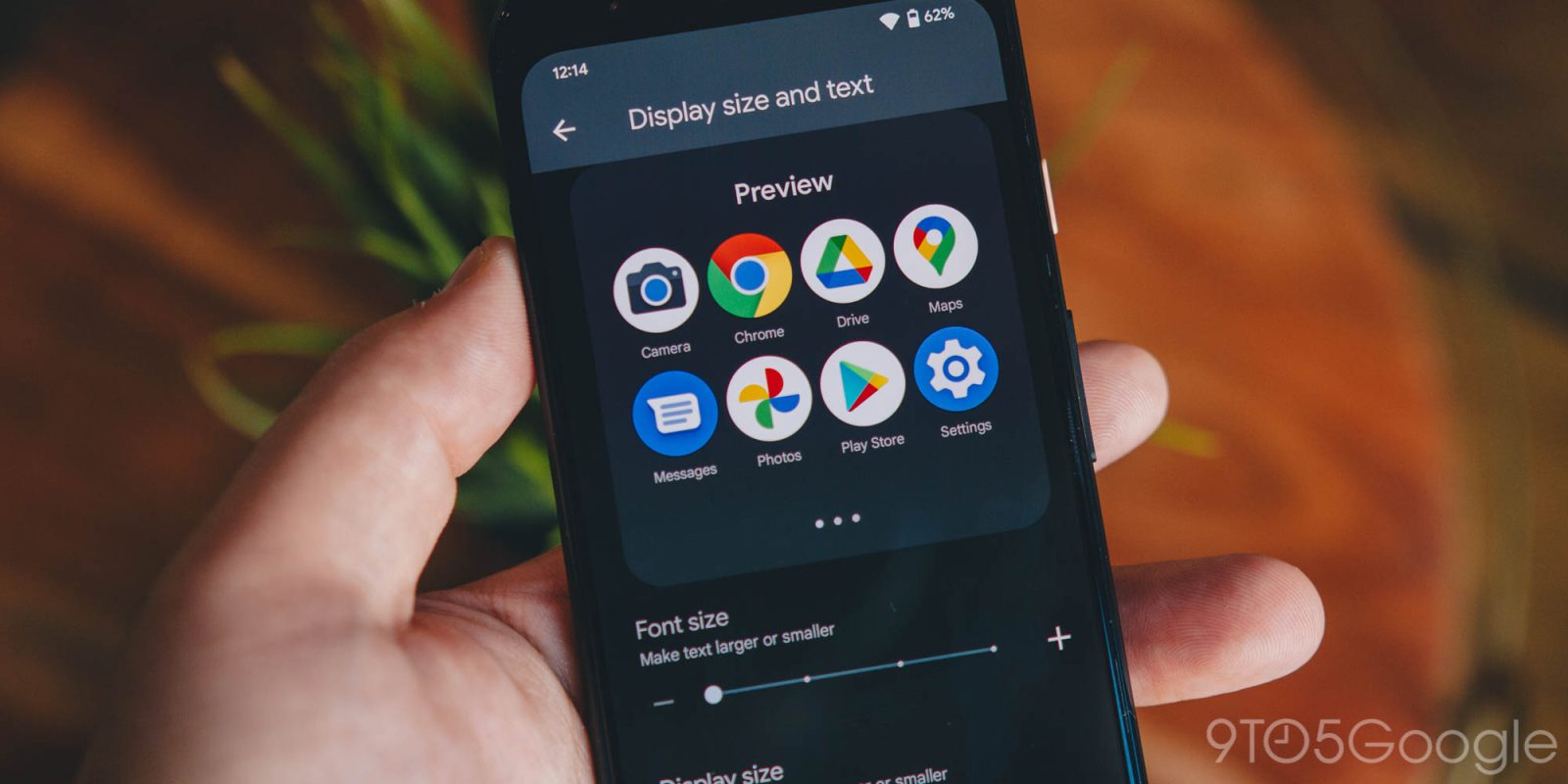
The ability to adjust your display and text size in Android is crucial. Now, it’s even easier to do so in Android 13 Developer Preview 2, where both of these sliders are combined into one settings page.
Expand Expanding Close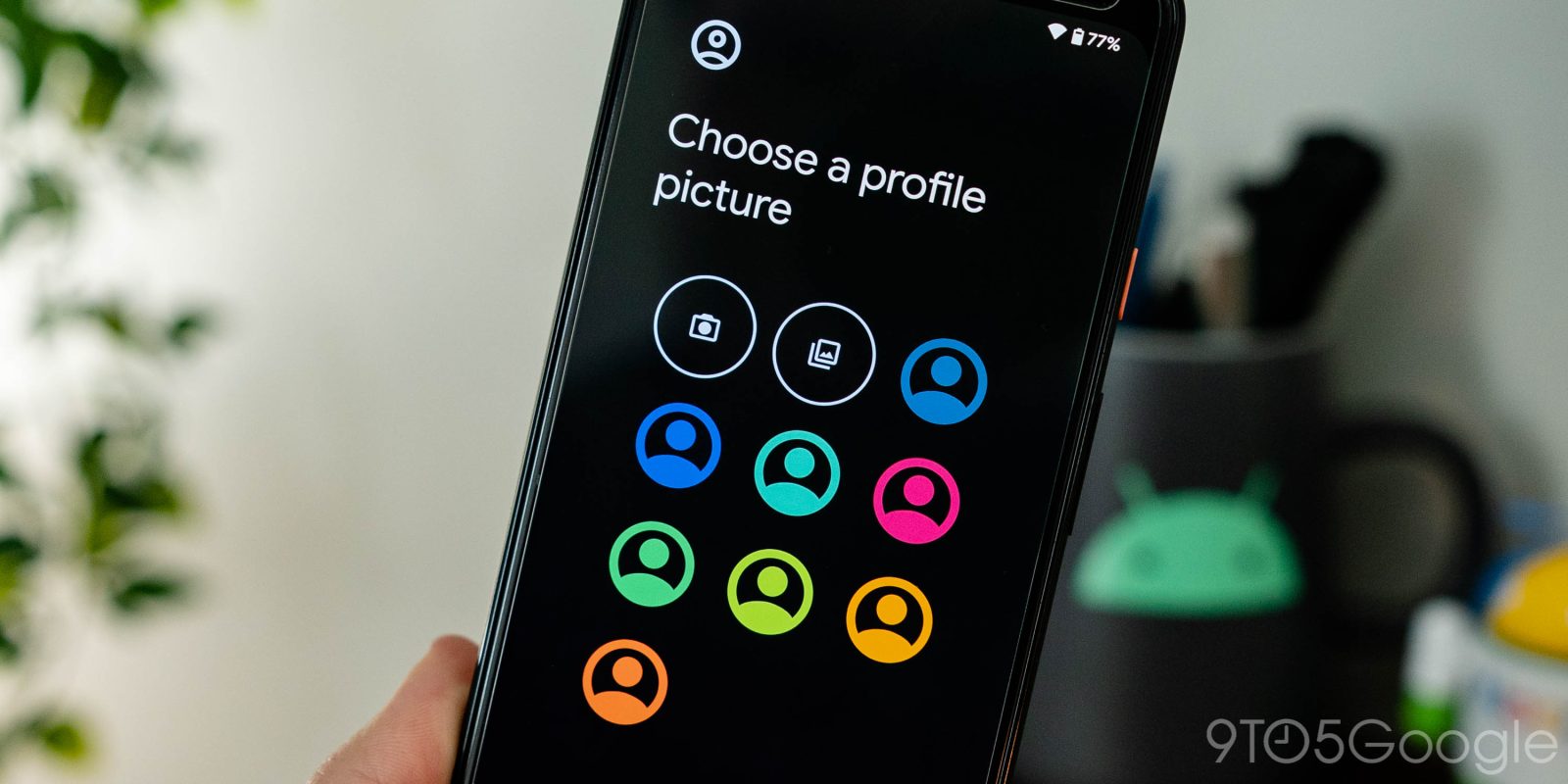

Android 13 seems to be doubling down on user profiles, probably as tablets become a more central focus for Google. In the latest Android 13 preview, Google is making it possible to customize your user profile photo.
Expand Expanding Close
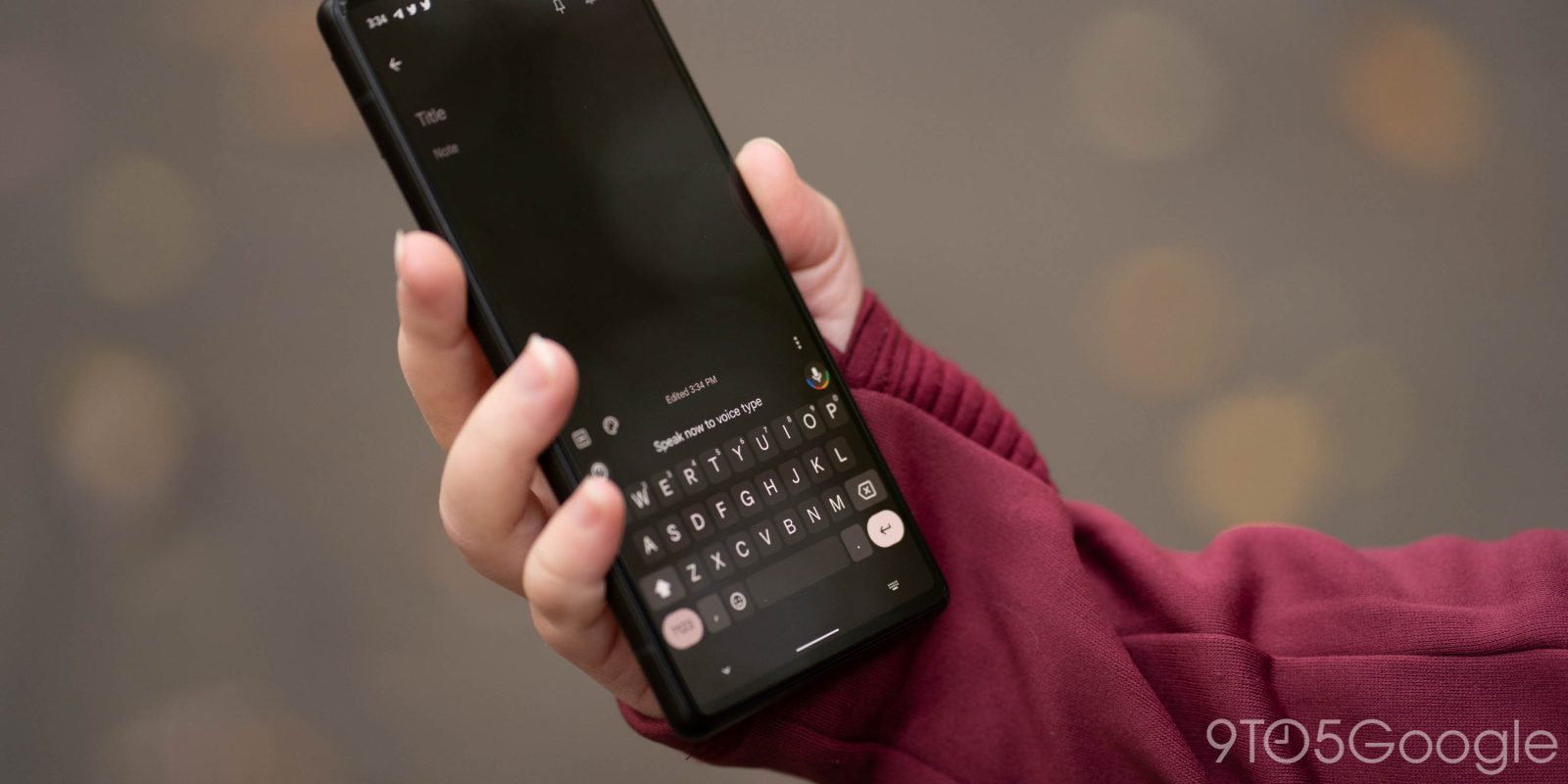
Once a Pixel 6 exclusive feature, Google seems to have enabled the flagship’s excellent Assistant voice typing on more Pixel phones.
Expand Expanding Close
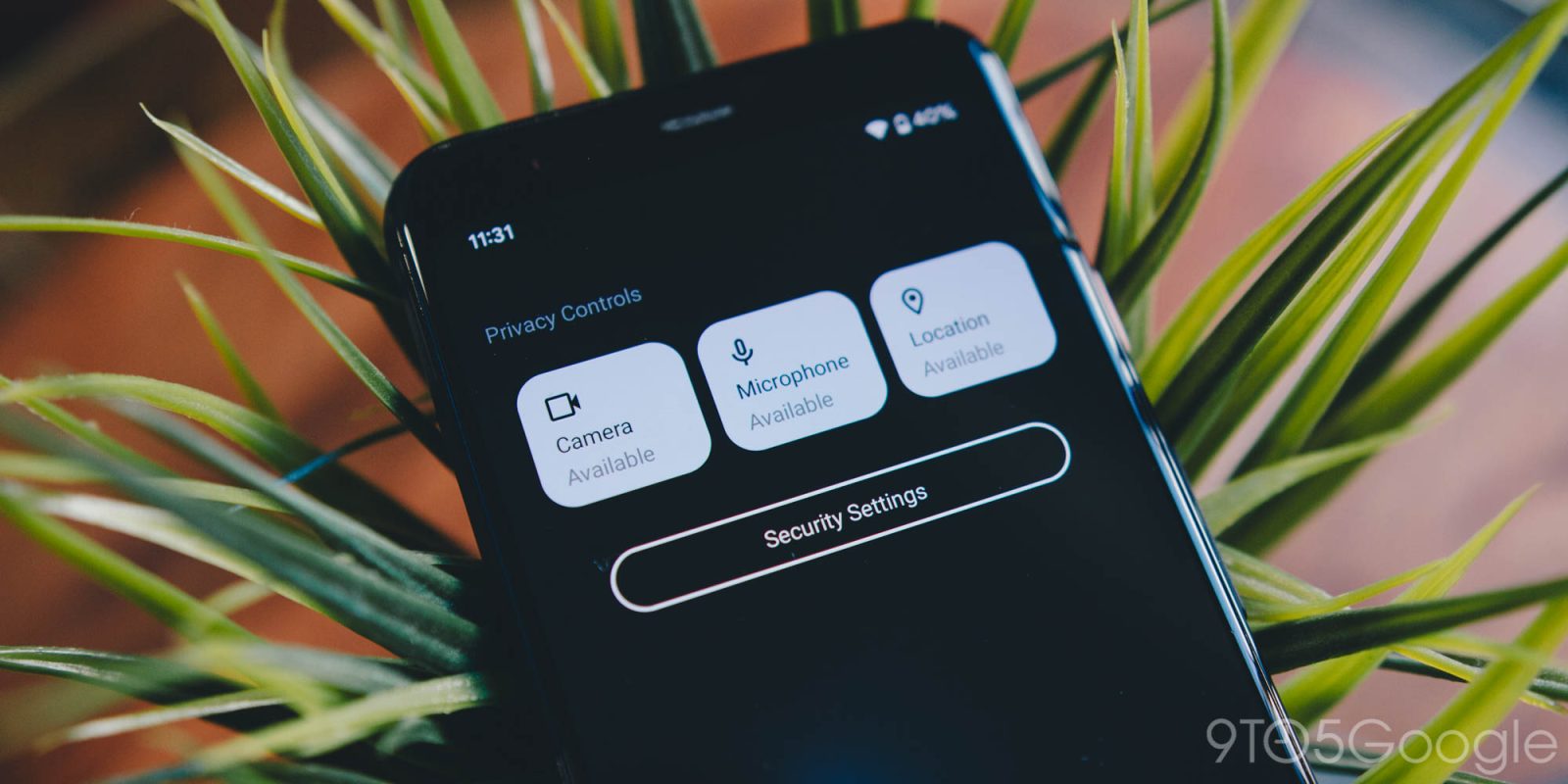
Introduced in Android 12, the Camera and Mic access Quick Settings tiles both help you take control of your privacy and security. However, in Android 13, those security settings have found a new, easier access button in the Quick Settings. Here’s what it looks like.
Expand Expanding Close
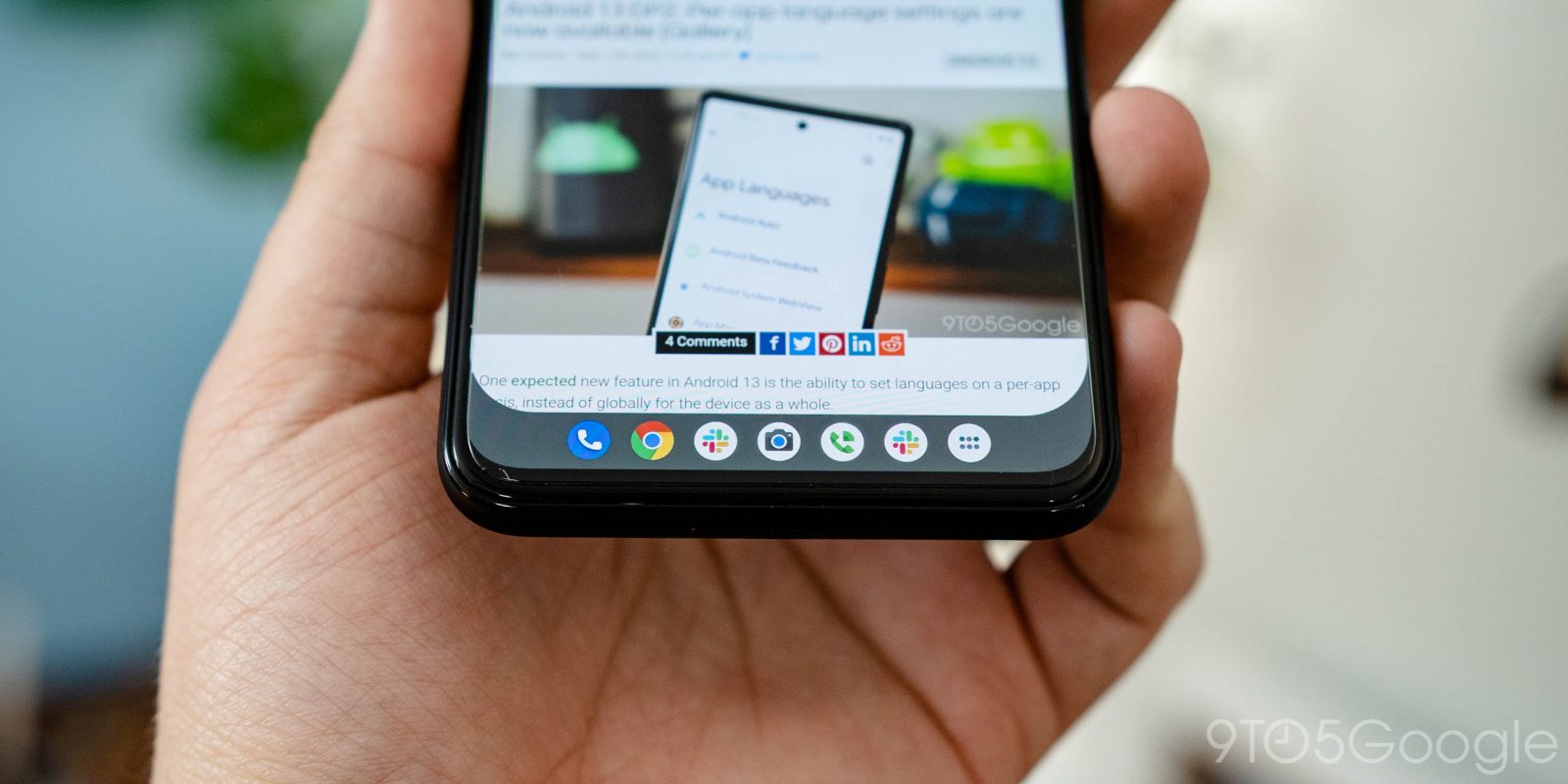
Android 12L renewed Google’s focus on big screen devices, seemingly just in time, and Android 13 is only expanding on that. In the latest Android 13 preview, we’re seeing a new app drawer on the taskbar.
Expand Expanding Close
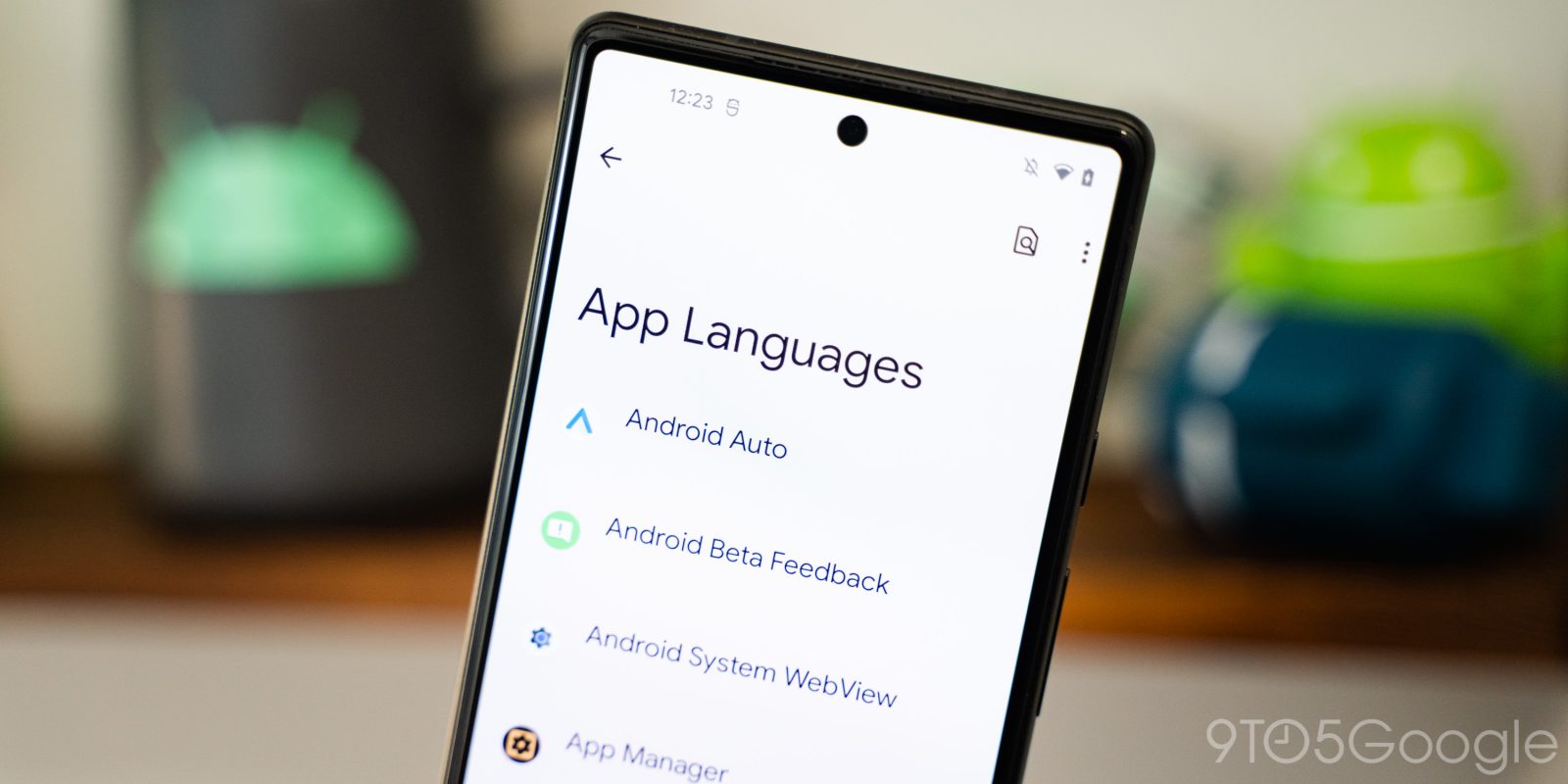
One expected new feature in Android 13 is the ability to set languages on a per-app basis, instead of globally for the device as a whole.
Update 3/17: Per-app language settings are now available in Android 13’s second developer preview, unchanged from our original coverage below.
Expand Expanding Close
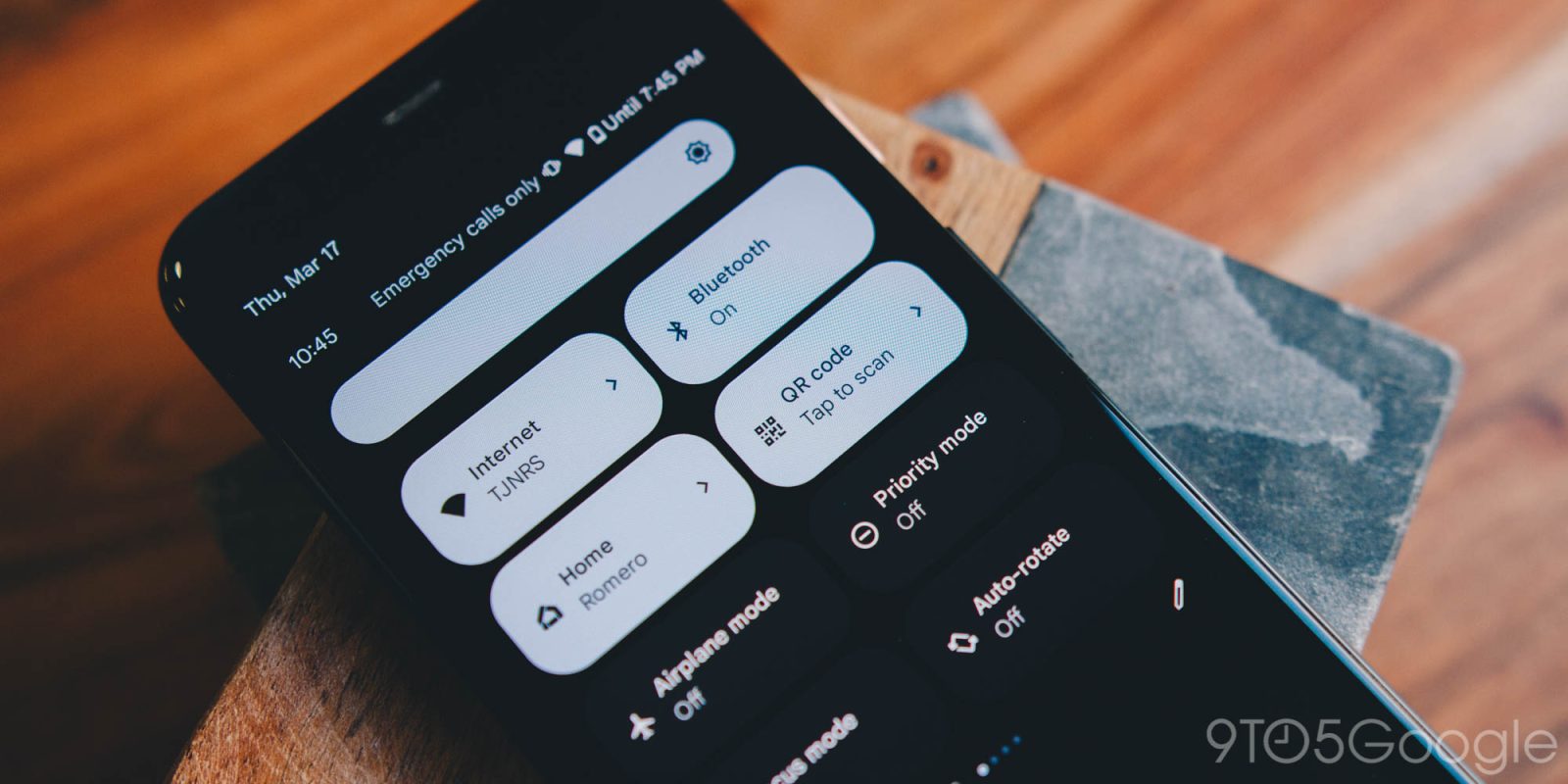
Before Android 13’s debut, it was reported that the system would gain a native QR code reader. Now, in Android 13 Developer Preview 2, we’ve been able to try out the new QR code reader on our device. Here’s how it works.
Expand Expanding Close
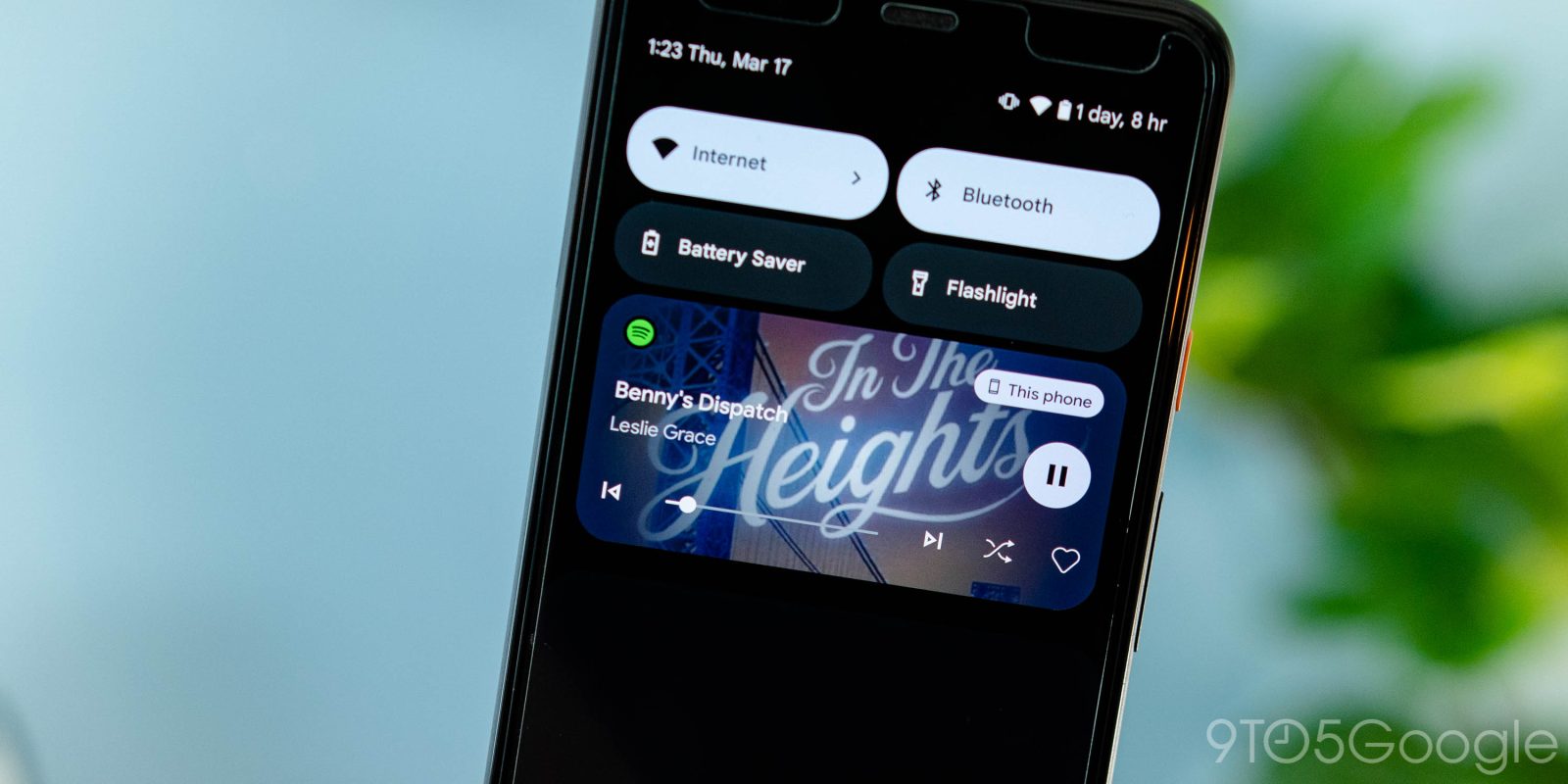
After sitting just behind the curtain in the first Android 13 developer preview, Google has released the new music notification panel with an updated design including (wonderful) album art integration and more.
Expand Expanding Close
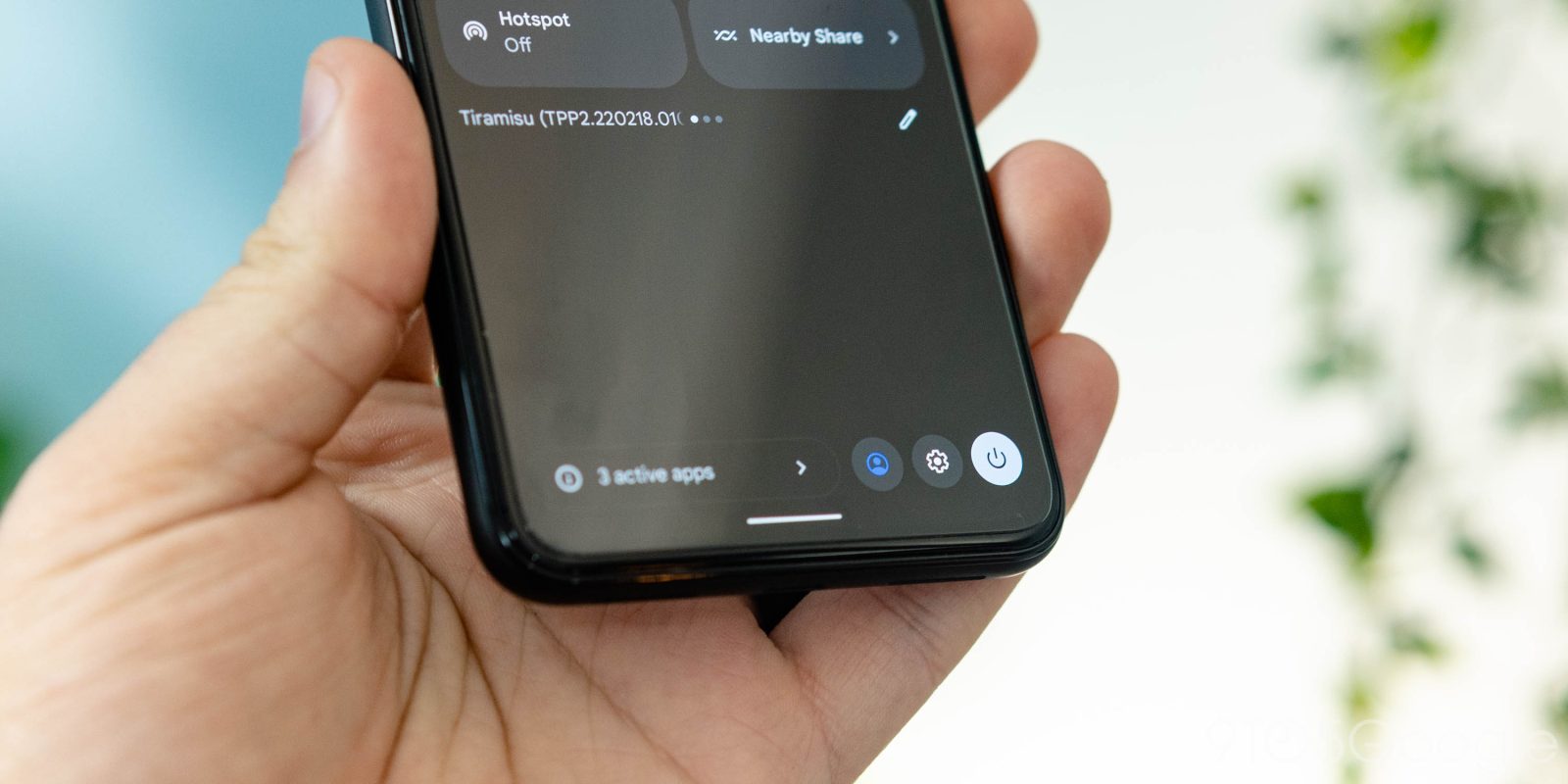
Google just released the second developer preview of Android 13, with a redesign to the Quick Settings panel that shifts other buttons to a new part of the display.
Expand Expanding Close
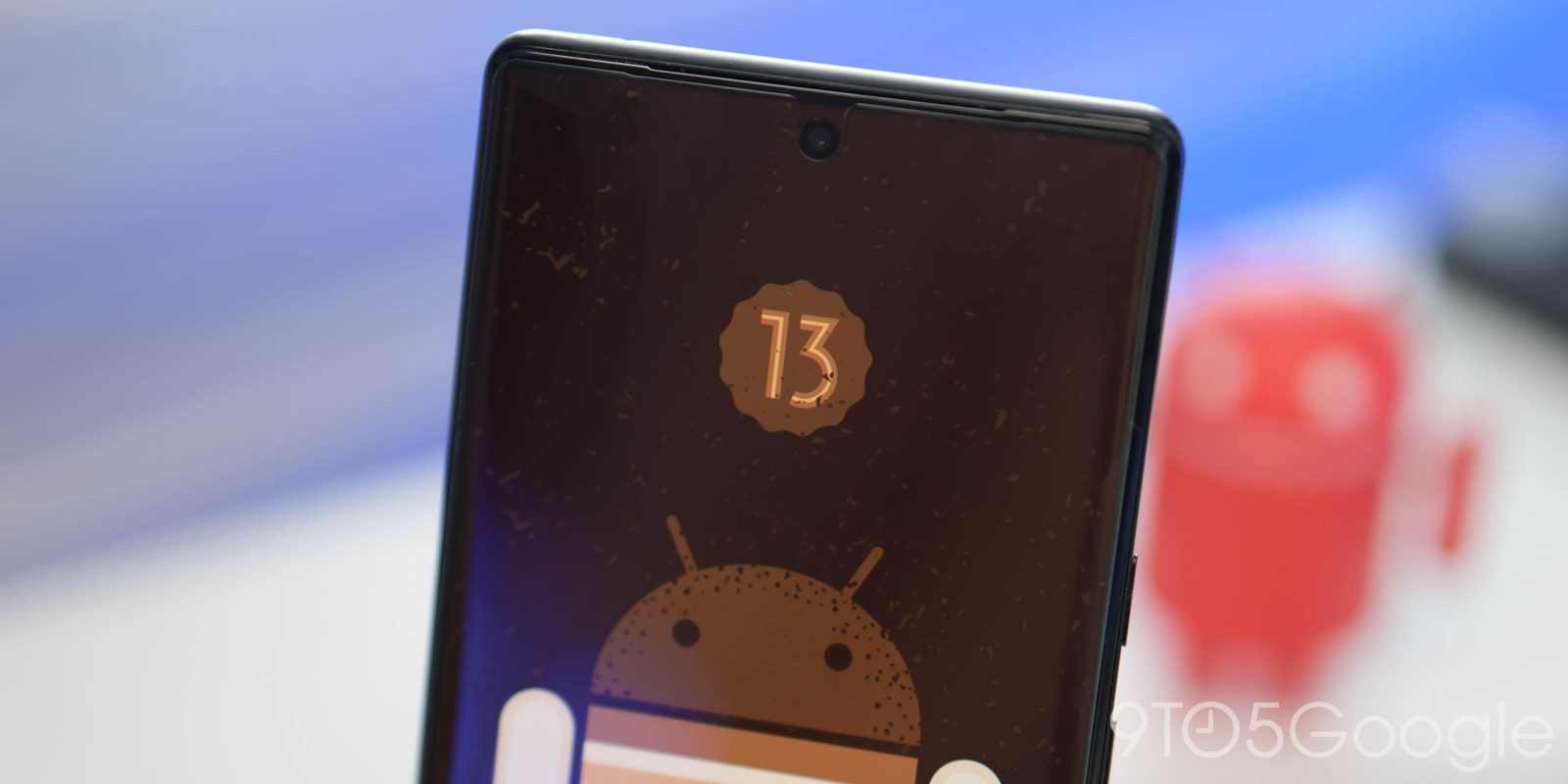
Ahead of the first beta in April, Android 13 DP2 remains focussed on developers. With that in mind, we’re diving into today’s release of Developer Preview 2 to find what’s changed.
Expand Expanding Close
The next update to Android 13 is here with Developer Preview 2 (DP2) rolling out for Pixel phones today. This should be the last release before beta-quality builds commence next month.
Expand Expanding Close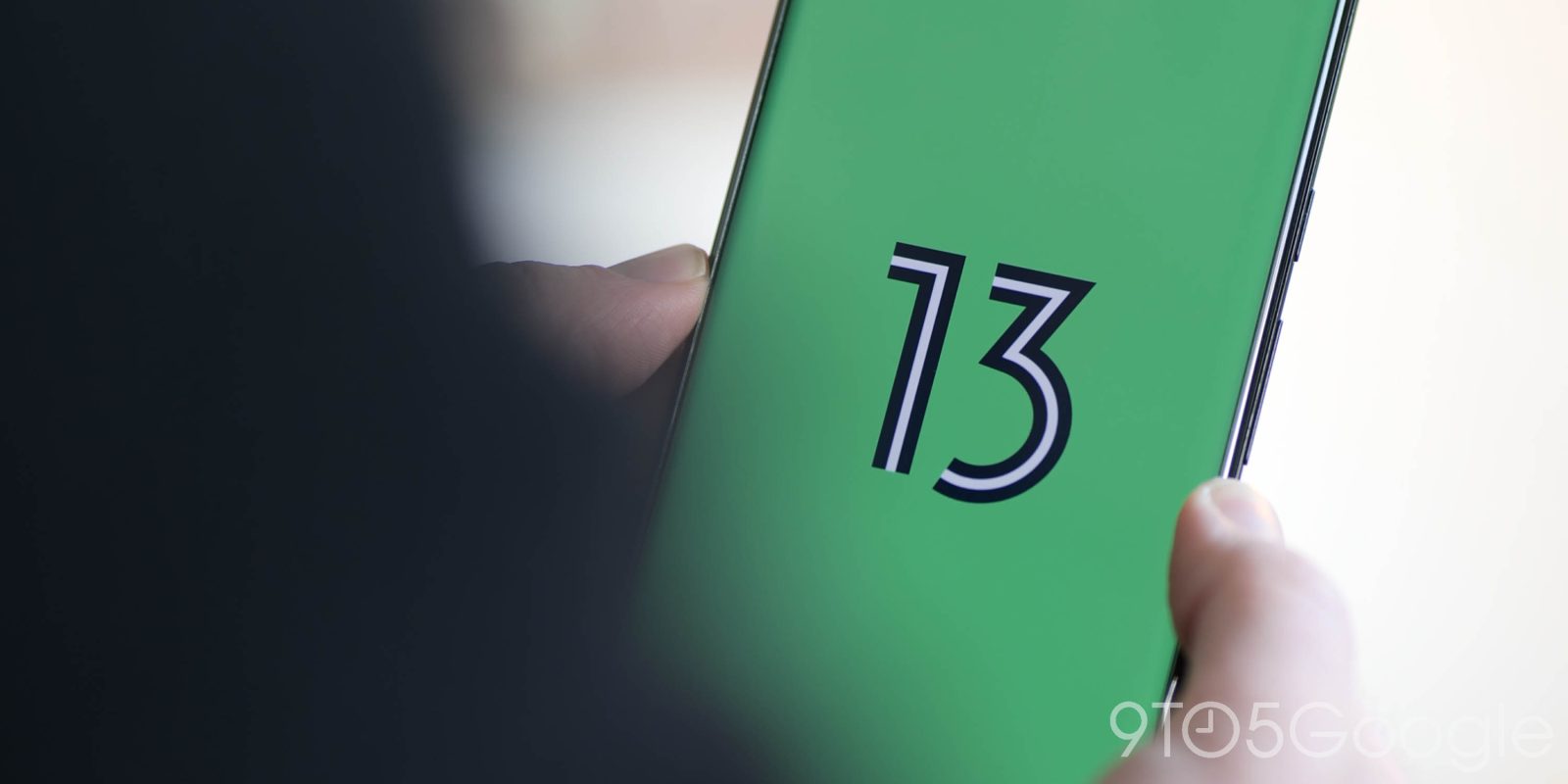
Android 13 is several months away from its formal debut, but Google has opened up the first previews for its latest mobile operating system today with new features and more. If you’re on a Google Pixel smartphone, you can install Android 13 now. Here’s how, and why you should probably wait.
Expand Expanding Close
With Android 12, the Pixel Launcher introduced a new “Search your phone” capability. Google is now testing search results from Google Photos in the Pixel Launcher on Android 13.
Expand Expanding Close
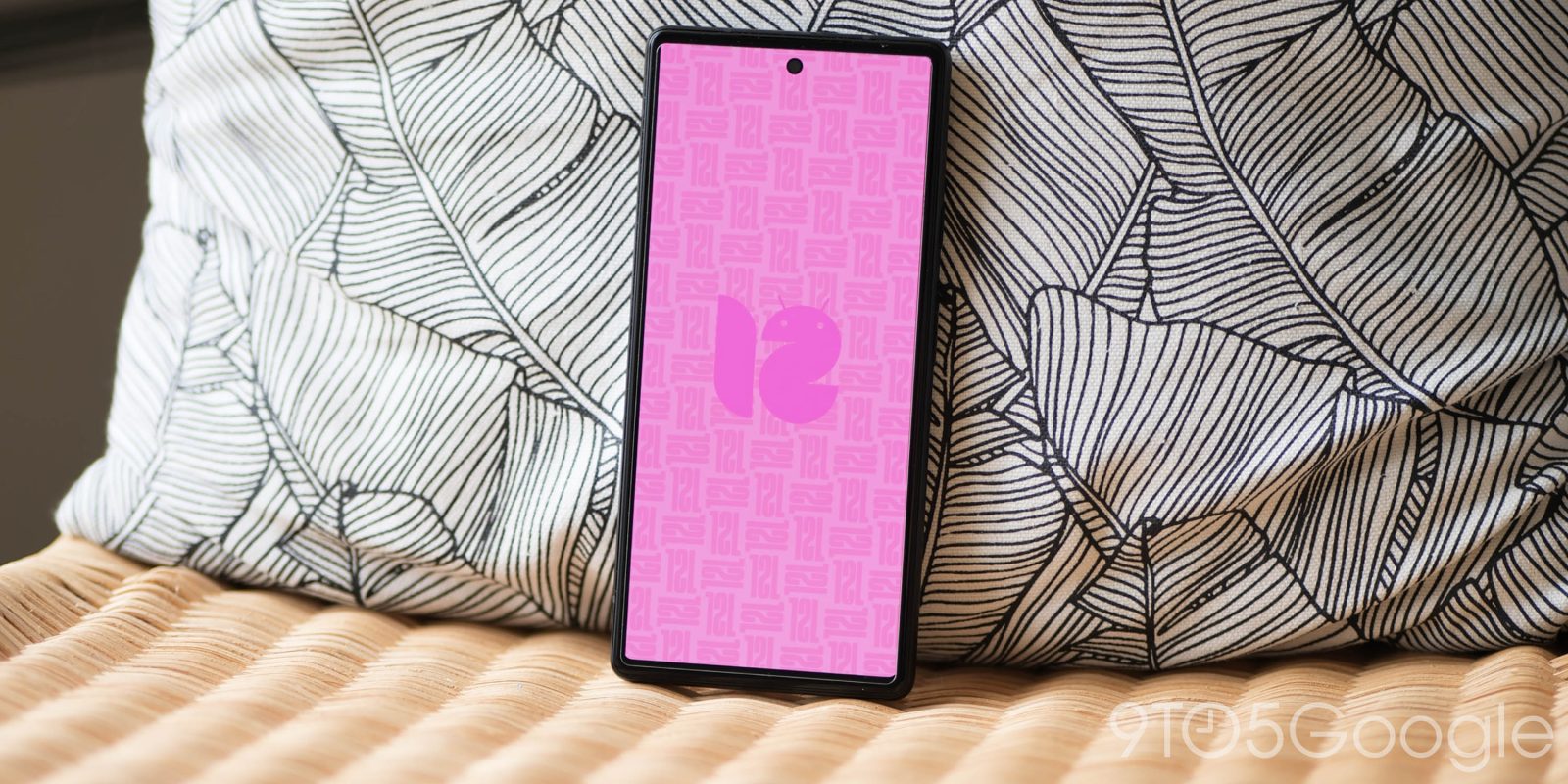
Google surprisingly rolled out Android 12 QPR3 Beta 1 today, and it should be a straightforward upgrade for most users. However, those who want to opt out of the Beta Program will have to wipe their phones, and a bug is affecting Android 13 Developer Preview 1 devices.
Expand Expanding Close
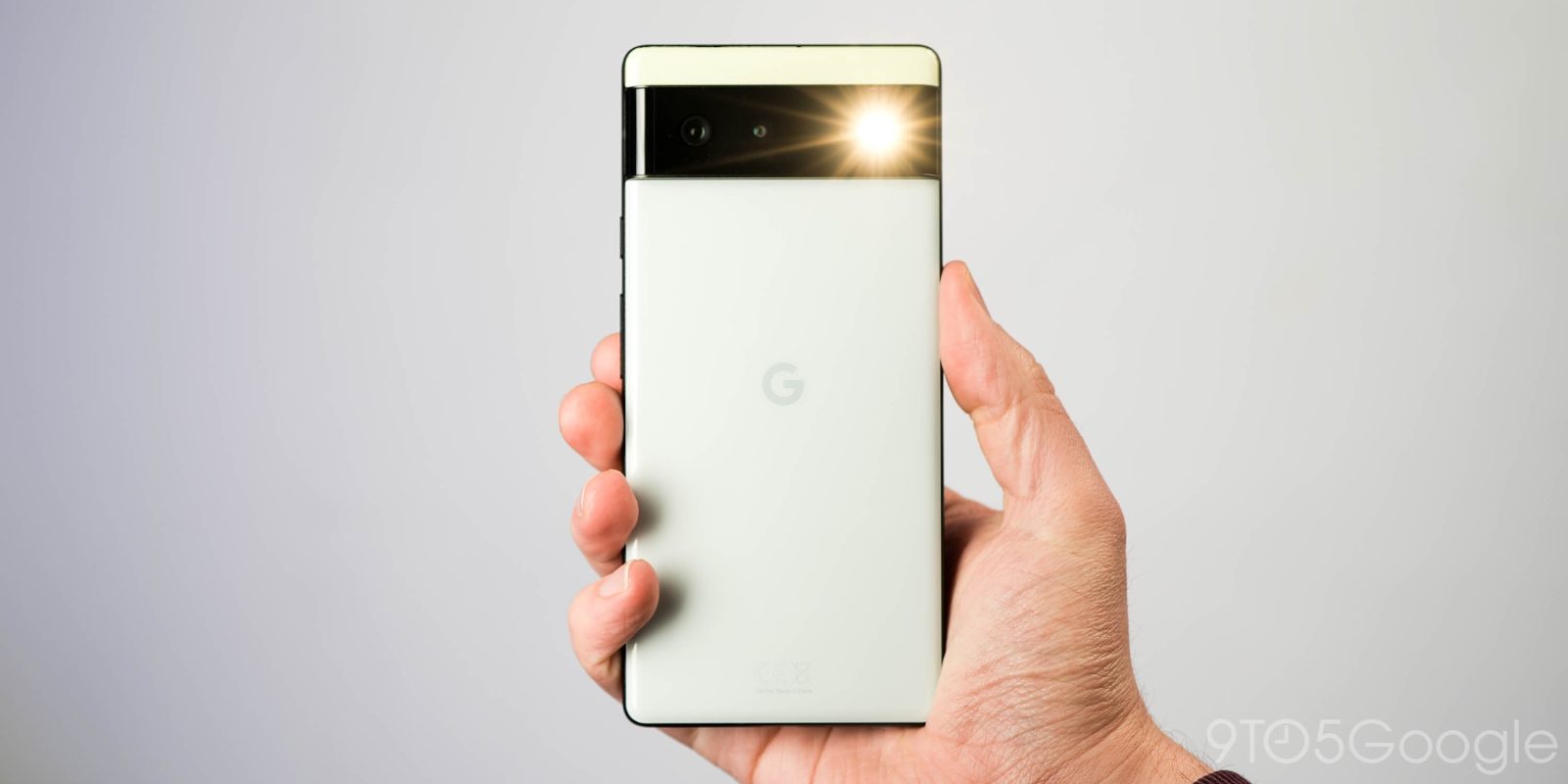
For years now, iPhones and even Samsung’s Android smartphones have supported the ability to adjust the brightness of the LED flashlight on the back of your phone. Now, in Android 13, Google is finally delivering this ability to adjust flashlight brightness natively, and we’ve been able to try it out.
Expand Expanding Close
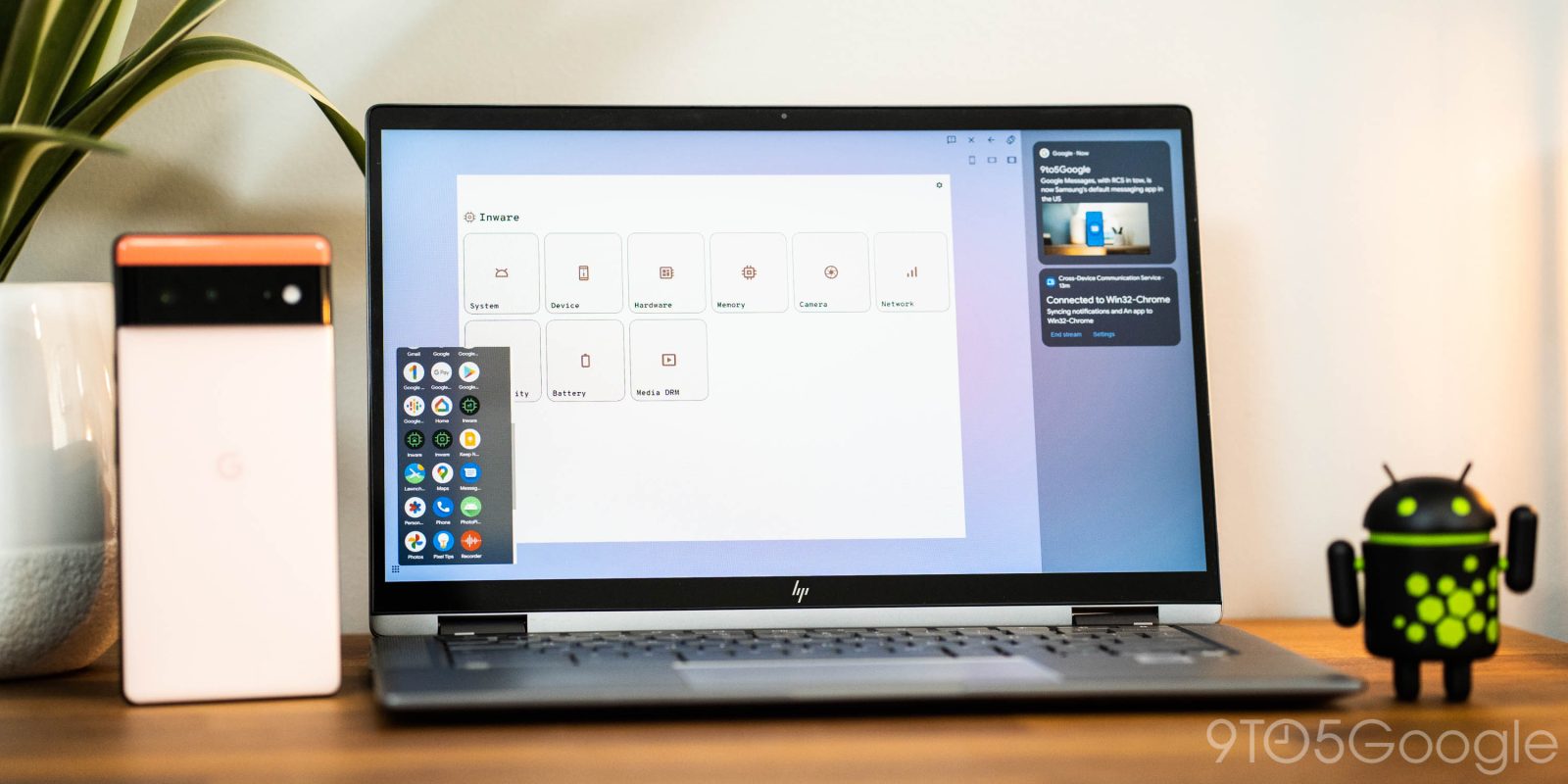
Google has been preparing a way to stream apps and notifications from your Pixel phone to your Chromebook or PC, and 9to5Google has enabled this feature to provide an exclusive first look at it.
Expand Expanding Close
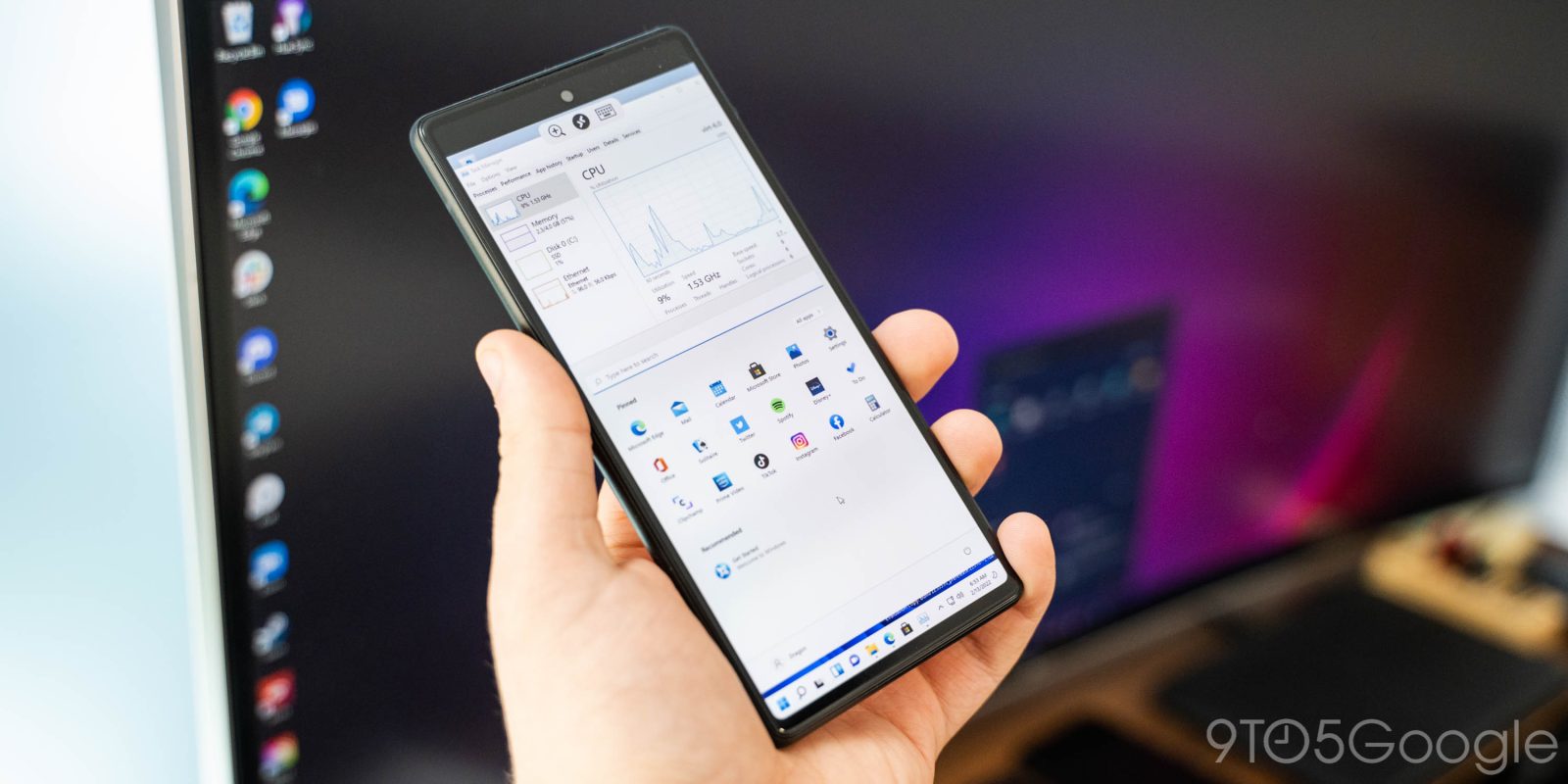
Android is already a flexible platform, but it seems power users will get even more flexibility in the next major update. Thanks to Android 13, phones such as the Pixel 6 are able to run virtual machines for Windows and Linux with better performance and fewer headaches.
Expand Expanding Close
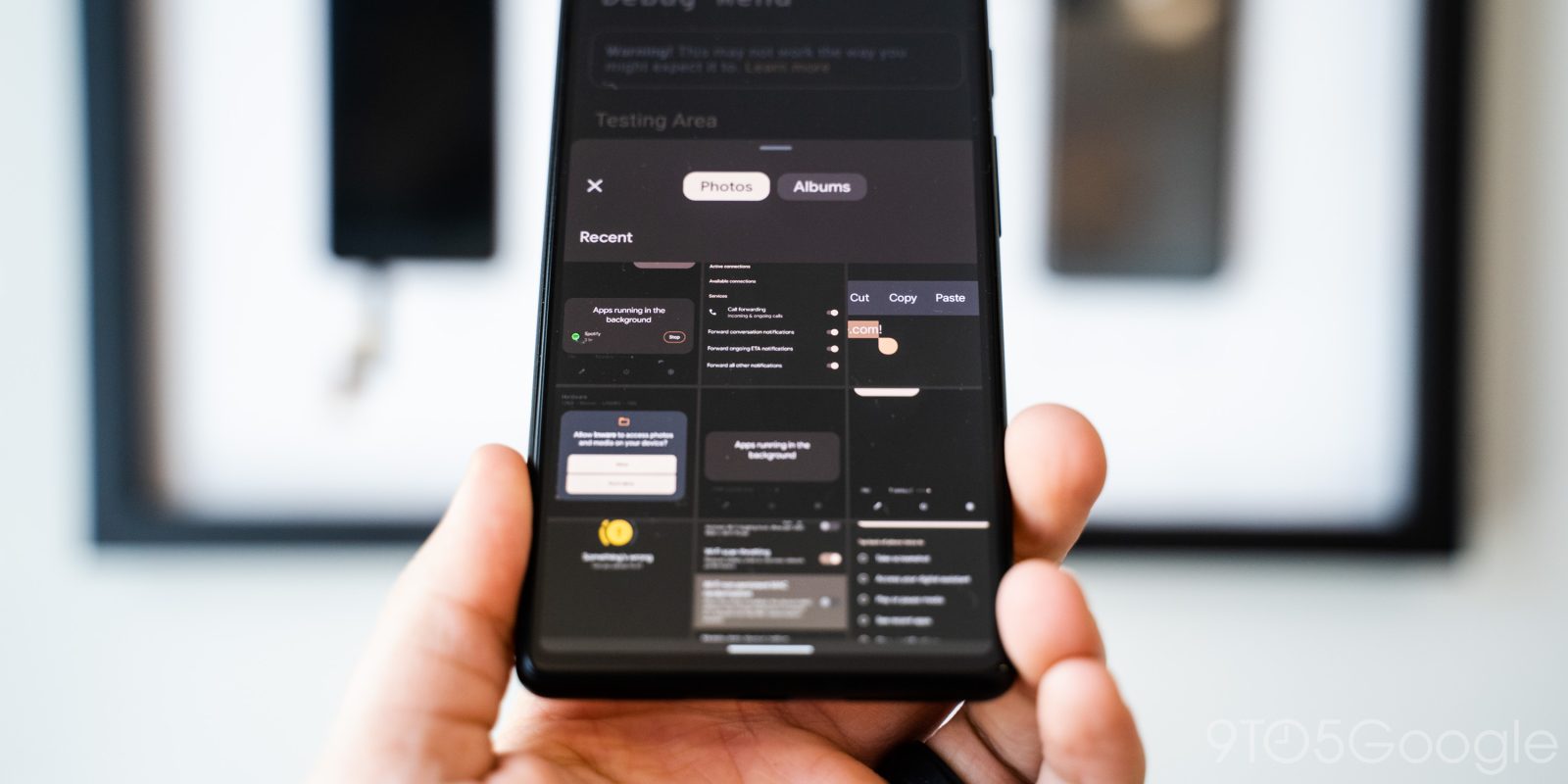
Android 13 has some fantastic new features for developers, including an update to the core Java libraries, some of which will also be coming to older versions of Android.
Expand Expanding Close
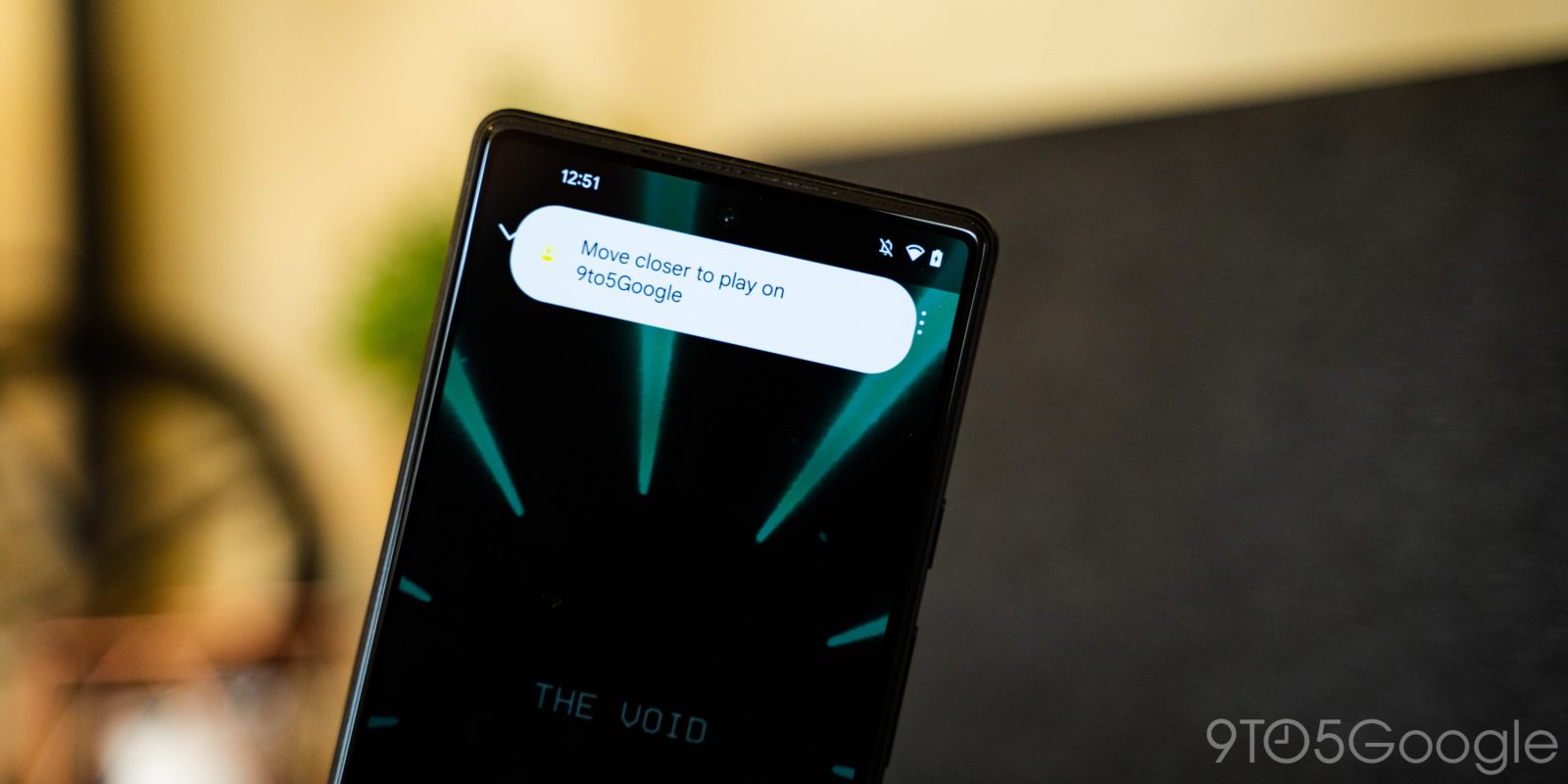
A few weeks back, concept renders revealed that Google was working on a new “Tap to Transfer” feature in Android 13 for speakers and other devices. Now, in the first developer preview, we’ve been able to turn on the feature so you can see what it looks like.
Expand Expanding Close
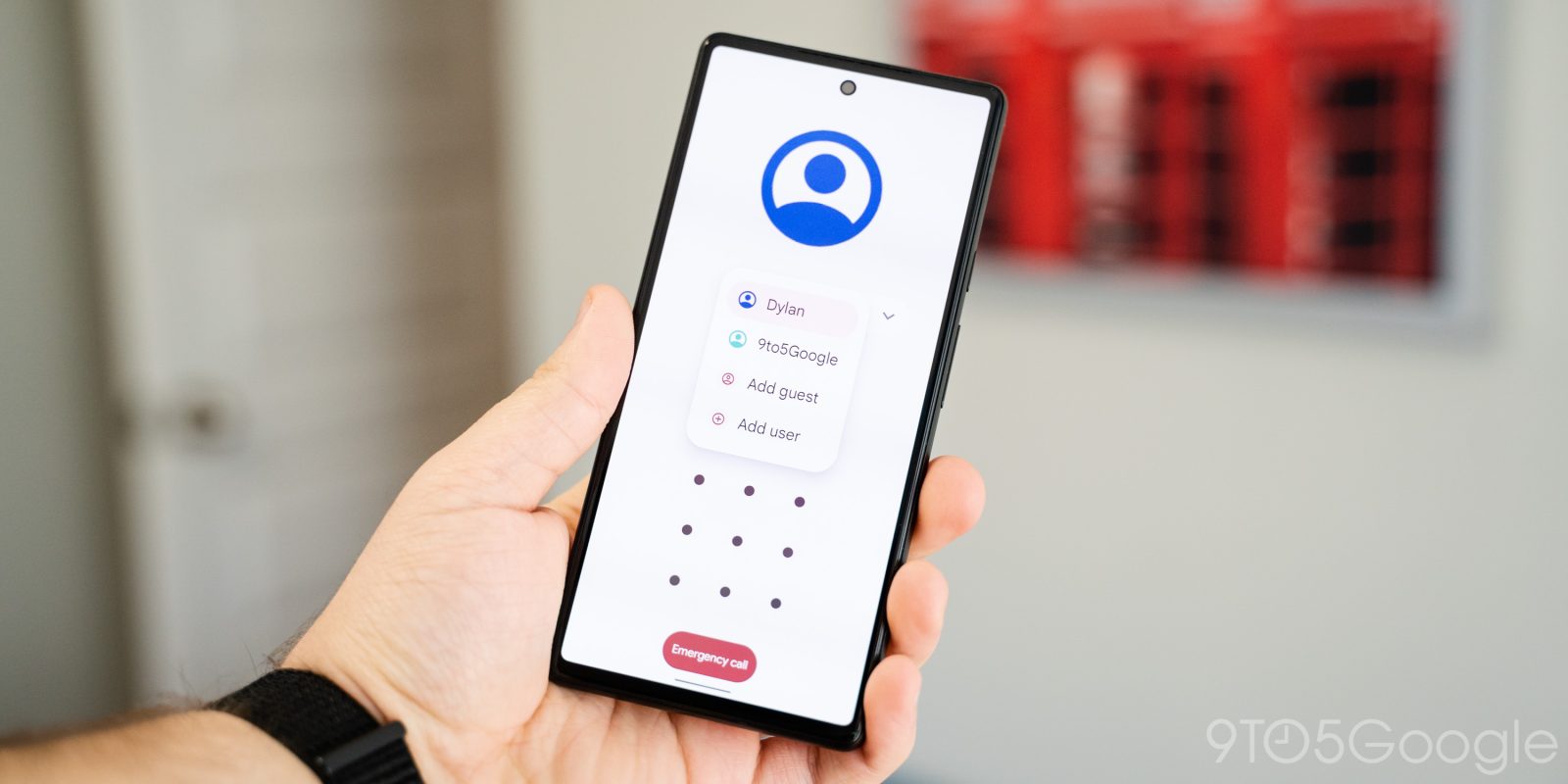
User-facing changes in Android 13’s first developer preview were relatively minor, but there’s much more to come. We’ve been able to enable a few new features Google is still working on in Android 13, including a new lockscreen user profile switcher.
Expand Expanding Close
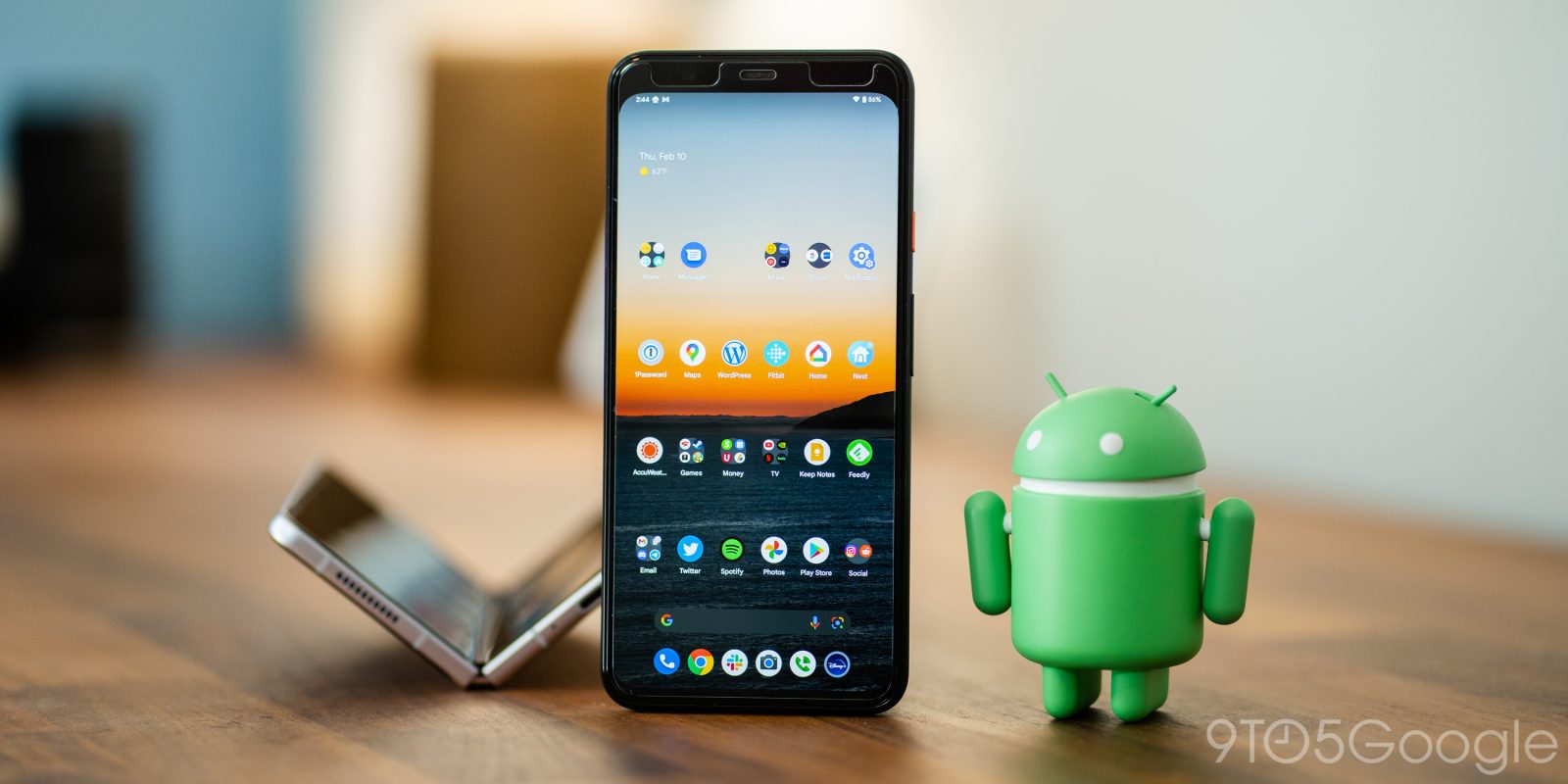
Android 12L was all about preparing “stock” Android for foldables and improving the experience on bigger screens. Now, in the first developer preview for Android 13, we’re getting a first look at the Pixel Launcher’s new ability to support multiple display layouts on one device, almost certainly for future foldables.
Expand Expanding Close
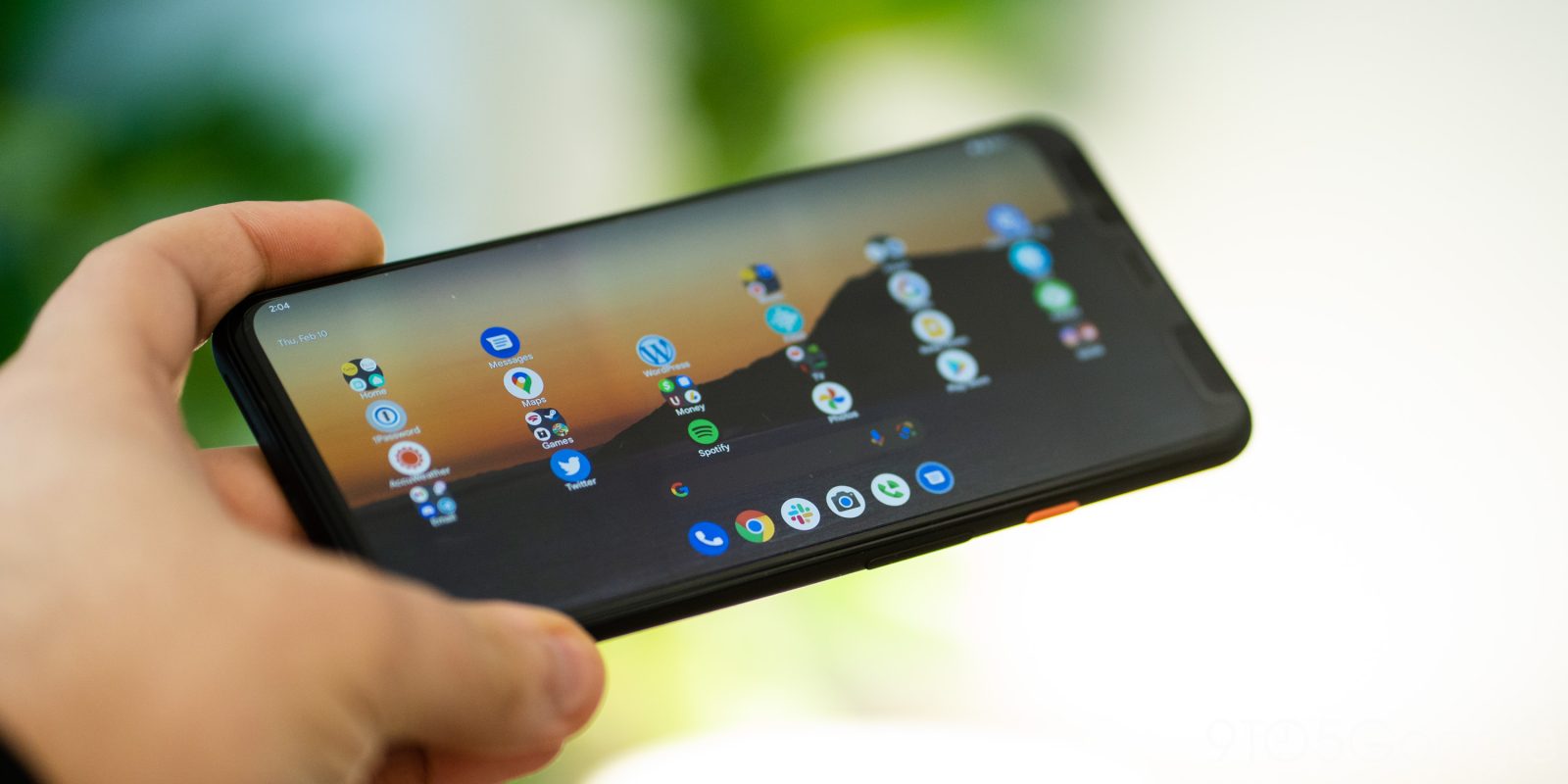
Android is getting better for bigger screens thanks to improvements in Android 12L, and it seems Google is expanding on that experience. In the first developer preview for Android 13, we can now see that the taskbar has grown and now shows “suggested” apps.
Expand Expanding Close