Google Keep

See All Stories

Google Keep is an app from the Mountain View, California company that lets you quickly and easily jot down shopping lists, reminders, and more. The app keeps all of your notes synced across the cloud and you can access them from the iPhone, an Android phone, or the web.

Google Keep is gaining 4 new colors for even more vibrant note-taking

Google Keep is my favorite note-taking app. While there are a lot of neat and helpful features available to further enhance your note-taking skills, one of the best parts is arguably the different colors you can use to spruce up the look of your to-do lists and memos. In a little surprise update, Google Keep is gaining 4 new hues to make your notes look even better than before.


Expand
Expanding
Close

Google Keep gets a Material redesign on the web, link previews, and new list features

The last major update to Google Keep in April added a Chrome extension to easily save and add notes to links. An update today adds link previews, duplication prevention, and autocomplete when adding list items. The Keep site is also getting a significant refresh that matches Google’s other web apps.


Expand
Expanding
Close

Google Keep gets a Chrome extension to easily save & add notes to links and images

Update: The Android app is receiving a similar update that allows users to add notes right from the Share menu. Additionally, hashtags in notes now act as labels.

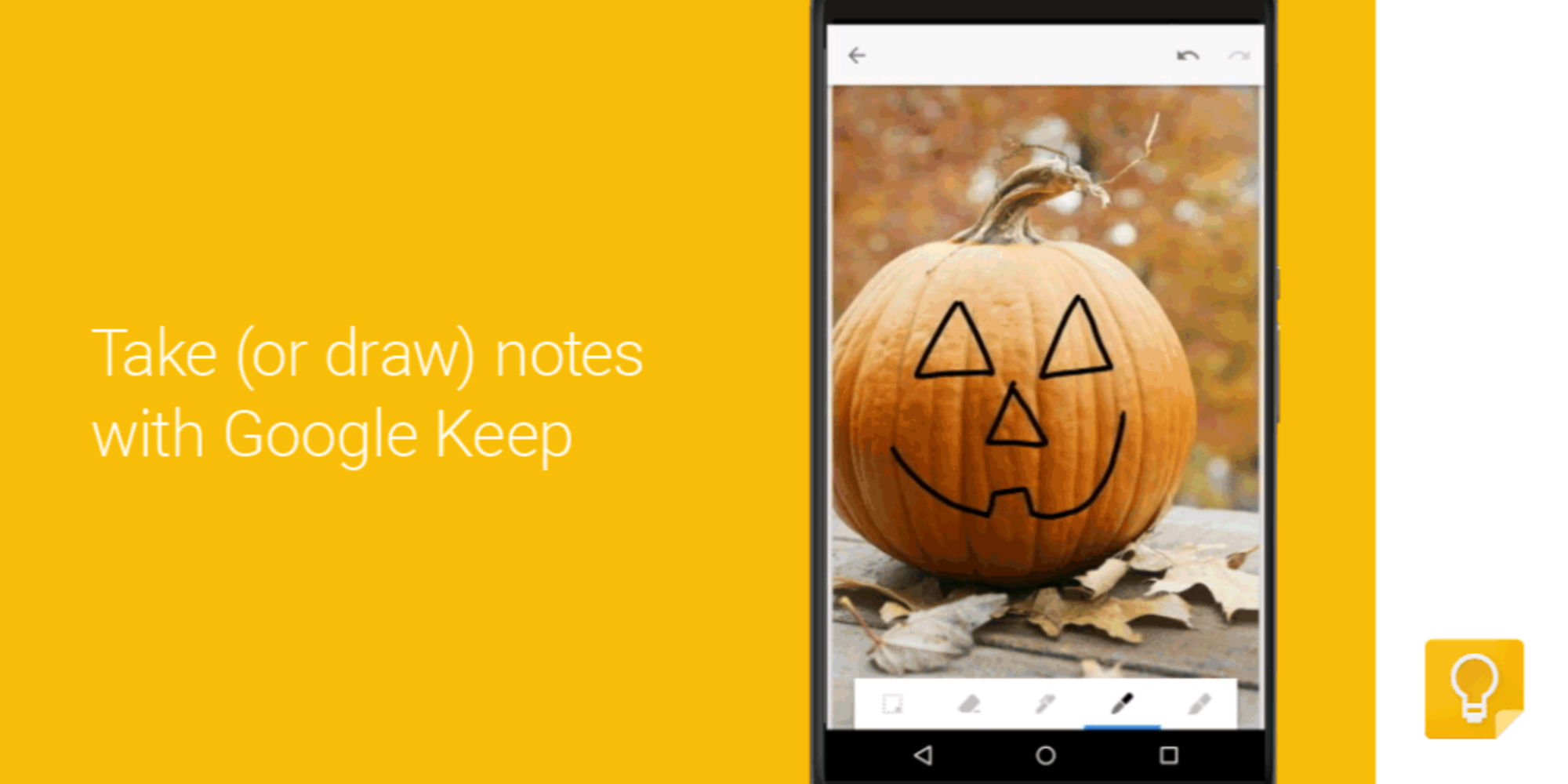
Google Keep started out as a basic, cross platform note taking app with reminders and has slowly gained more features like image uploading, advanced search, and drawing. An update today adds a new Chrome extension that allows users to easily save and markup web pages and images.


Expand
Expanding
Close

Google Docs, Sheets, Slides, and Keep get new features on Android

Google is today rolling out updates to its Google Docs, Sheets, Slides, and Keep apps that add a handful of new features for Android users.

First up, the Sheets app now allows users to view more content on the screen by automatically hiding “toolbars and headers so that you can see more of your content on the screen at one time.” And you’ll notice the toolbars and headers reappear when you sign to scroll up or zoom out.


Expand
Expanding
Close

Google apps in Android Marshmallow neatly ask for permissions on a case by case basis

One of the more useful — and long overdue — features coming with Android M is the ability to have precise control over app permissions. And now, with Android Marshmallow developer preview 3 (which was released last week), Google’s default apps will neatly ask you for permission if you tell the app to do something that it doesn’t currently have permission to do.
Expand
Expanding
Close

APK Download: Google Keep for Android can now export lists to Docs

It’s been possible on the web for quite a while, but a recent update to the Google Keep app now lets you quickly export your notes to a Google Doc. To do so, make sure you have the latest version of the app, and then select the notes you’d like to export. Then tap the drop down menu at the top right of the screen and tap “Copy to Google Doc”. It’s pretty nifty.

You can grab the app from the Play Store for free of course, and if you’d like to try out the feature right now, open this page on your Android device. All you have to do is tap below to download the APK (via APKMirror), and then tap the notification on your phone once the app is done downloading. You’ll be walked through a couple steps, and then you’ll be on the latest version.


Site default logo image

Google Keep on Android & web updated w/ recurring reminders and labels

Google today has reveled an update to its notes/lists app Keep. The update adds two notable features and is rolling out now to the Keep web client and Android app. With the update, the Android app is bumped to version 3.1. With it, the update brings recurring reminders and labels to both the web and mobile.


Expand
Expanding
Close

Google Keep updated w/ real-time collaboration, improved search capabilities

Site default logo image

An update to Google Keep has started rolling out this evening with a handful of notable enhancements. Announced in a post on the official Android blog, today’s update adds the ability to collaborate on notes such as grocery lists and watch items get checked off in real-time. So when someone adds something to a list, you’ll instantly see it on your device, as well.

Next time you create a list, share it on Keep and watch as items get checked off in real-time! No need for text messages back and forth—get things done together, quicker.


Expand
Expanding
Close

Google Keep for Android updated with a new Material Design layout

Site default logo image

Google’s has been working around the clock updating its Android apps with new Material Design interfaces and the latest software to receive a makeover from Mountain View is Keep. Version 3.0.1 of the company’s note taking software has been refreshed with a flat look and feel, plus a new search interface that follows suit with Keep’s web variant.


Expand
Expanding
Close

Google Keep on the web updated with new design

Site default logo image

Google this afternoon announced a major update to its Google Keep service on the web, just in time for the holiday season. The service has been updated with a totally new design, based heavily on the Keep Android app. There are now full color notes, a custom font, and text that scales to fit the size of the note. Also new is the ability to rearrange items in a list. The search functionality has also been improved, and a navigation drawer has also been added to make it easier to switch between notes.

  • Sleek new design: many of your favorite things from the Android app are now on the web – full color notes, text that scales to fit the note, and a custom font just for Keep
  • Rearrange items in lists: keep everything in order, all the time
  • Improved search: finding the note you’re looking for is easier than ever
  • Navigation drawer: quickly switch between your active and archived notes, or get a custom view of all of your notes with reminders

Try out all the features for yourself at keep.google.com.
Expand
Expanding
Close

Site default logo image

Google adds time & location reminders, photo uploading to ‘Google Keep’ apps

Google announced today on its Google Drive blog that it’s rolling out a new update to its Google Keep note taking app that will introduce both time and location based reminders. After updating to the latest version of the app, users will be able to select a small reminder icon at the bottom of each note and select from a time reminder to set a specific date and/or time of day, or a location-based reminder that provides suggestions for nearby destinations as you type. The feature will let users ‘snooze’ the reminders if they choose, and the update also brings a new and improved navigation drawer for the app:

Of course, sometimes plans change. If you get a reminder you’re not ready to deal with, simply snooze it to a time or place that’s better for you. It’s now even easier to get to all of your notes using the new navigation drawer, which includes a way to view all of your upcoming reminders in one place. And for people who want more separation between their home and work lives, the drawer also lets you easily switch between your accounts.

Google Keep will also now allow users to attach photos from their device’s photo gallery opposed to just being able to snap a new picture:
Expand
Expanding
Close

Google preparing to launch ‘Google Keep’ note taking app for Google Drive?

Site default logo image

While we have yet to get all the official details from Google, we get hints at a new feature today that could be headed to Google Drive via leaks from the Drive source code discovered by 1E100. Within Drive’s source code are hints at a new service dubbed “Google Keep,” including links to a new icon for the service, an Android app, and at one point the Google Keep web app itself. Google has since removed the evidence, but our friends over at Android Police were able to capture the screenshots above before Keep was taken down.

There is some evidence that the app would include Evernote-like functionality, with one screenshot revealing an “Add to Keep” function for webpages. The app otherwise appears to provide functionality with color-coded notes, the ability to add and save pictures, create lists, share, etc.

The app could also launch as a standalone Android app, because 1E100 discovered http://g.co/keep redirects to https://play.google.com/store/apps/details?id=com.google.android.keep. We’ll keep you posted if we hear anything official from Google about Keep.

A few more screenshots below:


Expand
Expanding
Close